-
-
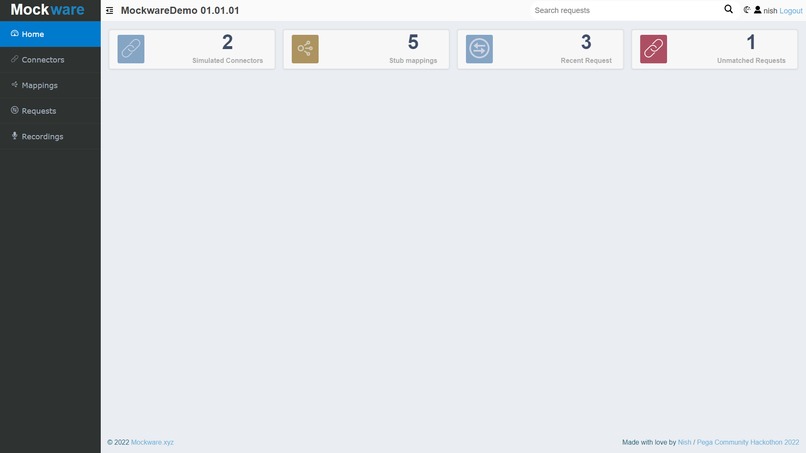
Mockware default theme
-
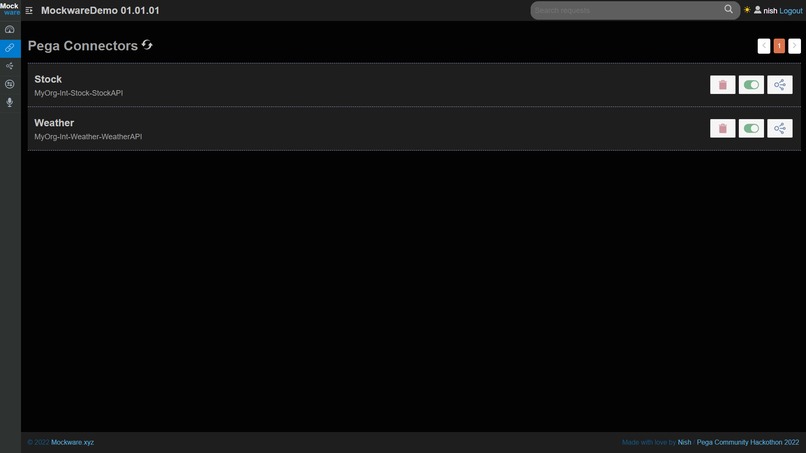
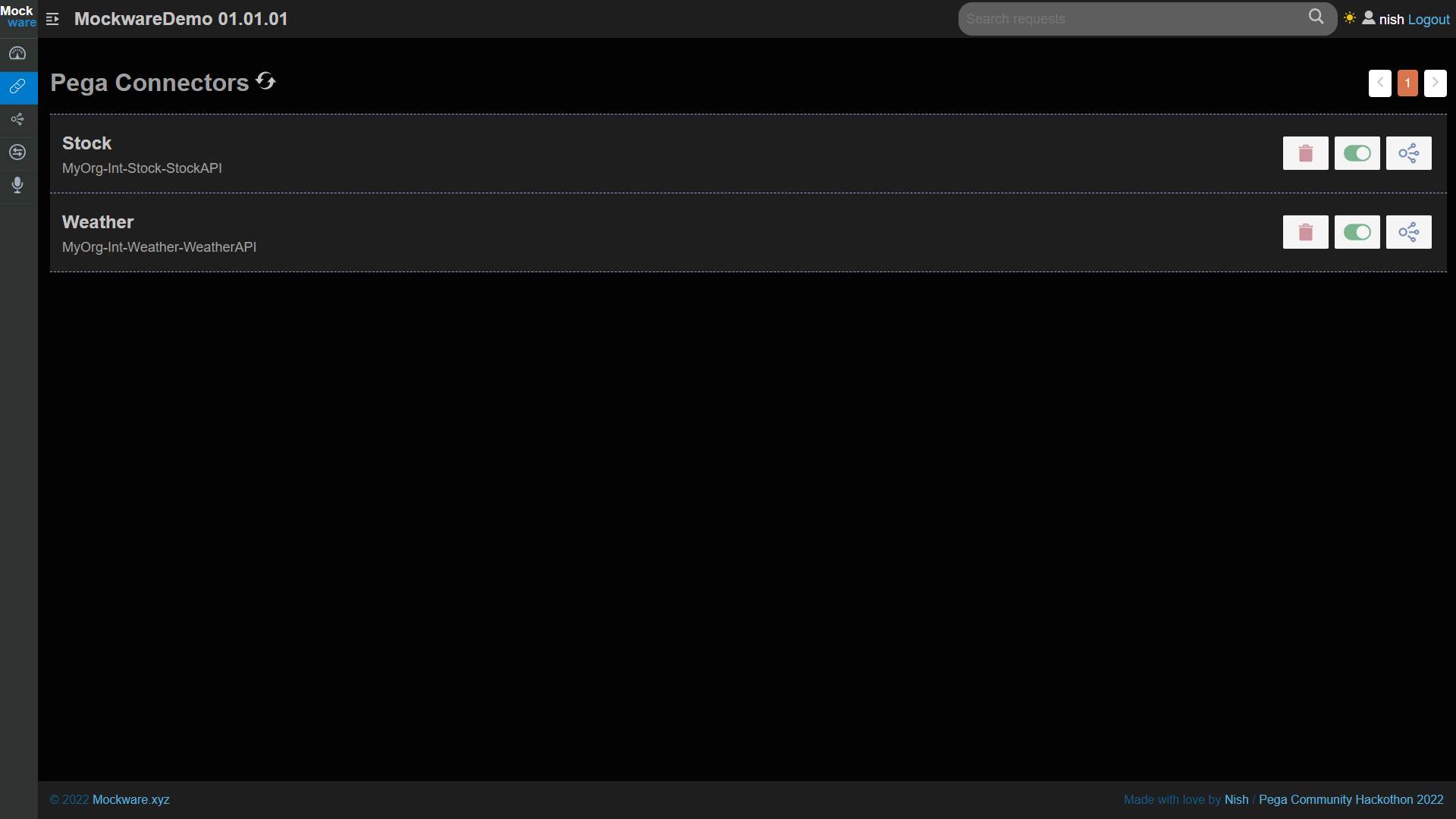
Mockware connectors page
-
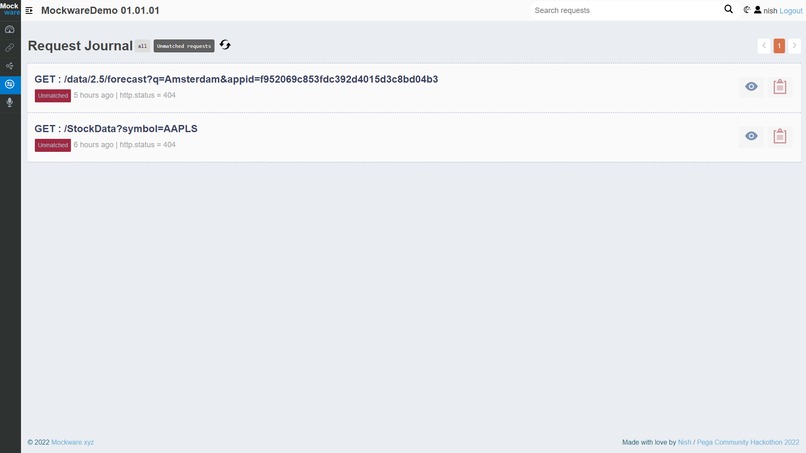
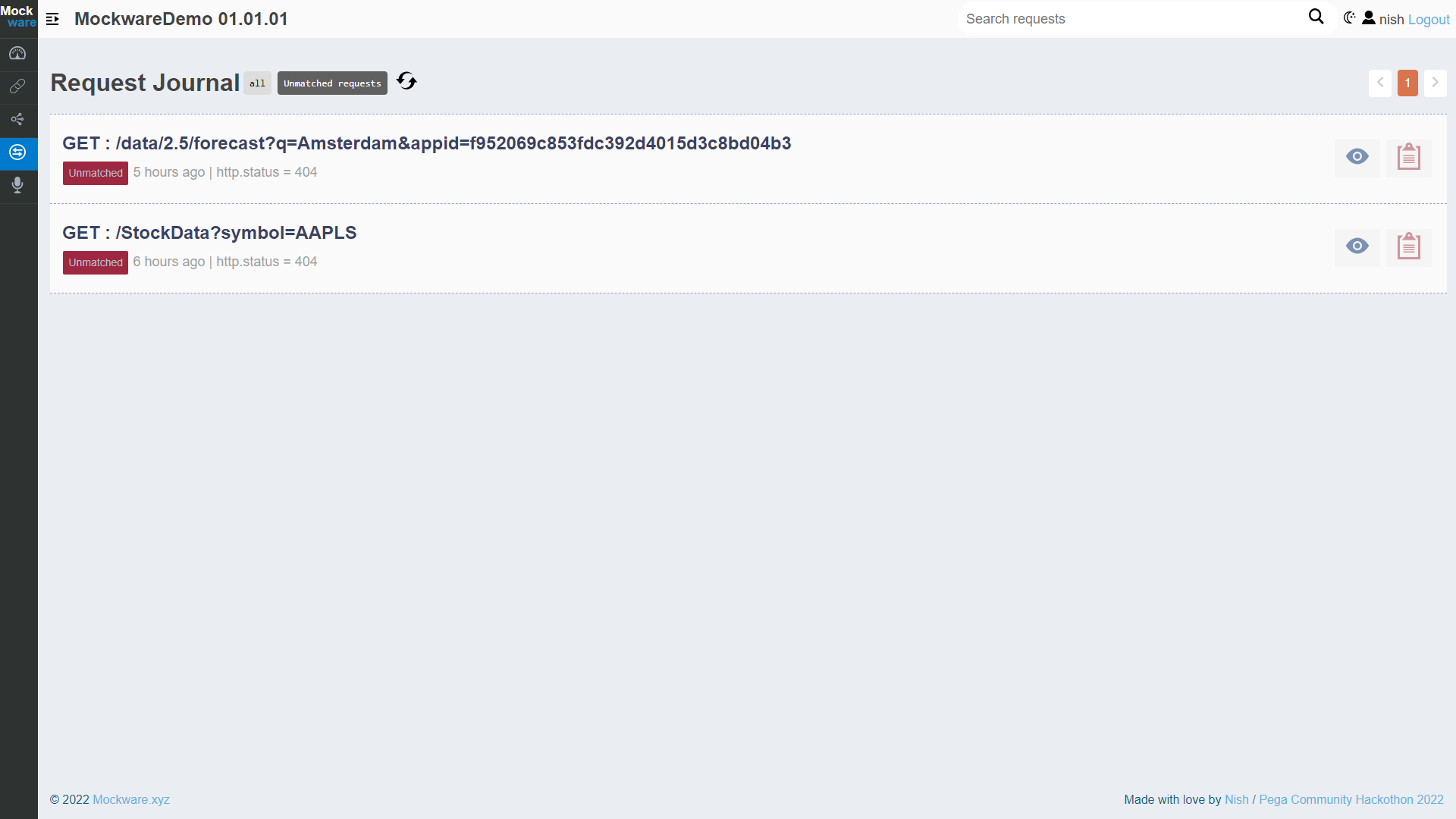
Mockware requests page
Inspiration
I wanted to use this Hackathon as an opportunity to build a component to solve a problem which could help wider Pega community. So I choose to build a component instead of an application to demonstrate Pega feature, so that the outcome can be used in many projects across domains.
Over the 15 years of working experience in Pega, in most of the projects there were issues by the dependency on integrations. Also, everyone spend enough time in Pega could have experience some kind of issues related to integrations. There issue could be one of the following.
- Running scheduled automation testing without mutating the actual data.
- Missing actual data for satisfying some scenarios where testing needs to be performed
- The actual service is not yet available, but the Pega implementation and testing needs to continue
- Needs to easily replicate a production bug for further analyze in lower environment by mimicking the data to match production scenario.
- Testing the applications for different behaviors when the data is not controlled by the organization something like weather data or stock market data.
- Testing exceptional / error scenarios
- Testing how the application reacts to performance issues from service. (By adding delays to the stub responses)
So I choose to build a component which solves above issues and provide a modern and nice experiences and also allows citizen developers to create simulations.
There are many products for creating generic mock services but having a component closely integrated with Pega brings many advantages. Some of the advantages of a Pega component over using generic stub services are,
- Configurations needed in Pega for enabling and disabling the mock services will be performed automatically by the component, so non technical users can create stubs.
- Component will read the connector meta data from Pega, and prefill most of the data while creating stubs
That was my reason behind choosing the problem to work on and I named my solution as "Mockware".
What it does
The Mockware authenticates to Pega DX API service with Pega basic authentication and allows the authenticated user to create stubs for available connectors. Also, the component allows user to temporarily disable or enable the connector to use mock services. The request journals feature displays all the requests came to the mock service with all the request and response data. The request journal can be filtered by the connectors to see the request history by connectors. Users can filter the request journal by unmatched request to analyze further as why it didn’t match by any stubs.
Mockware can be used as a standalone React JS application connected to Pega through DX API or as a portal in Pega application.
The docker image for the front end application is available at https://hub.docker.com/r/msnisha/mockware
Creating the stubs
The Mockware reads the connector meta data and prepopulate as much details as possible, so the user won’t go wrong when creating the stub.
Request journals
The request journal page displays all the requests served by the stub server. Users can filter the request by matched stubs, or search for request by content of request/response body or can use quick filter to see un matched requests.
Enable / Disable mock service
Uses can use the toggle button on connector page fir enabling and disabling simulations for the connector.
How I built it
I have created one front end application in React JS and a Component application in Pega. The front end component communicate with the Pega component app using DX API. Pega component application manages the configuration in Pega side. The front end component connect to the Wiremock server for managing the stubs. Pega connectors also will connect to the wiremock server for getting the response when the simulation is enabled.
The following diagram explains the deployment architecture for the Mockware components.

Challenges I ran into
Browser security restrictions
Browsers won't allow cross domain reference unless it is specifically mentioned to do so in the http headers. As Mockware React JS app, needs to call services from Pega DX API and from Wiremock Admin API, I had issues where browser was blocking the cross domain reference. As end user might use different deployment architecture which I don't know I wanted to solve the issues within the Mockware component itself. So I have created a reverse proxy server using nginx. So all the requests from the React JS front end application goes to the server in same domain then routed to respective servers (Pega or Wiremock) based on URL path pattern. This way for browser all the communications are from same domain. The docker image I created for Mockware accept two env variables for Pega DX API and Wiremock endpoints and route the request to those servers through reverse proxy implementation.
Namespace for the stubs
Since all the stubs will be served by same servers, there could be issues with URL conflict is two service follows same url pattern. For example integration 1 is pointed to service1.com/api and integration 2 is connected to service2.com/api. If simulation is enabled both url will match as it goes to same domain. So I had to some how differentiate them. So I came up with a hidden header pattern. Based on the connector pxInsKey I generate a hash and use them in the header while creating stubs also passing them from Pega when reaching simulation end point. This way stub from one connector will not be matched by other connector.
Changing connector endpoints
For changing connector end point at runtime when simulation is on was a difficult task as I had to touch many out of the box rules given by Pega. So I cam up with the idea of simulation ruleset and I create a copy of the rule and place it in the simulation ruleset after changing the end point. This way everything works using out of the box way and not overriding any pega's core rules.
Accomplishments that I'm proud of
I have completed the component as production ready, by completing all the tasks which I have planned to include in the Hackathon version. Also packaged the front end component as a docker image so it will be easy to reuse. So this could help many projects in the future to save money on integration testing and will make working and testing with integration much easier as users can control what is send from the other side of the integration to see how the Pega app works on different situation.
What I have learned
I have used ReactJS with Javascript but had some hesitance to use Typescript as I thought it will be difficult. This was the first project I used Typescript and it introduce me to many advantage TypeScript provide such as early detection of potential issues and Code intelligence to code faster.
Also used a different video editor and text to speech generation service from Amazon.
What's next for Mockware
Recording feature
I have planned to implement a recording feature once enabled the service calls from Pega goes through the mock server and mock server will record the request and response. Using this feature users can create stubs faster.
Setting scope for the simulations
I have got a design in place for setting scope for the stubs. The scoping will be possible for individual user level, access group level or for everyone. This way for some users only response could be from stub. For example if a automated testing is scheduled daily and stub could be enabled for the operator to avoid data mutation by the unit testing. So that the testing will run daily with same request.


Log in or sign up for Devpost to join the conversation.