-
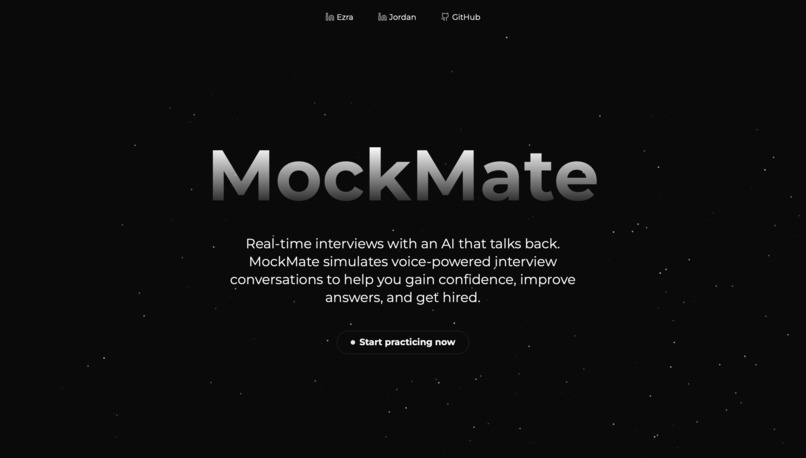
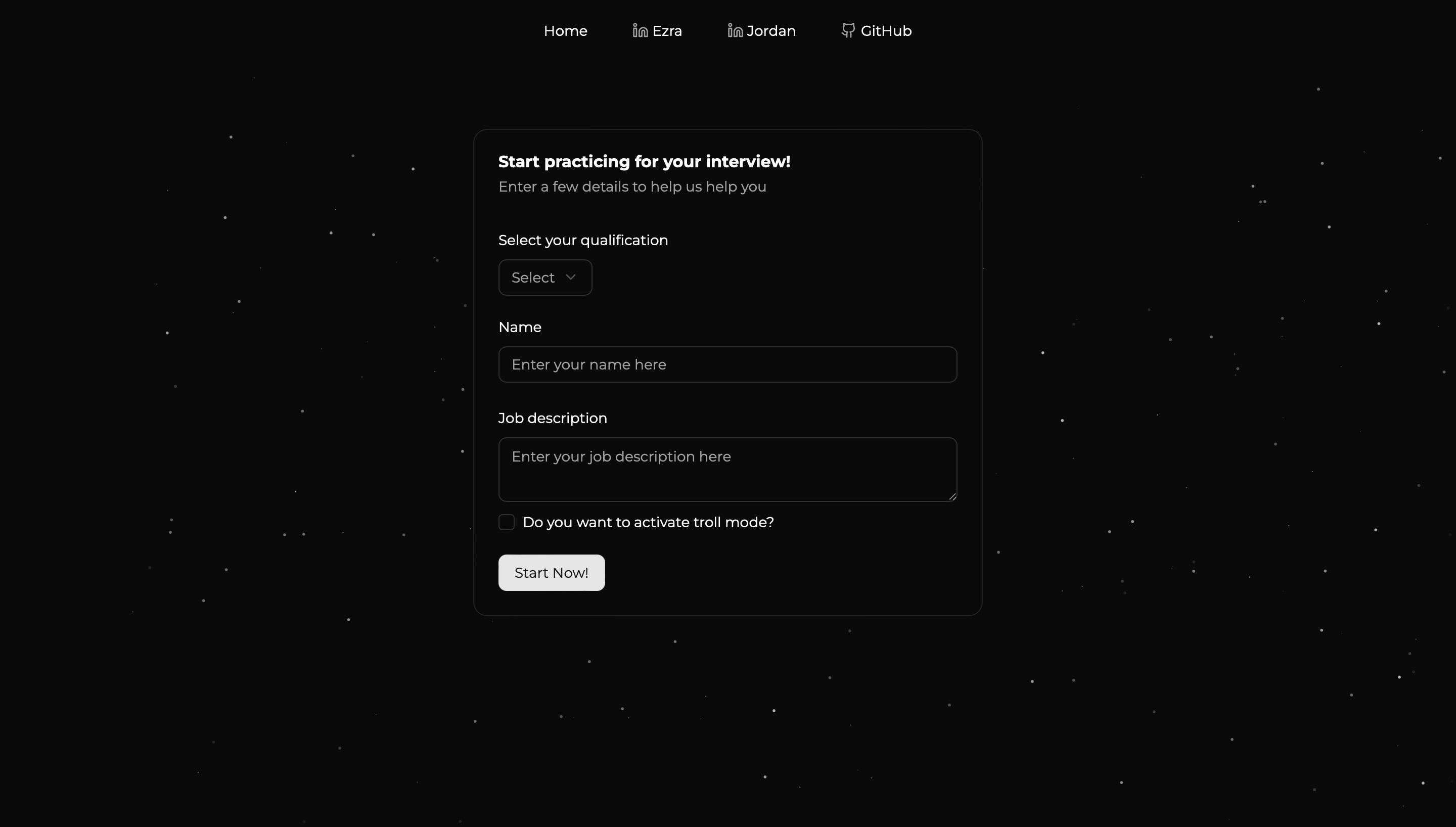
Landing page
-
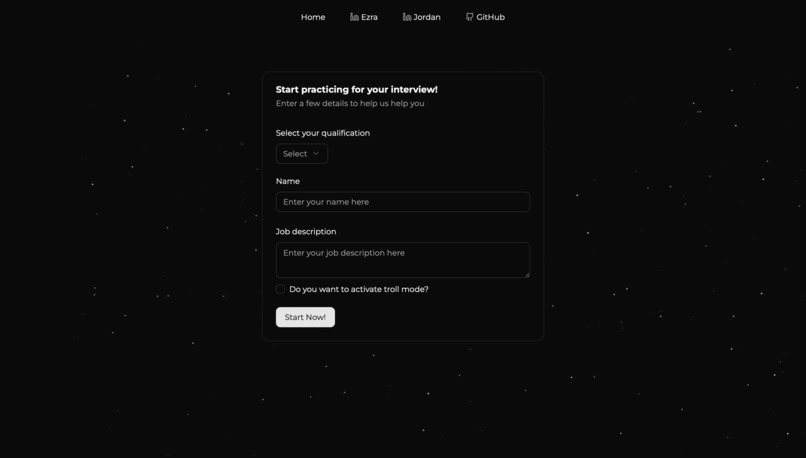
Form
-
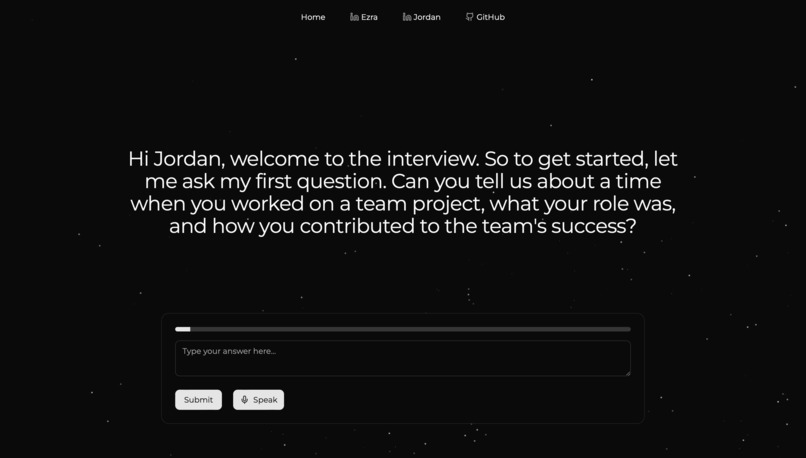
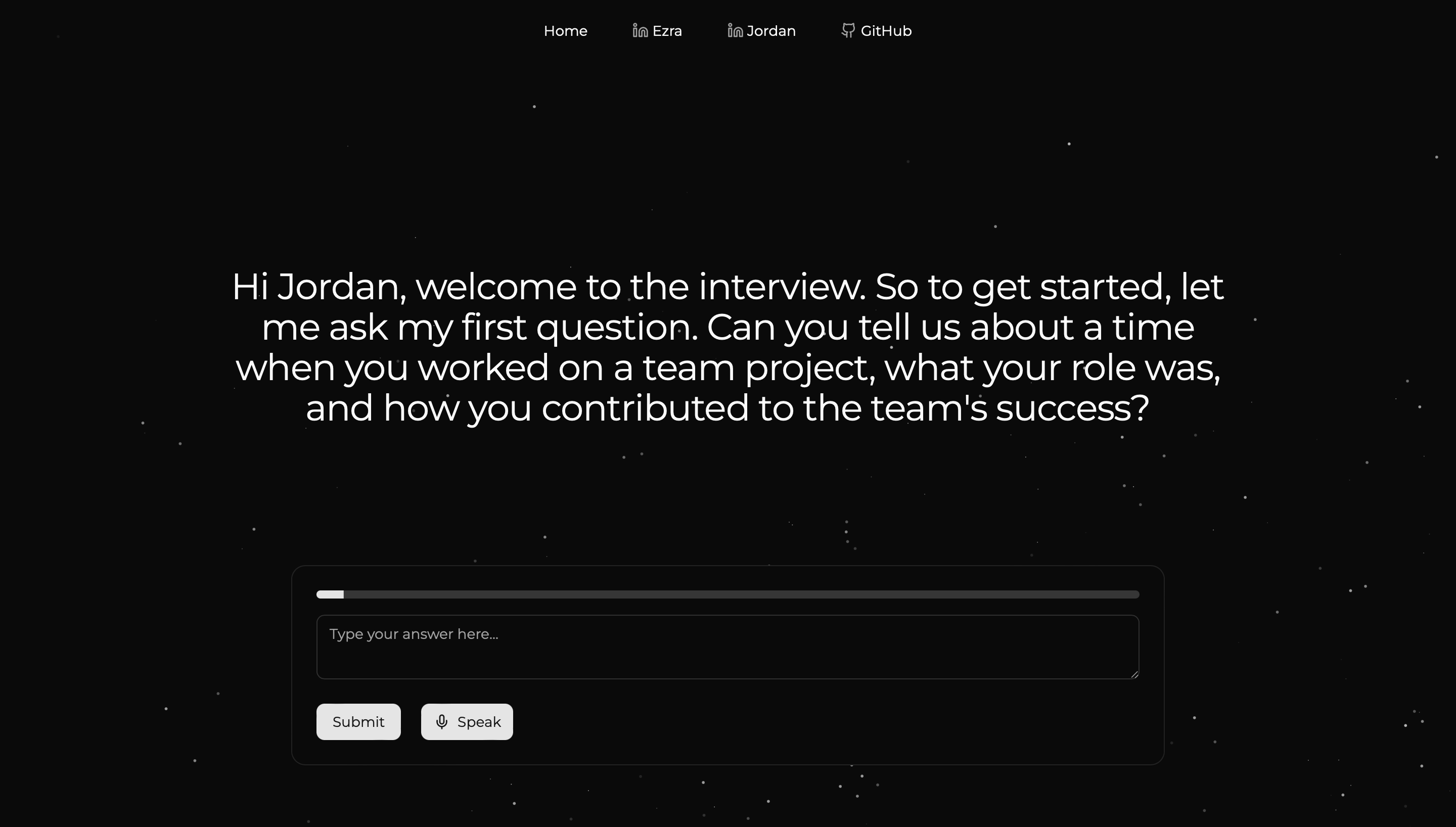
Interview
🤖 MockMate
Your AI-Powered Mock Interview Companion
MockMate is a smart web app designed to help you ace your job interviews. With personalized questions, voice interaction, and even a "troll mode" for stress testing, it's like having a coach and chaos goblin in one app. 🎤💼🔥
🚀 Overview
MockMate helps users practice job interviews by generating tailored questions based on their qualifications and the job description. It offers:
- 🎙️ Voice interaction
- 💬 AI-generated questions
- ⏱️ Timed responses
- 📈 Feedback & performance reviews
✨ Features
✅ Personalized Interviews
Smart questions based on your job description and resume.
✅ Voice Interaction
- Text-to-speech (TTS) for questions
- Voice-to-text (STT) for responses
✅ Interview Modes
- 👔 Professional Mode – Standard, polite interviewer
- 🤨 Troll Mode – A rude, stress-test interviewer (if you dare)
✅ Session Structure
- 🎯 Up to 5 questions per session
- 🕒 3-minute timer per answer
✅ Performance Review
Immediate and detailed feedback on your responses
🛠️ Tech Stack
🌐 Frontend
- React.js ⚛️
react-speech-kit(STT)
🔧 Backend
- Flask (Python 🐍)
- Neuphonics for voice synthesis
- OpenRouter for AI-powered question generation
🏆 Accomplishments we're proud of
- 🔥 Live voice interaction powered by AI
- 🧠 Dynamic, real-time question generation based on job descriptions
- 🎭 Fully functioning troll mode for high-pressure interview simulation
- 📊 Interactive feedback UI based on AI analysis
- 💡 Clean and responsive UI using Radix and Tailwind
🐞 Issues we encountered
- 🎤 Voice input may fail on some browsers due to microphone permissions
- 🧠 AI answers may sometimes be too generic or off-topic
- 🔊 TTS speed and quality varies by Neuphonic voice model
- 🗂️ No interview session history stored yet (not persistent)
- 🚧 No mobile optimization yet
🚧 Future Improvements
- 💾 Save and replay interview sessions
- 📱 Fully responsive mobile layout
- 👥 User login and profile system
- 📥 Resume upload + parsing for smarter questions
- 📊 Detailed analytics dashboard with scores and improvements
- 🧑💼 More AI interviewer personalities and behavior options
💻 Running the App Locally
📦 Prerequisites
Make sure you have:
Clone the git repository by running:
$ git clone https://github.com/ezraamanoe/MockMate.git
$ cd MockMate
Set up the flask backend by creating a virual environment and installing requirements:
$ python -m venv venv
$ source venv/bin/activate  # (Windows: venv\Scripts\activate)
$ pip install -r requirements.txt
Create a .env file in the root directory and add your API keys and credentials:
API_KEY=your_openrouter_api_key
NEUPHONIC_API_KEY=your_neuphonic_api_key
Install dependencies and create a build for React:
$ npm install --force
$ npm run build
Run using flask development server:
$ python server.py
Then, open http://127.0.0.1/5000 on your browser.

Log in or sign up for Devpost to join the conversation.