-
-
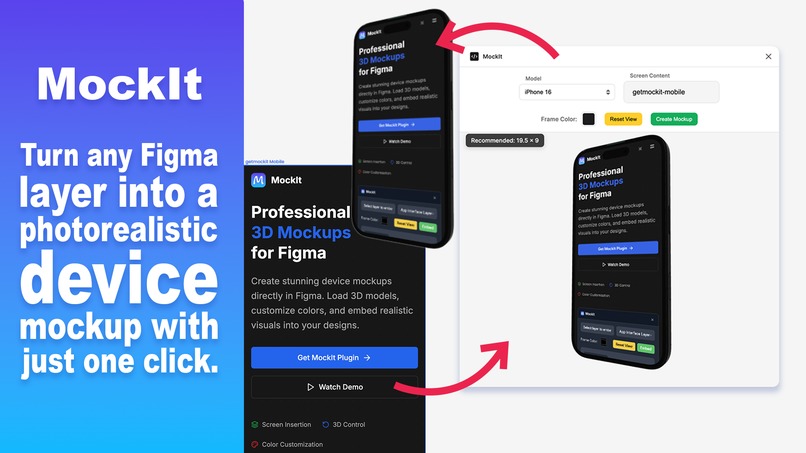
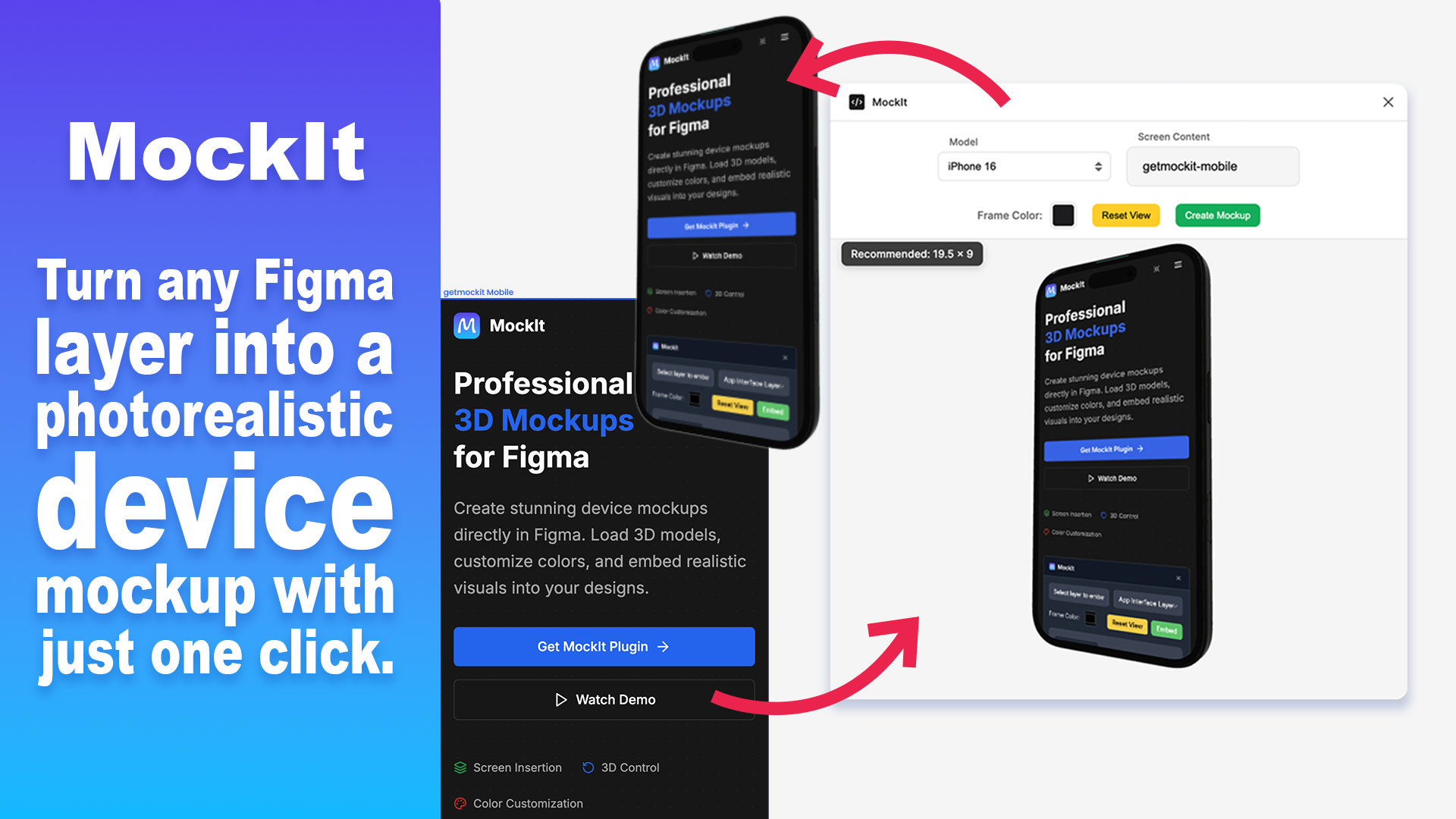
Mockit Figma Plugin
-
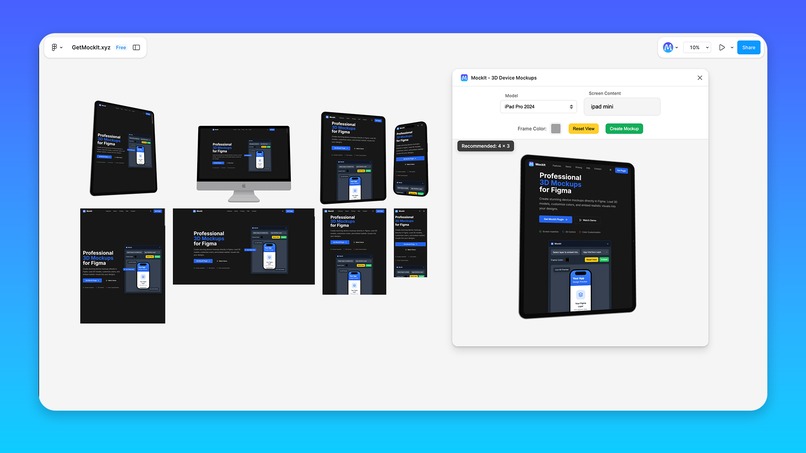
Mockit Preview
-
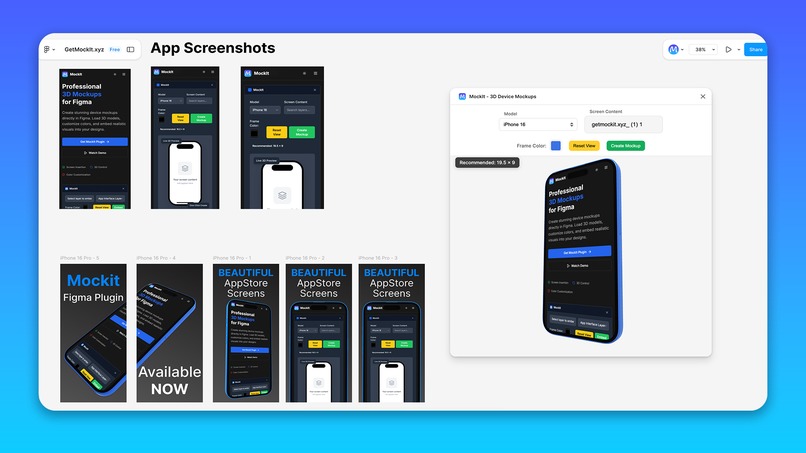
Mockit for AppStores
Inspiration
I'm not a designer by trade, but I love building apps and constantly need to create App Store screenshots and landing page graphics. The process was driving me crazy - designing my app interface in Figma, then exporting screenshots, opening Photoshop or some online mockup tool, and spending 20+ minutes fiddling with positioning just to get a decent device mockup. I thought "There has to be a better way to do this without leaving Figma." That's when I decided to build MockIt - a plugin that generates 3D device mockups right where I'm already working.
What it does
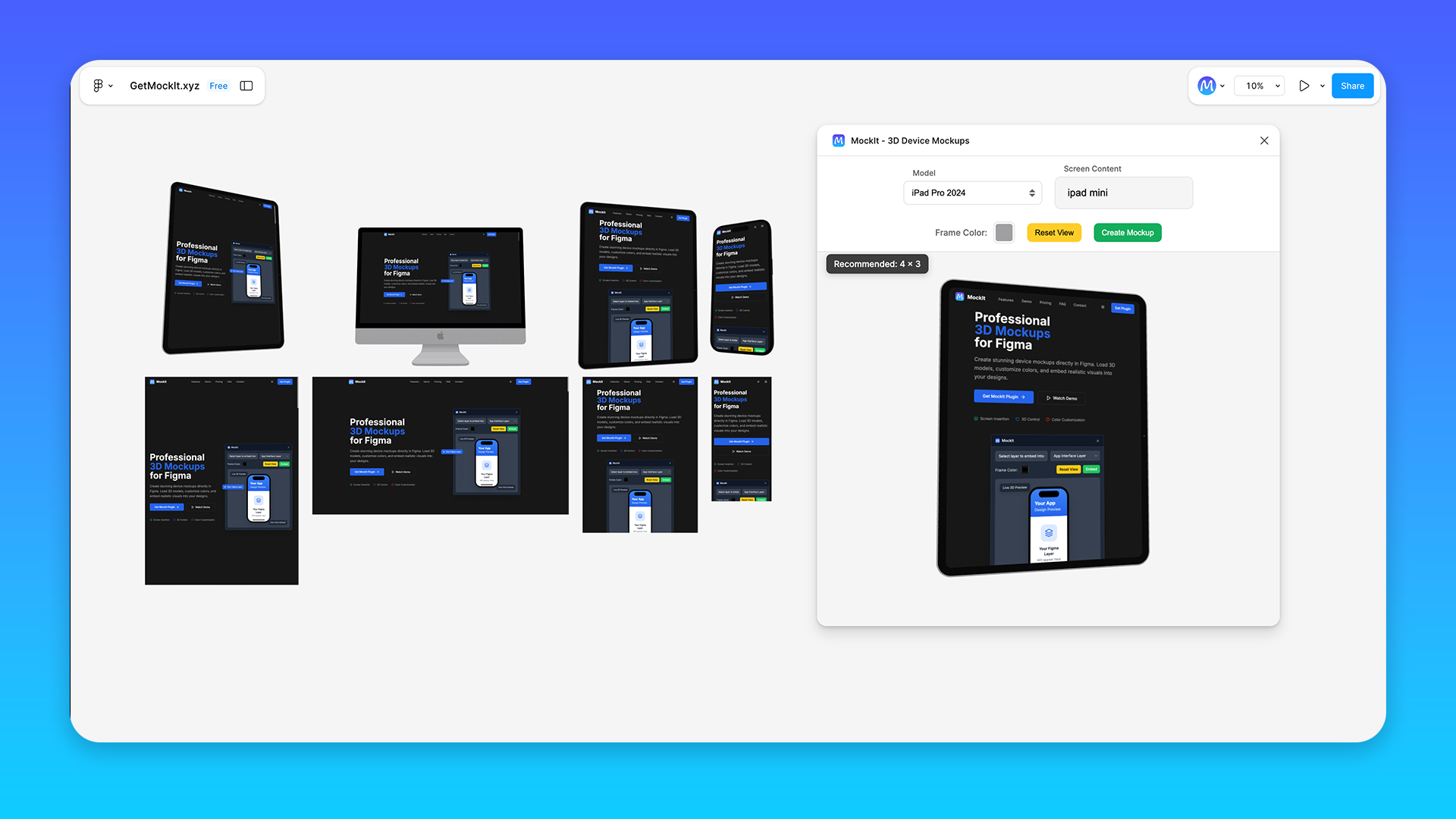
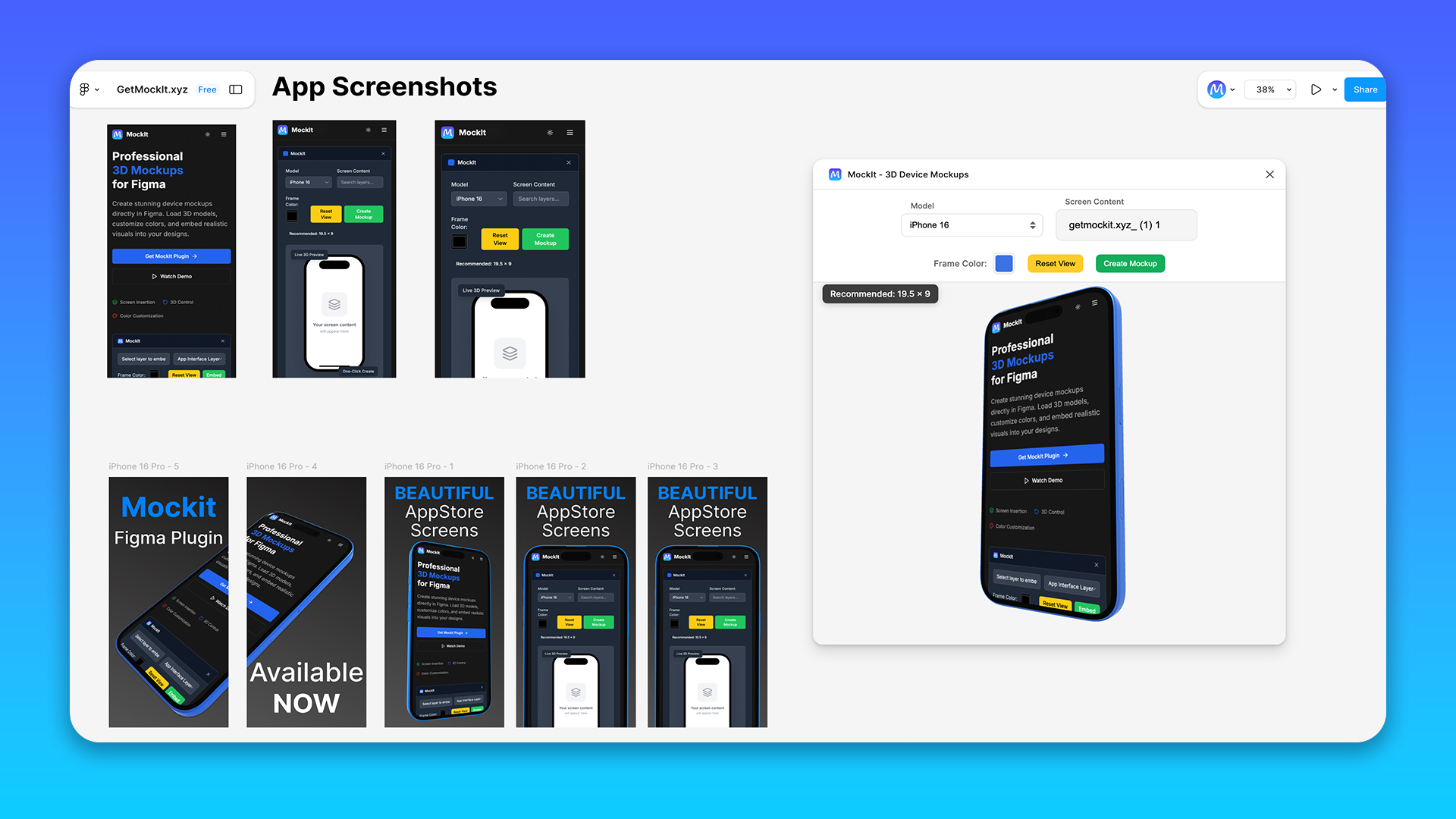
MockIt is a Figma plugin that creates professional 3D device mockups in seconds. You select any layer from your Figma design, choose a device (iPhone 16, iMac, or iPad Pro), customize the frame color, and click "Create Mockup." The plugin intelligently handles image fitting, preserves quality, and generates a realistic 3D render with studio lighting and reflections. It's perfect for App Store screenshots, landing page hero images, and portfolio presentations - all without ever leaving Figma.
How I built it
This project was perfect for Bolt! I built about 90% of it directly in Bolt conversations:
Built in Bolt:
- The entire Figma plugin structure and UI
- Three.js integration and 3D rendering system
- License validation with LemonSqueezy API
- Smart image processing and content-fitting algorithms
- Searchable layer selection interface
- All the TypeScript and plugin architecture
- The entire landing page with LemonSqueezy checkout
Finished outside Bolt:
- Copy-pasting code from Bolt into my editor for testing
- Setting up the actual Figma plugin development environment
- Debugging WebGL issues in Figma's sandbox
- CDN setup for hosting 3D model files
- Final plugin manifest and permissions
The hardest part was the constant copy-paste cycle between Bolt and my development environment, but Bolt handled all the complex 3D graphics and algorithm logic that would have taken me weeks to figure out alone.
Challenges I ran into
The Copy-Paste Dance: Figma plugins need to run locally with npm run watch to compile TypeScript and serve files that Figma can access. Since Bolt can't directly access my local development environment, I was constantly copying code from Bolt conversations into my editor, running npm run watch, testing in Figma, hitting errors, then going back to Bolt with error messages. The build-test-debug cycle was tedious but necessary since Figma needs the actual compiled files to run the plugin!
Image Distortion Hell: Early versions were making my app screenshots look terrible - everything stretched and squashed. Took multiple Bolt iterations to nail the aspect ratio math and realize I was overthinking it.
Figma's Security Sandbox: Figma plugins run in strict security, so my 3D models wouldn't load. Had to learn about CDNs and inline assets with Bolt's help to convert everything to base64 and proper loading.
Performance Nightmares: First attempt with full-resolution 3D models crashed constantly. Bolt helped me optimize with texture compression and memory management, but required lots of testing cycles.
Accomplishments that I'm proud of
- Actually solved my real problem: App Store screenshot creation went from 30 minutes to 2 minutes
- Professional quality output: The 3D renders look photographic with realistic materials and lighting
- Smart automation: Handles complex aspect ratios and content fitting without user intervention
- Bolt collaboration success: Proved that complex 3D graphics and advanced algorithms are totally achievable with Bolt's help
- Real-world tested: Works with extreme layouts like 10,000px tall mobile designs and high-res desktop screenshots
- License Management: This was my first time using Lemon Squeezy and Bolt actually pointed me in the direction - I had no idea how to handle payment and manage license keys otherwise!
- Netlify Deployment and Custom Domain: This is one for the Bolt team! I couldn't believe how easy it was to deploy to Netlify (I've never used it before) or set up my IONOS custom domain.
- Figma Plugin Submission: In the plugin review notes I got a 'Great job!' comment from the reviewer, which made me smile.
What I learned
Bolt is incredible for complex logic: I was shocked how well Bolt handled 3D graphics programming. I described wanting realistic device mockups and got working Three.js code that actually looked professional.
Development workflow matters: The back-and-forth between Bolt and my editor was time-consuming, but Bolt made the hard parts (3D graphics, complex algorithms) accessible that I never could have built alone.
Image processing is trickier than expected: Getting images to look good on device screens without distortion required understanding aspect ratios, texture mapping, and edge cases I hadn't considered.
Plugin development has unique constraints: Figma's sandbox environment taught me about security limitations and asset loading strategies.
What's next for Mockit
- More device models: Adding popular Android phones and tablets
- Animation capabilities: Simple rotate/zoom animations for more dynamic presentations
- Batch processing: Generate mockups for multiple screens at once
- Custom backgrounds: Studio environments, gradients, and scene templates
The core vision is expanding Mockit into the definitive tool for device mockups in Figma, eliminating the need for external mockup tools entirely while maintaining the speed and quality that makes it useful for real workflows.
Built With
- bolt
- css
- figma
- html
- javascript
- lemonsqueezy
- netlify
- next.js

Log in or sign up for Devpost to join the conversation.