-
-

Help Mochi!
-
Lesson 1
Inspiration
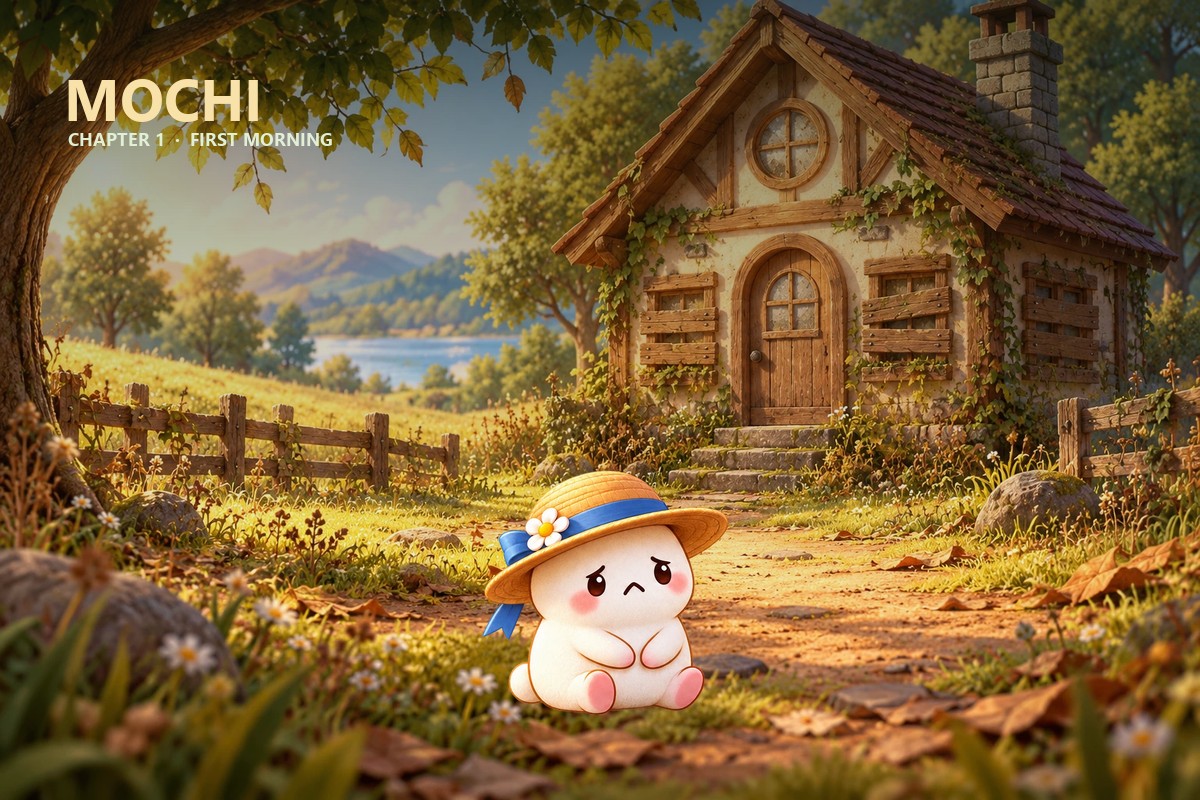
Mochi’s Coding Lab was inspired by the difficulty many beginners face when learning Python through text-only exercises. We wanted to make programming feel more welcoming, visual, and playful.
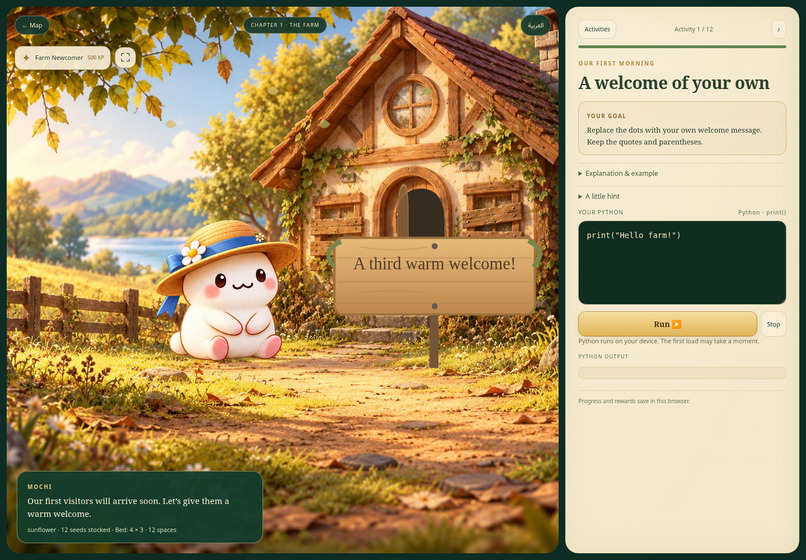
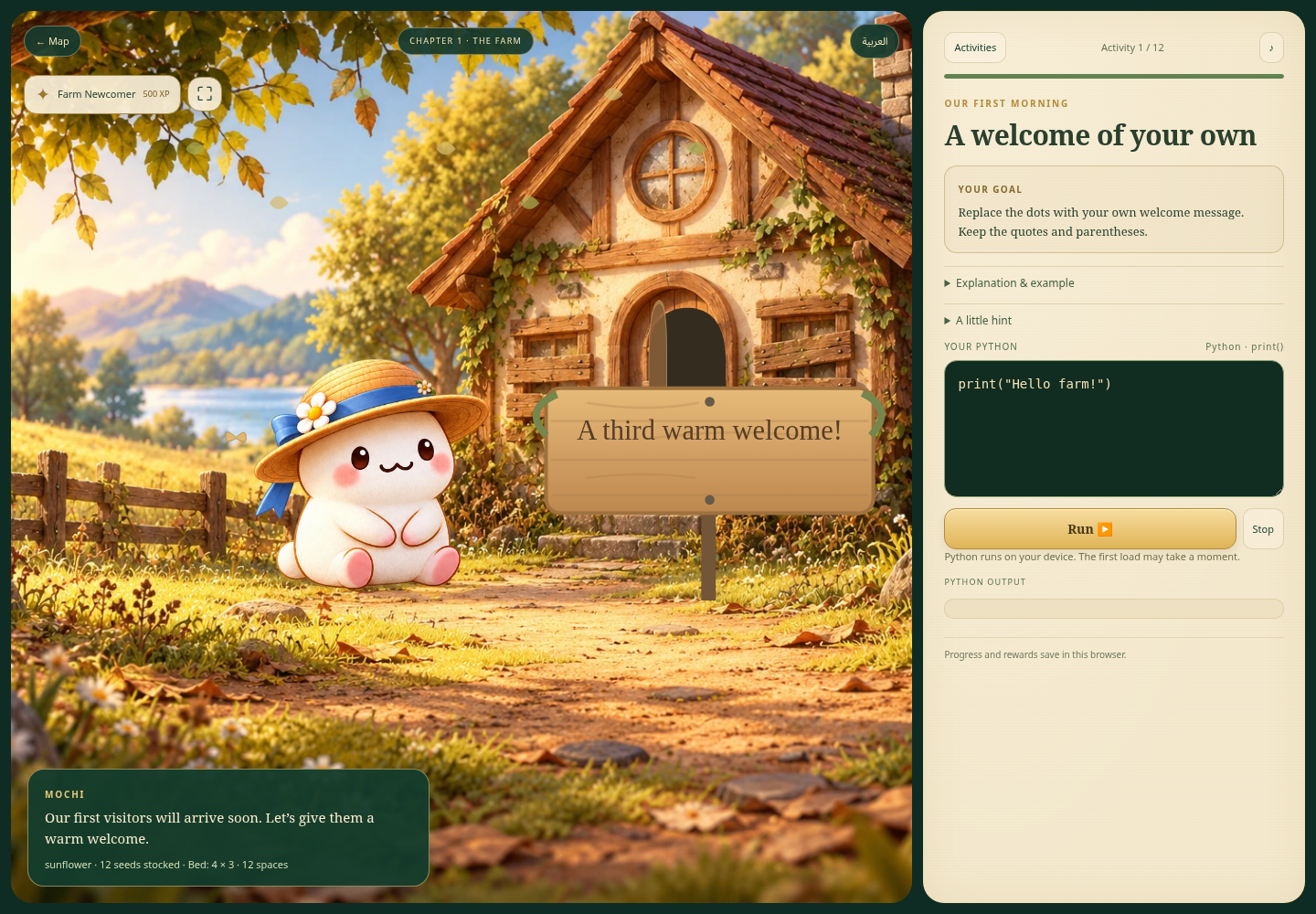
The idea is to give learners a small farm to care for. Instead of only seeing output in a console, they see their code change a character, a sign, a garden, or a growing plant.
What it does
Mochi’s Coding Lab is a story-driven Python learning game for beginners.
In Chapter 1, learners help Mochi restore an abandoned farm through twelve activities. They practice:
print()and strings- Variables and meaningful names
- Numbers and calculations
- Crop and seed choices
- Garden measurements
- Comments and multi-step scripts
- Basic farm actions
- Notebook cells
- Python tools such as IDLE and Jupyter
Learners choose their own farm name, crop, and seed quantity. They write real Python, run it, receive feedback, and see the result appear in the farm. Completing activities awards XP, badges, a flower pin, and the Farm Newcomer rank.
How we built it
- Frontend & UI: Built using HTML, CSS, JavaScript, SVG, and responsive layouts.
- Python Engine: Real Python runs in the browser using Pyodide inside a Web Worker. This allows learners to practice actual Python code while keeping the game interface responsive.
- UI Binding: JavaScript connects Python results to the farm. For example, a printed farm name appears on the welcome sign, garden calculations show planting spaces, and successful planting or watering code changes the farm scene.
- Styling & Storage: CSS and SVG provide Mochi’s open-eyed character animations, farm objects, particles, rewards, and visual transitions. Progress is saved in the browser, with optional account synchronization planned through Supabase.
Challenges we ran into
- Bridging Code & Visuals: One major challenge was connecting beginner Python code to meaningful visual changes without hiding the programming concepts. Each activity needed to explain the goal first, validate the learner’s code, and then update the correct farm object.
- Performance & Safety: We also had to keep real Python execution from freezing the page. Running Pyodide in a Web Worker, adding timeouts, and supporting a Stop button helped keep the experience safe and responsive.
- Responsive Design: Another challenge was designing one farm scene that works on phones, tablets, and desktop screens while keeping Mochi, the task panel, code editor, and visual feedback visible.
Accomplishments that we're proud of
We built a complete playable Chapter 1 with twelve connected activities rather than a collection of disconnected coding exercises. We are especially proud that:
- Learners run real Python in the browser.
- Code produces visible changes in the farm.
- The learner can choose meaningful values.
- The lesson follows mission → explanation → practice → result.
- Mochi reacts to successful actions.
- XP, badges, cosmetics, and ranks reward progress.
- Learners can restart Chapter 1 and practice again.
- The experience works across phone, tablet, and desktop layouts.
- Python execution can be stopped safely without losing progress.
What we learned
- We learned that beginners need a clear reason to write each line of code. A task becomes easier to understand when the learner knows what they are building and can immediately see the result.
- We also learned that visual feedback must support the lesson. Animations are most useful when they explain what the code changed, rather than appearing only as decoration.
- From a technical perspective, we learned how to run Python in the browser, communicate with a Web Worker, preserve state safely, and connect code execution to a responsive game interface.
What's next for Mochi's Coding Lab
Chapter 1 is the beginning of a larger five-chapter journey. Next, we plan to add:
- More farm restoration activities
- Chapter 2 at the Watermill
- A Glass Garden chapter
- A Lighthouse chapter
- An Orchard chapter
- More Python topics, including conditionals, loops, lists, and functions
- More Mochi animations and reactions
- Expanded accessibility and audio feedback
- Reliable account synchronization across devices
- More rewards, decorations, and farm customization
Our long-term goal is to make Python practice feel like exploring and caring for a living world.
Built With
- ai
- codex

