-
-

Logo
-
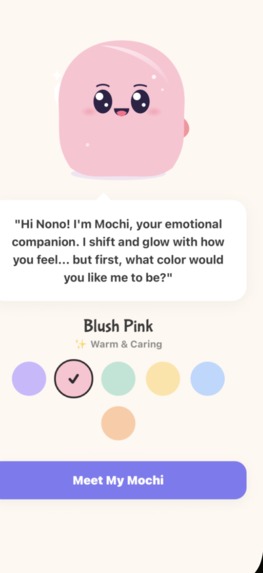
Meet Mochi!
-
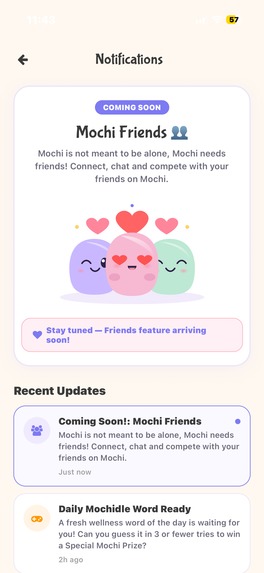
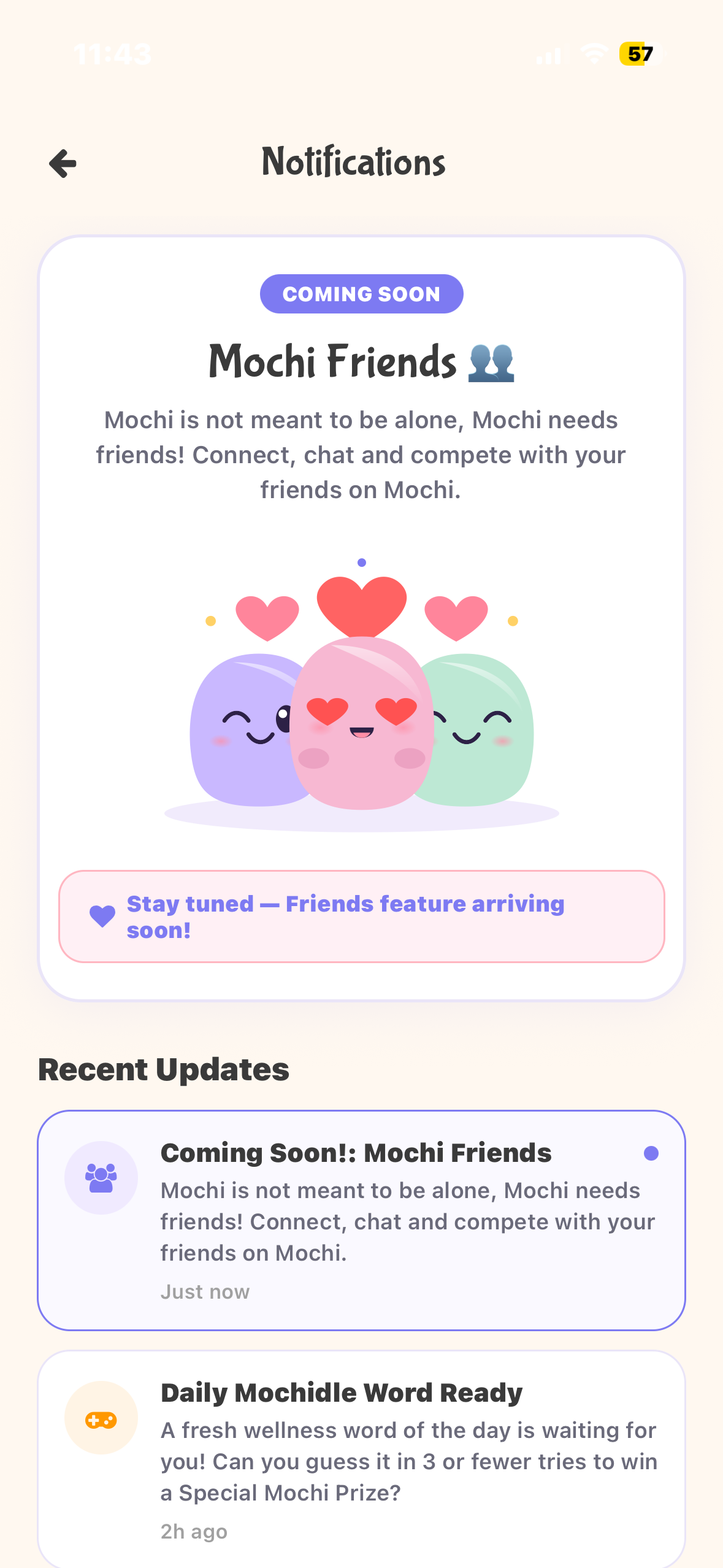
Mochi Friends: Coming Soon!
-
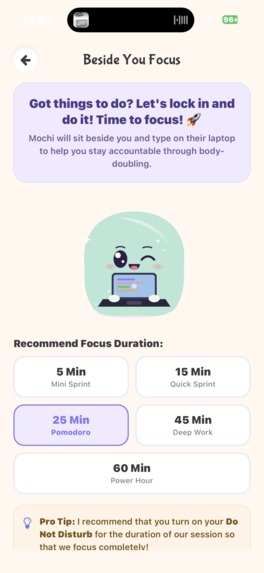
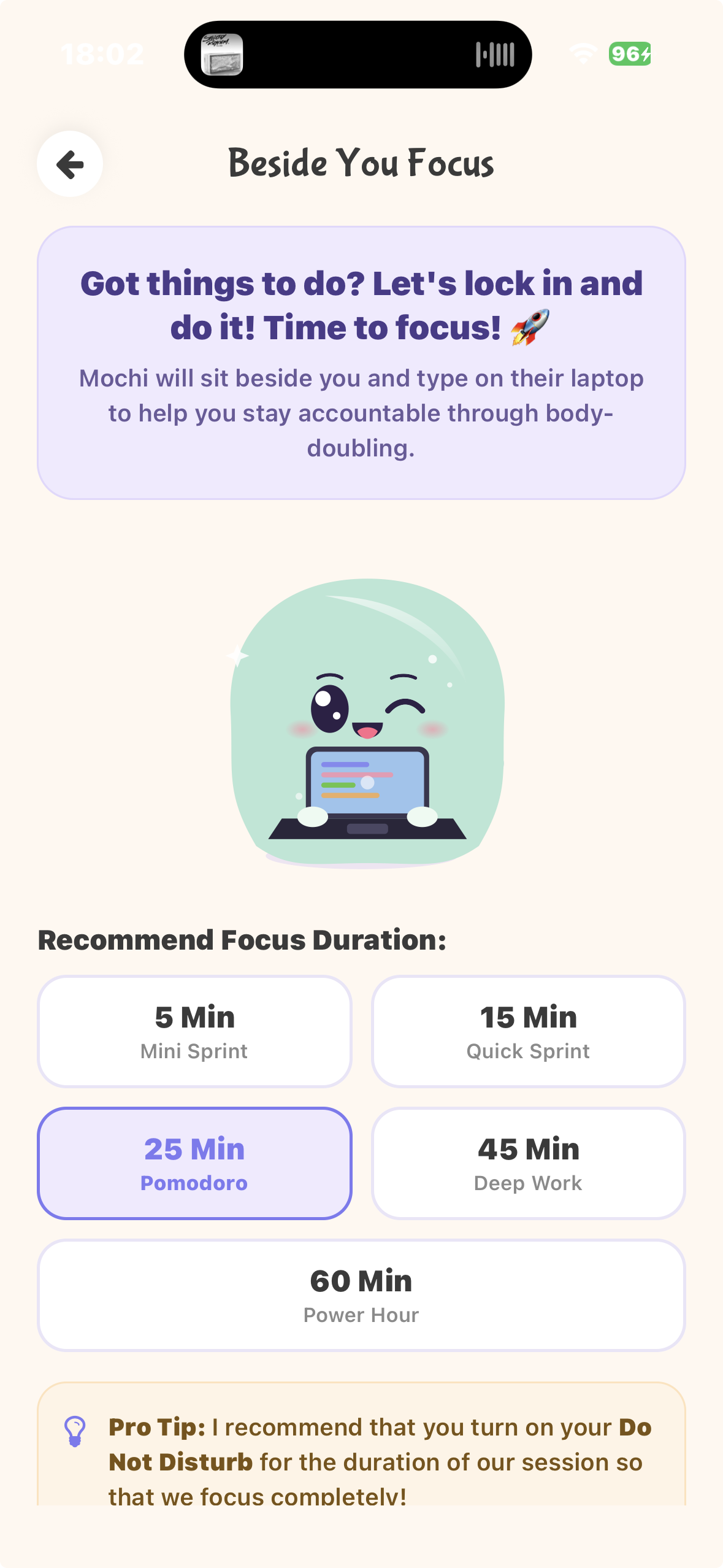
Lock in with Mochi
-
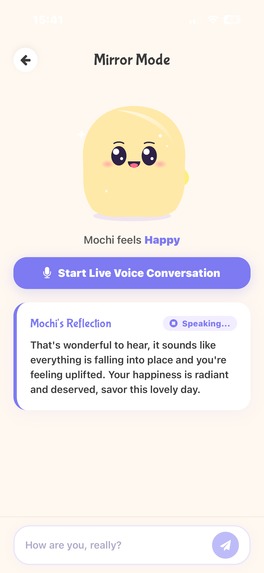
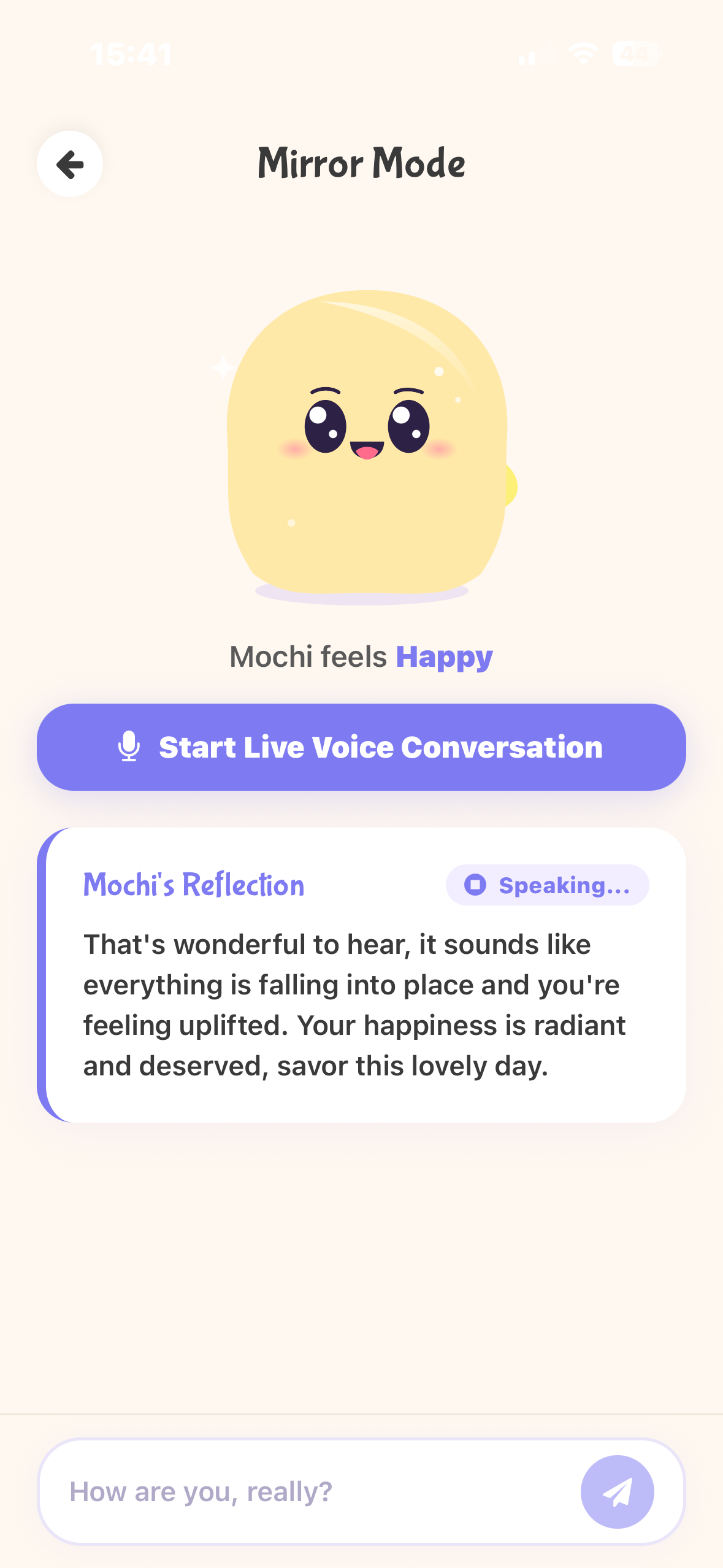
Mirror
-
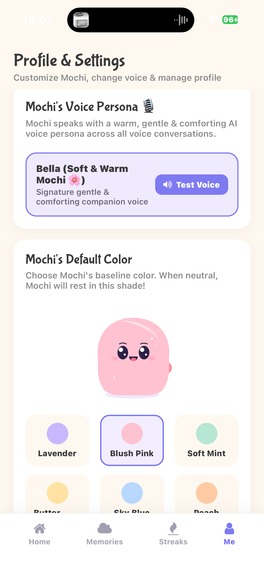
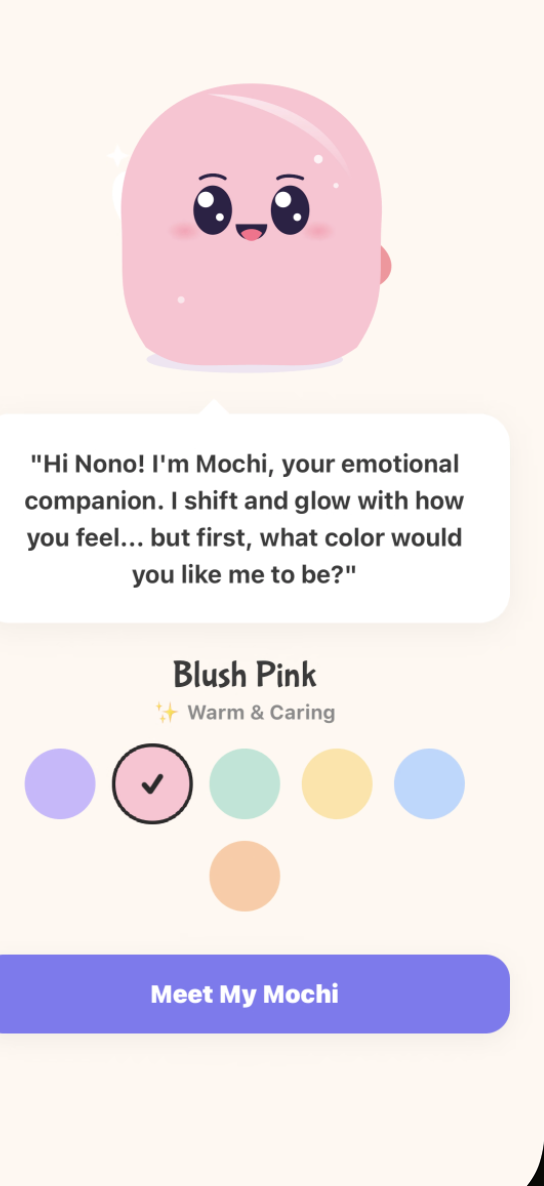
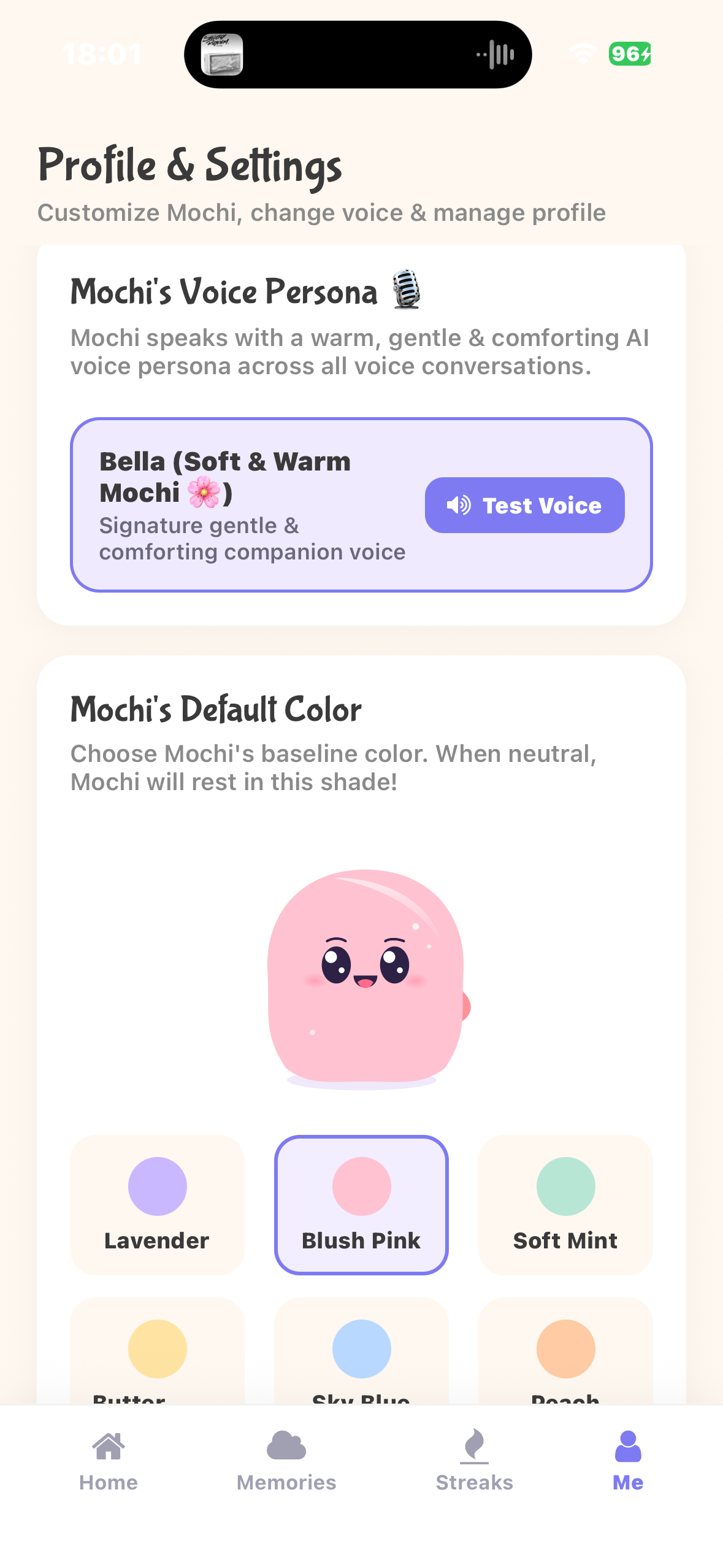
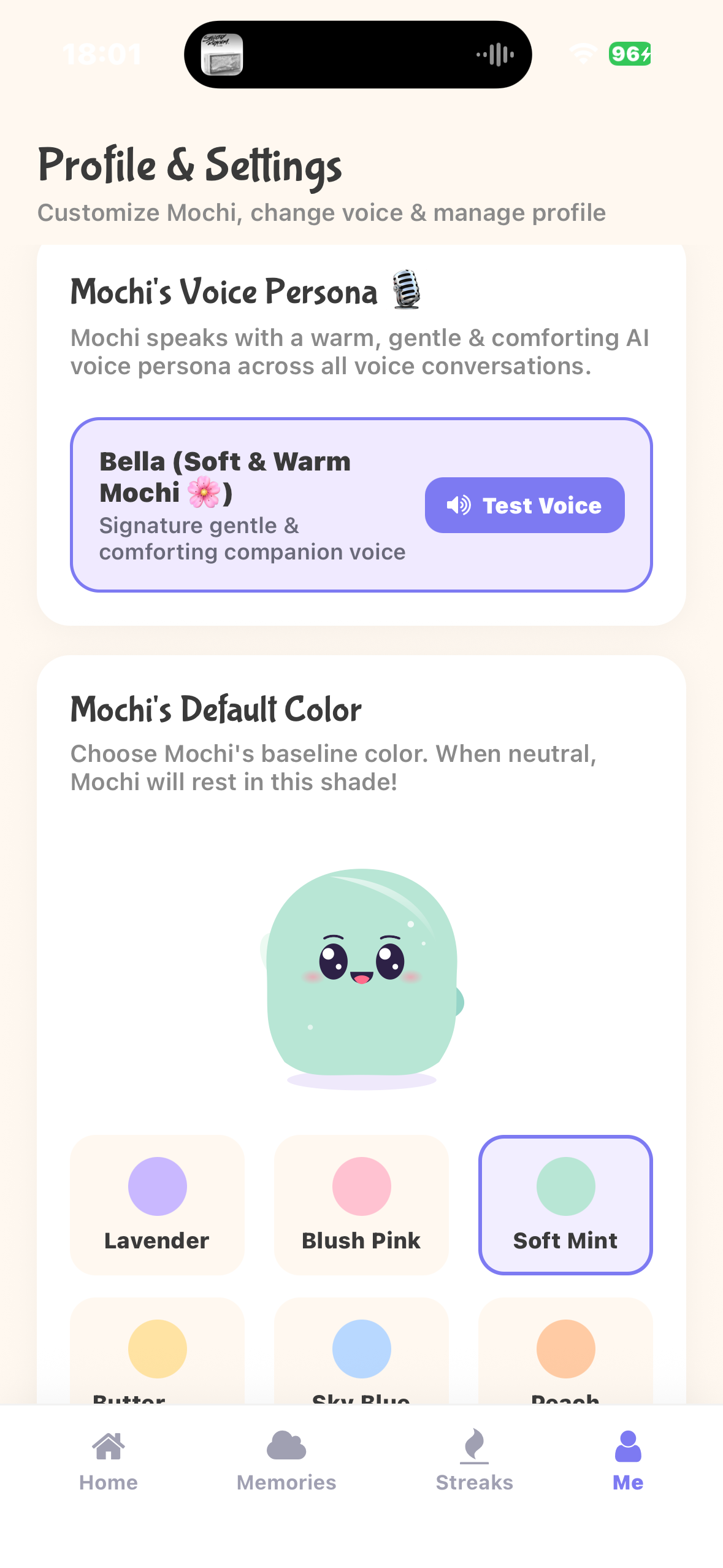
Customise your default Mochi
-
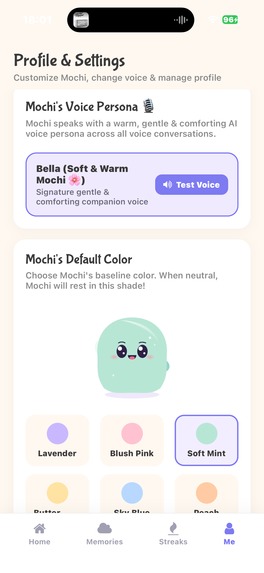
Mint Mochi!
-
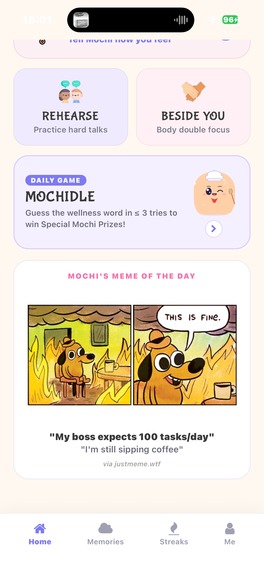
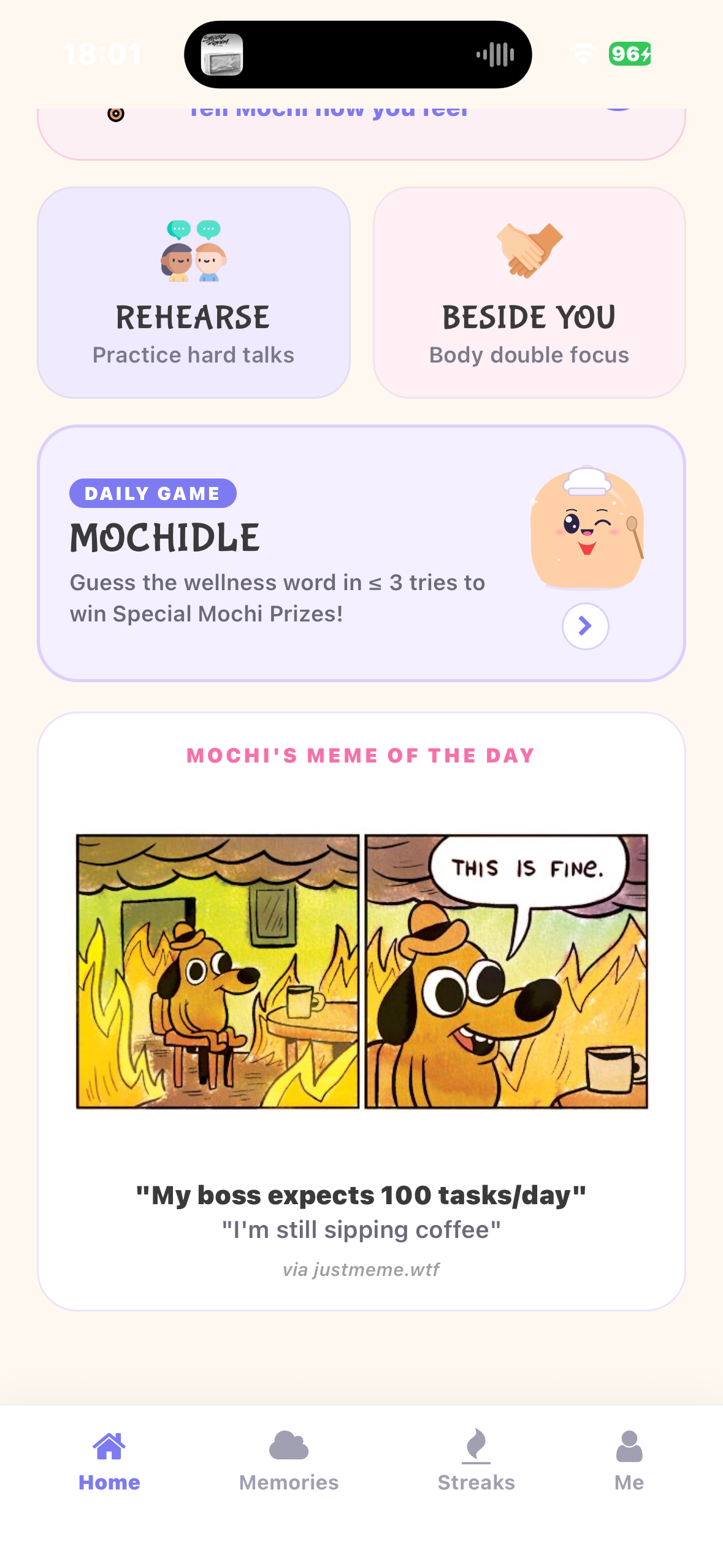
Mochi's Meme of the Day
-
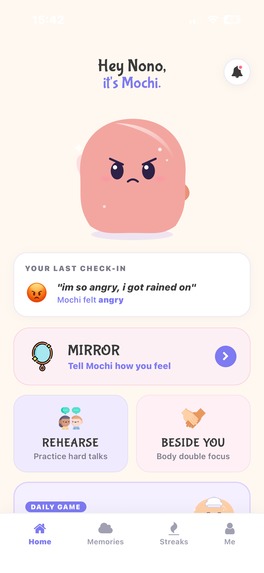
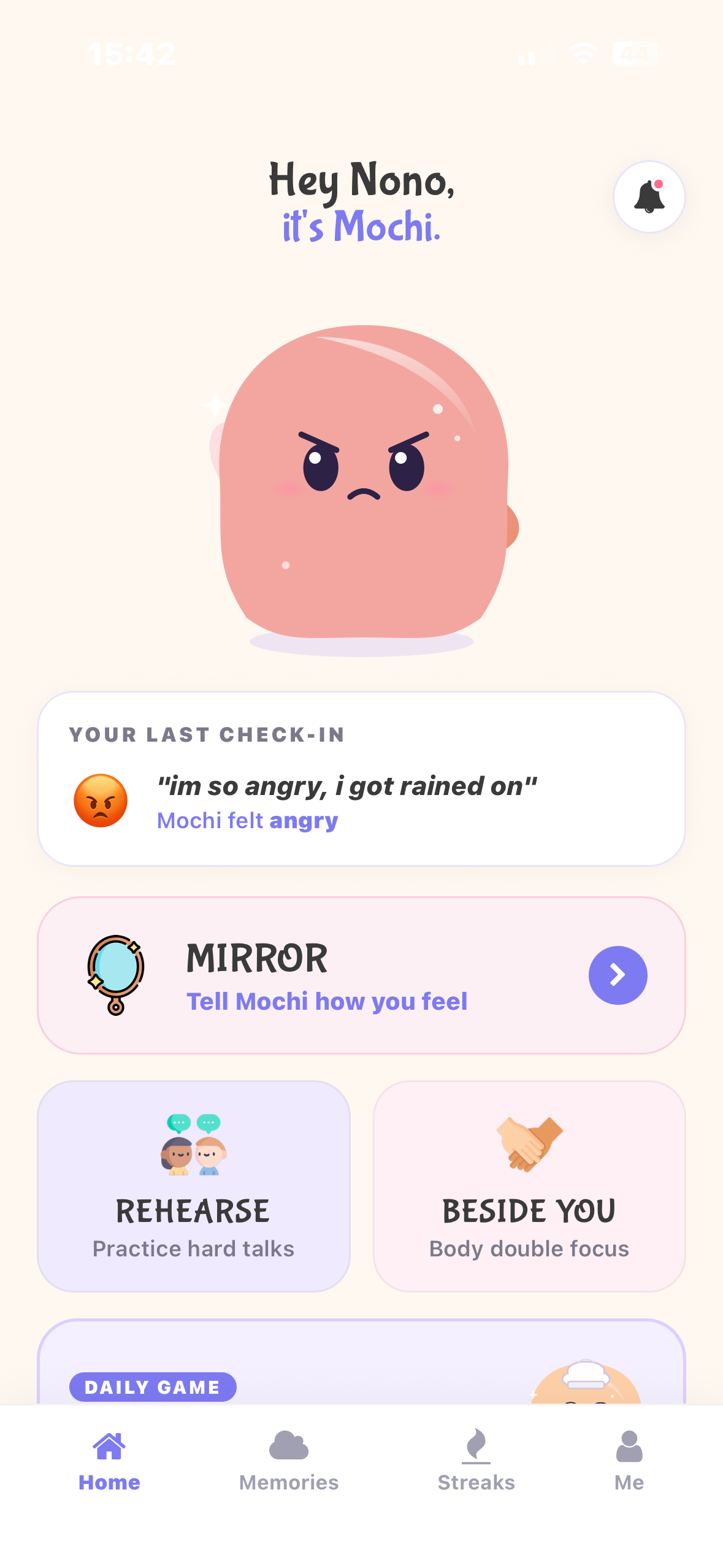
Angry Mochi

Inspiration
- Most wellness apps on the market today are generic, they have the same layout, same generic affirmations and little to no personalisation as to how YOU actually feel that day.
- There is no real sense of companionship as they function as tools and not as something that is actually there for you.
- My core motivation was to build something that motivates you, stays with you, feels what you feel and helps you focus and "lock in" when you really need to, not just log data and give out tips.
- Mochi has features that speak to the above needs: Mirror, which reflects and comforts you based on how you actually feel, Rehearsal which prepares you for real conversations that you are dreading to have and Beside You where Mochi keeps you company and accountable while you work.
- The aim is to have wellness support that feels personal and present, not generic and transactional.
What it does
- Mirror mode: responsible for your emotional check in.
- You can speak to Mochi the same way you would speak to ChatGPT's Voice Mode, you speak, Mochi responds with a soothing voice depending on how you feel.
- If you do not want to speak, you can simply type how you are feeling today
- Mochi physically reflects your emotion through changing colour (a pastel red if you are angry, blue if you are sad and so forth), shape and facial expression change and an empathetic conversational reply.
The intention of this feature is to help users feel seen and give a gentle space to express how they feel.
Rehearsal Mode: where you can practice a conversation that you feel won't be easy to have in person.
You need to describe the situation and the personality of the person you need to speak to for example a strict parent or your stubborn boss.
Mochi roleplays that person, including appropriate tone and facial expressions (as well as colours) so that you can rehearse what you want to say before having the real conversation
You can type your side and Mochi will give a text response and read its response as well or you can have a back and forth conversation with voice with Mochi, Mochi will change its facial expression and tone depending on what was said.
Focus Companion (Beside You): provides productivity support (especially for those with neurodivergent disorders such as ADHD)
Set a focus timer for a task and work alongside Mochi (Mochi will have its laptop to work with you) while listening to lofi music which you can shuffle.
At the end of the session you receive an accomplishment acknowledgment plus a research-based wellness tip which Mochi researched during the work session.
The aim is to make productivity feel supportive.
Mochidle (Wellness Word of the Day [Similar to Wordle]): daily game
Guess a daily wellness themed word.
Succeeding in 3 attempts or less unlocks a special Mochi character (Doctor Mochi, Sensei Mochi, etc).
A cute message that contains that word for the day is displayed alongside your prize
Streaks, badges and accomplishments
This is where you see your unlocked Mochi characters.
Previous accomplishments.
Focus Session Streaks
Mochi's meme of the day
Mochi shows you the meme for the day to show its humorous side.
Emotional Timeline: provides a longer term wellbeing view
Previous emotional check-ins and session (Beside You and Rehearsal) history.
AI-generated recommendations and insights that are based on patterns identified across check-ins over time.
How we built it
- React Native TypeScript, Expo and Expo Router for frontend and three-mode navigation
- Zustand and AsyncStorage for persisted state for mood, colour, streaks and history.
- react-native-svg and react-native-reanimated for Mochi (animating it and making it look cute).
- Custom HSL colour math so mood shifts the user's own chosen pastel.
- For the majority of the code generation/corrections I used Google Antigravity to assist me since I am working alone.
- Vercel Serverless functions and Google Gemini 2.5 Flash API. The api was deployed on vercel and is the driving force behind Mochi's reactions, expressions and responses as well as the insights it gives based on patterns it has identified.
- As requested, guardrails were added to prevent Mochi from causing harm.
- Microsoft Edge Neural Speech, also deployed to Vercel, for users to be able to hear from the app.
- Expo-av for users to be able to hear audio from the app.
- Supabase and PostgreSQL for our database to store all user information and relevant data. Also assists with secure login and authentication as well as the ability to make sure that each user only sees and interacts with their own data.
Challenges we ran into
- Not really a challenge but a mistake, I accidentally pushed node_modules for my mochi_api folder. This only happened because I forgot to create a .gitignore for that directory.
- Finding suitable voices that matched Mochi's cuteness.
- The animation of Mochi since Mochi is purely code.
- Adding some of the lo-fi music was a headache at first and I resorted to downloading the audios and linking them from my assets folder instead of using their web urls.
- Supabase and RLS was a headache as well, some items were not saving in the database and some of the information was displaying in the wrong place.
- My splash icon at some point stopped displaying altogether and I had to consult with AI as to what the problem could be and how to fix it.
- I started off with Claude API and my tokens finished really fast, it took me a while to notice that they were finished.
- The voice api I initially used also ran out of tokens and I had to find another one.
Accomplishments that we're proud of
Mochi is so adorable! That is what I am proud of the most. I had so much fun building Mochi, Mochi was supposed to be only 3 features but each time I finished a feature I would think of another awesome feature. I'm proud that I also managed to build everything on time.
What we learned
I actually discovered new tools as I was building, although some of them are not in the final product I learnt of groq api which is an easy to use api, found tools that I almost used to animate Mochi but I used code instead and also stretched the capabilities of AI tools that helped me build.
What's next for Mochi
Mochi will get more features! One being "Mochi Friends". The idea behind it is, Mochi needs friends. So in the near future you will be able to invite your friends to use Mochi and their Mochis can become friends with your Mochi. Users will be able to chat with their friends, check in on each other and compete (more games will be added). Better animations for Mochi as well.
Check out Mochi Friends' promo video, isn't it adorable?: link
Best use of AI
I used the following tools: Google Antigravity to build most of the project (in my opinion that is my best use case), to animate Mochi , to separate some the features into components as the code was too long and to generate meaningful git commit messages. My prompts:
- please give me a commit message for the work we have done so far. This is one of the commit messages it gave me: git commit -m "feat: upgrade TTS engine to Edge Neural voice and improve audio routing
- Replace paid TTS with free Microsoft Edge Neural Voice (Ava) requiring no API keys or cards
- Save TTS base64 to local MP3 via expo-file-system and route playback through main loud speaker
- Sort Memories feed timeline newest-first and add mode filter tabs (All, Mirror, Beside You, Rehearsal)
Integrate expo-splash-screen for smooth hydration"
we have an important task to do now, everything works so beautifully, but the lines of code are too much, lets separate into components, we can start feature by feature, starting with Mirror (I did this feature by feature so that Antigravity does not lose context or become too overwhelmed)
I used it to vibe code most of my features and animations for Mochi i.e Mochidle and Beside You, etc.
Built With
- expo-av
- expo.io
- google-flow
- google-gemini-api
- groq
- microsoft-edge-neural-tts
- node.js
- react-native
- react-native-reanimated
- supabase
- typescript
- vercel
- zustand

Log in or sign up for Devpost to join the conversation.