-
-
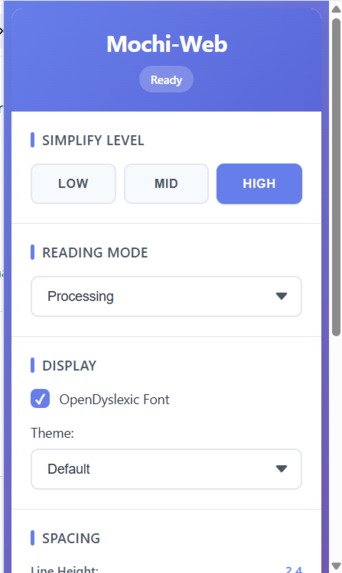
Choose how you read: simplification level, reading mode, and dyslexia-friendly display options — all in one place.
-
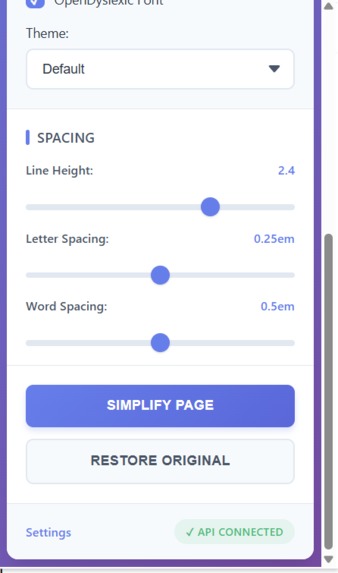
Fine-tune your reading experience with spacing controls and simplify any page in a single click.
Mochi-Web — About the Project Inspiration
The web is loud.
Big paragraphs, complex language, and zero consideration for how different people process information. For users with dyslexia, attention difficulties, or cognitive overload, reading the web can be unnecessarily exhausting.
Most accessibility tools either oversimplify content, remove important context, or are hidden deep inside browser settings that users rarely touch.
We wanted something simple:
Click once, and the web becomes readable.
That idea became Mochi-Web — a tool designed to soften the web and reduce reading friction.
What it does
Mochi-Web is a Chrome extension that uses AI to simplify web content while preserving its original meaning.
It allows users to:
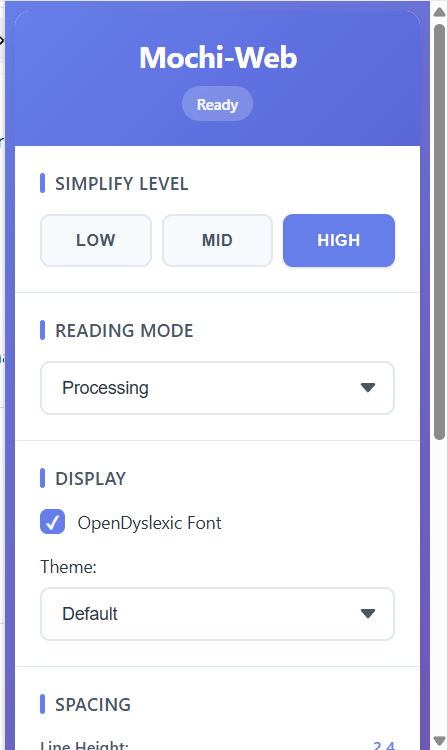
Choose a simplification level (Low, Mid, High)
Select a reading mode (General, Focus, Processing)
Customize their reading experience with:
Open Dyslexic font support
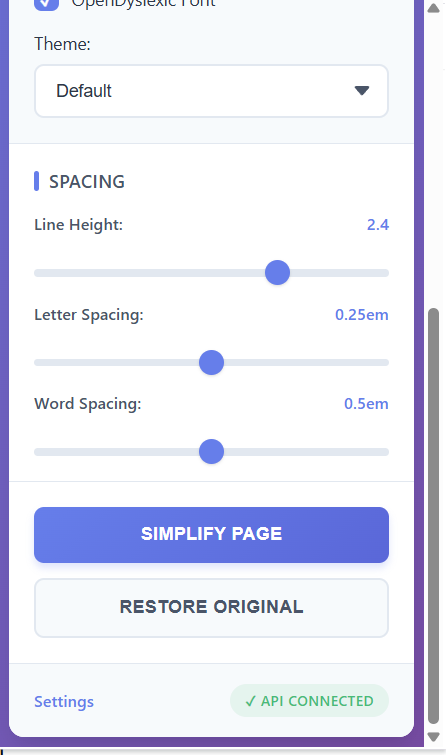
Adjustable line height, letter spacing, and word spacing
Multiple themes including dark, sepia, cream, and high-contrast modes.
How we built it
Mochi-Web is built as a Manifest V3 Chrome extension with a modular architecture:
Popup UI for user controls and preferences
Content scripts for extracting and replacing page content
A service worker to handle asynchronous API calls
Gemini API for AI-powered text simplification
Workflow:
User clicks “Simplify Page”
Page text is extracted by the content script
Text is sent to the service worker
The service worker calls the Gemini API
Simplified content is returned and rendered on the page
User preferences are stored locally using Chrome Storage.
Challenges we ran into
Preserving meaning while simplifying text without making it inaccurate or vague
Handling Chrome Manifest V3 service worker lifecycle and message timing
Designing reading modes that work for different cognitive needs
Managing API key security for a browser-based AI tool
Accomplishments that we're proud of
Three distinct simplification levels that feel meaningfully different
Reading modes designed for focus and processing needs
Real-time customization of fonts, spacing, and themes
One-click restoration of original page content
A project focused on real accessibility problems, not just features
What we learned
Accessibility requires intentional design, not afterthoughts
Small UI and typography changes can significantly reduce cognitive strain
AI is most effective when it adapts to user needs
Chrome extensions require careful handling of asynchronous behavior
What's next for Mochi-Web
Planned improvements include:
Secure API key management through a backend or user-provided keys
Selection-based text simplification instead of full-page replacement
Publishing to the Chrome Web Store
Multi-language support
Performance and offline-friendly enhancements
Long-term, Mochi-Web aims to help create a web that adapts to the reader instead of forcing the reader to adapt to the web


Log in or sign up for Devpost to join the conversation.