Inspiration
More than once I found myself outside, far from my desk when the solution to a bug or a new feature idea suddenly clicked. Existing mobile IDEs still do not feel native to the way we work on phones.
What it does
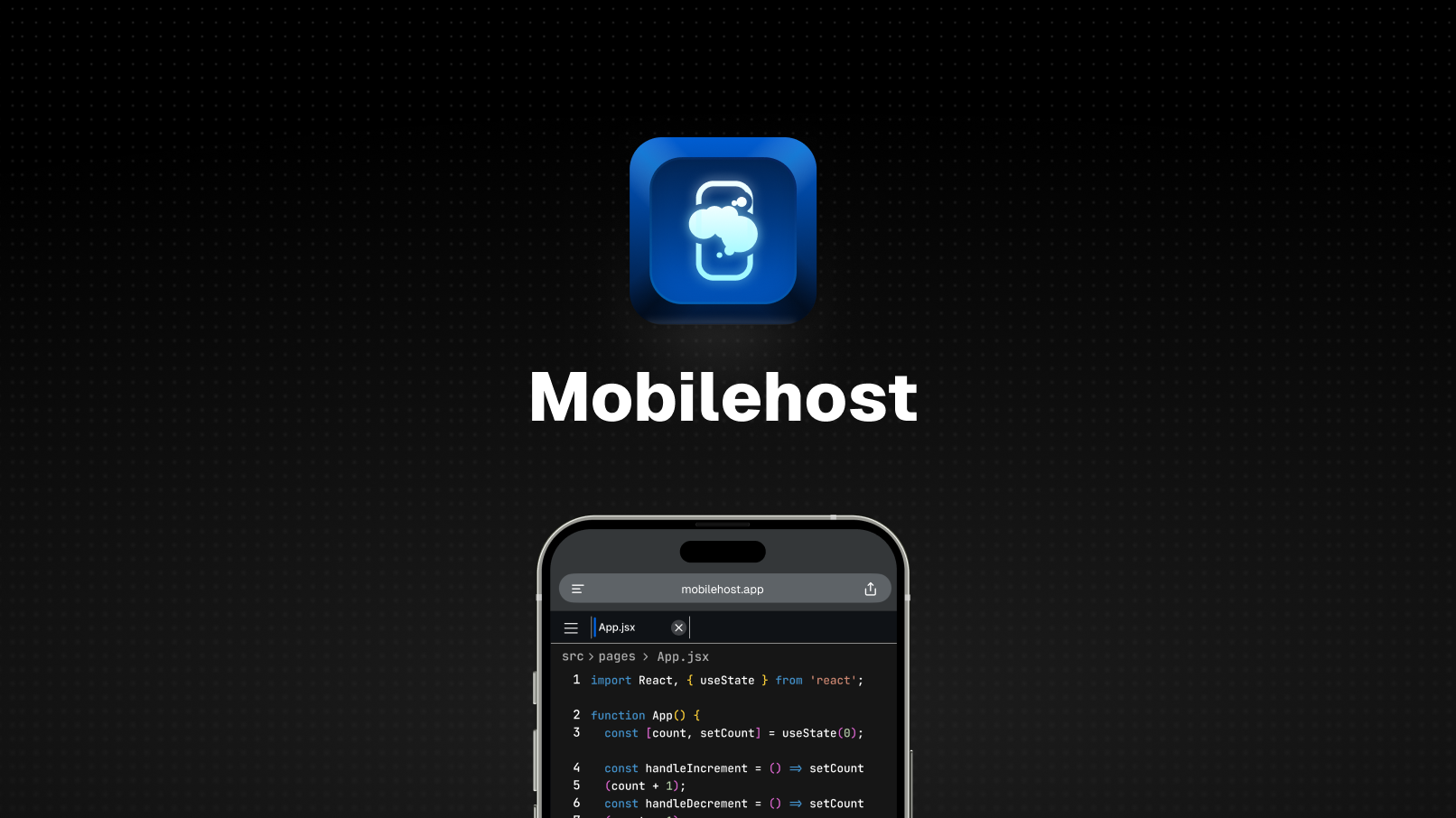
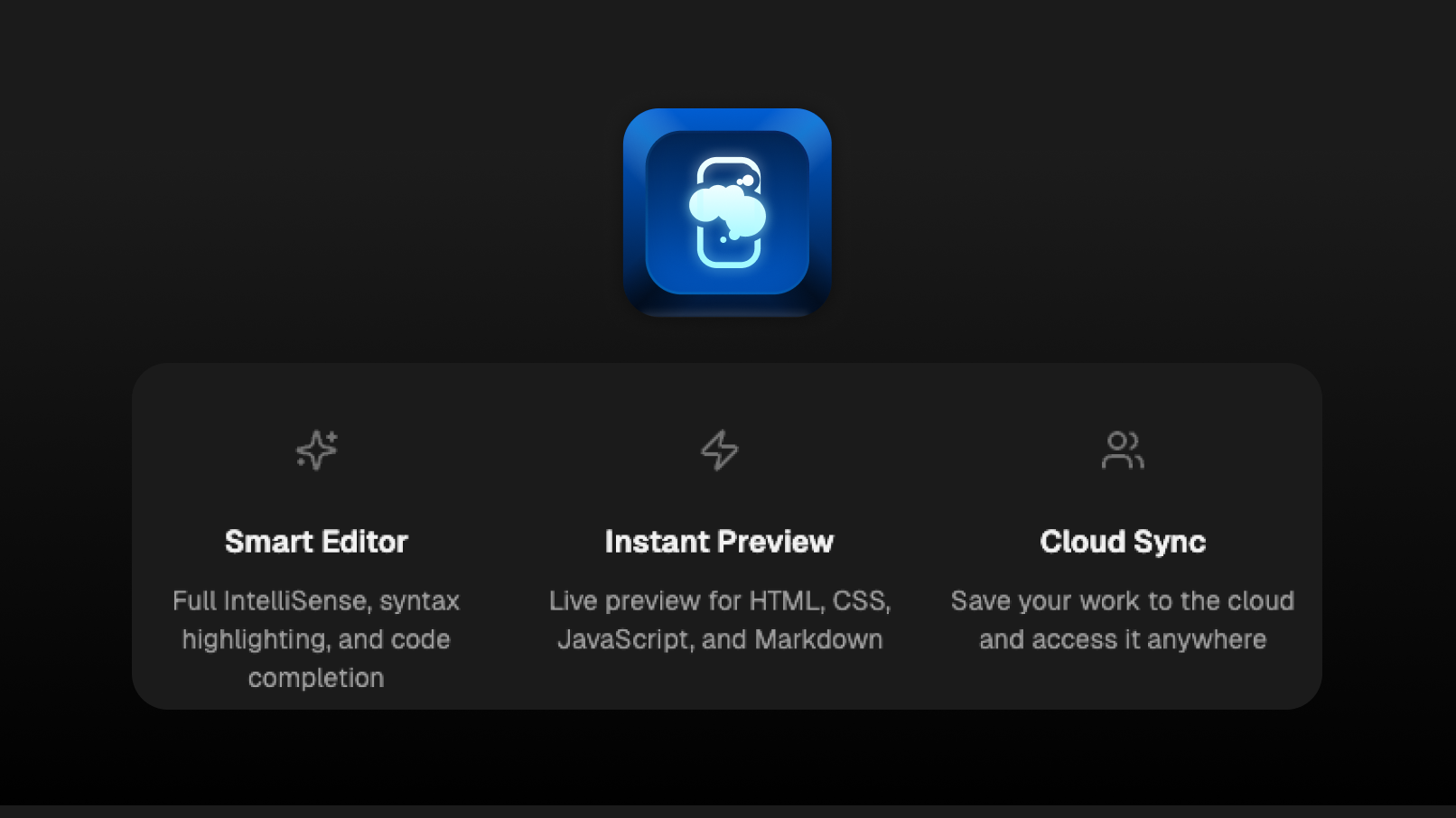
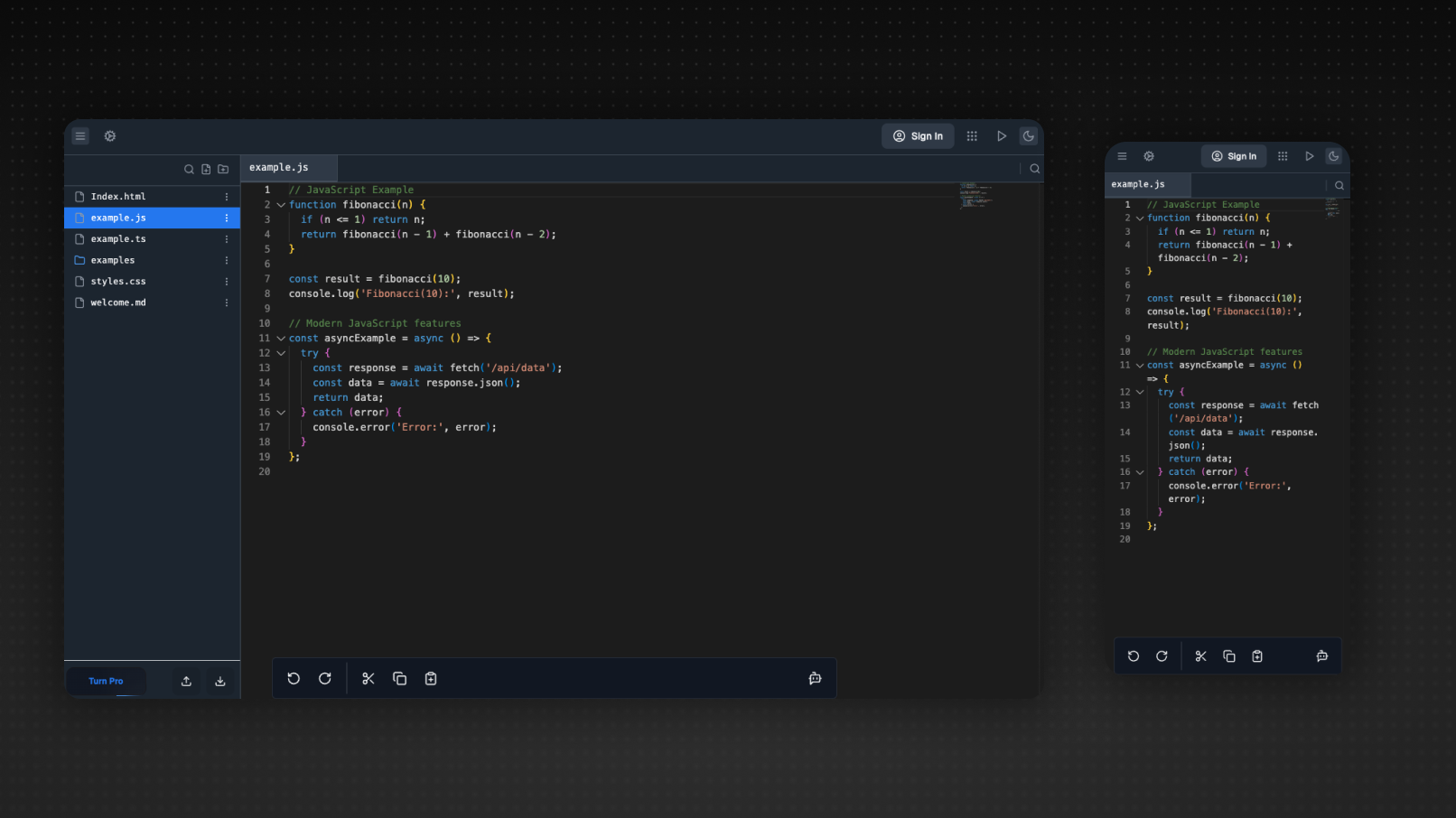
MobileHost is a fully-featured, browser-based IDE engineered for smartphones and tablets. From a single responsive workspace you can:
Code Anywhere, No Install Needed Launch MobileHost in any modern mobile browser and start writing, refactoring, or reviewing code immediately—no app download or setup overhead.
Seamless File Handling Upload existing projects from your device or download edited files back with a tap, preserving structure and metadata so hand-offs to desktop tools stay effortless.
Guest or Synced Workflows Jump in as a guest for quick, anonymous edits, or sign in to store with your account.
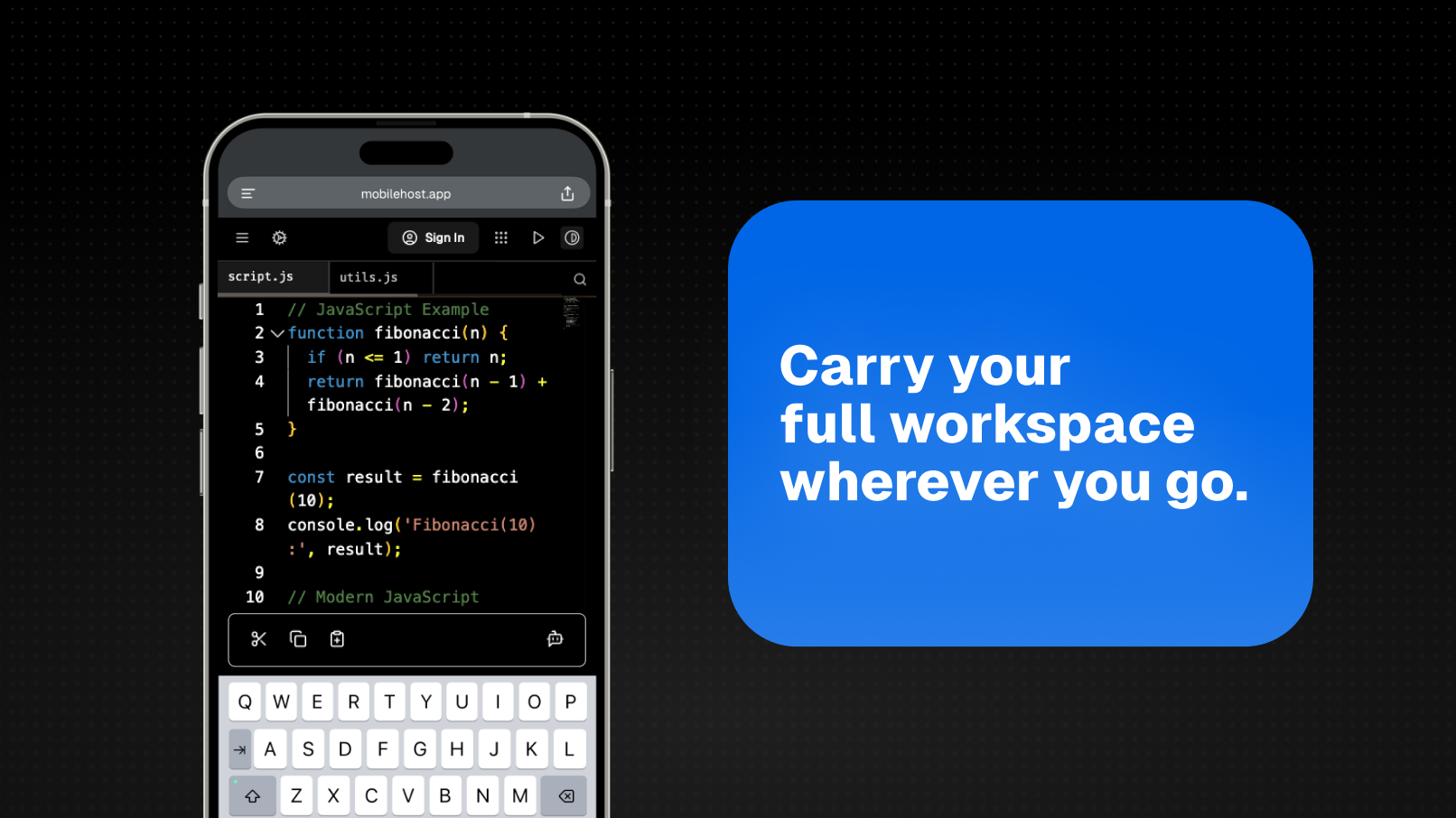
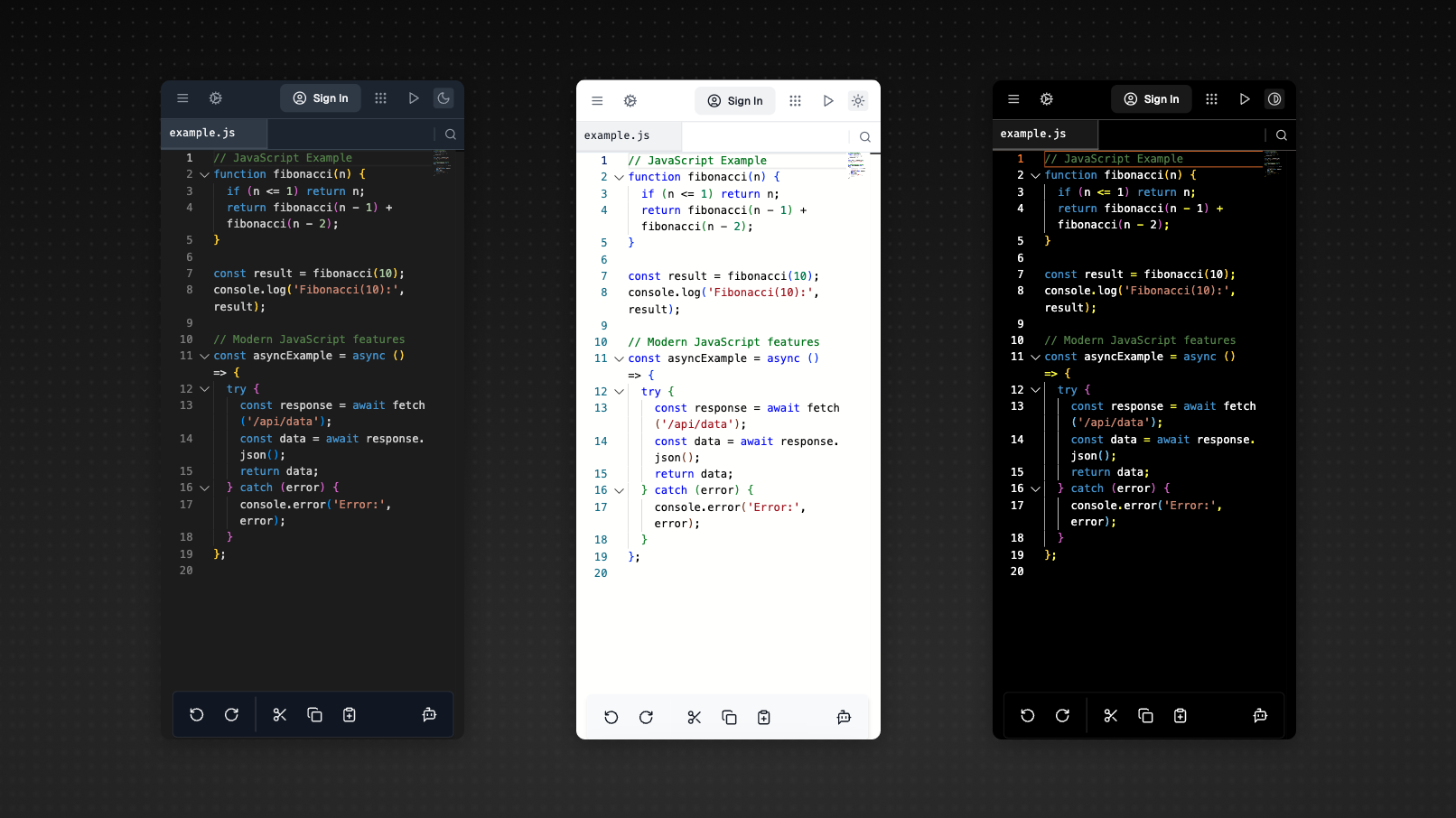
Mobile-First Editing Experience A compact, thumb-friendly toolbar surfaces the commands you need most—indent/outdent, multi-cursor select, integrated terminal toggle—reducing the tap-burden typical of shrunk-down desktop IDEs.
Offline Resilience Progressive-web-app caching keeps your session alive and saves edits locally when connectivity dips; once the network returns, MobileHost merges changes and syncs in the background.
How its built
I built Mobilehost using Bolt.new and the tech stack:
- React: Modern JavaScript library for building user interfaces.
- TypeScript: Typed superset of JavaScript that compiles to plain JavaScript.
- Google Gemini API for Chat: Advanced generative AI API from Google that enables natural, multi-turn conversations with chatbots, supporting text, code,
- Supabase: Backend-as-a-service that provides a Postgres database, authentication, and storage—making it easy to build quickly.
- Vite: Fast frontend build tool and development server.
- Tailwind CSS: Utility-first CSS framework for rapid UI development.
Challenges I ran into
I ran into many challenges related to the browser especially on mobile. There were many ideas that I had to let go of because of the many constraints brought by the browser and the Monaco editor api. Some of them being wanting a fully custom keyboard, and custom selection tool.
Accomplishments that I'm proud of
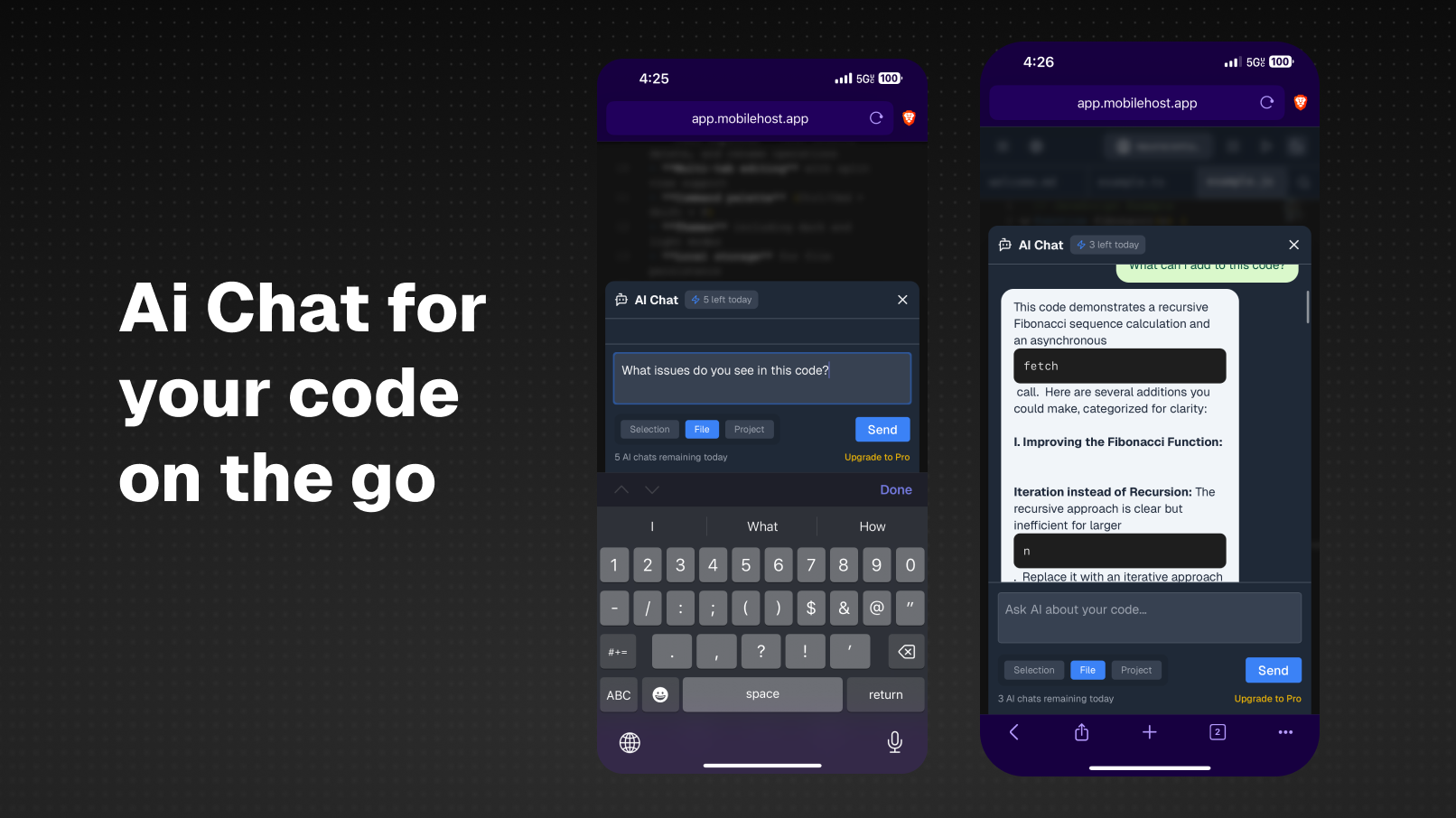
-Built a fully functional mobile IDE -Created a toolbar that follows the keyboard and is always present -Created an Ai chat interface help with selections, files and projects -Implemented a backend for users to sign in and store their code with supabase -Designed an intuitive interface that gets out of your way
What I learned
I learned a ton of things including how to use Supabase, adding ai to my app as well as a ton of restrictions and setbacks that come with trying to build for mobile browser first.
What's next for Mobilehost
I want to improve it to make it my daily driver when I am on the go. Here are a few of the things I have in mind:
- Mobile app
- Sign-in with Google, Apple, Etc
- Add Git integration
- Speech to Text, Text to Speech
- Improve performance

Log in or sign up for Devpost to join the conversation.