Inspiration
We noticed that Google Translate, although it provides a tool to take photos and translate it, is sometimes inconvenient to use. We wanted to fix that and remove more communication barriers.
What it does
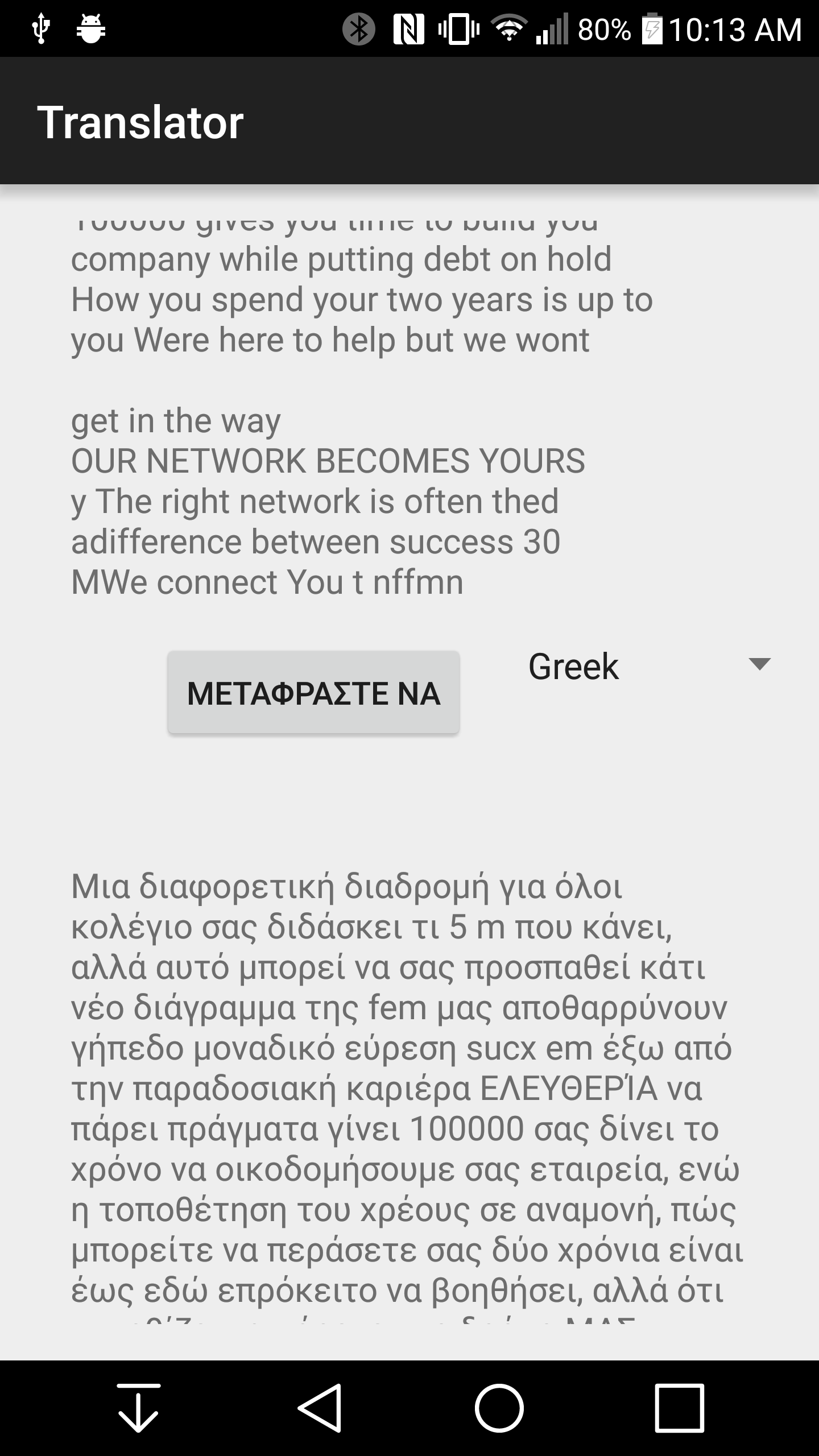
You can take a photo of text and it reads the text and provides the option to translate it as well.
How I built it
We used an open source mobile vision project we found online and then integrated Bing Translate. This was all done in Android Studio so it is built natively for the Android Platform.
Challenges I ran into
We originally wanted to use Microsoft's Project Oxford for mobile vision, however there were problems with documentation along the way. We spent all but the last 5 hours trying to figure out this issue, talking to Microsoft engineers, and still couldn't figure it out.
Accomplishments that I'm proud of
We learned how to use APIs. We hadn't done that before. Although we couldn't figure out how to get Project Oxford to work, it was a great feeling knowing we were trying so hard.
What I learned
We learned how to use APIs, got an idea of how mobile vision works, and got better overall with the Android platform. In specific, using different threads for different tasks and JSON objects.
What's next for Mobile Vision Translator
We hope to add voice functionality and the ability to autodetect the language in a photo. That was our original aim, and implementing Project Oxford would have allowed us to do that.
