-
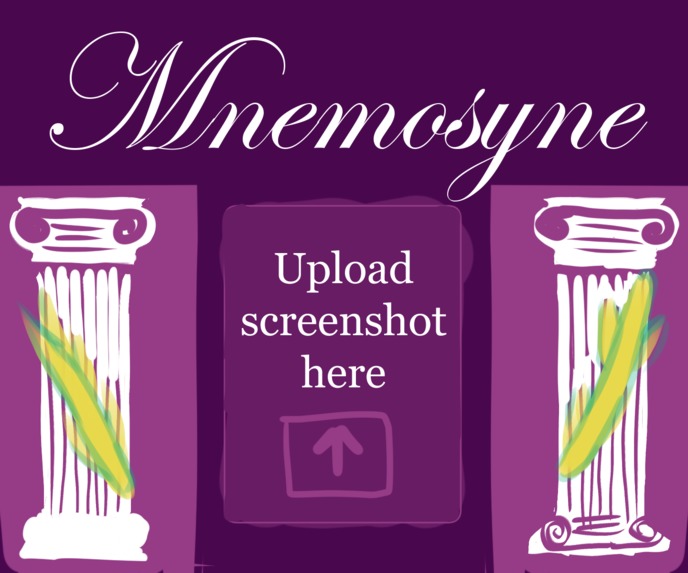
Dashboard Inspo Art
-
-
-
-
-
-
-
-
-
-
-
-
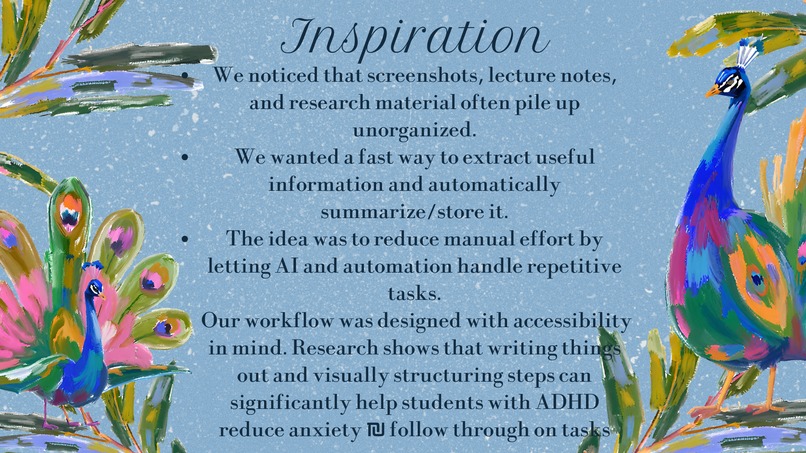
Inspiration
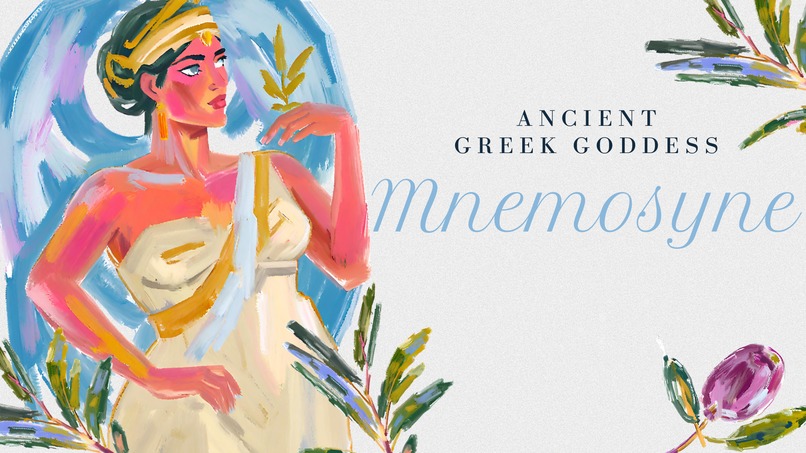
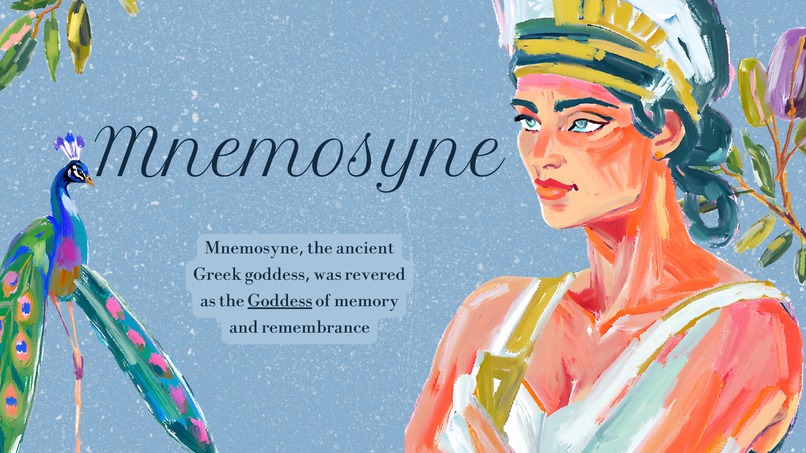
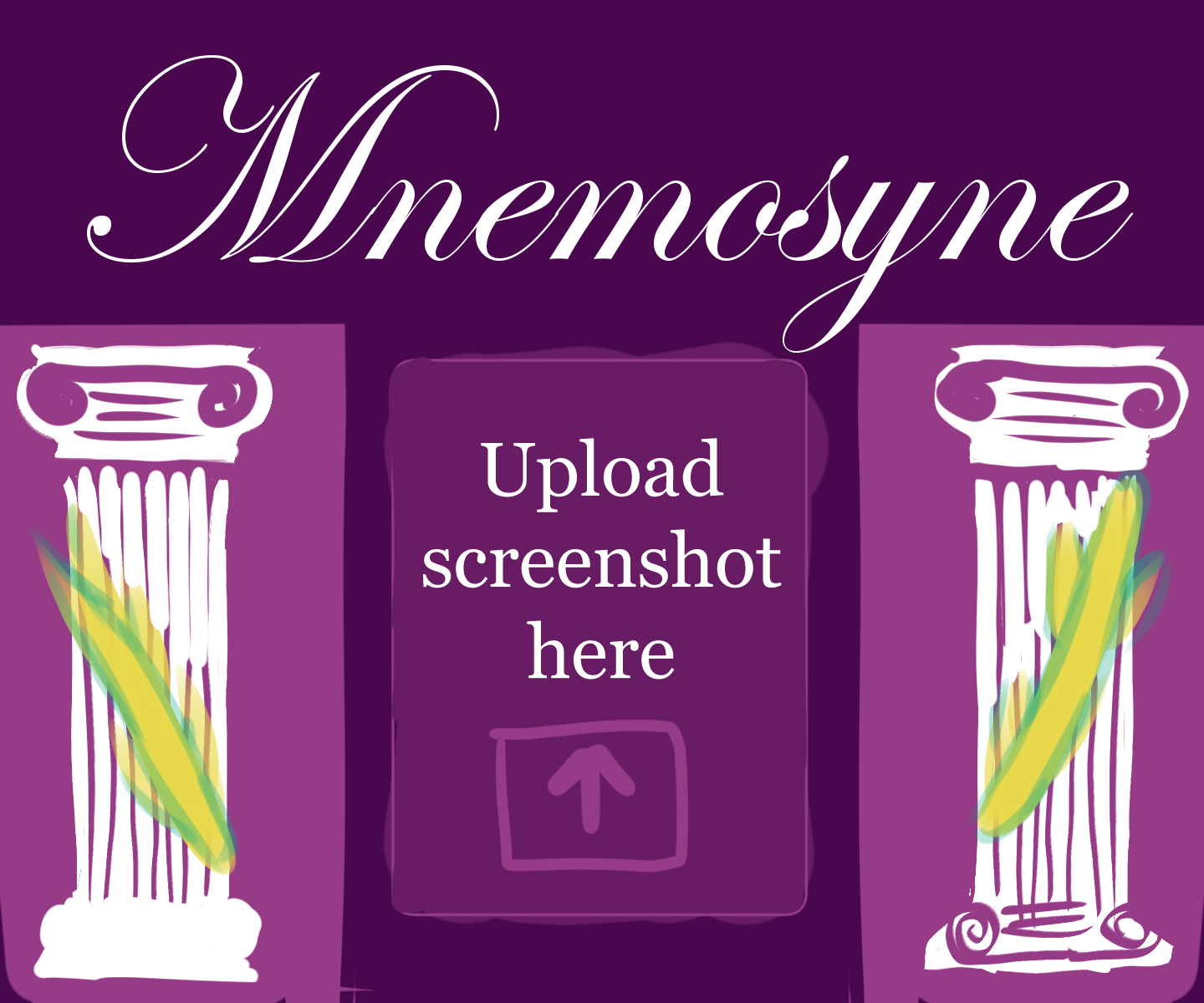
Mnemosyne, goddess of memory and mother of the Muses, preserves ideas for eternity. This app is inspired by her: turn messy screenshots into clean, searchable notes in Notion.
What it does
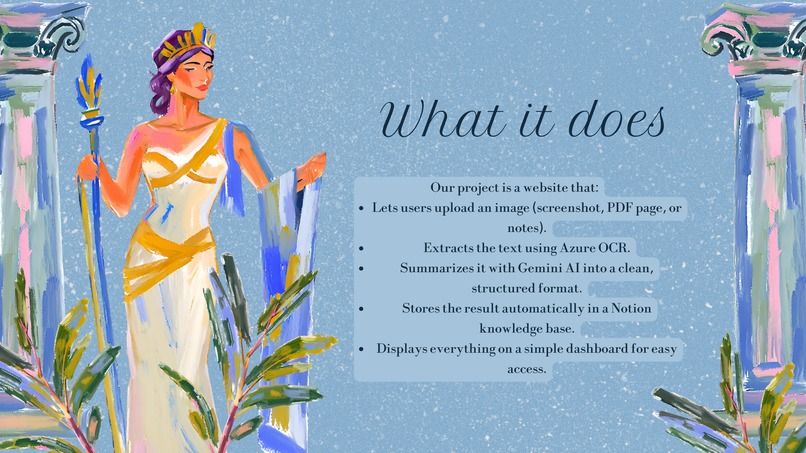
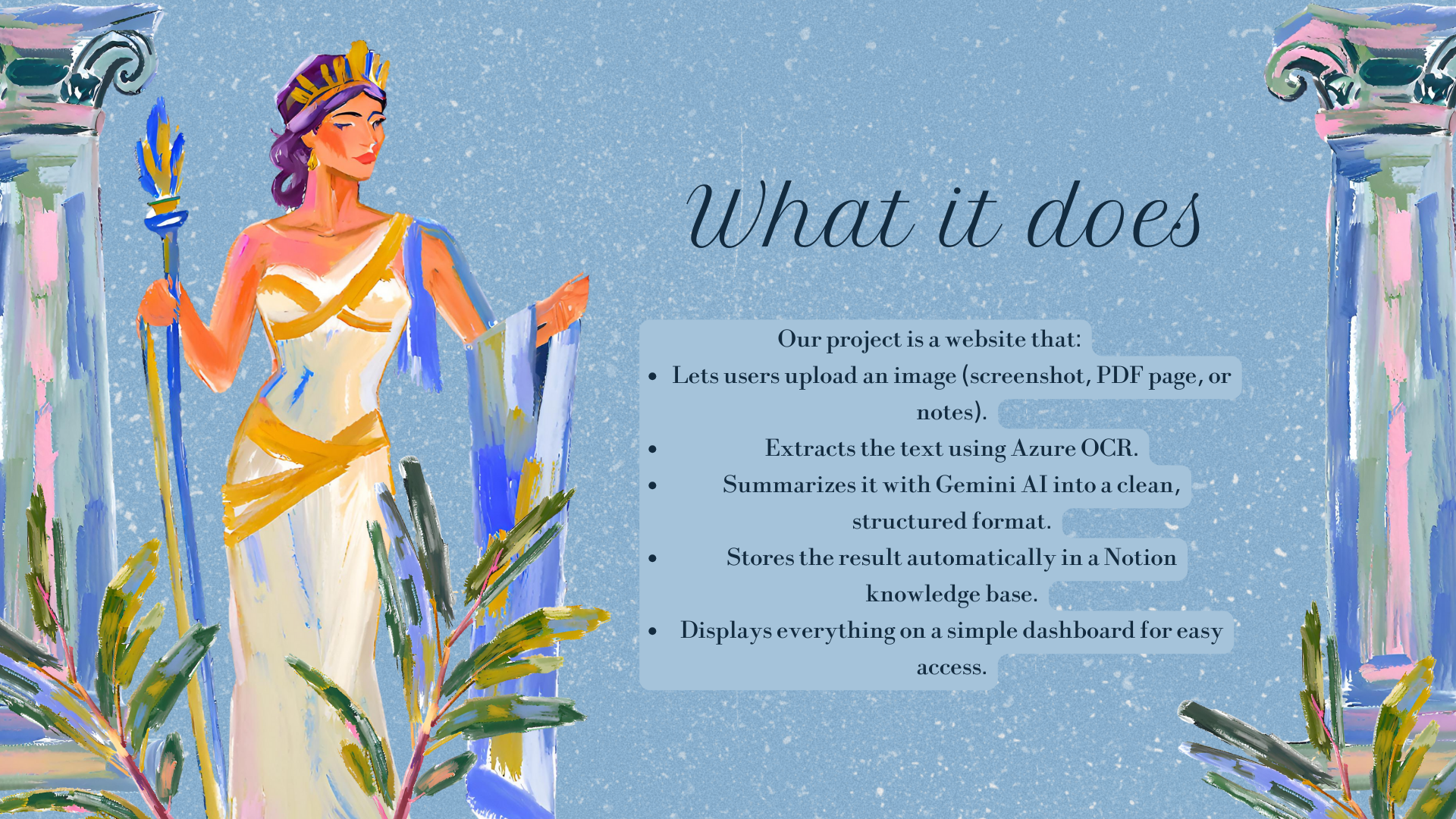
Mnemosyne is a personal efficiency/productivity tool that helps organize screenshots into Notion notes. I'm sure we've all taken a lot of screenshots when we come across new information or ideas online that takes up a lot of space on our devices. Our team wanted to develop a smarter way to turn those into usable notes in an efficient way. So we thought -- why not build it?
How we built it
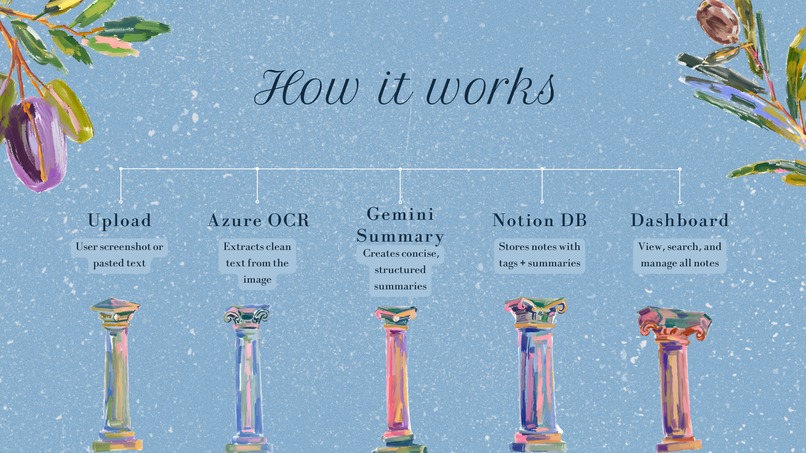
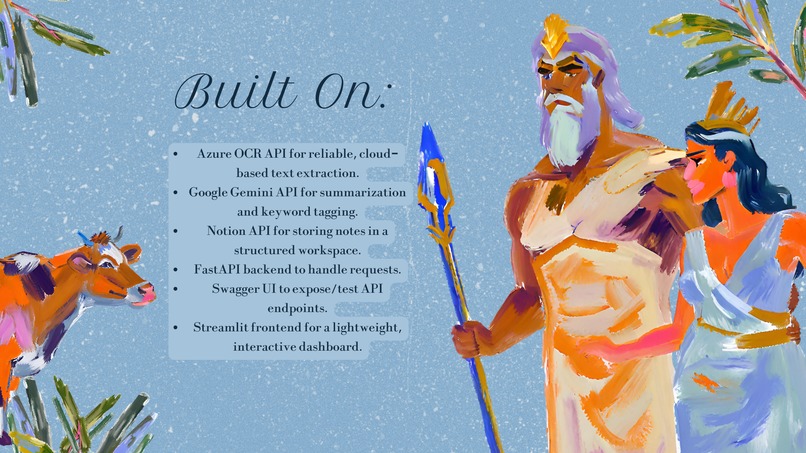
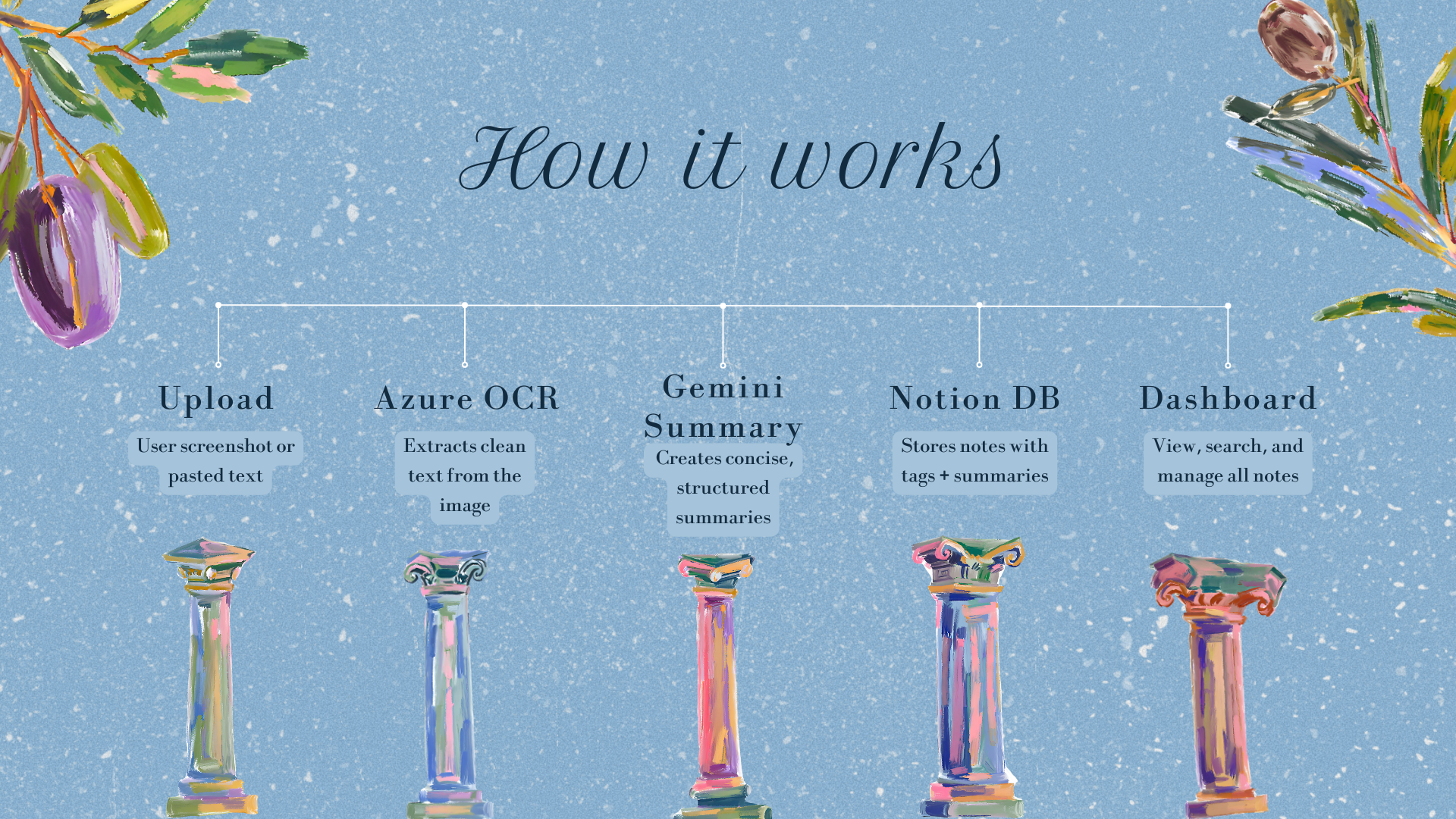
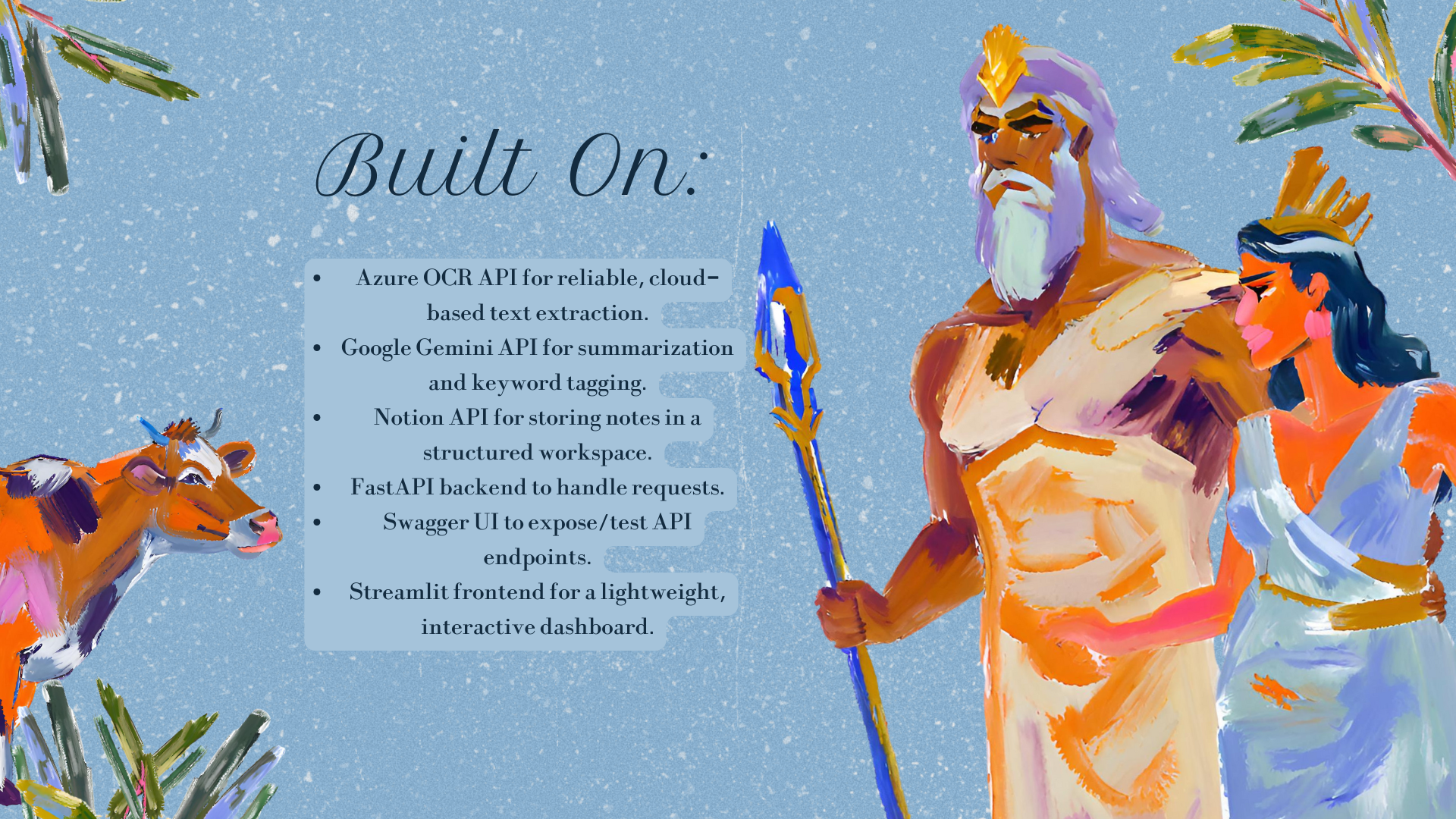
We split our team into two subsets: one working on the backend and the other on the frontend. The backend was built using Python. We used OCR (Optical Character Recognition) libraries to extract text from images and implemented logic to detect sensitive information using basic NLP and pattern recognition. We also handled the integration with the Notion API, converting the extracted text into structured notes and pushing them to the user's workspace. The frontend was built using plain HTML, CSS, and a bit of JavaScript for interactivity. We focused on creating a simple and intuitive UI where users can upload or drag-and-drop their screenshots, preview the extracted content, and confirm before sending it to Notion. Styling was done with vanilla CSS, keeping the design clean and user-friendly without relying on frameworks.
Challenges we ran into
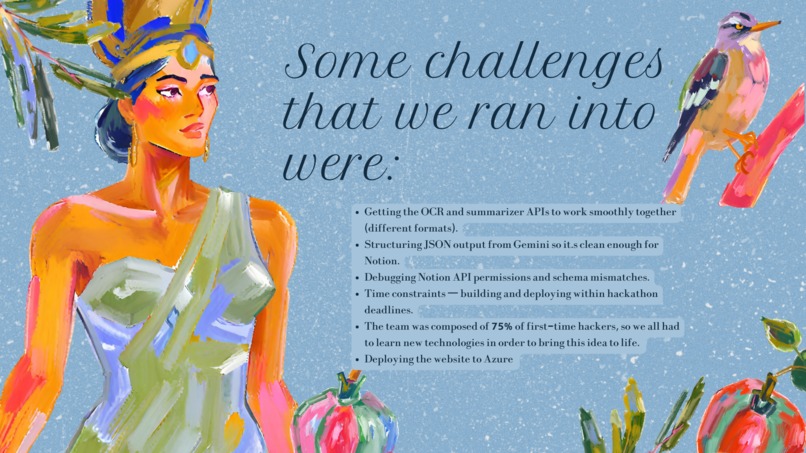
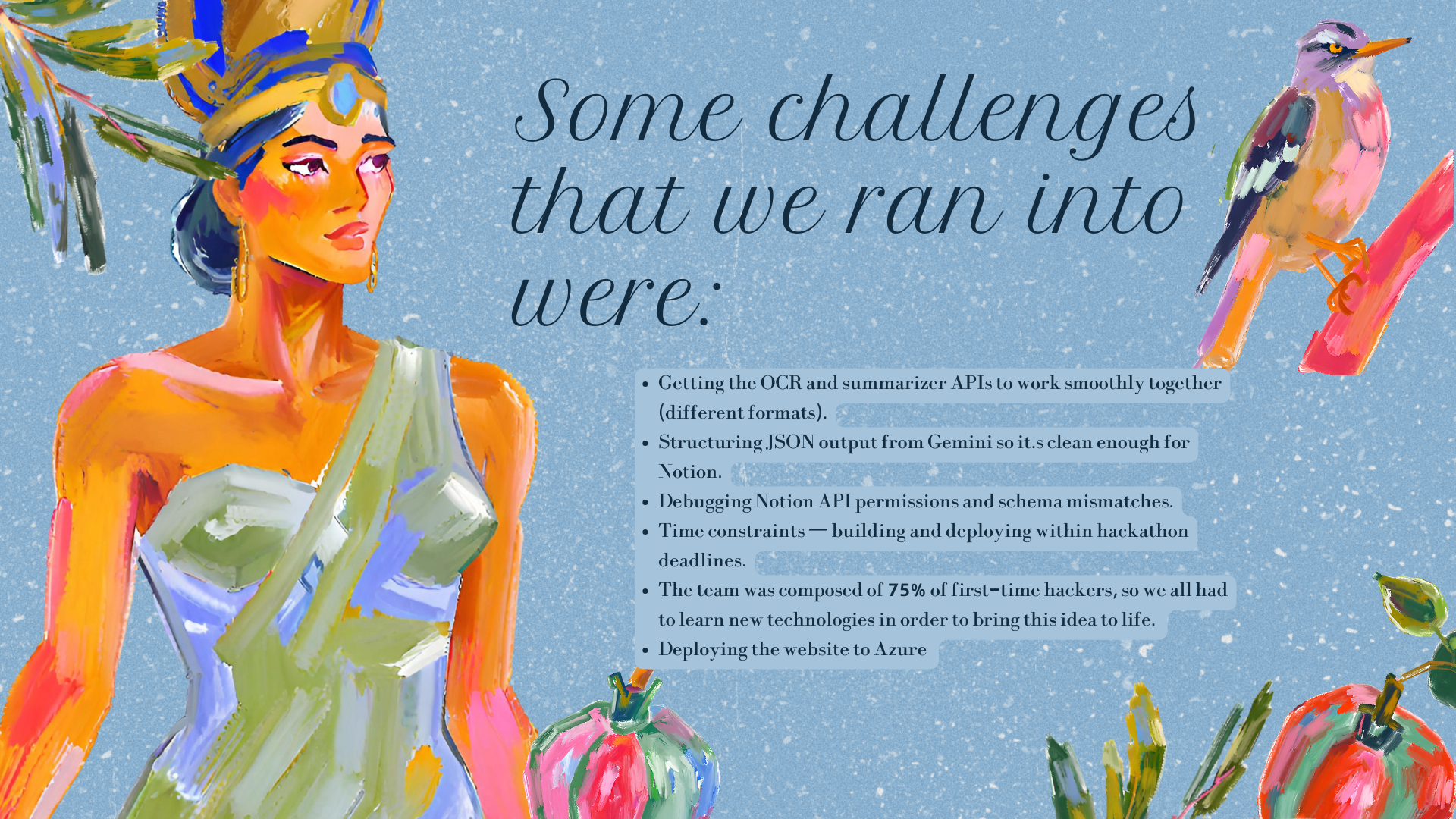
We realized that there are many similar applications that have the same functionality as our product, so we decided to add an extra layer of security to account for user privacy. If Mnem detects that the inputted image contains any personal info, the user will be alerted and prompted if they are sure they want to upload the image. Another challenge was syncing data smoothly with Notion, especially in cases where the extracted text wasn't perfectly clean. We had to fine-tune our OCR model and implement some text cleanup features.
Accomplishments that we're proud of
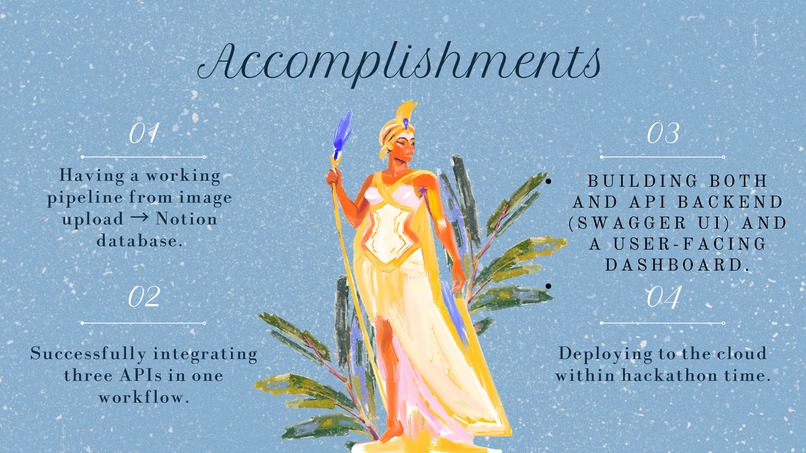
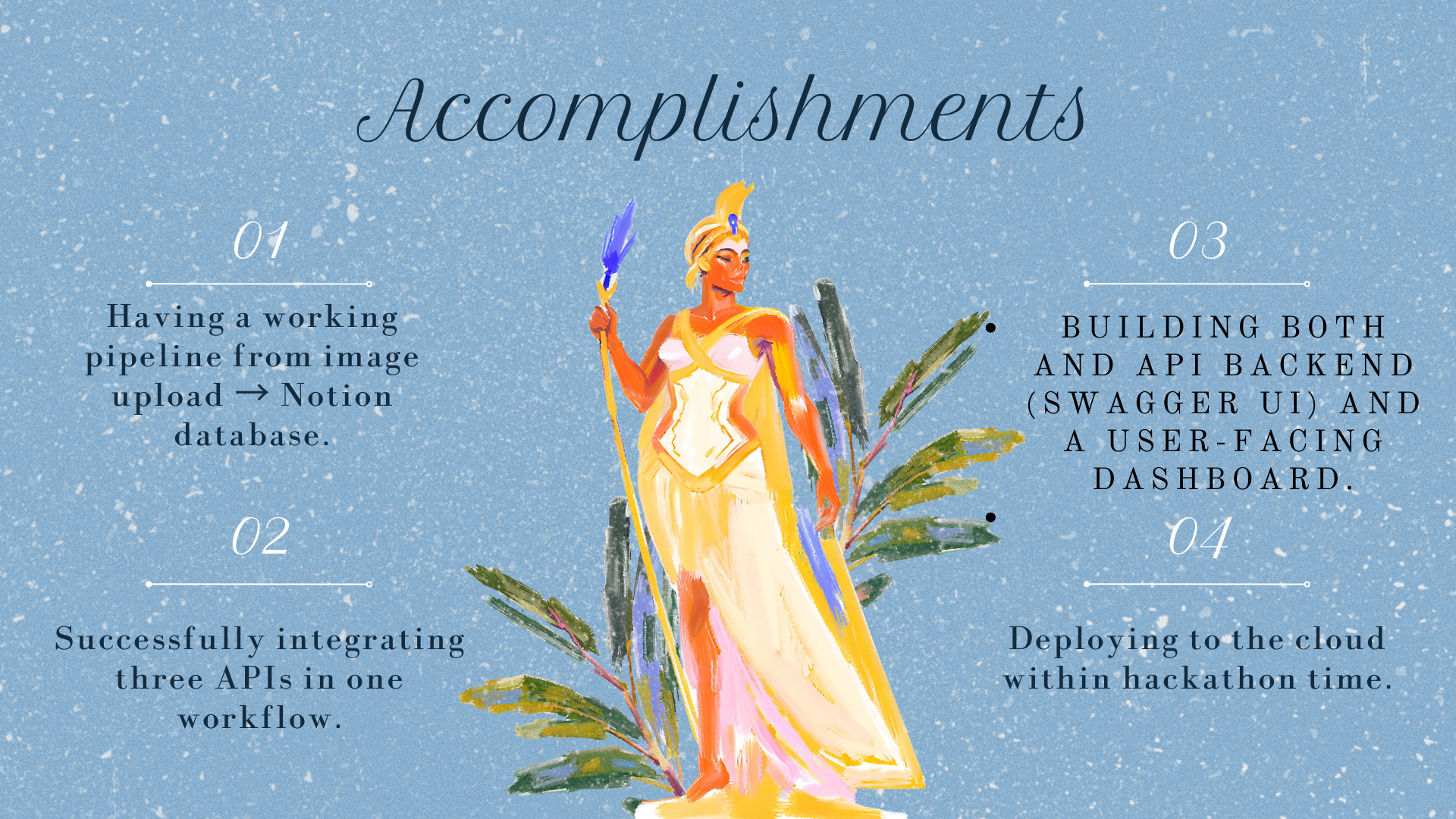
Our team is 75% beginners, so we are all proud to create a tangible product that we can all learn from. We're also proud that the final product not only works, but has a real use case that we ourselves find valuable. Building something that we would actually use was an exciting milestone.
What we learned
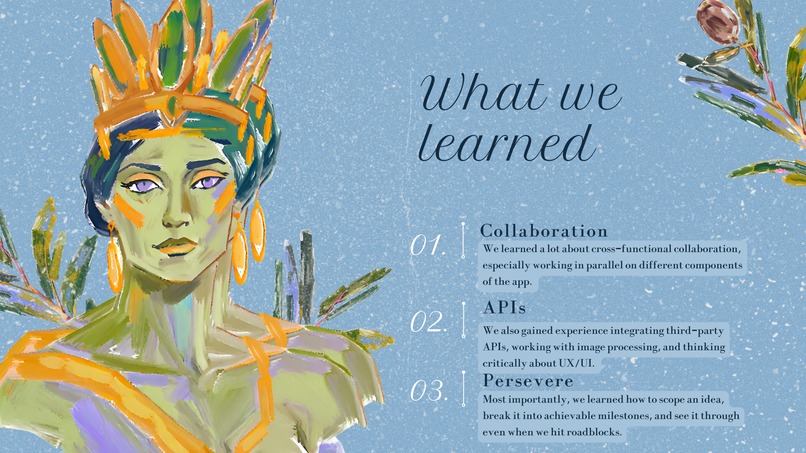
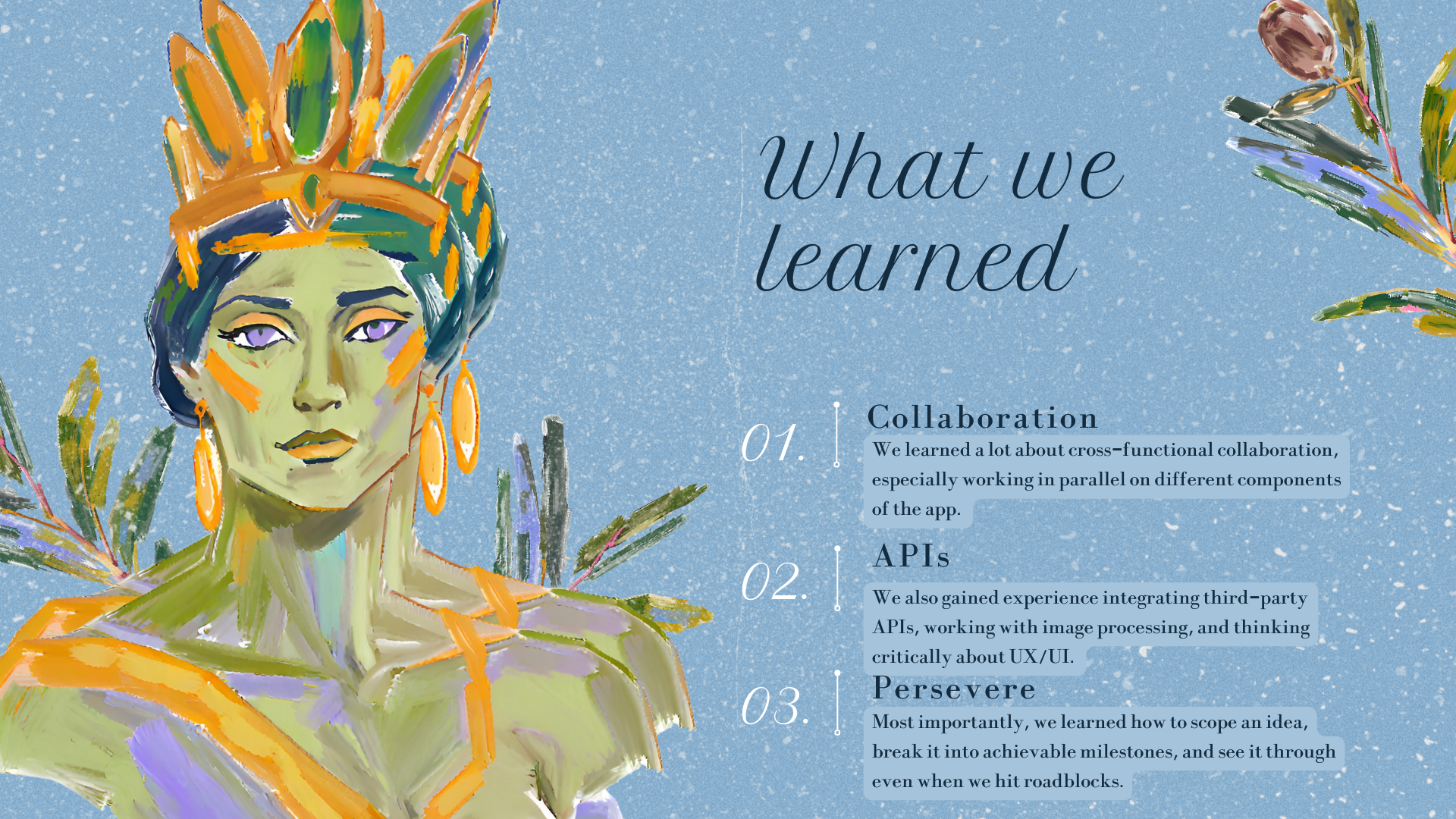
We learned a lot about cross-functional collaboration, especially working in parallel on different components of the app. We also gained experience integrating third-party APIs, working with image processing, and thinking critically about UX/UI. Perhaps most importantly, we learned how to scope an idea, break it into achievable milestones, and see it through even when we hit roadblocks.
What's next for Mnemosyne
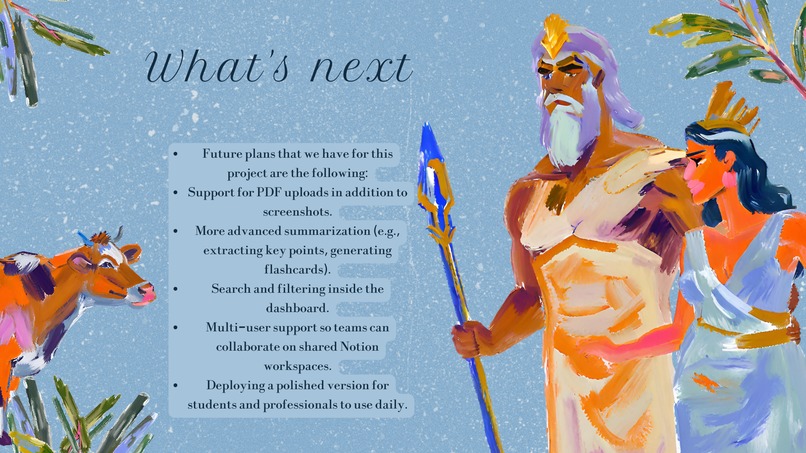
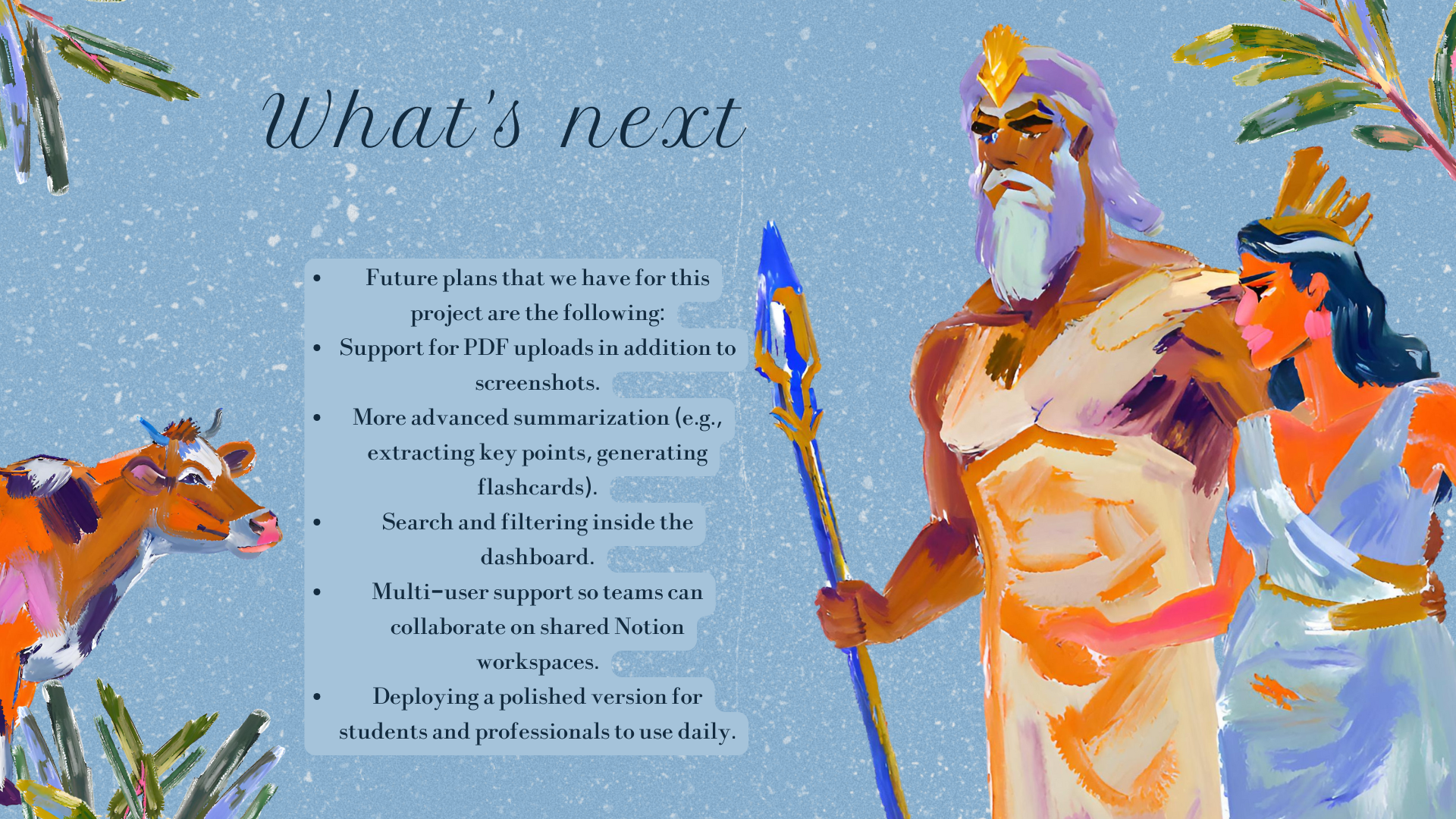
This is only the beginning! One of our future goals is to build a deep learning model that can recognize food images and return recipe suggestions. Imagine turning all those photos of delicious meals on your phone into step-by-step guides for recreating them, that's something we're excited to explore next. We also plan to expand Mnemosyne's functionality to support features like smart tagging, topic-based categorization, and integrations with other platforms such as Google Docs and Evernote. Additionally, we want to enhance our image privacy detection system by training it on more diverse data and eventually allowing users to define their own privacy rules. In the long run, we envision Mnemosyne as a comprehensive knowledge capture assistant, not just for screenshots, but for handwritten notes, whiteboards, sketches, and more.

Log in or sign up for Devpost to join the conversation.