-
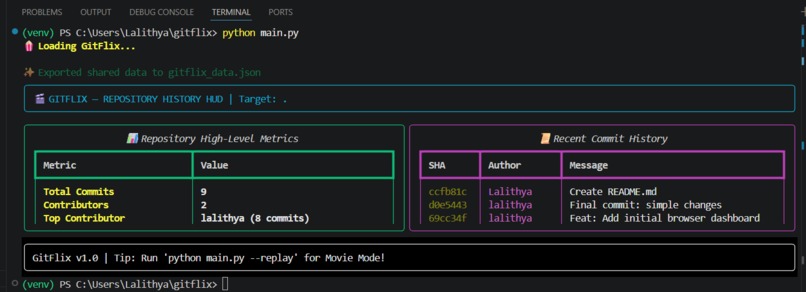
Terminal demo
-
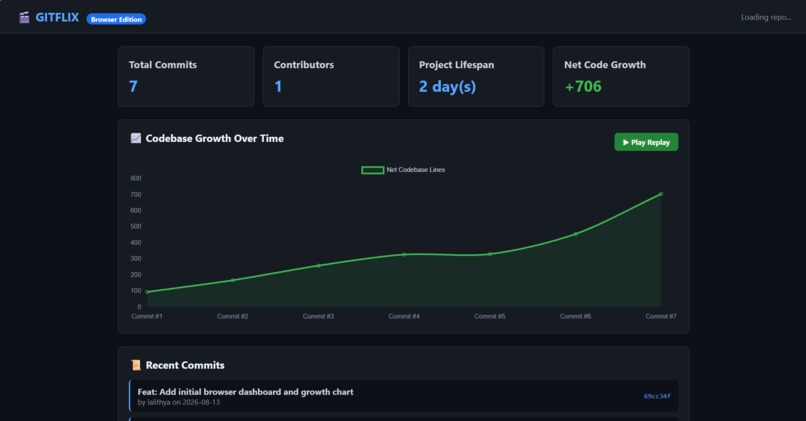
browser demo
💡 Inspiration
Reading through raw git log outputs in a terminal can feel dry, text-heavy, and disconnected from the human story behind software development. Every commit represents a moment in a project's life—late-night bug fixes, major feature launches, and massive refactors.
I created GitFlix to turn boring repository histories into a cinematic, retro "movie reel" experience. My goal was to give developers, team leads, and hackathon judges an intuitive and visually engaging way to re-watch a codebase grow frame-by-frame.
🍿 What it does
GitFlix is a dual-interface developer tool that analyzes local Git repository histories and transforms them into interactive visual formats:
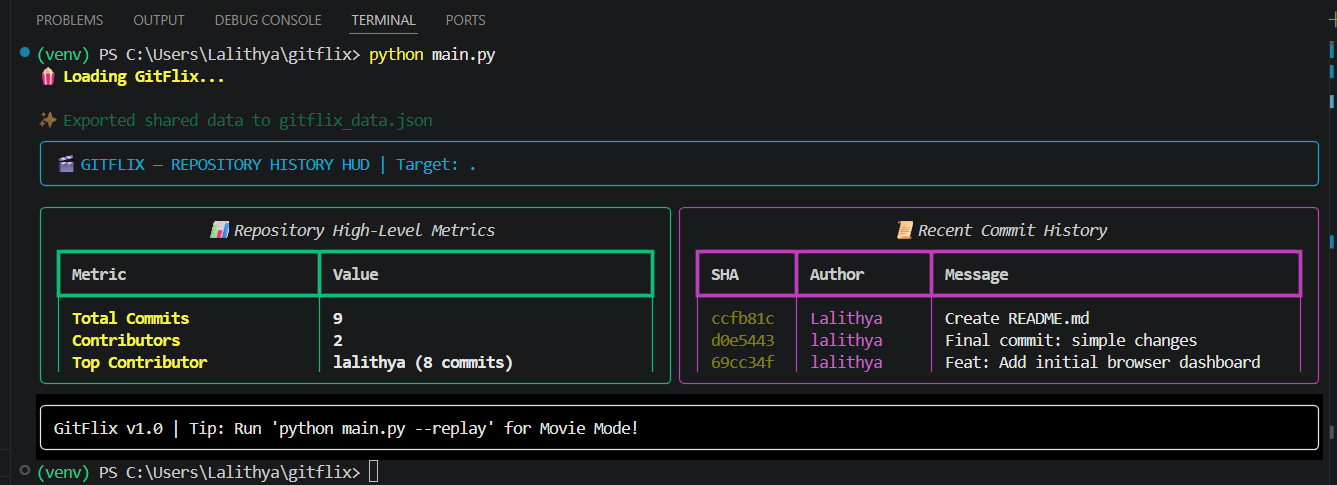
- 📺 Retro Terminal HUD (Python TUI): Displays high-level repository statistics—including total commits, top contributors, net codebase growth, and project lifespan—directly inside your command line.
- 🎬 Frame-by-Frame Movie Reel (
--replay): Animates the commit history chronologically frame-by-frame with progress bars and retro ASCII panel styling. - 📊 Shared JSON Pipeline: Automatically exports structured commit metrics into a JSON data file.
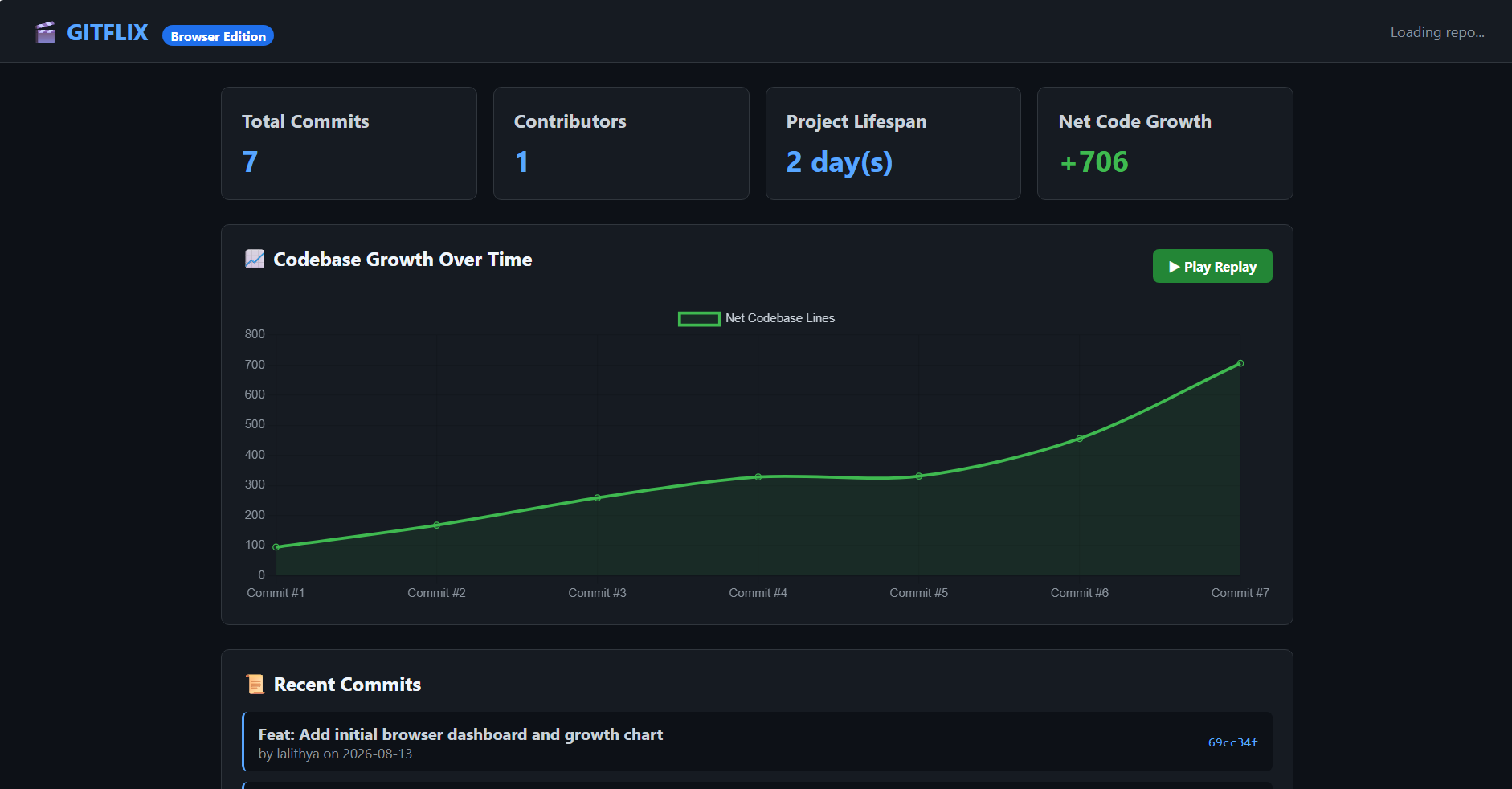
- 🌐 Interactive Web Dashboard: A dark-mode web application featuring a Chart.js engine where users can hit
▶ Play Replayto watch an animated timeline of code growth in real-time.
🛠️ How I built it
- Python (
subprocess& Regex): Interfaced directly with native Git CLI commands to parse raw commit logs, extracted commit metadata, author details, and insertion/deletion statistics. - Rich Library: Built retro terminal layouts using
rich.panel,rich.table, andrich.layoutto render the TUI and frame animations. - Vanilla JavaScript & Chart.js: Developed a zero-dependency web application that fetches exported JSON data and renders dynamic growth charts.
- HTML5 & Modern CSS: Designed a dark-theme UI with CSS Grid and flexbox layout to match the terminal aesthetic.
⚡ Challenges I ran into
- Parsing Irregular Git Logs: Parsing Git output cleanly across various commit formats—especially when commits had zero deletions or modified binary files—required custom regex logic and robust fallback handling.
- Syncing Replay Timings: Finding the right animation speed for both the terminal loop and Chart.js
setIntervallogic took several iterations to ensure the replay felt cinematic rather than chaotic. - Data Bridge Architecture: Designing a lightweight JSON schema that contained all necessary metrics for the web dashboard while keeping file sizes small and load times instant.
🏆 Accomplishments that I am proud of
- End-to-End Pipeline: Built a fully working system spanning a Python CLI tool, terminal UI engine, JSON exporter, and animated web app within a short hackathon timeframe.
- Zero-Setup Web Frontend: Kept the frontend lightweight using vanilla JS, ensuring instant page load times and easy deployment to GitHub Pages.
- Dual-Interface Flexibility: Giving users the choice between a keyboard-driven terminal HUD and a mouse-interactive web dashboard.
📖 What I learned
- How to effectively harness Python's
subprocessmodule to parse complex command-line utility outputs. - Advanced terminal UI design patterns using the
Richframework. - Designing decoupled architectures where a single backend parse serves both CLI interfaces and web clients seamlessly.
🚀 What's next for GitFlix
- 🔀 Multi-Branch Visualizer: Render parallel branch merges like overlapping plotlines in a movie.
- 🔊 Retro Sound Effects: Add synthesized 8-bit sound effects when commits slide across the replay screen.
- ☁️ GitHub / GitLab API Integration: Allow users to paste any public remote URL to generate a movie reel without needing to clone the repository locally first.


Log in or sign up for Devpost to join the conversation.