-
-
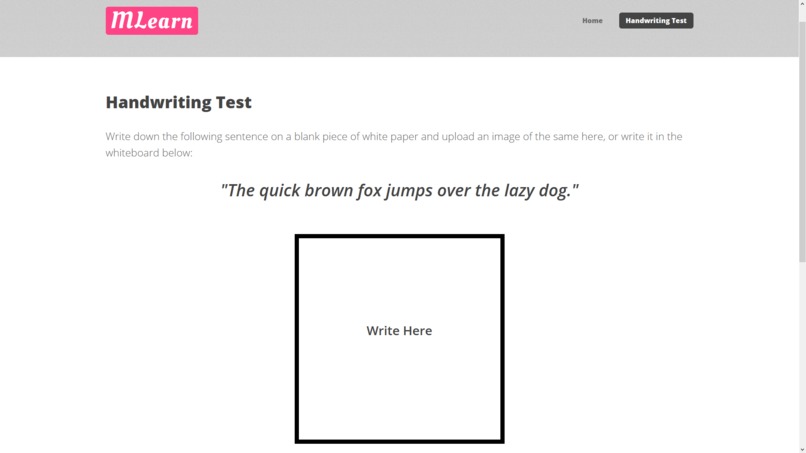
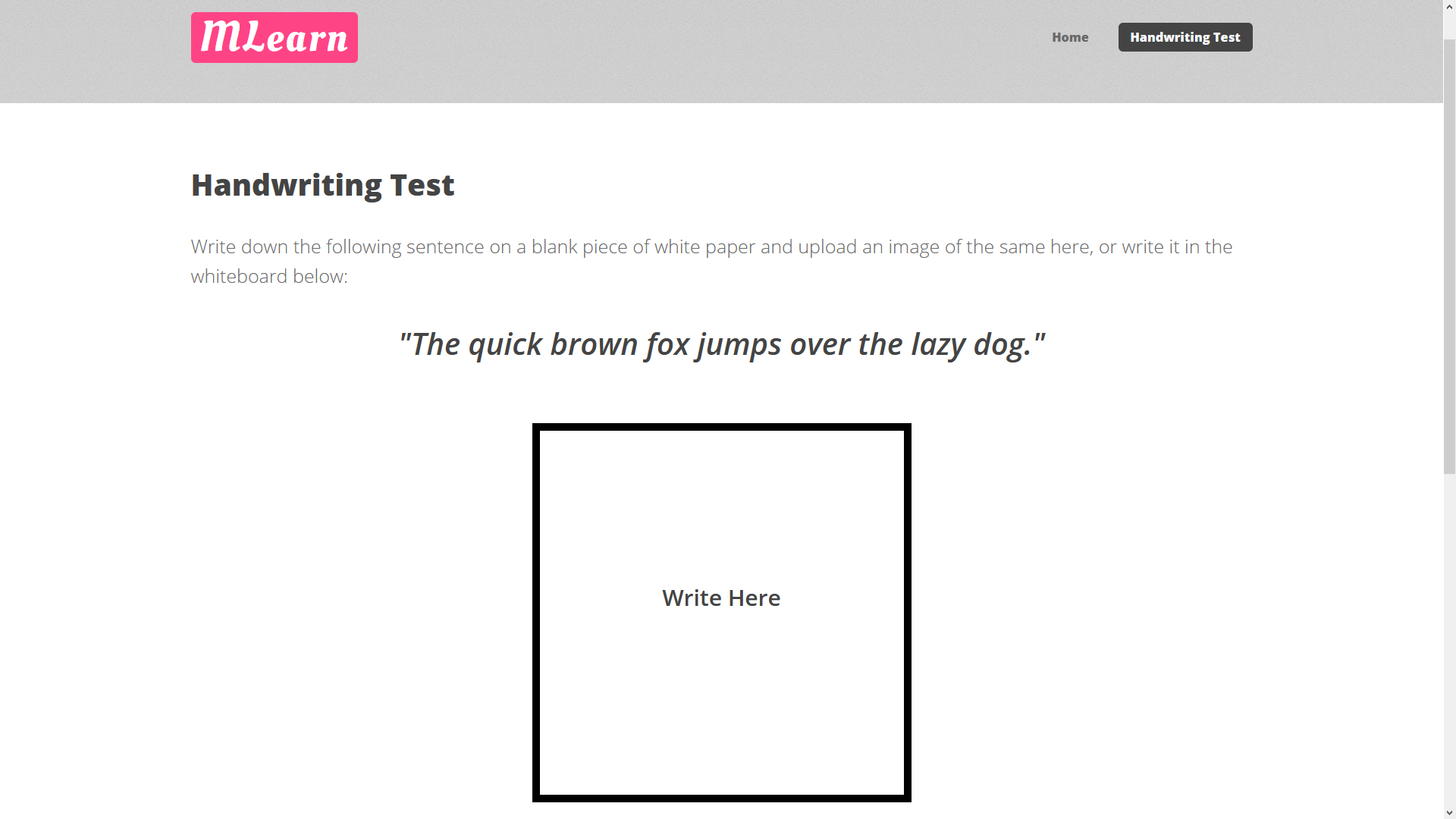
Tablet Mode Page
-
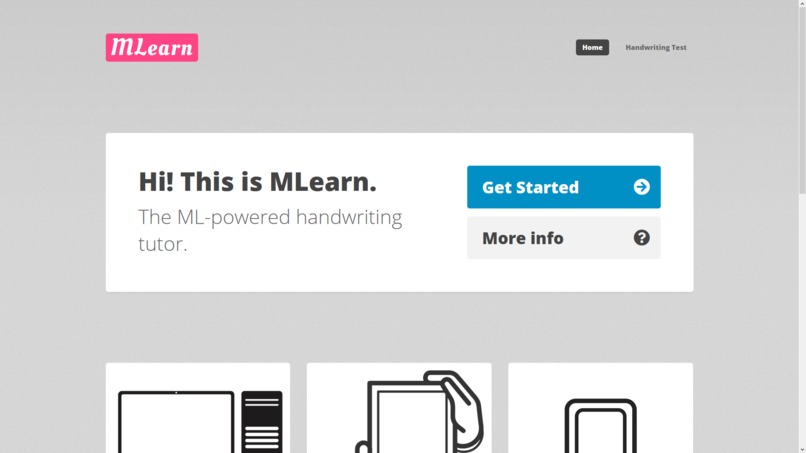
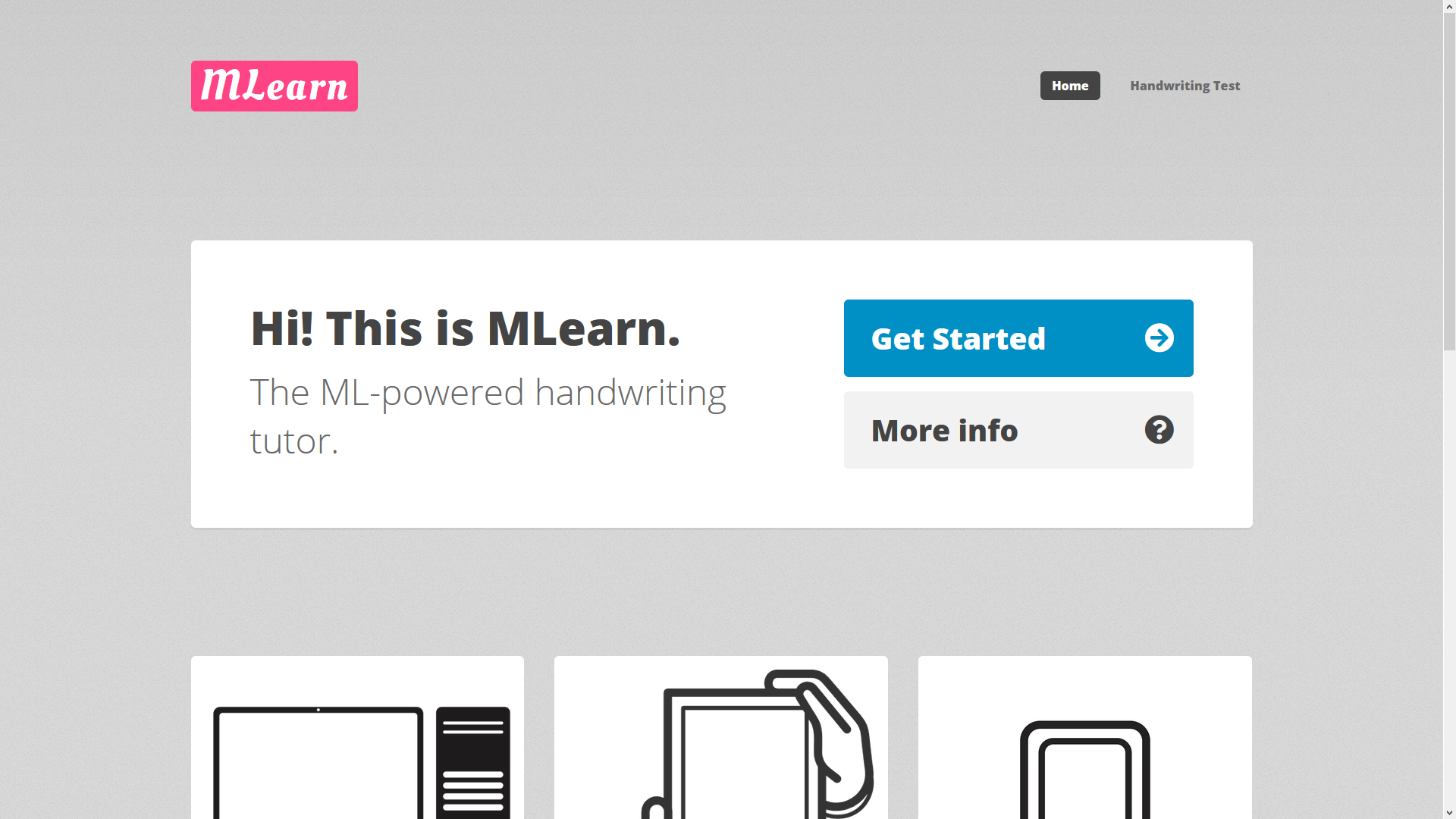
MLearn Website Index Page
-
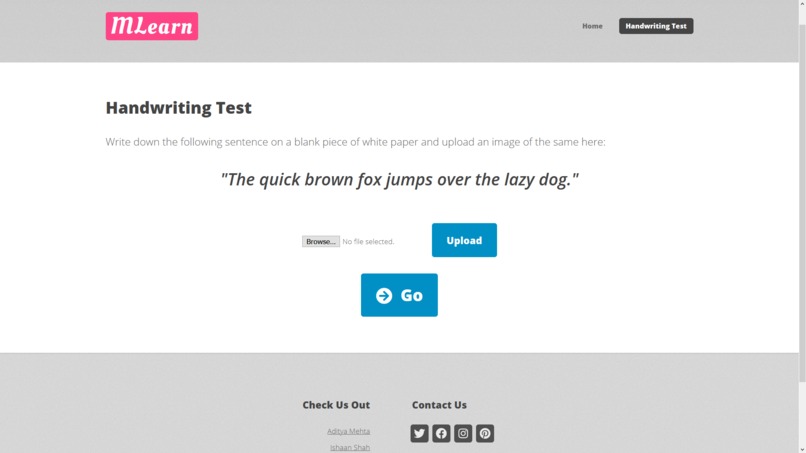
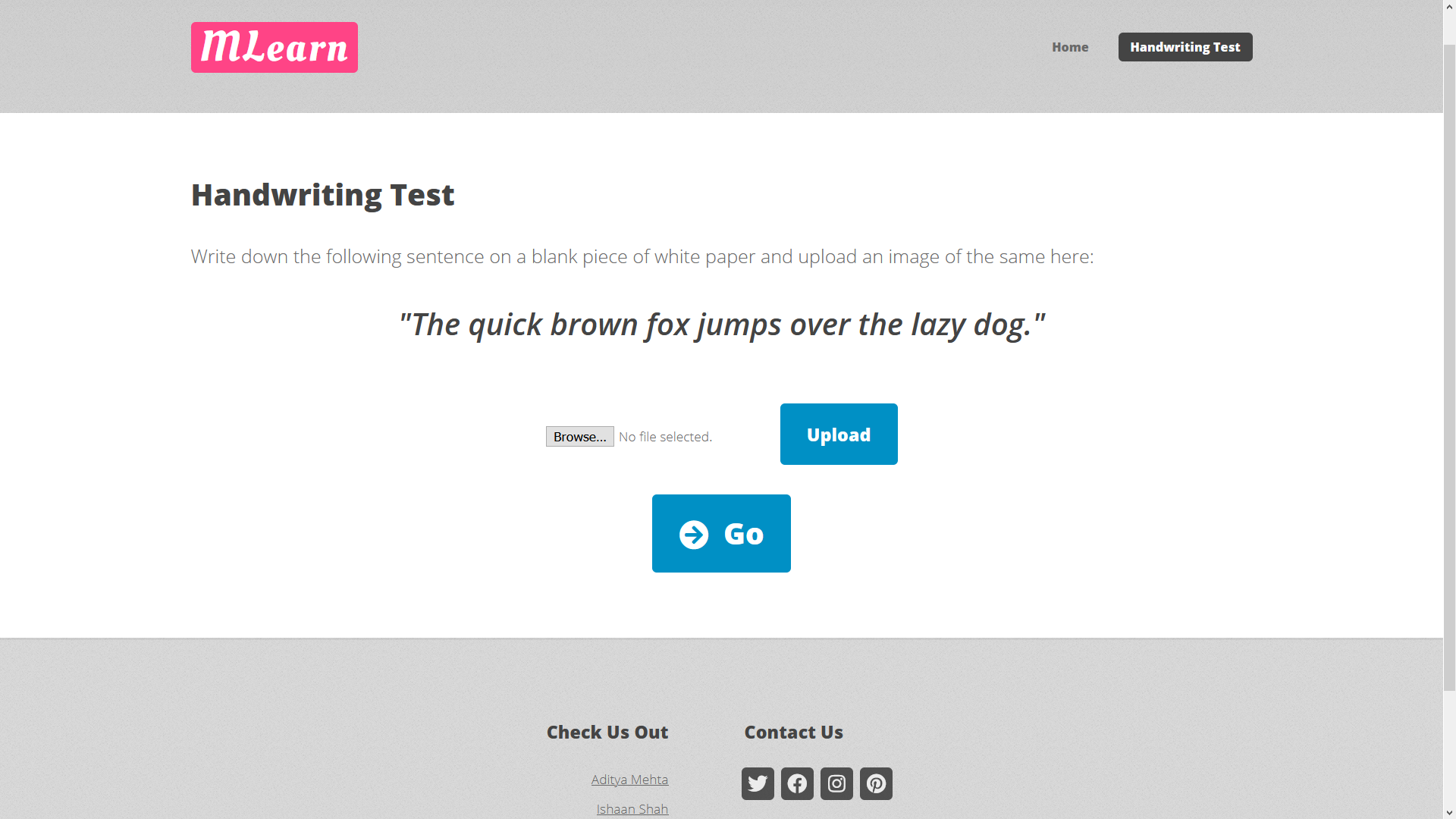
Handwriting Test Page
Inspiration
Writing is a tradition that dates back hundreds, if not thousands of years. Due to the advent of technology in the modern age, however, the practice of physically writing, which was once the primary means of communication, is now on the decline. In some cases, such as that of Mandarin, (which is a script far more vast and expansive than that of the English language) children are simply forgetting how to write properly as they have moved over to digital means and media. MLearn aims to reverse this trend, by teaching children as well as adults, to write...
What it does
MLearn is at its core a handwriting tutor, hosted as a web-app. It uses Optical Character Recognition (OCR) on handwritten text to determine the legibility and readability of the text. Through this, MLearn is able to recognize text, and inform the user about his/her mistakes and inaccuracies. Through such 'handwriting tests', which can be no more than a sentence or two long, MLearn can produce a comprehensive summary, outlining the key letters or symbols on which the user needs to work the most.
Furthermore, MLearn can be integrated into the pre-primary level of the education system, providing students with a far more captivating and engaging means of learning a new script. Additionally, through a scoring system, children can treat MLearn more as a game than a forceful exercise, practising and competing with their classmates.
The benefits of MLearn, however, are not limited to the youth. Anyone wishing to learn a language having a new script can utilise MLearn to initially familiarise themselves with, and eventually master the script.
Additionally, users can use MLearn through most common devices including desktops/laptops, tablets as well as mobile devices, making it easy to use and highly accessible!
How we built it
The back-end for MLearn was built primarily using Python and Scikit Learn. We made a machine learning model using the Random Forest Classifier. The dataset we used for training was the NIST Special Database for Handprinted Forms.
The front-end web-app was made using HTML5, CSS3 and Javascript, and was hosted using one of our personal domains.
Challenges we ran into
While we were able to train a fairly accurate model with an accuracy of around 90% on the testing data, we were unable to properly deploy the model and link it correctly with the front-end of the site. This was due to our lack of exposure to Image Processing in ML.
Additionally, we were not able to implement a fully functioning whiteboard on the web-app (tablet section), due to time constraints.
Accomplishments that we're proud of
First and foremost, we are most proud of having successfully trained an ML model, with a fairly high accuracy of 90%. We're also very happy with the way our web-app turned out.
What we learned
We learnt a great deal about machine learning, image processing, and web development. We were able to train, compare and evaluate several ML models. Additionally, we learnt a lot about APIs and libraries which we weren't familiar with...
What's next for MLearn: The ML-Powered Writing Tutor
With MLearn, we have a lot on our agenda for the future... 1] We wish to make a fully functioning, deployable version of the web-app, where all the aspects of this proof-of-concept are properly linked and working in conjunction. 2] We wish to develop a full server-client architecture with accounts for users where their data is stored. 3] We aim to develop support for different languages and scripts, expanding our horizons beyond english. 4] We aspire to make MLearn a part of every school's curriculum, and an essential part of every child's journey of learning how to write...

Log in or sign up for Devpost to join the conversation.