-
-
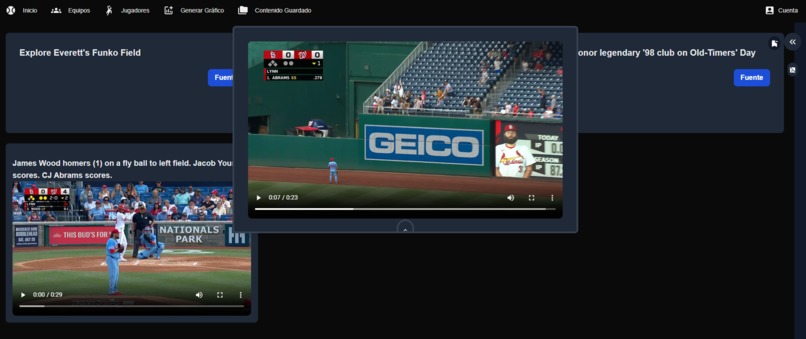
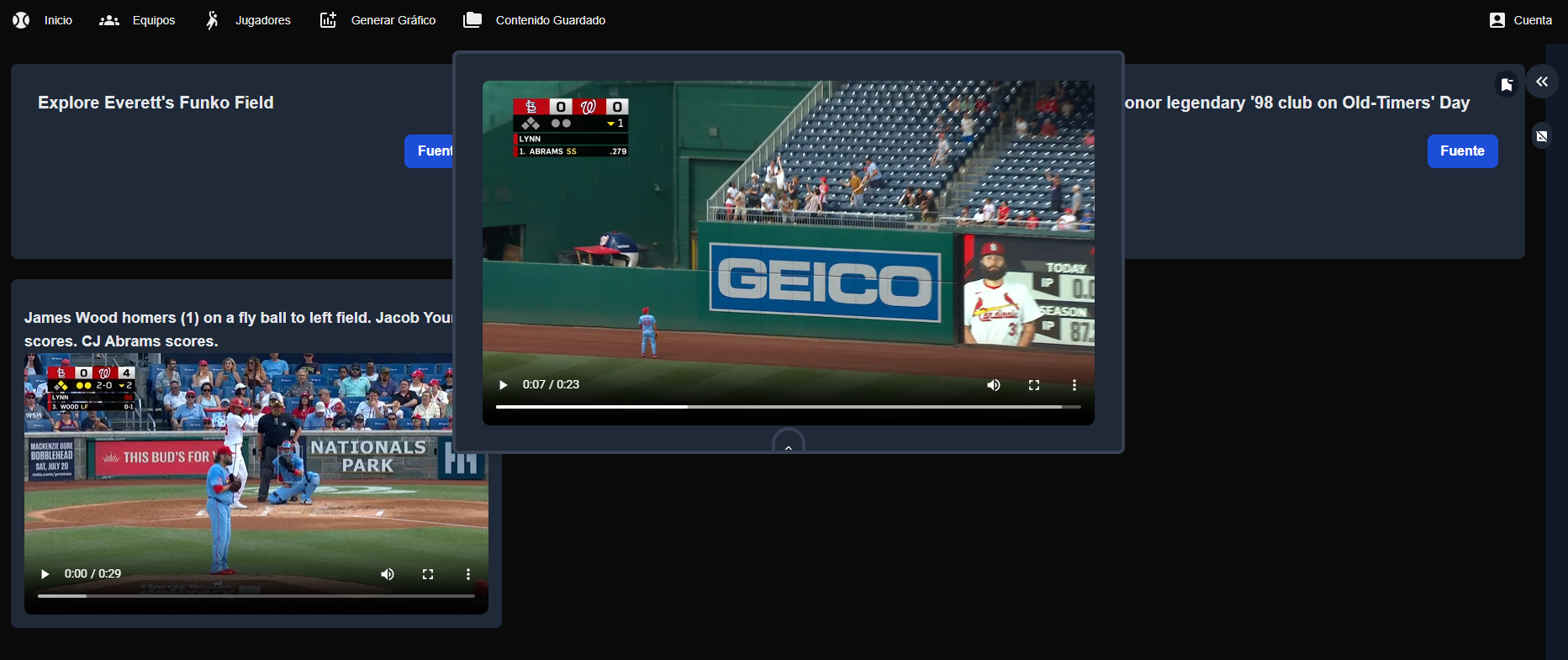
Have all your saved content on a dashboard with a hidden easter egg home run from one of your followed players!
-
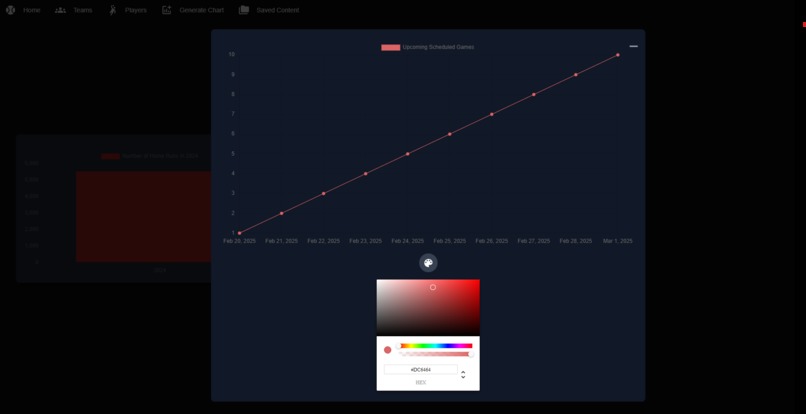
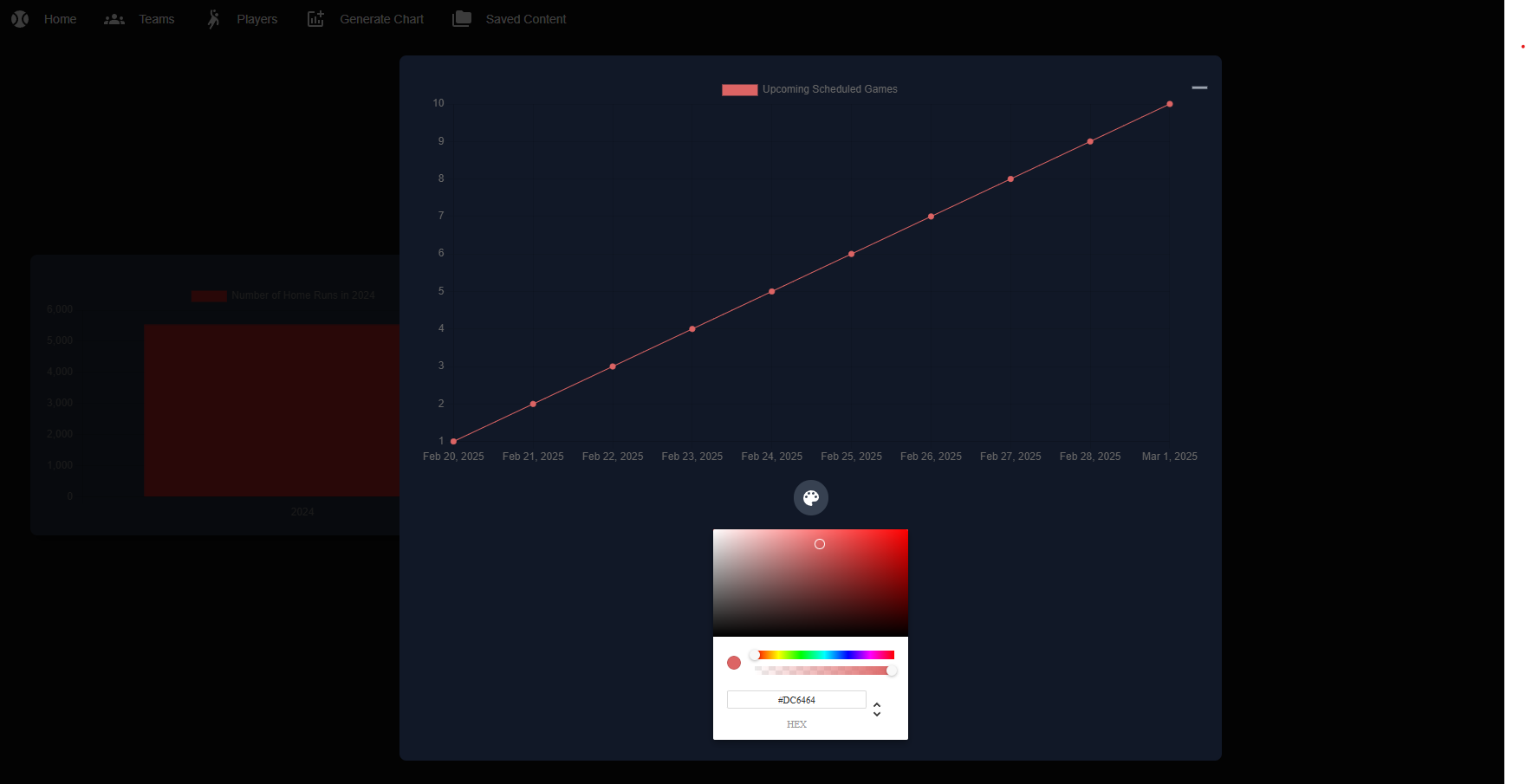
Personalize graph data generated from your own prompts!
-
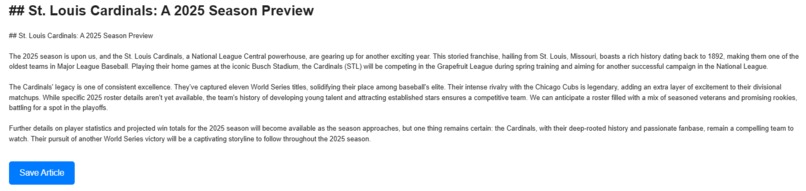
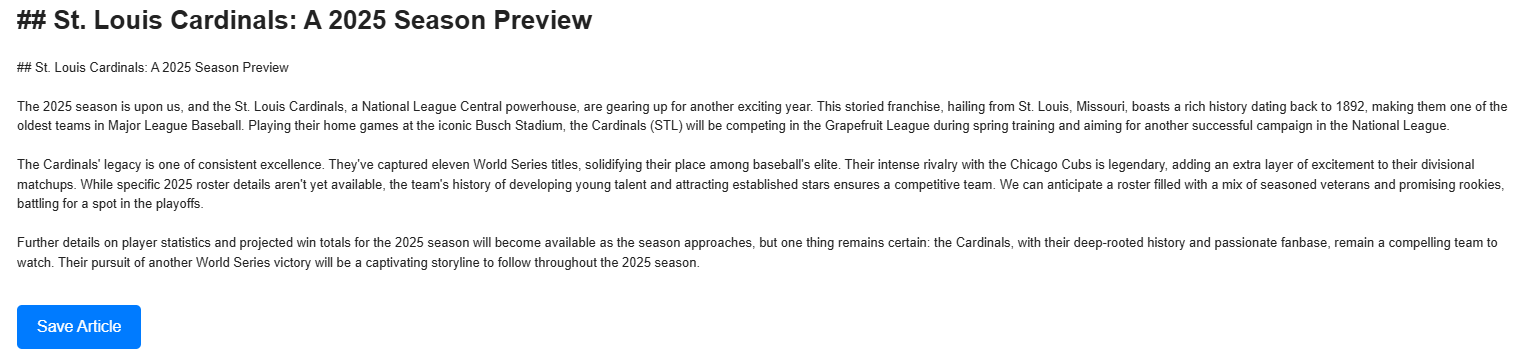
Receive generated articles, tailored to your followed players and teams!
Inspiration
This hackathon was the perfect opportunity to learn more on Google's technologies, such as BigQuery and Gemini. As well as seeing challenge 2, sparked an idea to try to generate articles, based on followed players and teams.
What it does
This application consists of the following features:
1) Users can make an account and follow their favorite players and teams.
2) Based, on those followed players and teams, AI generated articles are sent to the user's email address, tailored to their interests, on the daily. The email frequency can also be changed by the user if they prefer it to be on a particular day of the week or month. Users also have the option to save the generated article from their email client. Users have the option to unsubscribe from this feature at anytime too.
3) Users can provide prompts to generate graphs to visualize baseball data. Players can re-name the graph title and labels, as they see fit. They can also save the graph.
4) Users can search for players and teams or filter by their followed players and teams.
5) Automatically, the system can find related content towards a player or team and list it for the user. Users can then save this related content as they see fit.
6) There is a section that lists the user's saved content, which includes videos, articles, and graphs. From this section, users can generate a summary of the videos and download articles to a PDF document. The user can also change the color of the graph from this section as well.
7) On the home page, users can add their saved content to a baseball dashboard in order to have all their preferences visible at the first login of the website. There is also a hidden easter egg of random home runs of the user's followed players being generated on the home page that can be toggled off and on.
8) The application supports English, Japanese, and Spanish. This means that all static elements are automatically translated in the user's preferred language and the application offers dynamic translation, such as translating video summaries, related content, and articles in the user's preferred language. Additionally, articles generated for the user are created in their preferred language.
9) The user also has the ability to change their name and preferred language at anytime, as well as sign out or delete their account.
How I built it + Challenges and Accomplishments
I built it using nextjs and typescript, as well as DaisyUI and Tailwind for stylizing the UI. I ran into several challenges, but persevered through it, such as getting some of the APIs to work consistently. This includes the graph generation, as there are a few steps, such as using Gemini to translate the user's natural language into a SQL query. Then, that query is sent to BigQuery to return the desired baseball data, based on the prompt. With the returned data, Gemini is used again to determine the best graph type, using chartjs to render that data. It took a lot of tries to get this to work properly and I made it dynamic, in the sense that when I add data to my MLB table in my BigQuery project, it is automatically reflected into the application, without any code changes. I also utilized BigQuery to match the followed players and teams to related content.
Additionally, it took a lot of tweaks to get the frequent article generation sent to the user, based on their followed players and teams to work properly, as well as with their preferred language, but I am very proud of the way it turned out.
I also faced a lot of challenges with the translations. I was able to find a good solution for static translations, as I can configure all that in a translation file. However, I struggled with the dynamic translations. I was able to get it to work using Gemini thankfully. For example, the returned MLB data, such as video titles and article names are in English, so I offered a button for the user to translate it and they can simply click on it and it will then translate it in the user's preferred language and that way when they save the content, it is saved in their preferred language and will be kept upon refresh. Similarly, if the video summary is not in the user's preferred language, I offered a button that will translate it automatically to the user's language, as well as for the PDF article download button.
I also got stuck for days getting my application to work on the hosted platform Vercel, but luckily I tried setting that up early on before the submission date and once I got it working with the API calls again, from there it was easier with continuous integration.
Utilizing firebase, was a great help in keeping the user's information persistent, such as followed players, teams, liked content, etc. I also faced challenges in the video summarization, as not all URLs worked, such as video links from the MLB website that was provided within the hackathon. Luckily, I was able to get it to work by before providing those types of URLs to Vertex AI to summarize, I uploaded it to a Google storage bucket and then from that URL I used for the summarization and it worked consistently.
What I learned
I learned so much working on this project. It was my first time using next.js, as well as other google technologies, such as BigQuery and it took a lot of late nights and early mornings, but I am so happy with how it turned out and how much I learned in a short period. Utilizing Gemini with BigQuery was a game changer, as it allowed for natural language to get the desired data, as well as utilizing firebase functions to send automated emails in conjunction with Gemini absolutely blew me away when I got it working.
What's next for Personalized Baseball Generator
I feel this application is so close to being ready for an official MVP, going beyond the hackathon. I have listed some additional next steps if this project is continued after the hackathon winners are announced.
1) Make it more responsive between different platforms, as well as on mobile.
2) Add much more data to make the graph generation even stronger. Additionally, adding a re-try mechanism if the graph generation fails, to re-generate the SQL query, based on the user's prompt until valid data is returned, as well as with a re-try limit to ensure that it is not in an infinite state. I already started to add re-try logic to the article generation, as I got closer to the submission deadline, as I noticed that sometimes the article generation would not always work consistently, due to returned data from BigQuery being empty.
3) Allow the application to be capable with several other languages to increase the usability of audiences.
4) Improve the baseball dashboard, such as allowing items to be re-sizable and draggable for more user control, based on their generated content.
5) I would also like to add image generation from text capabilities, utilizing imagen 3. I did try to get it working before the submission of the hackathon, but had errors when triggering the API. Luckily, I have all the setup done with a UI button that is de-activated for now, so if I continue this project, I just have to fix the API bug I got and I should be ready to go.
6) I believe I can further improve the prompt that generates the SQL query through more trial and error with prompt engineering. I provided the table names and fields to the prompt dynamically, but I can definitely add more criteria within the prompt to further enhance the generated SQL query for BigQuery.
Built With
- bucket
- chartjs
- daisyui
- firebase
- gemini
- google-bigquery
- google-storage
- nextjs
- tailwind
- typescript
- vercel
- vertexai

Log in or sign up for Devpost to join the conversation.