-
-

Our inspiration is the MLB logo, the famous home run hit
-
DataSheet
-
Who that a search?

Humanity's constant aspiration to consider its past, its culture and its technology makes us think that a starting point in this contest would be to answer the question what is the next home run and so we thought of creating a search button for MLB where we can find this question From Newton onwards, gravity is certainly the point where we all matter
Search Home Runs
Code Summary
This is a web project that aims to display data about MLB (Major League Baseball) home runs. It fetches information from a MySQL database and presents it in an organized way, with some additional functionality. Here is a breakdown:
Technologies and Components:
HTML: The structure of the web page, including:
Navigation (with links to the MLB website and a search bar)
Displaying search results (paged table)
Displaying information about a specific home run
Integration with Three.js for 3D visualizations (not fully implemented)
An "overlay" to display videos and data
CSS: Styles for the appearance of the page, including layout, colors, and responsiveness to different screen sizes.
JavaScript: Client-side logic to:
Search for home runs by player name
Display videos and data in a modal
Create a visualization of the ball's trajectory (with Three.js)
User interactions (e.g. closing overlays)
A "loading" script that disappears in 4.2s
PHP: Server-side logic to:
Connect to MySQL database
Query home run data (with pagination)
Return data to web page (as tables and visualization information)
Perform calculations such as ball weight and spin (based on physics data)
Select a "top" home run based on predefined criteria
MySQL Database: Stores home run data (player, distance, speed, angle, video, etc.)
Main Features:
Search by Player Name: The user can search for home runs by player name using a text field.
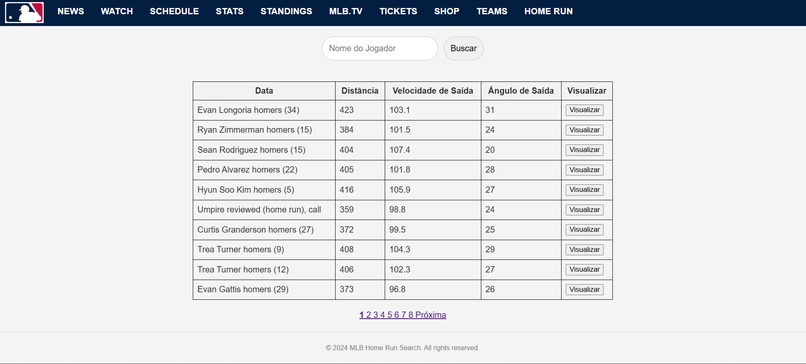
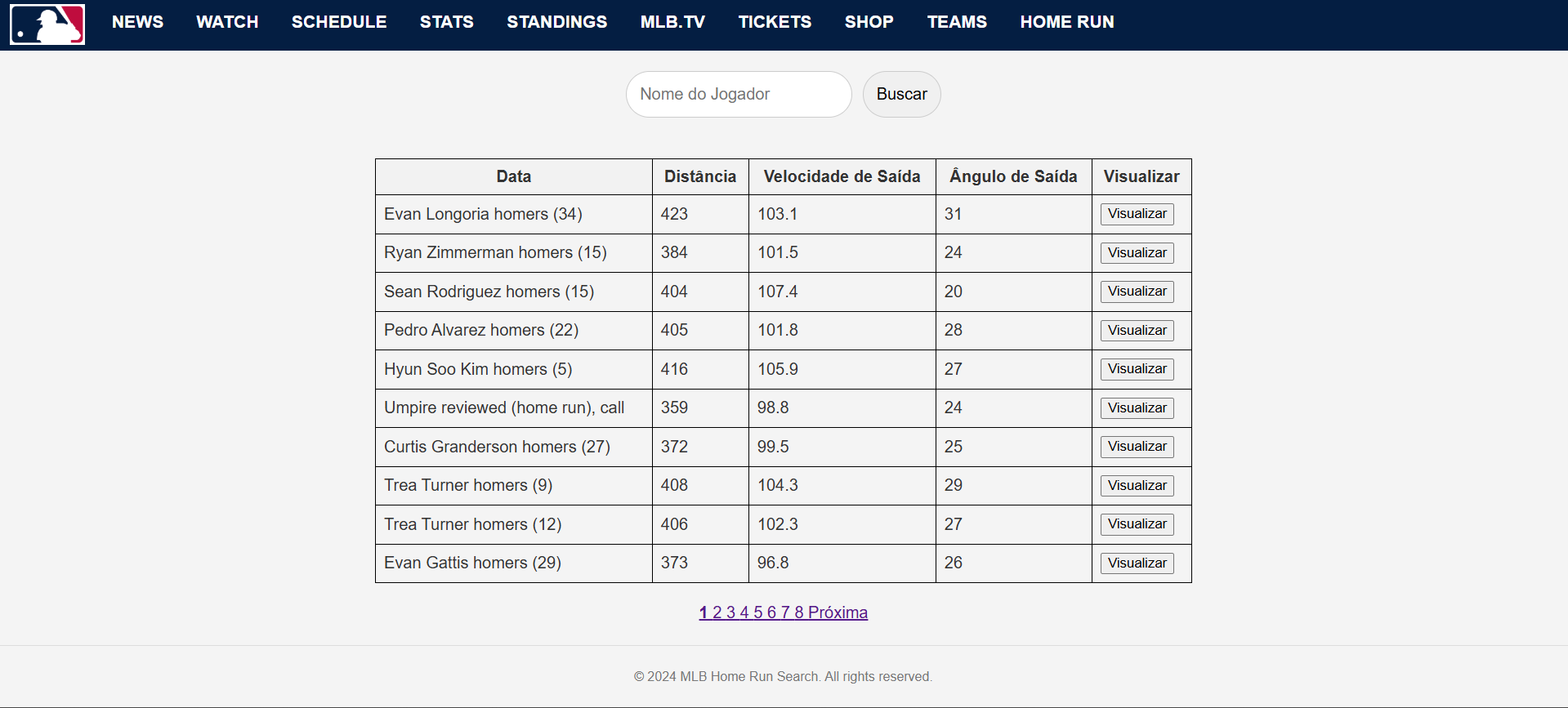
Results Display: The corresponding home runs are displayed in a paginated table.
Data Visualization:
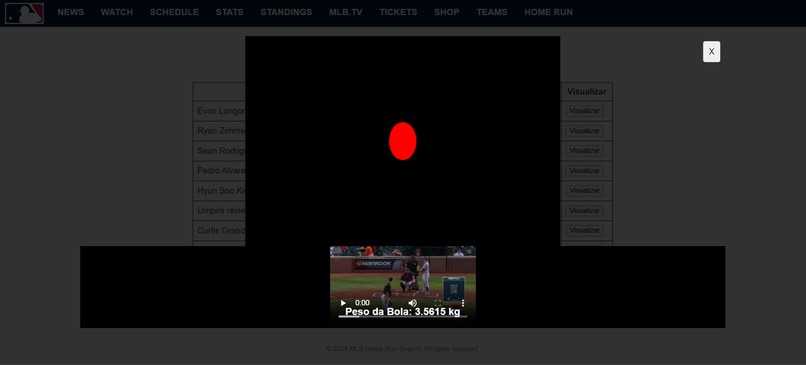
The data for each home run is displayed in a table with information such as player name, distance, speed, angle, ball weight, and spin.
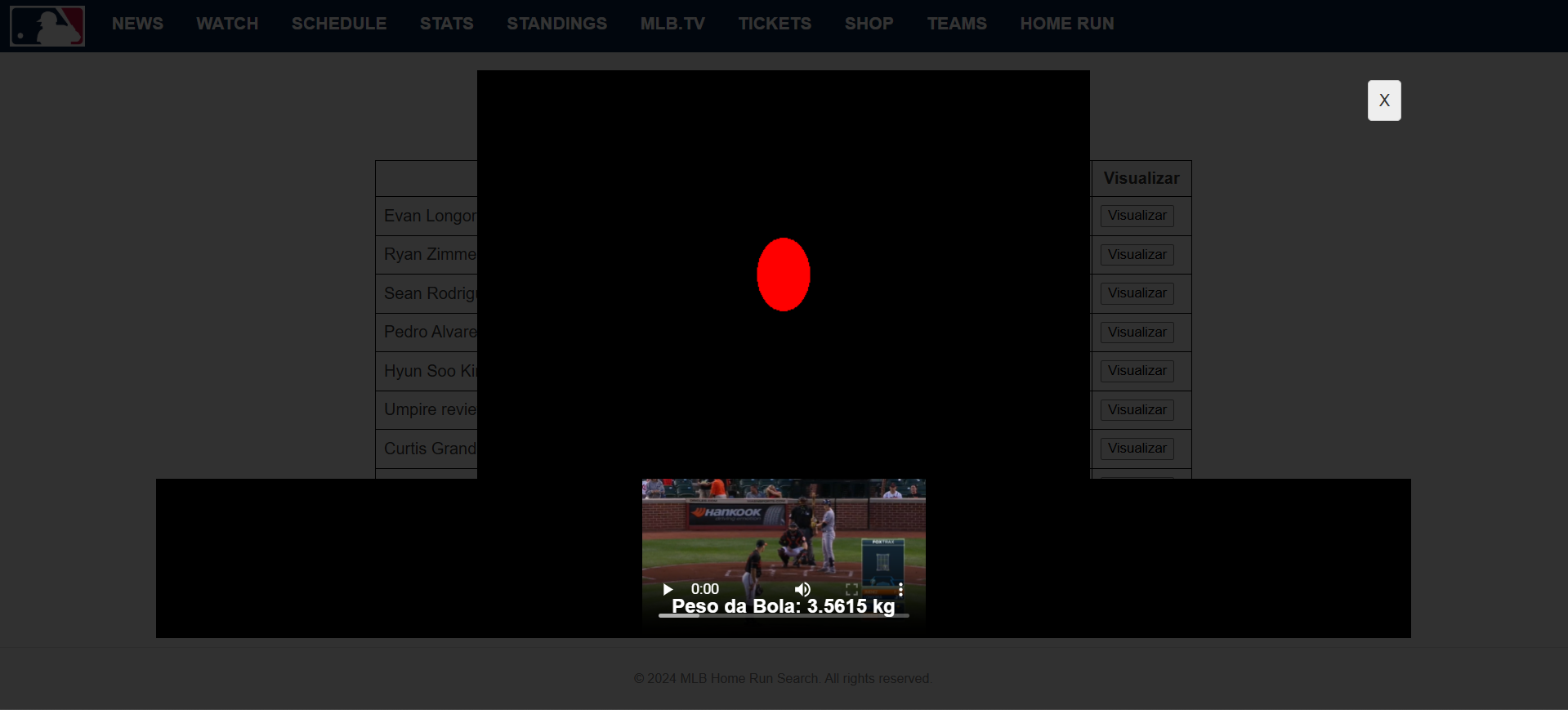
A video related to the home run can be displayed in a modal (overlay).
There is a 3D visualization of the ball's trajectory (using Three.js).
Physical Calculations: The system calculates the ball weight and spin (RPM) using physics formulas.
Special Home Run Highlight: The system identifies and highlights the "top" home run based on specific criteria (exit angle, ball weight, spin).
Loading Loading screen with logo and message.
Project Capitalization/Expansion
Here are some ideas on how this project could be expanded and/or made more robust:
3D Visualization Improvements:
Rendering a 3D model of an MLB stadium.
More accurate trajectory calculations (including air resistance and the Magnus effect).
Ball flight animation.
Interactive visualization controls.
MLB Data Integration:
Use the official MLB API to get more complete and up-to-date data, such as player stats, game details, and high-quality videos.
Allow users to search for specific games or teams.
Implement more advanced filters (by date, by stadium, etc.).
Scoring/Ranking System:
Create a scoring algorithm that considers multiple factors (distance, speed, angle, type of launch, etc.).
Generate rankings of the best home runs.
Authentication and Content Creation:
Allow users to register.
Allow users to add information about home runs that are not in the database.
Personalization:
Allow users to save their searches and favorite videos.
Offer color themes and other types of customization.
Monetization:
Ads: Display ads relevant to the baseball audience.
Affiliates: Link to baseball merchandise stores (jerseys, hats, etc.).
Subscriptions: Offer premium features (high-quality 3D visualizations, more detailed historical data, etc.) to paying users.
Data Sales: Create an API so that other companies can use the home run data.
Additional Notes:
Security: Code should be reviewed to ensure there are no security vulnerabilities (SQL injection, XSS, etc.).
Performance: Optimize database queries and JavaScript code to ensure a good user experience.
Testing: Create unit tests and integration tests to ensure the quality of the project.
Responsiveness: Ensure the interface is responsive to a variety of screen sizes (desktops, tablets, and smartphones).
Conclusion:
This is a promising project that combines data, visualization, and interactive elements. It has good potential to become an interesting tool for baseball fans. The "capitalization" ideas shown above are a direction to turn this project into something more than just a code example.
If you need more information or specific help with any part of the project,
Install Node.js and npm: Install correctly and add them to your PATH.
Install CMake: Install cmake on your system and check the version.
Install Dependencies: Navigate to the server.js folder and run the command npm install express fluent-ffmpeg node-fetch opencv4nodejs
Install Python dependencies: Run pip install requests beautifulsoup4 mysql-connector-python.
Run server.js: Run node server.js to start the Node.js server.
Run code.py: Run the Python script to populate the mlb_players table (if you need to use it).
Access the page: Access your site through your browser and try to search, and check if the error goes away.
**check port 3001 - etherium.js installation
Use the netstat command to check ports:
The netstat command displays the network connections (TCP/UDP) on your system, including which ports are being used.
Run the command below to check the TCP/IP ports that are in use on your system and filter to display connections for port 3001:
netstat -ano | findstr :3001 Use code with caution. Bat netstat -ano: Lists all active connections and "listening" ports on the system.
| findstr :3001: Filters the netstat output to display only lines that contain port 3001.
You should see your nodejs process (if it is running) using this port.
Check git and cmake: Make sure they are installed and in your PATH.
Clear the cache: Run npm cache clean --force
Remove node_modules: Manually remove the node_modules folder.
Install the specific version of the package. Run npm install [email protected] and see if the installation works.
Reinstall the dependencies: Try running the command npm install express fluent-ffmpeg node-fetch opencv4nodejs
Test in isolation: Run install.js manually in the opencv4nodejs folder.
Share the logs: If the error persists, share the results of the above steps and the installation logs. pip install beautifulsoup4 installs the BeautifulSoup4 library.
To run DOS commands in Python, use the subprocess module.
BeautifulSoup4 is used to parse HTML and XML, but not to display DOS commands.


Log in or sign up for Devpost to join the conversation.