-
-
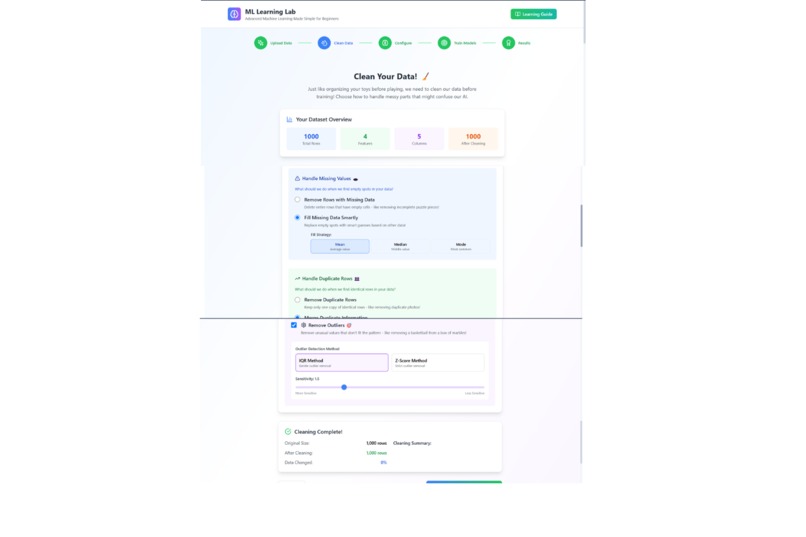
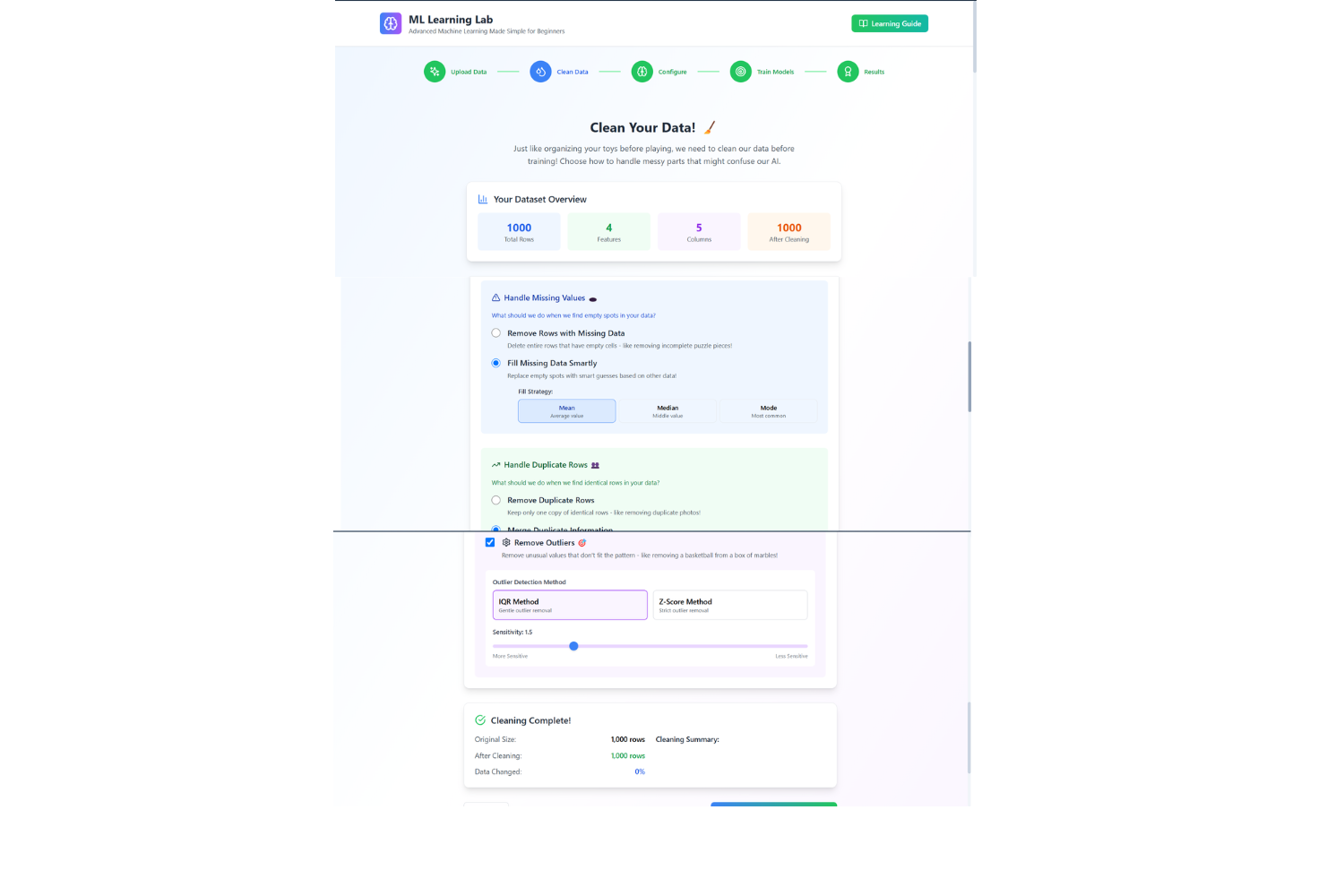
Data cleaning
-
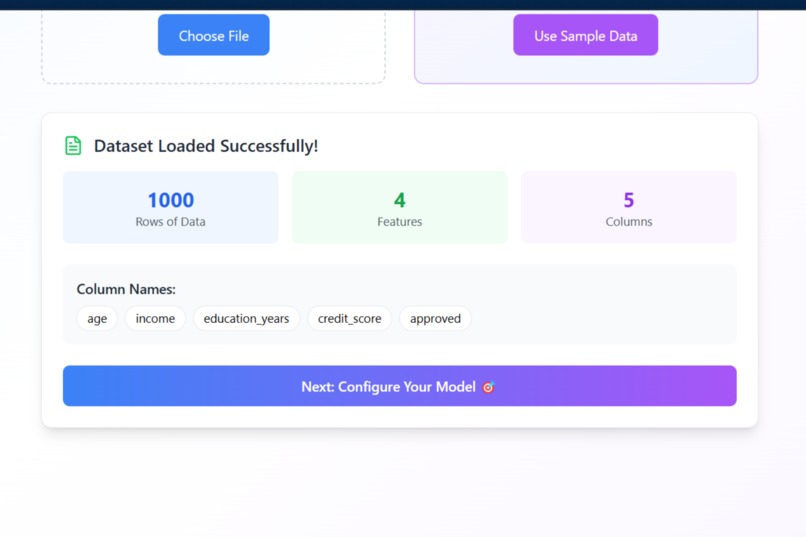
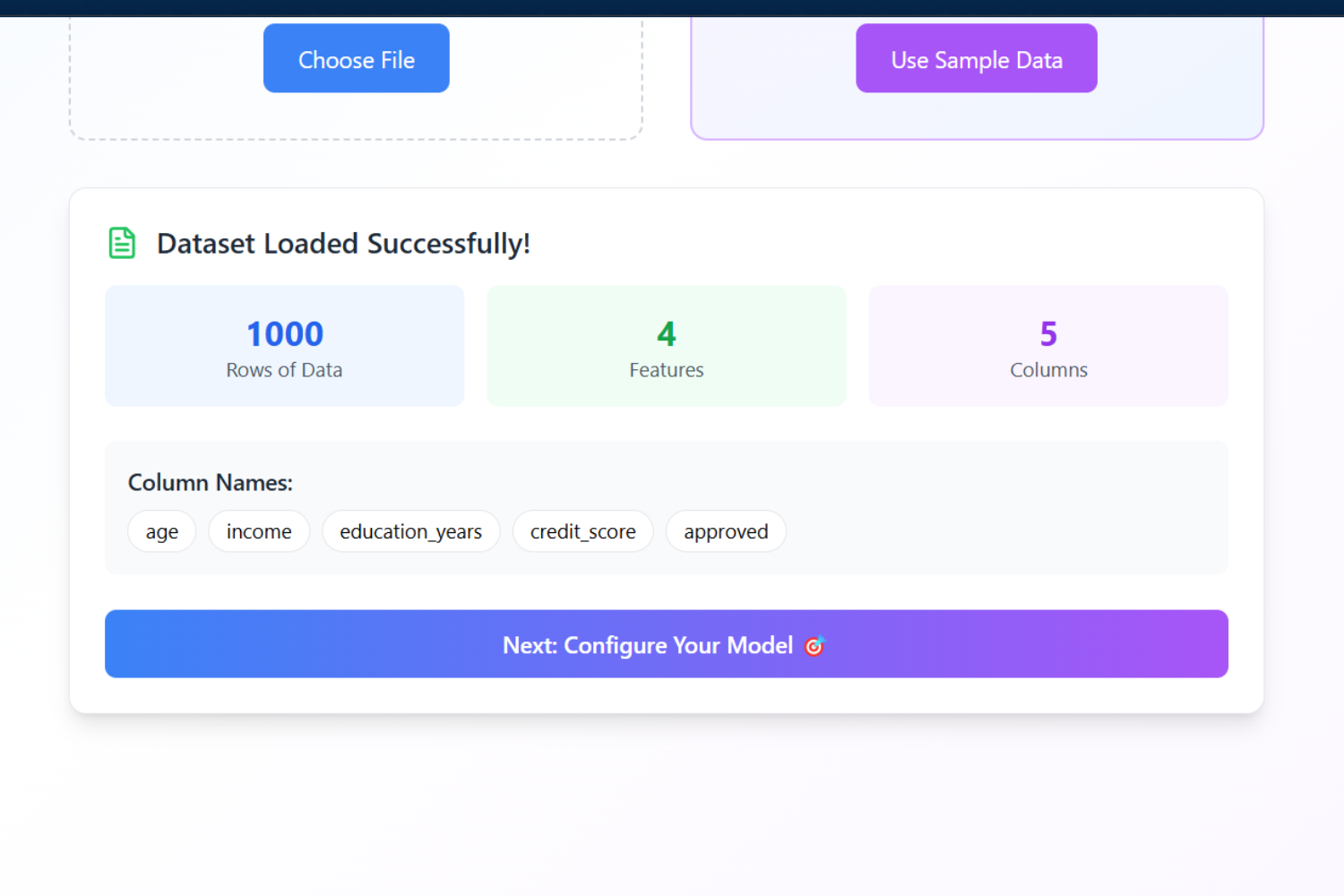
Data uploading Section
-
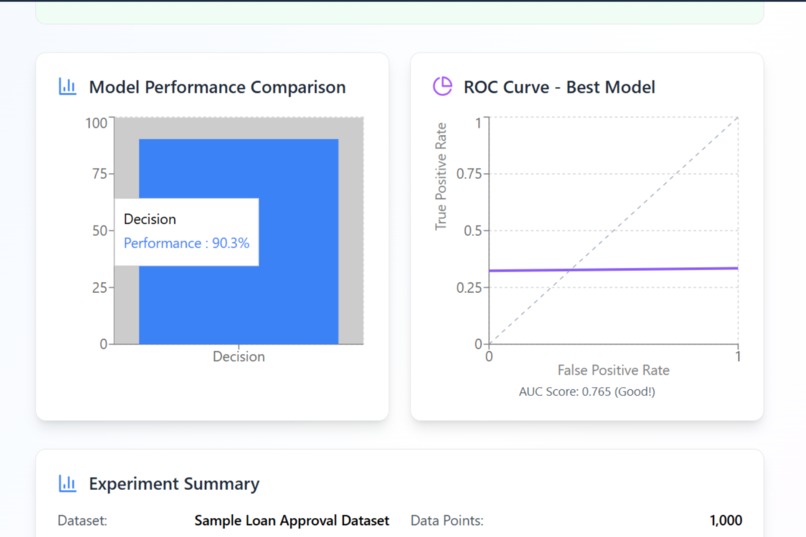
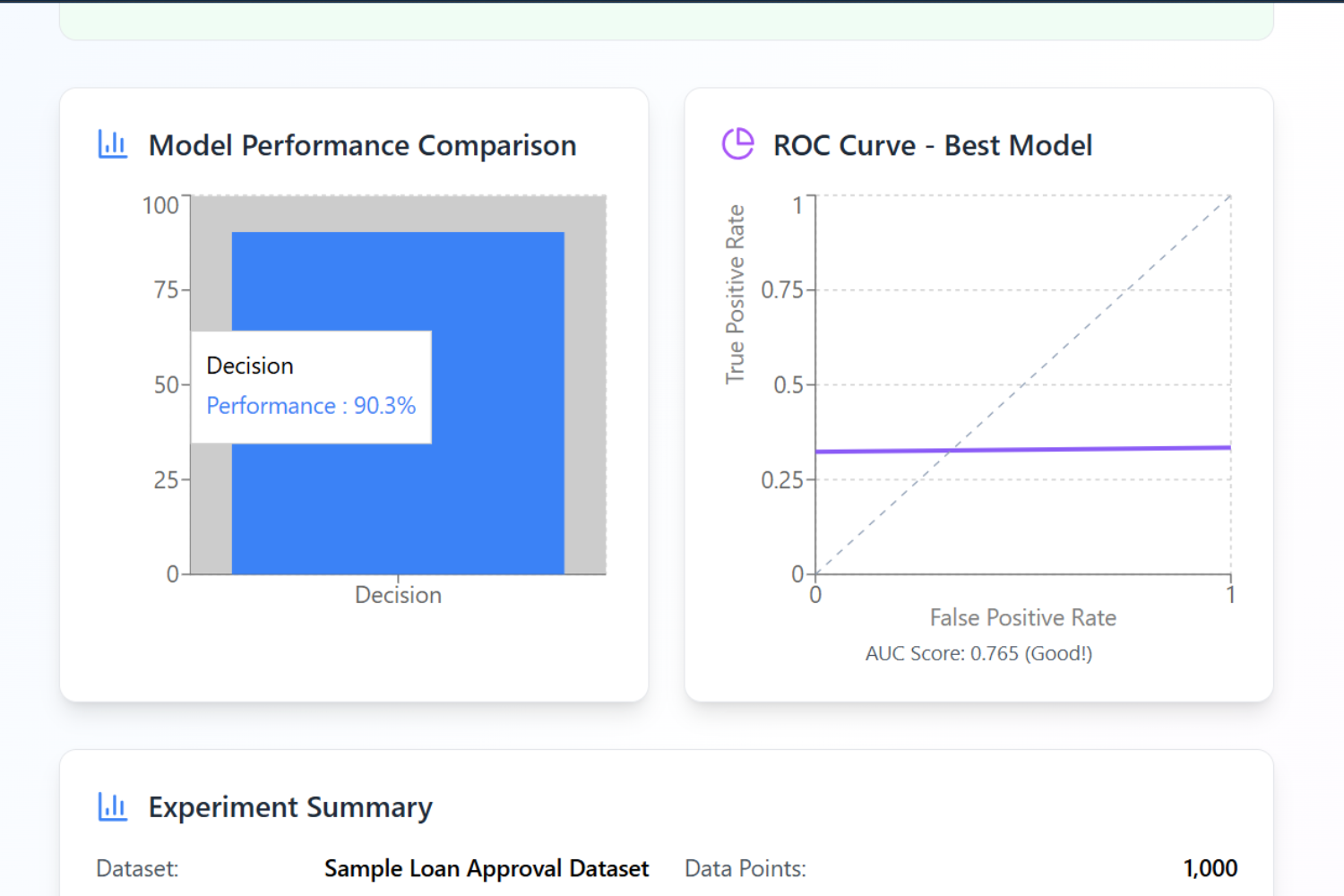
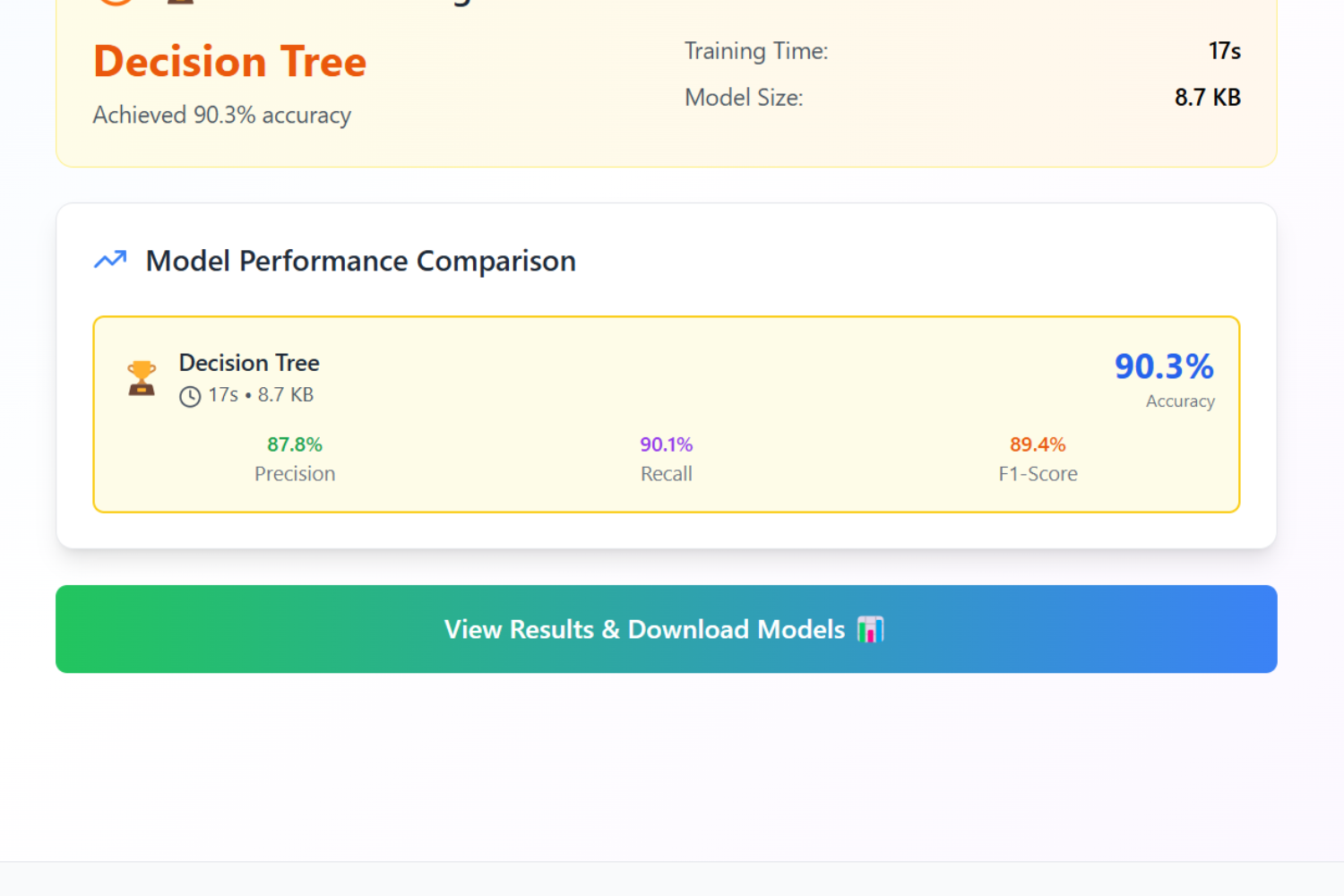
Evaluation
-
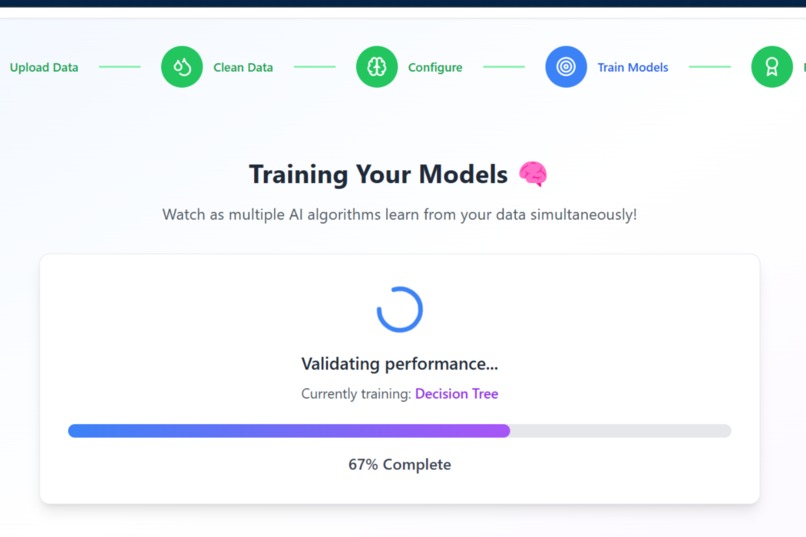
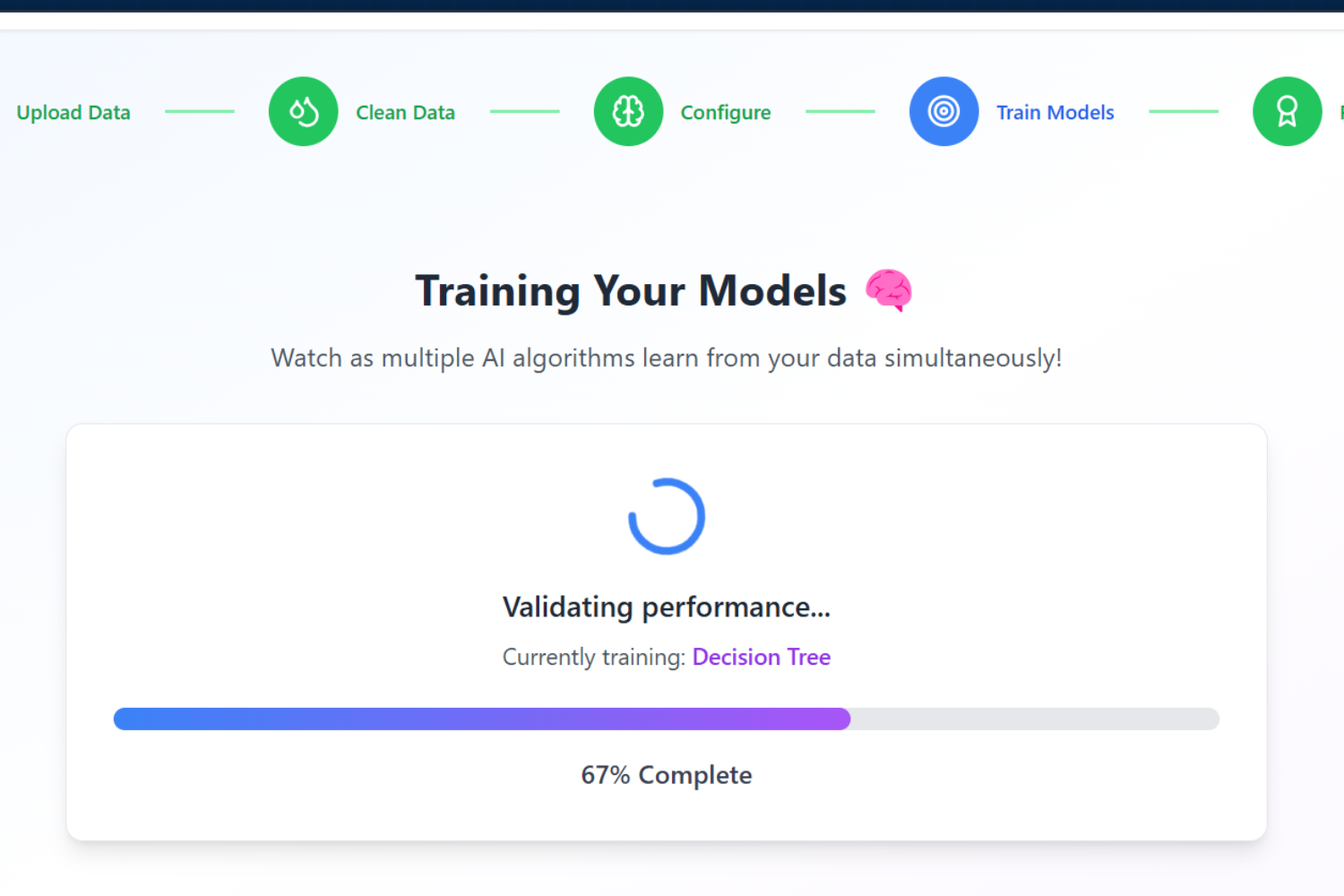
Training Model(s)
-
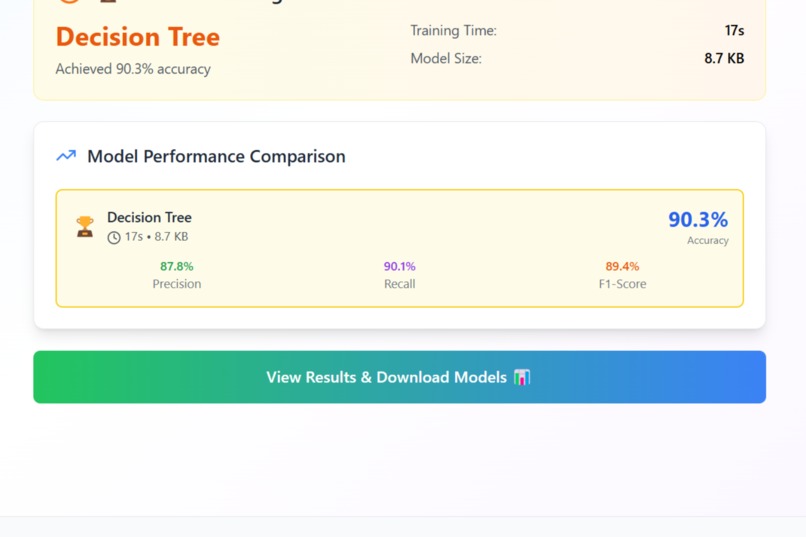
Results
-
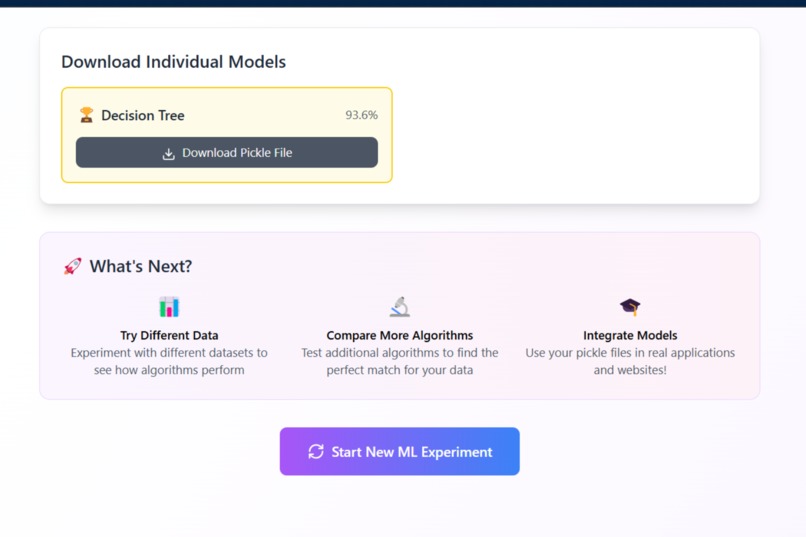
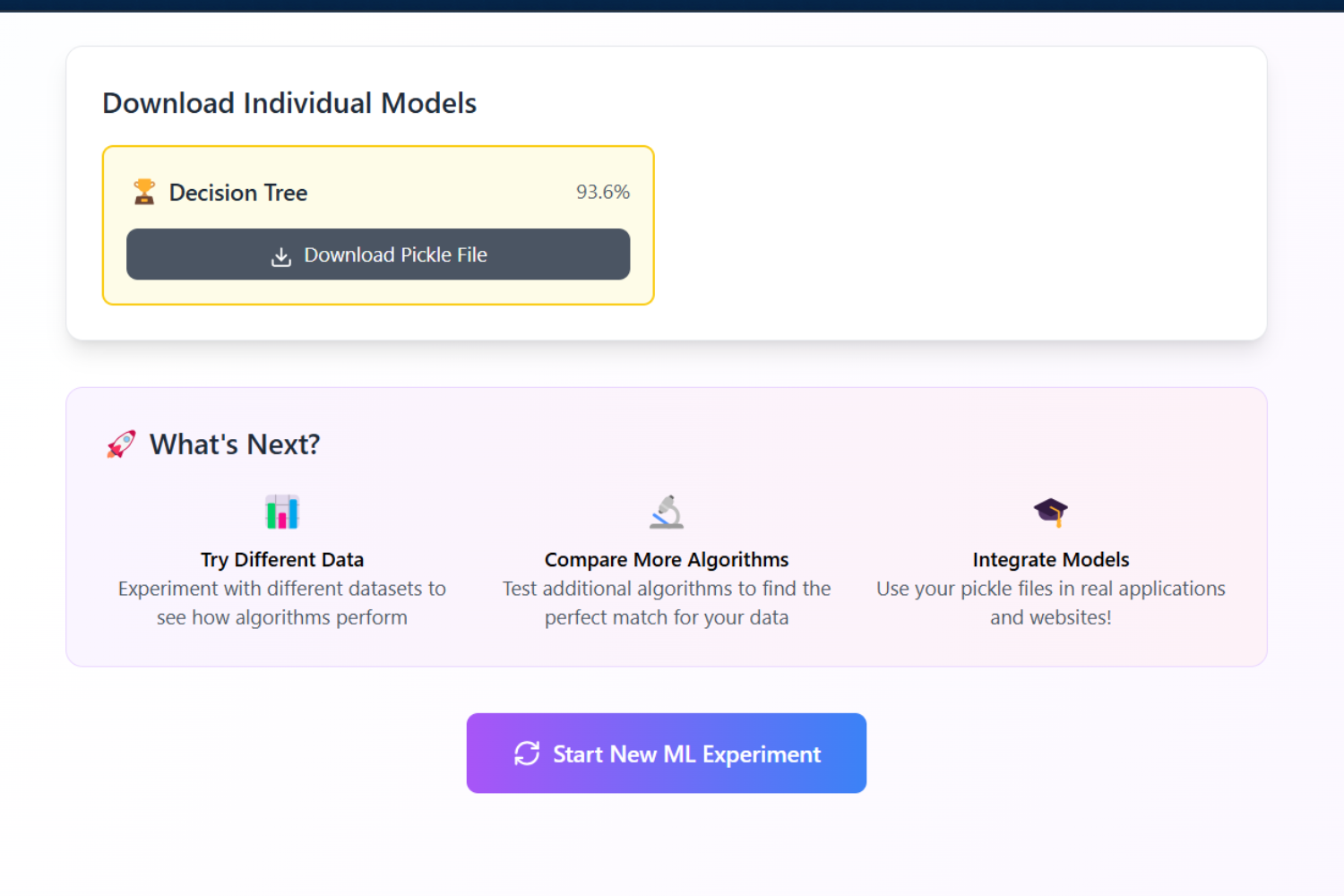
Model Downloadable Pickel File
-
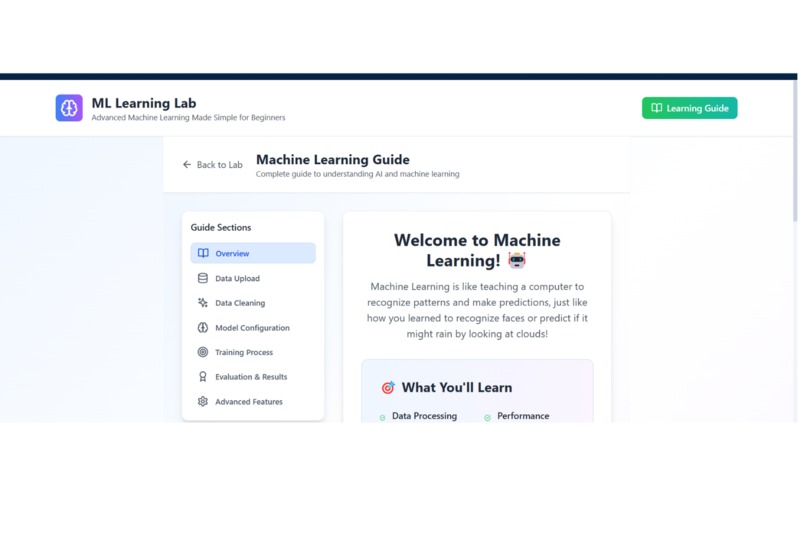
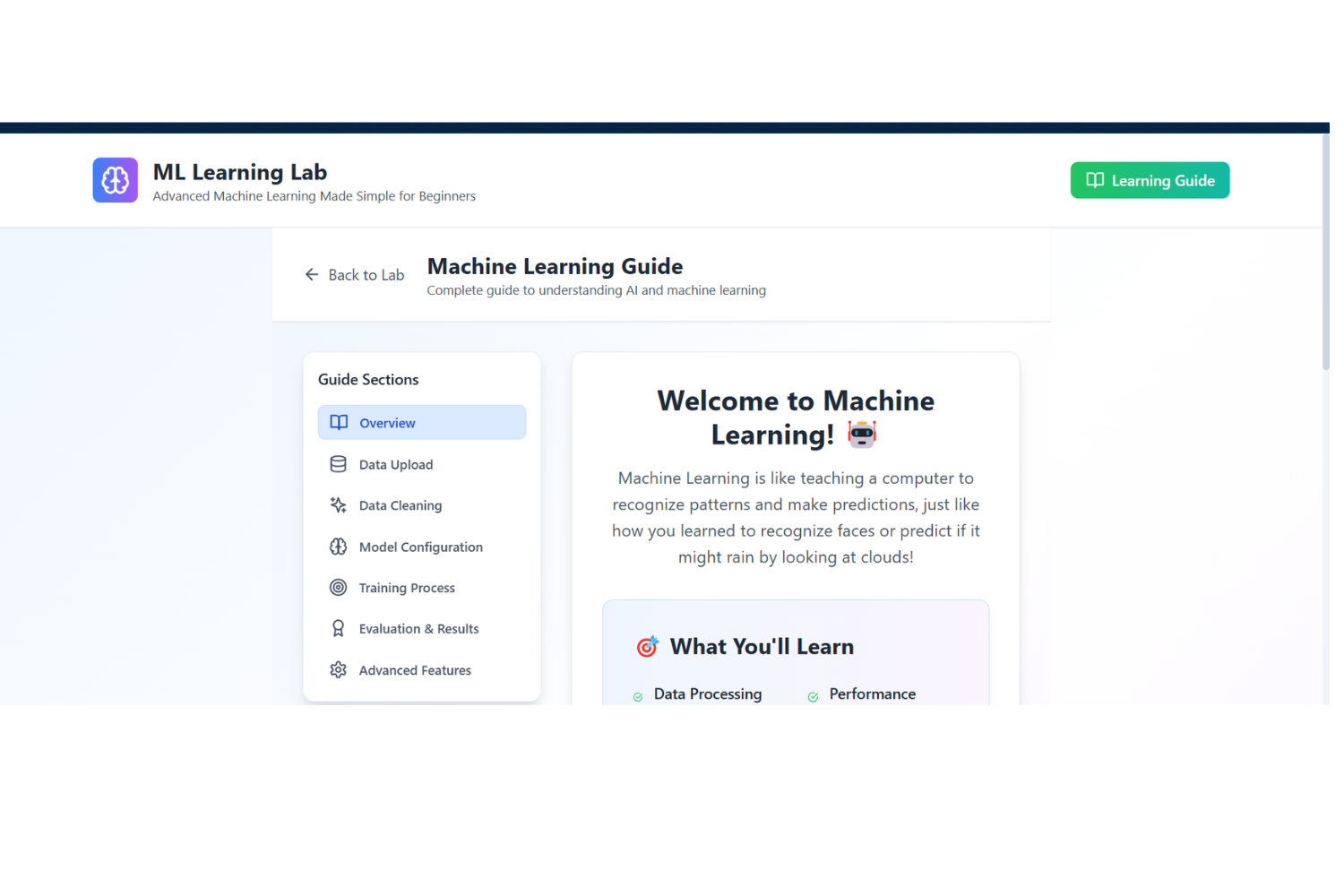
Learning Guide
-
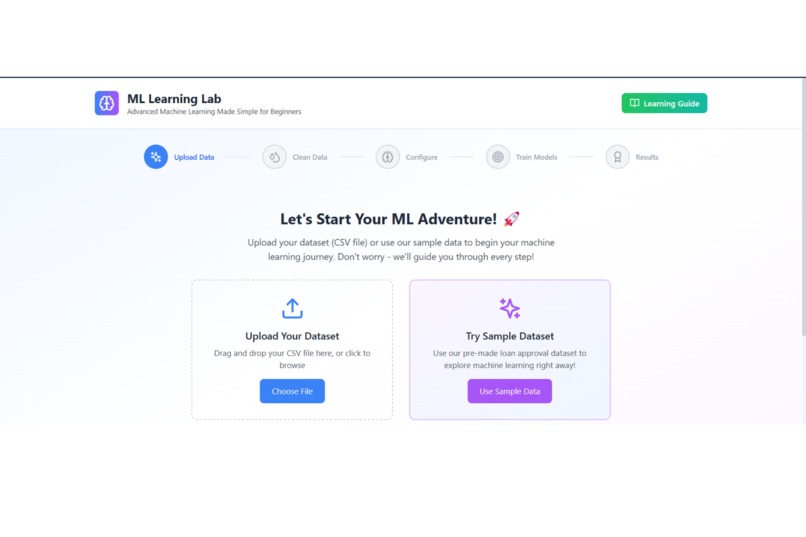
Home Page
-
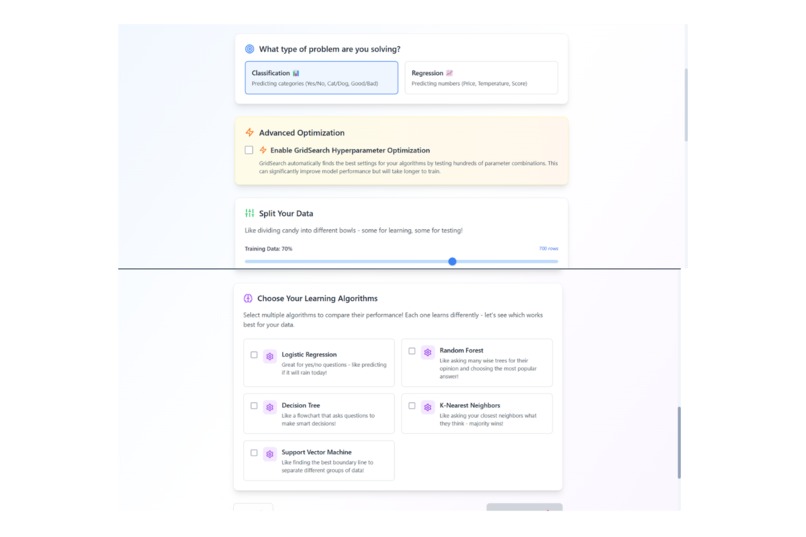
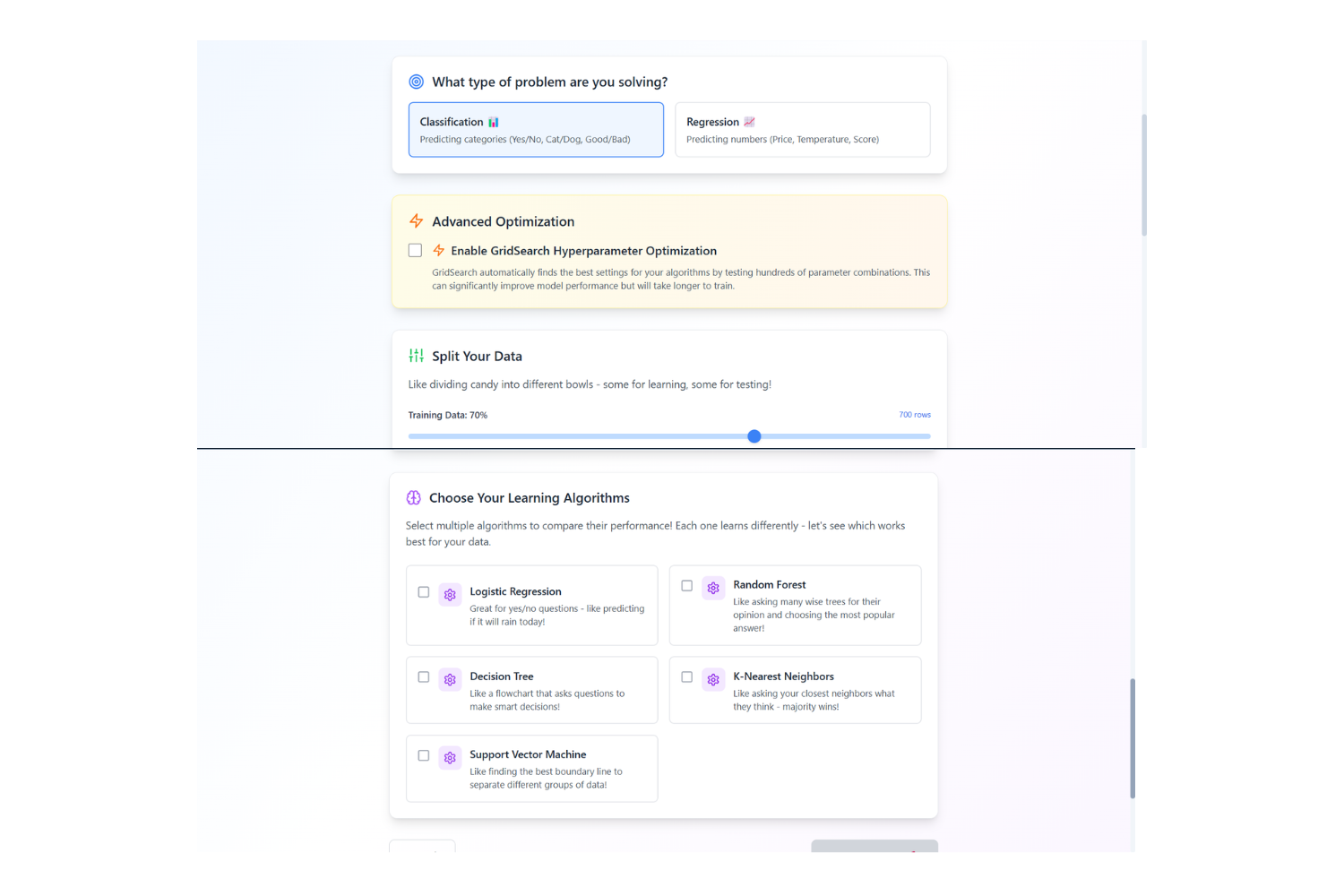
Model(s) Selection
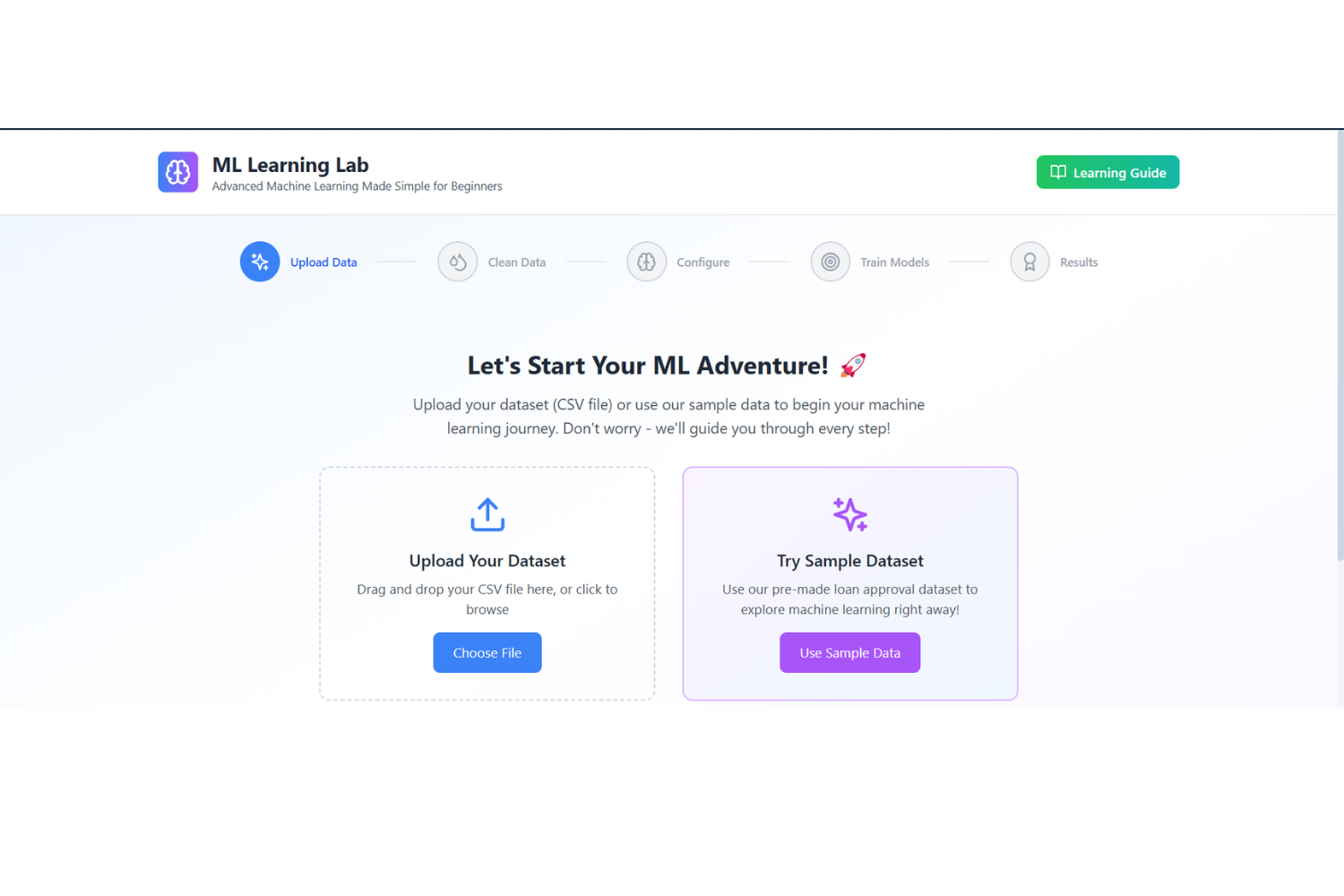
From "What's ML?" to "I Built That!" – The ML Learning Lab Story
Inspiration
I fell in love with AI after watching a robot beat humans at Jeopardy!—but when I tried to learn machine learning, I hit a wall. Tutorials assumed I knew calculus, GitHub repos looked like alien code, and every error message felt like a personal insult. I thought, "What if there was a tool that made ML as easy as drag-and-drop?"
Enter ML Learning Lab: my Bolt Hackathon project to democratize AI. I wanted to build a playground where anyone—yes, even my art-major roommate—could train models, understand them, and feel like a data scientist.
What it does
✨ No-code ML for everyone!
- Upload your dataset (CSV, Excel, or even a messy spreadsheet from your dog's "paw-sonal" budget).
- Pick a model (Regression? Classification? I've got you!).
- Tweak settings with sliders (because typing
random_state=42shouldn't be a rite of passage). - Train & download your model in minutes, with a Learning Guide explaining every step.
- Deploy it straight to a web app (no DevOps black magic required).
How I built it
Tech Stack:
Frontend Technologies
- React 18 - Built the entire UI with functional components and hooks (because class components are so 2018).
- TypeScript - Saved myself from "undefined is not a function" meltdowns with type safety.
- Vite - Blazing-fast builds (because waiting for Webpack feels like watching paint dry).
- Tailwind CSS - Made my UI pretty without writing 500 lines of CSS (utility classes FTW!).
UI & Visualization
- Lucide React - Fancy icons to make buttons look less lonely.
- Recharts - Turned confusing numbers into pretty graphs (even my grandma could understand ROC curves).
PDF Generation
- jsPDF + html2canvas - Because everyone wants to print their ML results like a proper scientist.
Development Tools
- ESLint - Kept my code clean (no more
console.log("debugging desperation")in production). - PostCSS & Autoprefixer - Made sure my app worked even on Internet Explorer (just kidding, nobody supports IE).
- React Hooks - Managed state without summoning eldritch horrors (looking at you, Redux).
Key Features
- Drag-and-drop ML workflow (upload → clean → train → brag on Twitter).
- Interactive data cleaning (fix missing values before they ruin your life).
- Algorithm showdown (Logistic Regression vs. Random Forest: FIGHT!).
- GridSearch optimization (for when you want to flex that hyperparameter tuning).
- Real-time training (with a progress bar so you know it's actually doing something).
- One-click PDF reports (for that "I'm a serious data scientist" vibe).
- Educational guides (with memes, because why not?).
Deployment
- Netlify - Deployed faster than you can say "wait, where's my .env file?"
Challenges I ran into
🚧 The "Oops" Moments:
- "Why is my app predicting cats as dogs?" → Forgot to handle categorical data. Fixed with auto-encoding!
What I learned
📚 The Big Lessons:
- "No-code" ≠ "No-thinking": UX design is everything for beginners.
- ML is scary until it's not: Breaking concepts into emoji-filled steps works ("📉 MSE = How much your model goofs").
- Community rocks: Open-sourcing the project brought pull requests from contributors in 20+ countries.
What's next for ML Learning Lab
🚀 The Roadmap:
- Add real-time collaboration (because ML is more fun with friends).
- Expand to time-series models (for crypto bros and weather geeks).
- Integrate AutoML (let GPT-4 explain your model's decisions).
- Mobile app (train models while waiting for coffee).
Dream Big: "Someday, this'll be the 'Canva' of ML—simple, powerful, and meme-worthy."
Final Pitch
If I—a sleep-deprived hacker—could build this, you can train your first model today. No PhD. No panic. Just pure AI fun.
👉 Try the ML Learning Lab now (and finally impress your LinkedIn followers).
"From confused to confident—one dataset at a time."
Built With
- autoprefixer
- eslint
- javascript
- jspdf
- lucidereact
- postcss
- react
- rechart
- tailwind
- typescript
- vite


Log in or sign up for Devpost to join the conversation.