-
-
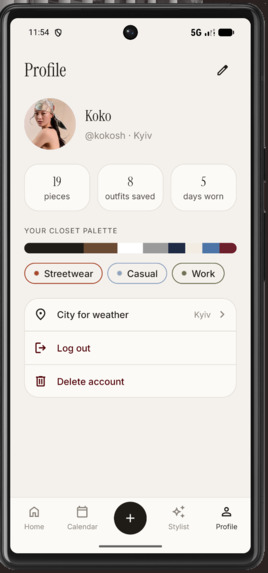
13_Profile
-
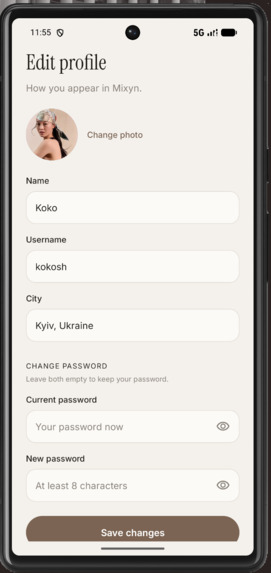
16_EditProfile
-
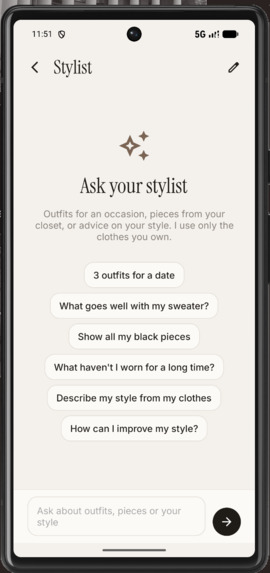
12_StylistChat
-
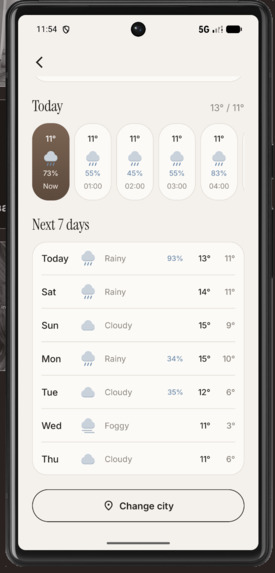
15_WeatherForecast
-
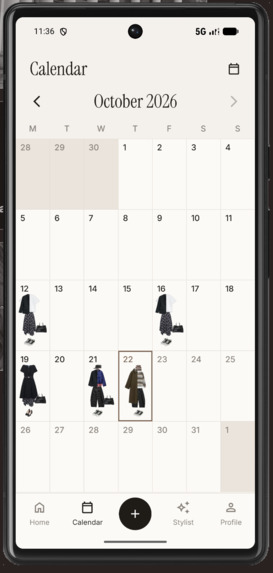
11_Calendar
-
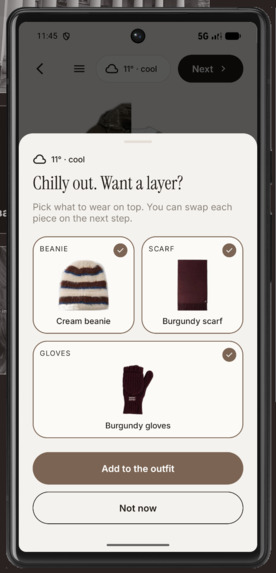
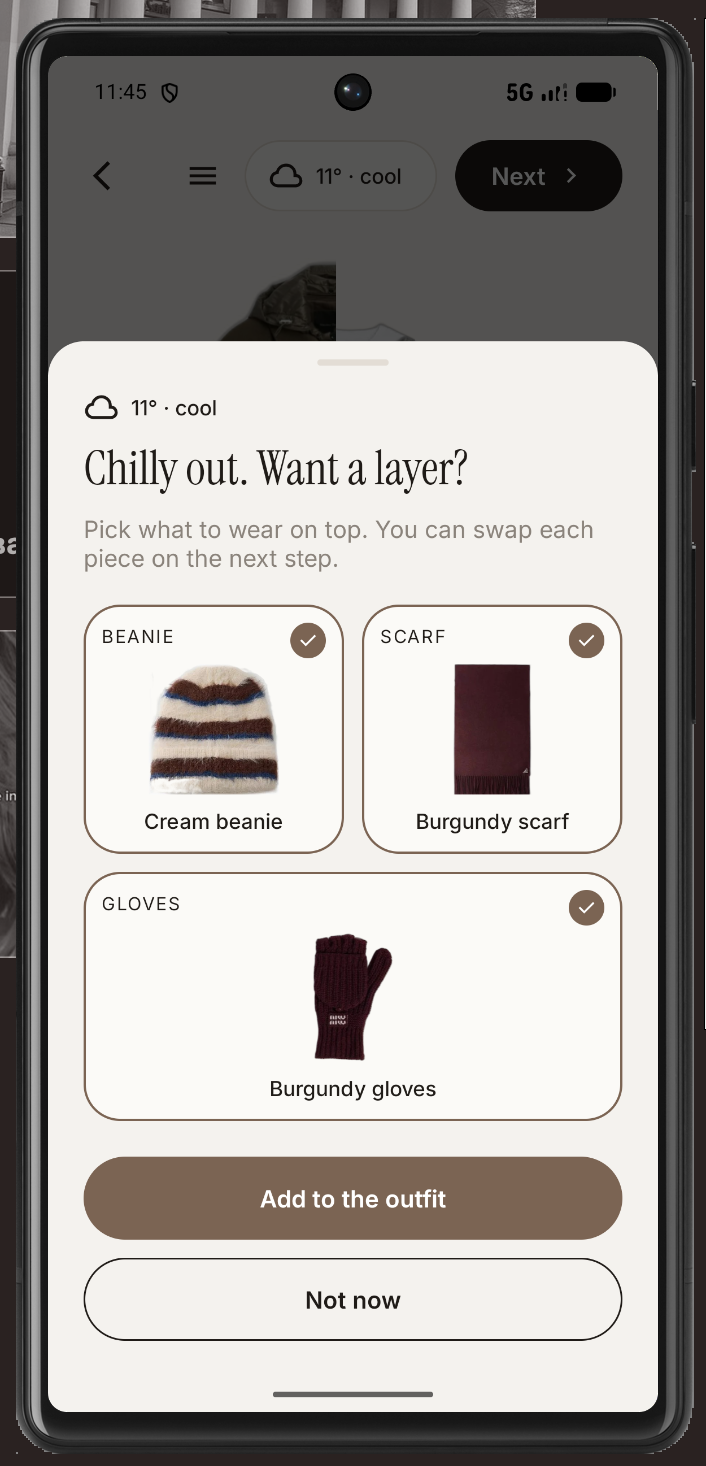
08_WeatherLayerSuggestion
-
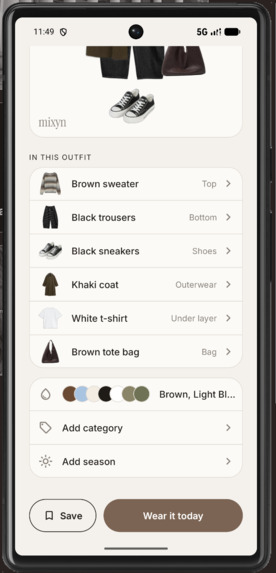
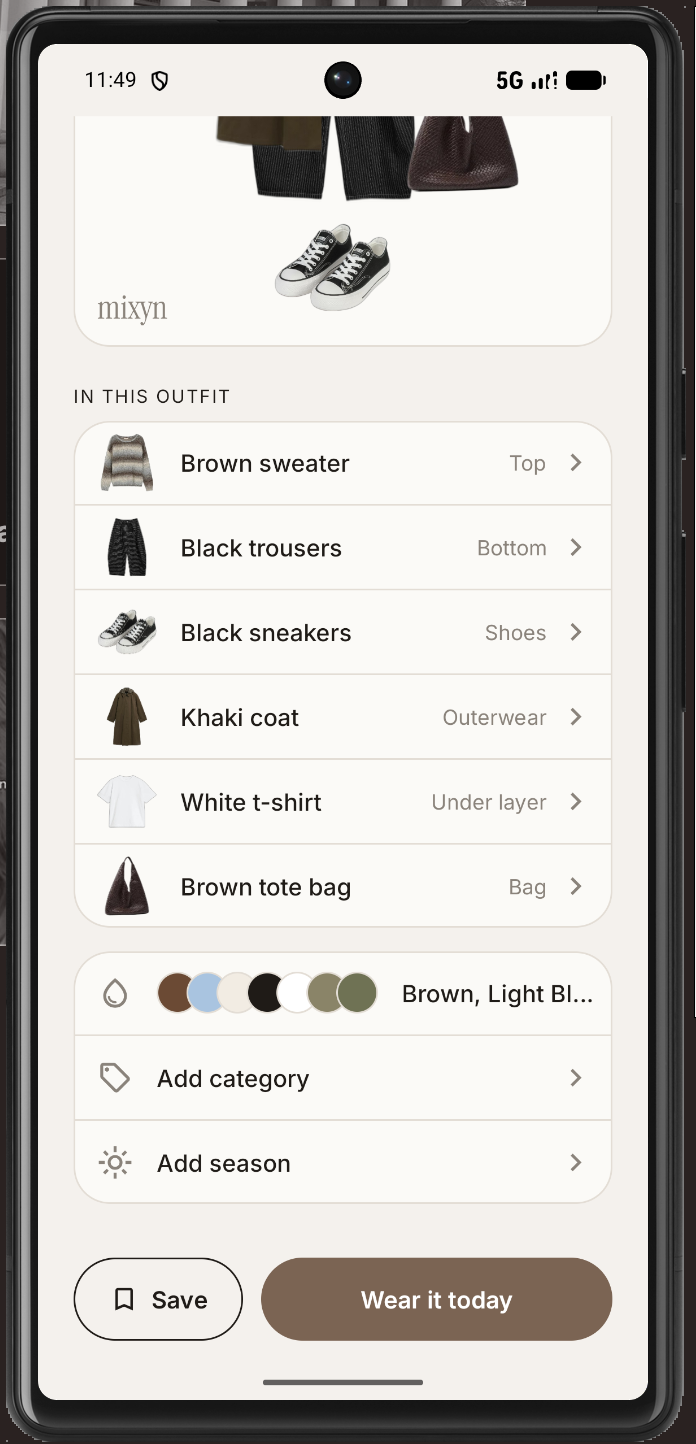
10_OutfitCardDetails
-
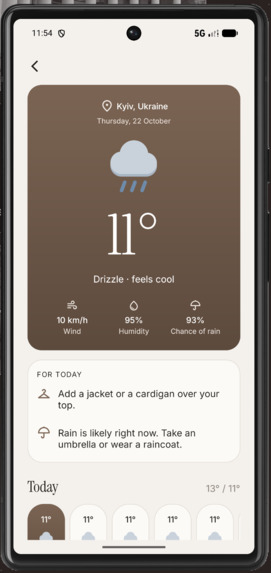
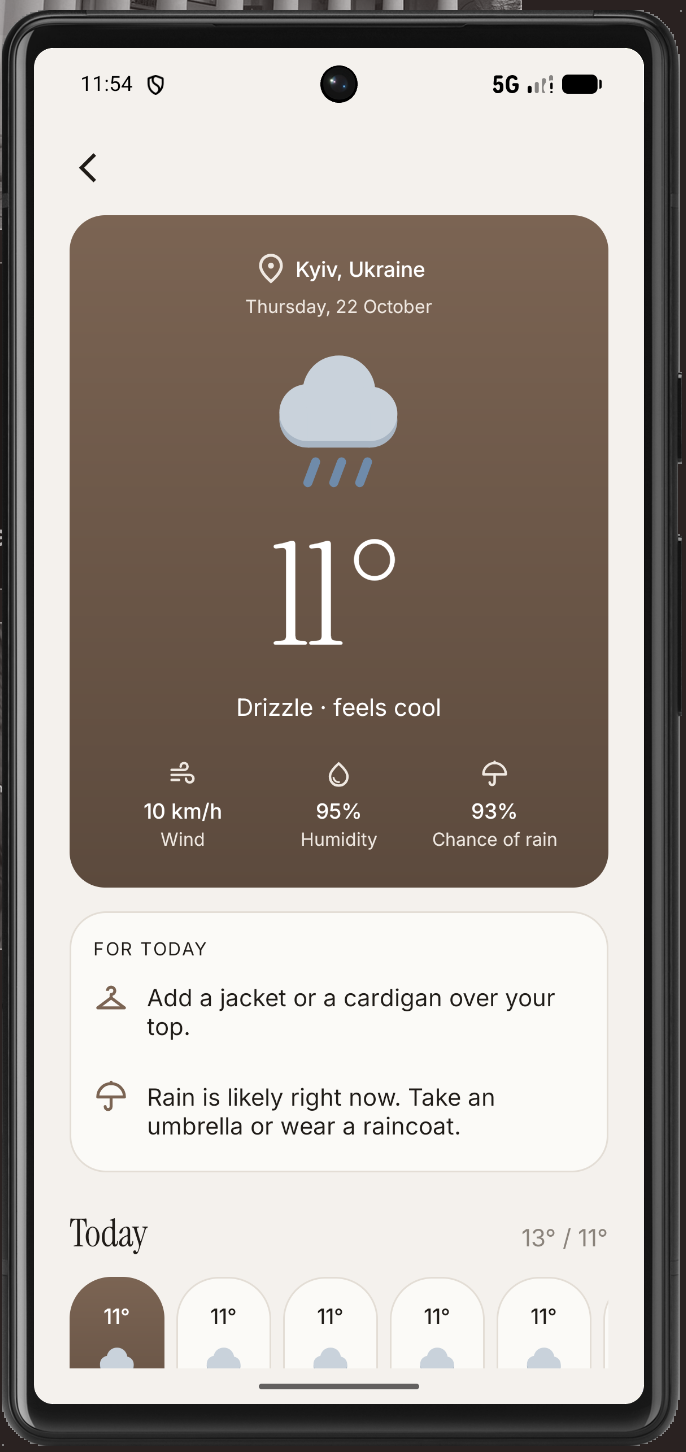
14_Weather
-
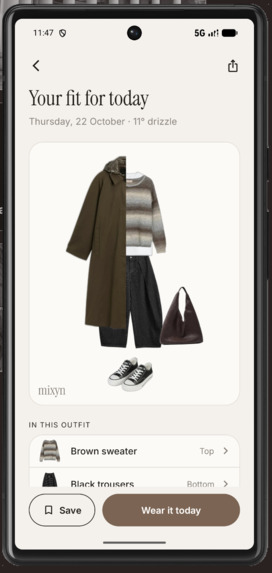
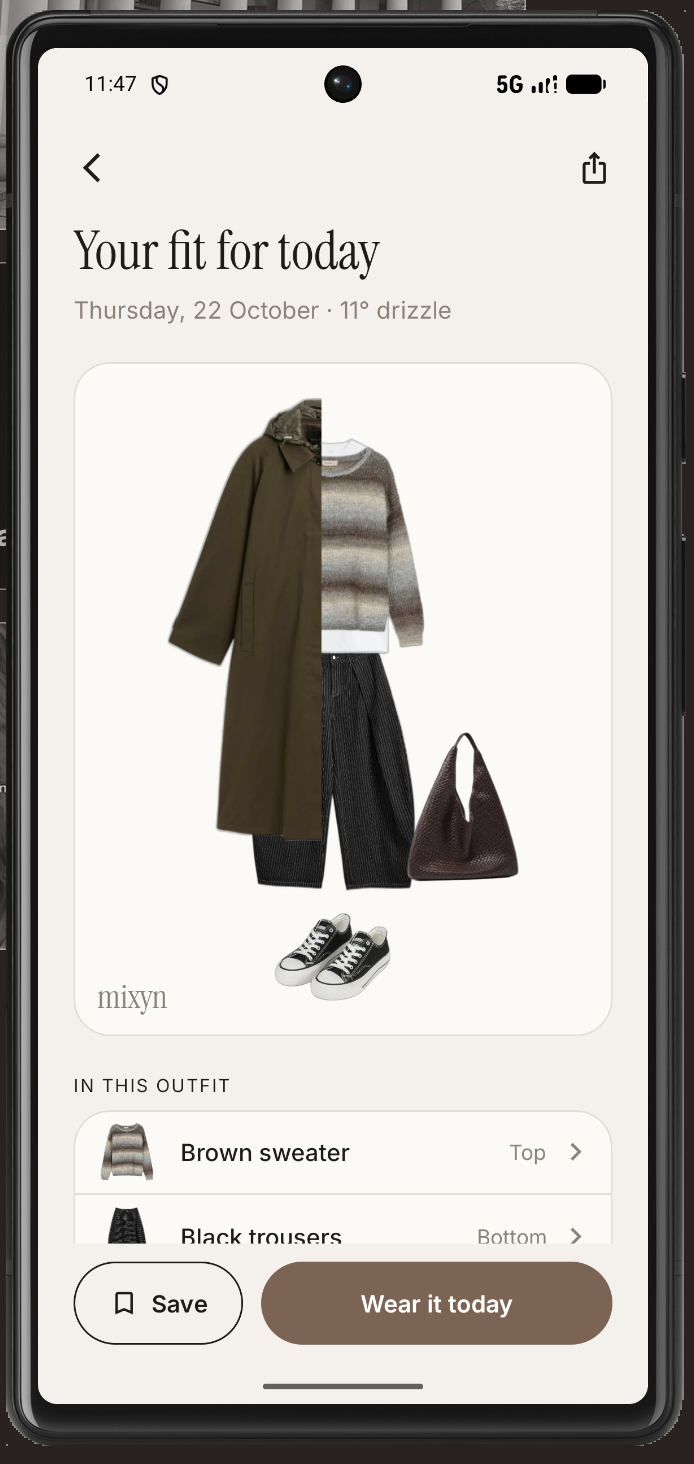
09_OutfitCard
-
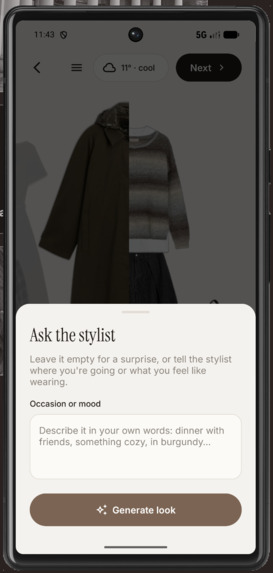
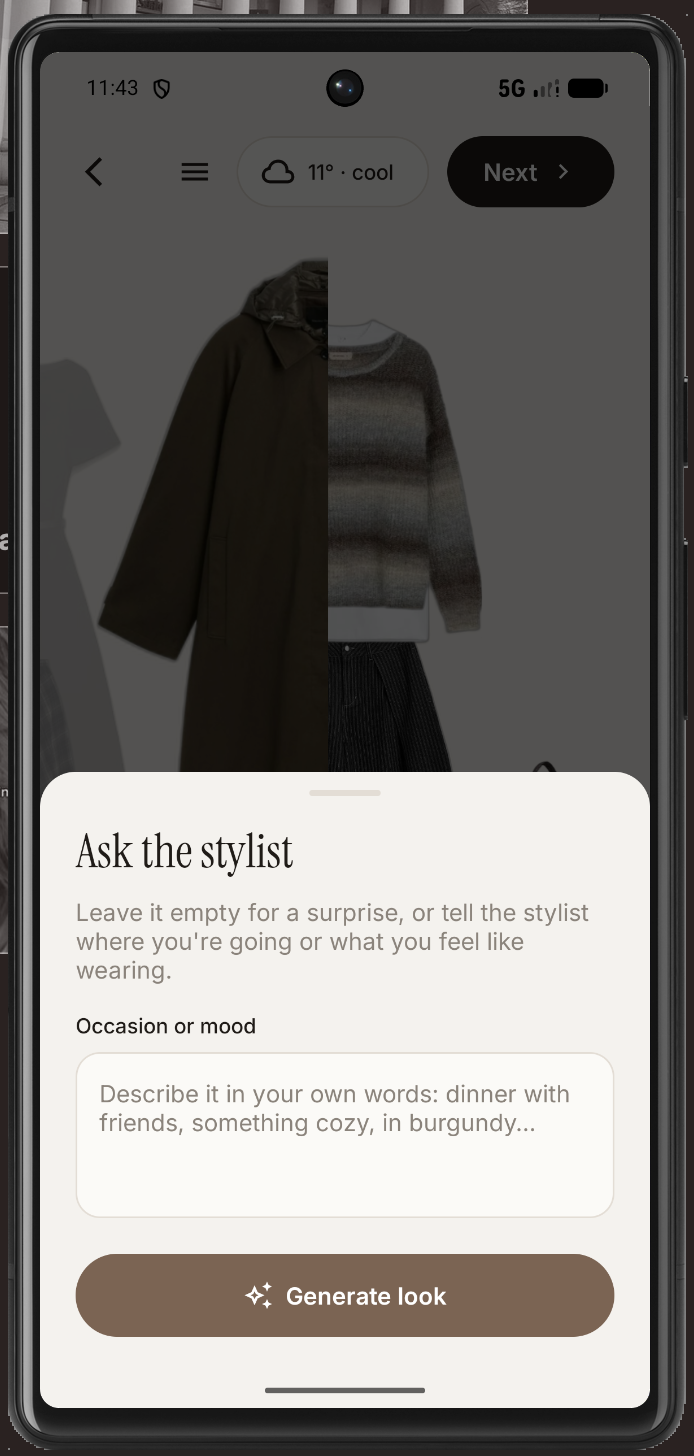
07_AskAIStylist
-
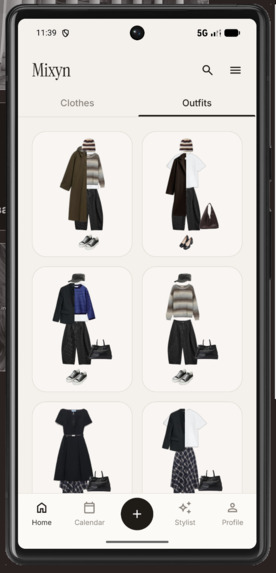
05_HomeOutfits
-
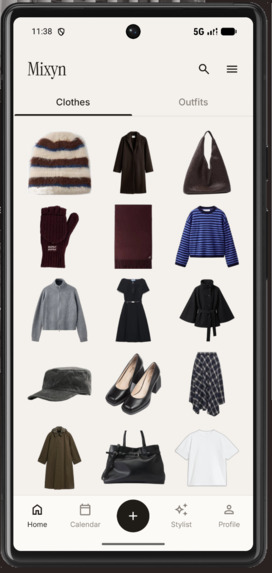
04_HomeClothes
-
06_OutfitCanvas
-
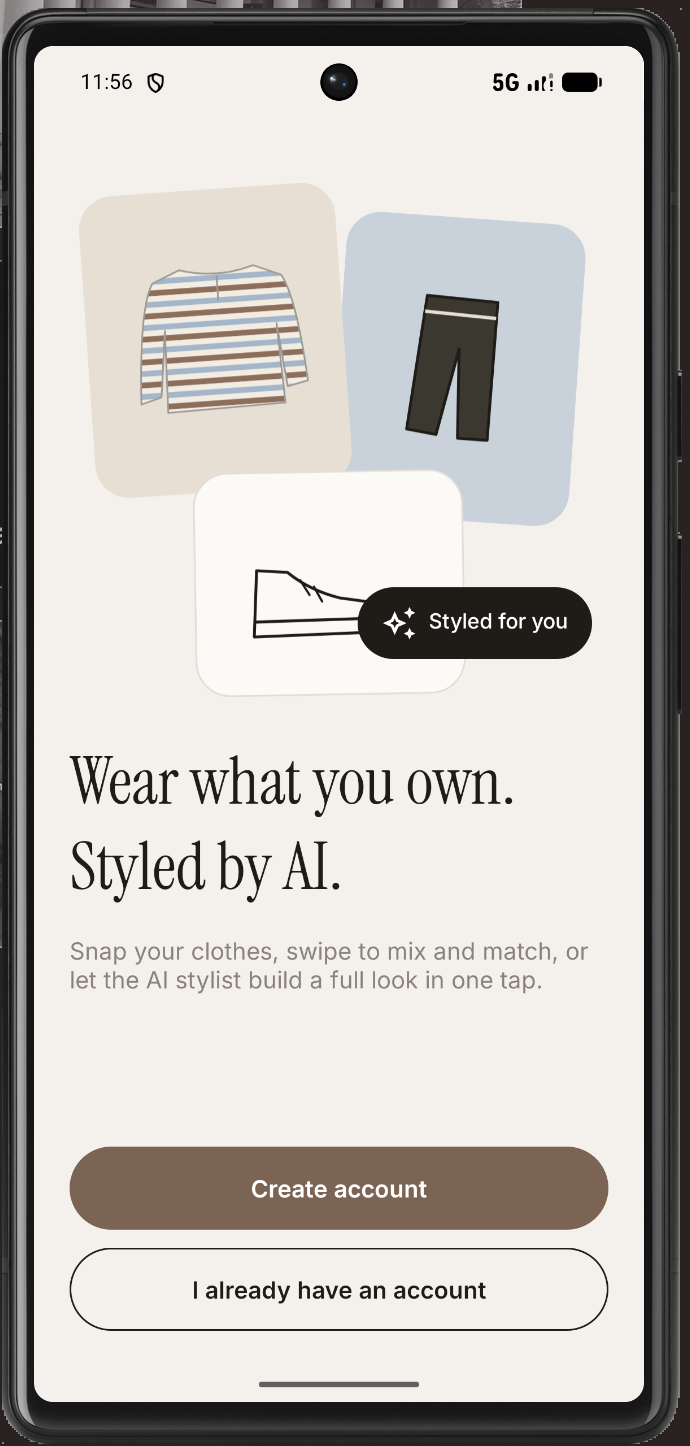
01_Welcome
-
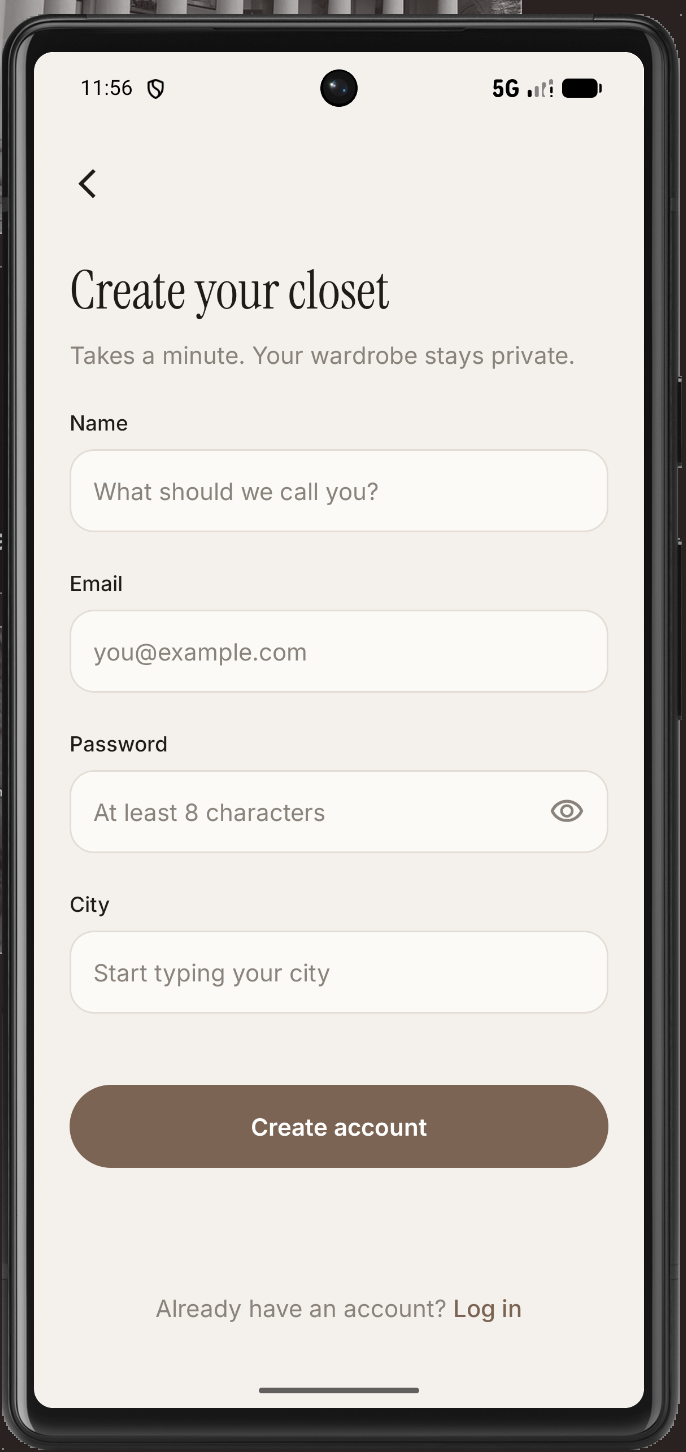
02_SignUp
Inspiration
The inspiration for Mixyn came from my own daily struggle: I wanted to dress well but often felt too lazy to put outfits together, wasting time trying on clothes and spending money because I constantly felt like I had nothing to wear.
After hearing that others also use AI to generate outfits, I combined these ideas to let users build their own looks or rely on an AI stylist assistant when they feel stuck. I also integrated weather forecasts based on the city the user selects during registration, as I personally often forget to check the weather and end up too hot or too cold.
What it does
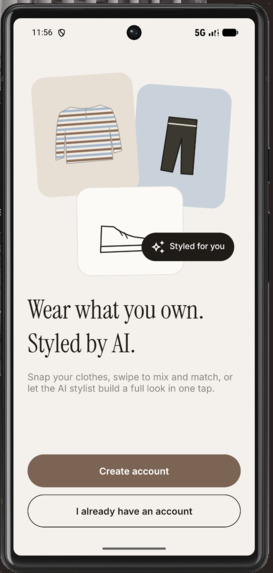
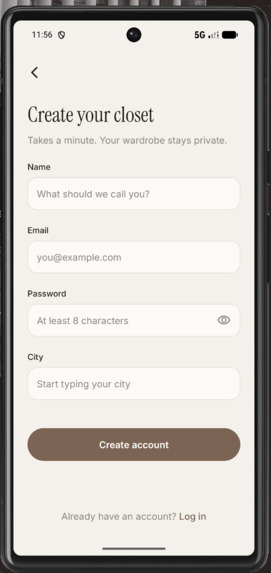
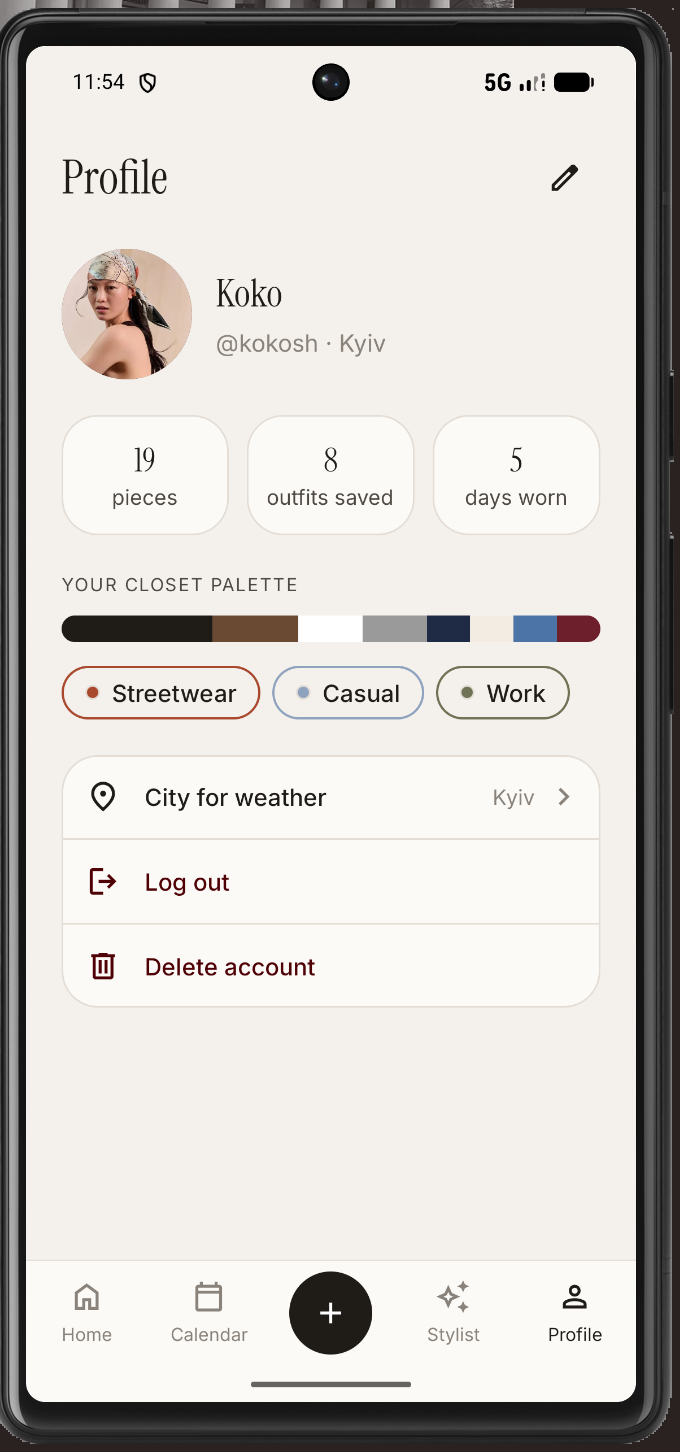
Mixyn is a digital wardrobe that helps you decide what to wear. When you sign up, you choose your city so the app can factor in your local weather.
Your wardrobe
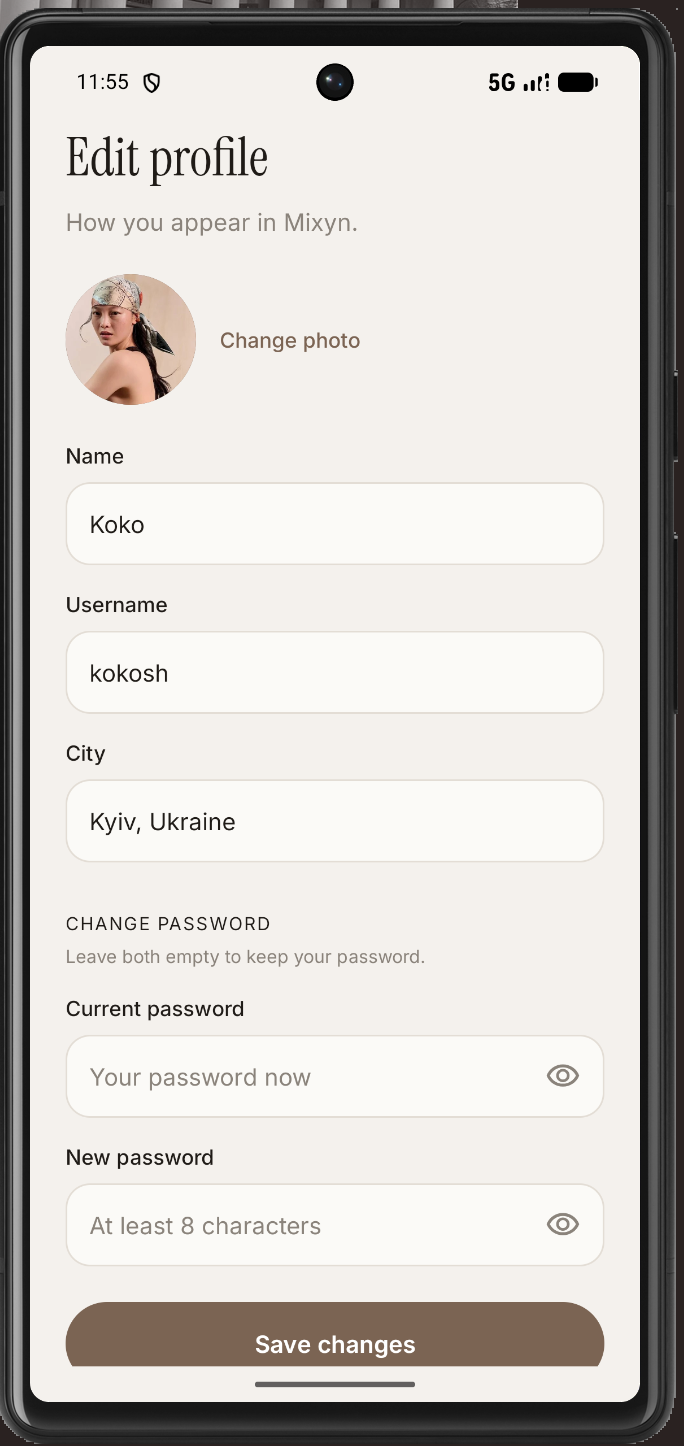
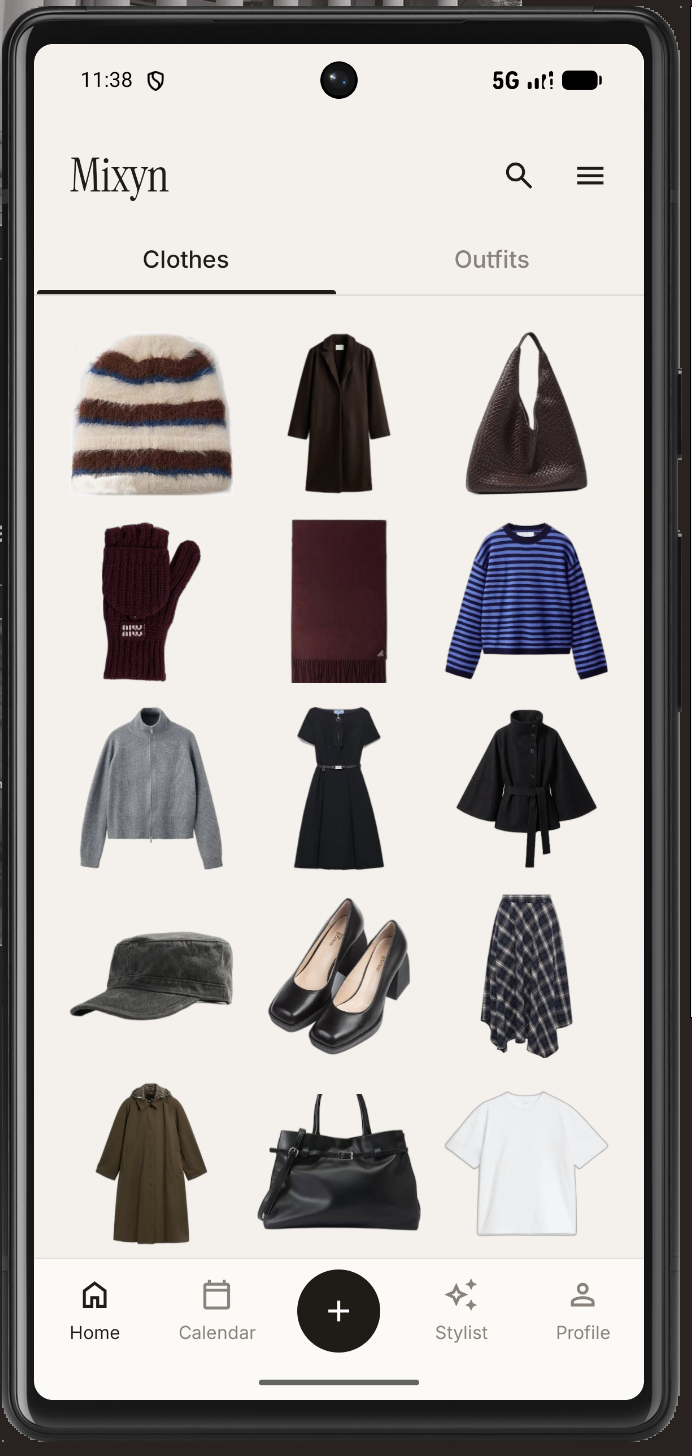
- You build your wardrobe by tapping “Add clothes” and uploading a photo.
- AI detects the item’s type and color, and rembg removes the background automatically.
- You can add details like season and category, and mark whether the front is open or closed, so an open cardigan worn as a top shows the T-shirt underneath.
- You can also resize, rotate, or mirror an item so it looks right.
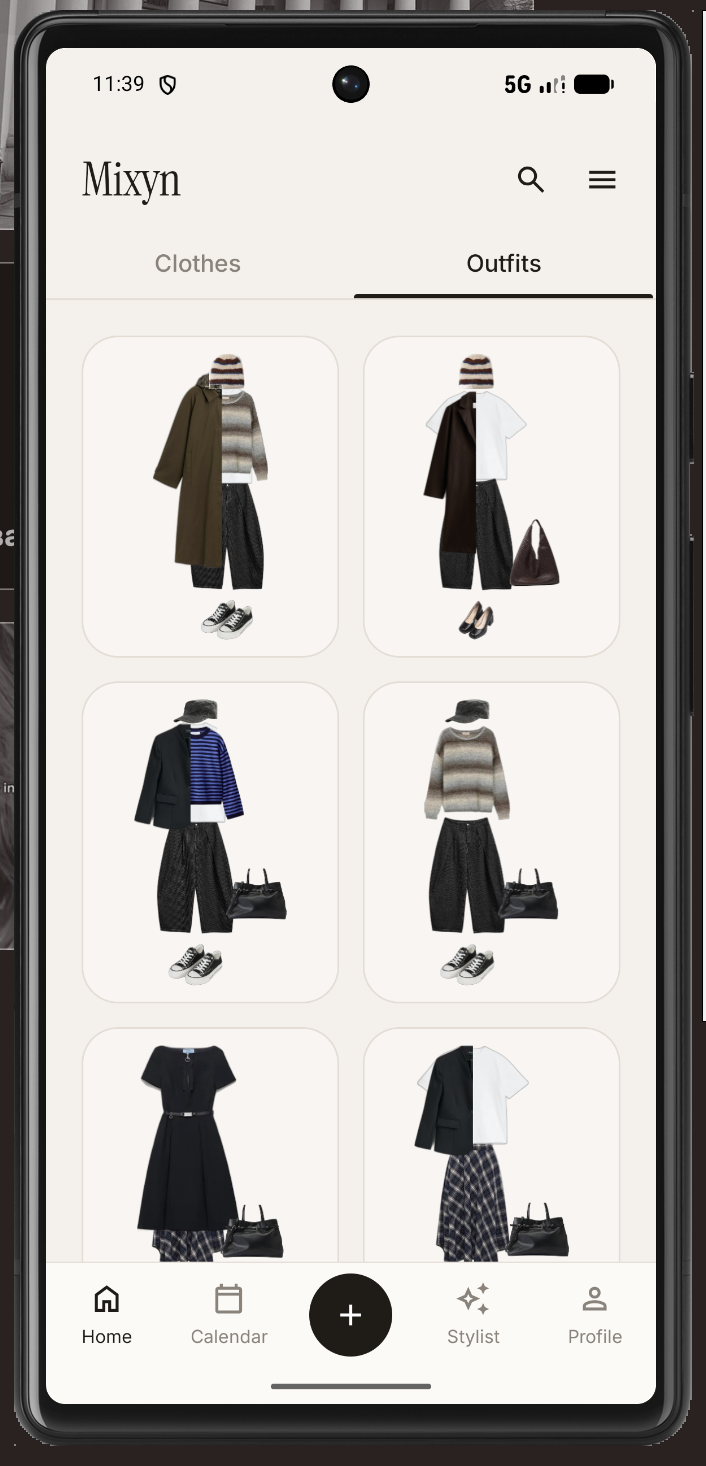
Creating outfits
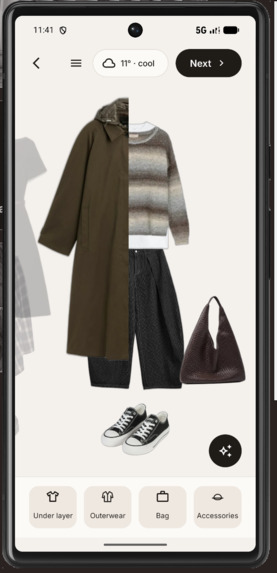
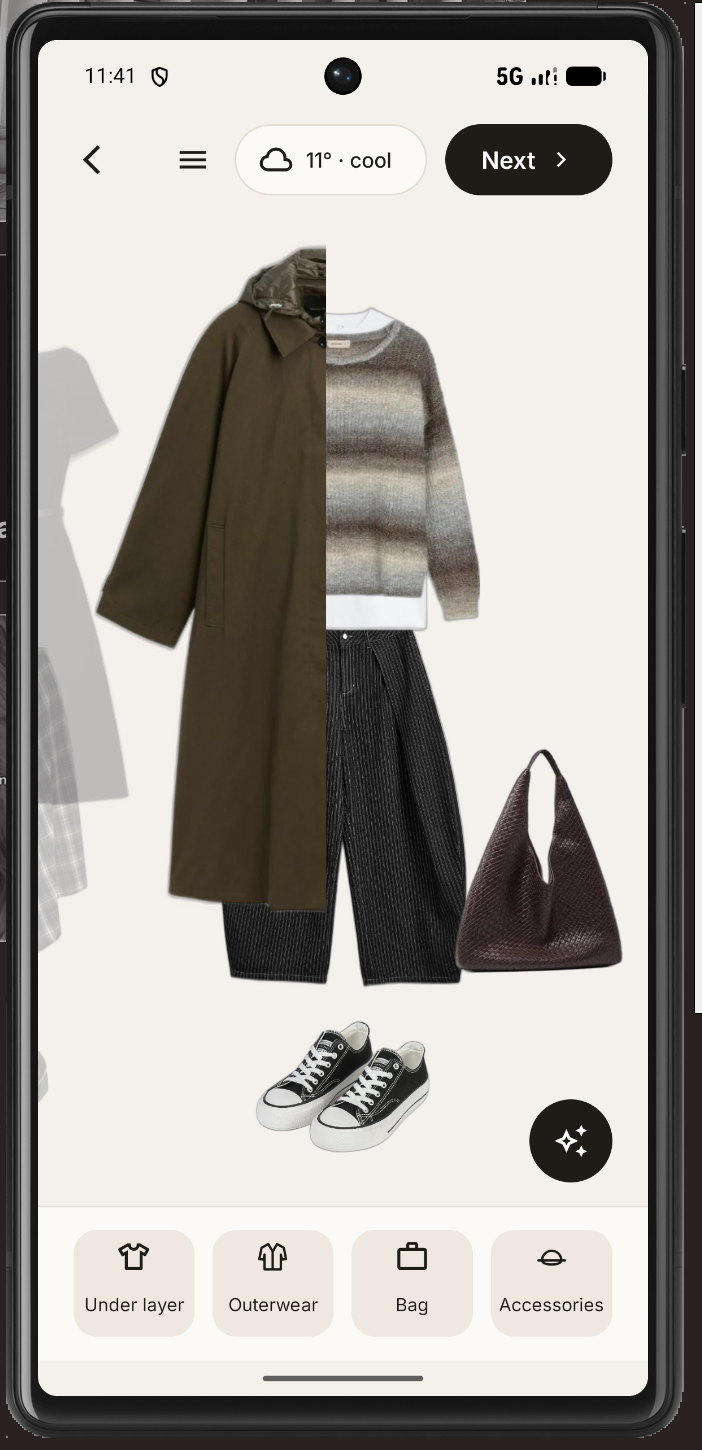
- To build a look, tap “Create outfit” and browse carousels of your clothes. Pants, a top, and shoes are required.
- You can add an under-layer, outerwear, a bag, or accessories, and use filters to narrow items by color and type.
- Out of ideas? Tell the built-in AI assistant what you need, and it picks an outfit for you.
- When you tap Next, Mixyn checks the weather and suggests adding something warmer or lighter if needed.
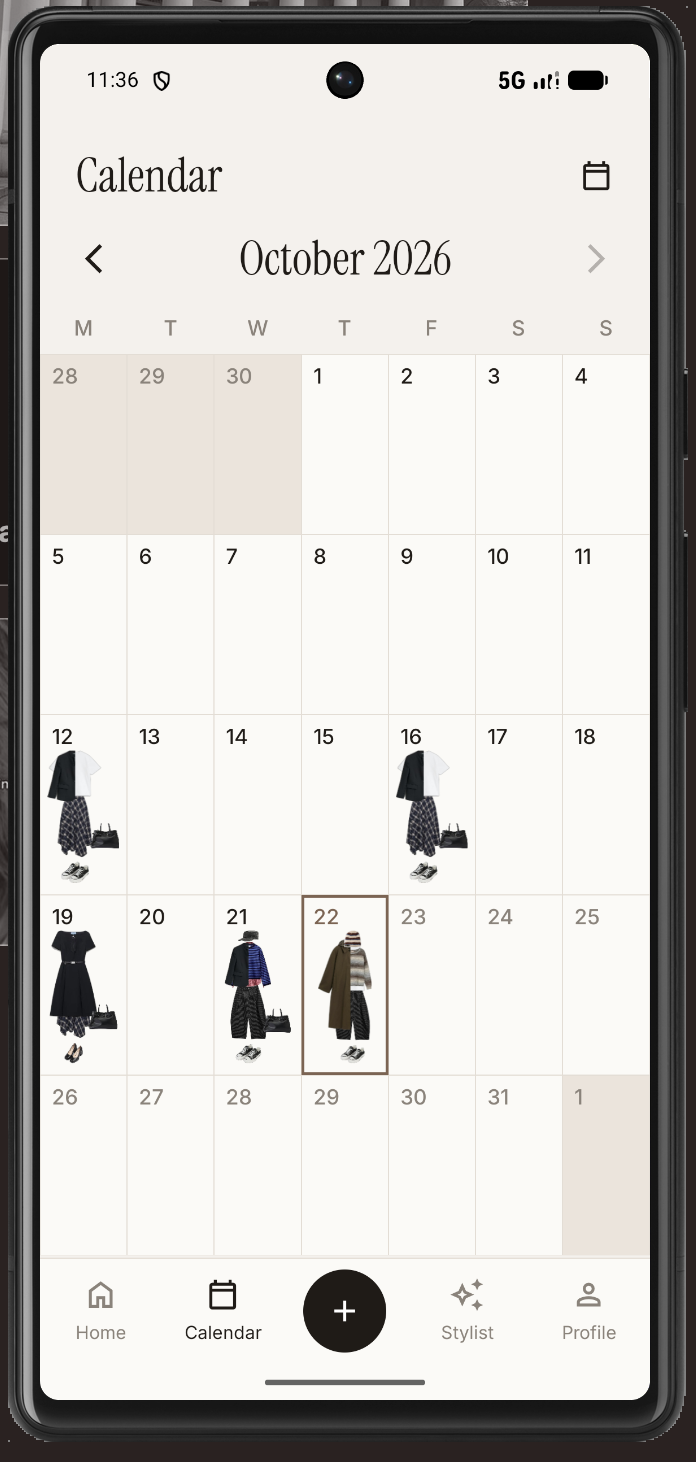
- Then you can save the outfit or tap “Wear it today” to add it to your calendar. The calendar keeps a record of what you’ve worn, even if you later delete an item from your wardrobe.
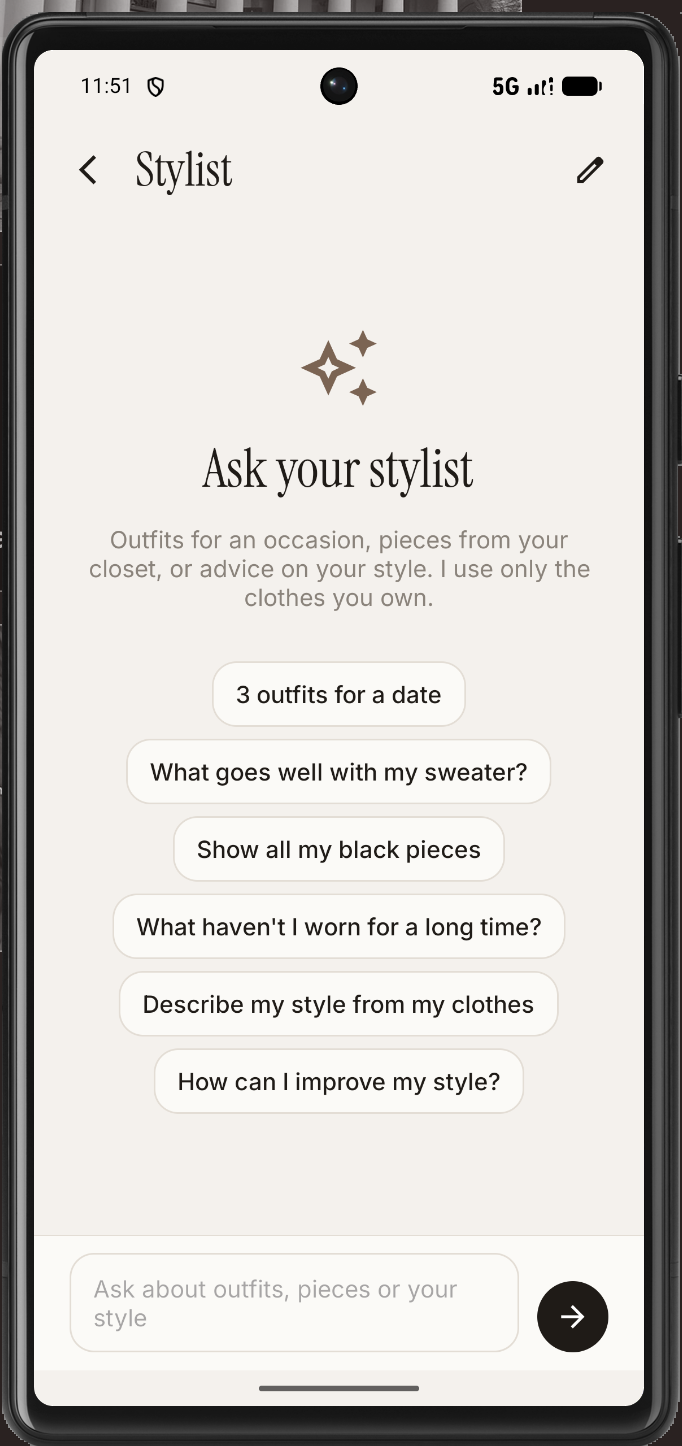
AI Stylist
The AI Stylist goes further. It can:
- describe your style,
- suggest what to add to make your outfits more original,
- generate several date-night looks at once,
- show all your blue items,
- or bring up pieces you rarely wear
- and all that corresponds with style.
Weather and filters
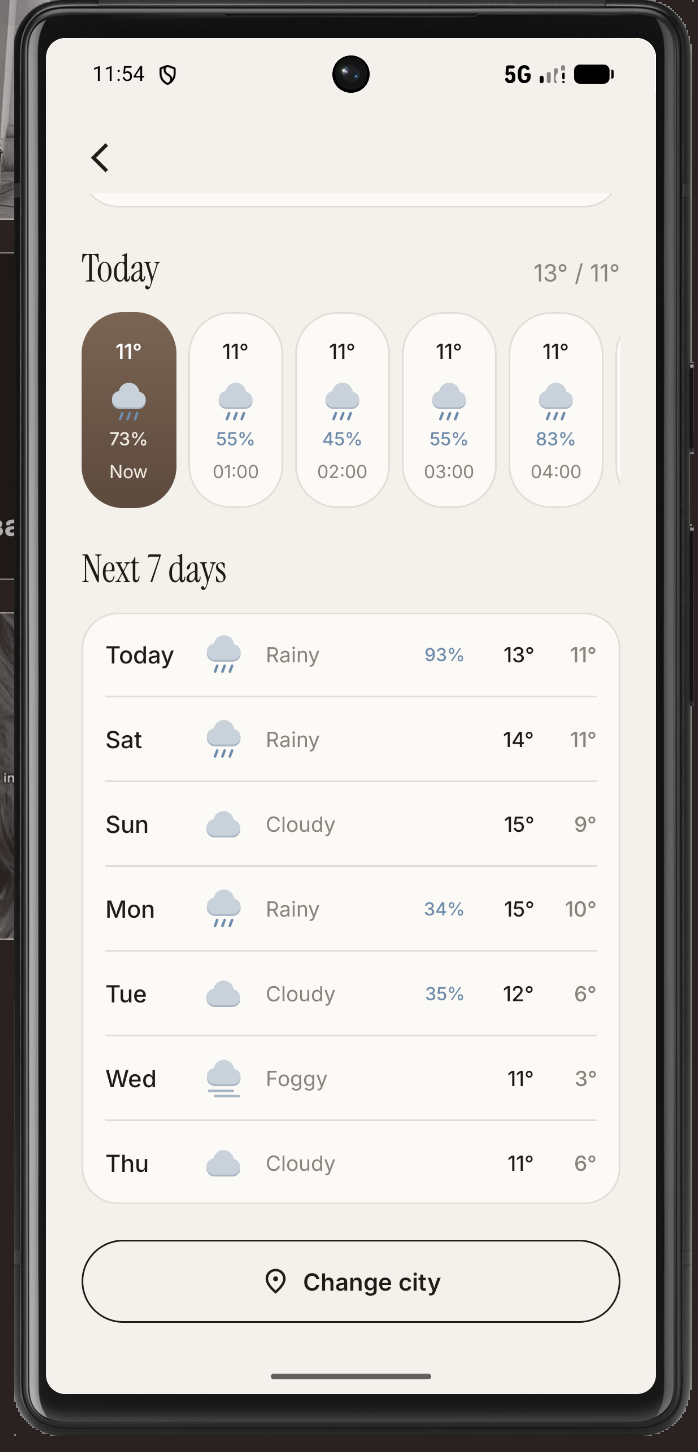
- A weather page shows today’s forecast, what to wear, whether to bring an umbrella, and the week ahead.
- On the home page, you can filter your clothes and outfits by season, color, type, and category.
How I built it
I built Mixyn step by step:
- Design — I started with the design and core concepts.
- Registration — user registration, which is essential for saving wardrobes and outfits.
- Adding clothes — uploading clothes, automatic background removal, and AI-assigned clothing types and colors.
- Outfit creation — layers for outerwear, under-layers (like a T-shirt under a sweater), accessories, and bags.
- Weather — gradually expanded from current conditions to daily and weekly forecasts.
- Polish — finally, I refined the AI stylist and polished the overall user experience.
After comparing several options, I chose to implement Gemini because of its strong image-processing capabilities and its overall reliability.
Challenges I ran into
- Outerwear jumping around on the screen → I locked jacket positions independently of the tops underneath, stopping them from resizing and shifting.
- Poor AI color detection → I introduced a fixed 18-color palette.
- Inconsistent background removal → I added a secondary neural network.
- Messy filters → I made category filters independent.
- Inner layers → I redesigned them to display neatly as just a collar and hem peeking out.
Accomplishments that I am proud of
I am proud of finally participating in a hackathon to build a project I have long envisioned. Instead of a simple clickable mockup, I developed a real Android application powered by a custom Spring Boot backend, a database, and Docker, which significantly leveled up my technical skills.
Integrating AI was a key decision:
- I avoided high API costs by using Gemini's free tier and setting up a fallback model.
- I run the rembg background removal tool locally.
- The backend strictly verifies every AI response, ensuring the suggested items actually exist in the user’s digital wardrobe.
During development, I added a clothing layering system to allow for complex, unique outfits. I also brought back the weather integration after initially planning to cut it from the project scope, realizing how crucial it is for practical daily outfit planning.
Ultimately, my greatest accomplishment is building a tool I will genuinely use. It will drastically simplify my morning routine before university, allowing me to quickly put together outfits on my phone in advance rather than wasting time trying things on.
What I learned
- How to integrate artificial intelligence into an application, which was a completely new skill for me.
- How to manage API limits and use AI logically within the app's architecture.
- How to effectively collaborate with AI coding tools. My development workflow:
- writing detailed feature descriptions for Claude Code,
- testing its proposed solutions on an emulator,
- refining the code or fixing errors manually as needed.
What's next for Mixyn
Friends
My next step will be adding the ability to create friend groups for sharing outfits. You will be able to add friends and send your outfits to them individually, or create specific groups to share photos exclusively within them. Whenever friends receive a daily outfit, they will evaluate how much they like it, turning outfit sharing into a daily interaction.
At the end of the month, the app will announce:
- The top 3 highest-rated outfits.
- The top 3 friends (including you) who accumulated the most points over the month.
After that
- Notifications — reminders to take daily outfit photos (OutfitCHECK), prepare tomorrow's wardrobe, and wear long-unworn items.
- Google authentication and a more modern UI design.
- A smarter AI stylist — analyzing clothing patterns and materials, and visualizing colors in its responses.
- Convenience — bulk item uploads, custom categories, outfit collections, and significant improvements to the filter logic.
iOS
Running in parallel with these updates, developing an iOS version of the app is a major priority. Since I plan to use the app extensively and on a regular basis, bringing it to iOS is one of my most important overall goals.
Built With
- android
- bcrypt
- claudecode
- glide
- google-gemini-api
- google-gen-ai-sdk
- gradle
- hibernate
- java
- junit
- mockito
- open-meteo-forecast
- postgresql
- rembg
- retrofit
- spring-data-jpa
- springboot
- xml

Log in or sign up for Devpost to join the conversation.