-
-
-
Studio
-
Library
-
Homepage
MixBox: A Therapeutic Collage Application
MixBox was built using React and TypeScript, providing a robust and scalable foundation for a dynamic user interface. Tailwind CSS was chosen for styling, allowing for rapid and consistent design application across the platform. Lucide React icons were integrated to provide clear and intuitive visual cues throughout the application.
Application Structure
The application is structured around several key workspaces:
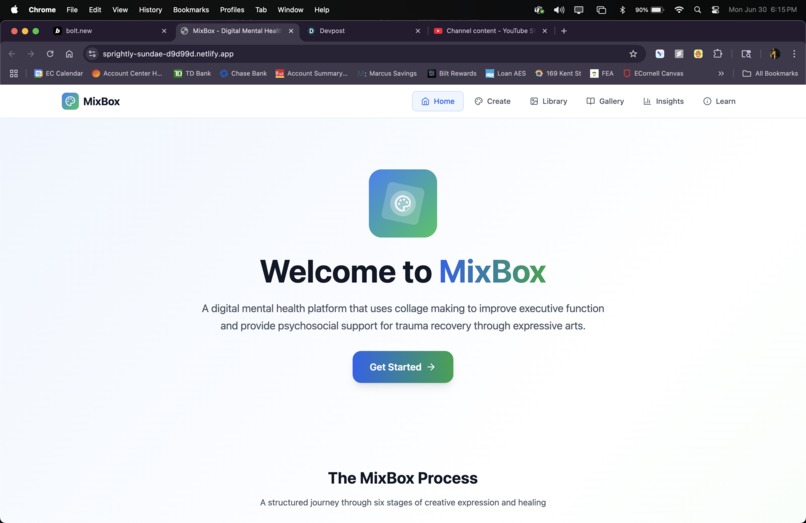
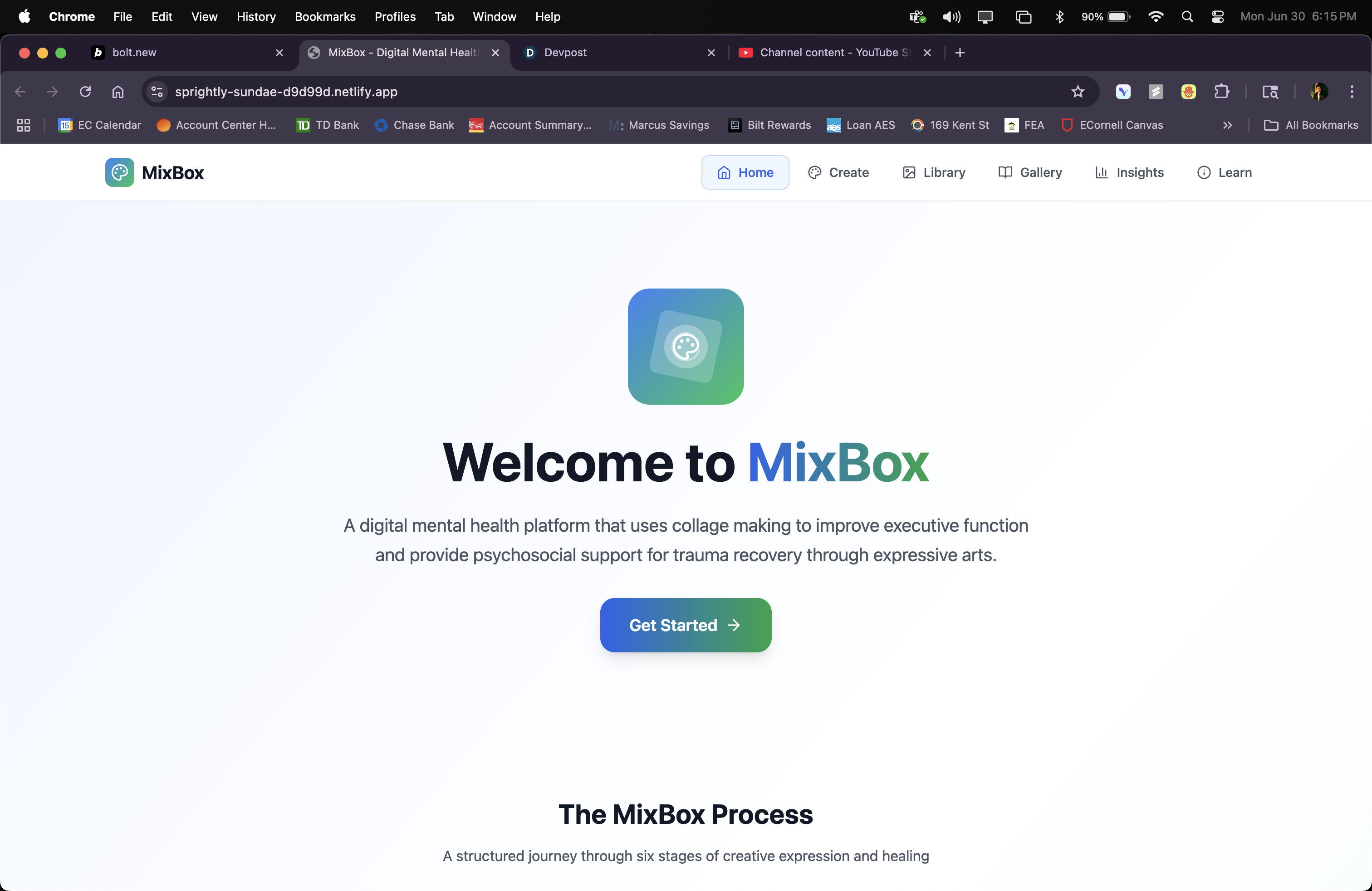
- Home Page: An inviting entry point that introduces users to MixBox and its therapeutic benefits.
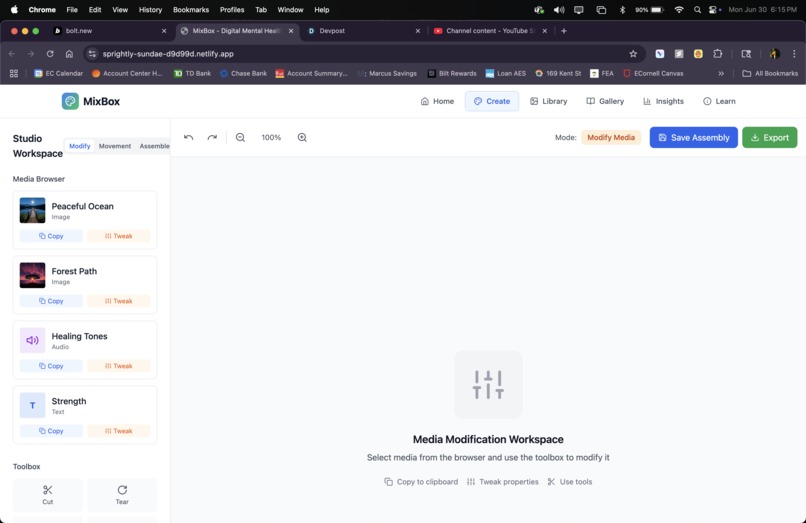
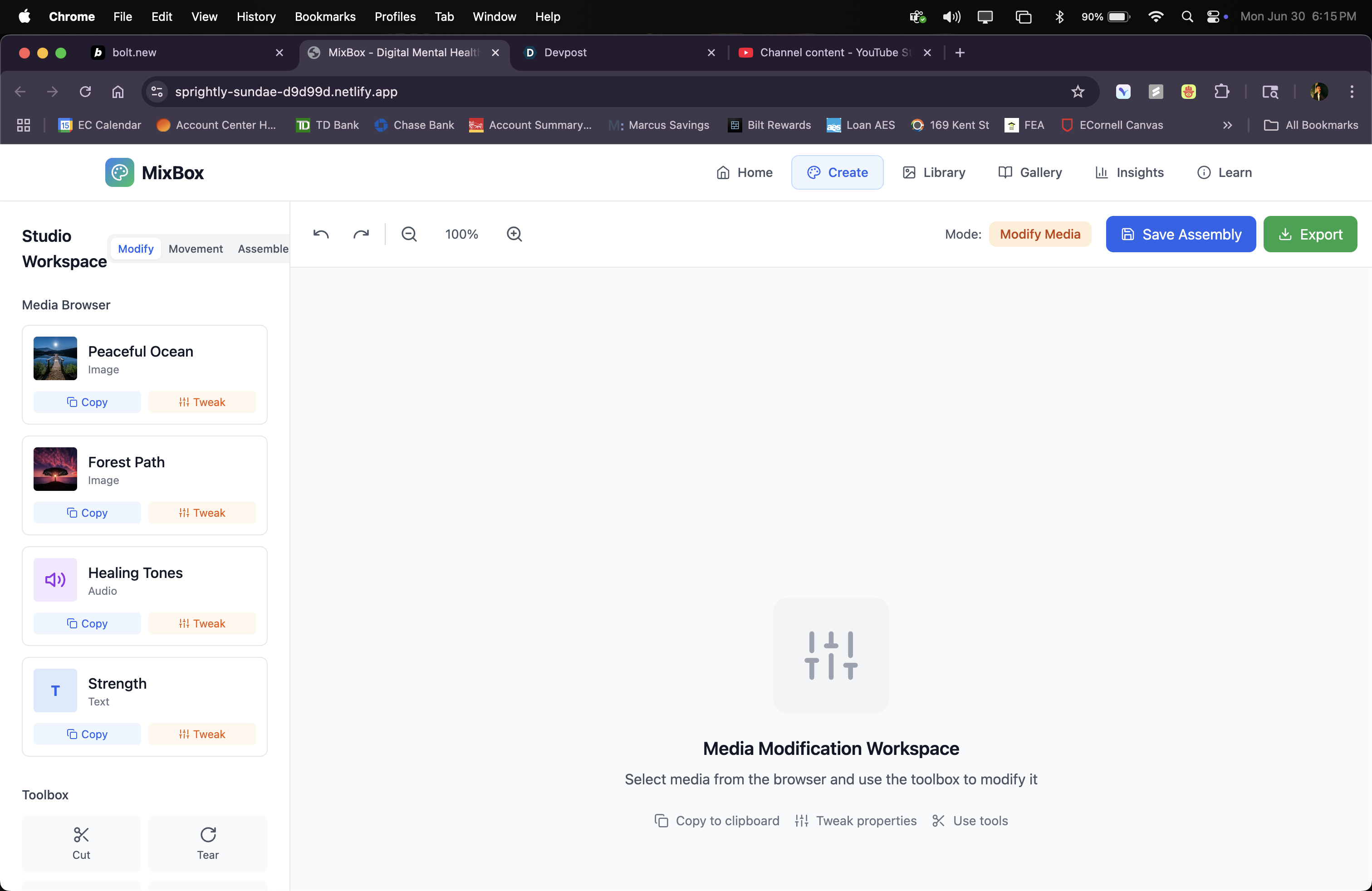
- Collage Workspace (Studio): This is the heart of the application, where users can assemble their collages. It features a multi-layered canvas, allowing for complex compositions.
- Modify Mode: Users can select and tweak various media elements (images, audio, text) by adjusting properties like brightness, contrast, and saturation. This mode also includes a "toolbox" for more advanced manipulations.
- Movement Mode: A unique feature that allows users to capture their own body movements and gestures using their webcam. These captured movements can then be incorporated as dynamic elements into their collages. This was a particularly innovative aspect, aiming to integrate kinesthetic expression into the digital collage process.
- Assemble Mode: This is where all the elements come together on a 5-layer canvas. Users can drag and drop modified media and captured movements from a central clipboard onto different layers, controlling their position, size, rotation, and opacity.
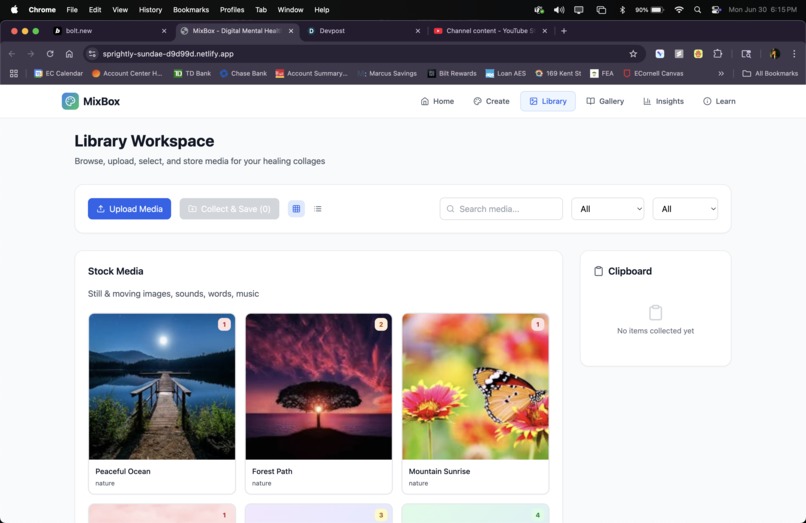
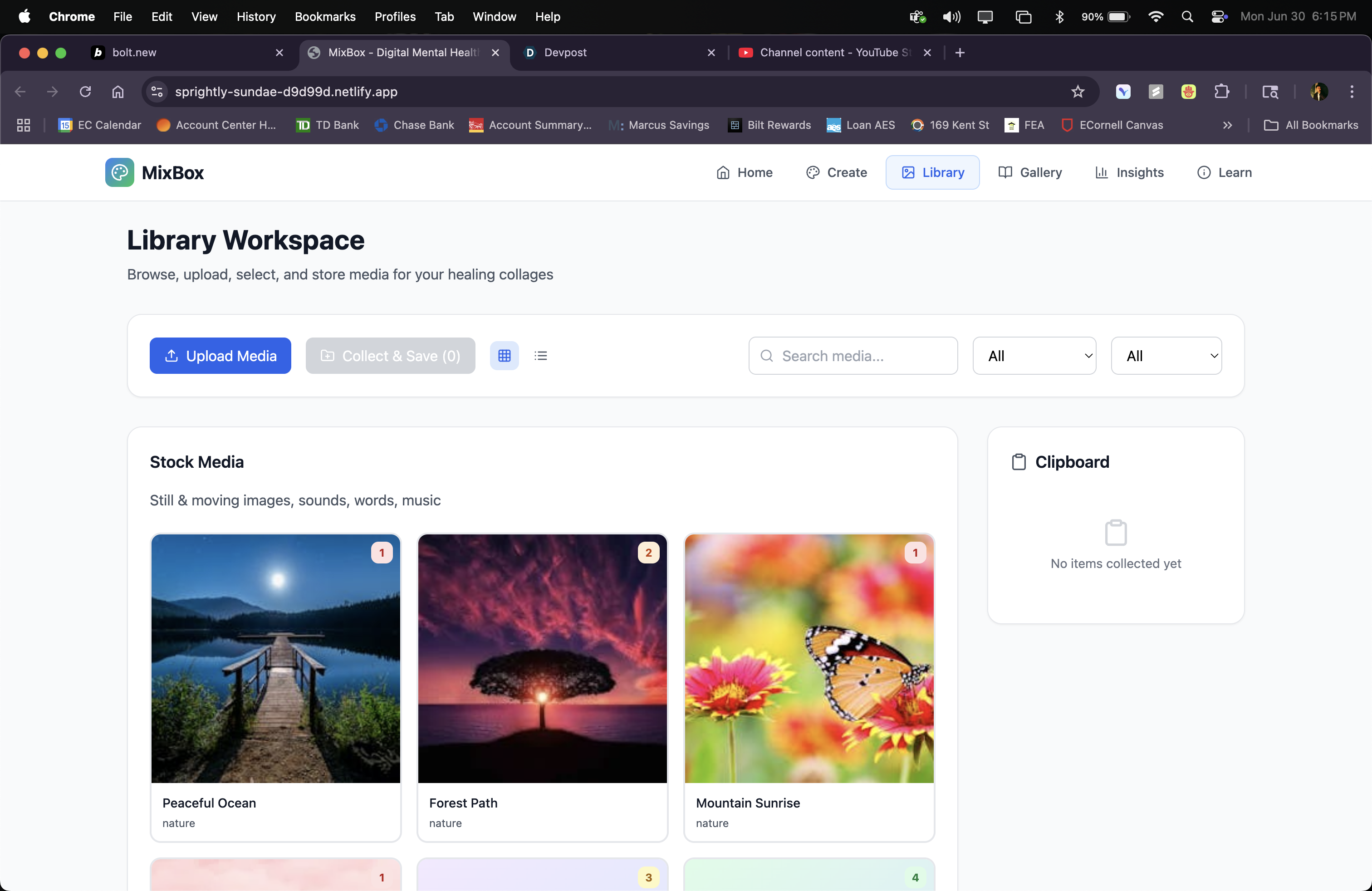
- Media Library: A comprehensive collection of curated stock media (images, audio, text, movement samples) and a space for users to manage their own uploaded or modified content.
- Gallery: A place for users to view, manage, and share their completed collages, tracking their progress and emotional themes.
- Insights Page: Provides users with data-driven insights into their creative process and emotional well-being, tracking mood improvements, consistency, and focus time.
- Learn Page: Offers educational resources on trauma, executive function, and expressive arts, along with guided exercises to deepen the therapeutic experience.
The application heavily utilizes React hooks for state management and component logic, ensuring a reactive and efficient user experience. The clipboard functionality, which allows seamless transfer of media between different workspaces, was a crucial architectural decision to enhance usability.
What Was Learned
Throughout the development of MixBox, I gained significant experience in building complex, multi-functional web applications with React and TypeScript. I learned to:
- Manage complex state: Handling the state of multiple interactive elements, such as collage elements, layers, and different workspace modes, required careful planning and implementation of React's state management patterns.
- Integrate multimedia: Working with images, audio, and especially live video streams for movement capture, presented unique challenges and opportunities for creative expression.
- Design for user experience: The iterative process of refining the UI/UX, particularly for features like the multi-layered canvas and the movement capture, highlighted the importance of intuitive design in therapeutic applications.
- Implement advanced CSS with Tailwind: Leveraging Tailwind CSS for responsive and visually appealing layouts, including dynamic styling based on component state.
Challenges Faced
Several challenges arose during the development of MixBox:
- Real-time video processing for movement capture: Integrating the webcam feed and conceptualizing how to translate physical gestures into digital collage elements was a significant technical and creative hurdle. While the current implementation captures and represents gestures, further development would be needed for more sophisticated motion tracking and "puppet" creation.
- Layer management and interaction: Ensuring that elements on different layers could be easily manipulated, and that layer visibility and active states functioned seamlessly, required careful attention to component architecture and event handling.
- Clipboard functionality across different media types: Designing a flexible clipboard that could hold and transfer various types of media (images, text, audio, movements) while retaining their properties and modifications was complex.
- Performance optimization: As the number of elements and layers increased, maintaining smooth performance, especially with dynamic elements and filters, became a consideration. Optimizing rendering and state updates was crucial.
- Balancing complexity with simplicity: The goal was to create a powerful tool, but also one that was accessible and not overwhelming for users seeking therapeutic benefits. Striking this balance in the UI/UX design was an ongoing challenge.
Built With
- bolt
- react

Log in or sign up for Devpost to join the conversation.