Inspiration
Streamers love to have personalized visuals for their stream for all sorts of different scenarios. However not all streamers are equipped with the right skills to develop the visuals or code to produce what they want. On the other side, there are some users who do have the visual design skills, but need the correct means to integrate that with events and functionality related to their stream. Our new Overlay update aims to bridge the gap of those two worlds by providing:
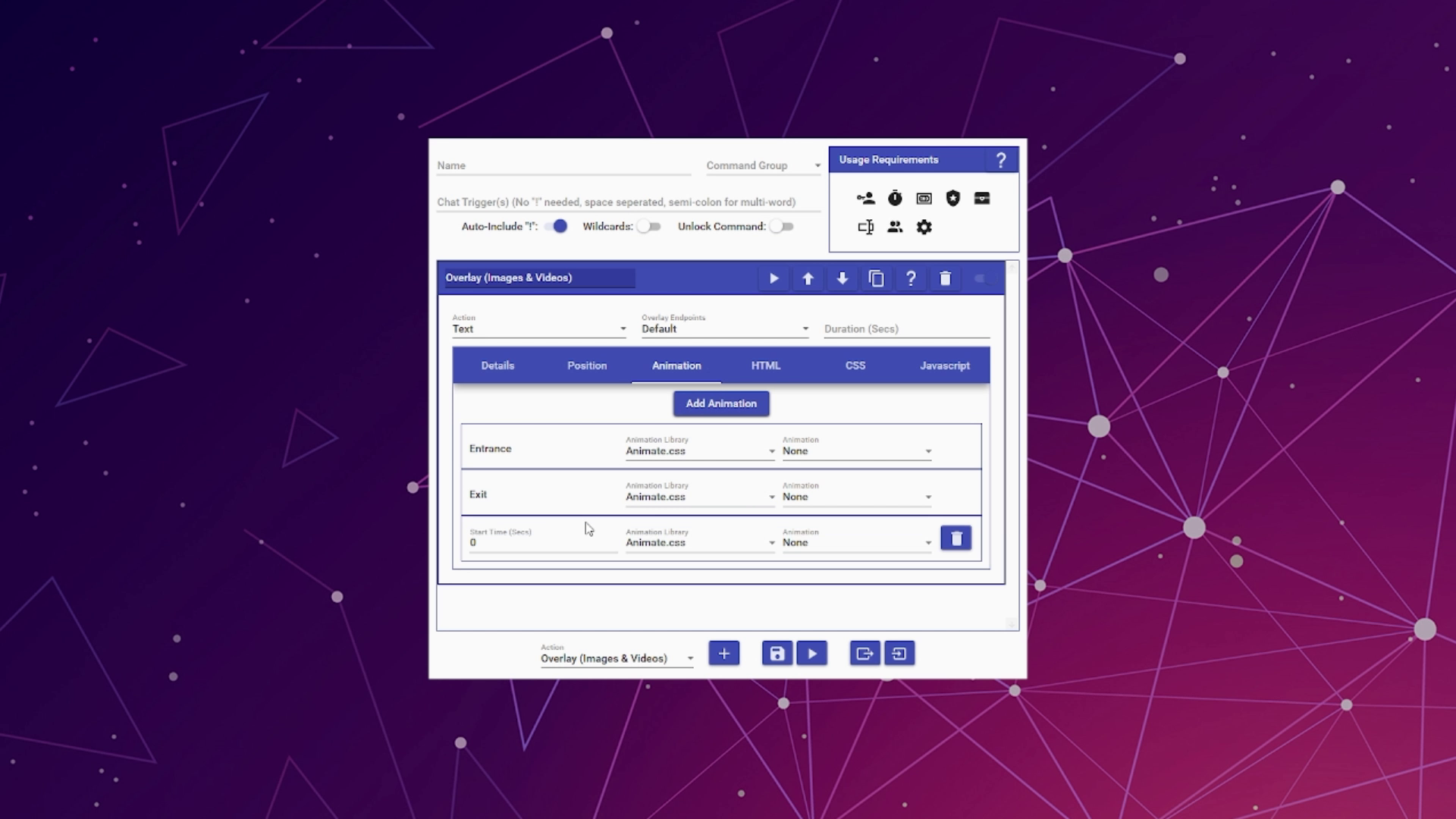
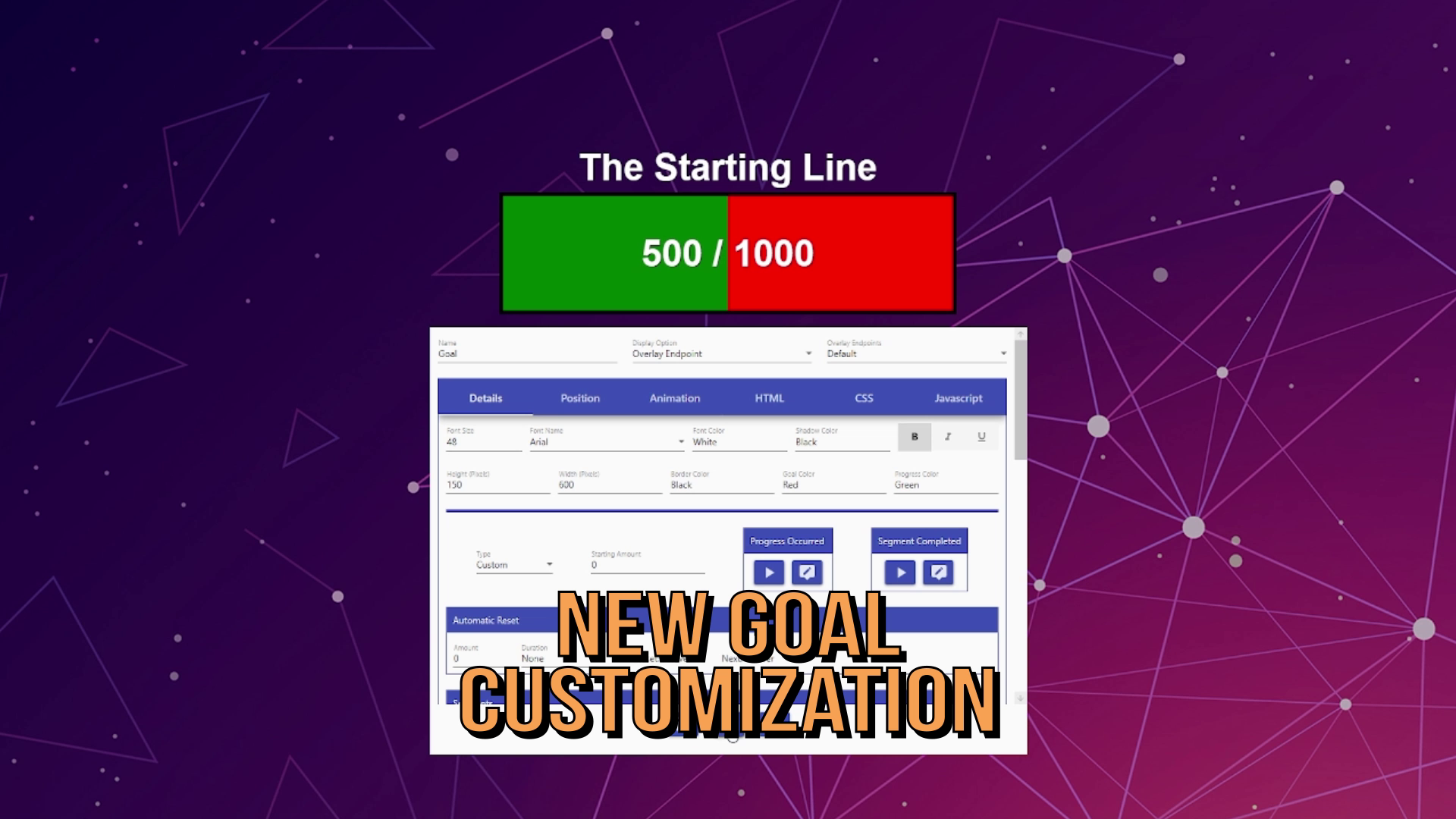
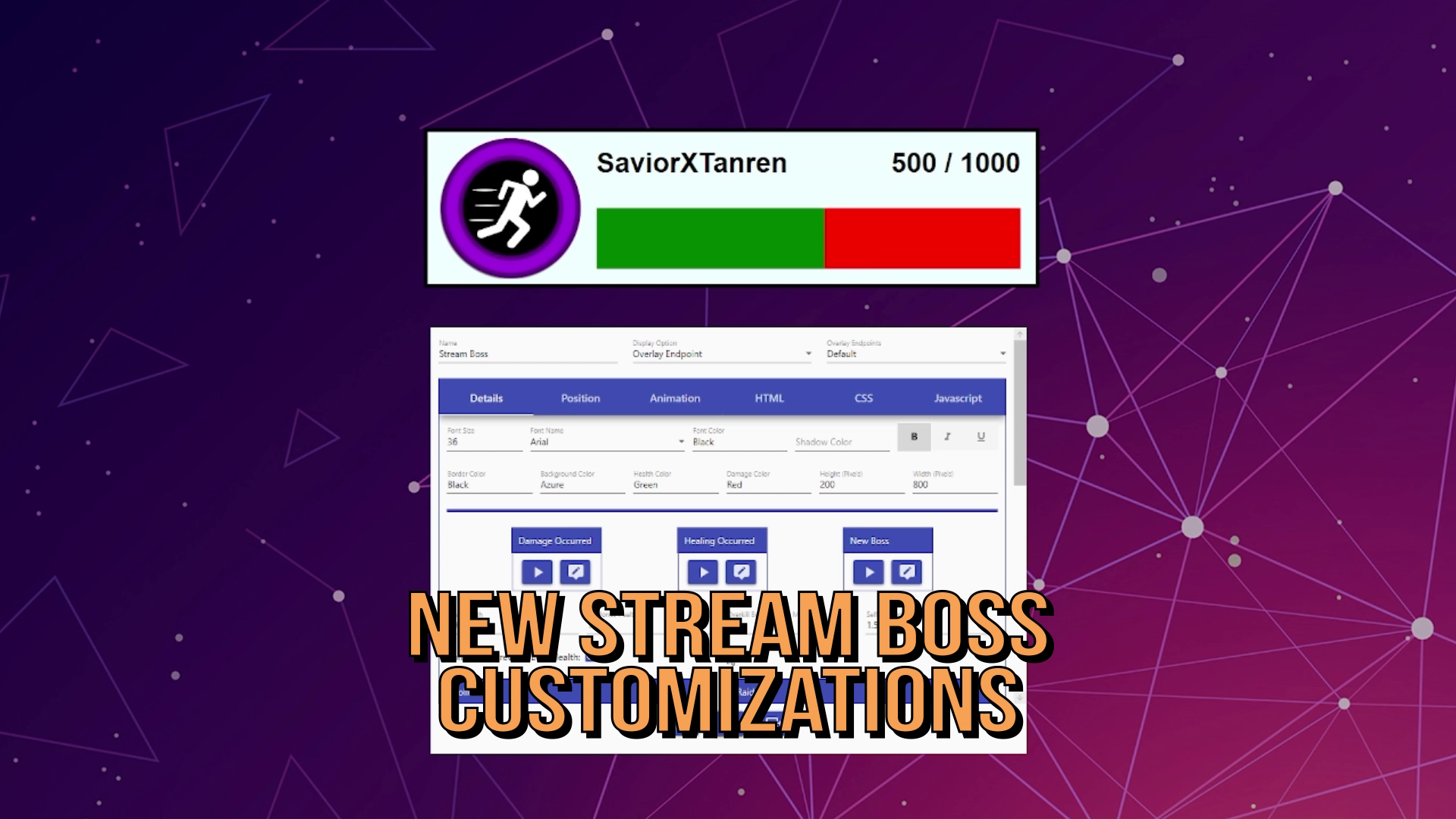
- Immense new customization options for those without the coding skills
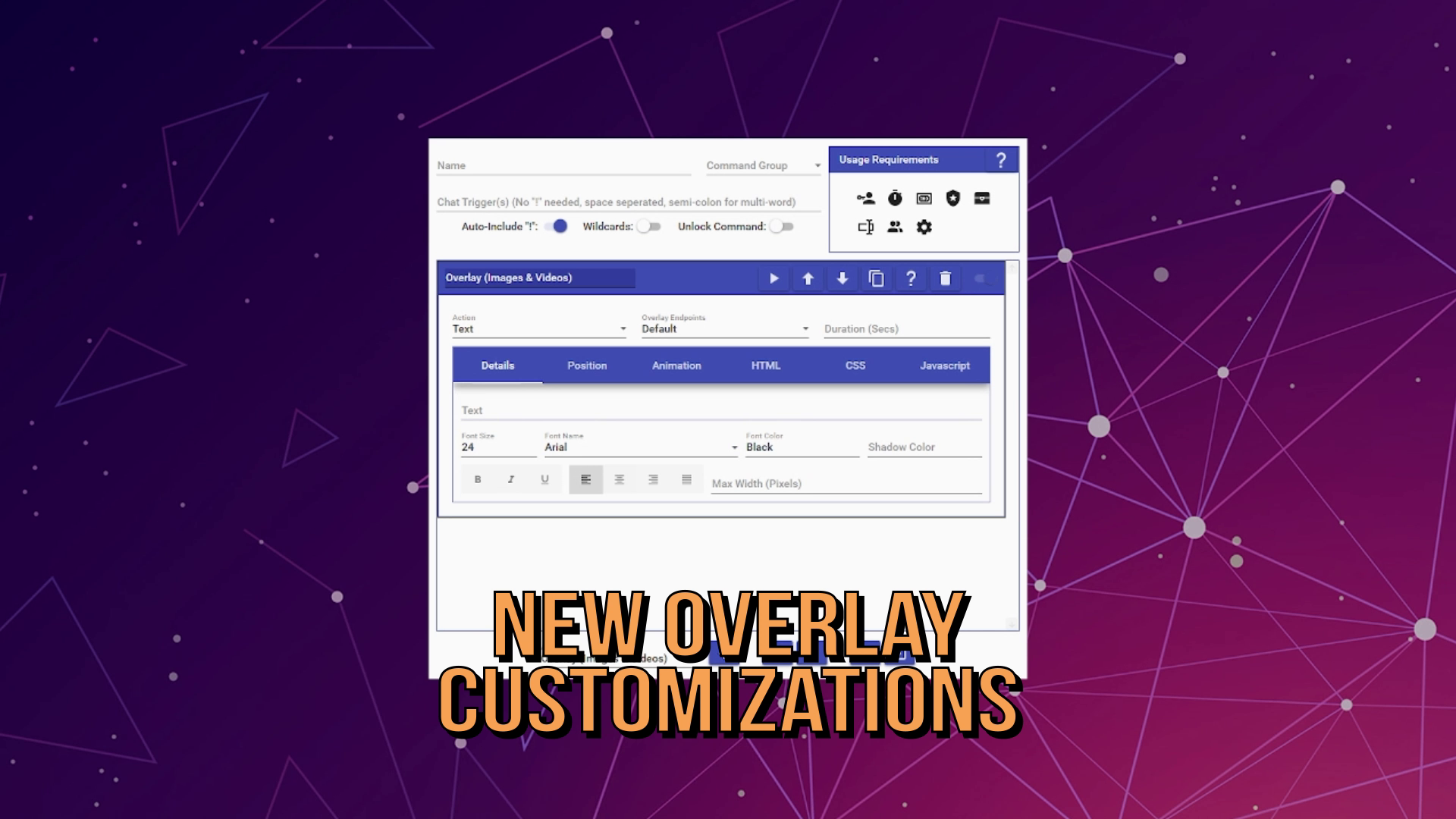
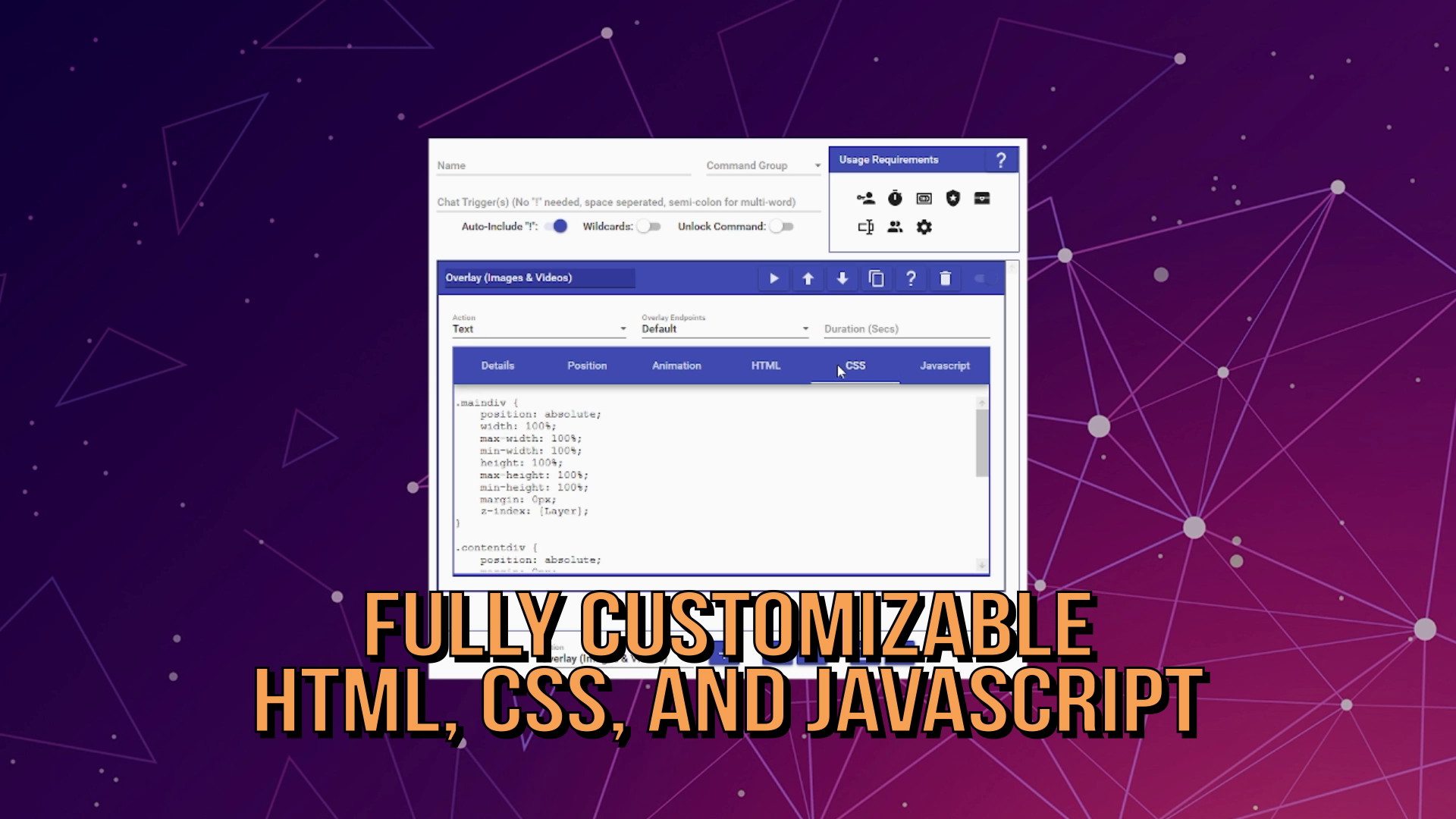
- Full access to the HTML, CSS, and Javascript of how every visual is done so users with coding skills can dive in to tweak to their hearts content
- Easy ways to export and share out user's customizations to help raise the abilities of all streamers
What it does
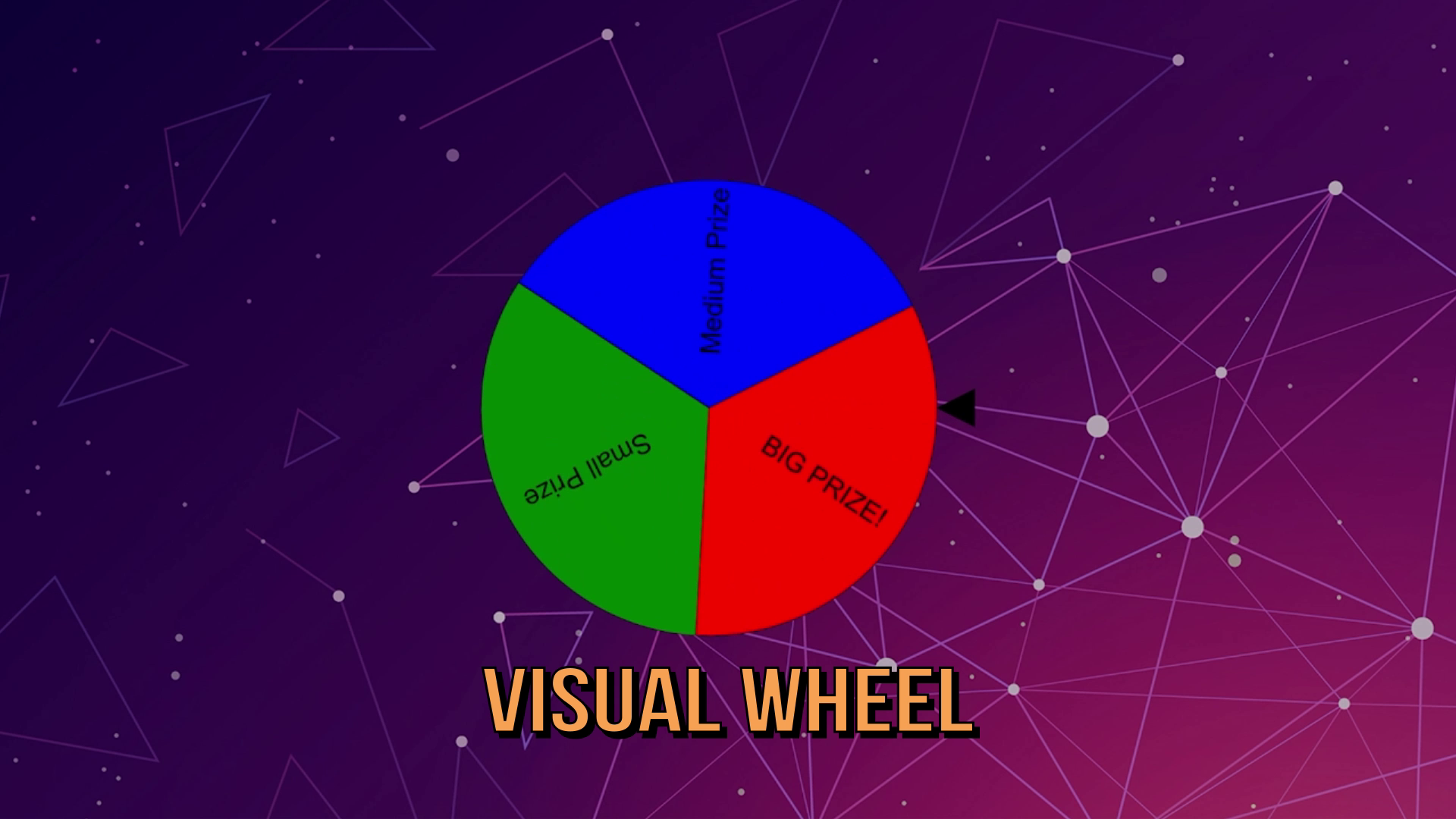
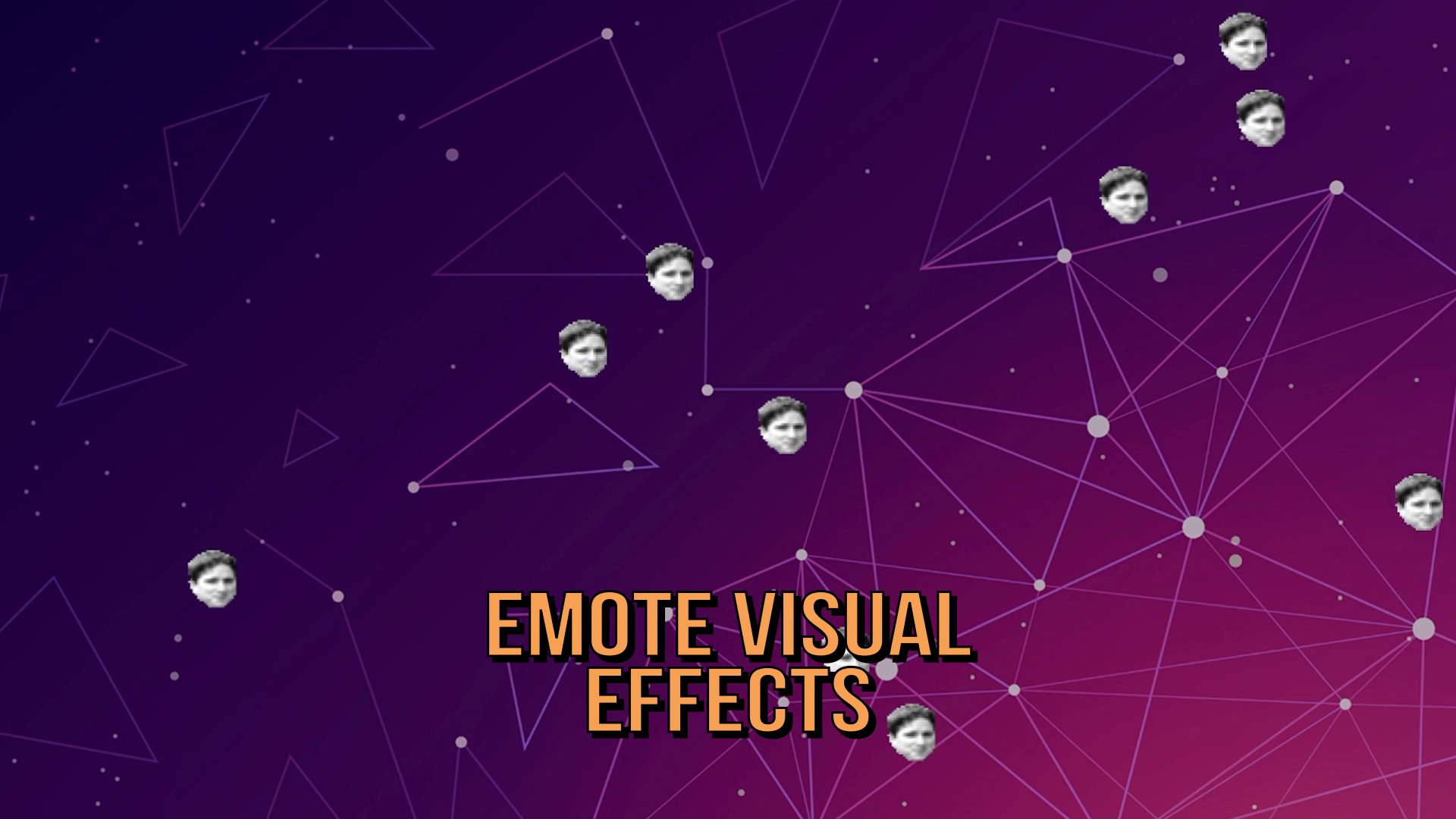
Our Overlay functionality allows streamers to display many different visual elements on their stream via our Overlay web page. This can include things like text, sounds, images, videos, and more. Streamers can add this features to all of their different commands by simply leveraging the Overlay Action to select the right option they want and customizing it to their heart's content.
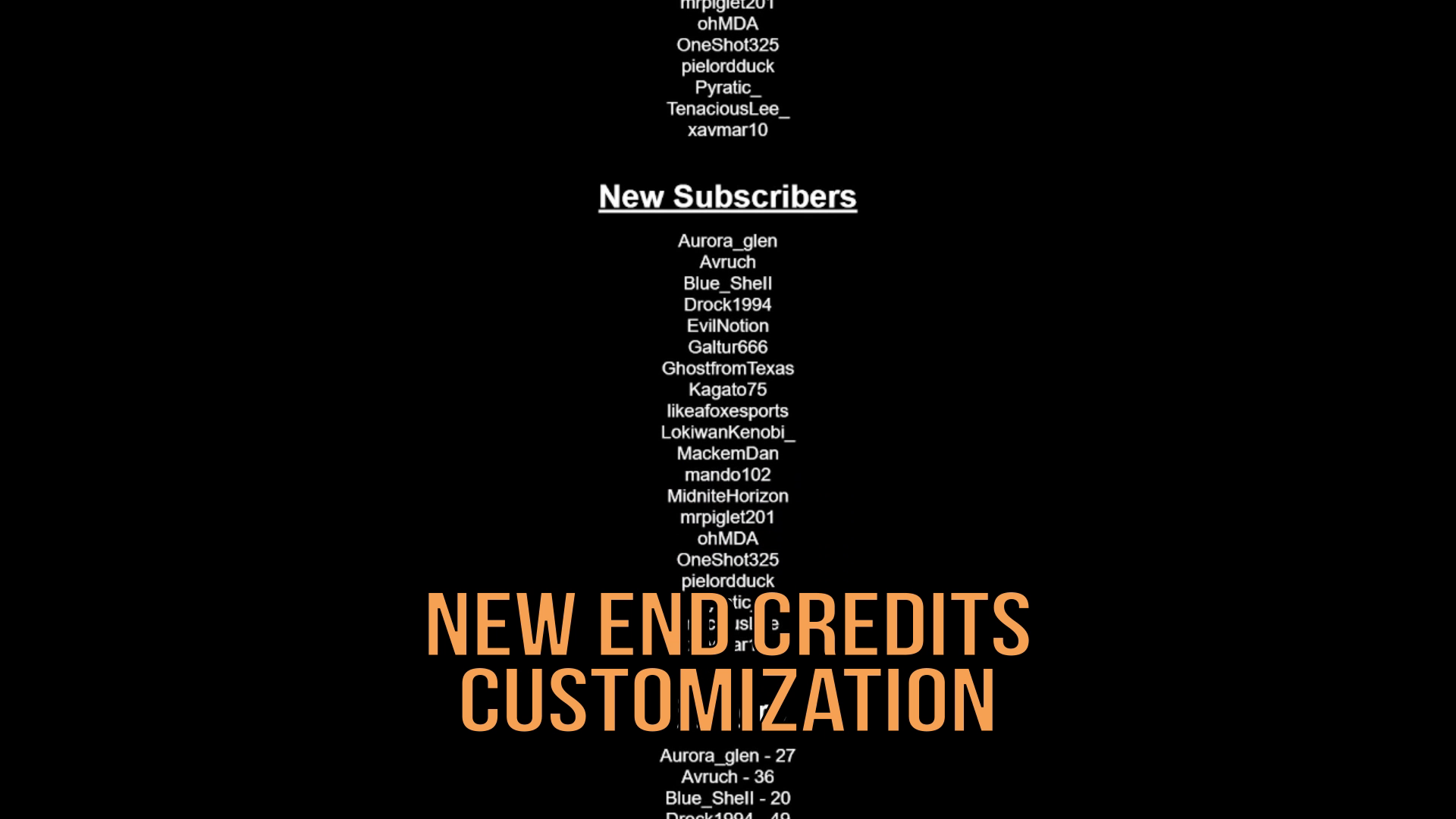
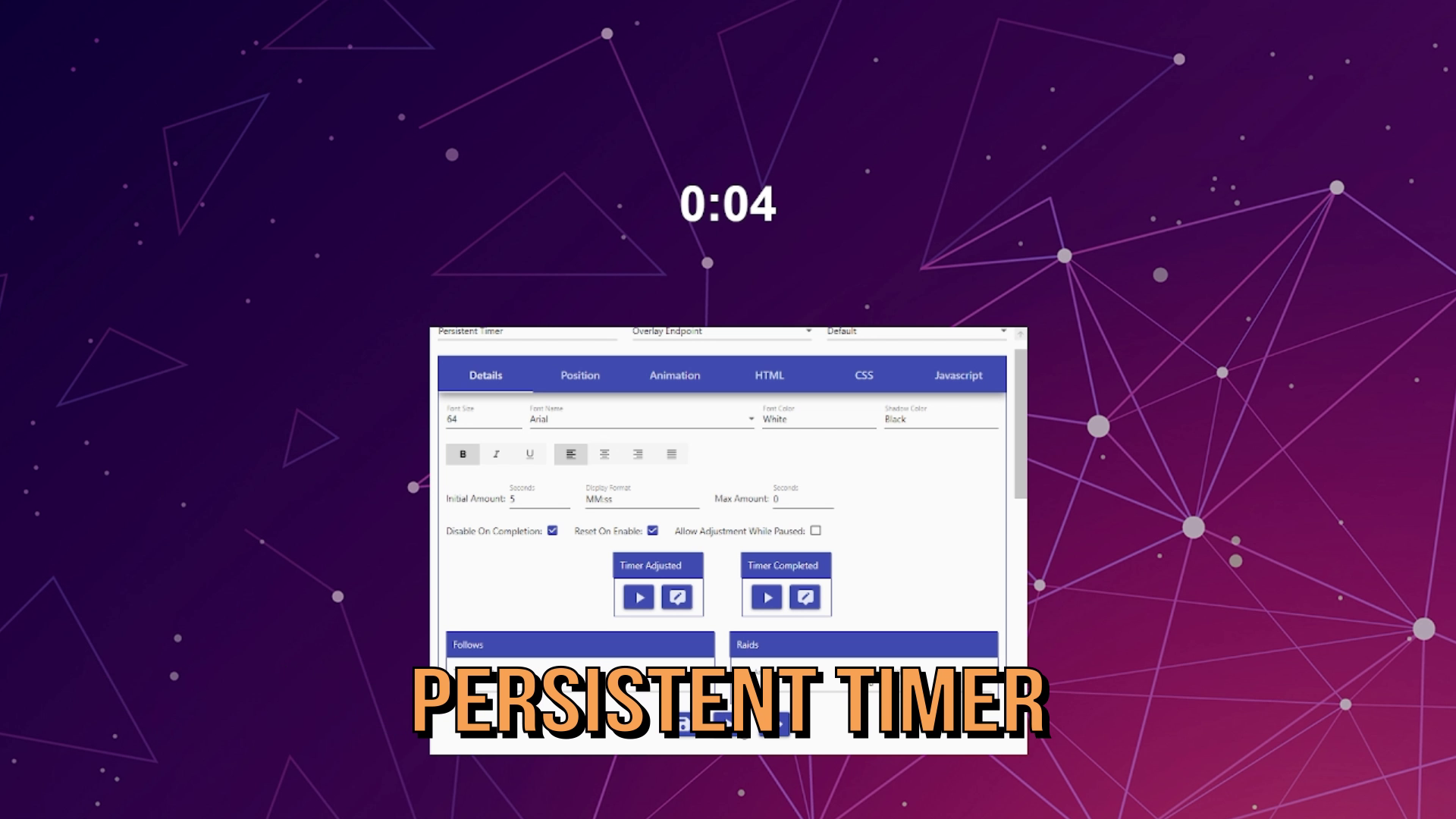
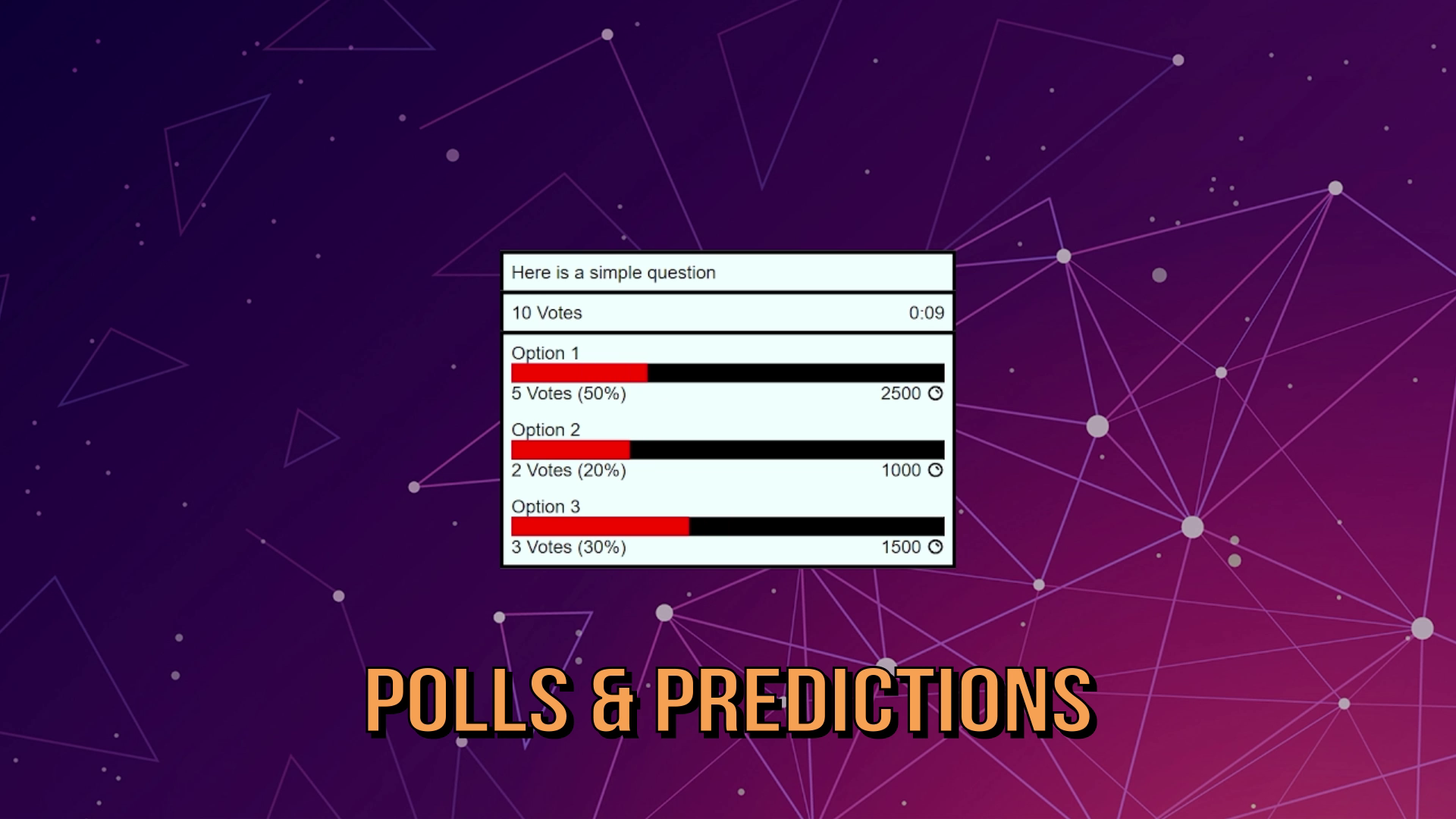
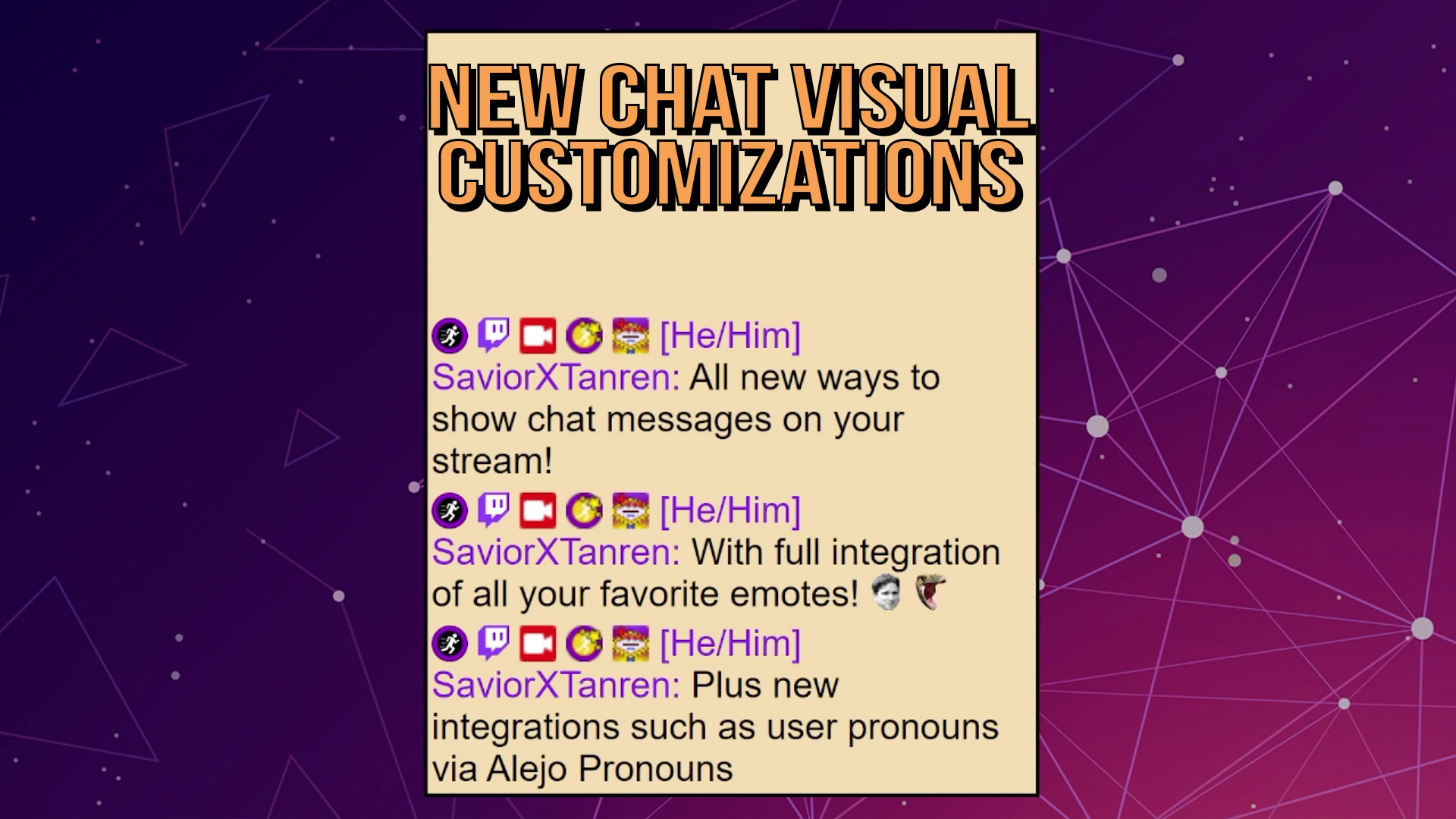
On top of dynamic options, we have also added and updated several Overlay Widgets, which are persistent Overlay visuals to handle various scenarios. Some examples of this are chat display, goals, end credits, timers, and more. These widgets can not only also be customized, but have new interaction points to let users build commands to control them. For example, streamers can build commands that dynamically add or subtract from a timer, allowing them to build interesting experiences for their users to control as part of the stream, such as a timer for the streamer to have to play a game that users can continue to add to through interactions such as subscribing, cheering bits, donating, and more.
How we built it
Our new Overlay functionality involved a cross-technology build of a robust local web server running on the streamer's PC + detailed web development for both the main host page and each type of Overlay visual. The web server is hosted via regular C#, while all web development aspects of the Overlay use traditional HTML, CSS, and Javascript to ensure high-compatibility across the multitude of different browsers.
Challenges we ran into
Because Mix It Up is a desktop app, we had to ensure all functionality built in a way for high compatibility on any user's machine and would use minimal resources so as to not effect their regular streaming and game play utilization on their PCs.
As a core tenant of this Overlay update was about customization, ensuring we built every Overlay visual to be reliable, documented enough users to determine what is happening, and have easy points for customization by streamers without heavy amounts of knowledge was an important aspect of our design principals.
Accomplishments that we're proud of
Since the rollout of this new update, seeing all of the new things users have been able to build using our new functionality is the biggest accomplishment overall to us. Users who want simple customizations are able to get visuals looking great with minimal effort, while users that have expertise in web design are able to combine that alongside all of Mix It Up's existing functionality to power-up their streams even more.
What we learned
After over 7 years of development of Mix It Up, one of the most important things we've learned is never expect to know everything a user wants to do! We do our best to attempt to predict what users will want to do with every new feature we build based on past interactions and support, but there's no guarantee that will cover everything. So ensuring whatever we build as the most flexibility to expand or alter it as possible with minimal side-effects to that provides the best benefit to development for our users.
What's next for Mix It Up - Advanced Overlay Functionality
Since it's release, we've been getting great feedback from our users on additional functionality and features they would like to get added. We've been compiling that list and are working through to add these new features over the coming months:


Log in or sign up for Devpost to join the conversation.