-
-
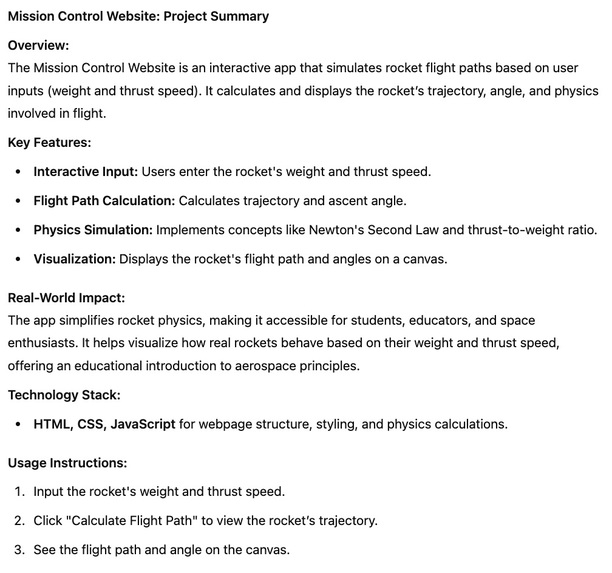
A summary of our project
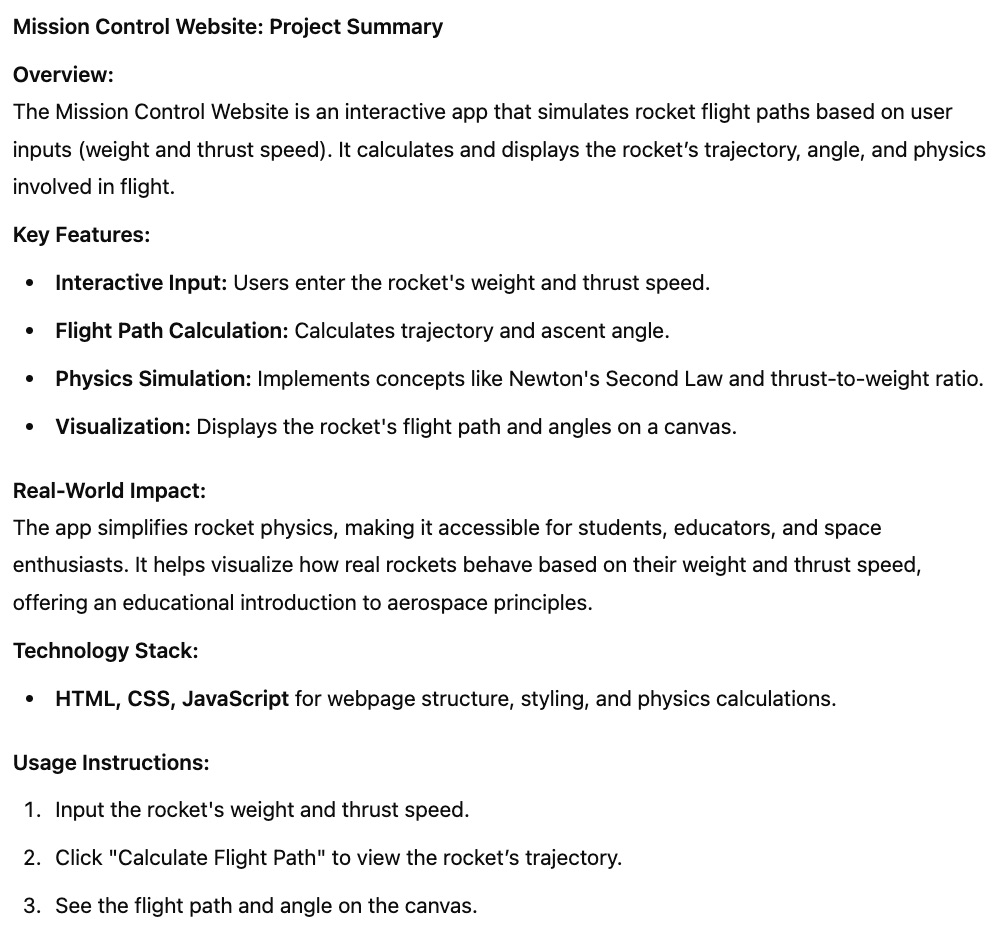
Mission Control 🚀
Inspiration
The idea for this project came from a fascination with space exploration and rocket physics. Simulating a rocket’s flight path in real time provides valuable insights into how forces like thrust, drag, and gravity interact. This project serves as an educational tool for aspiring engineers and space enthusiasts.
What We Learned
- The physics behind rocket motion, including drag, thrust-to-weight ratios, and projectile motion.
- How to implement real-time simulations using JavaScript and the HTML5 Canvas API.
- The importance of user-friendly UI/UX for interactive educational tools.
How We Built It
- Frontend: Built with HTML, CSS, and JavaScript to provide an intuitive and responsive interface.
- Physics Simulation: Implemented real-world physics equations to simulate rocket motion, considering drag, gravity, and fuel consumption.
- Visualization: Used the HTML5 Canvas API to dynamically render the rocket’s trajectory.
- Interactivity: Users can input different parameters (weight, thrust, launch angle, burn rate) and visualize the flight path dynamically.
Challenges We Faced
- Balancing Realism and Performance: Ensuring the physics simulation was accurate while keeping it efficient for real-time rendering.
- Scaling and Zooming: Managing how the trajectory is displayed dynamically, especially when dealing with high velocities and altitudes.
- Physics Accuracy: Accounting for air resistance and proper weight reduction as fuel burns.
Real-World Impact
This project can serve as a foundation for educational purposes, helping students and enthusiasts understand rocket physics interactively. It can be expanded into a full-fledged simulation tool for physics and engineering education.
Future Improvements
- Implementing different planetary gravity settings.
- Adding a 3D visualization using WebGL.
- Introducing additional environmental factors like wind resistance and variable fuel efficiency.


Log in or sign up for Devpost to join the conversation.