-
-
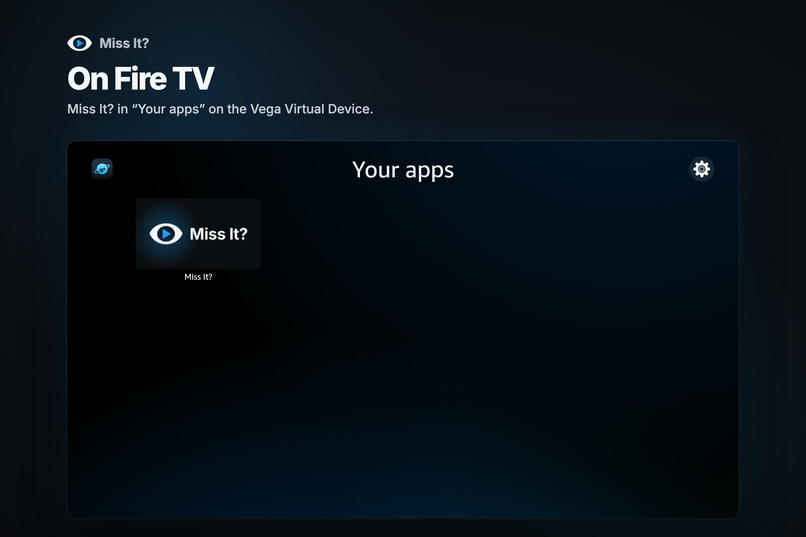
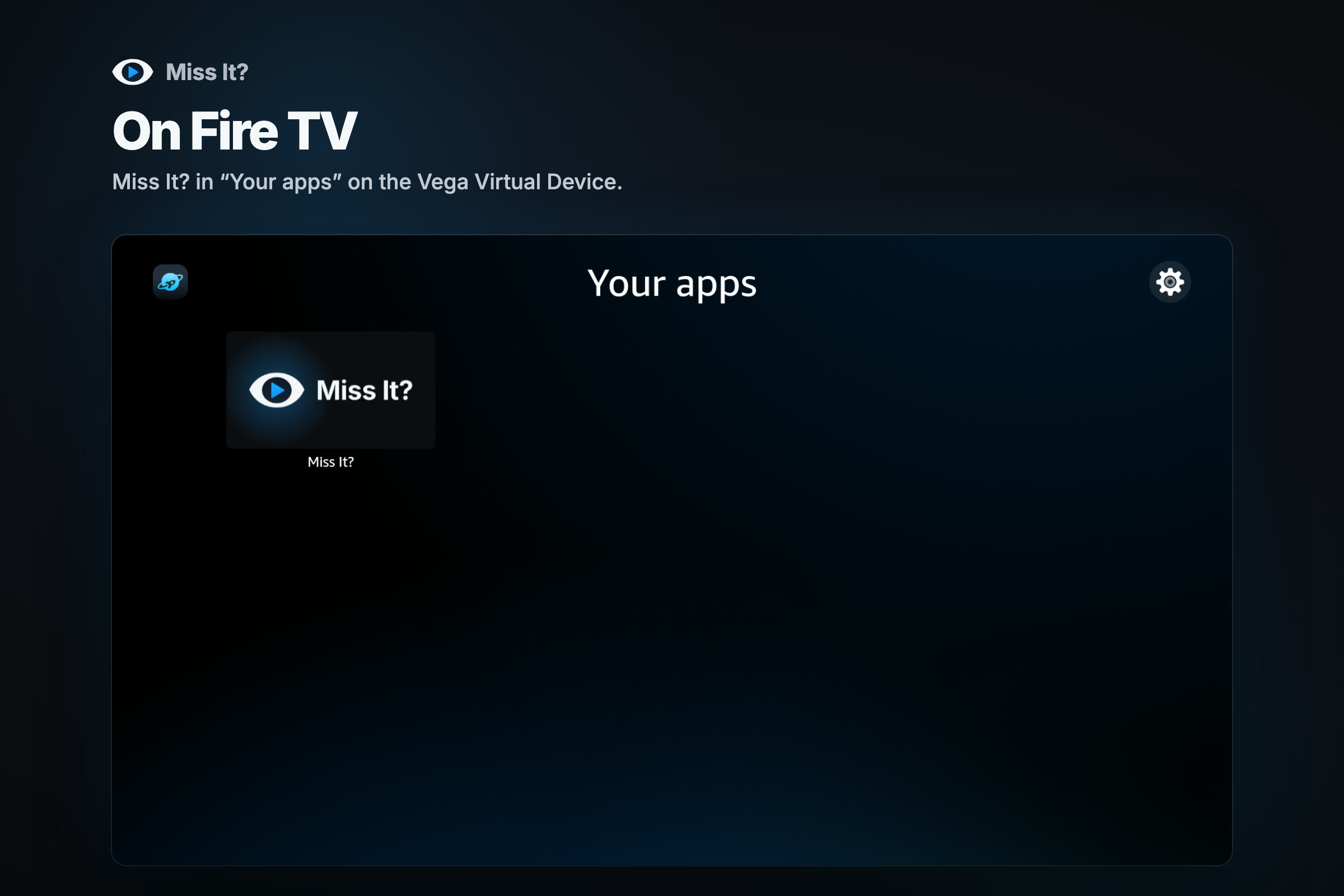
Miss It? in "Your apps" on Fire TV.
-
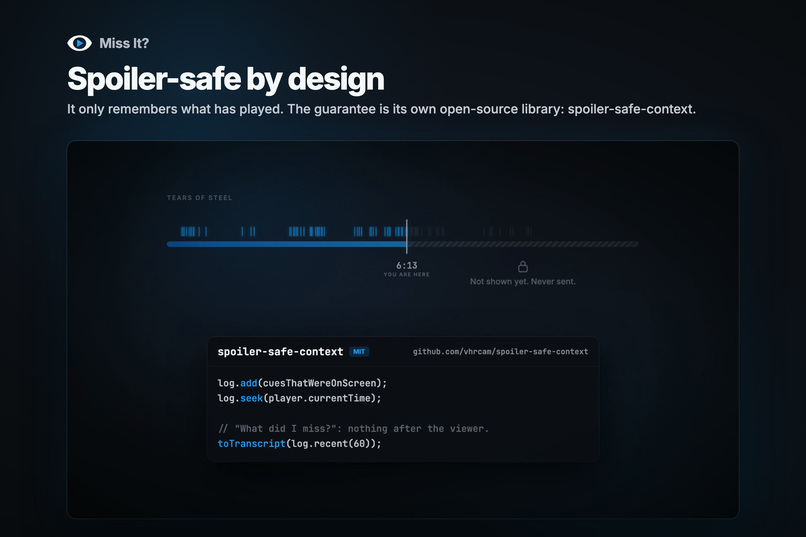
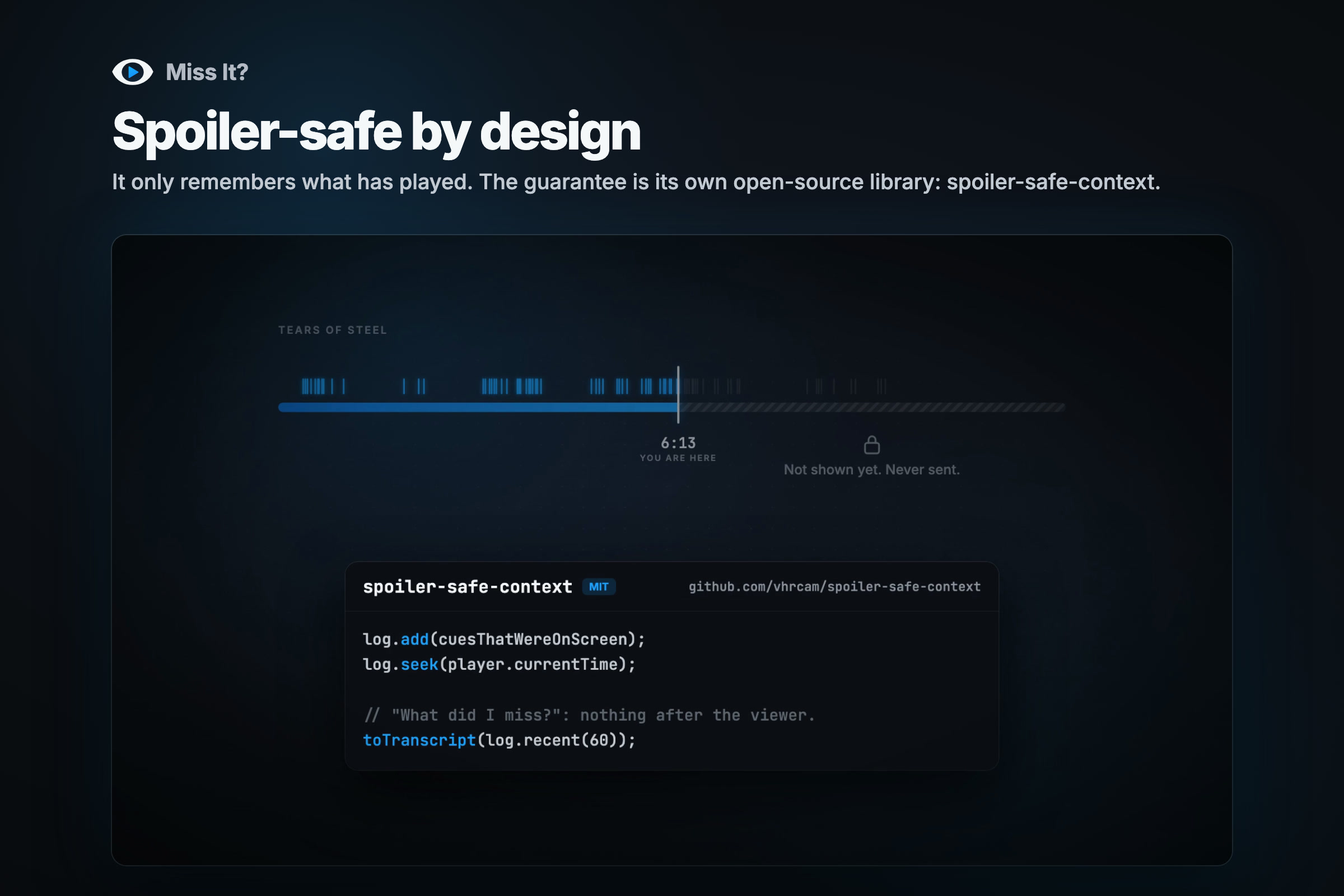
Spoiler-safe by design. The timeline and the library's code.
-
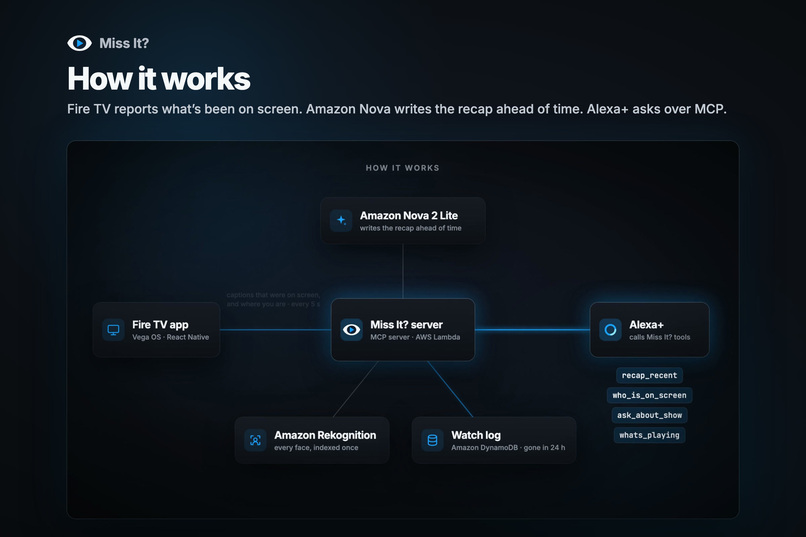
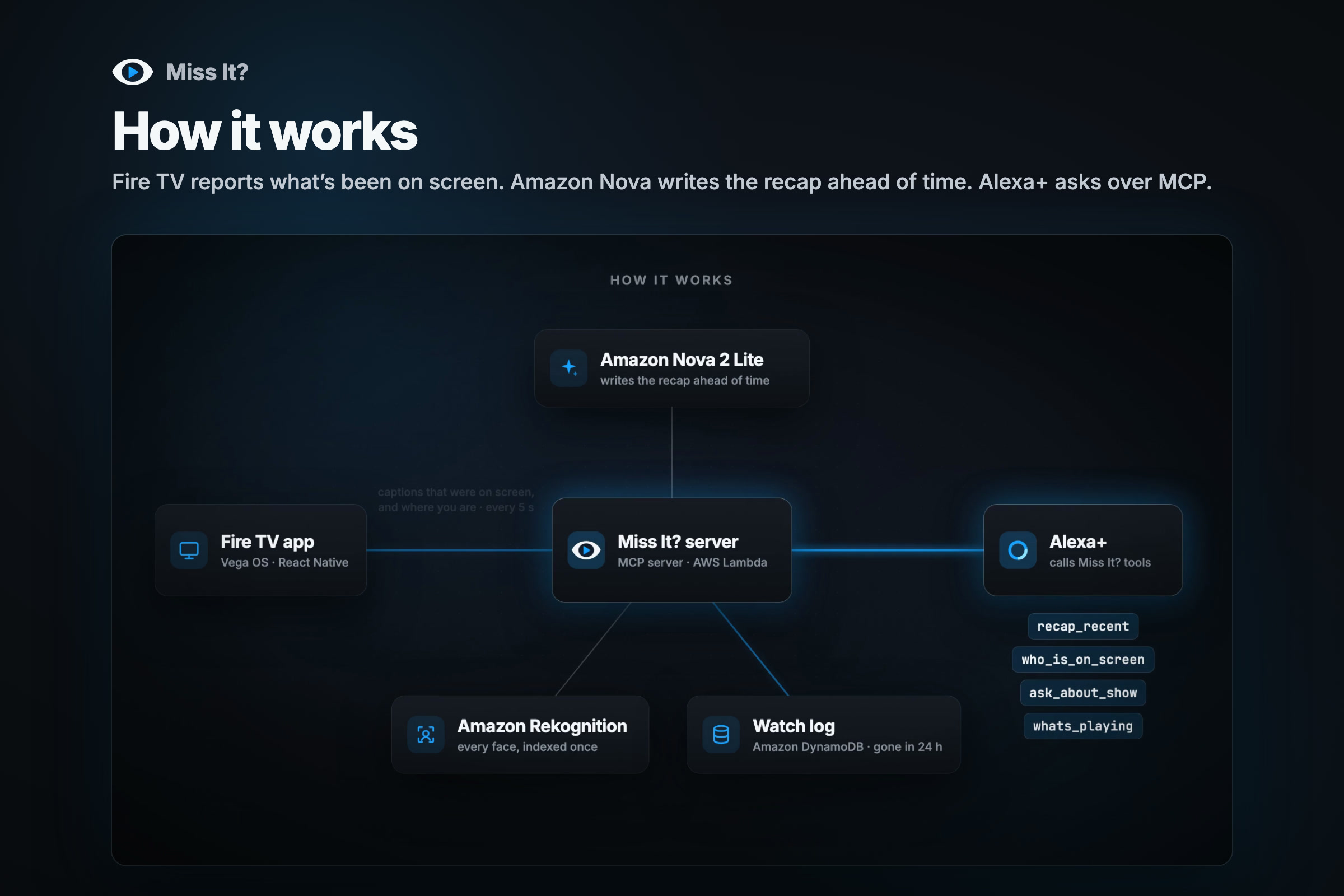
How it works. The architecture diagram.
-
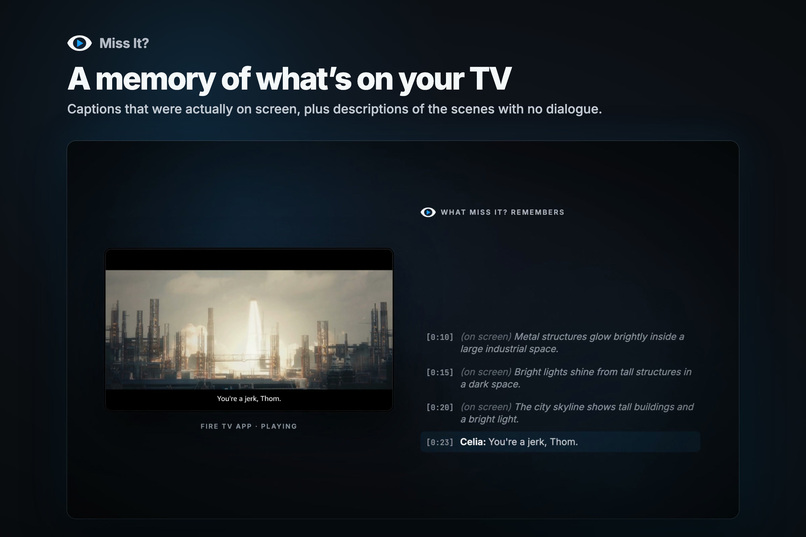
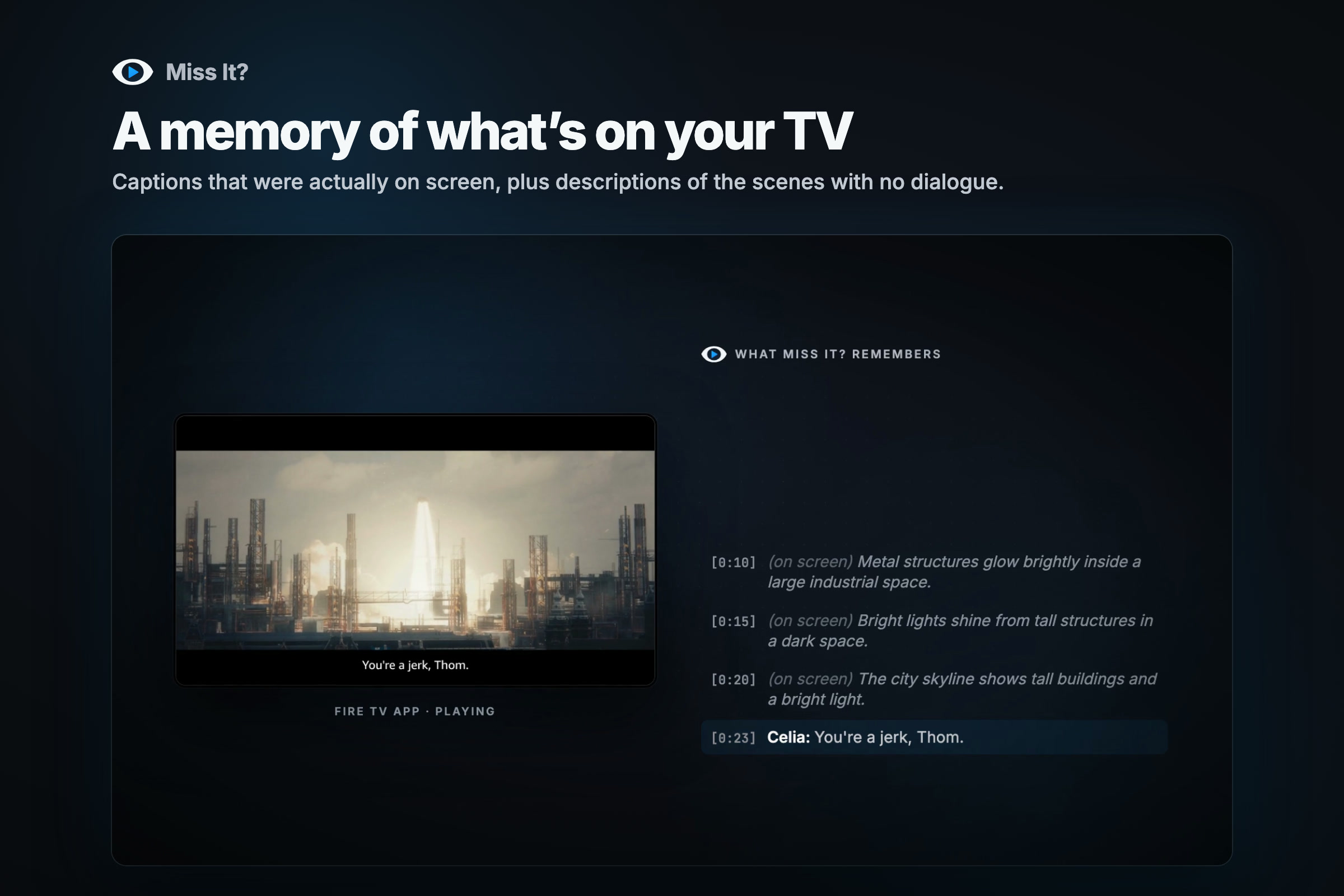
A memory of what's on your TV.
-
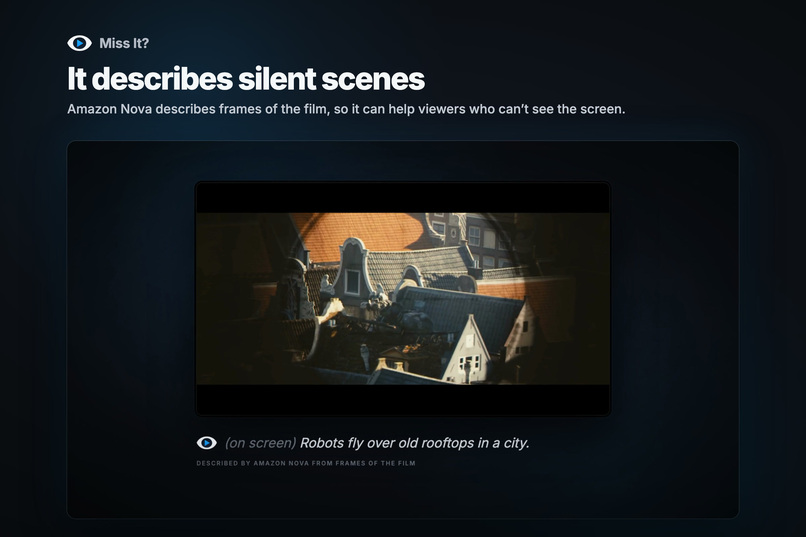
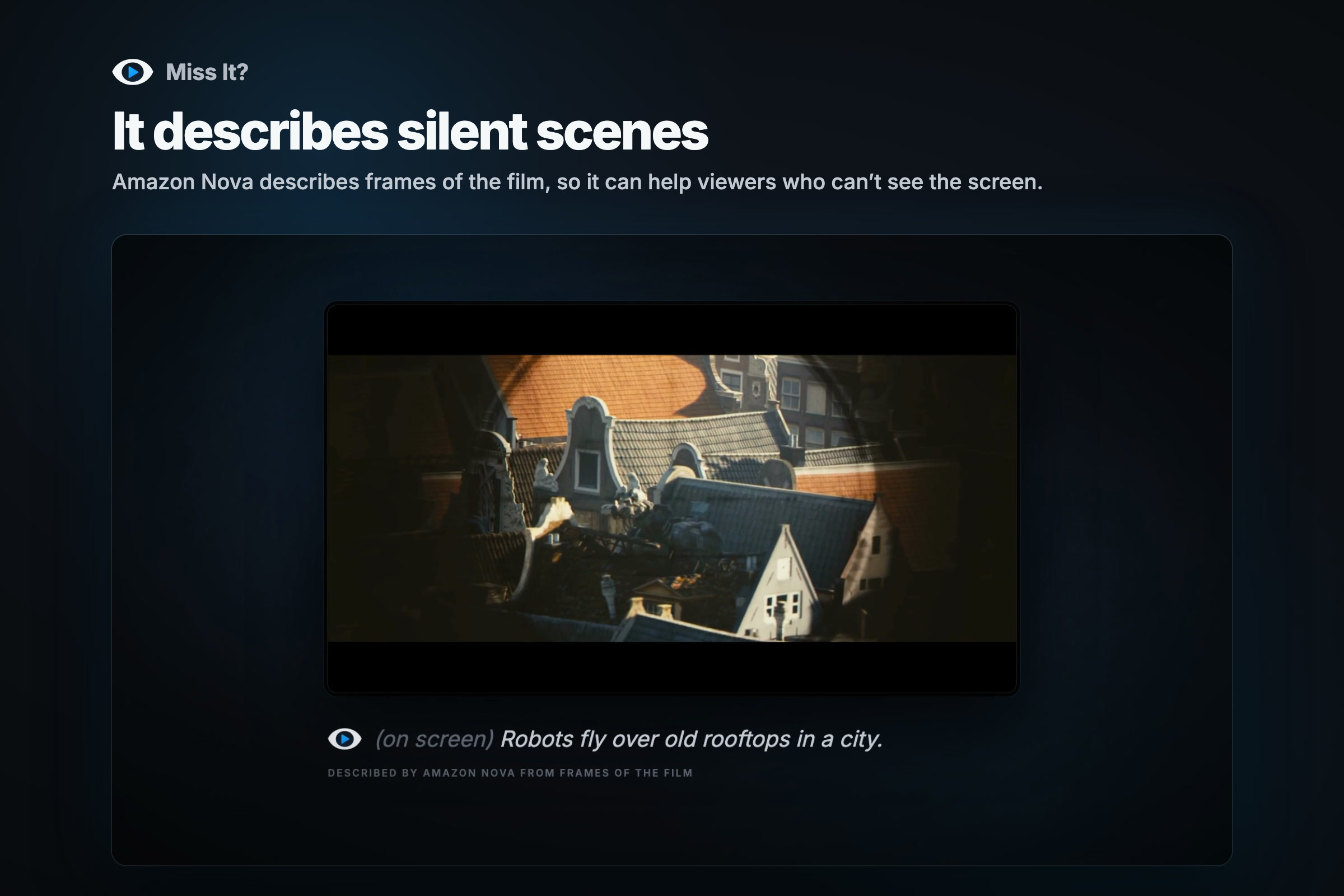
It describes silent scenes.
-
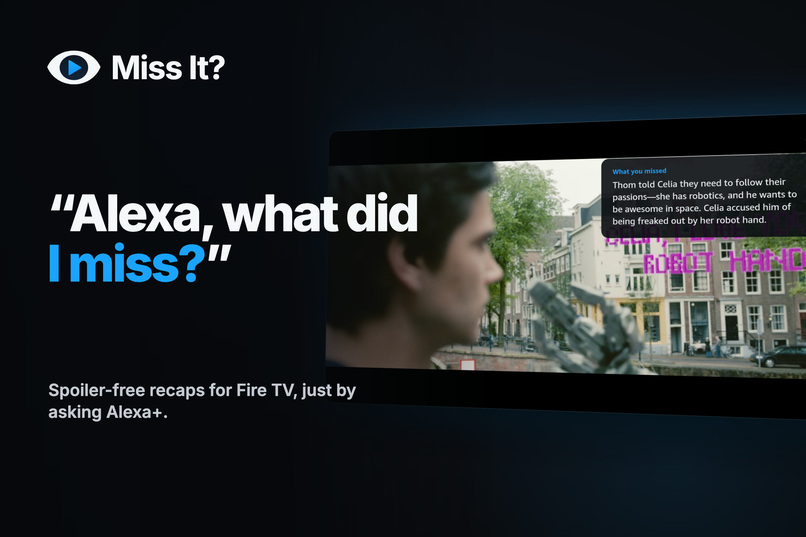
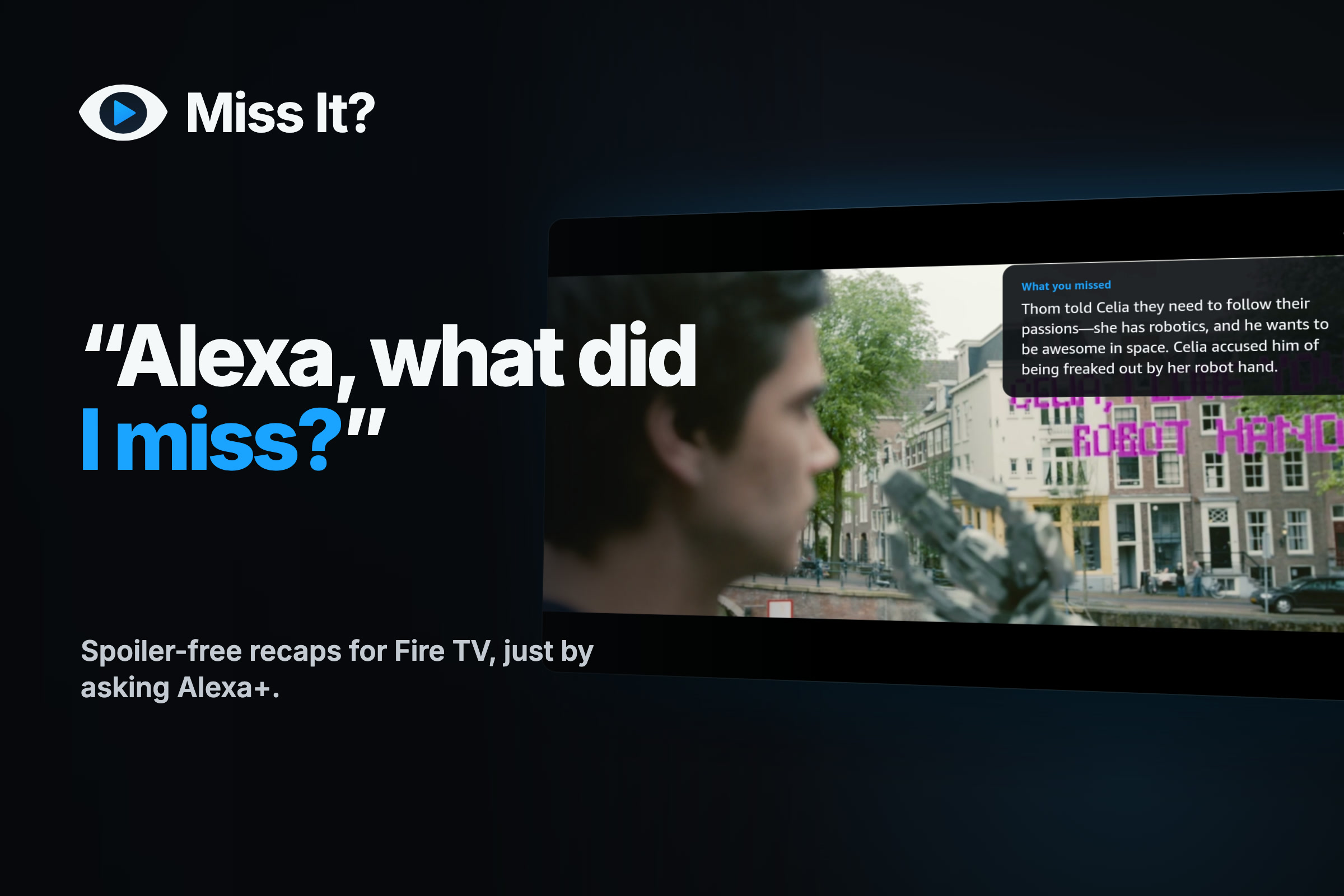
the logo, "Alexa, what did I miss?", and the real recap card on the TV.
-
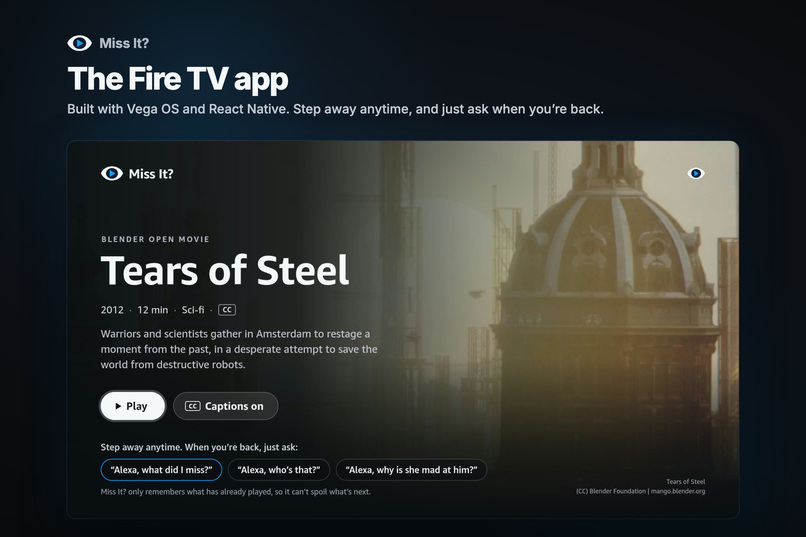
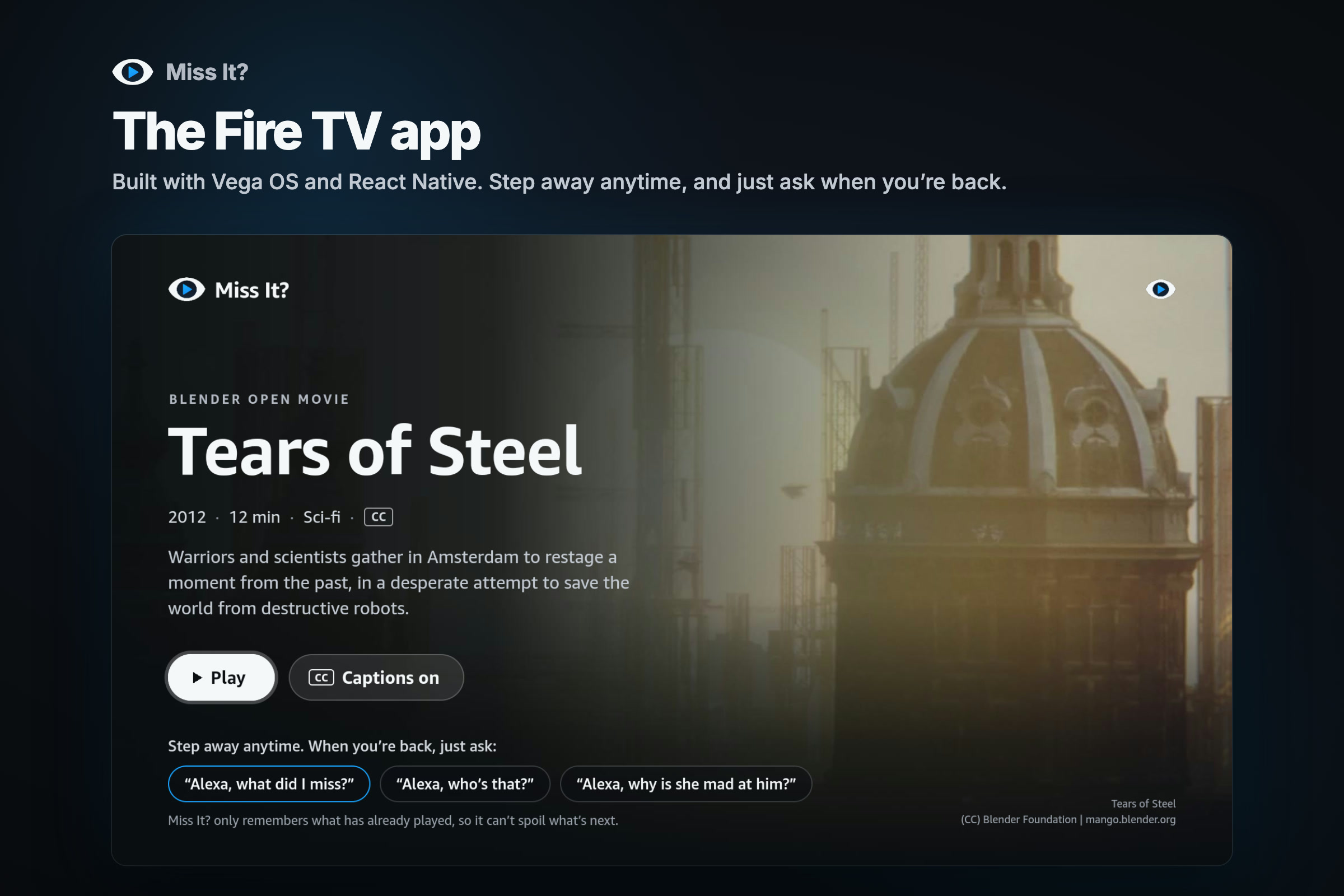
The Fire TV app's Home screen.
-
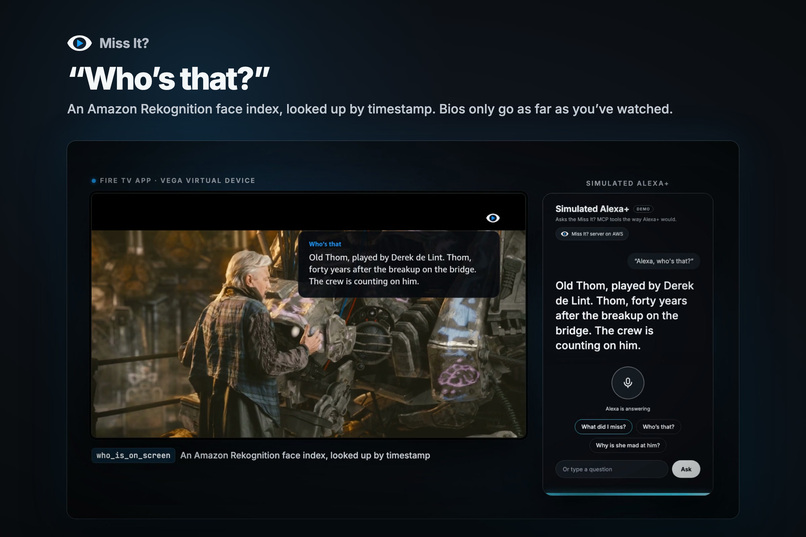
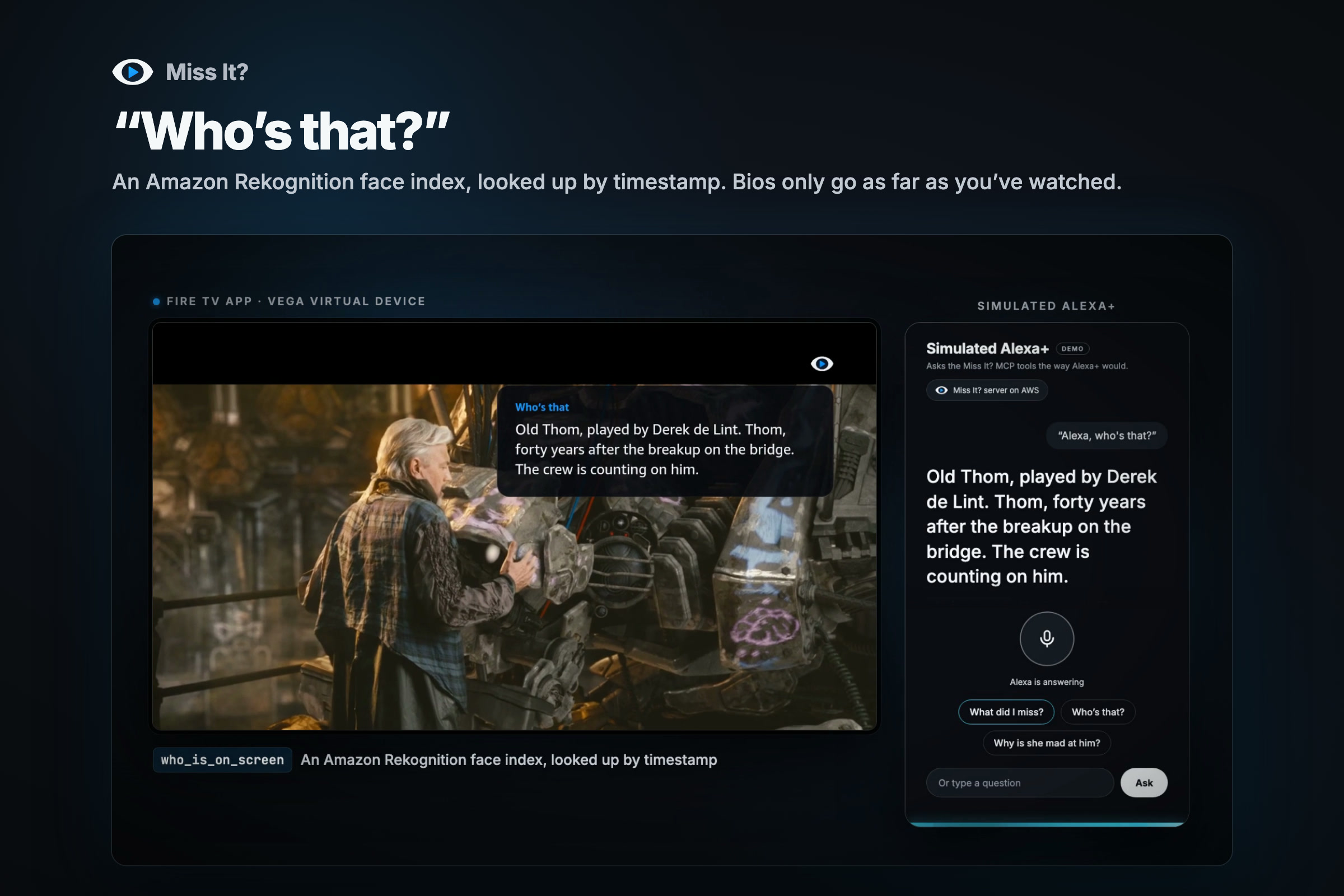
"Who's that?" Old Thom, found by Rekognition.
-
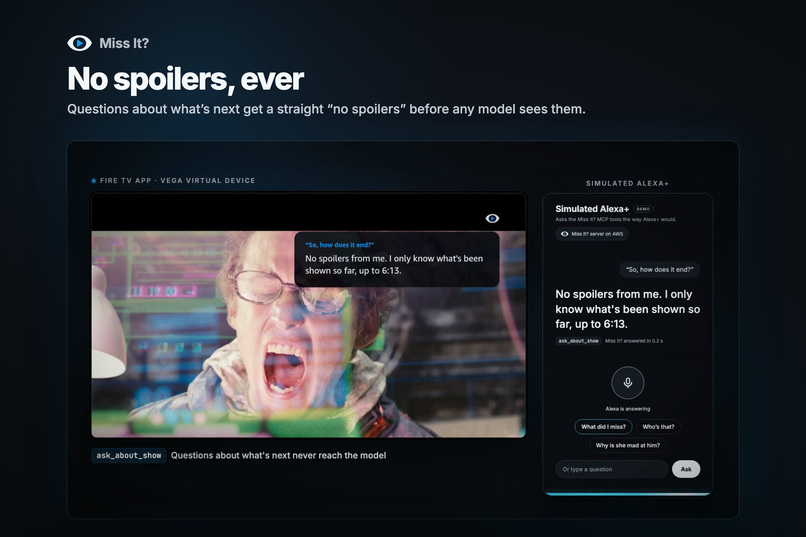
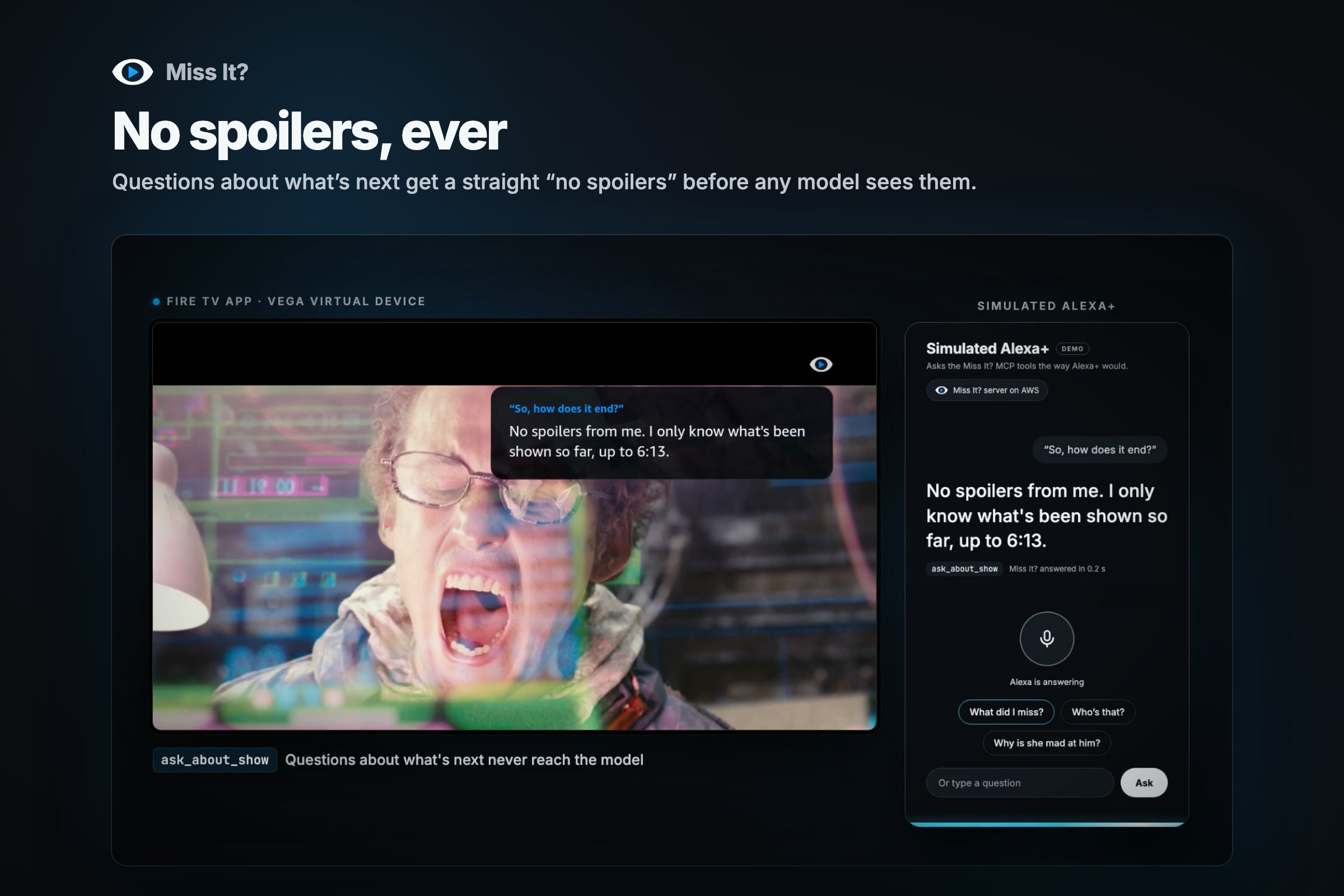
No spoilers, ever.
-
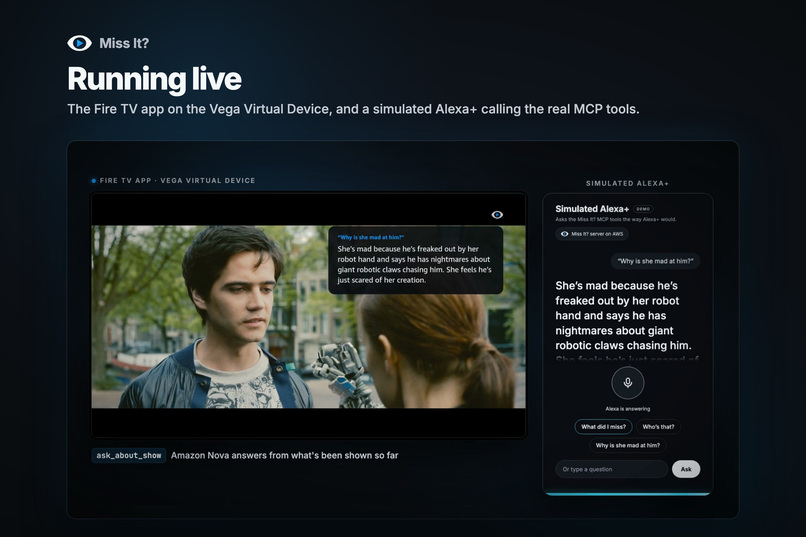
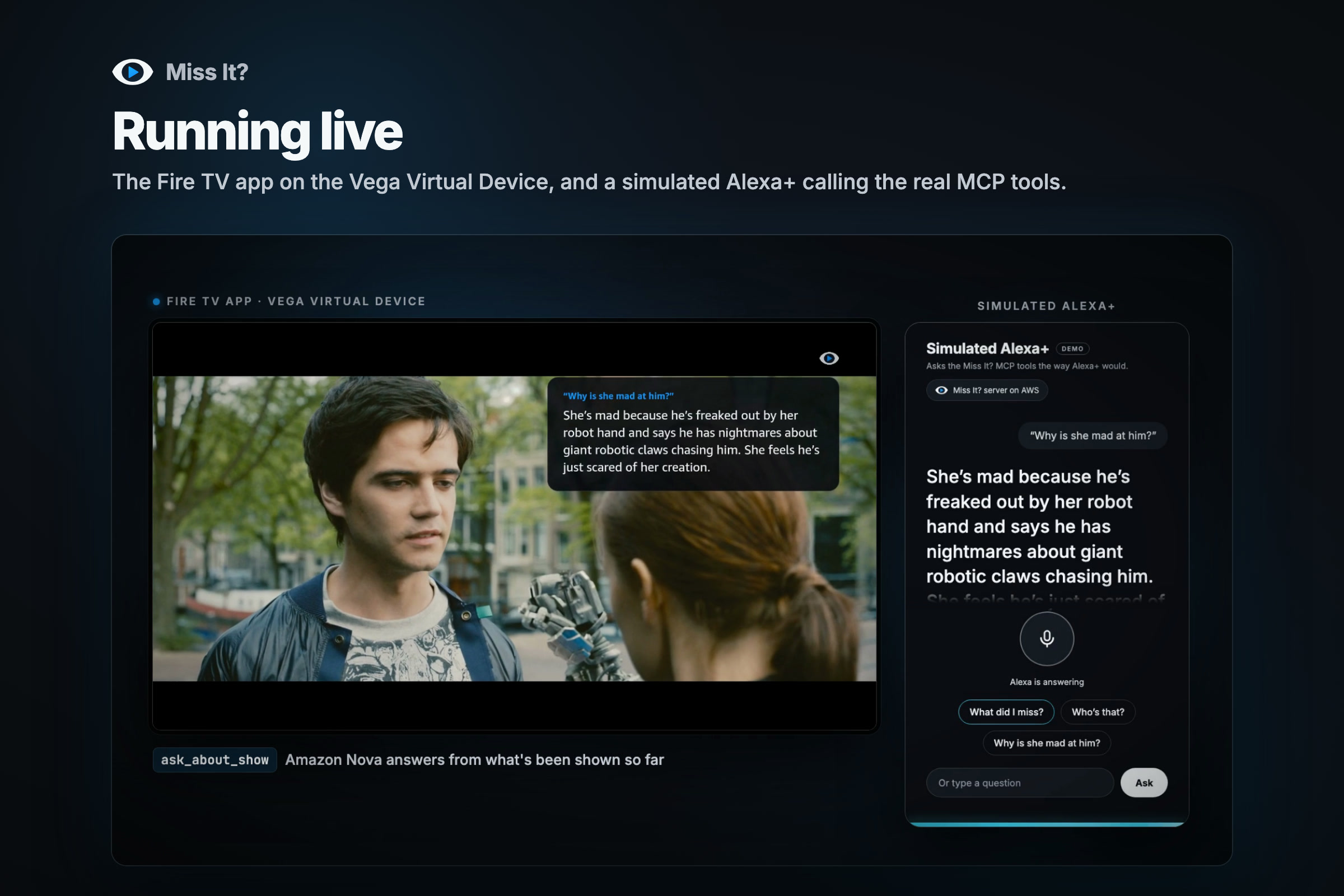
Running live. The Fire TV app and the simulated Alexa+ side by side.
-
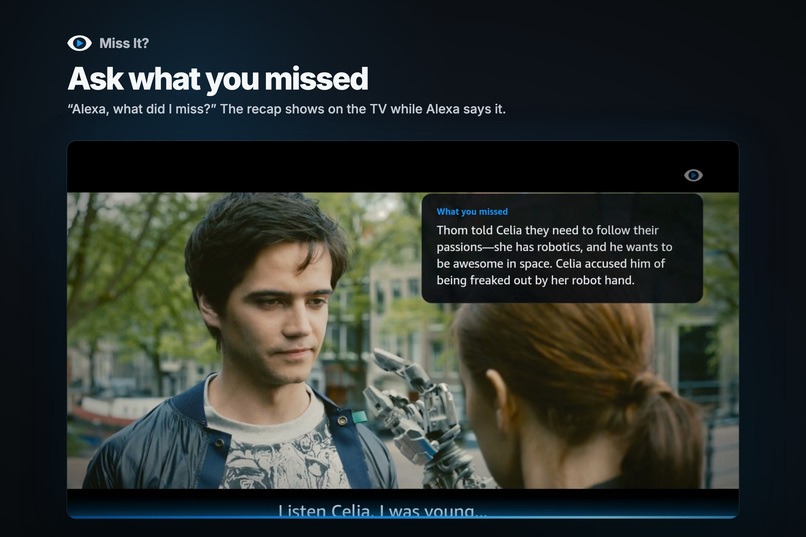
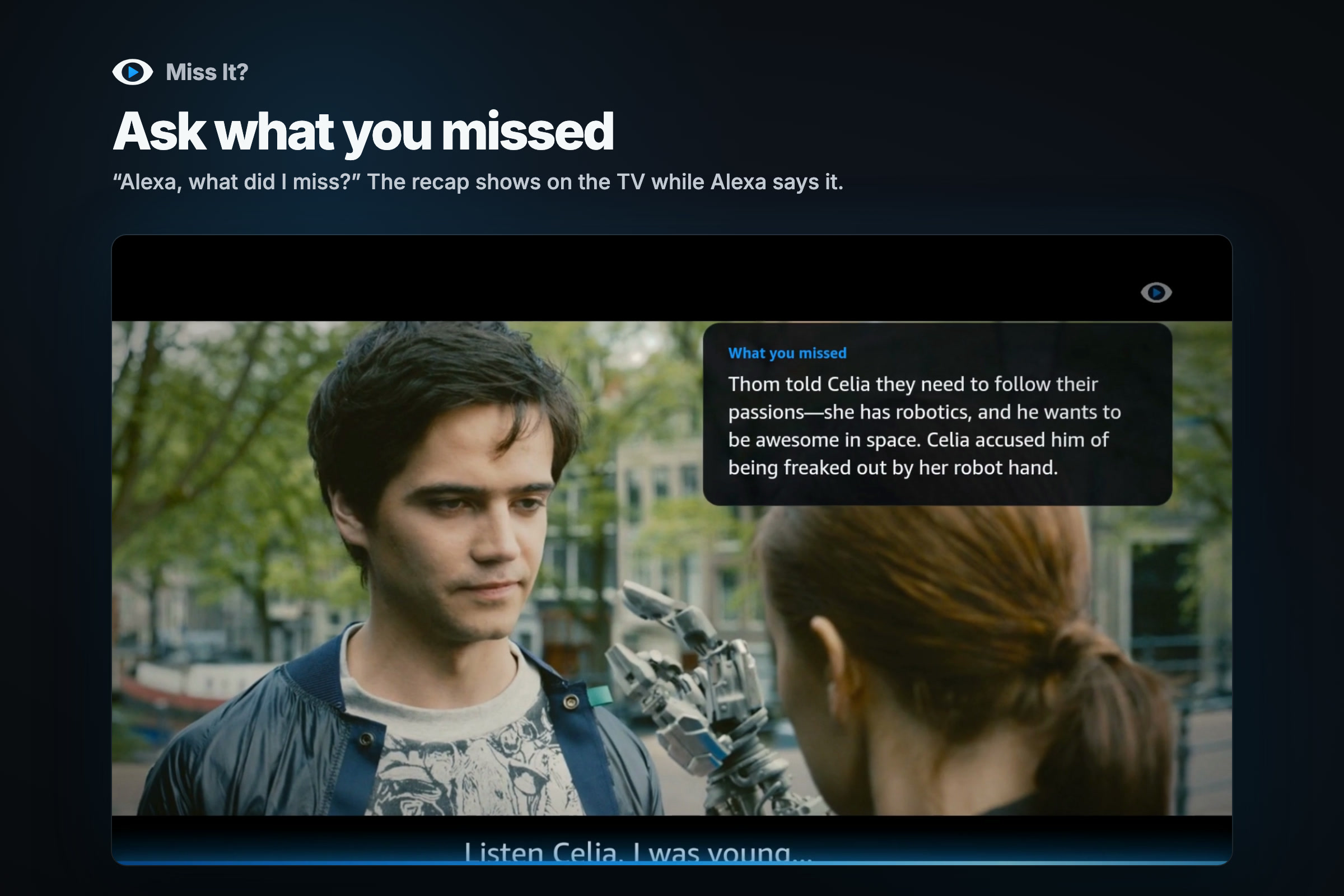
Ask what you missed. The recap card on the TV.
Inspiration
Movie night. Someone gets up for a snack or the door, comes back, and is lost. Every fix is bad: pause it for everyone, rewind and make the whole couch watch it again, or whisper "what happened?" and miss the next scene too.
Prime Video's X-Ray helps, but it takes the remote and a menu, and X-Ray Recaps cover the last episode, not the last minute. I wanted the version where you just ask the room: "Alexa, what did I miss?"
It started as a Fire TV app that explains the scene. The problem was that a TV app can't hear "Alexa". The Echo in the room does the listening. So the design split in two: the TV reports what it has shown, Alexa asks about it, and a server in the middle remembers.
What it does
Miss It? gives Alexa+ a memory of what's playing on your TV. You can ask:
- "What did I miss?" A recap of the last minute in a sentence or two, written before you even ask.
- "Who's that?" The character on screen, the actor, and one line on who they are so far.
- "Why is she mad at him?" An answer drawn only from what has already been shown.
- "How much is left?" What's playing, how far in you are, and the time left.
- "How does it end?" A friendly "no spoilers", with how far you've watched.
The answer also pops up on the TV as a card for ten seconds, so everyone on the couch sees it, not just the person who asked. Scenes with no dialogue have written descriptions of what's on screen, so it can help viewers who can't see the screen too.
It can't spoil what it doesn't know. It only ever sees what has already played.
How I built it
- Fire TV app (Vega OS, React Native). It plays the demo film, Tears of Steel, with Amazon's W3C media player and WebVTT captions. Every five seconds it sends the server the playback position and the captions that were actually on screen, with the speaker's name when the captions have a voice tag. Captions skipped by fast-forwarding are never sent. It checks for Alexa's latest answer every two seconds and shows it on a card.
- Miss It? server (TypeScript, Hono, the MCP TypeScript SDK) on AWS Lambda behind a function URL. It keeps a watch log per household in Amazon DynamoDB, which expires a day after the TV stops reporting. It's also a self-hosted MCP server (Streamable HTTP, spec 2025-11-25) with four read-only tools:
recap_recent,who_is_on_screen,ask_about_showandwhats_playing. Alexa+ picks the tool from what you say, so there's no skill name to remember. - Amazon Nova 2 Lite writes the recaps and answers follow-up questions. Alexa+ wants a reply in under 500 ms, and a model call takes longer than that. So whenever new dialogue arrives, the server has Nova rewrite the "last minute" recap in the background, and "What did I miss?" becomes a lookup. Nova also wrote the descriptions of the silent scenes from frames of the film.
- Amazon Rekognition makes "Who's that?" a lookup too. Ahead of time, the server takes a frame every second from its own copy of the film, indexes every face, and matches them against one reference photo per character.
The spoiler guarantee lives in its own open-source library, spoiler-safe-context. It parses WebVTT and SRT, remembers which cues the viewer has seen, and never returns a cue that starts after their position, even after a rewind. On top of that, character bios are written per moment in the story, the model is told to treat the transcript as everything that exists, and questions about what comes next get a "no spoilers" before any model sees them.
Deploying is one command: infra/deploy.sh packages the server to Amazon S3 and deploys an AWS CloudFormation stack. The tests cover the playback API, every MCP tool, the recaps, the DynamoDB store, the library's guarantee and the Fire TV app, and CI runs them on every push.
The Alexa+ side of the demo is a simulated Alexa+ web page (see Challenges). It listens with Chrome's speech recognition, calls the real Miss It? MCP server with the official MCP SDK client, and says the answer out loud.
Challenges I ran into
- Bedrock was blocked on my new AWS account. Every Nova call returned "Operation not allowed" from the very start of the build. Every Nova quota on the account was 0, the error didn't say so, and Service Quotas wouldn't take a request. I built against a fake model and shipped a fallback that reads out the real dialogue. Then I moved to Amazon's direct Nova API, which had its own problem: a lost key couldn't be replaced right away. The live server now runs on the Nova API, and the Bedrock code path is ready for when the support case clears.
- I couldn't put it in front of the real Alexa+. Deploying an add-on takes the Alexa AI CLI, which isn't on public npm and looks limited to Preview partners. So I built a page that makes the same MCP calls Alexa+ would. I'd much rather have shown the real thing.
- The 500 ms budget ruled out calling a model when someone asks. That's what pushed me to write answers ahead of time.
- Video that failed silently. On the Vega Virtual Device, an
http://video source fails with "source not supported" and no request or log line. I spent about 40 minutes on the file format before trying HTTPS, which worked. - Who said what. Captions don't say who is talking, and Nova sometimes swapped the speakers in a recap (two out of six in one test). Prompt rules didn't fix it. Tagging the lines with WebVTT voice tags did: six out of six after that.
Accomplishments that I'm proud of
- The spoiler guarantee is built into the data, not just asked for in a prompt, and anyone can reuse it from its own MIT-licensed library.
- Answers are ready before anyone asks, so Alexa never waits on a model.
- The whole stack runs live on AWS. The demo shows real recaps from Nova and real Rekognition matches, and Rekognition matched all six characters I could confirm from the film's credits.
- The Fire TV app was built and tested entirely on the Vega Virtual Device, without a Fire TV.
- I kept a friction log as I built: 15 entries, each with the steps, what I expected, what happened and a suggestion.
What I learned
- Design around the latency budget. Doing the slow work while the show plays made the product better, not just faster.
- Captions alone don't say who's talking, and a small model will guess. A little structure in the data (voice tags) beat more prompt rules.
- On a new account, the AI service can be the one thing that doesn't work. Build the fallback first.
- MCP made the core testable without any platform tooling. The official SDK and the MCP Inspector covered everything up to the Alexa+ connection.
What's next for Miss It?
- Ship it as a real Alexa+ add-on once the Alexa AI CLI is open to everyone.
- Pairing codes shown on the TV, in place of the single demo household.
- Any title, not just the demo film: face indexes and scene descriptions built automatically, and captions read from any app.
- A stronger model for production. Nova 2 Lite does the job for the demo, and a real product would invest in a better one.
- More languages.
Built With
- alexa-plus
- amazon-bedrock
- amazon-dynamodb
- amazon-nova
- amazon-rekognition
- amazon-web-services
- aws-cli
- aws-cloudformation
- aws-lambda
- fire-tv
- github-actions
- hono
- jest
- model-context-protocol
- node.js
- react-native
- typescript
- vega-os
- vite
- vitest
- webspeech-api
- webvtt
- zod


Log in or sign up for Devpost to join the conversation.