Inspiration
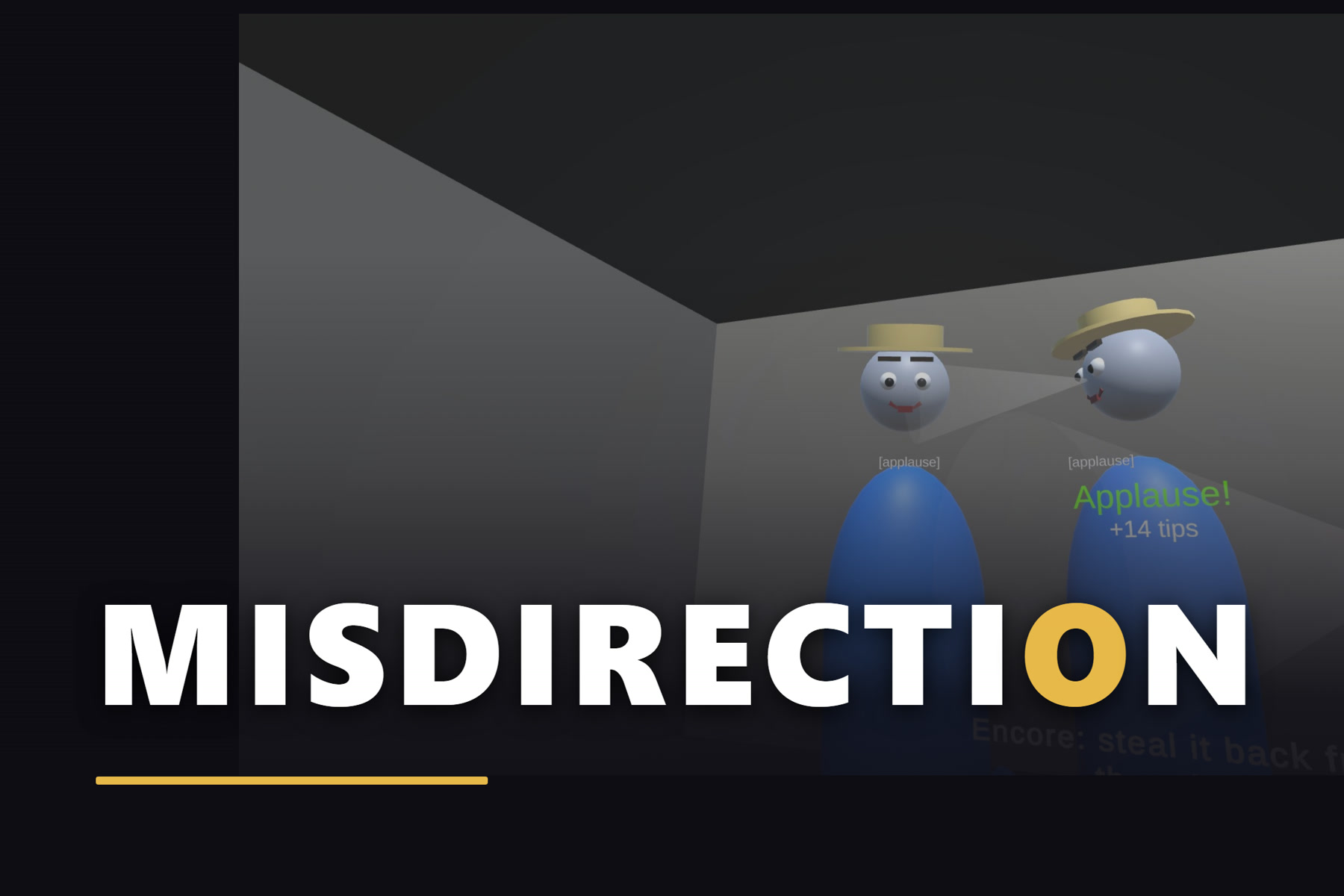
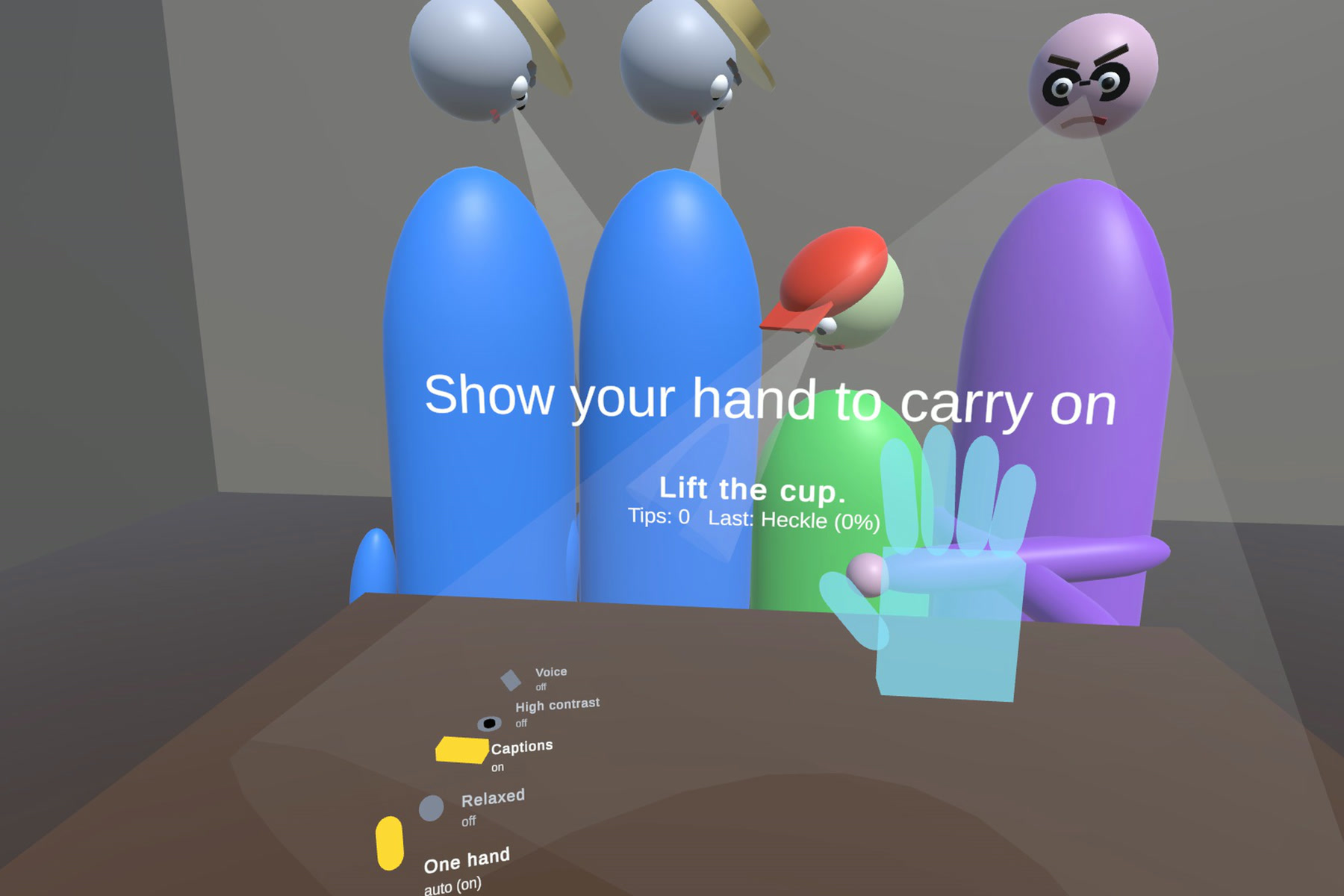
Close-up magicians don't hide the move. They move your attention: a glance at someone's face, a flourish of the empty hand, and the coin goes where nobody is looking. A headset knows where you look, so I made that the core verb. In Misdirection, where you look, they look.
What it does
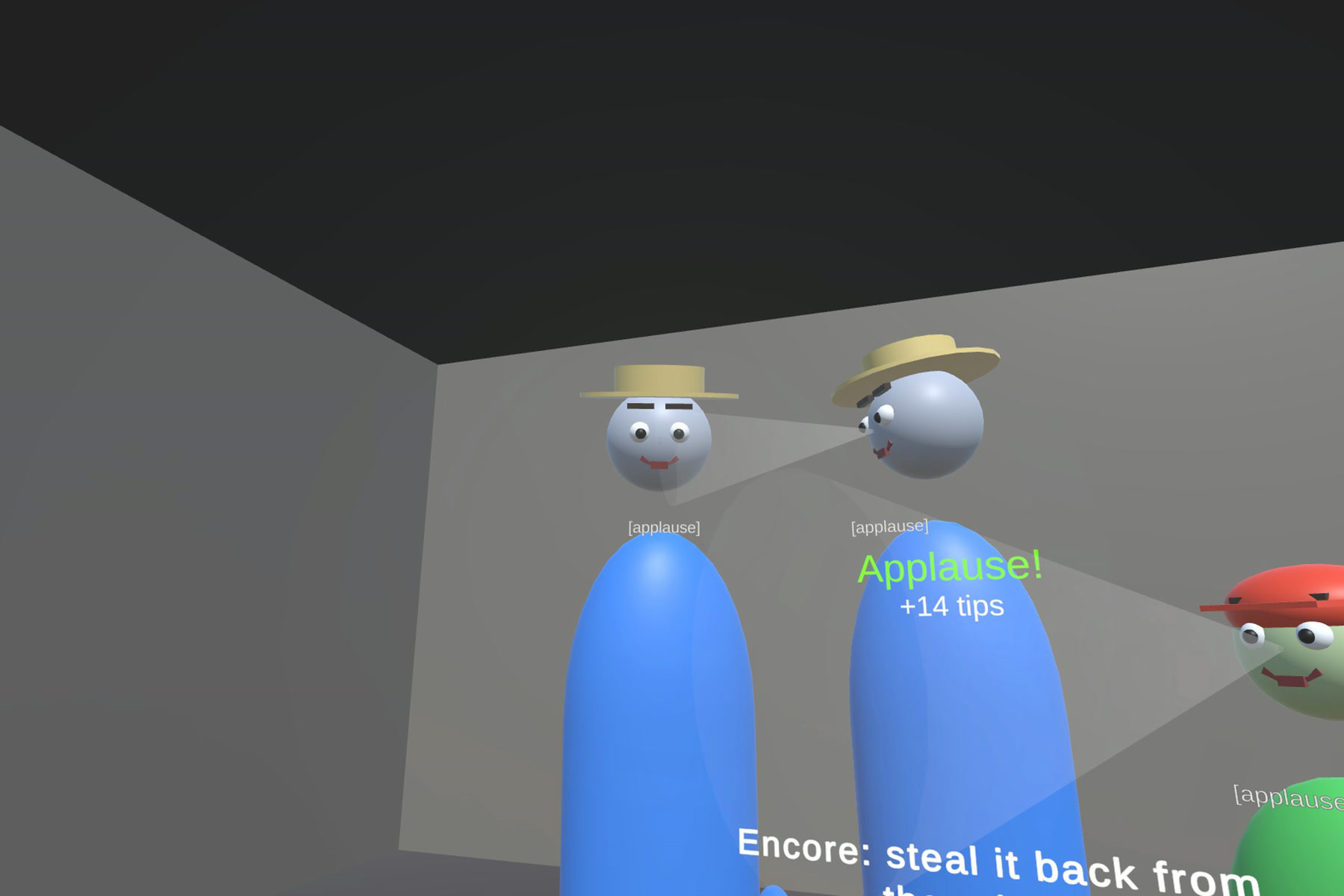
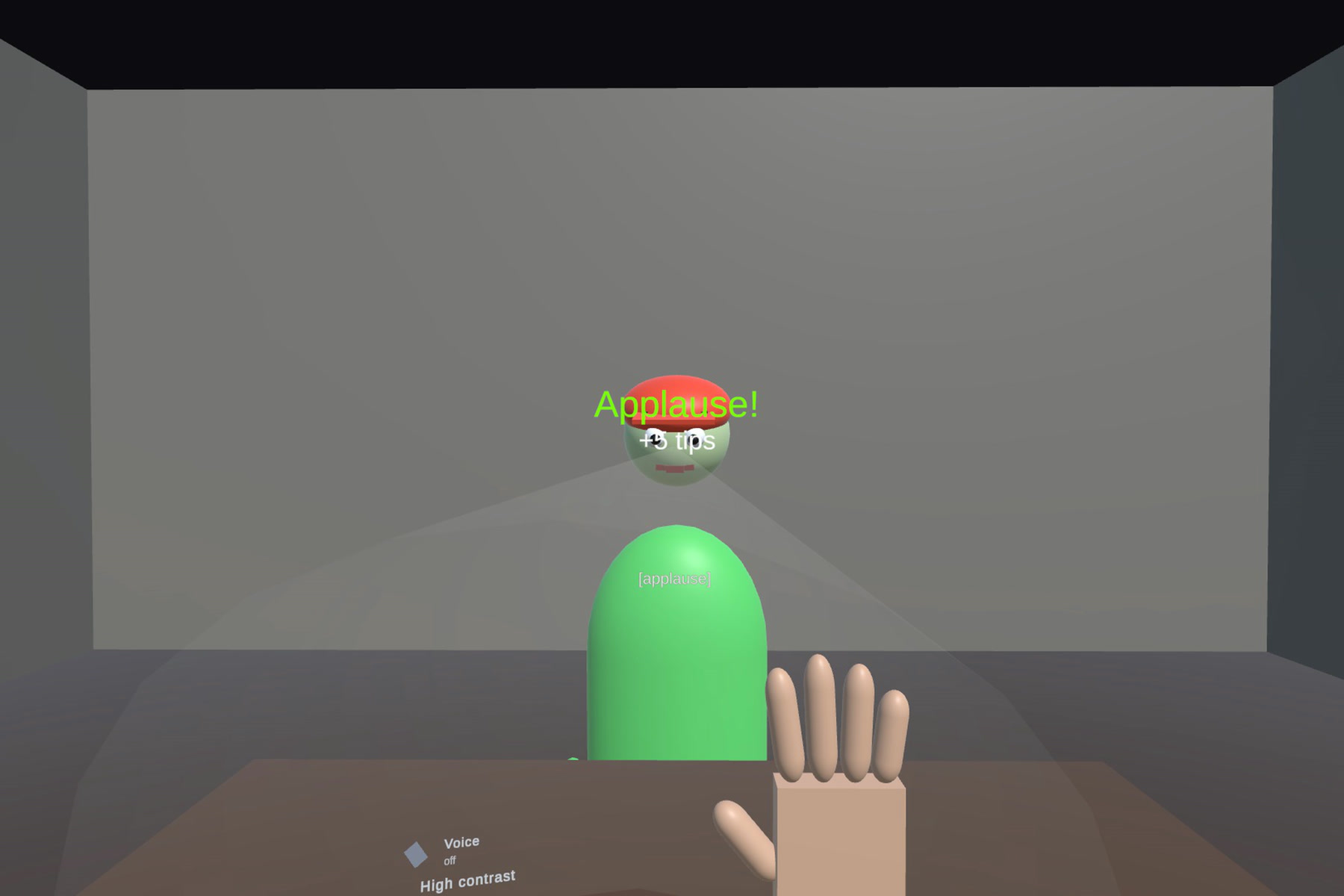
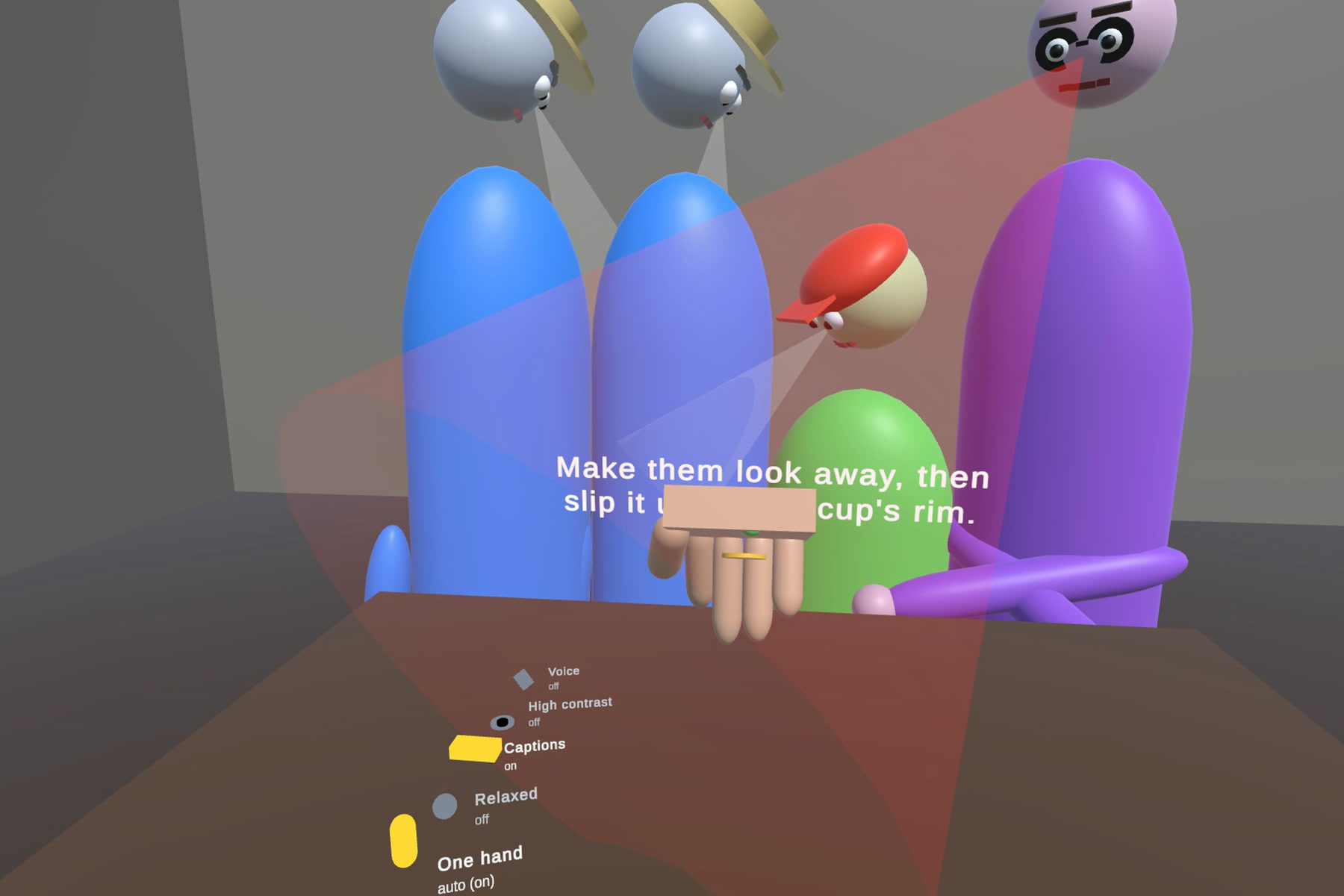
You sit at your own table in passthrough while a small street crowd gathers across it, and their eyes follow yours. Look a spectator in the eye and they lock onto your face; flourish your show hand and heads turn. Meanwhile your other hand palms, ditches and produces a coin, low and slow, at your real table edge. A move made inside someone's attention cone makes them suspicious: "Hm!"
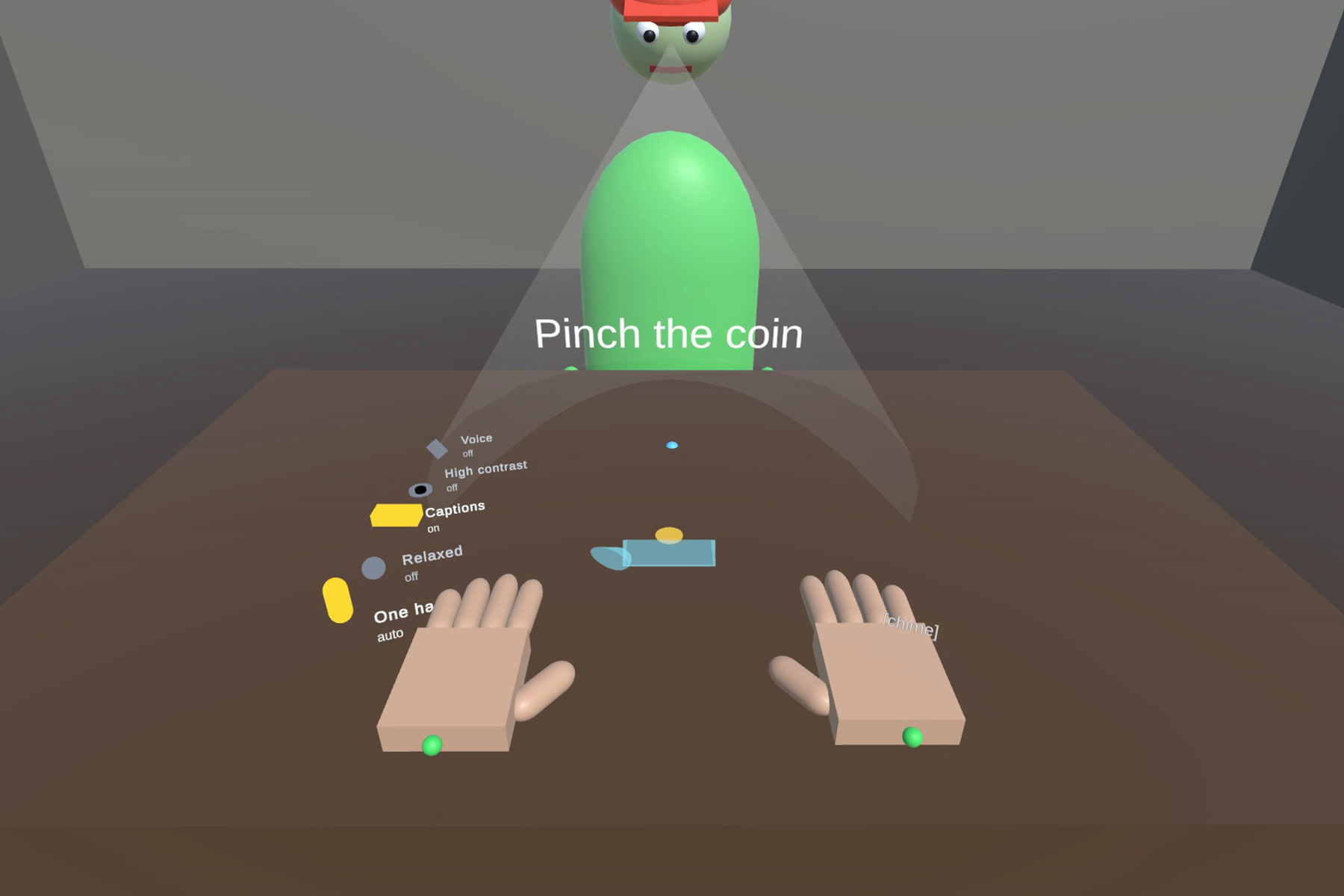
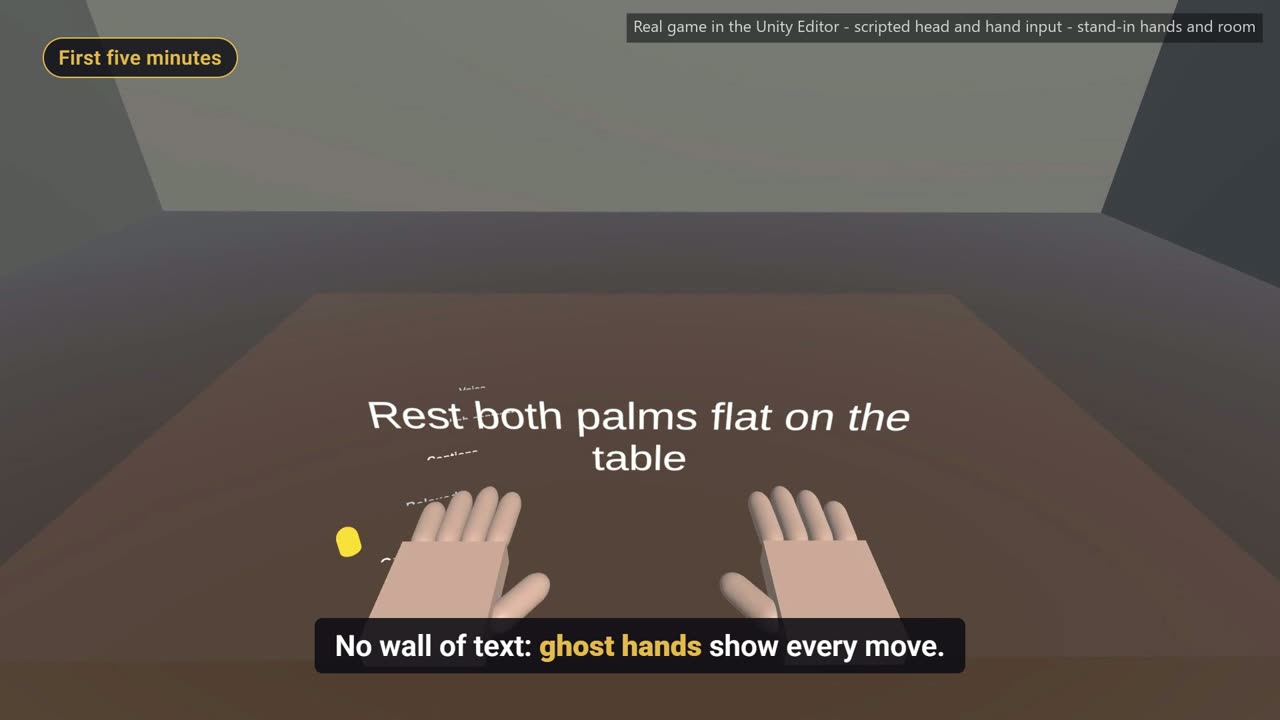
- Your table is the stage. The room scan finds your table and a spatial anchor remembers it. No scan? Rest your palms on the table for a second. Spectators stand on your open floor, clear of walls and furniture.
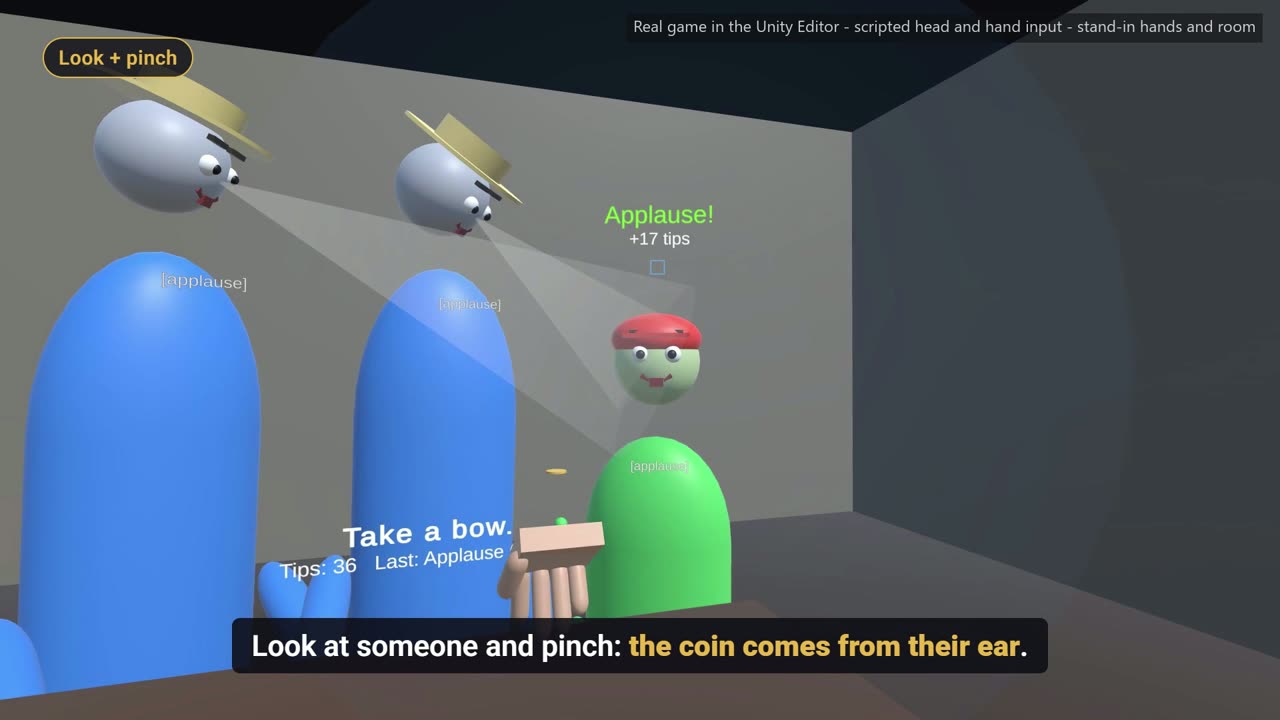
- Two tricks, three acts. Vanish a coin and pluck it from a spectator's ear by looking at them and pinching; then the coin under the cup. The crowd grows each act. Clean methods earn applause, tips and stars; three busts and the crowd walks off.
- A crowd with personalities. Tourists follow your gaze, the Kid chases movement, the Skeptic watches your hands, the Filmer keeps a phone on the table, and a Regular comes back and remembers how you fooled him yesterday.
- A first five minutes with no wall of text. Ghost hands show each move, and the Kid teaches the rule. First applause comes about 9 seconds into play.
- A reason to come back. A new crowd and challenge every day, a trick book with mastery stars, and a streak.
- Accessible by default. One-handed play switches on by itself. Relaxed timing, captions for the crowd's sounds, high contrast, an Access Tray you toggle just by looking at it, and an optional "Look!" or clap in place of the flourish.
How I built it
Unity 6 (URP) and Meta XR SDK v207: hand tracking, passthrough, scene understanding (MR Utility Kit), spatial anchors, and Interaction SDK gaze. Every spectator's face is a GazeInteractable, hovered by a GazeInteractor that follows your head on Quest 3 and 3S, and eye gaze on headsets that have it.
Each spectator blends three things into their attention: where you look, your flourishes, and any sounds. A move made inside someone's cone raises their suspicion. All the game rules (attention, suspicion, tricks, the show, the tutorial, progress, accessibility and layout) are engine-free C# with 225 unit tests, so I could test the design without running Unity at all.
On top of the SDK, I wrote my own grip rules so magic feels dependable with hand tracking: a sticky pinch with the coin held at the wrist, no release decisions while tracking is unsure, hands that freeze, fade and blend back when tracking drops, and a pause ("the crowd waits") when both hands leave view.
Performance: shared materials keep a full scene at 46 draw calls, with dynamic foveation at 72 Hz. Essential UI eases back into a 70° × 66° view, the narrowest field of view among Meta's devices.
Challenges I ran into
- No headset. I'm a solo developer without a Quest. I built and tested everything in Meta XR Simulator 207 with webcam hand tracking and synthetic rooms, and wrote an automated simulator smoke test that runs after every change. It checks for errors, the table, the crowd, the show stage, draw cost and the glasses-sized view.
- Device-only bugs I couldn't see. For example, primitive materials that look fine in the Editor can render invisible in a Quest player build. I moved everything to shared, explicitly built materials and hardened every device-only path in code.
- Making hand tracking feel like sleight of hand. Raw pinch detection drops coins at the worst moment. The fix was to never decide a release while tracking confidence is low, and to keep the coin anchored to the wrist rather than to the fingertips.
- Showing attention without blinding the player. The attention cones are the core feedback, but early versions washed over your whole view during eye contact. They now stop short of your face and fade as they get close.
- Capturing a demo video without a headset. The demo shows the real game running in the Unity Editor with scripted head and hand input; stand-in hands and a simple room take the place of real hands and passthrough. Every trick, reaction and pause in it ran through the game's real code.
Accomplishments that I'm proud of
- A mechanic that couldn't exist on a flat screen: your attention is the controller.
- A tutorial with no wall of text, and first applause about 9 seconds into play.
- Accessibility built in from day one, including fully one-handed play.
- A complete game, signed release builds that pass Meta's upload checks, and 225 unit tests, all built without a headset.
What I learned
Design for tracking loss first. Hand tracking is wonderful when it works, so the game has to be graceful when it doesn't: freeze, wait, and never punish the player for the tracker's doubt. I also learned how far a simulator, unit tests and automated smoke tests can take you when hardware isn't an option.
What's next for Misdirection
Tuning on Quest 3 and 3S with outside playtesters, more tricks, and Night Train Con: coin magic for a night train's passengers, pickpocketing in time with the sleepers' breathing, and a briefcase to crack. Target launch: Q2 2027 on the Meta Horizon Store.
