-
-
Logo
-
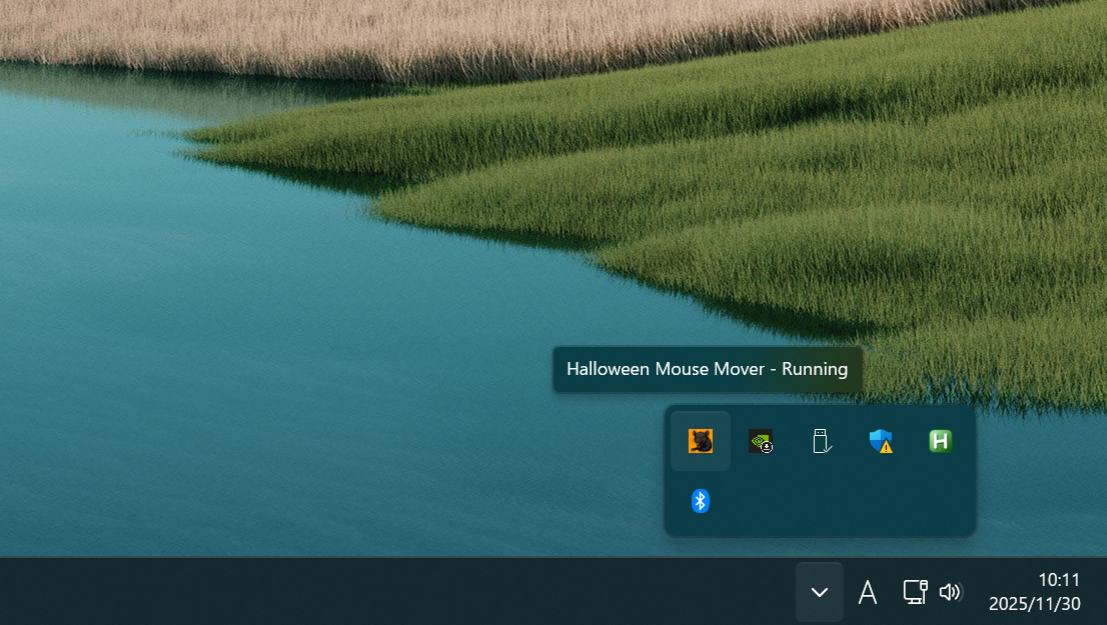
Background Running
-
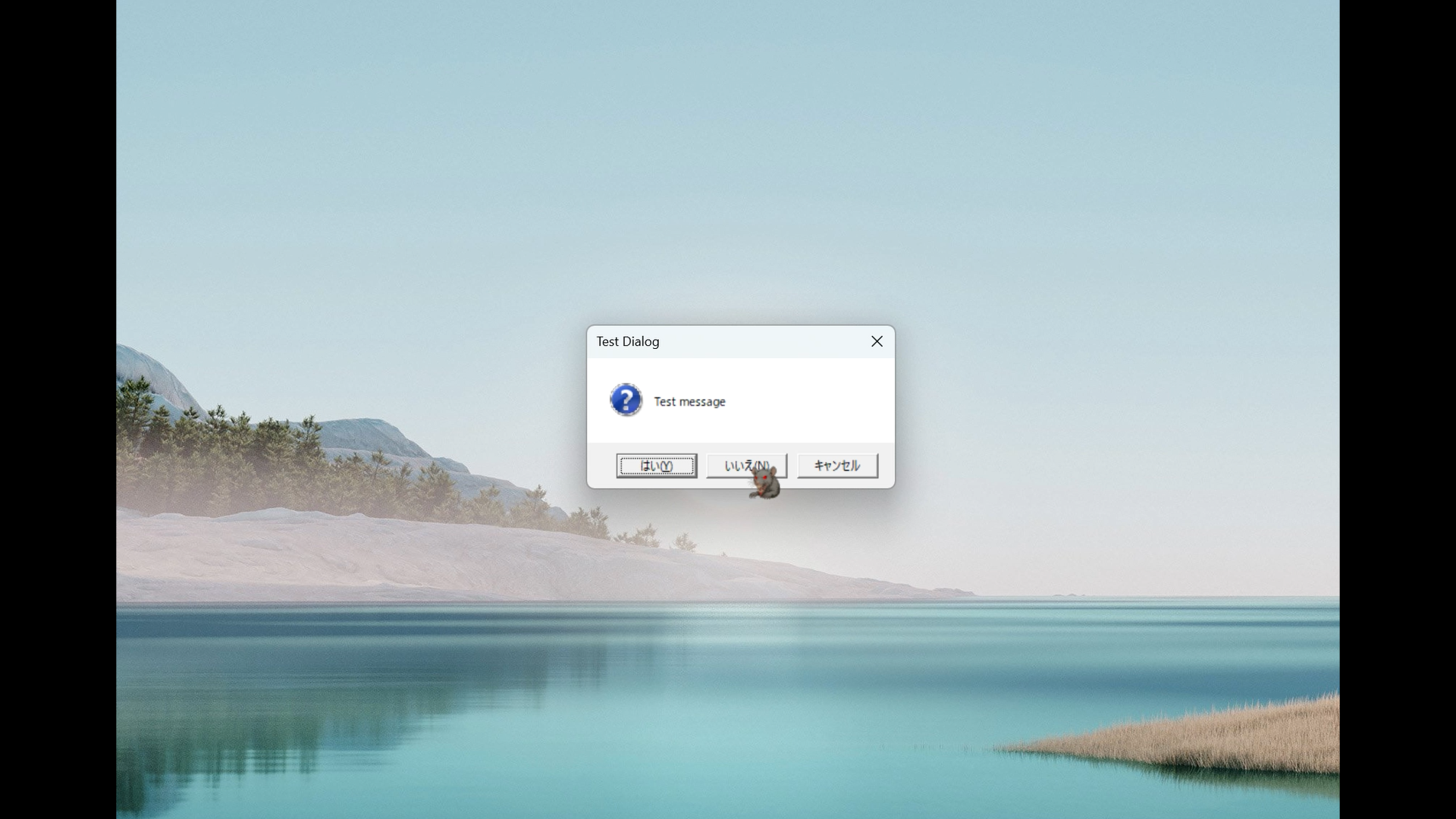
Select Negative
-
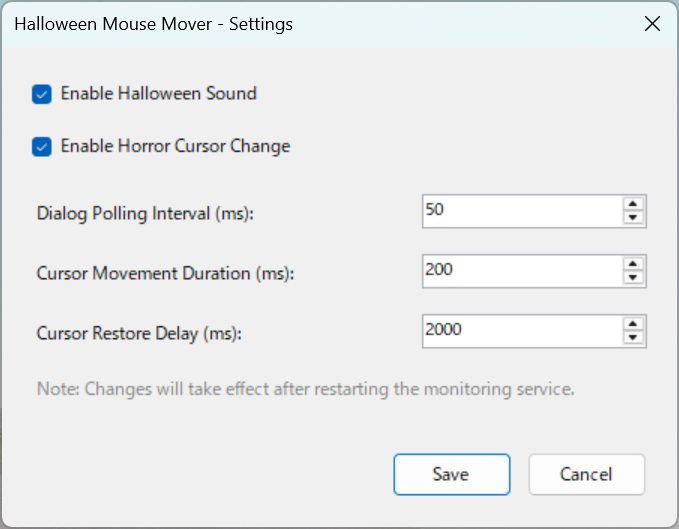
Setting Dialog
Inspiration
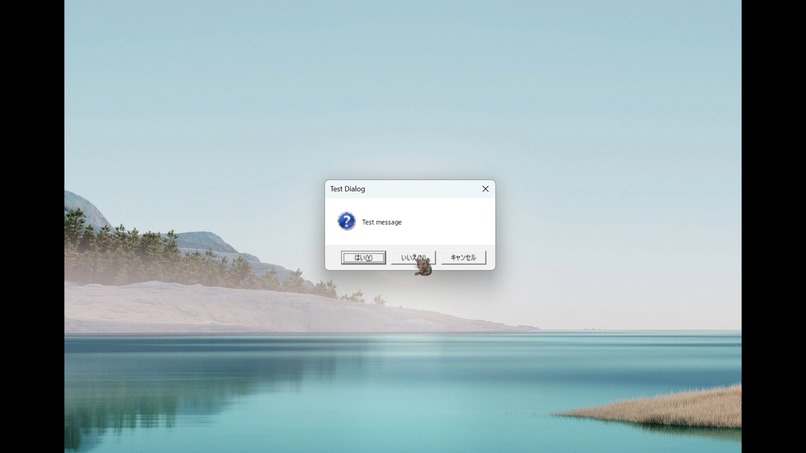
The primary inspiration was twofold. Firstly, we aimed to participate in the Kiroween hackathon by creating something wicked and unforgettable. Our project specifically falls under the "Resurrection" category: bringing dead technology back to life. We were inspired by the classic Japanese "Chu-Chu Mouse" application, which used to assist users by moving the cursor to positive choices (Yes or OK). We decided to bring this legacy utility back to life, but inverted its purpose to align with the spirit of darkness and interference required for Kiroween. The goal was to create an app that, instead of helping, subtly obstructs by automatically moving the cursor to negative selections. The integration of Halloween sound effects and the horror cursor transformation further enhanced the project's spooky factor.
What it does
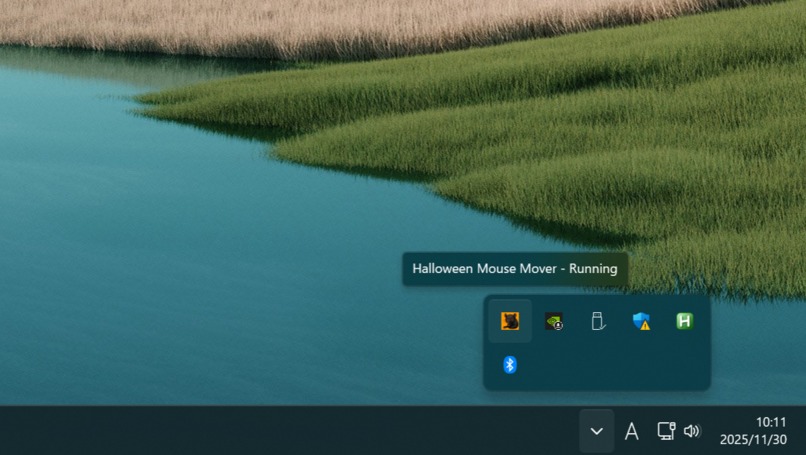
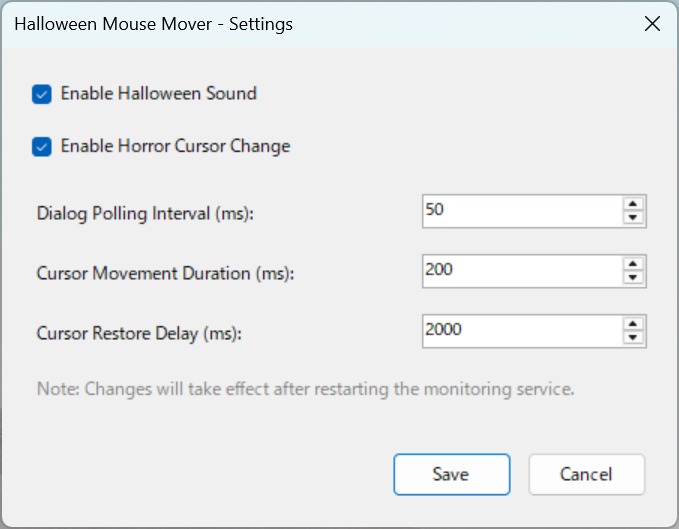
Halloween Mouse Mover is a lightweight Windows desktop application that integrates silently into the system tray. Key features include: • Automatic Dialog Detection: It monitors new dialog windows in real-time. • Smart Negative Button Identification: It intelligently locates and targets buttons identified as negative choices (e.g., "No," "Cancel," "Close"). • Smooth Cursor Movement Animation: The cursor travels along a natural curved trajectory with easing for a realistic effect. • Horror Transformation: When activated, the mouse cursor changes to a Halloween-themed design. • Spooky Sounds: Halloween Sound Effects are played when the cursor is moved. • The application also offers Configurable Settings for users to customize its behavior
How we built it
The application was built for Windows 10 or later using the .NET 6 Runtime/SDK. We leveraged Visual Studio 2022 for development. Windows Forms was utilized primarily for implementing the crucial System Tray Integration. For the core functionality—detecting dialog windows and identifying buttons—we used the FlaUI UI Automation library. NAudio was integrated to manage the audio playback of the spooky sound effects. Low-level manipulation of the mouse cursor required calling the Win32 API via P/Invoke. To meet the hackathon requirements, the development process integrated Kiro features. For example, Vibe coding may have been used to structure conversations with Kiro for efficient code generation, or we might have implemented Spec-driven development to ensure robust, predictable system behavior. The project repository was structured to include the mandatory /.kiro directory at the root
Challenges we ran into
The primary challenge was adapting a legacy concept to modern operating systems. Due to the higher security levels of contemporary OS environments, the application may not operate on all software, which was a necessary limitation we accepted. Furthermore, achieving reliable, real-time UI Automation across various dialog box implementations using FlaUI required careful tuning. We also faced the technical difficulty of ensuring that the low-level cursor manipulation (Win32 API) was smooth and non-disruptive, while keeping the background monitoring process lightweight.
Accomplishments that we're proud of
e are proud of successfully fulfilling the "Resurrection" theme by reviving and twisting a classic utility into an entertaining, Halloween-appropriate piece of software. Specifically, we achieved a natural, smooth animation for the automated cursor movement. We are also proud of the seamless integration of all the spooky atmospheric elements—the sound effects and cursor transformation—which immediately convey the project's wicked intent. The application runs efficiently and quietly thanks to robust System Tray Integration
What we learned
We gained valuable experience in complex, low-level system interaction, specifically mastering the use of FlaUI for UI Automation and utilizing the Win32 API via P/Invoke to perform specialized tasks within the Windows environment. We learned how to integrate modern .NET technologies with necessary Windows-specific features. Furthermore, we learned the importance of understanding current OS security paradigms and how they affect system-interfering applications.
What's next for Halloween Mouse Mover
Future development for Halloween Mouse Mover includes expanding its current feature set. We plan to enhance the Configurable Settings to allow users to select specific applications or dialog patterns to either include or exclude from the mouse movement interference. We also hope to improve compatibility across a wider range of applications by seeking potential workarounds for current OS security limitations. Finally, adding more variation in spooky assets (cursors and sounds) will allow for a more personalized "horror" experience.

Log in or sign up for Devpost to join the conversation.