-
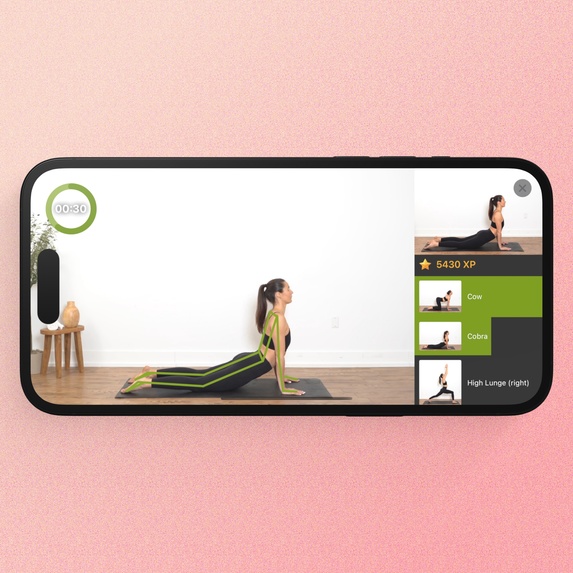
That's what you see on your iPhone/iPad or TV (if you're using screen mirroring)
-
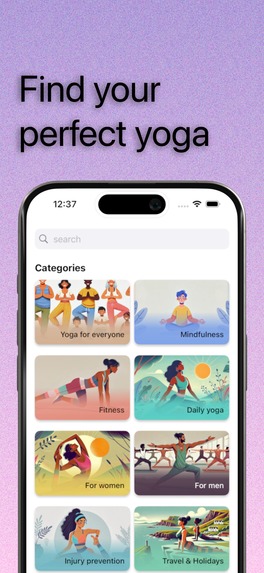
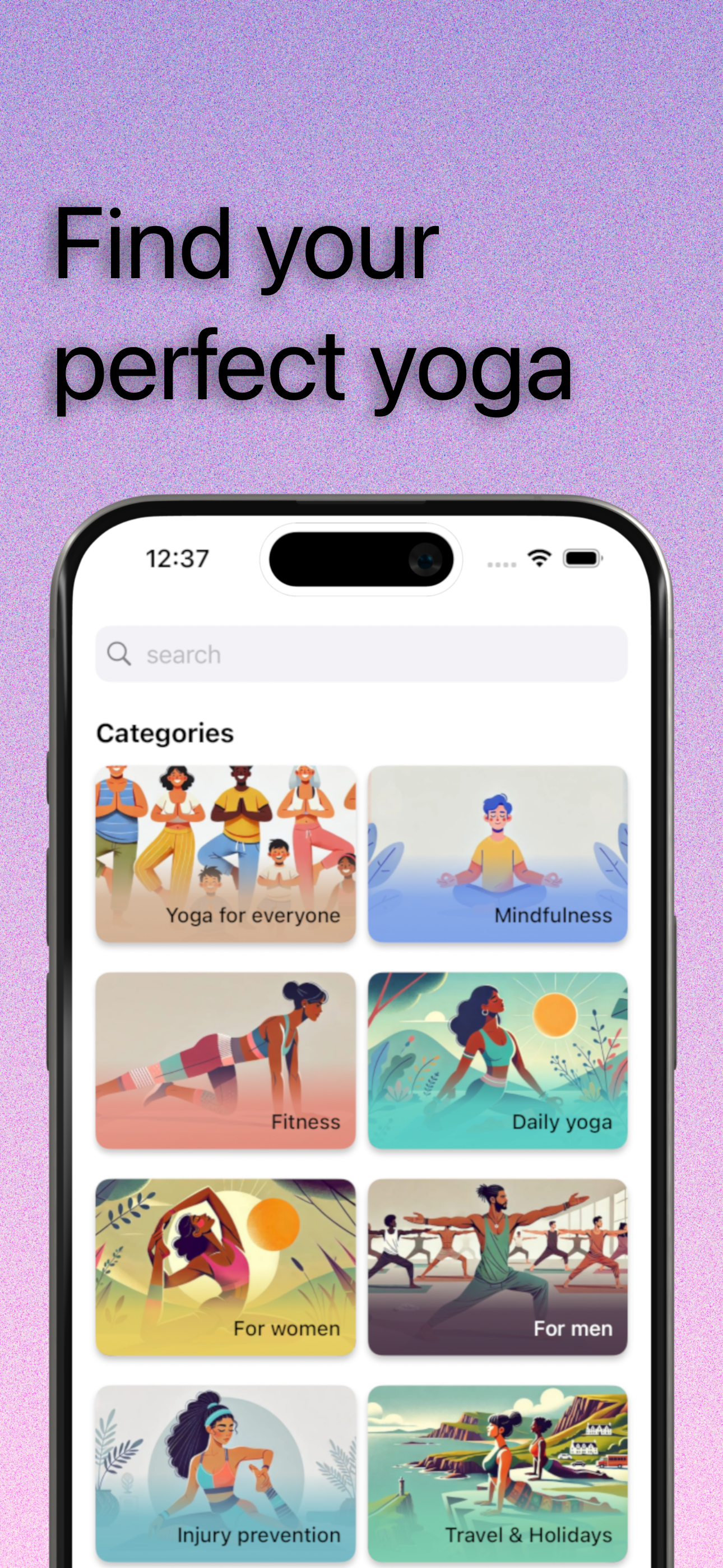
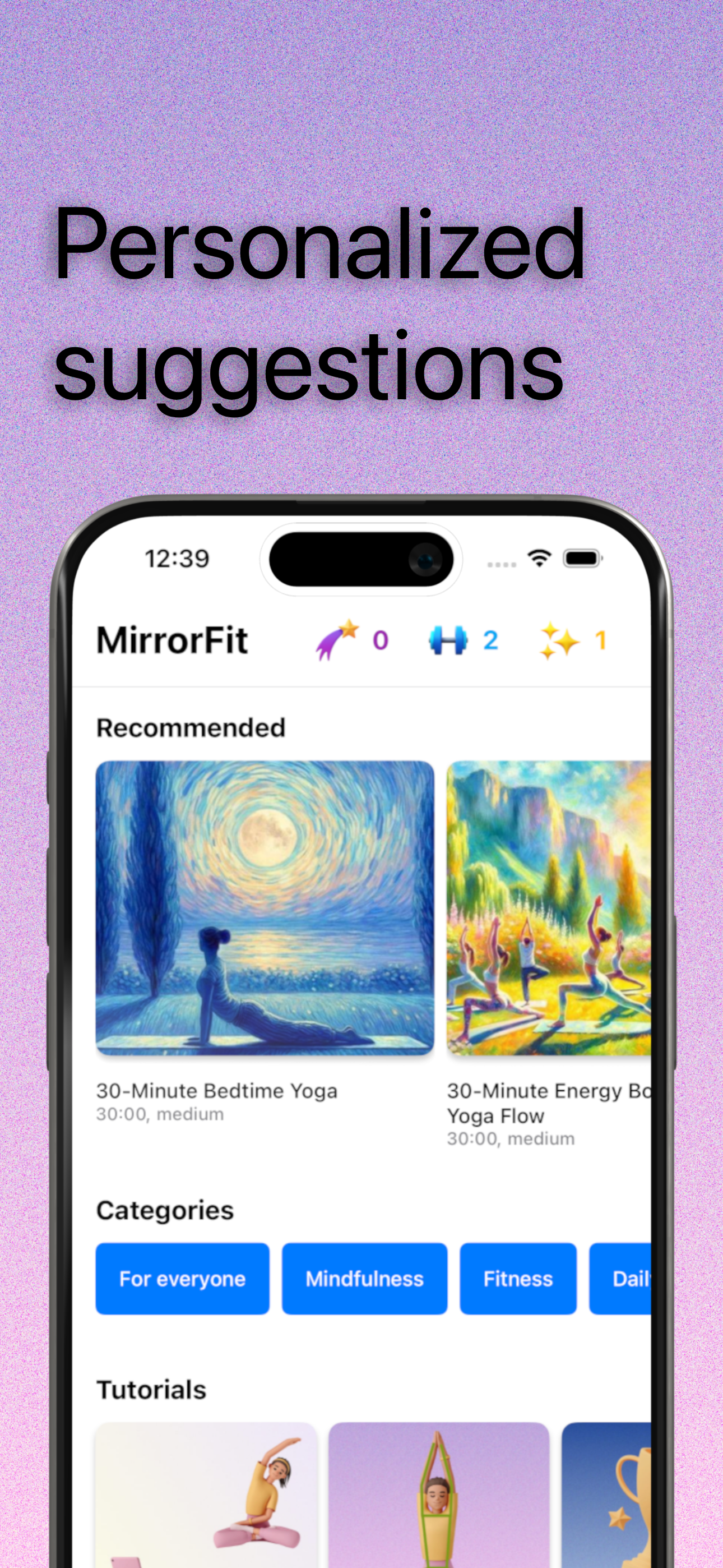
Find sequences and courses created by others.
-
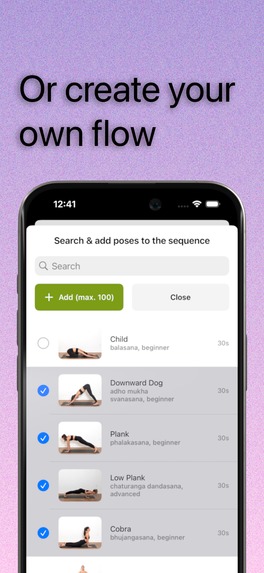
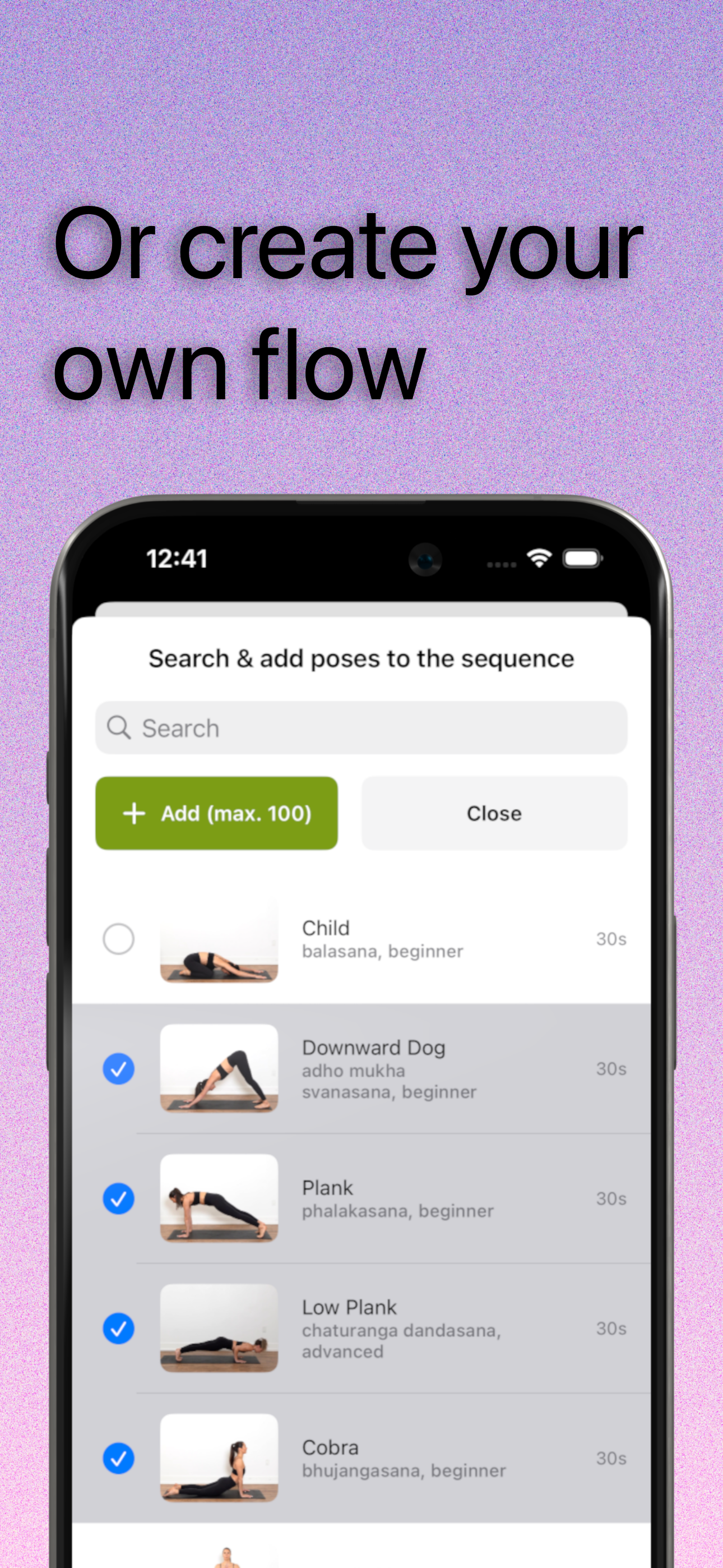
Or create your own unique yoga sequence or course out of 90 asanas.
-
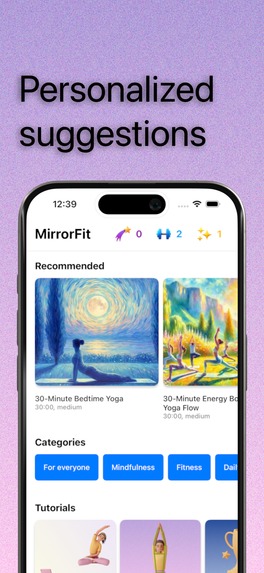
Your recommendations are built based on your preferences.
-
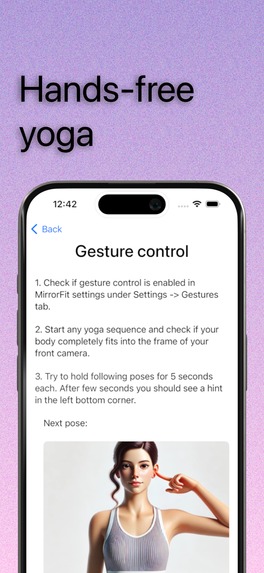
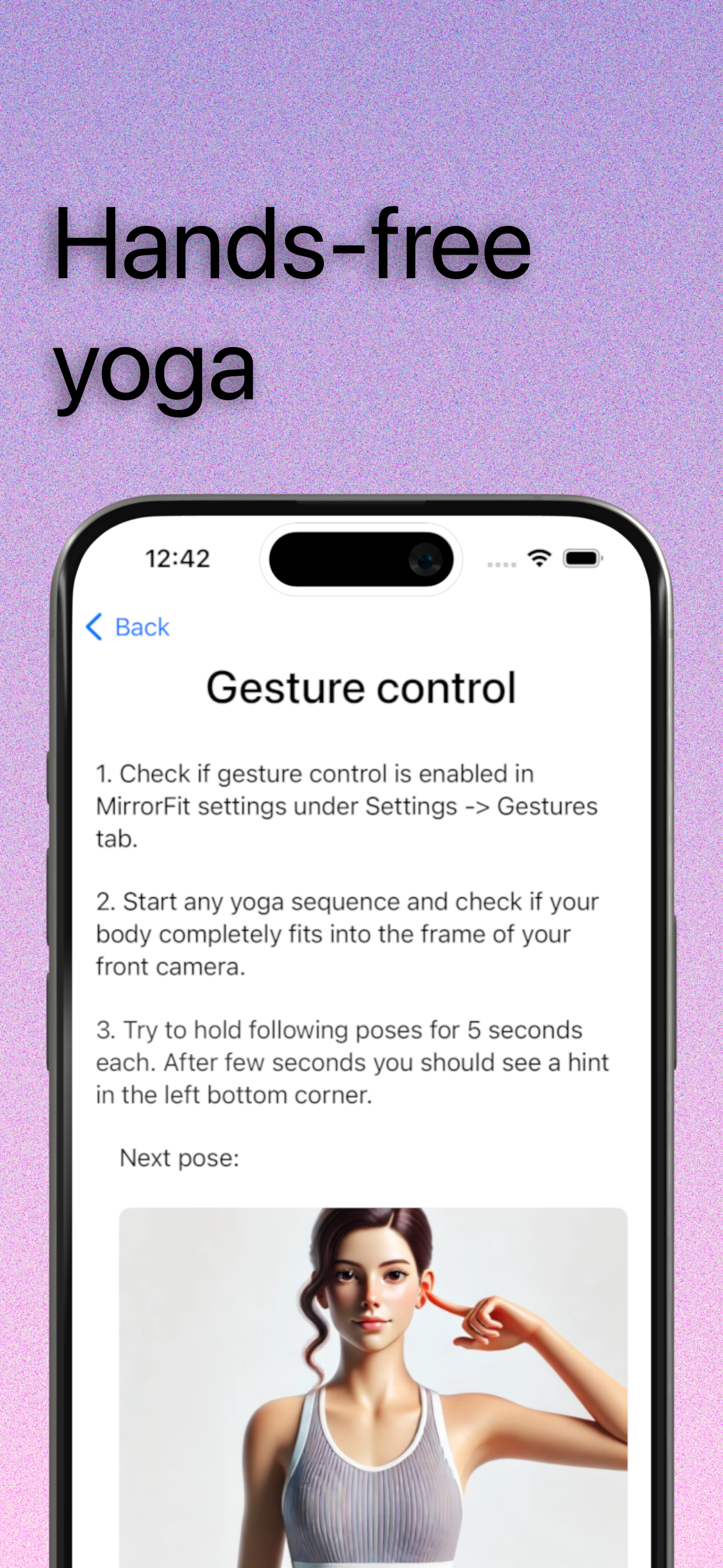
When some pose it too hard for you - just use gesture to skip it. You can also start video tutorial for each pose.
-
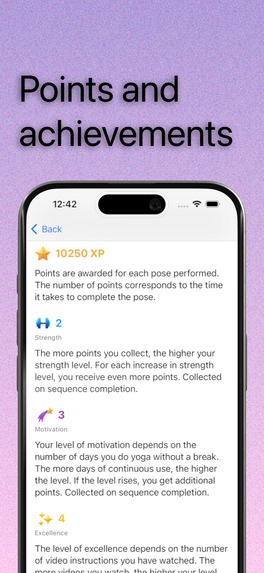
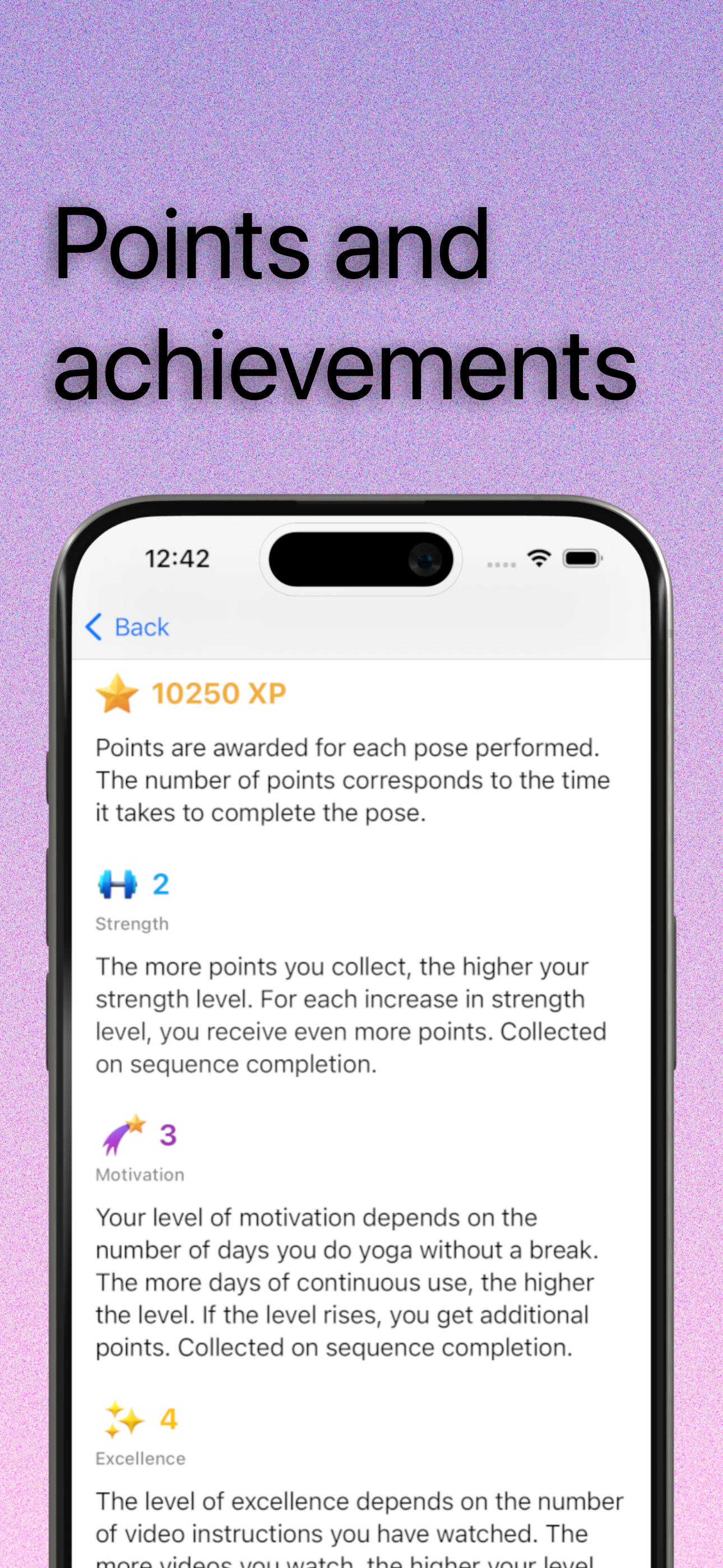
Collect points and achievements while doing yoga to see progress and help your motivation.
Inspiration
A couple of years ago, while experimenting with neural networks for image recognition, I wanted to create something useful. At the time, I was into stretching and static exercises, so I built an app for my phone that recognized my exercises through the camera and started the countdown automatically. I mirrored it on the TV to check my form and improve technique. It was perfect for staying focused without needing to touch my phone. This evolved into a yoga app that recognizes 90 poses and includes video instructions for each. If a pose is tough, just use a gesture to skip to the next one. You can also create pose sequences, set timings for each pose, and share sequences via a link.
What it does
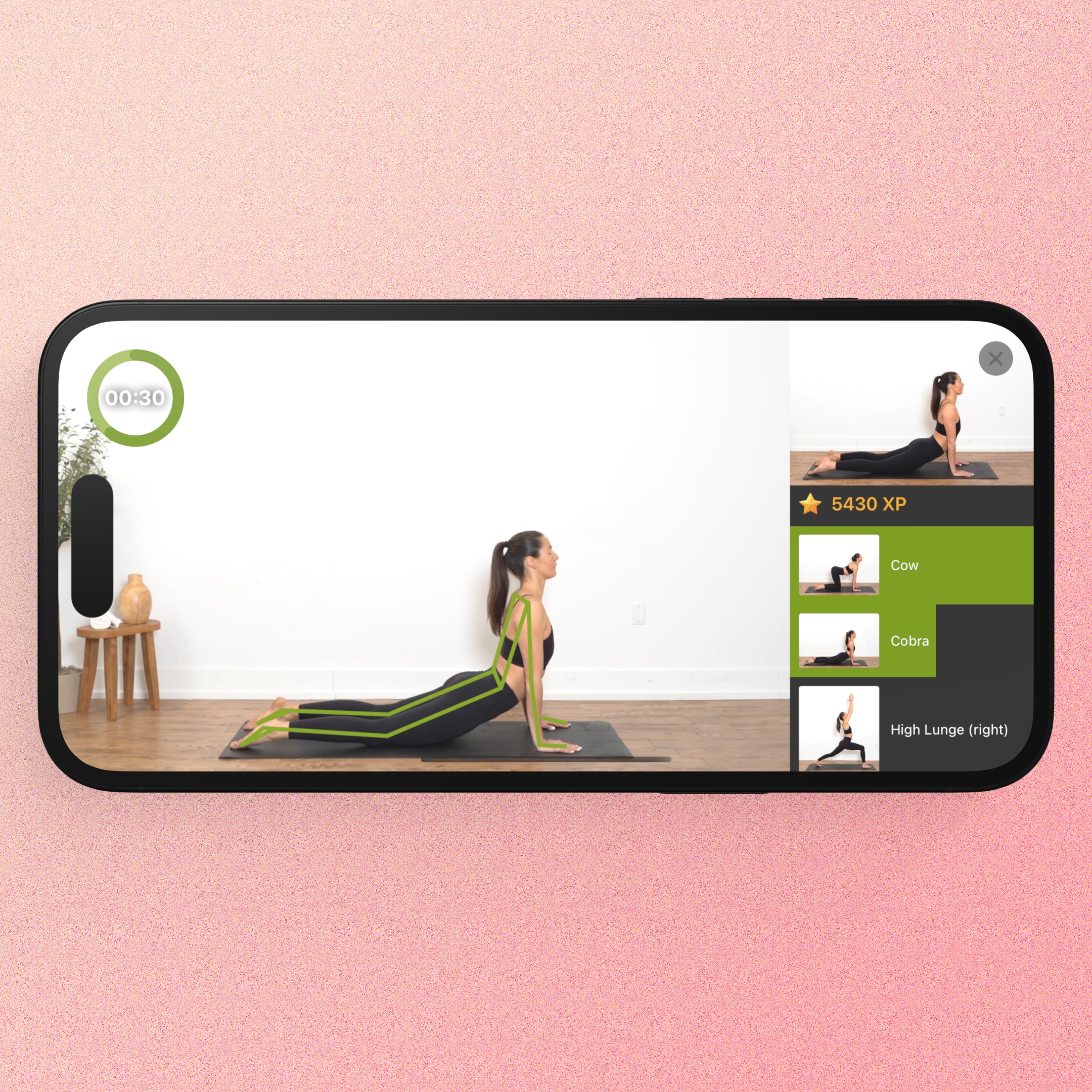
- The app uses camera to recognize poses, automatically starting a countdown and switching to the next pose, allowing you to complete an entire sequence hands-free.
- It’s designed for screen mirroring on TV or Mac, so you can check your posture on a big screen.
- You can create and share custom sequences with your friends & family.
- The app includes points and achievements to keep users motivated.
- The app is free for now — just select "FREE Lifetime Premium." subscription option.
- The full version is available only for iPhone/iPad and in English.
How we built it
- The first version was a proof-of-concept for personal use, built for a single yoga sequence called "Yoga for Everyone," which I found in the New York Times.
- Then, I added recognition models for 90 yoga poses and gesture control.
- After that, I included features to create, search, and share sequences.
Challenges we ran into
- Everything was challenging for me: it's my first mobile app and my first experience with all the tools, frameworks, and Swift programming language.
- I also faced technical challenges with accurate pose recognition from the mobile camera.
Accomplishments that we're proud of
- This is my first app! :)
What we learned
- How to develop a mobile app.
- A lot about yoga.
What's next for MirrorFit
- AI yoga sequence suggestions
- Voice control when you can't use your hands for gestures (e.g. you are in a plank pose)
Built With
- computer
- firebase
- machine-learning
- revenuecat
- swift
- vision

