
Inspiration
Online fashion gets returned more than almost any other category, and the reason is usually the same: "it looked different on me."
Virtual try-on helps, but most tools show one item at a time on a stock model.
Nobody buys one item at a time, though. A dress gets bought with shoes, a bag and a necklace, and the question at checkout is whether the whole outfit works on you.
We wanted to answer that question at the moment the money is about to leave the shopper's account.
What it does
Mirrorcart is a try-on widget for the checkout page.
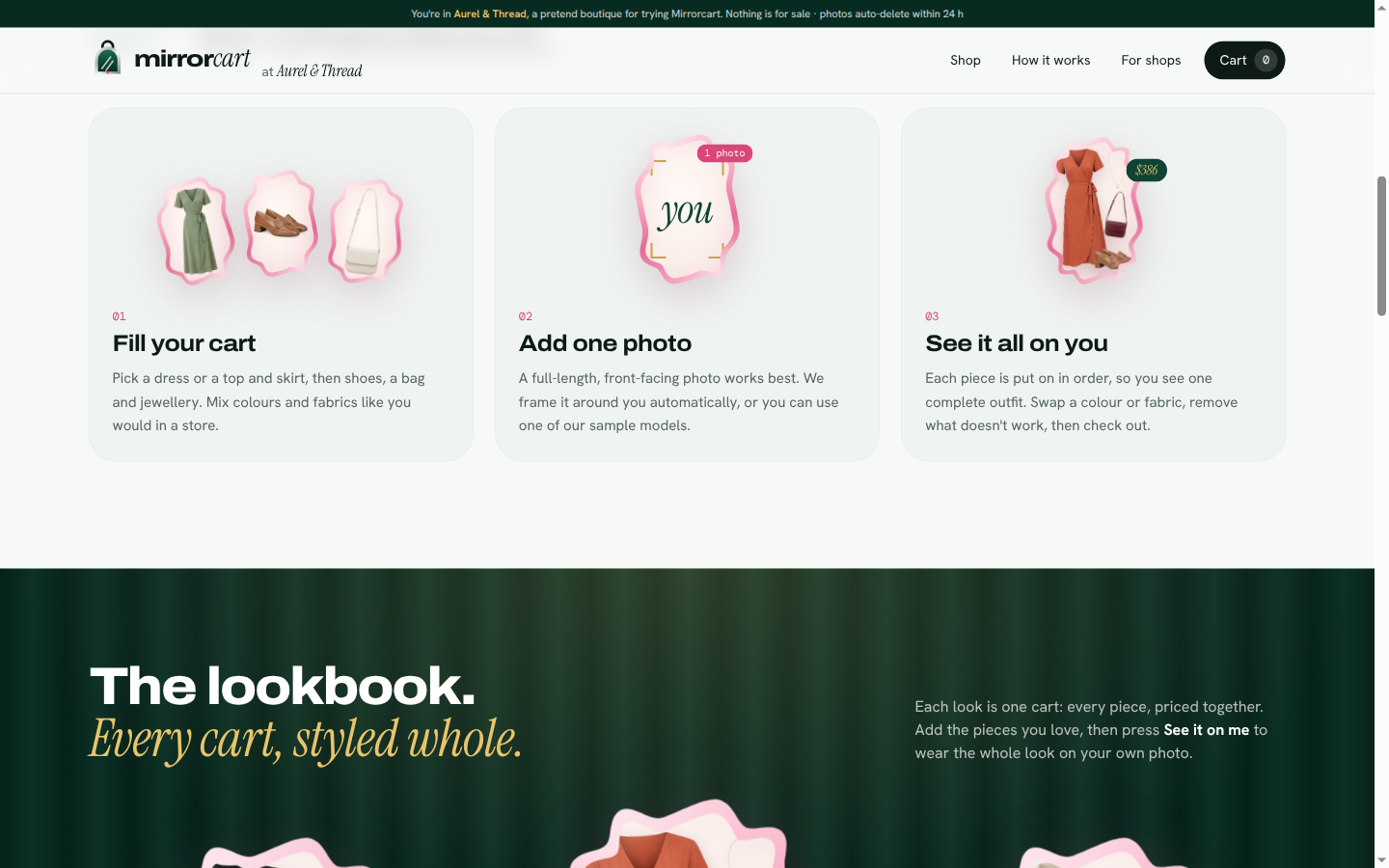
The shopper uploads one photo and sees everything in their cart on themselves, as one outfit.
Whole-cart try-on. The cart runs as a chain: top → bottom (or dress) → shoes → jewellery. Each result feeds the next, so you end up with one coherent look, not four separate pictures. A filmstrip shows every step.
Decide on the spot. Drag a before/after slider, then keep, remove or swap a colour on any piece, or change a garment's fabric. Only the changed step re-runs; the rest comes from cache at 0 credits.
Bag styled scene. YouCam's bag try-on re-renders the whole setting, so the bag gets its own styled shot next to the outfit.
Your fitting room. Every look made from your photo in the last 24 hours stays one tap away and reopens at 0 credits. A re-saved or WhatsApp-compressed copy of the same photo is recognised too.
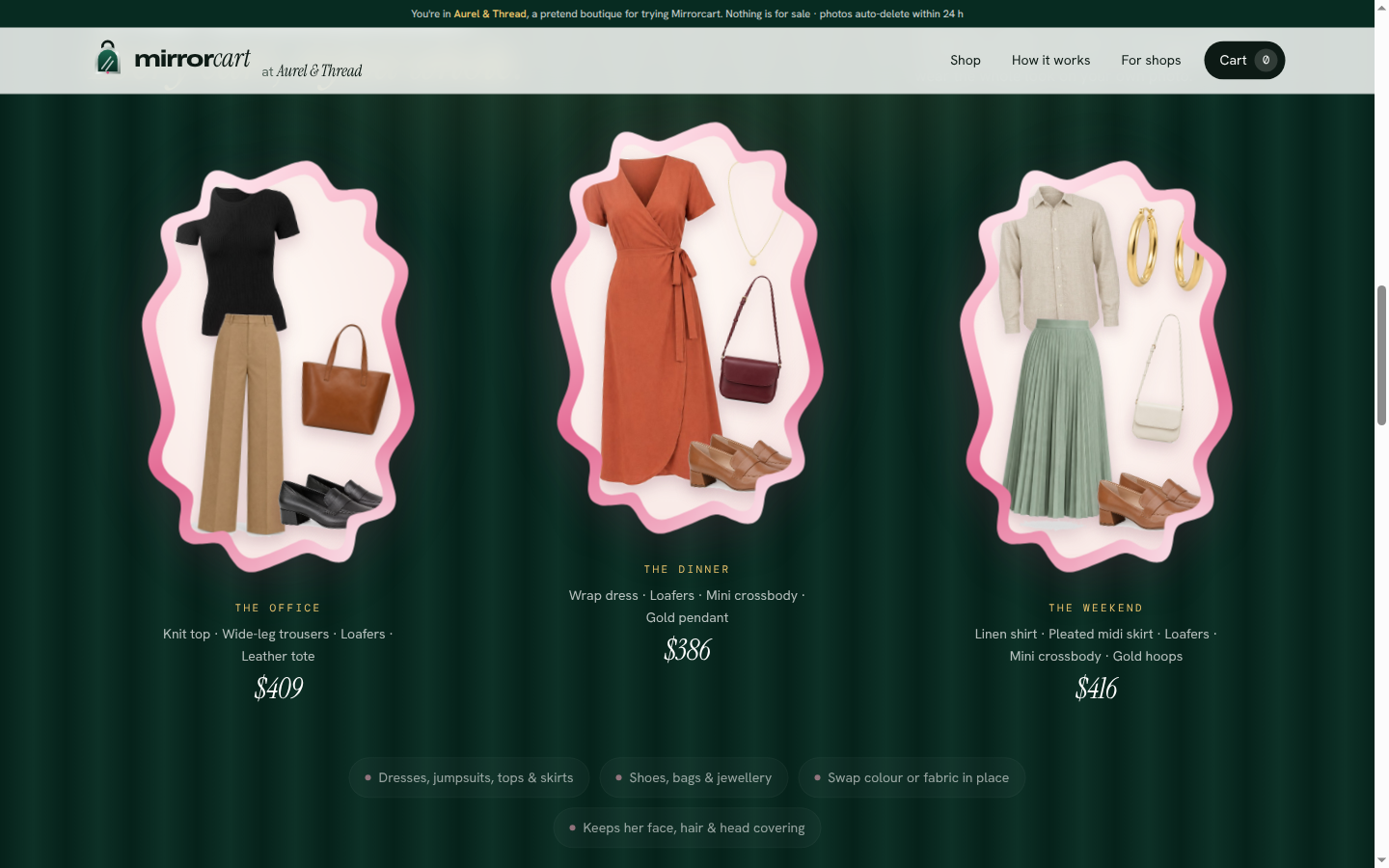
Free sample models. Three sample models wear three featured looks, made in advance, so anyone can try Mirrorcart instantly without uploading a photo.
For retailers: a dashboard with try-ons, conversion after try-on, items dropped after try-on, estimated returns avoided, credit use and cache savings. It installs as one
<script>tag:/embed-demo.htmlis a plain HTML "other shop" running the same widget.Privacy first. Explicit consent before upload, photo framing in the browser, auto-deletion after 24 hours, and a "Delete my photo" button that removes every copy, result and saved look and asks YouCam to delete the tasks.
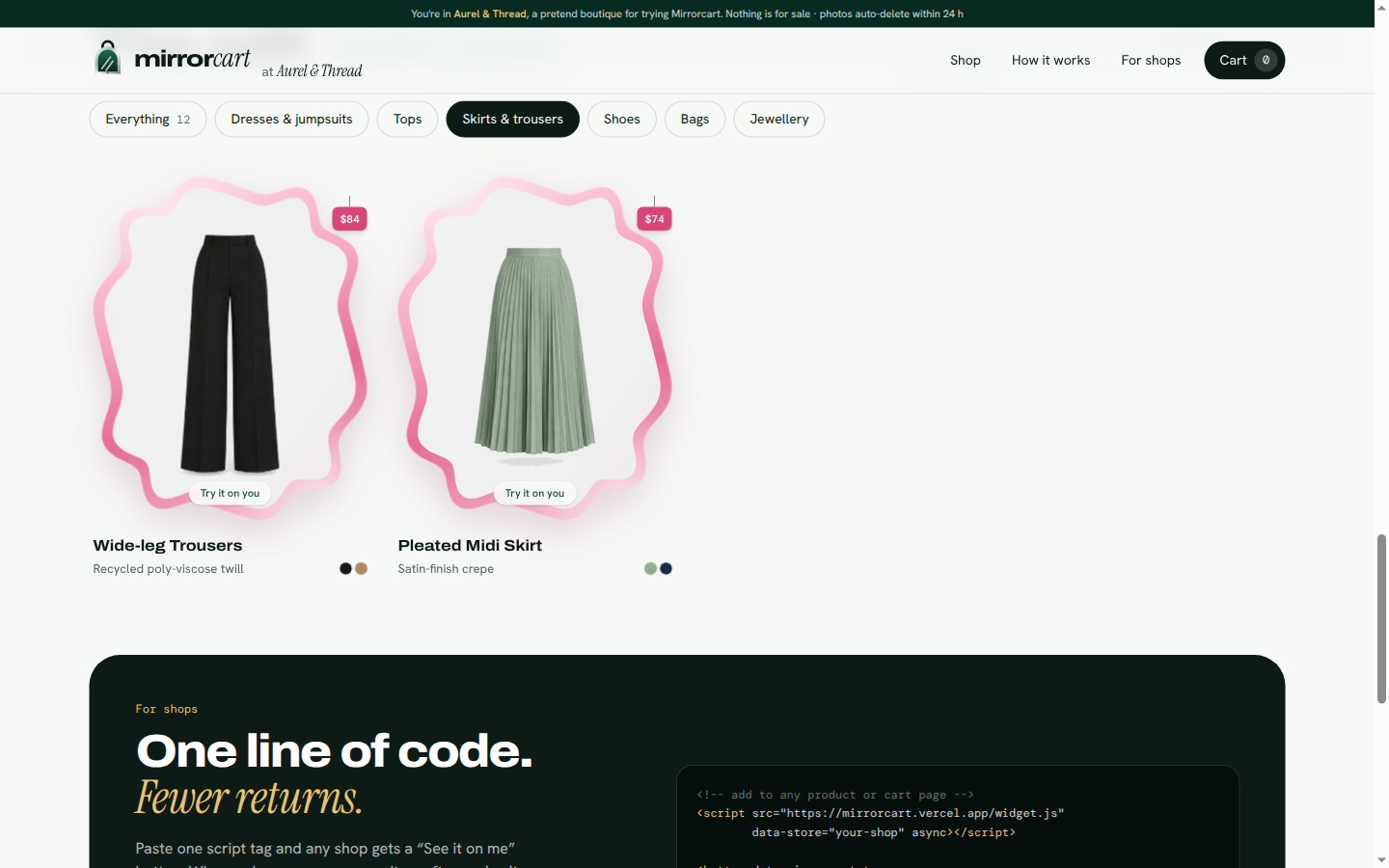
The demo store, Aurel & Thread, is fictional: 12 products with AI-generated imagery and no real brands.
Consumer value: shoppers see the full outfit on their own body before paying, so they buy with confidence.
Retail value: fewer "looked different on me" returns, plus data on which items get dropped after try-on, in a widget any shop can embed with one line.
How we built it
Next.js 15 (App Router, TypeScript, React 19) on Vercel, styled with Tailwind CSS.
YouCam APIs, all called server-side (the key never reaches the browser):
- File API:
POST /s2s/v2.0/fileplus the signed upload - Clothes VTO:
cloth-v4(upper, lower and full body) - Shoes VTO:
shoes-transfer - Bag VTO:
bag - Fabric VTO:
fabric, plus the fabric template list - Necklace and earring VTO:
2d-vto/necklaceand2d-vto/earring - Task deletion, and the Credit and feature-cost endpoints for the cost meter
- File API:
Orchestrator: each
/api/tryon/steprequest makes at most one YouCam call, so a long chain never hits a serverless timeout. Results are copied to Vercel Blob because YouCam result URLs expire. Each step is cached in Upstash Redis undersha256(photo | chain so far | step), so any repeated prefix costs 0 units.Photo framing: MediaPipe Pose runs in the browser (self-hosted) and crops the photo tight around the person. It also warns about a missing face or feet, or more than one person, before any credits are spent.
Photo memory: a small normalised greyscale print, made with
sharp, recognises the same picture after re-compression, with a strict threshold so different people are never matched.Credit protection: a site-wide daily unit cap, a per-visitor daily allowance (hashed IP, raw IP never stored), and a reserve floor that pauses live try-on automatically. Sample models and cached looks stay free, so the site keeps working for judges whatever the balance.
Mock mode: a fake YouCam client returning the documented response shapes, so we could develop without spending credits.
Challenges we ran into
The bag try-on redraws the whole scene. Feeding its output into the chain would have replaced the outfit, so the bag runs last as a separate "styled scene".
Jewellery needs a large, centred neck. Full-body photos failed, so we run it on an upscaled head-and-shoulders crop and composite the result back into the full look.
Far-away photos. When the person filled only a small part of the frame, the model redrew the face and dropped a hijab. Automatic framing plus keeping the shopper's own shoes (
change_shoes: false) fixed both.Limited credits. Caching, demo looks and three layers of caps let us offer live try-on publicly without running out before judging.
Accomplishments that we're proud of
A whole outfit, chained on one photo, with only the changed step re-run when you swap something.
The same widget running on our store and on a plain third-party HTML page.
Face and head covering preserved in our tests on real photos.
A privacy design shoppers can trust: 24-hour retention and a delete button that really deletes.
What we learned
Each try-on endpoint behaves differently (scene re-rendering, region-only replacement, framing needs), so a chain has to be planned around them.
Photo quality matters more than prompt tuning: framing the person correctly fixed most quality problems.
Caching by chain prefix makes try-on cheap enough for a real store.
What's next for Mirrorcart
Size recommendations next to each try-on.
A Shopify / WooCommerce plugin built on the same
widget.js.Opt-in saved looks beyond 24 hours, and sharing a look with a friend before buying.
Skin AI pairing: suggest jewellery and colours that suit the shopper's skin tone.
Built With
- mediapipe
- nexjs
- react
- sharp
- tailwindcss
- typescript
- upstash-redis
- vercel
- vercel-blob
- youcam-api


Log in or sign up for Devpost to join the conversation.