-
-
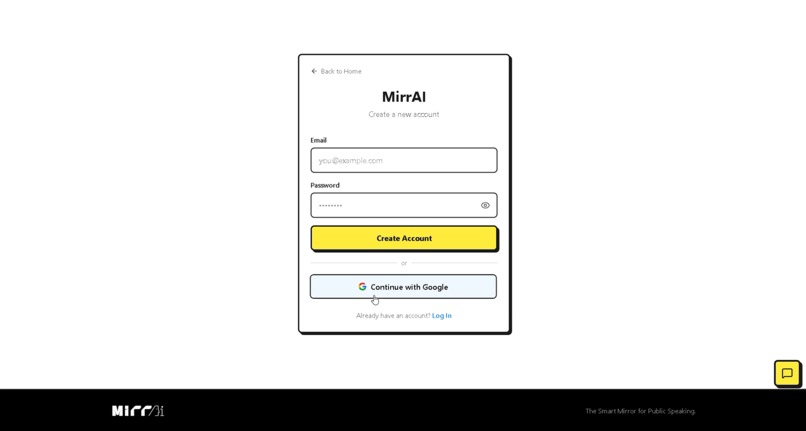
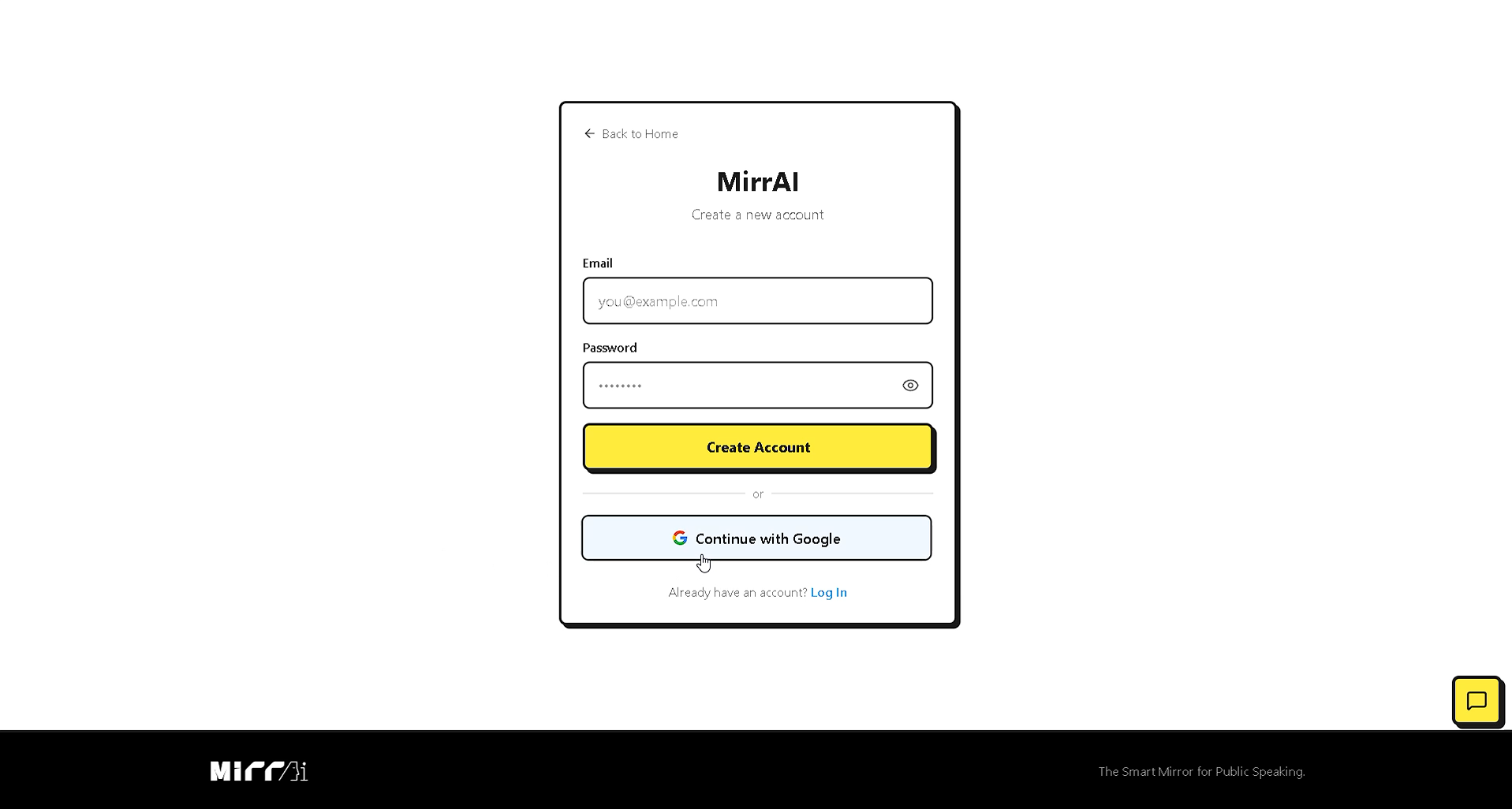
Login Page
-
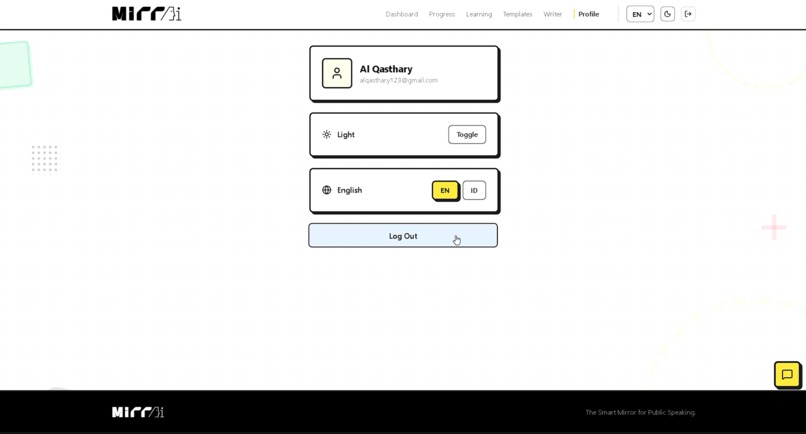
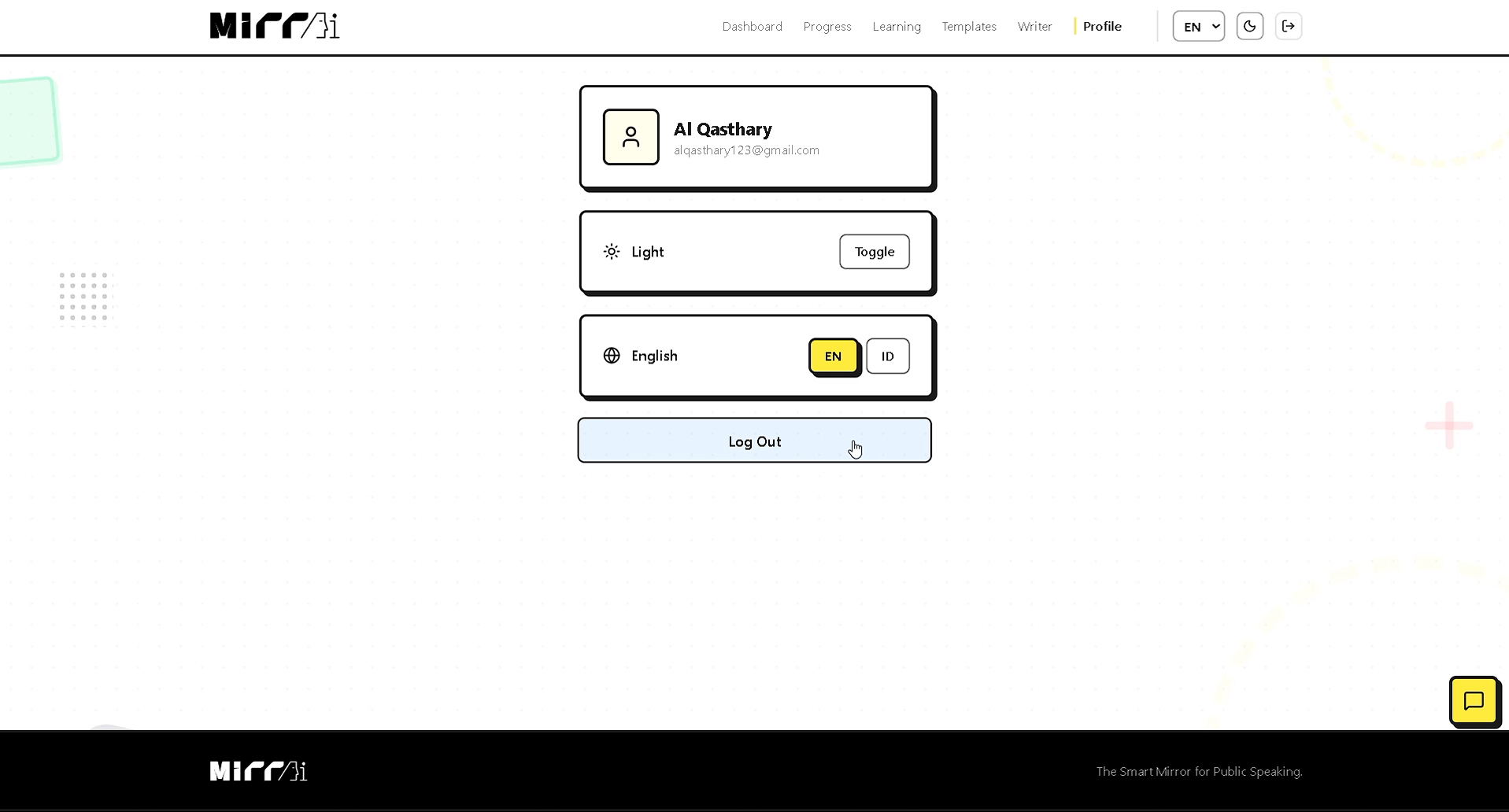
Profile Page
-
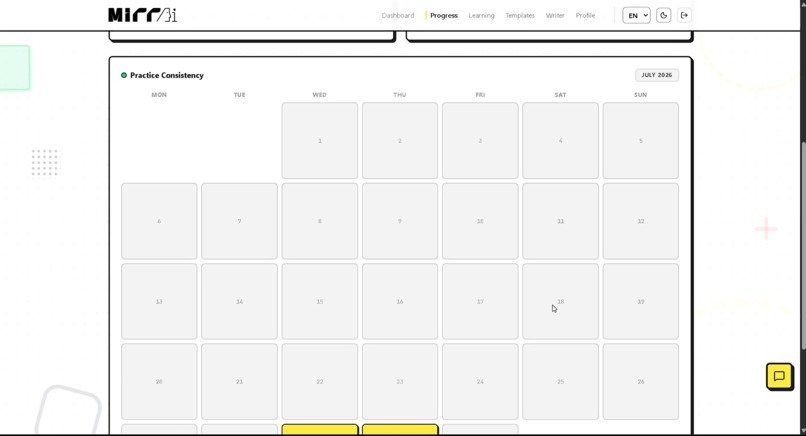
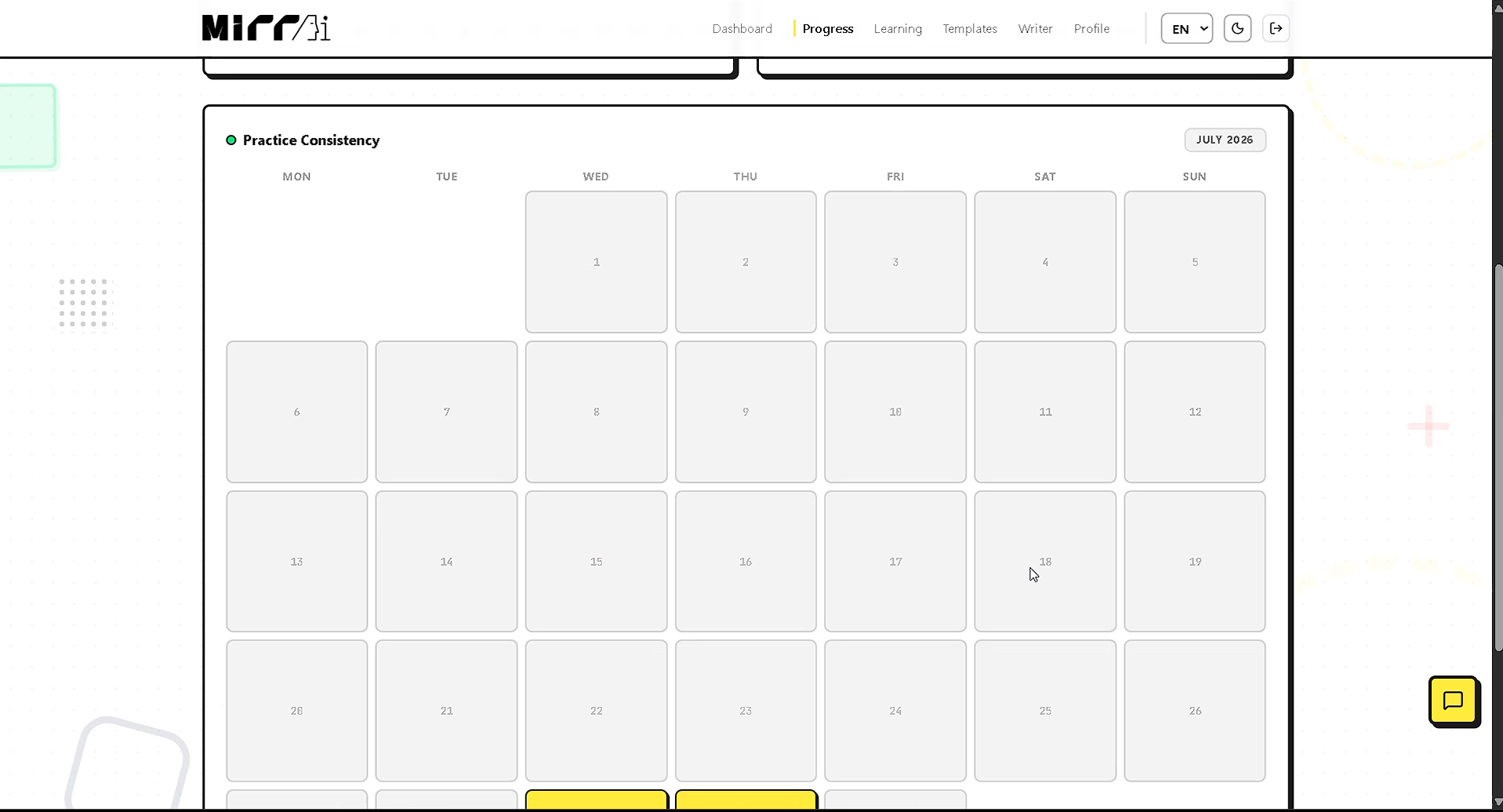
Progress Page - Calendar
-
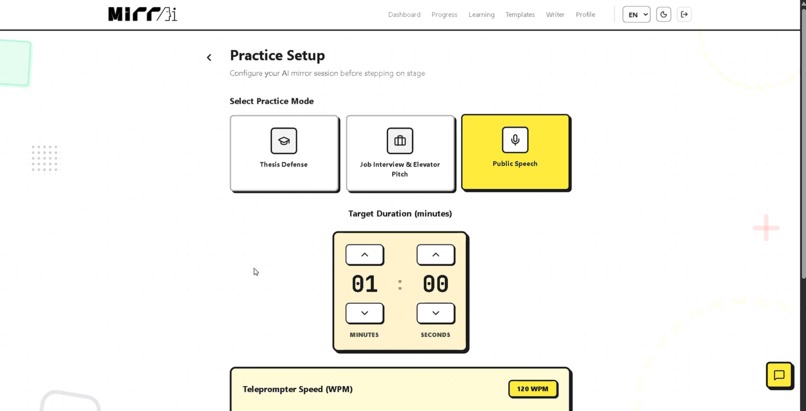
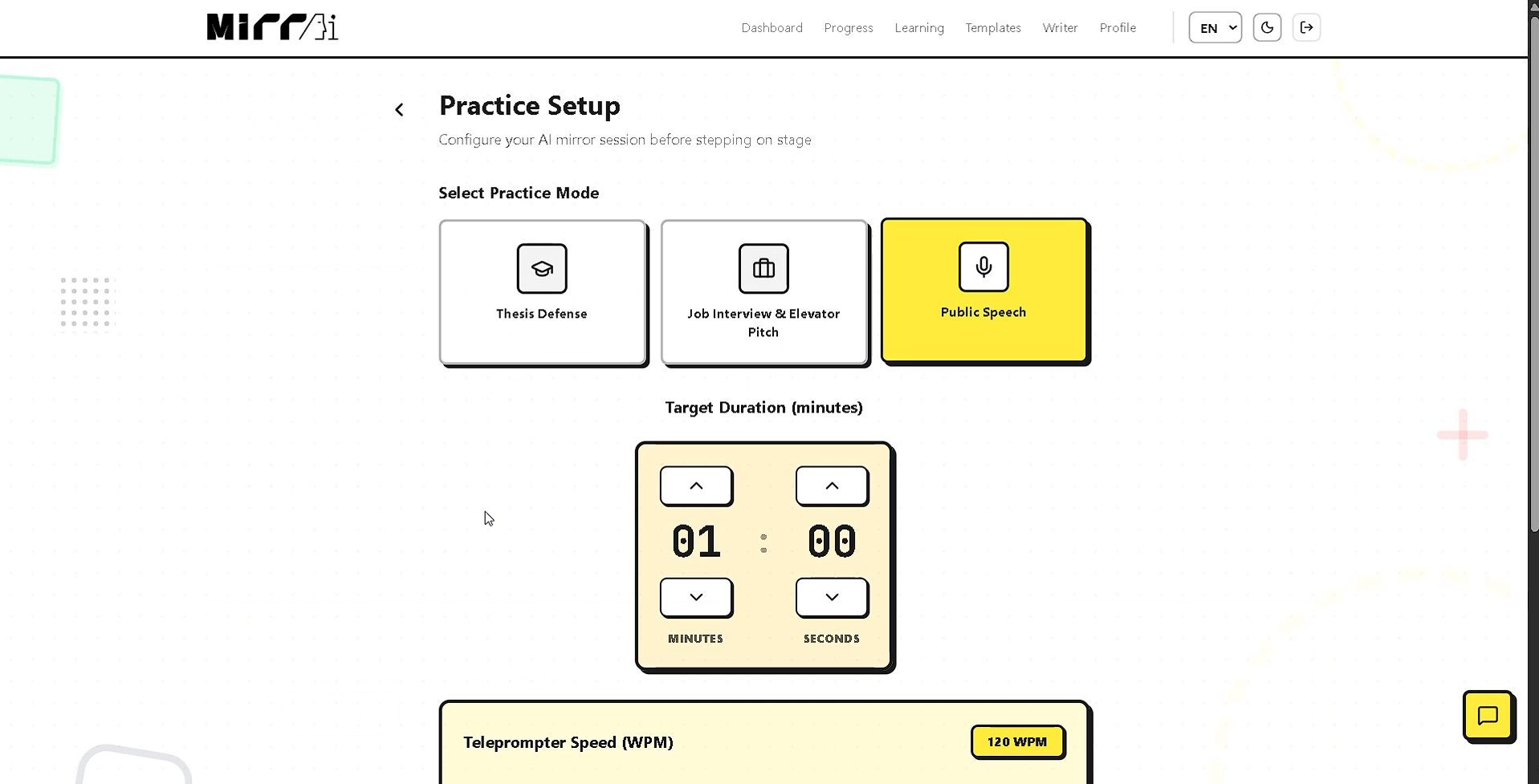
Practice Setup
-
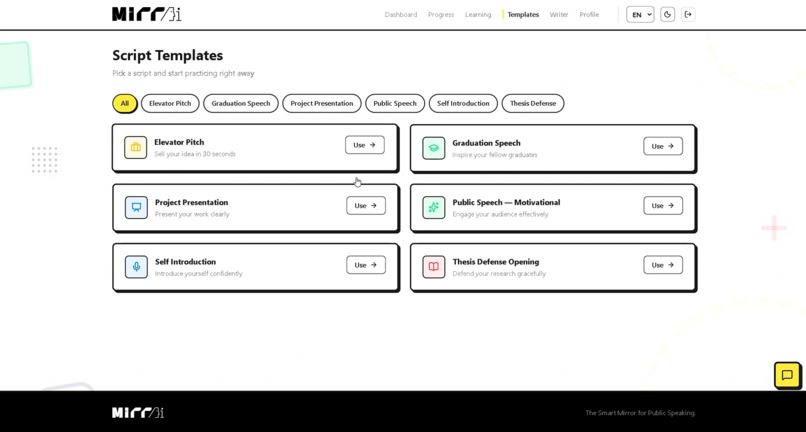
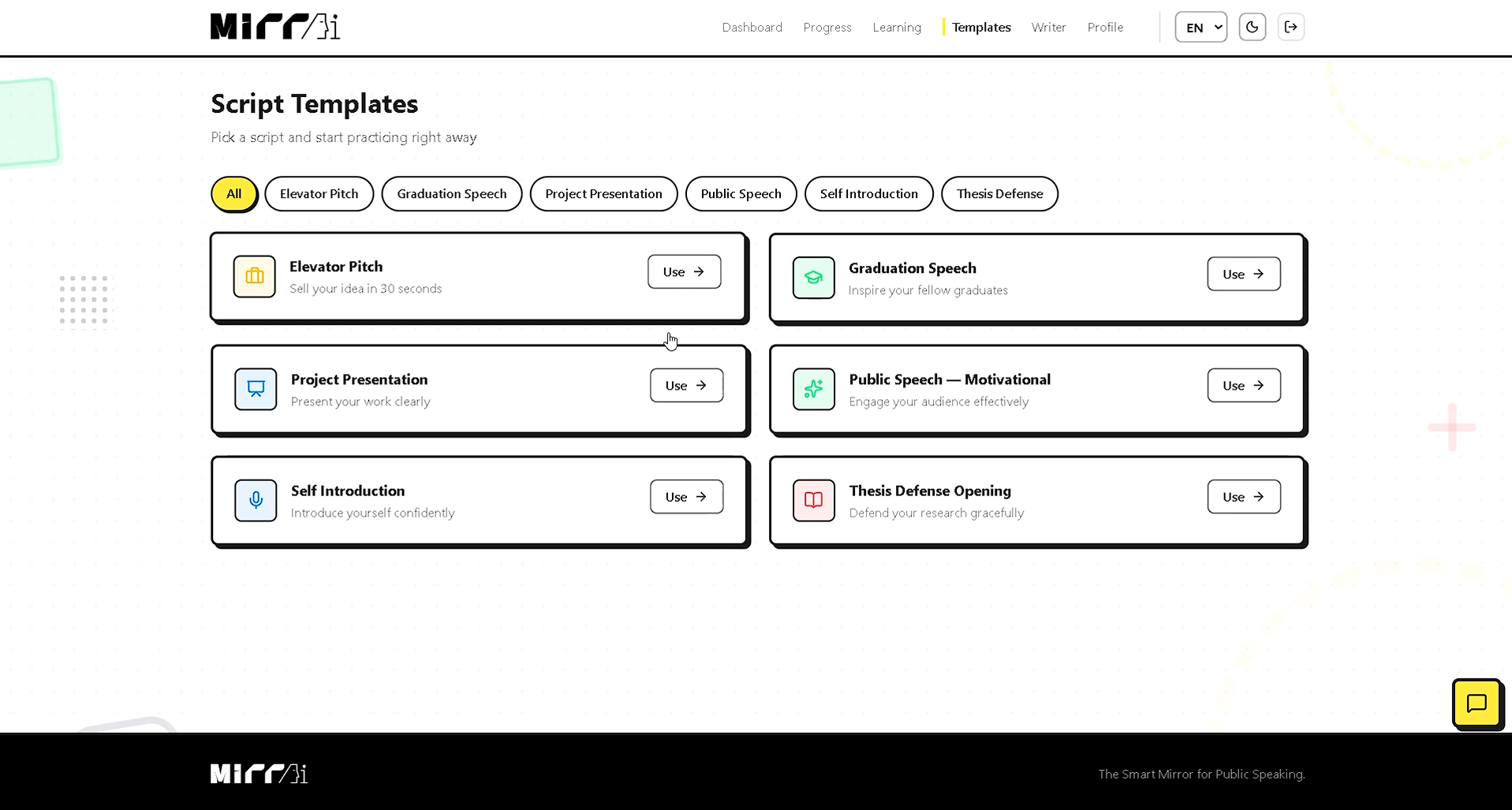
Script Templates
-
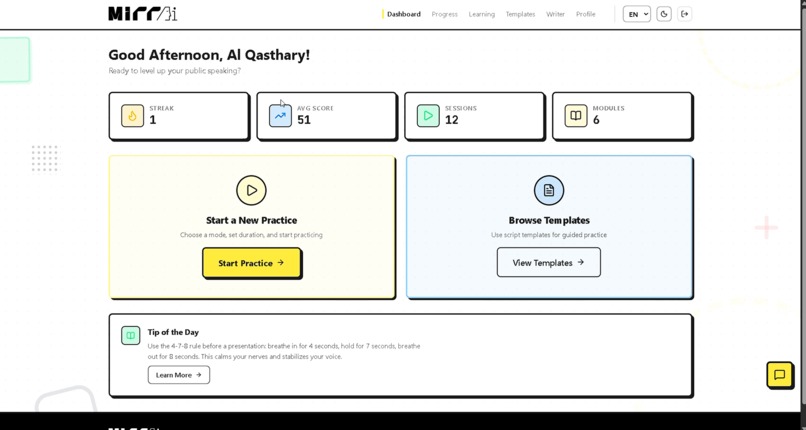
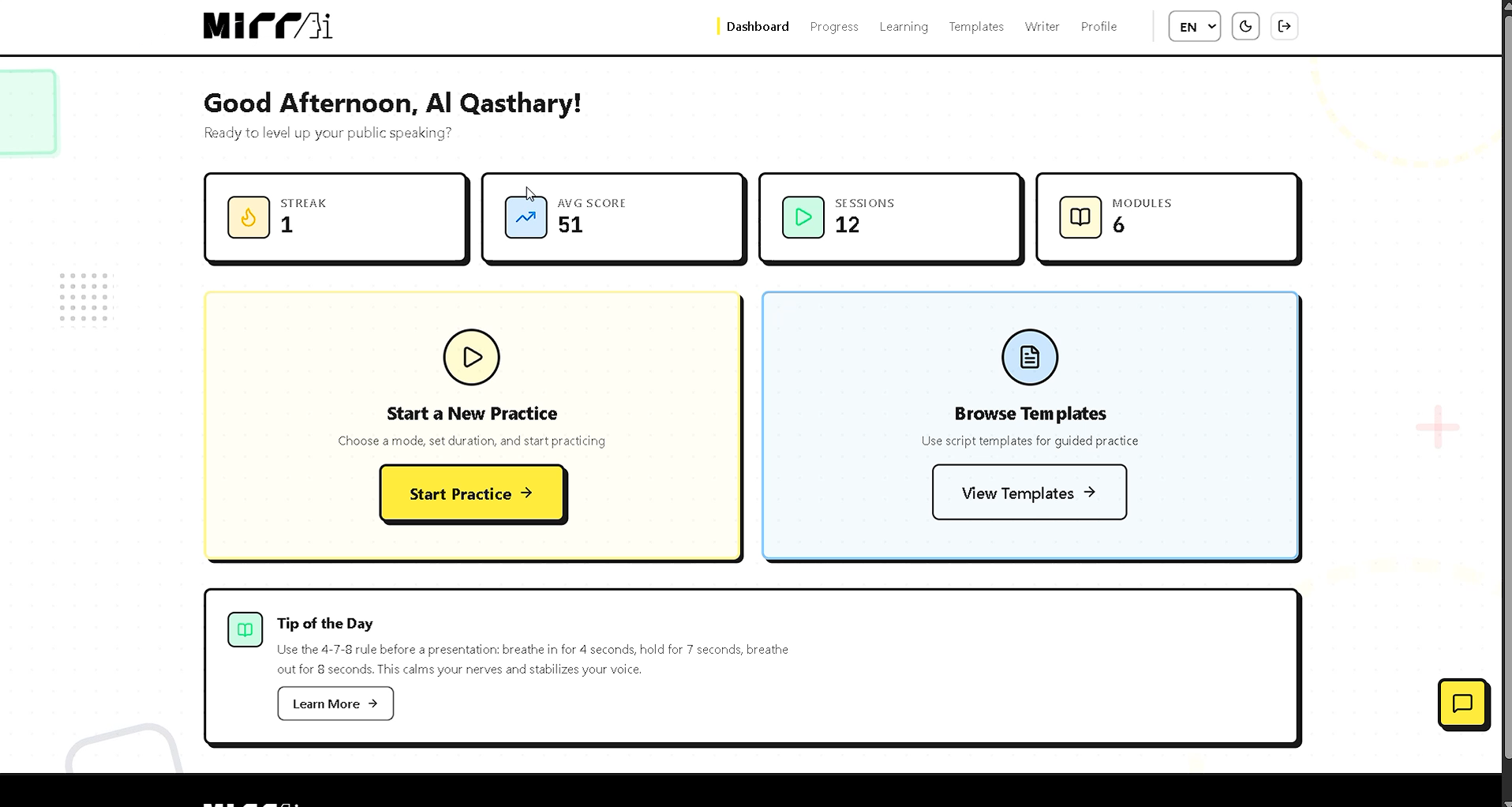
Dashboard page
-
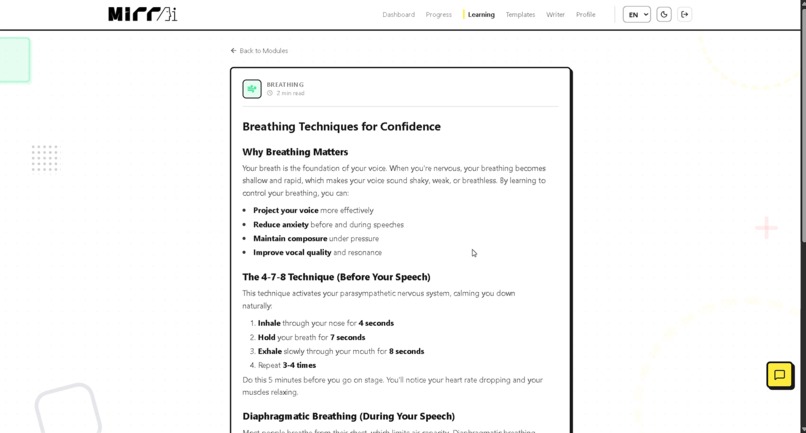
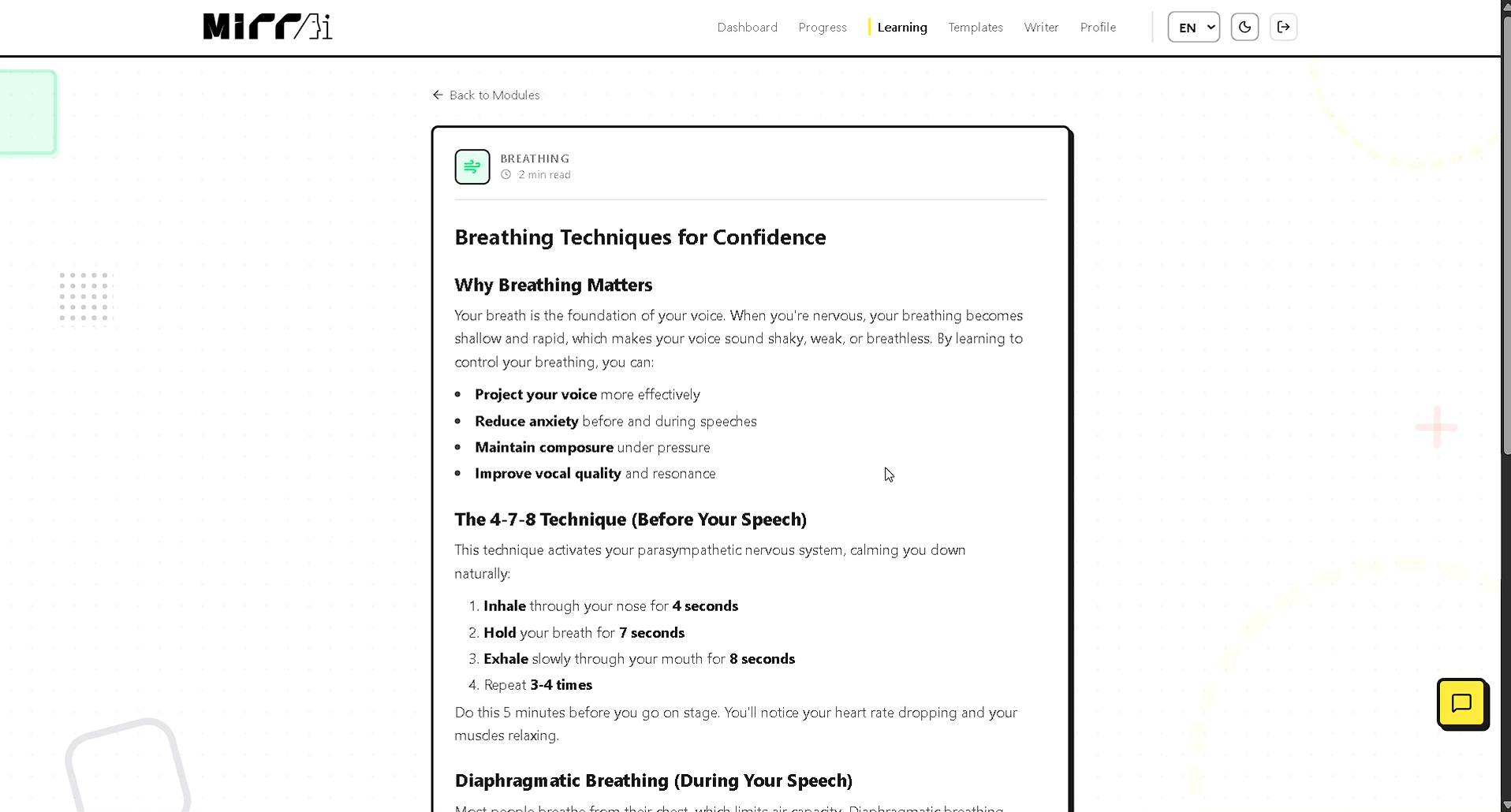
Learning Modules Content
-
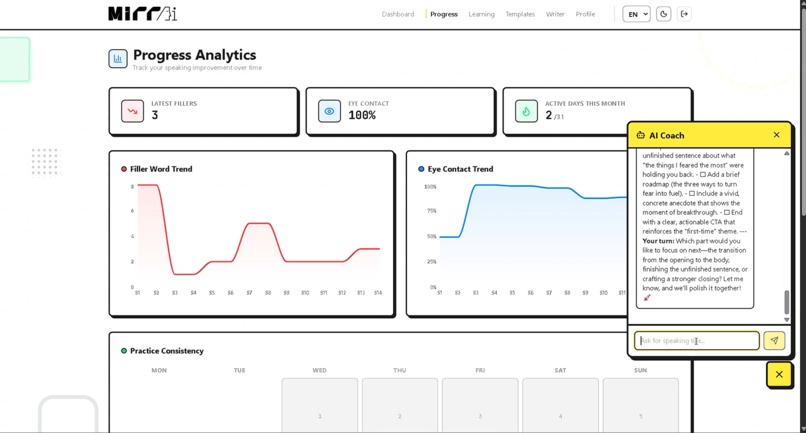
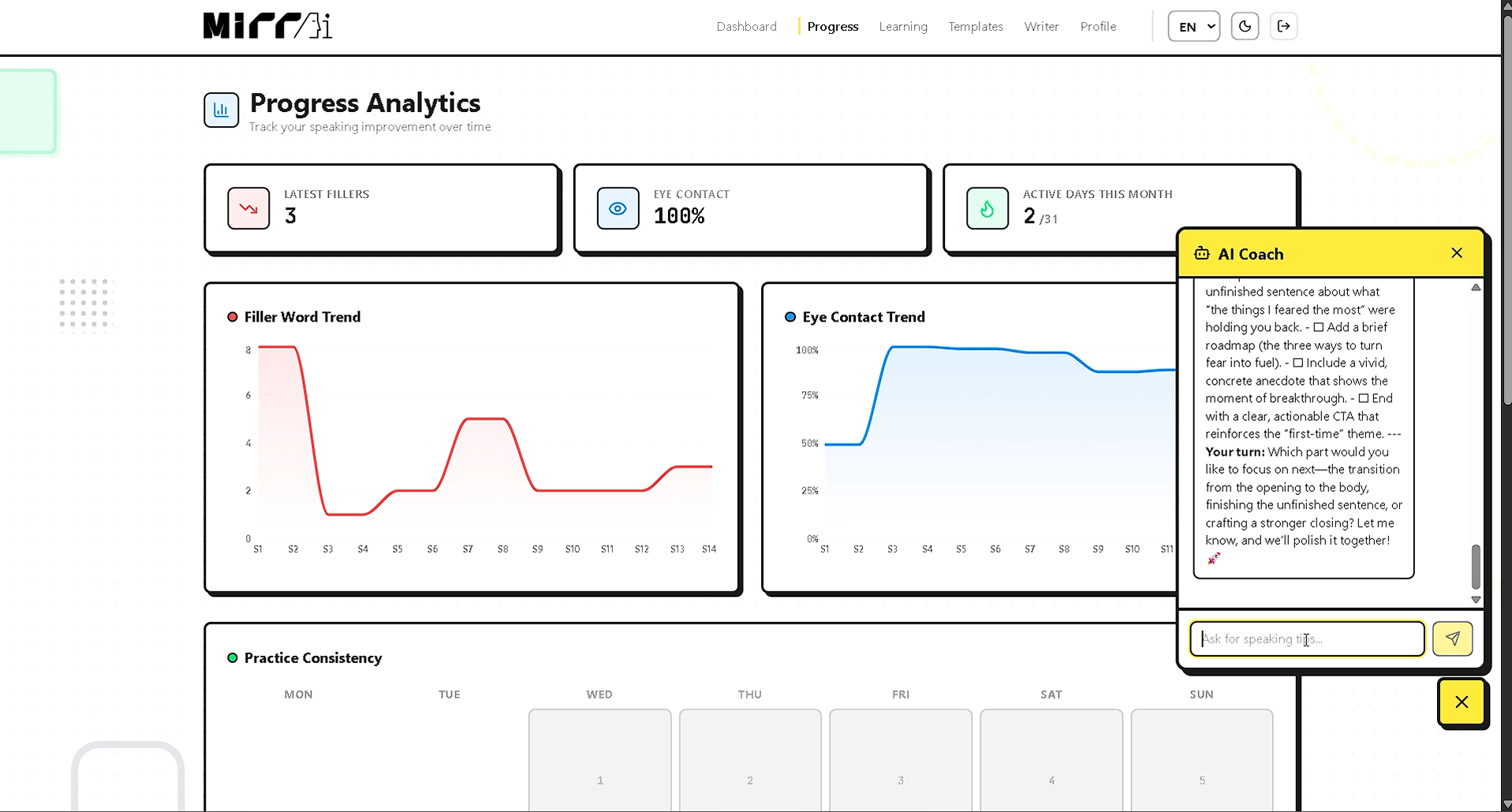
Progress Page
-
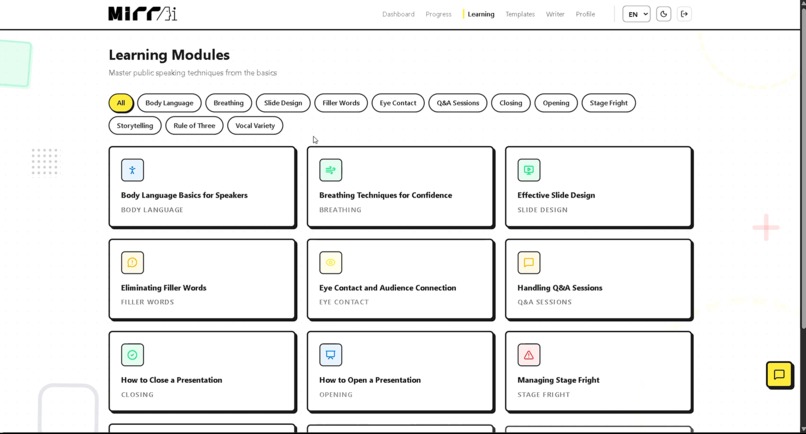
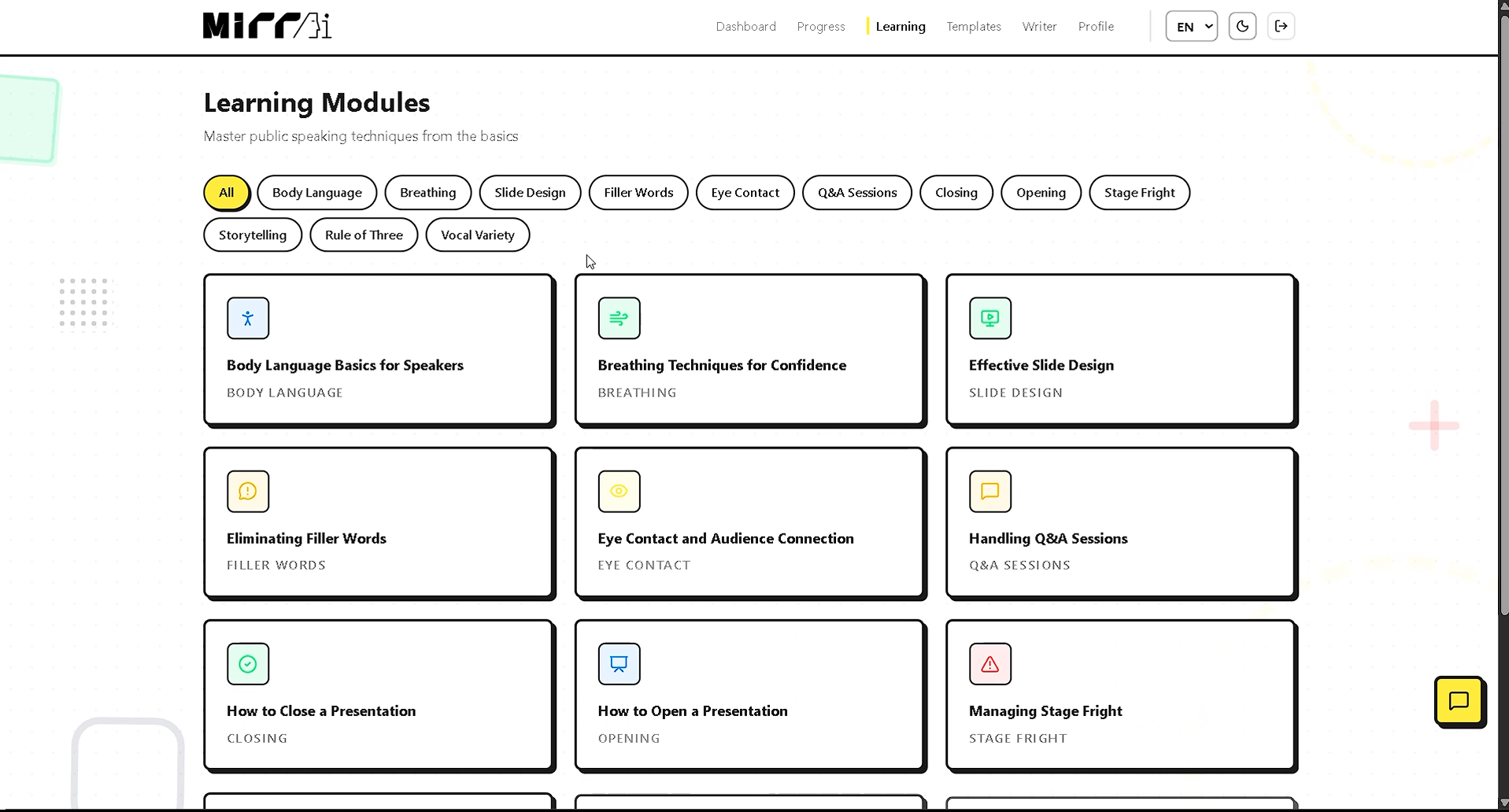
Learning Modules Page
-
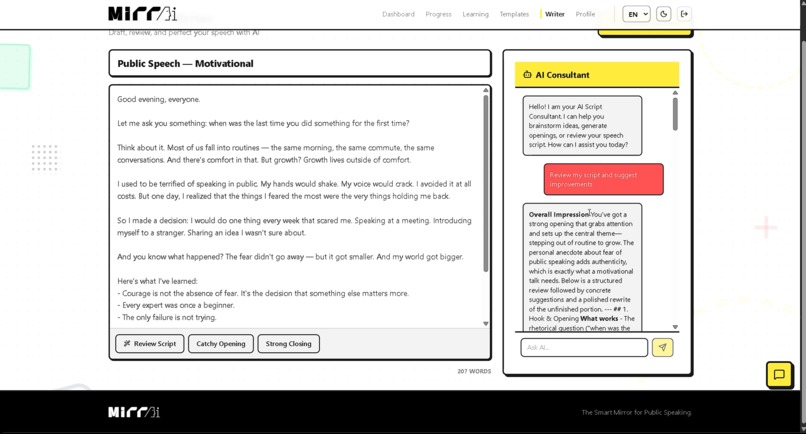
Script Templates - Chat Bot
-
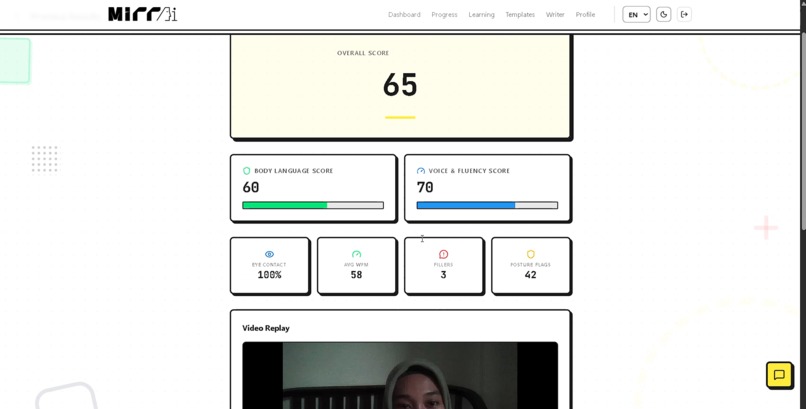
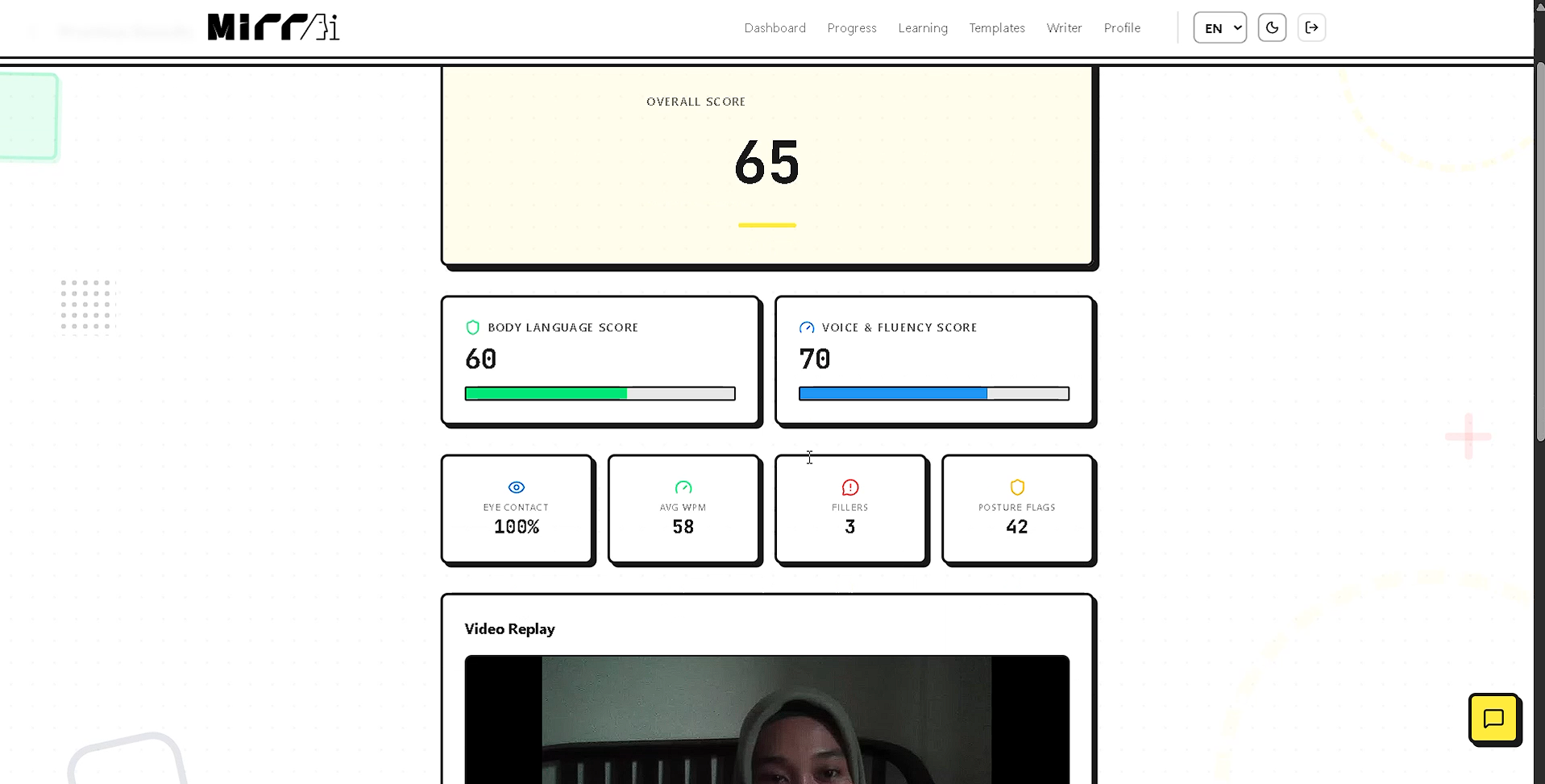
Scorecard
-
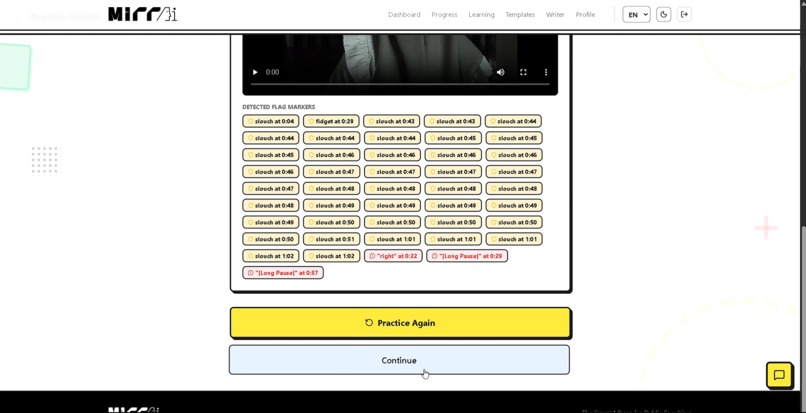
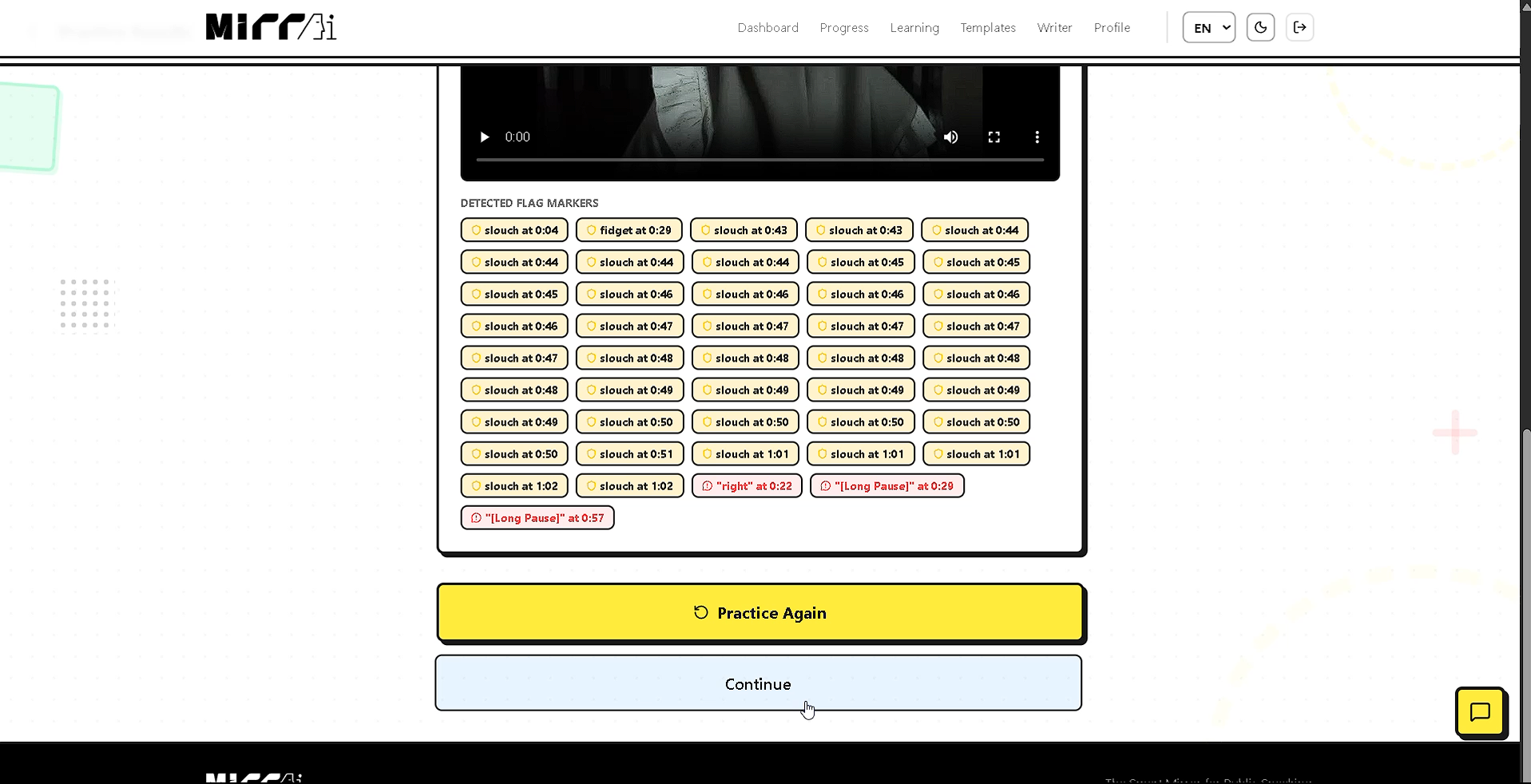
Scorecard - Replay Score
-
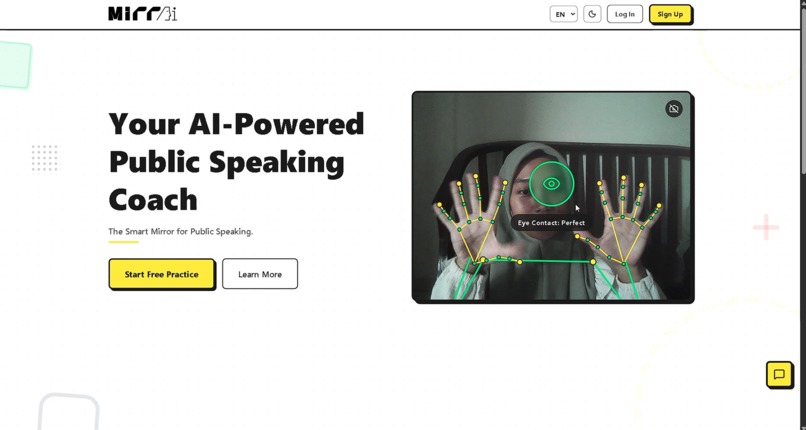
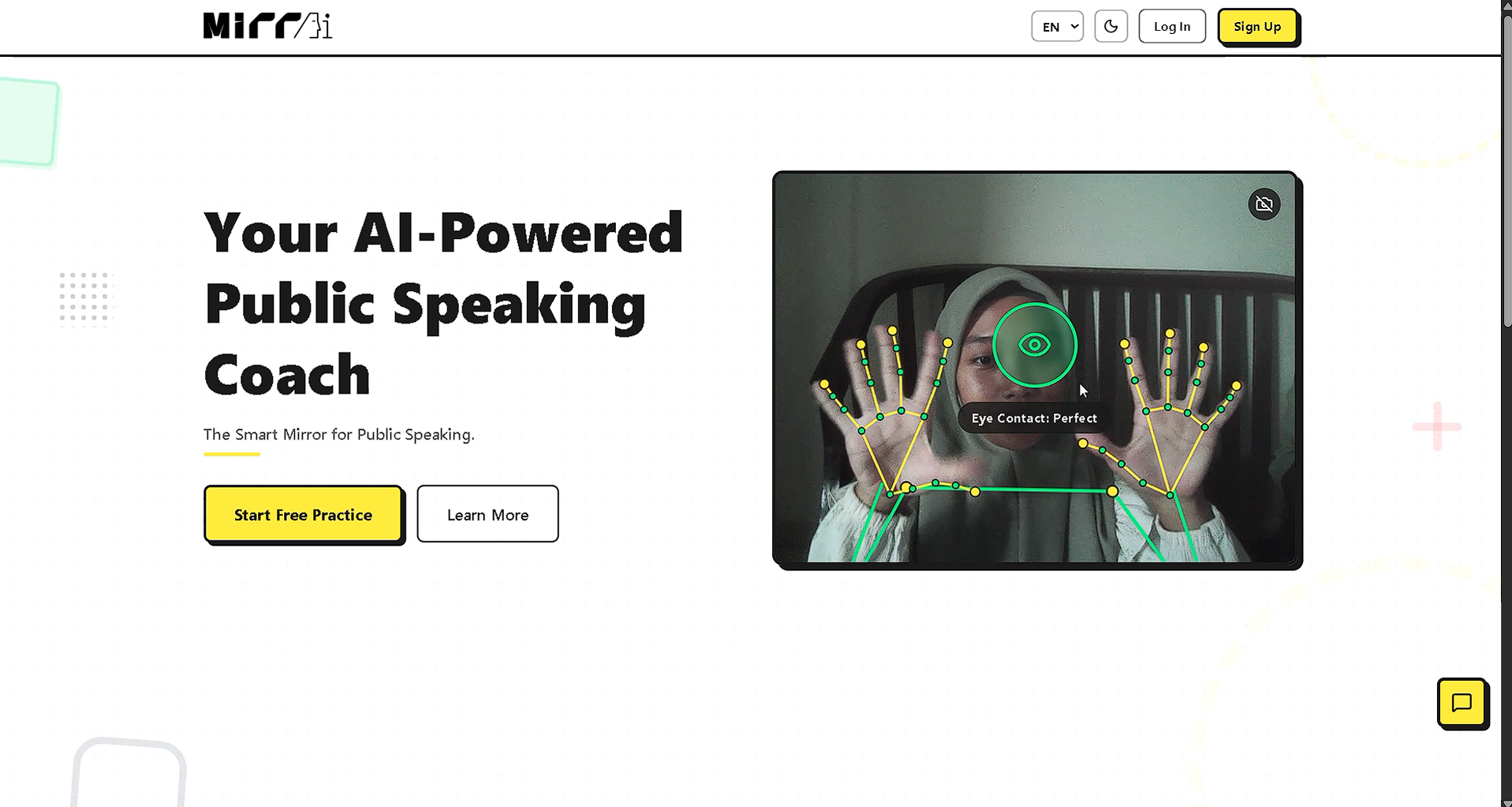
Landing Page
-
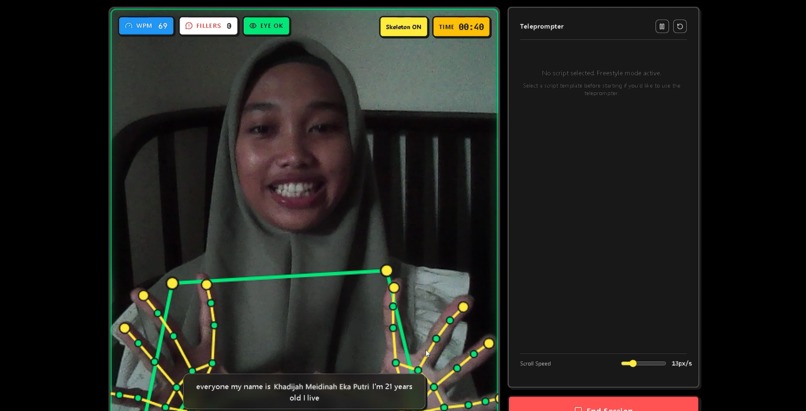
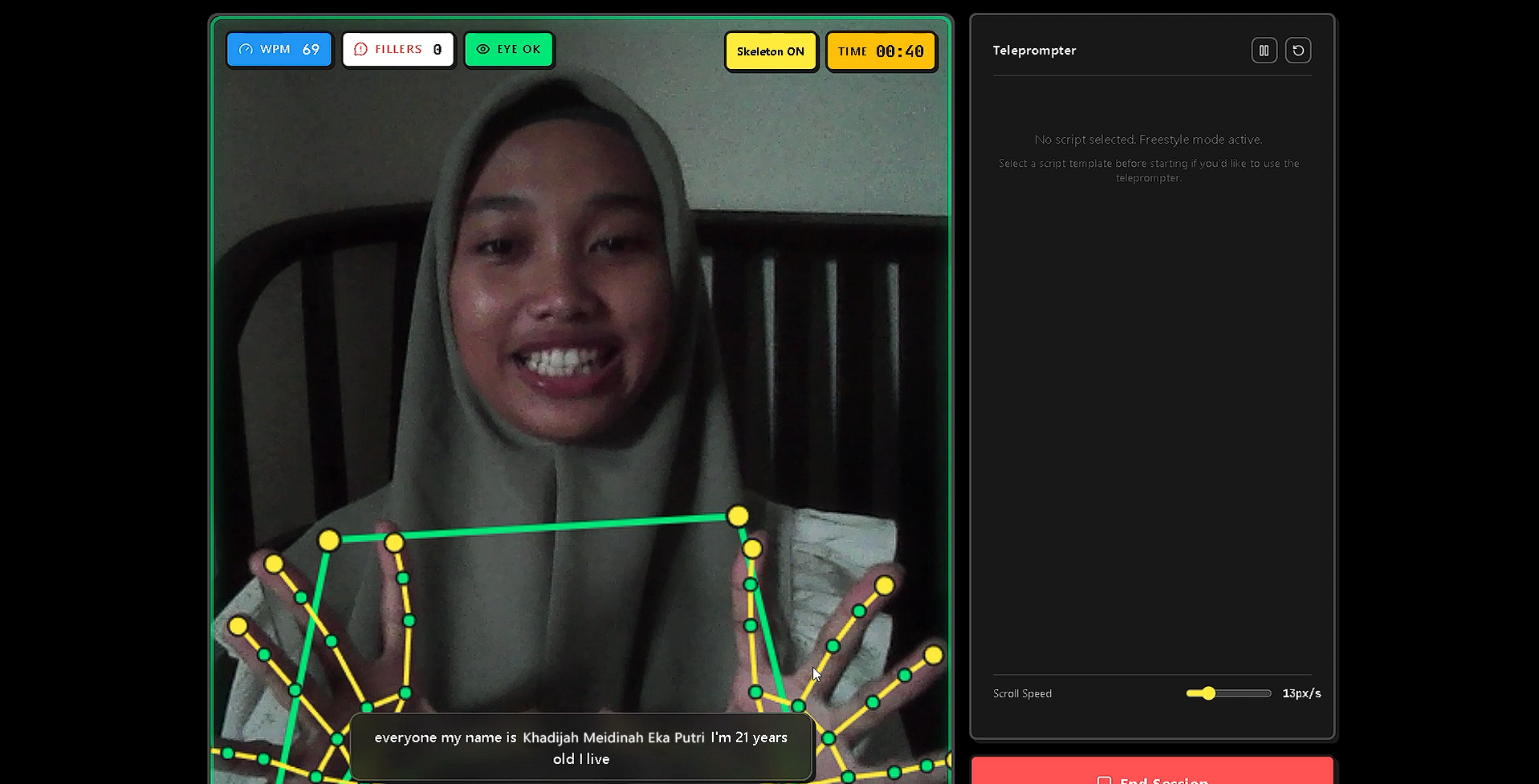
Practice Room
Inspiration
The idea behind MirrAI started with a frustration most students know all too well.
You have a thesis defense in three days. You stand in front of your bedroom mirror and practice. You finish. You feel okay about it. Then the actual day comes and your committee points out that you were looking at the floor the entire time, you were speaking too fast, and you said "um" forty-seven times.
The problem is not that people don't practice. The problem is that practicing alone gives you almost no honest feedback. A mirror doesn't count your filler words. A phone timer doesn't tell you when your posture collapsed. And a recording you watch later doesn't coach you in real time while it still matters.
Hiring a professional speaking coach is the real solution, but that's not realistic for most students. Sessions can cost anywhere from $50 to $200 an hour. For a university student preparing for a thesis defense or a job interview, that's simply out of reach.
Glossophobia, the fear of public speaking, affects roughly 75% of people. It is consistently ranked as one of the most common human fears. And yet the tools available to help people get better are either too expensive, too passive, or too generic.
We kept asking one question: what if your webcam could act like that coach? What if it watched how you moved, listened to how you spoke, and gave you feedback right now, not after you've already finished?
That question became MirrAI.
What it does
MirrAI is a free, browser-based AI public speaking trainer that watches you practice and gives you real-time feedback on the things that actually matter in a presentation.
When you start a session, three separate AI models run simultaneously inside your browser through your webcam. No video is sent to any server. Everything happens locally on your device.
Eye Contact Tracking. The face model detects where you're looking and measures how consistently you hold eye contact with the camera. This gets translated into a percentage score. If your eye contact drops, a live tip appears on screen.
Posture and Gesture Detection. The pose model monitors your body alignment, flags when you're slouching, and checks whether you're fidgeting or staying composed. The hand model separately tracks whether you're using gestures to support your speech or whether your hands are locked at your sides.
Speech Analysis. Using the browser's Speech Recognition API, MirrAI listens to your voice in real time, counting filler words like "um," "uh," and "like," while measuring your speaking pace in words per minute.
The ideal speaking pace for most presentation contexts falls between 120 and 150 WPM. MirrAI flags deviations from this range continuously during the session. If $v$ is your measured speaking pace and $[v_{low}, v_{high}]$ is the target range, then:
$$\text{Pace Score} = \max\left(0,\ 1 - \frac{|v - v_{mid}|}{v_{mid}}\right) \times 100$$
where $v_{mid} = \frac{v_{low} + v_{high}}{2}$.
At the end of each session, MirrAI generates a full Scorecard that combines all measured dimensions into one overall performance score. The weighting is:
$$S_{final} = 0.35 \cdot S_{eye} + 0.30 \cdot S_{posture} + 0.20 \cdot S_{pace} + 0.15 \cdot S_{filler}$$
where each $S_i \in [0, 100]$.
Beyond the live practice room, MirrAI includes a full ecosystem of supporting features:
- A Teleprompter that auto-scrolls at your chosen WPM so you can practice reading naturally.
- A Session Replay that lets you rewatch exactly what the AI recorded.
- A Progress Analytics dashboard with trend charts and a monthly heatmap calendar showing your practice consistency.
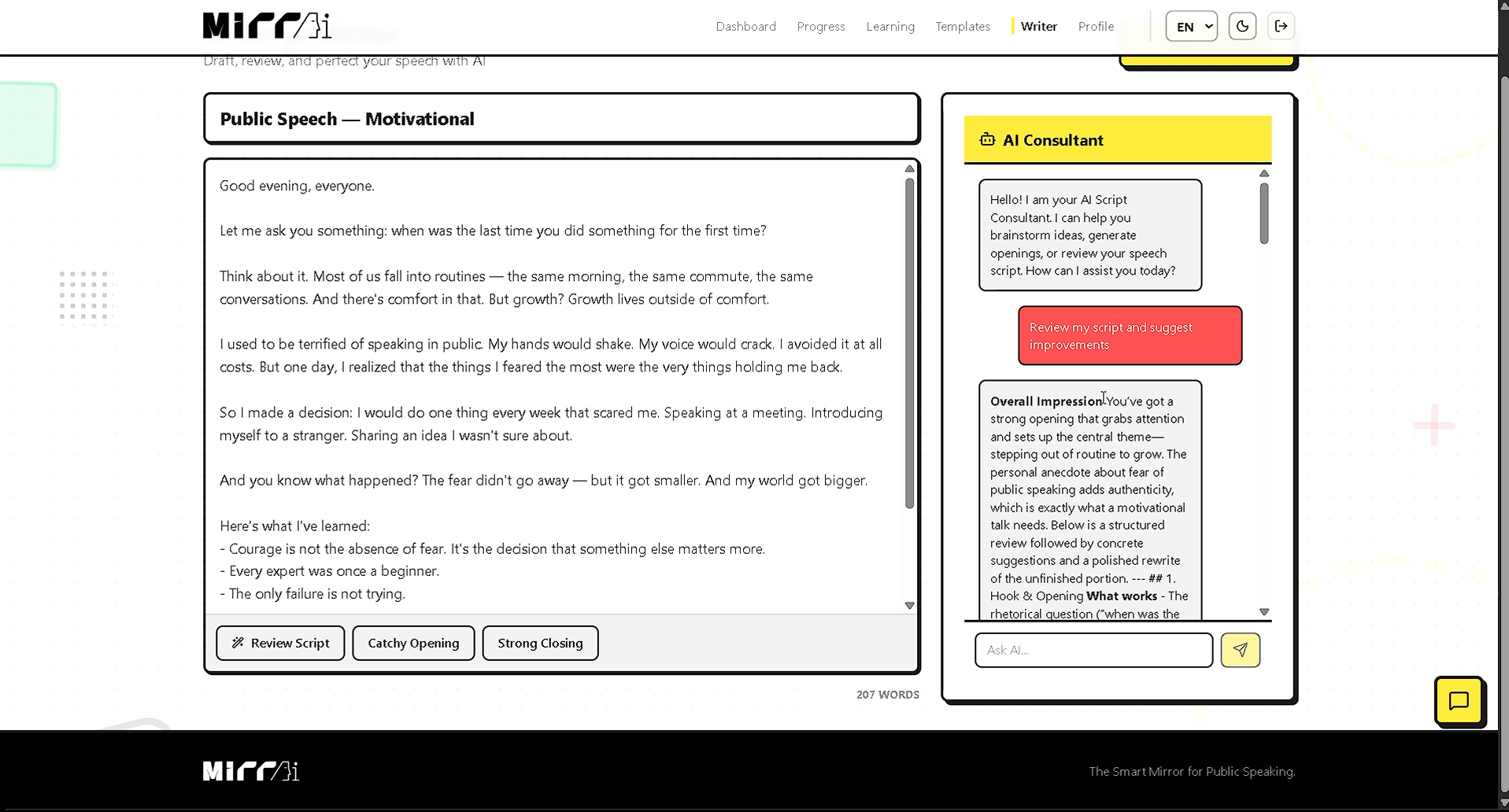
- An AI Script Writer where a chat-based AI consultant helps you draft, review, and refine speeches.
- 12 Learning Modules covering topics from breathing techniques and vocal variety to handling Q&A sessions and slide design.
- Pre-made Script Templates for scenarios like thesis defenses, job interviews, and graduation speeches.
- A floating AI Chatbot available on every page for quick public speaking questions.
- Full support for English and Indonesian, and a complete dark mode.
How we built it
The core of MirrAI is three Google MediaPipe machine learning models running in parallel inside the browser using WebAssembly. This was a deliberate architectural choice. Running AI inference on the client side means zero latency from a network round-trip and no privacy concern from streaming video to a server. The models load once, stay in memory, and run at a consistent frame rate throughout the session.
On the frontend, everything is built with React 19 and TypeScript on top of Vite. Custom hooks abstract each AI model (useFaceLandmarker, usePoseLandmarker, useHandLandmarker) so the Practice Room component can call them independently and interleave their results frame by frame. The detection loop runs at a controlled rate so all three models share the CPU budget without causing the page to lag.
Real-time coaching tips are generated from thresholds applied to each model's output. The posture score, eye contact percentage, and filler word count update live on screen every few frames. A teleprompter overlay scrolls simultaneously.
The backend is a Node.js and Express REST API written in TypeScript, backed by a PostgreSQL database through Prisma ORM. It handles user authentication with JWT, session data storage, scoring, analytics, and AI integration through the OpenAI API for the chatbot and script writer. The backend is intentionally thin: the heavy AI work all happens in the browser.
Styling follows a Neubrutalism design system, built in TailwindCSS with custom tokens for borders, shadows, and spacing. Animations are handled by Framer Motion. State across the session lifecycle is managed with Zustand, and server data is cached and synchronized with TanStack React Query.
Challenges we ran into
The hardest problem we faced was running three ML models at the same time without killing browser performance.
Each MediaPipe model is a WebAssembly binary that takes real CPU time to run. When we first ran all three models in the same animation frame loop, the page dropped to single-digit frames per second. The camera feed would freeze and the UI would become unresponsive.
The solution was building a staggered interleaved detection loop. Instead of running all three models every frame, the loop alternates which models run on which frames, based on how expensive each one is and how frequently its output needs to update. Face detection runs more often because eye contact needs to be tracked continuously. Hand and pose detection run less frequently because posture and gesture changes happen more slowly. The result is a smooth, responsive session with consistent AI feedback, because how effective the feedback is depends on $F_{actual}$ staying close to $F_{target}$ across the session:
$$\text{Smoothness} = 1 - \frac{|F_{actual} - F_{target}|}{F_{target}}$$
Another challenge was the timezone bug in the practice consistency calendar. Our backend was generating day strings using JavaScript's .toISOString(), which converts timestamps to UTC. For users in UTC+8 time zones, a session recorded at midnight local time would be stamped as the previous day in UTC, shifting every date in the monthly calendar by one day and cutting off the last day of the month entirely. We fixed this by constructing date strings directly from local date components instead of relying on UTC conversion.
The third challenge was the AI log spam. Google MediaPipe runs its inference inside a Web Worker and prints internal TensorFlow Lite status messages to the browser console on every load. These logs come from a cross-origin Worker context, which means standard console interception in the main thread cannot reach them. We spent time investigating various suppression approaches before accepting that these are harmless informational messages that cannot be silenced without patching the library itself.
Accomplishments that we're proud of
Getting three computer vision models to run simultaneously in a browser at a usable frame rate, while keeping the UI responsive and streaming real-time coaching tips to the screen, was not a given when we started. We're proud that it works smoothly.
We're proud of the scoring system. It's not a single number pulled from one signal. It's a weighted combination of four independently measured dimensions that each reflect something real about presentation quality. Getting the weights calibrated so that the score feels meaningful, not just a number, took real iteration.
We're proud of the bilingual support. MirrAI works fully in both English and Indonesian, including all coaching tips, learning modules, UI labels, and the AI chatbot responses. This was a core decision from the start because the target users include Indonesian university students, and making the tool feel native in both languages required sustained effort.
We're proud that the calendar heatmap works correctly. A bug that shifted every date by one day due to timezone handling is the kind of subtle issue that could easily go unnoticed in testing. We caught it and fixed it properly.
And we're proud that the app is genuinely free and requires nothing to install. A student with a laptop and a webcam can open MirrAI, practice their thesis defense, and walk away with real feedback. That was always the point.
What we learned
The most important thing we learned is that running machine learning in the browser is genuinely powerful, but the browser is not a server and cannot be treated like one. You have one thread for rendering, one thread for JavaScript, and a shared CPU that the user also needs for everything else on their machine. Every millisecond of compute that your AI model uses is a millisecond that the UI cannot update.
Designing for performance in this environment is not an afterthought. It is the architecture. The interleaved detection loop, the frame skipping, the careful management of which models run when, all of it was driven by the constraint that the user experience has to remain smooth no matter what the AI is doing in the background.
We also learned that feedback timing matters as much as feedback accuracy. A coaching tip that appears two seconds after the problem it describes is pointing to something the user has already moved past. Real-time feedback only works if it's actually real-time. That pushed us to prioritize the latency of our detection loop above almost everything else.
Finally, we learned that bilingual support is not just translation. The coaching tips needed to sound natural in both languages, not mechanical. "Try to straighten your shoulders" is a very different phrase in English and Indonesian, and a word-for-word translation of one does not produce the other.
What's next for MirrAI
The most obvious next step is expanding the practice modes. Right now MirrAI offers thesis defense, job interview, and public speech. Each mode adjusts the context for AI feedback, but they all use the same underlying detection pipeline. We want to add scenario-specific coaching, where a job interview session gives you tips calibrated to interview dynamics, and a thesis defense session gives you feedback calibrated to academic presentation norms.
We want to add a sentence-level script accuracy tracker. Right now the teleprompter shows you the script and the session ends with a general accuracy score. We want to highlight exactly which lines you skipped, repeated, or deviated from, so you can focus your next practice run on the specific parts that need work.
On the AI side, we want to make the chatbot more context-aware. Right now it answers general public speaking questions. We want it to know what mode you were just practicing in, how your last session went, and what the scorecard said, so its suggestions are personalized to your specific situation rather than generic.
Longer term, we want to let the progress analytics tell a richer story. Right now the charts show trends. We want them to surface patterns, things like "your filler word count consistently rises in the last third of your sessions," or "your eye contact tends to drop when you're reading from the teleprompter versus speaking freely," so users can identify the specific habits that are holding them back and practice against them directly.
Built With
- axios
- express.js
- framer-motion
- i18next
- jwt
- mediapipe
- node.js
- openai
- postgresql
- prisma
- react
- react-query
- recharts
- supabase
- tailwind-css
- typescript
- vite
- web-speech-api
- zod
- zustand


Log in or sign up for Devpost to join the conversation.