
Inspiration
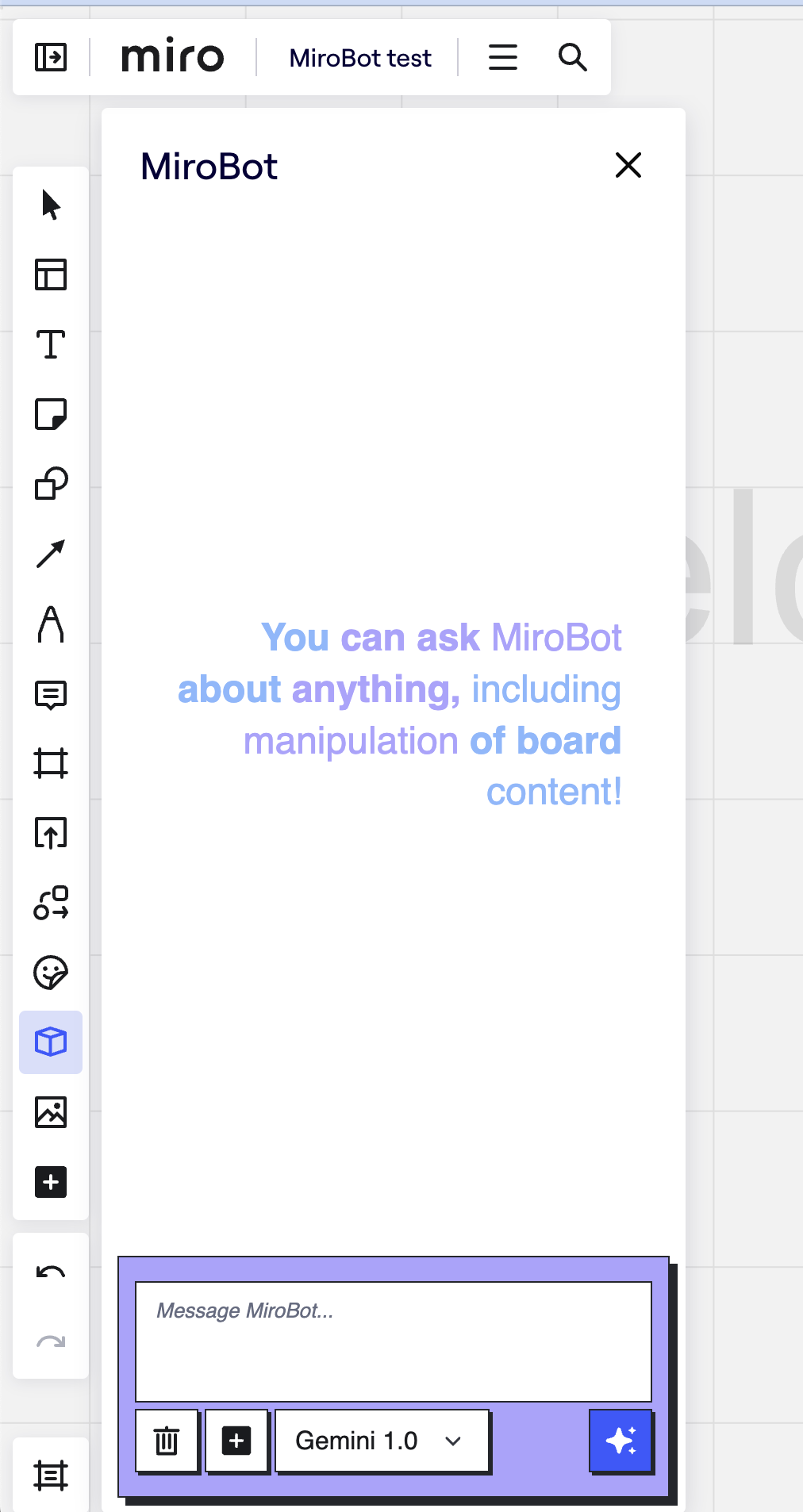
We would like to create an application, copilot for Miro, that can really help users interact with the Miro board, control it, create things on the board, explain what we have on the board, and so on.
The goal of this project was to simplify interaction with the miro board as much as possible via a chat interface, as you are really asking someone to do something with the board.
What it does
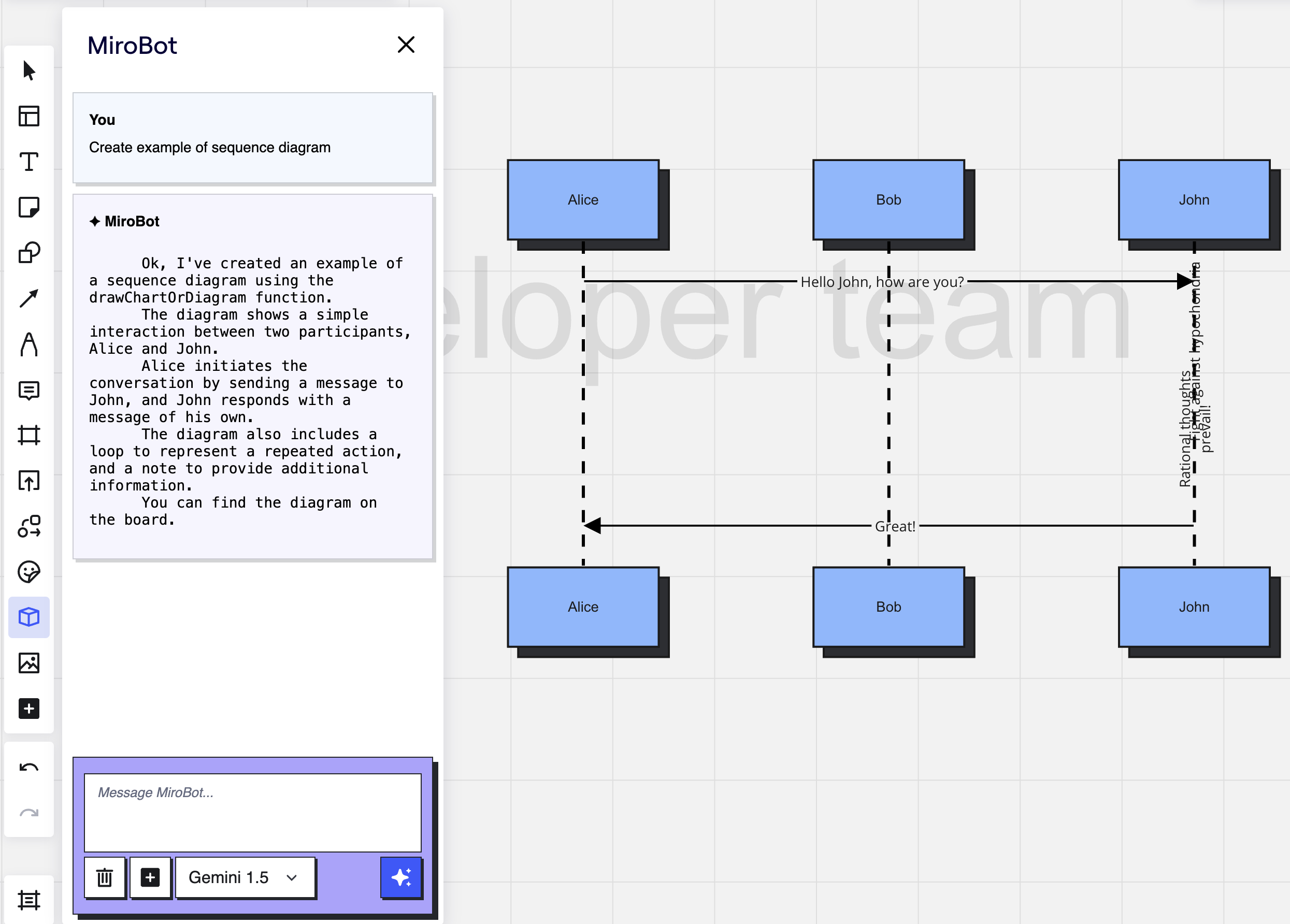
This application provides the possibility to use Gemini AI to work with Miro, create, search, remove, and change content on the board, analyze it, and so on. For example, you can even use MiroBot to recreate some diagrams from the photo on the Miro board.
How we built it
MiroBot uses the miro WebSDK and its functionality to interact with the board with the help of function calls. If MiroBot understands that it can use some function to help you, it will try to do it.
The app consists of several parts:
- Client or chat interface. The user uses it to interact with the bot.
- Server - used as intermediate API between chat interface and Gemini AI. Here we defined what possible functions can be used to interact with Miro.
- Gemini AI.
Challenges we ran into
- We had to help Gemini AI understand how to interact with miro, we did it via schemas for function calls, but even after this Gemini tried to call it with incorrect parameters, and we had to explain to Gemini how exactly these APIs should be called.
- it has some problems with nested objects, we had to make our schemas flatten.
- Rate-limits for
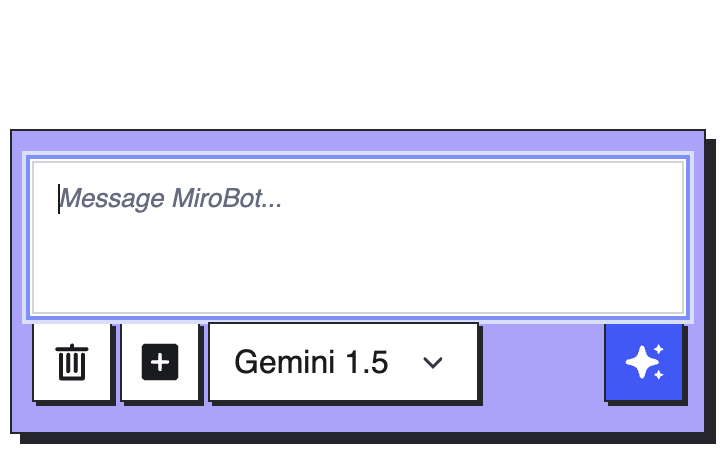
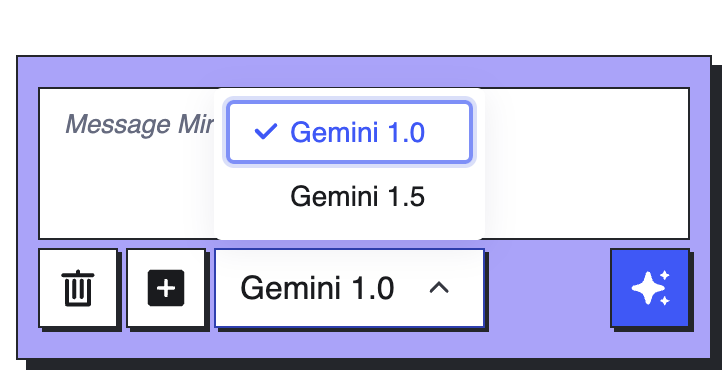
gemini-1.5-pro-latestdo not give the possibility to use it without stops. That is why we decided to give users the possibility to select models. - Gemini AI is not so good in the mathematical competition, and when we are working with Miro it is important to place items on the board correctly.
- The Node.js client for Gemini AI does not provide the possibility to clear history (it is possible, but not obvious that we can do it).
Accomplishments that we're proud of
We have proven that we can create a smart copilot for the Miro board that can interact with the board, understand the board, and help users work with Miro. It works really well with function calls of miro WebSDK methods.
What we learned
- Function calls are still raw and sometimes do not work.
- In our opinion function calls are most future-proof feature of Generative AI that can really enhance many projects.
- Most of the time while working with AI you have to work as a prompt engineer to simply explain to AI what it should do and how.
What's next for MiroBot
We plan to involve and expand MiroBot with more functionality because currently, it supports a limited set of features.

Log in or sign up for Devpost to join the conversation.