-
-
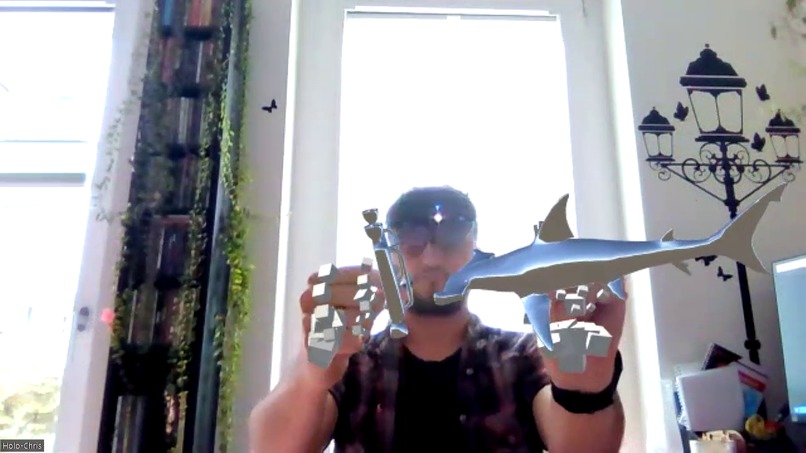
Video call with holograms
-
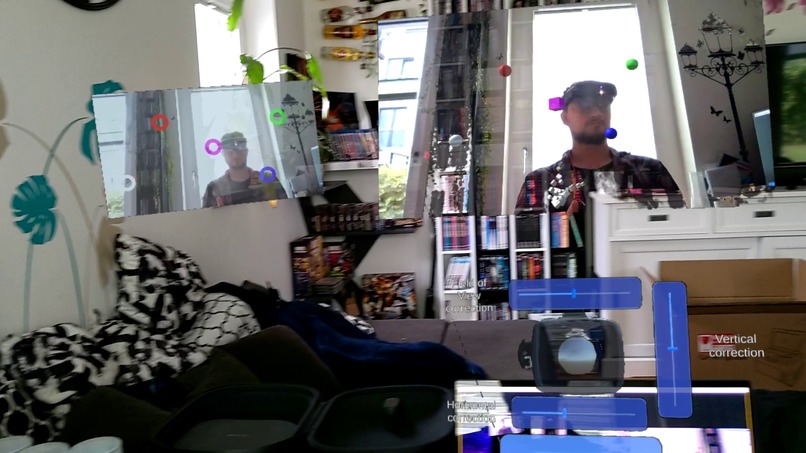
camera calibration
-
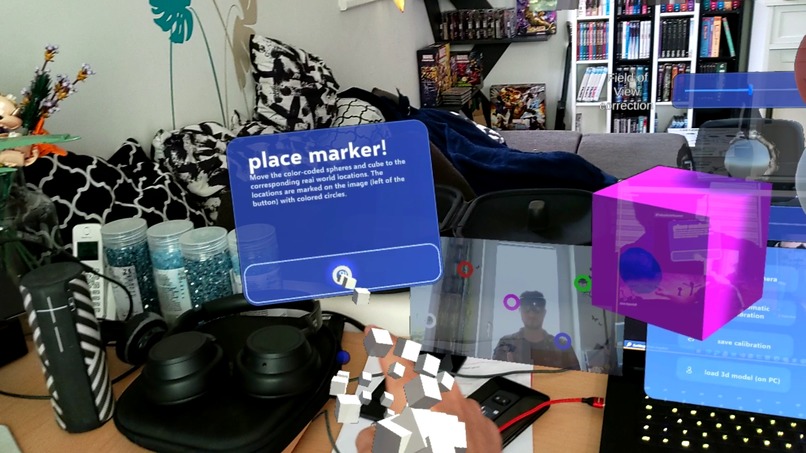
MRTK3 Dialogs
Inspiration
I like to explain things using hands and objects around me. During video conferences, it might be hard to go take objects or fit them in the viewfinder. Often I saw people move their whole laptop around to show something.
What it does
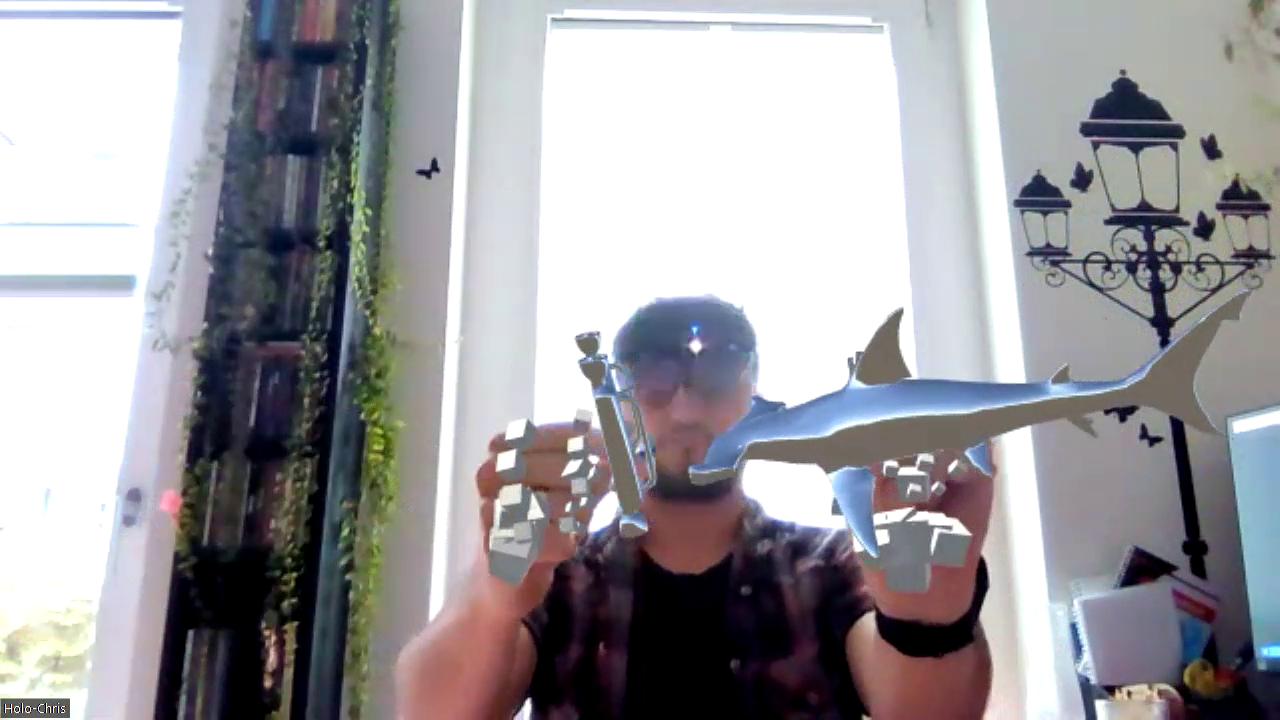
Mirea Model Presenter allows the user to load any 3d model (right now only glb) and show it to other participants of any video conference platform (Teams, Zoom ...).
How I built it
Using Unity and MRTK3 and an open-source project I was able to quickly send images from a virtual camera (inside Unity) to a newly registered virtual webcam (on the PC). Using OpenXR-Remoting I was able to get the Scene from Unity inside the HoloLens2.
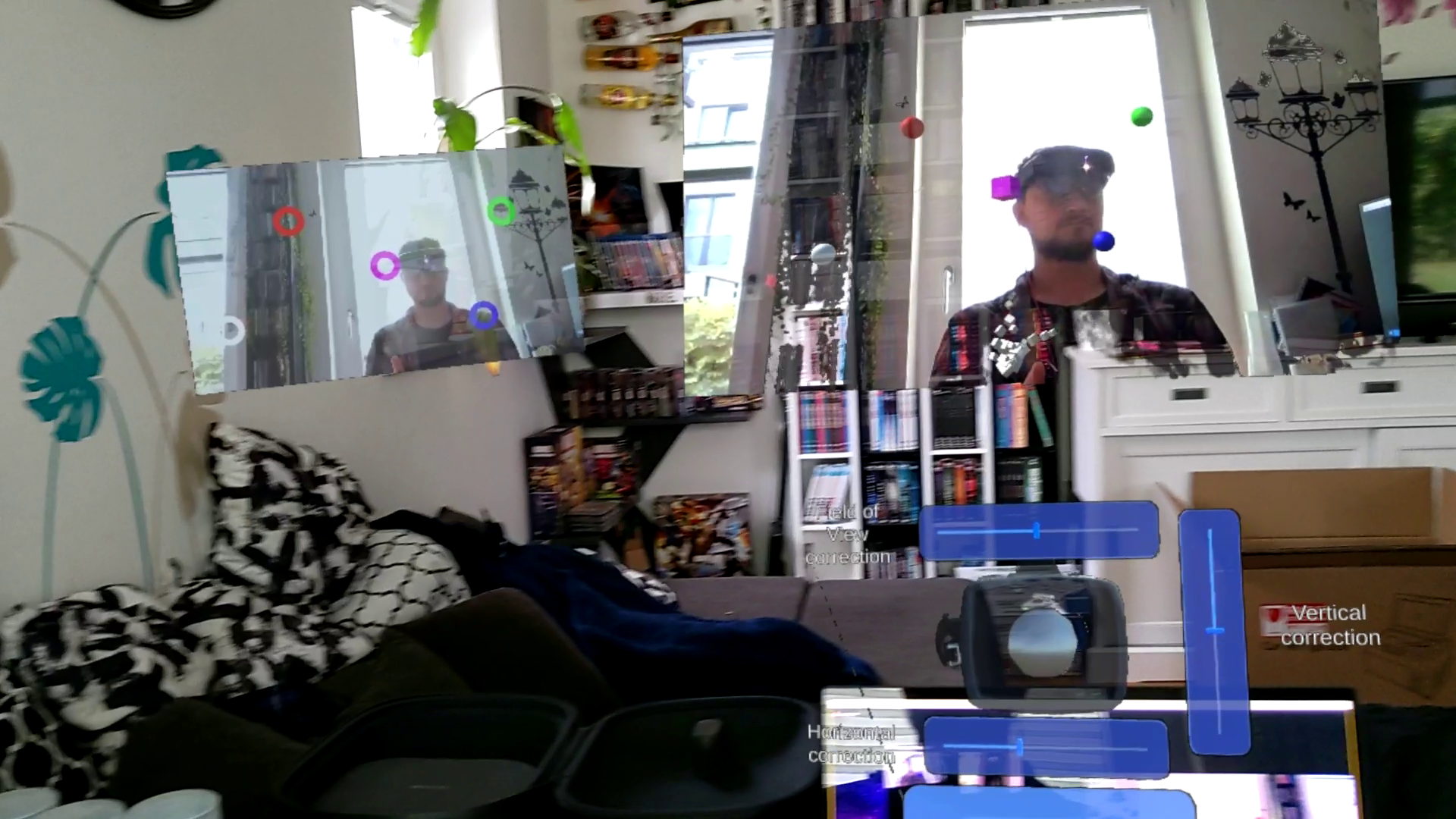
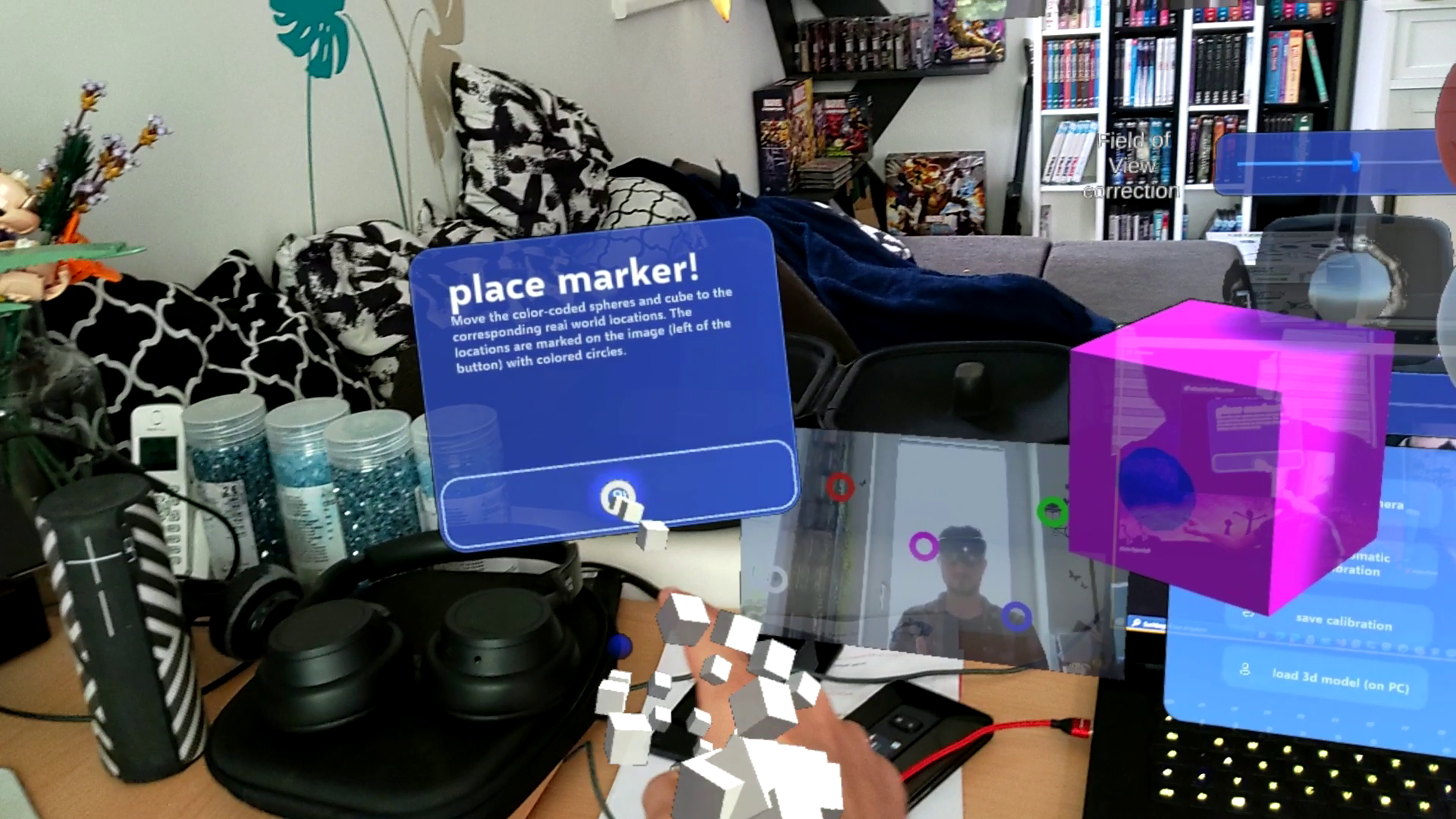
Using OpenCV I was able to identify key points in the webcam which are usually easy to identify in real-world surroundings. These key points are used to align the virtual-unity-camera with the real webcam.
Challenges we ran into
Automatically calibrating the virtual-unity-camera with the real webcam turns out to be a challenging problem that is still not working. To make this project fully functional for this hackathon I included a manual calibration to fine adjust the field of view and the horizontal and vertical rotation.
Accomplishments that I'm proud of
Building a working prototype for this weird idea I had in my mind for a long time.
What we learned
Basic knowledge of MRTK3
What's next for Mirea Model Presenter
I want to add more 3d model formats. I want to make the automatic calibration work. I want to create a fully working UWP Demo app out of this and bring it to the Microsoft Store. Right now the configuration of the camera is not persisted. The idea would be to save the position and rotation of the camera as a spatial anchor and the field of view. Both should be easy to save as Unity-PlayerPrefs on the local PC.
Built With
- c#
- c++
- microsoft-hololens
- mrtk3
- opencv
- openxr
- remoting
- unity


Log in or sign up for Devpost to join the conversation.