Inspiration
Every day, immigrants in the U.S. face encounters with ICE, police, and border agents — moments where knowing what to say can be the difference between going home and being detained. The right to remain silent, the right to refuse a search, the right to a lawyer — these rights only protect you if you can assert them calmly, in the moment, under pressure.
But reading a list of rights on a website isn't enough. People freeze. They forget. They sign things they shouldn't. We saw a gap between knowing your rights and being able to say them out loud when it counts. Miranda was born from the idea that rehearsal builds readiness — the same way you practice a fire drill before there's a fire.
We were also inspired by the 424,460 ICE arrests in the past year alone. Behind each number is a person, a family, a community. We wanted to build something that empowers rather than frightens — a calm, bilingual companion that meets people where they are.
What it does
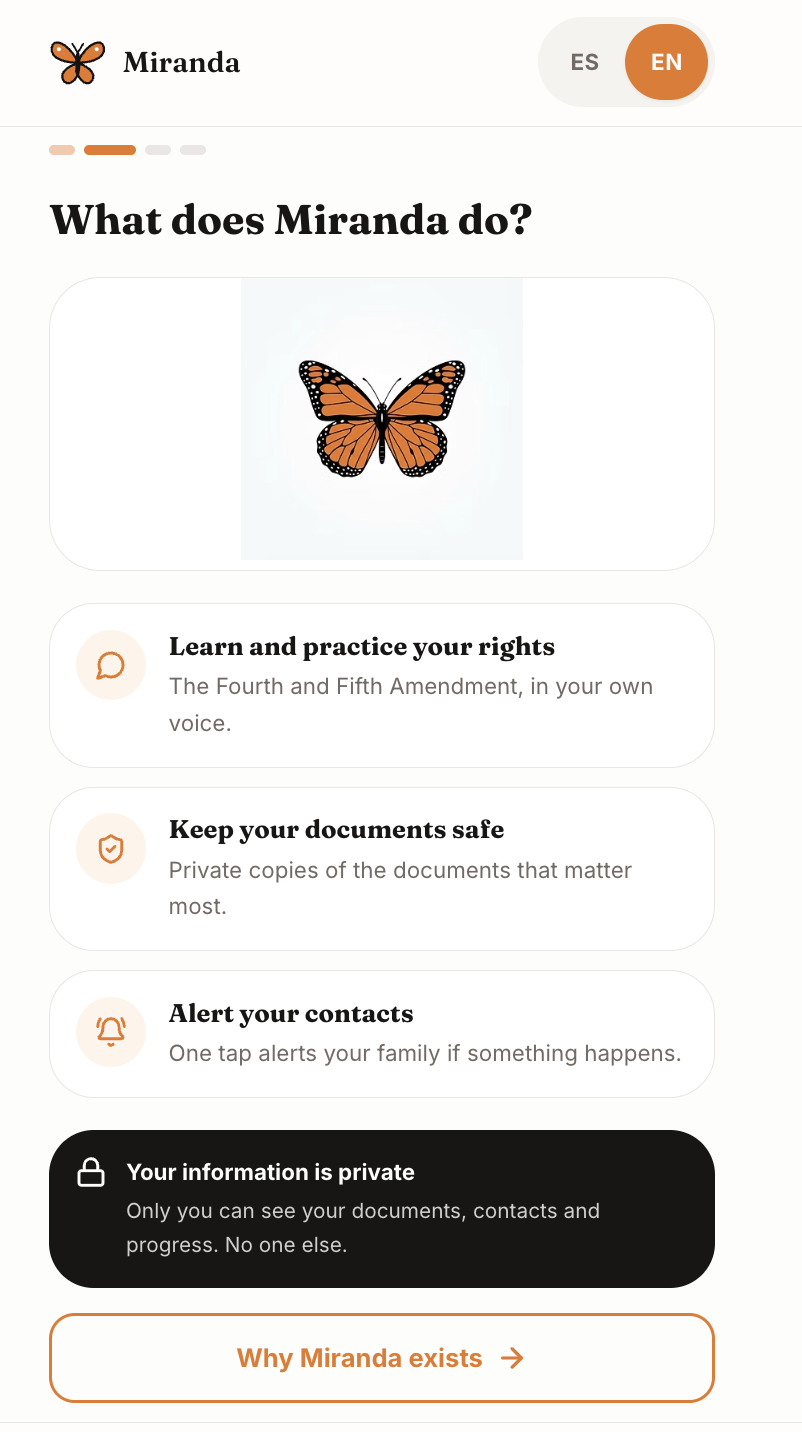
Miranda is a bilingual (English/Spanish) mobile-first web app built around one core idea: practice your rights before you need them.
Prepared Mode — Short, plain-language lessons teach rights for real situations: at home, in your car, on the street, at work, and in court. Each lesson includes a clear script of exactly what to say. Users rehearse out loud using a record-and-compare feature, hearing a model phrasing and then recording their own voice to build muscle memory.
Practice Scenarios — Gamified, chat-style role-play puts users in realistic encounters with an AI-powered officer who responds and adapts. Speech recognition validates whether the user said the right thing, awarding points and streaks for correct answers. Two difficulty levels — Calm and Pressure — simulate officers who are polite versus officers who are pushy.
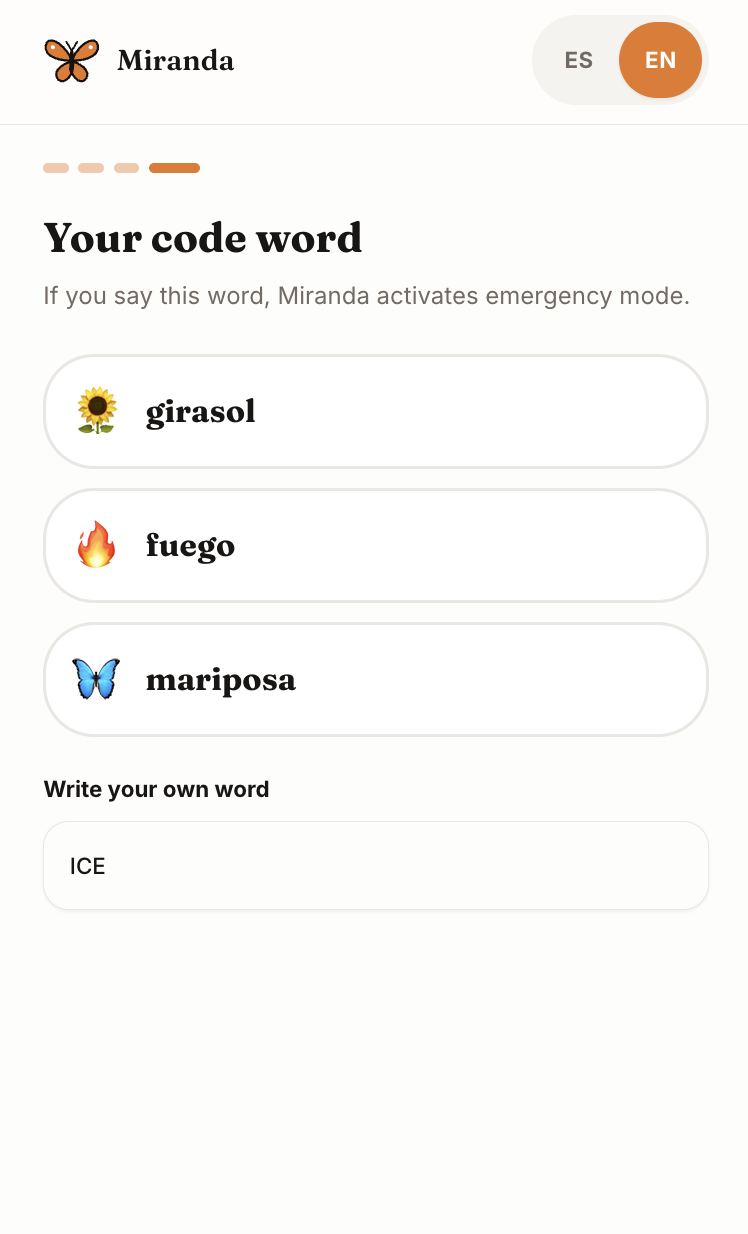
Emergency Mode — When the moment comes, one tap (or a hands-free voice code word) activates a high-contrast dark screen that:
- Speaks your rights aloud using text-to-speech so you can repeat them
- Shows bilingual script cards (EN/ES) with copy-to-clipboard so a family member can read them for you
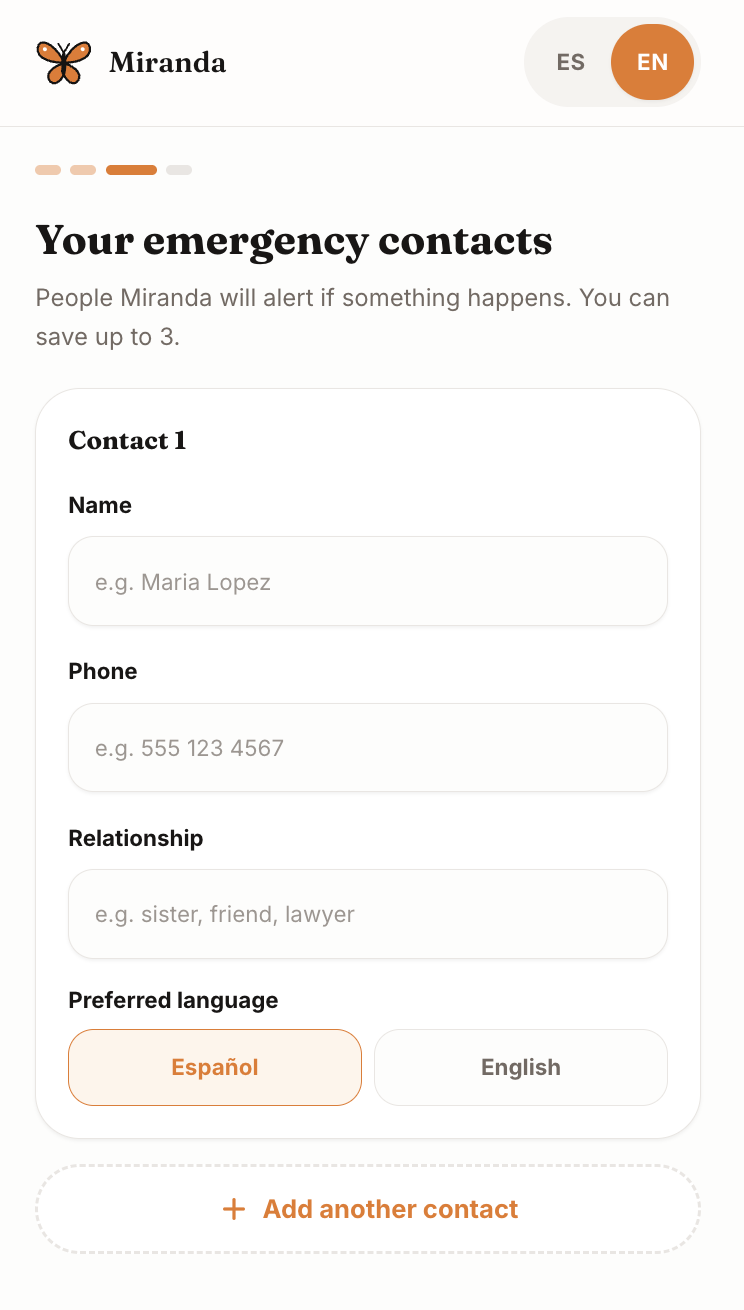
- Sends your live location via SMS to your emergency contacts
- Provides one-tap calling to your saved lawyer
- Displays four key instructions: Stay calm. Don't run. Don't open the door. Don't sign anything.
My Documents — A private, secure place to store passports, visas, green cards, court notices, and USCIS letters. An AI-powered Notice Explainer analyzes legal documents and breaks down what they mean, upcoming deadlines, and next steps — in plain language. A readiness checklist shows what to have ready.
Get Help — A searchable directory of free and low-cost immigration legal services by zip code and language, national hotlines with one-tap calling, and quick links to check EOIR court status and USCIS case status online.
How we built it
Frontend: React with Vite, Tailwind CSS, and shadcn/ui components. The app is mobile-first and fully responsive, designed to feel native on a phone. We used Framer Motion for smooth transitions and Recharts for the impact data visualizations.
Backend & Data: Base44's backend-as-a-service platform provided authentication, the database layer, and serverless backend functions. We modeled entities for Rights Lessons, Practice Scenarios, Rights Scripts, Hotlines, and Legal Providers — allowing content updates without app redeployments.
AI Integration:
- An LLM-powered backend function generates dynamic officer follow-up responses during practice scenarios, adapting to the user's answer
- A speech-answer checker validates spoken responses using AI, comparing what the user said against the correct rights script
- The Notice Explainer uses an LLM to parse uploaded legal documents and extract plain-language summaries, deadlines, and recommended actions
Voice & Speech:
- Web Speech API for text-to-speech in Emergency Mode (speaking rights aloud)
- SpeechRecognition API for practice scenario voice validation
- A background voice trigger listens for a configurable code word to activate Emergency Mode hands-free
Localization: A custom i18n context provides full English/Spanish translation across every screen, with localized data entities storing bilingual content (title_en/title_es fields).
Design System: A warm, calming visual identity centered on the Monarch butterfly — symbolizing migration, resilience, and transformation. Cream backgrounds, warm orange primary color, rounded cards, and the Nunito font family create an accessible, non-intimidating tone for a high-stress subject.
Challenges we ran into
Speech recognition reliability — Browser speech APIs are inconsistent across devices and accents, which is especially problematic for an app serving immigrant communities who may speak English as a second language. We built graceful fallbacks and added multiple-choice options alongside voice input so the practice flow never breaks.
Balancing calm with urgency — The hardest design challenge. Emergency Mode needs to be instantly usable and visually unmistakable (high-contrast black/orange, large touch targets), while the rest of the app must feel warm and reassuring, not scary. We solved this with a dual visual language: the warm cream/orange Monarch theme for learning and practice, and a stark dark mode reserved exclusively for emergencies.
Privacy and trust — Documents like green cards and court notices are deeply sensitive. We implemented private file storage and a visible privacy notice so users understand their data is never shared. Documents are stored privately with no public URL — access follows the app's permissions.
Offline resilience for emergencies — Emergency Mode must work even with poor connectivity. We pre-cache the rights scripts locally and use the device's native SMS and tel: links rather than relying on an API call, so the critical functionality — speaking your rights and alerting contacts — works without internet.
Content accuracy — Legal rights information carries real-world consequences. We structured lessons around well-established constitutional rights (4th Amendment, 5th Amendment, right to counsel) and included situational scripts vetted against know-your-rights materials from immigrant defense organizations.
Accomplishments that we're proud of
- The voice-activated Emergency Mode — Saying a code word hands-free triggers the entire emergency flow, which is critical for situations where touching your phone isn't possible or safe.
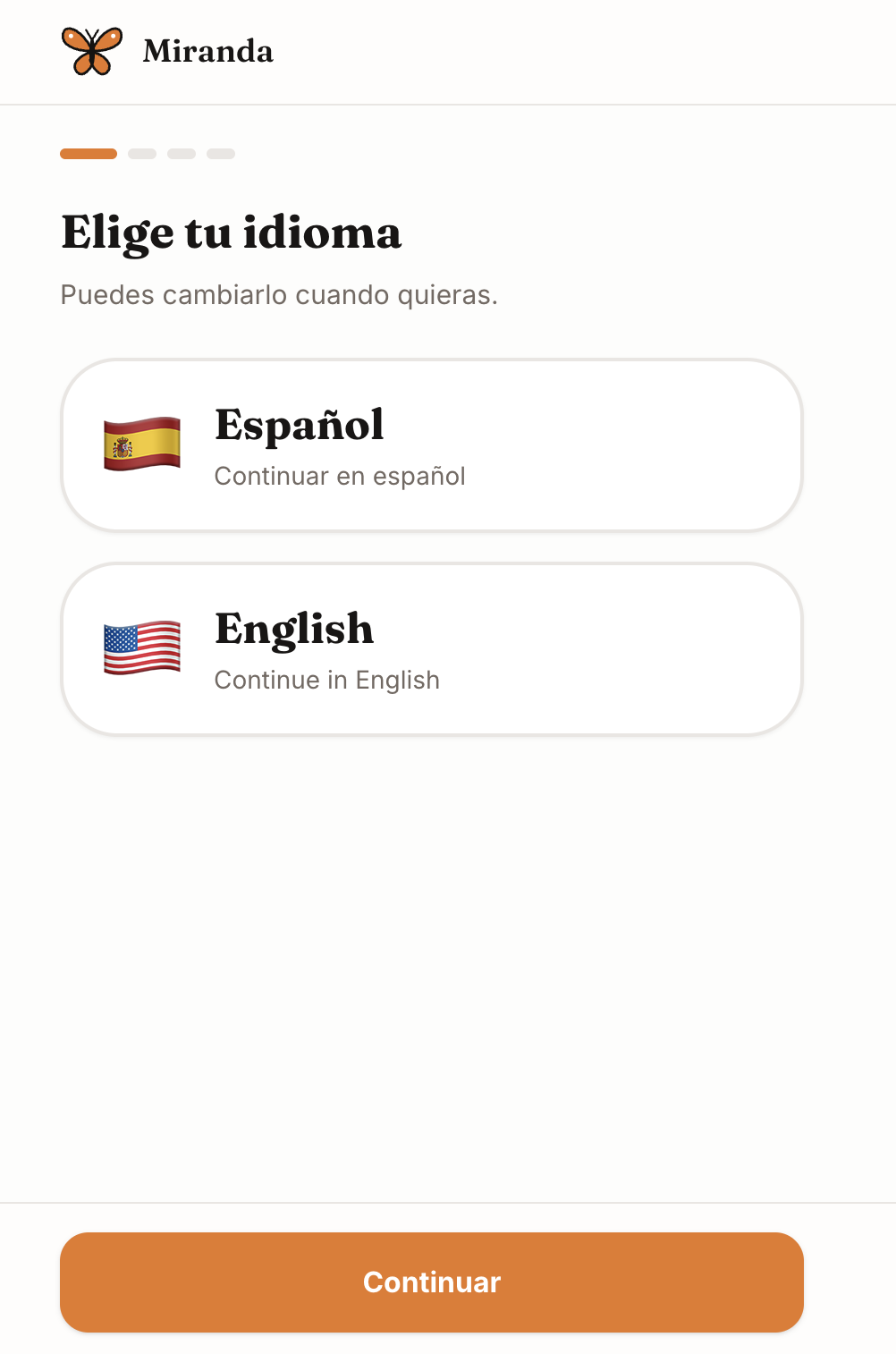
- Bilingual from the ground up — Not a translation overlay. Every data entity, script, lesson, and UI element exists in both English and Spanish, and the Emergency Mode displays both scripts simultaneously so a bystander or family member can read along in either language.
- The Practice loop — Combining AI-generated officer responses with speech recognition and gamified scoring creates a genuinely engaging rehearsal experience. Users don't just read rights — they say them, get feedback, and build confidence through repetition.
- The Notice Explainer — Taking a dense USCIS or court notice and turning it into "here's what this means, here's your deadline, here's what to do next" is one of the most immediately useful features for someone navigating the immigration system.
- Impact data integration — The 424,460 arrests visualization grounds the app in reality and motivates users to prepare, without being fear-mongering.
- A cohesive, warm design — We built a visual identity that makes a heavy, intimidating topic feel approachable and human.
What we learned
- Rehearsal is the missing layer in legal rights education. Most resources stop at "here's what your rights are." Nobody helps you practice saying them. That gap between knowledge and action is where people fail under pressure.
- Trust is a UX problem. For a community that has reason to be suspicious of apps asking for personal information, every design choice — privacy notices, private storage, no data sharing, the calming visual tone — is a trust signal.
- Browser speech APIs have real limitations, especially for accented English and Spanish. This pushed us toward hybrid approaches (voice + multiple choice, text-to-speech + copy-to-clipboard) that are more resilient.
- AI is most powerful when it reduces friction for vulnerable users — explaining legal jargon, role-playing an officer, validating spoken answers — not as a chatbot, but as an accessibility tool.
- Designing for crisis is designing for cognitive load. In an emergency, people can't read paragraphs. Four icons, one button, speak aloud. Restraint is the feature.
What's next for Miranda
- Multi-state legal content — Expand rights lessons beyond federal constitutional rights to state-specific protections and city-level "sanctuary" policies.
- Family readiness plans — Let users share a readiness profile with family members so everyone knows the plan: who to call, where documents are, what to say.
- Community-driven scenario library — Allow trusted community organizations to contribute and verify practice scenarios based on real encounters.
- Deeper document intelligence — Auto-detect document type from uploads, track expiration dates with push reminders, and generate a printable "rights card" wallet insert.
- Offline PWA mode — Full offline access to all rights scripts, lessons, and emergency tools via service workers.
- More languages — Portuguese, Haitian Creole, Arabic, and Mandarin to serve broader immigrant communities.
- Attorney portal — A read-only view for a user's lawyer to access shared documents and case notes (with the user's consent).
- Integration with immigration legal aid networks — Direct referral routing from the Get Help directory to partner organizations with pre-filled intake forms. Link to our Presentation: https://docs.google.com/presentation/d/1kfL03U0B_0SREn296HSCFmGF4TtRraHo7ug5HliHH4g/edit?usp=sharing
Built With
- base44

Log in or sign up for Devpost to join the conversation.