Inspiration
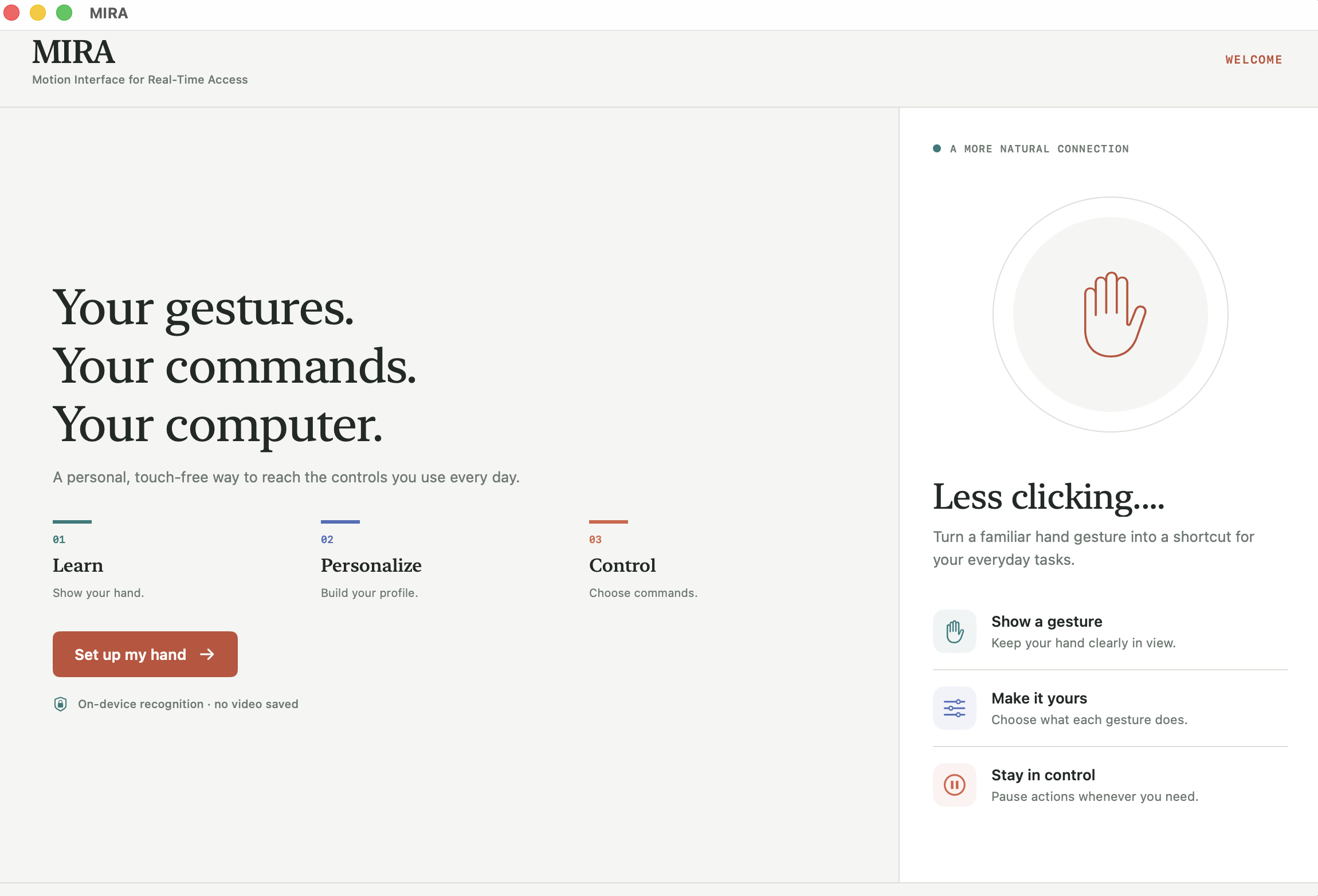
You’ve had hands your whole life. Why does your computer still need a mouse? I built MIRA because I wanted to rethink the little things we do every day. Reaching for the trackpad to change the volume or click a button isn’t a huge problem. But I don’t think every invention needs to solve a huge problem. Sometimes, making a small moment easier is worth building something for.
What it does
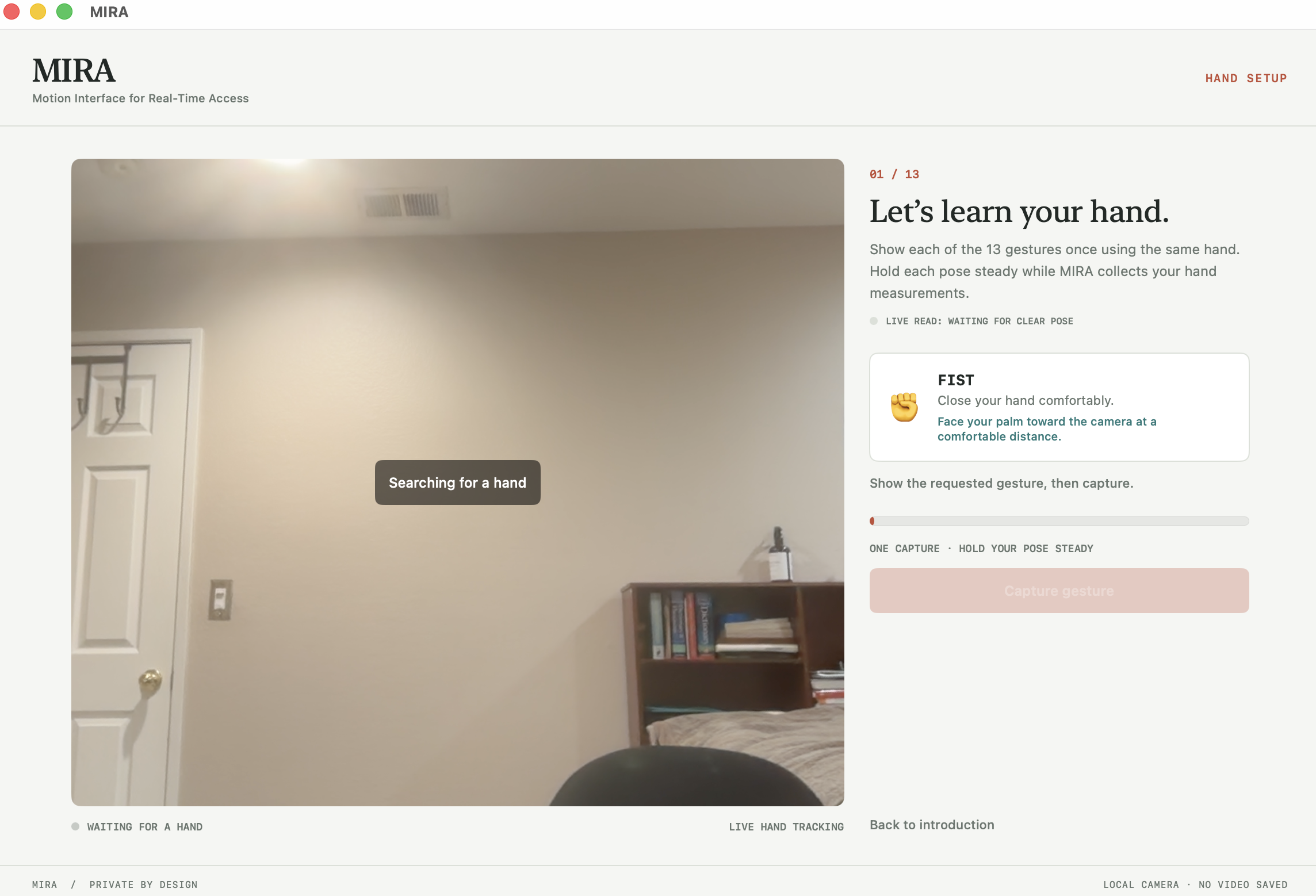
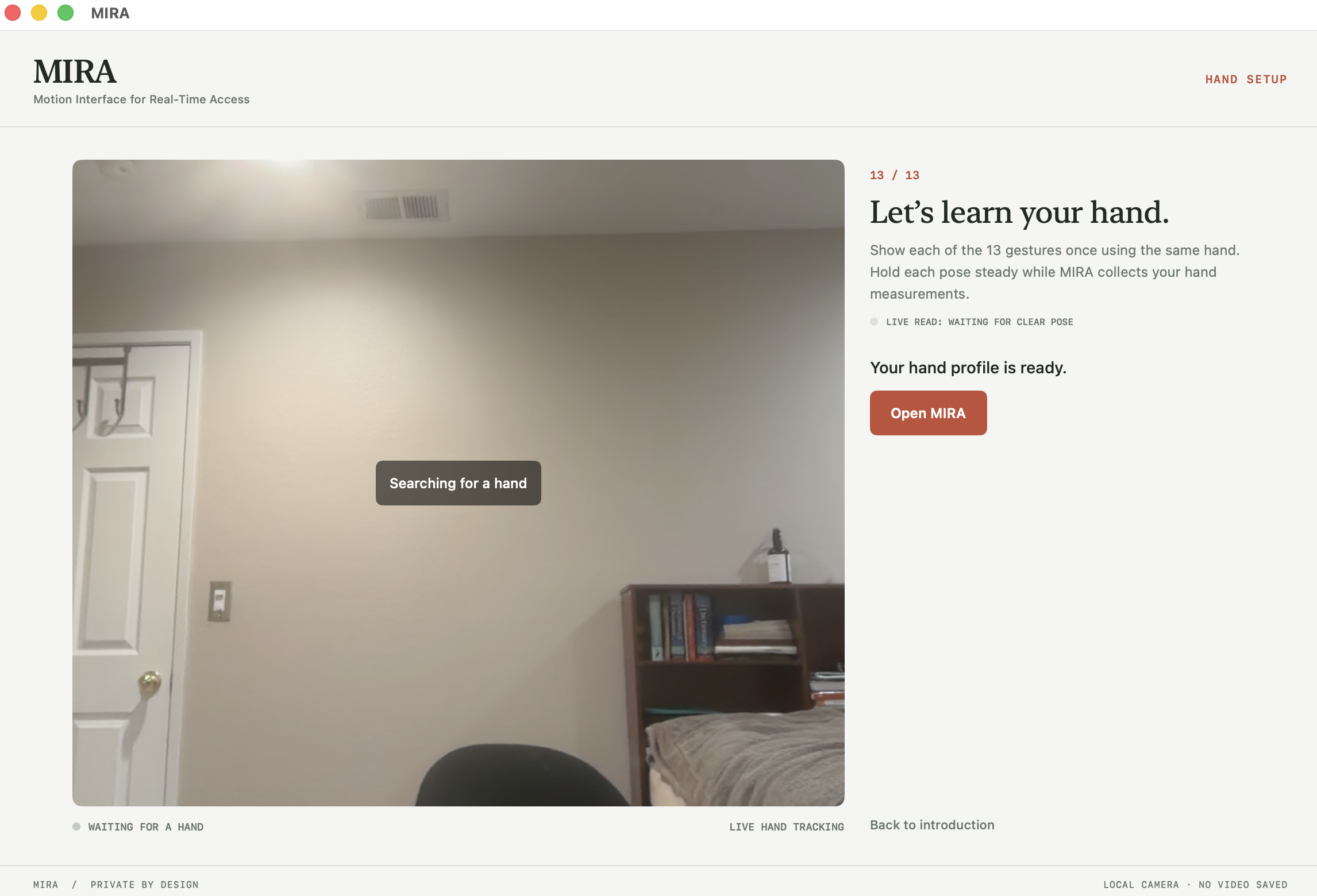
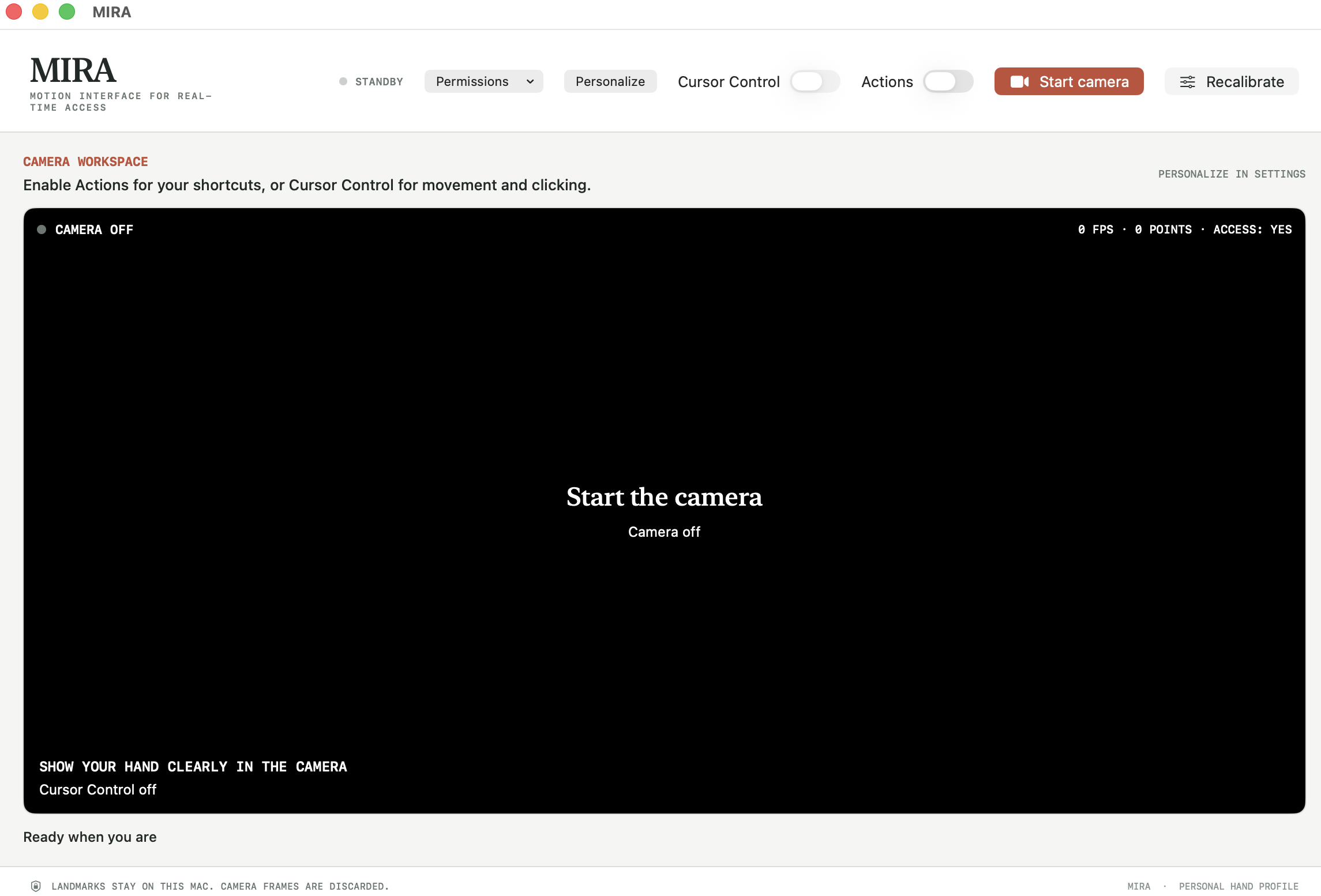
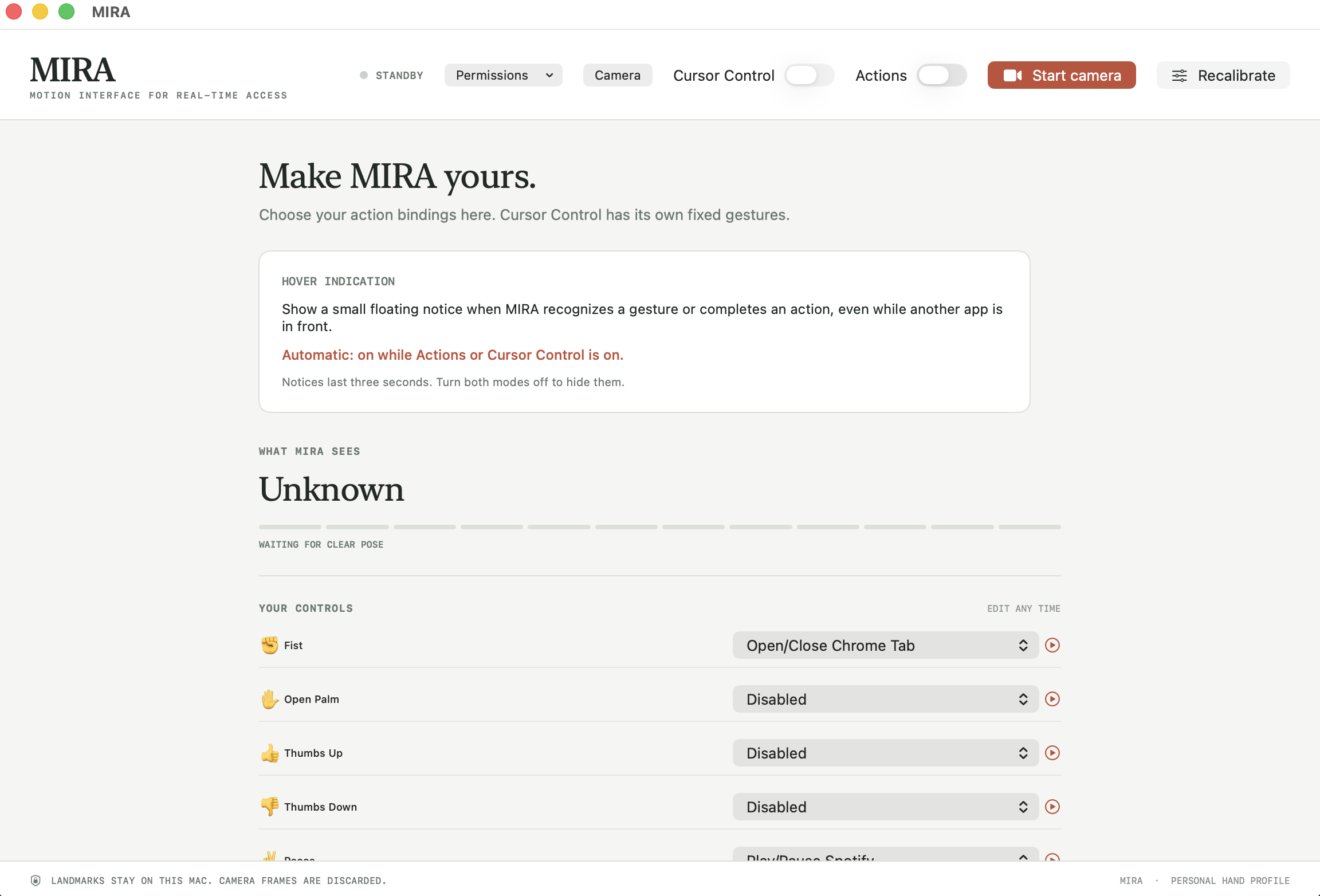
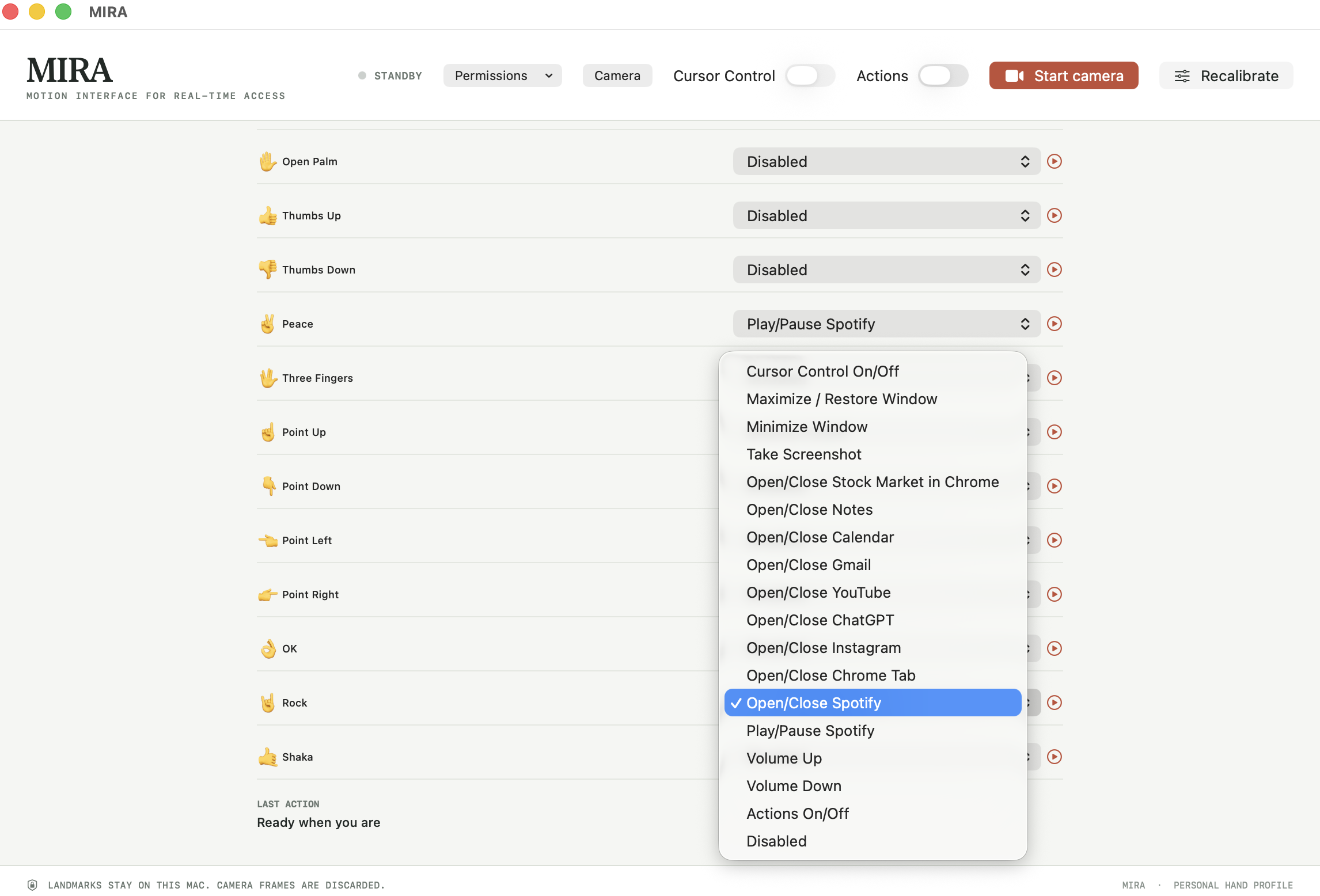
MIRA turns hand gestures into computer controls through your camera. You can move the pointer, click, scroll, and trigger actions without reaching for your mouse. You start by setting up 13 gestures, then choose what you want them to do. The dashboard shows what MIRA recognizes, so you’re not left guessing whether it understood you. There are two ways to use it. In Cursor Control, an open palm moves the pointer, a held fist clicks, and your index and middle fingers let you scroll. In Actions mode, gestures trigger shortcuts, like turning the volume up or down. The Personalization page lets you choose from 17 actions and decide which gesture does what. When an action triggers, a small notice shows what MIRA understood and what command it requested. I wanted you to be able to see what’s happening, rather than wave your hand and wonder whether it worked.
How we built it
I built MIRA mainly in Swift, with smaller Python and Shell components. The hand tracking gives the gesture logic coordinates to work with. From there, finger angles and distances help distinguish one pose from another. The code checks that a gesture stays steady before triggering its assigned command. I connected that recognition process to an interface where you can see your hand, personalize your controls, and switch between actions and cursor control.
Challenges we ran into
One of the hardest parts was connecting OpenCV and MediaPipe to the rest of MIRA. Getting the camera to see my hand was one thing. Getting MIRA to understand which gesture I meant and when I actually wanted it to do something was another. My hand also moves between gestures. I didn’t want those in-between movements to turn into clicks or commands. That meant working on how long a gesture should stay steady before MIRA responds, without making it feel like you’re waiting on the computer.
Accomplishments that we're proud of
I’m proud of bringing the whole experience together, from the first gesture setup to actually controlling the computer. Seeing a hand movement become a working command made the project feel real. It wasn’t just recognizing a pose anymore. It was helping millions with the same tedious task of using a mouse or trackpad.
What we learned
I learned how to work with OpenCV and MediaPipe, take the hand points from the tracking system, and use them in my own gesture code. I also got more comfortable working in Swift and connecting what happens behind the scenes to what someone sees on the screen. The biggest lesson was that the code can run without the experience feeling right. Testing MIRA meant asking more than “Did it recognize my hand?” I had to ask, “Did it understand what I was trying to do?”
What's next for MIRA
Next, I want people other than me to try MIRA. I know how I hold my hand and how I expect it to respond, but that doesn’t mean someone opening it for the first time will have the same experience. I want to use that feedback to make the gesture setup clearer, reduce accidental commands, and improve tracking when the lighting or hand position changes. Before adding more gestures, I want the ones already there to work well enough that people actually want to keep using them.

Log in or sign up for Devpost to join the conversation.