Inspiration
Most browsers assume everyone can comfortably use a mouse, read small text, and navigate crowded pages. For older adults and people with tremors, low vision, or limited mobility, those assumptions can turn everyday tasks into obstacles.
We built Mira.AI around a simple question: What if the browser adapted to the person, instead of asking the person to adapt to the browser?
What it does
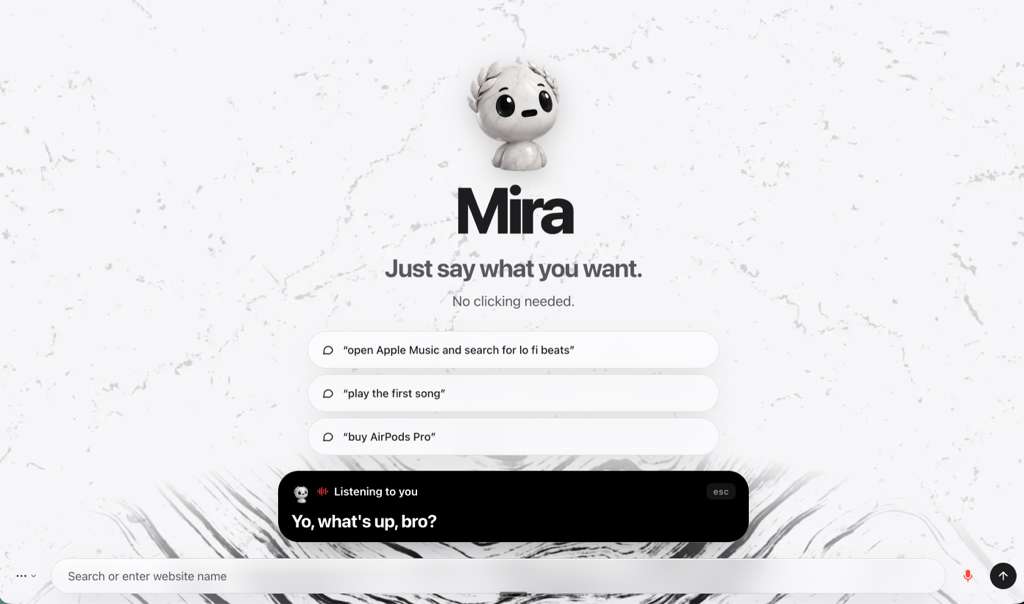
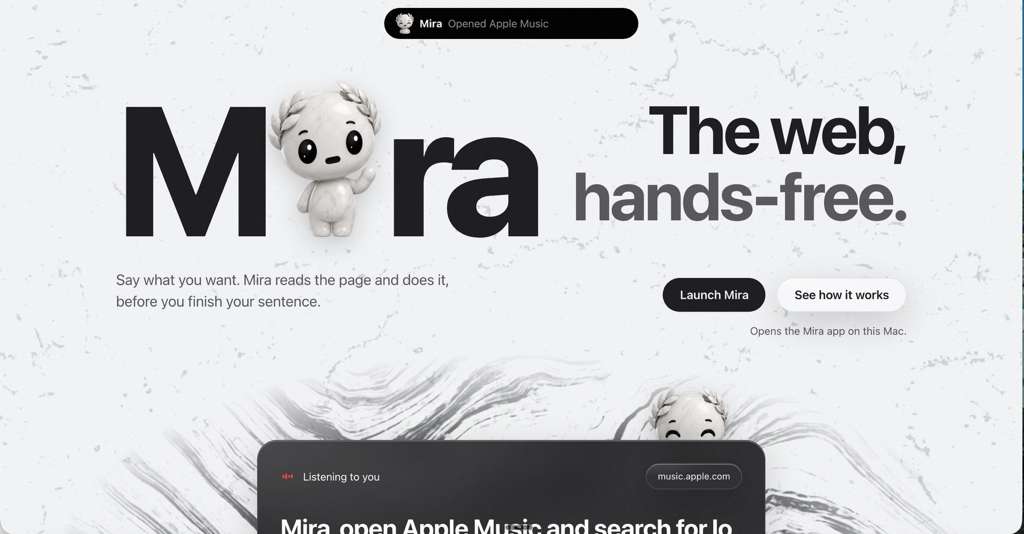
Mira.AI is a voice-powered browser that lets users navigate websites, search, interact with page controls, and complete tasks through conversation.
Its features include:
- Stop and Listen: Pause current actions, explain a goal, and refine a visible plan. Mira waits for “do it” or “go ahead” before executing.
- Guardian: Detect potential scams and deceptive page patterns, explain the evidence, and pause risky actions.
- Skills: Learn successful workflows and replay them without additional AI calls when their checks pass.
- Simple View: Present busy pages with larger text, fewer choices, spoken guidance, and multilingual support.
- Visual annotations: Use screenshot understanding to circle or highlight requested content.
- Session history: Save browsing activity locally and provide recommendations grounded in that activity when asked.
- TV mode: Enlarge controls and text for easier viewing and navigation.
How we built it
We built Mira using Electron, JavaScript, HTML, and CSS, combining a desktop browser with speech recognition, speech synthesis, and language models.
Deepgram and ElevenLabs support voice interaction, while Cerebras and Anthropic help interpret requests, answer questions, and understand screenshots.
We separated planning from execution. Models propose intentions or targets; checked browser code performs actions. Page inspection runs in isolated contexts, and sensitive actions retain separate confirmation gates.
To control cost and latency, we use deterministic commands, reusable skills, cached results, and local processing wherever possible.
Challenges we ran into
Voice commands evolve while someone is speaking. Acting too early can turn an unfinished sentence into the wrong action, so we had to distinguish partial speech from completed instructions.
Websites also vary enormously. Duplicate button names, changing layouts, unusual controls, and delayed navigation make reliable interaction difficult.
Another challenge was cancellation: saying “stop” must prevent queued actions and late AI responses from continuing the task. Screenshot coordinates also needed to remain accurate across scrolling, display scaling, and TV mode.
Accomplishments that we're proud of
We created a working browser that combines voice interaction, accessibility tools, visual assistance, and checked automation.
We’re especially proud of Stop and Listen because it gives users a chance to shape Mira’s approach before anything happens. We also built reusable workflows that can reduce repeated AI usage, and tested cancellation, privacy boundaries, and browser behavior through extensive unit and integration tests.
What we learned
Accessibility is more than increasing font size. It also means predictable behavior, understandable feedback, easy recovery, and control over when actions happen.
We learned that language models are useful for interpretation, but reliable browser interaction also needs deterministic code and verification. We also learned that reducing unnecessary model calls can improve speed, cost, and usability together.
What's next for Mira.AI
Our next priority is testing with the people Mira is designed to support and using their feedback to improve the experience.
We also want to expand website compatibility, strengthen Guardian’s detection, and improve multilingual conversations. Future ideas include a large physical talk-and-stop button, optional caregiver assistance, and offline support for basic commands.
Built With
- ai
- ap-sleeping
- brain
- claude
- codex
- css
- electron
- javascript
- tears
- time
- work

Log in or sign up for Devpost to join the conversation.