



Inspiration
Life is busy and demanding. Stress and anxiety are common. Sometimes to find effective calming techniques can be difficult.
What it does
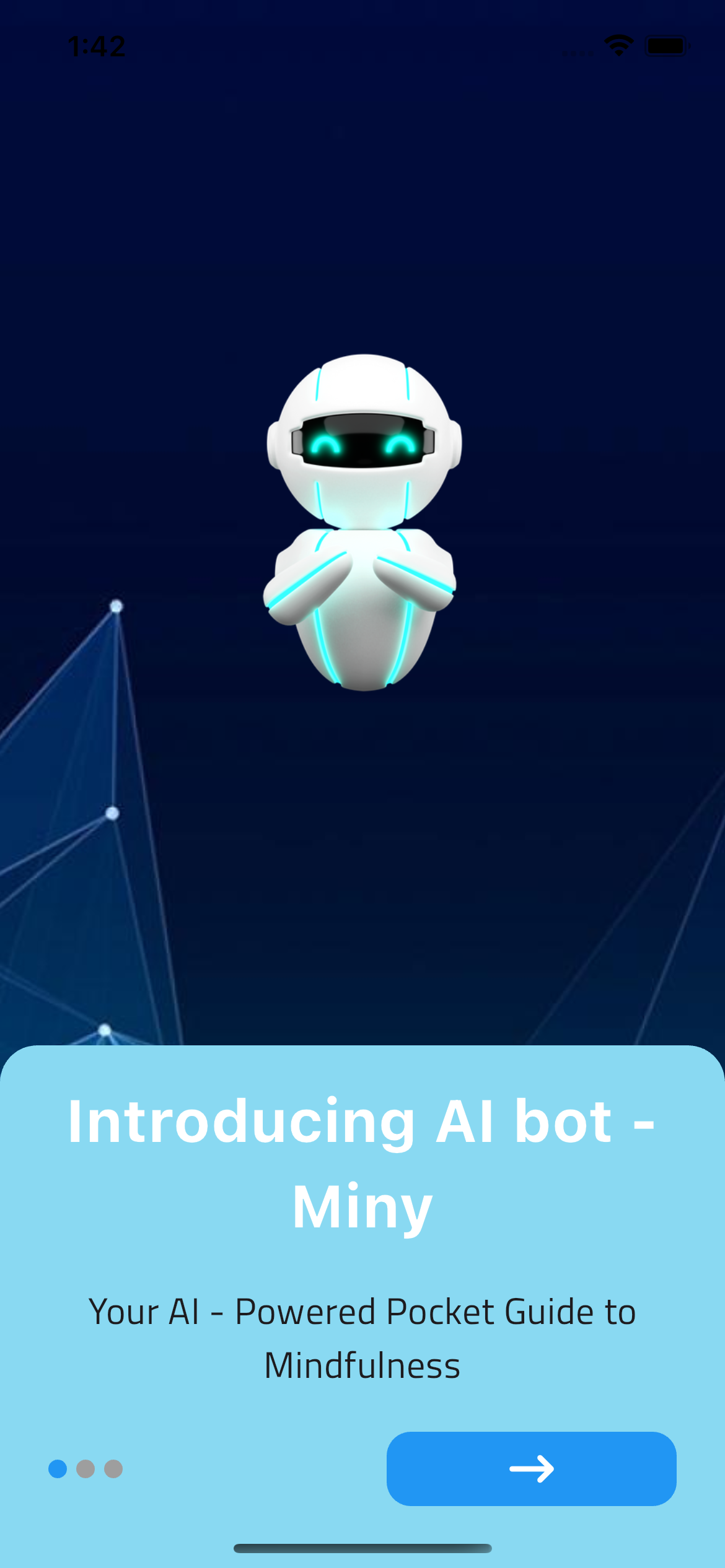
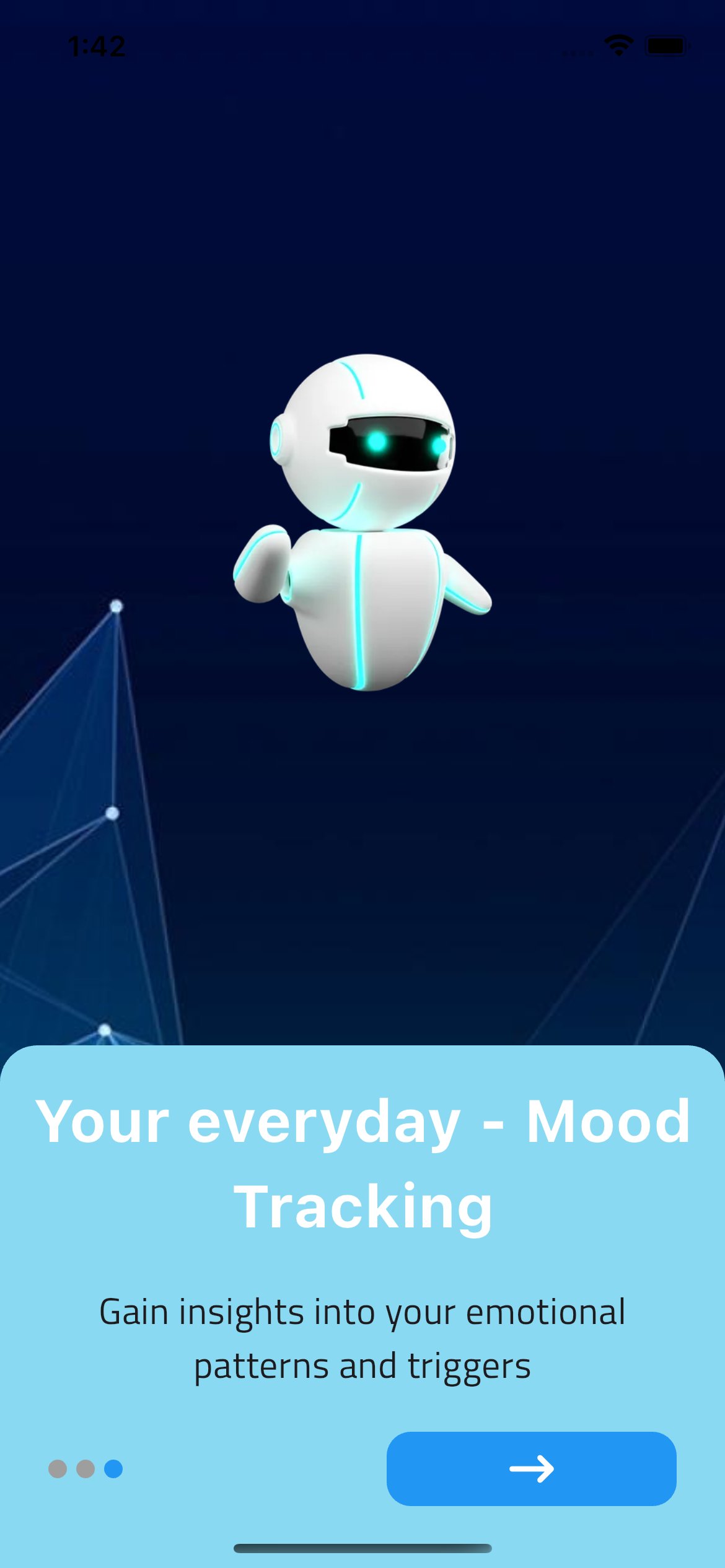
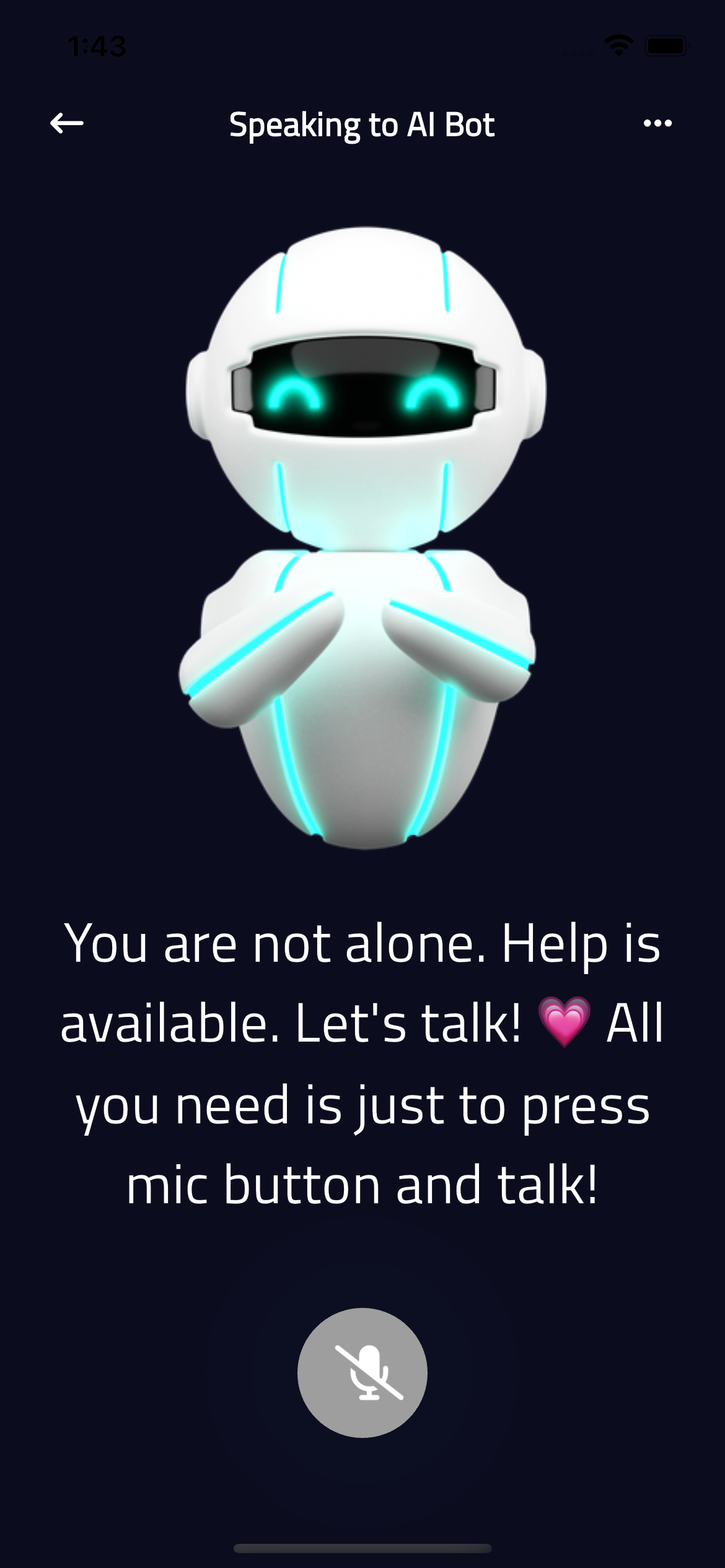
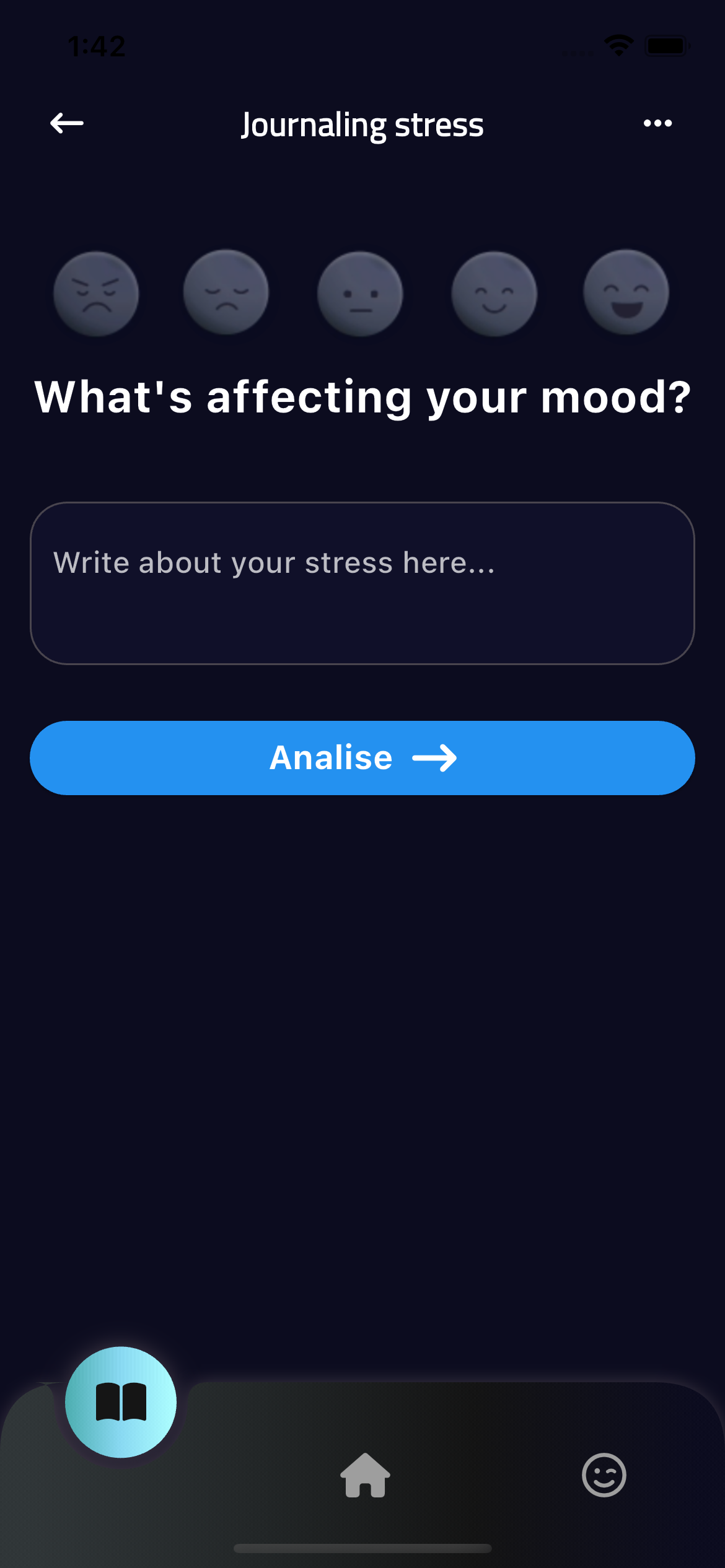
My project is a Flutter-based mobile app that serves as an AI-powered mental health companion. It features a mood assessment screen where users can indicate their current emotional state. Based on this input, the app utilizes the Gemini AI model to generate personalized suggestions for calming techniques.
How we built it
Tools, Frameworks, APIs, and Languages Used:
Building this mobile app I used Flutter: The core framework for building the mobile app's user interface and logic. Its cross-platform capabilities enable you to deploy the app on both iOS and Android devices.
Dart: The programming language used to develop the Flutter app.
Gemini API: Google's powerful language model that generates responses and recommendations based on the user's mood input. google_generative_ai package: This Flutter package provides a convenient way to integrate the Gemini API into your app.
Challenges we ran into
The back-end part is in process yet, troubles with outputting prompts. Errors during building app.
Accomplishments that we're proud of
My working AI bot, beautiful UI
What we learned
How to work with AI model, what is prompts, new packages, widgets.
What's next for Miny - Your Pocket-Sized Companion Bot for Calm
Other Potential Tools: Firebase: For backend services like authentication, data storage, and cloud functions (if you want to store user data or add more complex backend functionality). flutter_secure_storage: For securely storing the Gemini API key on the user's device. Additional Flutter Packages: Depending on your specific UI requirements, you might use packages like flutter_svg for custom icons, animation packages for transitions, etc.
Built With
- ai
- api
- darttgemini
- flutter


Log in or sign up for Devpost to join the conversation.