
Inspiration
I wanted to deeply understand how terminal coding agents work. Instead of just using one, I decided to build a simple version myself and learn what's happening under the hood.
What it does
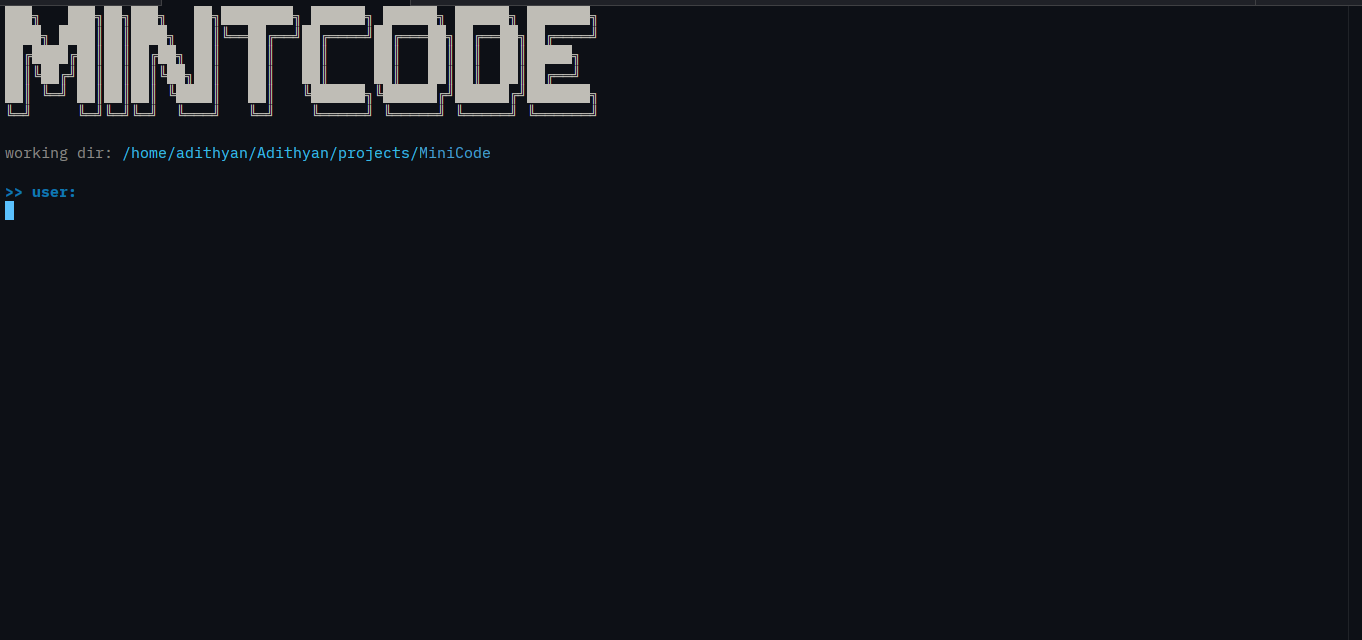
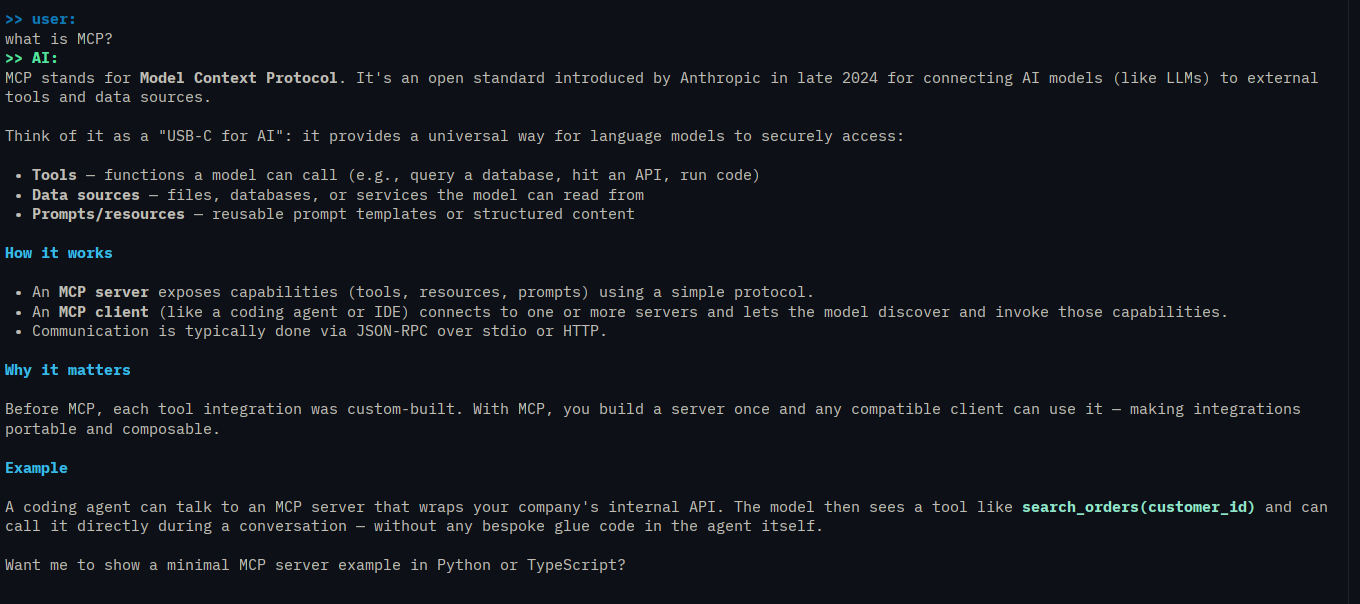
MintCode is a terminal coding agent. From an interactive REPL, it can read and write files, edit code, search your codebase, run shell commands, and look things up on the web. It works on whatever directory you launch it from, so you can point it at any project.
It has seven tools: read_file, write_file, edit_file, run_command, glob, grep, and web_search. A single request can chain many of them, and the agent loops for up to 10 tool iterations. It also has slash commands: /help, /tokens (usage and estimated cost), /clear, and /exit.
How we built it
- Language: Python 3.13+
- Model: a reasoning model running on Groq, streamed to the terminal
- Terminal UI:
richfor live-refreshed Markdown and panels - Web search: Tavily
- Config:
python-dotenv, with first-run setup that prompts for API keys, validates them, and saves them to a gitignored.env - Packaging:
uv
The tools are exposed to the model as function calls and dispatched by name. The model is told to batch independent calls into one turn to avoid extra round trips. For context management, the agent estimates tokens each turn. Once a conversation passes 80% of the context limit, it summarizes the older half and keeps the 12 most recent messages intact. API calls retry up to 5 times with exponential backoff on rate limits and connection errors.
Challenges we ran into
- Tool calling: understanding how tool calling works and how to implement the tools themselves took a lot of effort.
- Context management: deciding when and how to summarize a long conversation without losing important information was hard to get right.
- Truncated tool calls: when a tool call was cut off mid-arguments by the output token limit, the model was fed broken JSON. I fixed this by discarding the call and asking the model to retry with a smaller one.
Accomplishments that we're proud of
I built a working coding agent from scratch that can actually read, edit, search, and run code in a real project. I'm especially proud of the automatic context summarization and the resilient API handling, which make it usable for longer sessions.
What we learned
- How coding agents work end to end
- How tool calling works and how to implement tools
- How to manage long conversations by using a model to summarize them
What's next for MintCode
- Switching between models
- Plan and build modes
- MCP support
- Skills
AI assistance: I used an AI coding agent (OpenCode) to write tests, improve my code, and fix bugs. I designed the overall architecture and worked through the tool calling and context management logic myself.
click this link for demo video if the link doesn't work: demo video

Log in or sign up for Devpost to join the conversation.