-
-
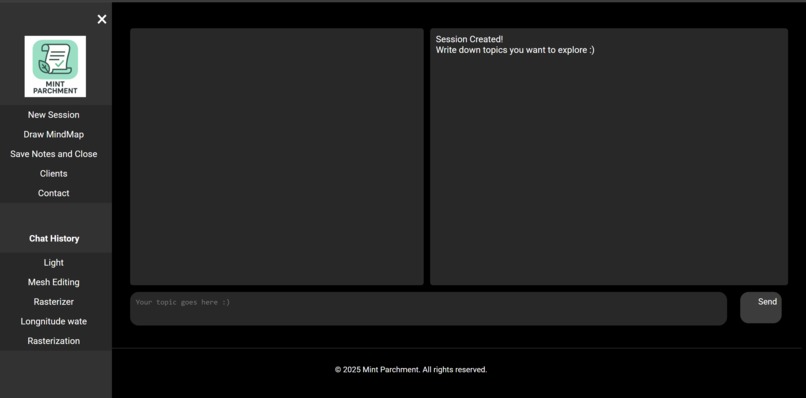
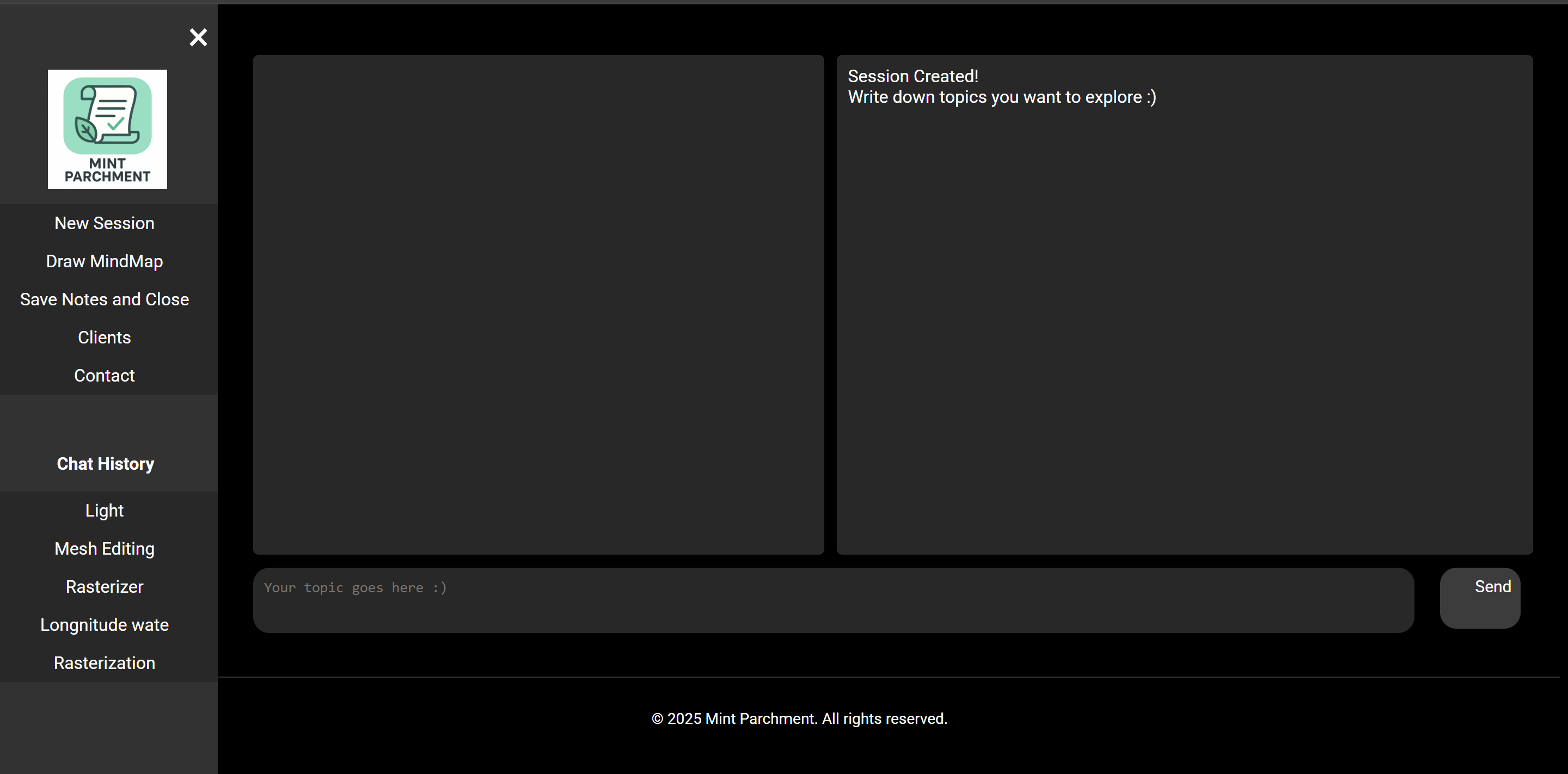
Homepage
-
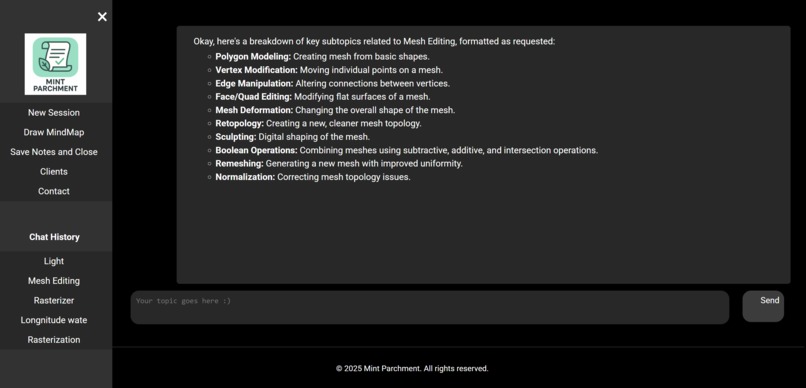
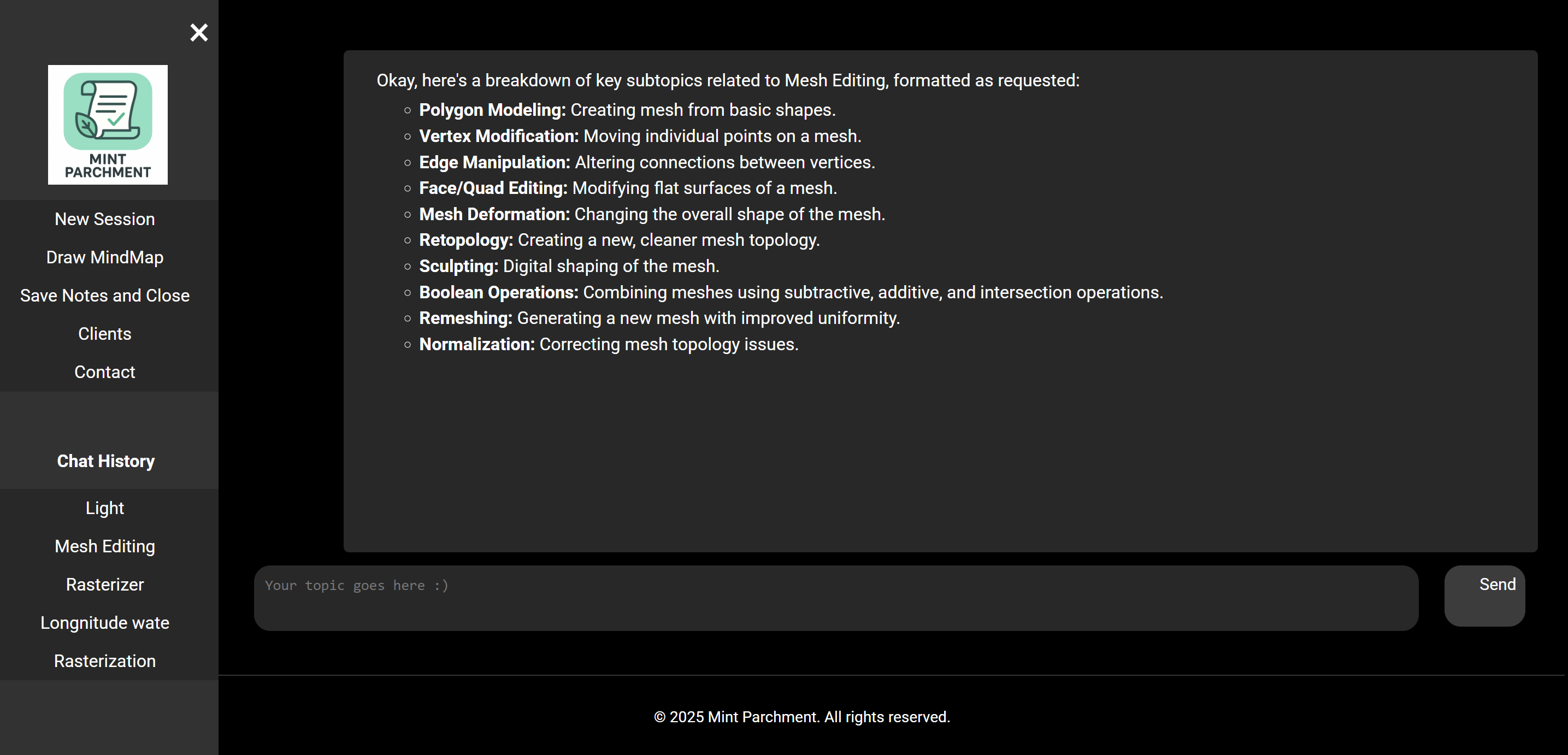
Jot Note Generation and Rendering
Inspiration
As a student, I often needed quick refreshers before exams—simple, structured notes that summarize a topic without forcing me to dig through long lectures or messy notes. With Chrome’s built-in AI Prompt API, I wanted to explore if I can create a lightweight, local, privacy-friendly study assistant could be created.
This sparked Mint Parchment, a prototype AI tool designed to give instant academic jot-notes and support efficient studying and reviewing.
What it does
Mint Parchment is a browser-based AI study assistant that generates short, structured “jot notes” for any academic topic a student enters. Key features include:
- ✅ AI-powered concept summaries (via Chrome Prompt API)
- ✅ Auto-organized headings, bullet lists, and micro-definitions
- ✅ Personal notes panel for users to expand on or edit the AI’s output
- ✅ Sidebar history that lets users revisit recent topics
- ✅ Prototype mind map canvas for visual study aids
The tool runs entirely client-side, ensuring speed, simplicity, and privacy.
How we built it
This project was built solo. I implemented all major components, including the Chrome Prompt API integration, topic history management, note-taking interface, and prototype mind-map canvas, from front-end logic to UI design.
Mint Parchment is built entirely with:
- HTML/CSS/JavaScript
- Chrome’s Prompt API for local LLM-powered text generation
- localStorage for persisting session data (topics, notes, summaries)
- HTML for early mind-map rendering experiments
I also wrote a custom mini-parser that formats model responses into HTML:
- Converts markdown-like bullets into lists
- Adds headings
- Styles code, bold, italics
- Produces clean, readable jot-notes
The site loads the Prompt API on demand, creates an LLM session, and generates new summaries in real time.
Challenges we ran into
No backend support: I intended to integrate cloud servers and more advanced AI flows, but couldn't get stable cross-domain deployments working in time.
Mind map functionality: I wanted a full node-graph editor where concepts auto-arrange or link together. I built the canvas page and drag logic foundation, but the generative map features are still incomplete.
Prompt API quirks: Because the Prompt API is new, debugging session creation failures, availability states, and formatting inconsistencies took significant time.
LocalStorage structure: Managing topic history, notes, and generated content while keeping the UI clean required repeated restructuring.
Accomplishments that we're proud of
- ✅ Implemented a working integration of the Chrome Prompt API
- ✅ Created a polished UI with navigation, session history, and toggled note editing
- ✅ Designed a clean custom rendering engine for jot-note formatting
- ✅ Built a standalone mind-map canvas page as a foundation for future visual tools
What we learned
- How to work with the Chrome Prompt API, including availability checks, session creation, and prompt flows
- Frontend-only architecture can still support meaningful AI applications
- The importance of UI simplicity when dealing with multi-step user interactions
- How challenging mind-map interaction logic (dragging, node creation, linking) can be without dedicated libraries
- How to balance ambition with the time constraints of a hackathon
What's next for Mint Parchment - Prototyped AI Quick Review Assistant
The next steps focus on turning the prototype into a more complete study platform:
Full mind-map generation Auto-create topic nodes based on LLM summaries Drag-and-drop node editing Relationship detection between subtopics
Cloud backend User accounts & cloud storage Sync notes across devices
Smarter topic recap Session-based review history Personalized concept reinforcement Flashcard generation from jot notes
Polished UI improvements Multi-topic comparison mode
Built With
- ai-prompt-api
- css
- html
- javascript

Log in or sign up for Devpost to join the conversation.