-
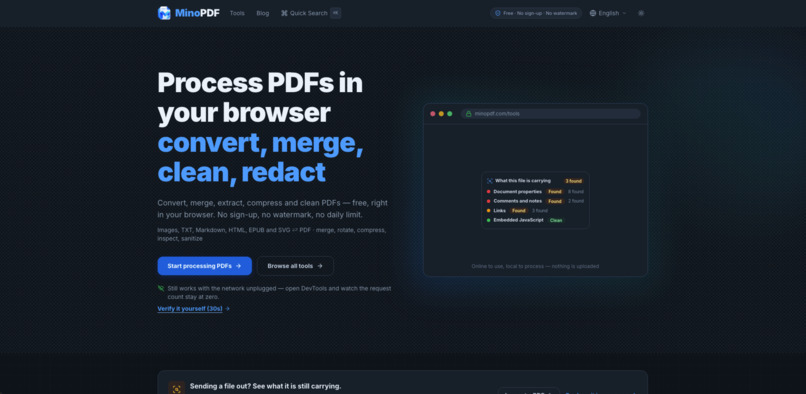
Home index
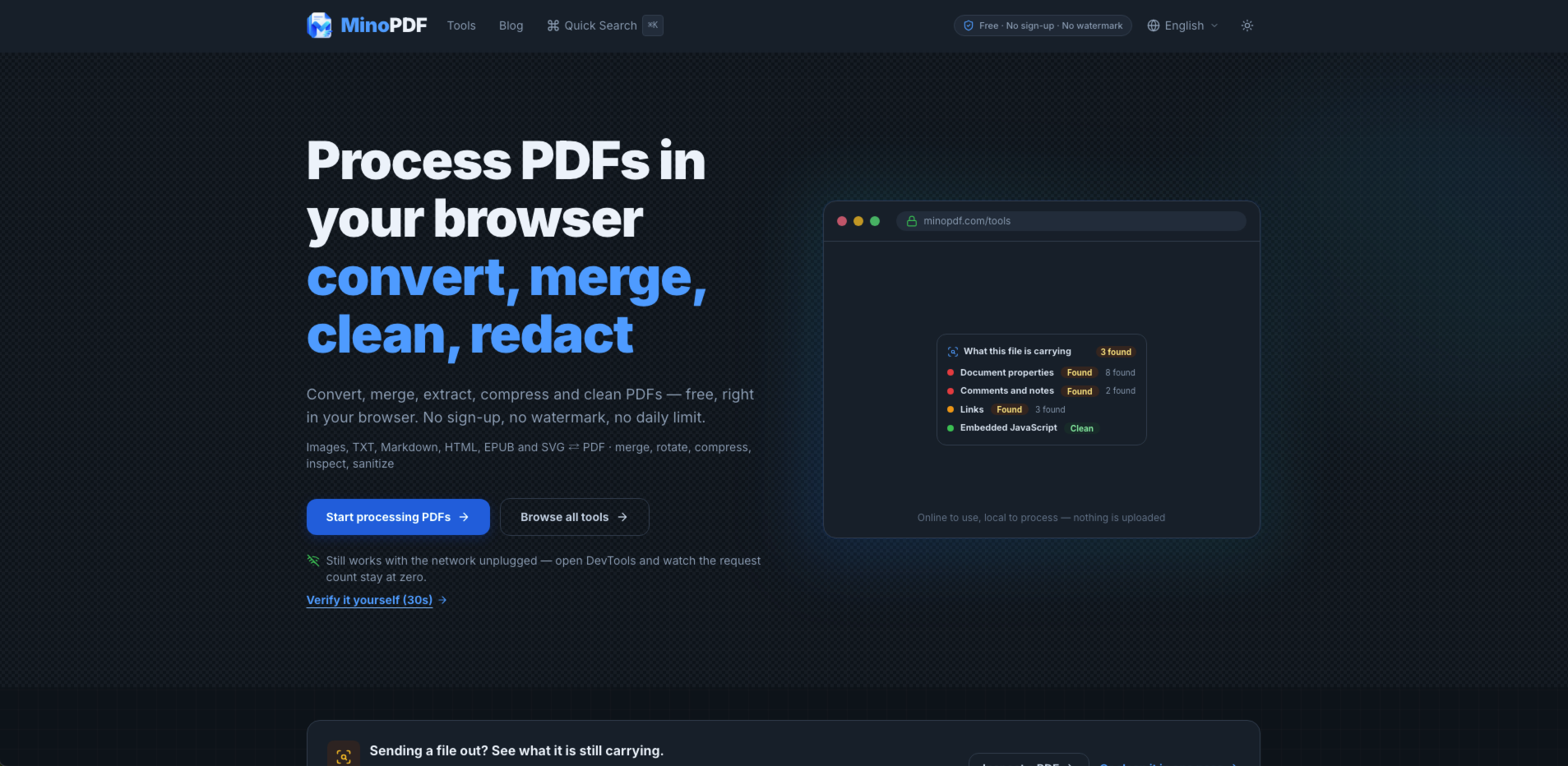
Free · No Upload · Runs in Your Browser. Convert, clean, extract, and organize PDFs — all locally. Your files never leave your device.
Inspiration
Almost every "free PDF tool" on the web follows the same quiet bargain: you hand a stranger's server your contract, your medical record, your HR file, your unpublished research — and you get a processed file back. That trade is invisible, and for most documents it is unnecessary.
MinoPDF started from a simple observation: the browser is already powerful enough to do the entire job. Between the File API, mature open-source JavaScript PDF libraries, and Web Workers, there is no technical reason a PDF has to be uploaded to be merged, converted, rotated, or cleaned. The only reason it gets uploaded is that it used to be easier to build that way.
So the premise became a constraint: no endpoint on this site accepts file contents. Every feature had to be justified against that rule, not the other way around. The result is a tool suite for people who handle documents they cannot upload — and for anyone who would rather not hand a file to someone else's server at all.
What it does
MinoPDF is a free collection of client-side PDF tools, organized around the job you actually need to get done rather than around a feature list.
PDF Convert — Turn images, HTML, EPUB, Word documents, email files (EML/MSG), and CBR/CBZ comic archives into PDF; render PDF pages back into PNG, JPG, or WebP at a resolution you choose.
Organize PDF Pages — Merge several PDFs into one, extract or reorder pages with a range syntax like 1-3,5, rotate by 90/180/270 degrees, reverse, and resize pages.
Extract from PDF — Pull the text layer, the embedded images (JPEGs exported as-is, others as PNG), structured Markdown, and tables out of a document.
Clean PDF & Privacy — See what a PDF is actually carrying — author, producer, XMP metadata, Document ID, links, scripts, annotations, highlights, comments — and strip it before you hit send. Includes redaction and form flattening.
Developer Utilities — The odd jobs: compress a PDF, compress to a target size, fill out PDF forms, type on a PDF, read a code, grab a coordinate, hash a file, diff two versions.
Everything runs locally. No sign-up, no login, no email, no watermark stamped onto output files. Heavy jobs support batching (up to 100 MB per file, 50 files per batch, enforced locally), and tools that produce many outputs — PDF to image, extract images — can package results as a ZIP.
How I built it
The architecture is deliberately boring, because the constraint demanded it.
- Zero-upload core. Files are read locally through the browser's File API. There is no upload route on the site — nothing to leak, nothing to scale, no queue, no quota. Once the page has loaded, the tools keep working even with the network disconnected.
- PDF.js for parsing and rendering. It is the same engine Firefox's viewer and much of the web rely on, which means page rendering and text-layer extraction behave the way users already expect.
- pdf-lib for creation and page operations. Merging, splitting, rotating, resizing, metadata editing, and watermark/annotation work are done by rewriting the document structure in place, so original page content is preserved rather than recompressed.
- Web Workers for heavy lifting. Large documents are processed off the main thread so the interface stays responsive while a 100 MB file is being parsed.
- No WebAssembly, no plugins, no build-time native dependencies. Keeping the stack to JavaScript libraries keeps the bundle cacheable and the whole app static-hostable — which is what makes "no server" a structural guarantee rather than a promise.
- Anonymous by design. Only anonymous usage events (tool, format, duration bucket) are recorded — never filenames, never file contents. If analytics are not enabled, nothing is sent at all.
Challenges I ran into
Making "no upload" a guarantee, not a marketing line. It is easy to say files never leave the device and much harder to prove it. That meant auditing every tool for accidental network egress, keeping asset loading fully local, and accepting that some features — anything needing server-side OCR or heavy compute — simply could not ship in the form users might expect.
Memory is the real size limit. Without a server, the ceiling is the user's device. Large PDFs have to be parsed page-by-page where possible, and huge jobs need to degrade gracefully instead of freezing a tab. Batching and per-file limits are checked locally so a job fails fast and understandably rather than as a browser crash.
Preserving quality without recompression. Extracting, merging, rotating, and page-splitting all had to keep original page content intact rather than rasterizing. That pushed most page-level operations toward pdf-lib's structural model, and it meant image extraction needed two paths: export embedded JPEGs byte-for-byte, fall back to PNG for everything else.
Keeping the UI responsive during long jobs. Moving work into Web Workers solved the jank, but it introduced its own complexity around progress reporting, cancellation, and transferring results back without copying huge buffers.
Rendering fidelity across browsers. PDF.js does the heavy lifting, but font substitution, unusual color spaces, and damaged files still surface edge cases. Supporting Chrome, Edge, Firefox, and Safari meant accepting that the newest Chromium builds give the best performance while older browsers fall outside the target.
Accomplishments that I'm proud of
- Built a complete PDF tool suite — conversion, page organization, extraction, cleaning, compression, and developer utilities — where not one feature requires an upload.
- Kept it genuinely free: no account, no login, no email wall, and no watermark on any output file.
- Achieved full offline capability after page load — you can disconnect and keep working, which is the most honest proof that nothing is happening server-side.
- Preserved output fidelity: extract, merge, rotate, and page extraction keep original page content, with no recompression.
- Shipped the privacy layer most tools skip — metadata viewer, metadata cleaner, XMP stripping, Document ID clearing, redaction, and form flattening, so users can inspect a file before they send it.
- Delivered a static, cacheable, dependency-light app by staying on PDF.js and pdf-lib instead of reaching for WebAssembly or a backend.
What I learned
- A hard constraint is a better product spec than a feature list. "No endpoint accepts file contents" decided dozens of design questions for free, from which libraries to use to which features were allowed to exist.
- The browser is an underrated runtime. PDF parsing, rendering, document rewriting, and ZIP packaging all fit comfortably client-side; the assumption that this class of tool needs a server is mostly inertia.
- Privacy is a performance feature too. Skipping upload and download round-trips removes latency, queues, and quotas — the fastest PDF tool is the one that never moves your file.
- Choosing mature open-source engines compounds. PDF.js and pdf-lib carry years of edge-case handling that would have taken far longer to rebuild, and their behavior is already familiar to users.
- Perceived speed is architecture. Web Workers turned "is it frozen?" into visible progress, and that mattered more to the experience than shaving milliseconds off any single operation.
- Trust has to be verifiable. Saying "we don't upload your file" is cheap; making the page work with the network unplugged is what makes it credible.
What's next for MinoPDF
- More input formats into the PDF Convert cluster, and deeper fidelity work on EPUB, HTML, and Word conversion.
- Better redaction — a more precise, visual, area-based redaction flow with confidence that removed content is truly gone from the file.
- OCR and scanned-document support that respects the no-upload rule, including local/offline model paths.
- Batch and automation improvements — richer range syntax, saved presets, and smoother multi-file workflows with resilient memory handling on very large jobs.
- Deeper privacy tooling — expanded inspection of links, scripts, annotations, and embedded objects, plus one-click "safe to share" cleaning profiles.
- Documentation and guides — continuing the write-ups on working with PDFs locally, and publishing more of the engineering notes behind a zero-backend architecture.
- Performance work on rendering and export paths for large documents, so the 100 MB ceiling keeps moving up as devices allow.
MinoPDF — Free, client-side PDF tools for developers. Convert, merge, compress, and process PDF files directly in your browser. No upload, no tracking — 100% local processing.
Built With
- cloudflare
- node.js
- nuxt.js
- tailwindcss
- typescript
- vue

