-
-
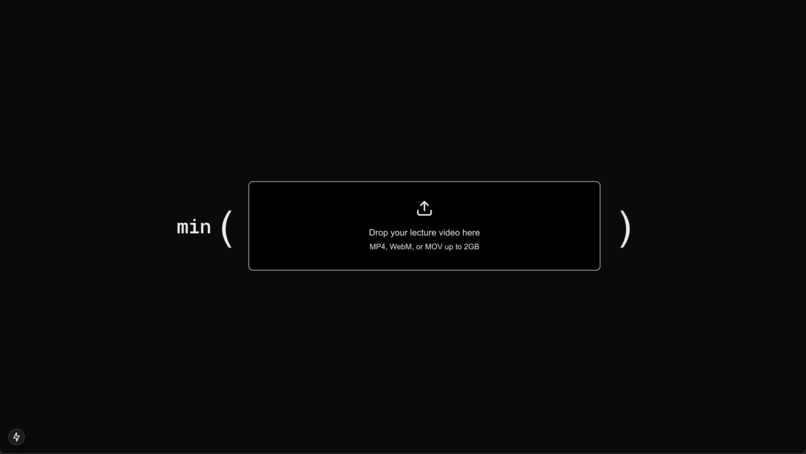
Title Screen
-
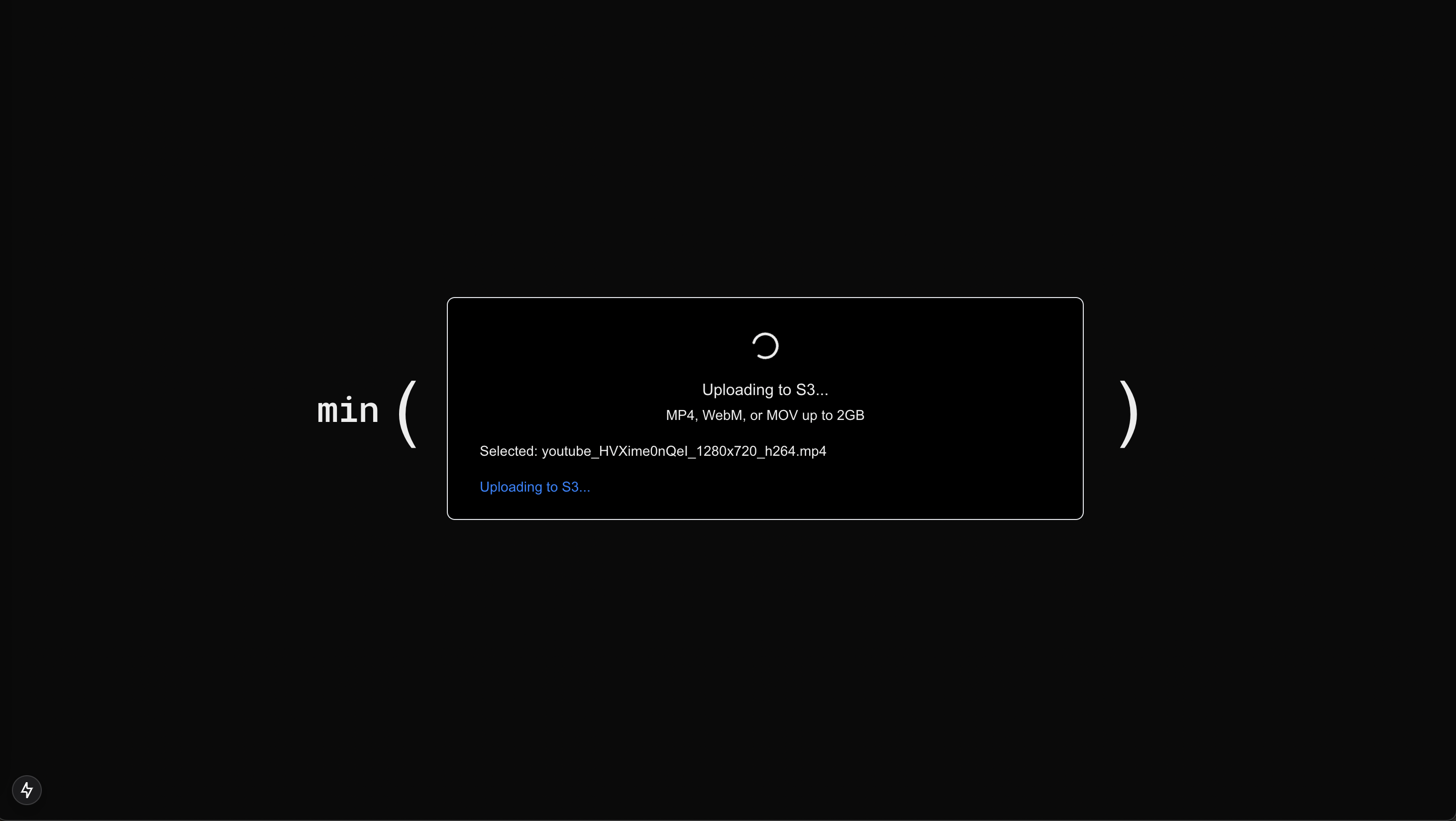
Loading Upload
-
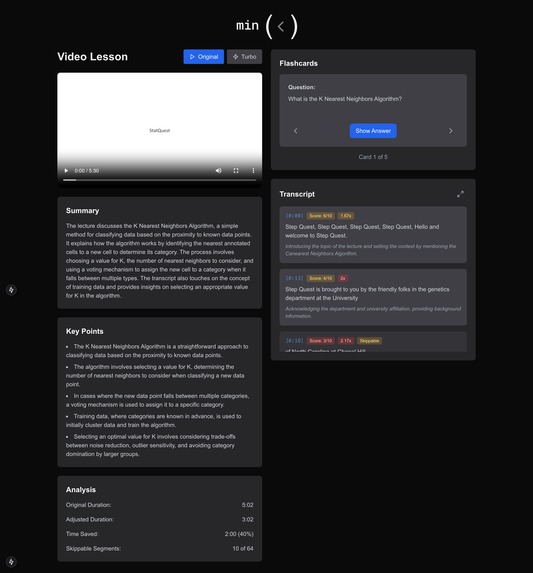
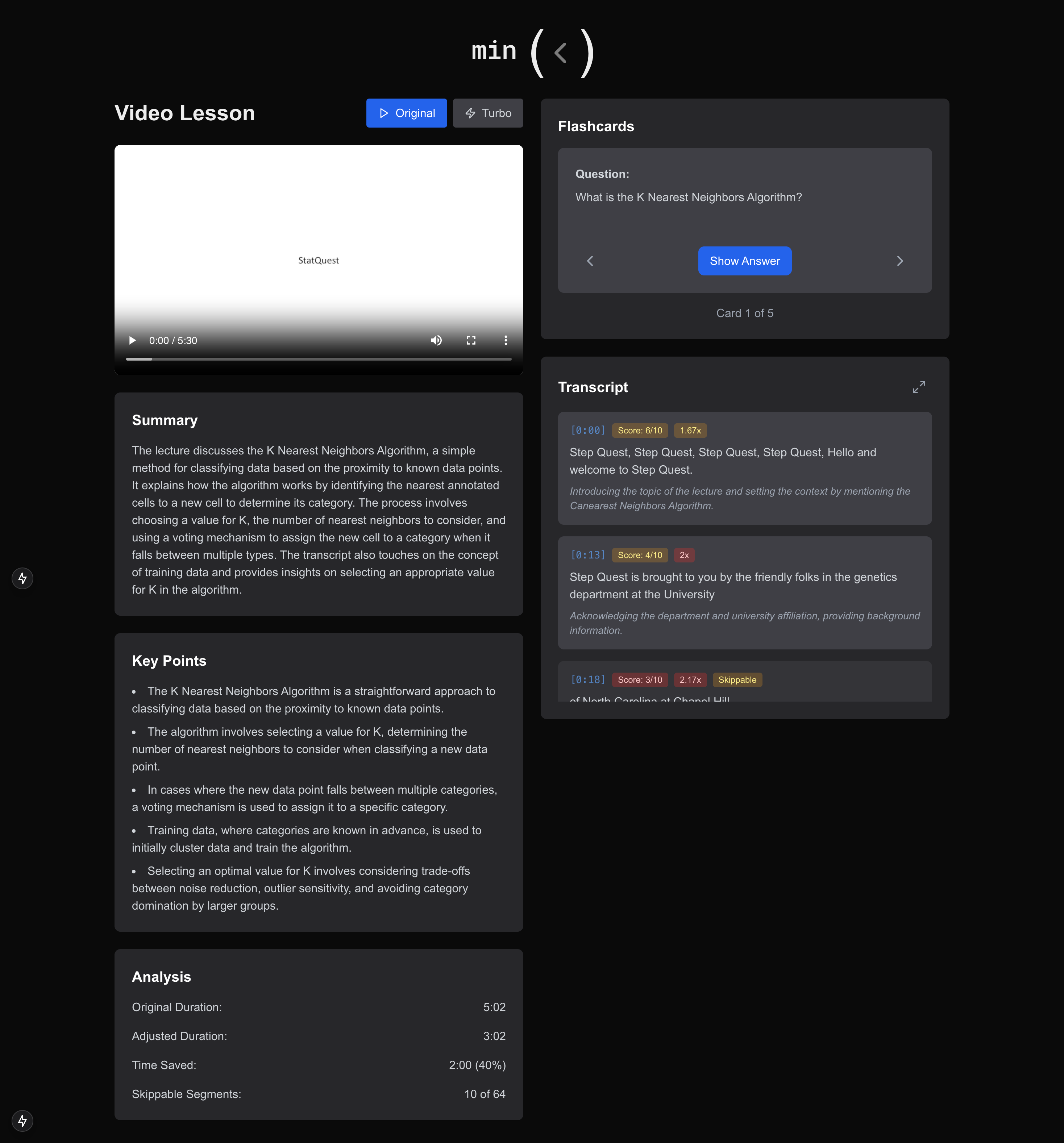
Original Video
-
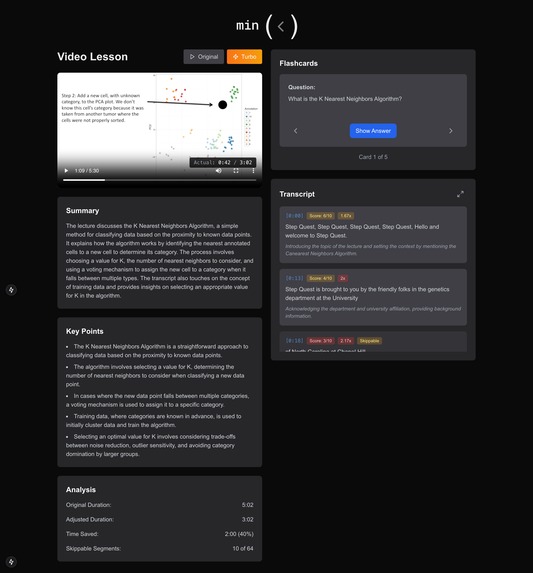
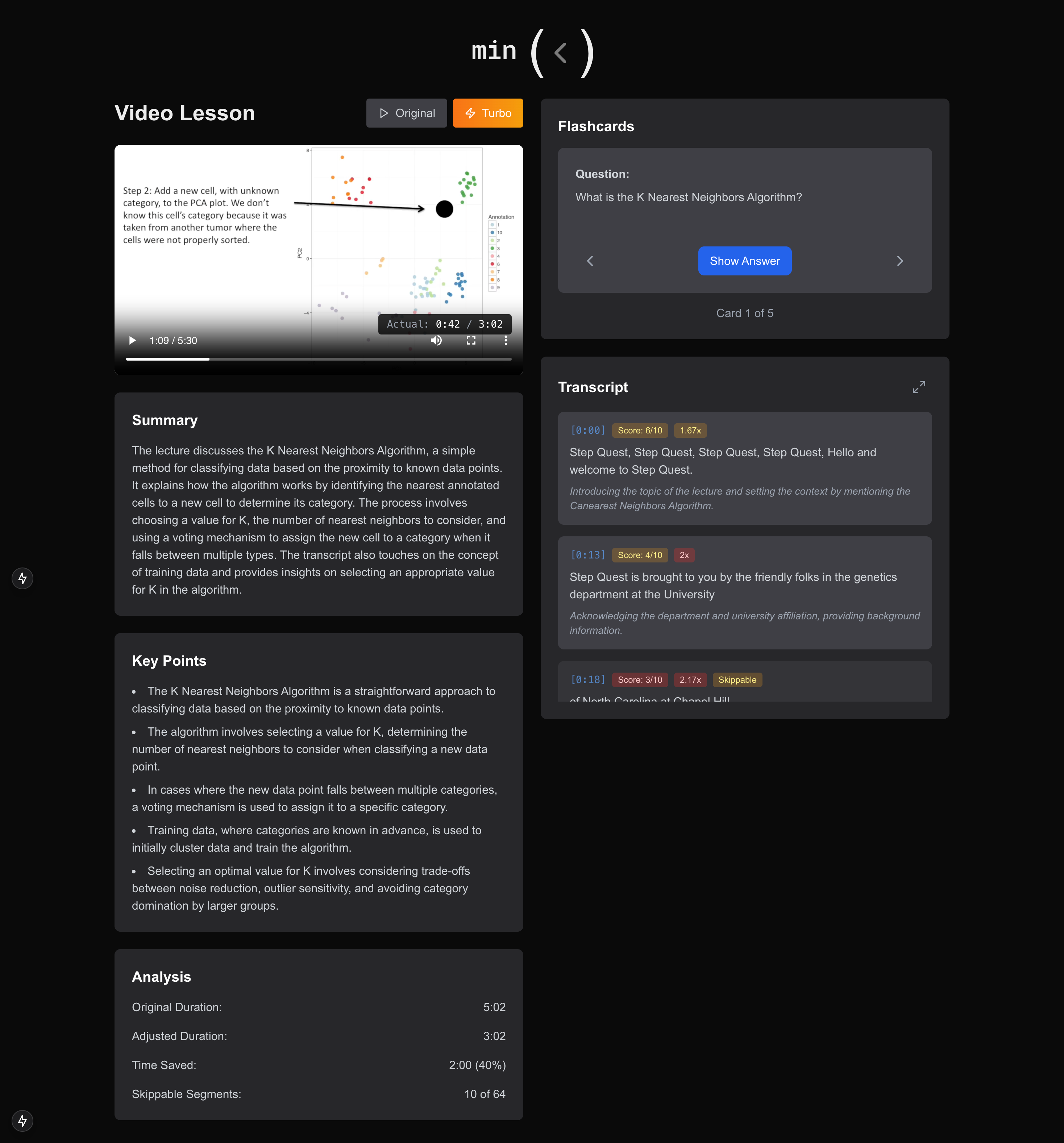
Turbo Video
-
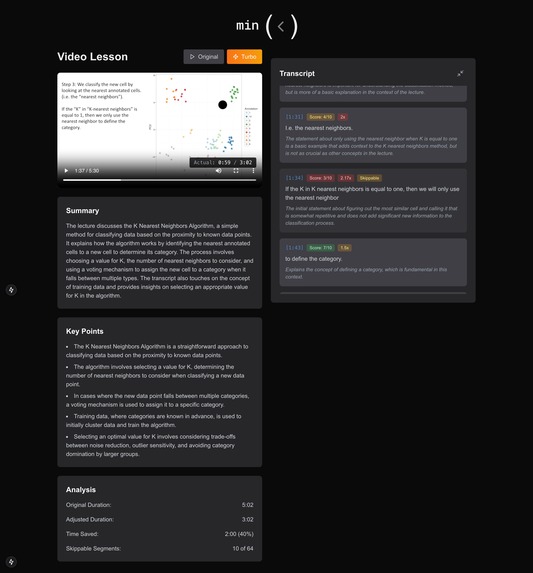
Information Score acceleration

min() - AI-Powered Video Learning Optimization
Tired of sitting through long videos? min() uses AI to optimize your learning experience by analyzing and adjusting video content intelligently.
Inspiration
In today's digital learning environment, video lectures are a primary source of education. However, traditional video playback methods are inefficient - you either watch at a fixed speed or risk missing important content by manually skipping. We created min() to solve this problem by using AI to analyze lecture content and create a personalized, optimized learning experience.
What it does
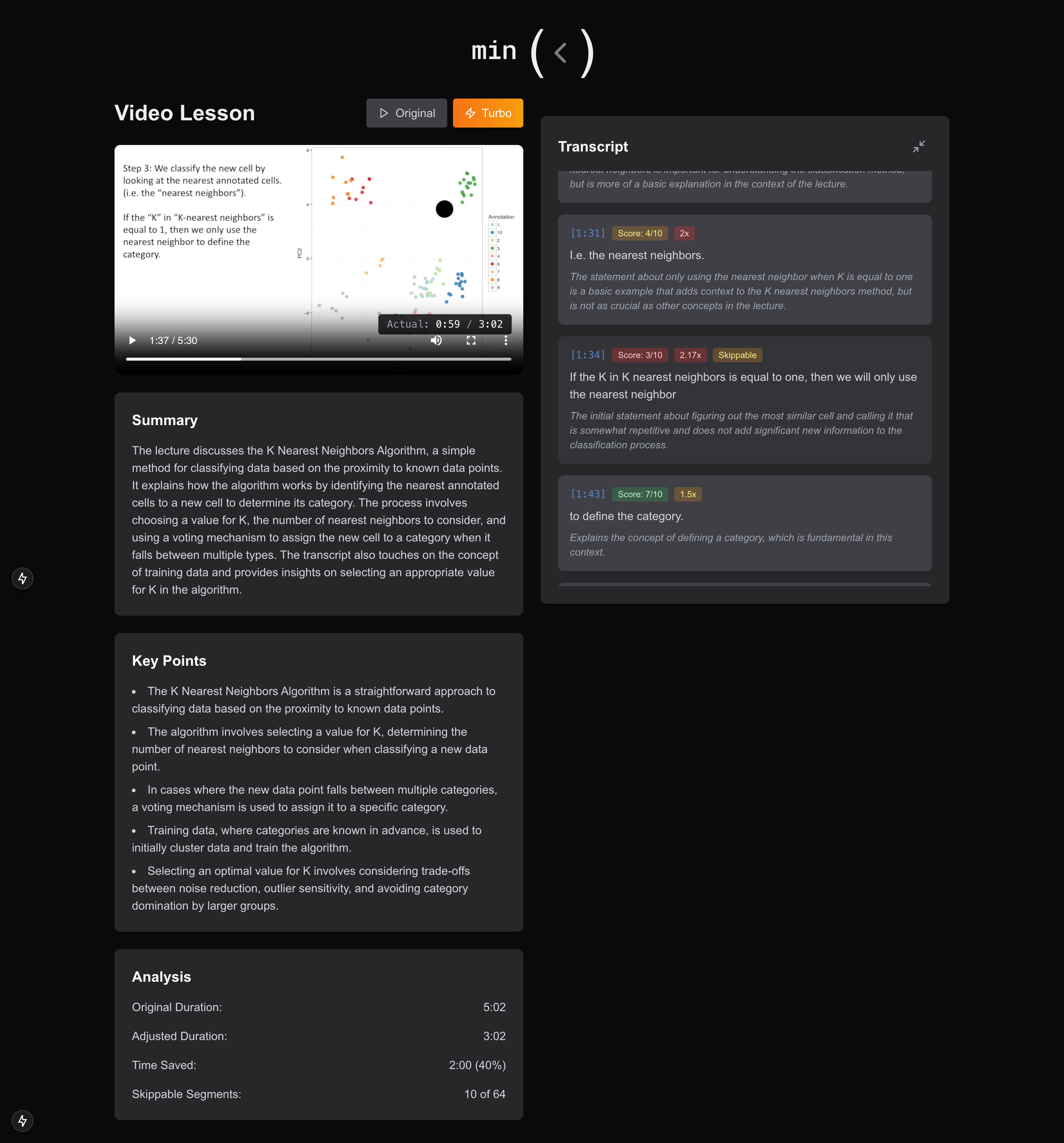
Picture this: Instead of trudging through lectures at a fixed pace, min() analyzes your content using GPT-3.5 and creates a personalized viewing experience that's as unique as your learning style. By dynamically adjusting playback speeds between 1x and 2.5x based on content importance, our smart system trims your watching time by an average of 30-40% while keeping comprehension intact. But that's just the beginning! min() goes above and beyond by automatically generating study materials, including summaries, flashcards, and an interactive transcript that highlights the most crucial concepts.
min() transforms how you consume educational videos:
- Uses GPT-3.5 to analyze lecture content and identify key concepts
- Dynamically adjusts video playback speed based on content importance (1x-2.5x)
- Generates comprehensive study materials automatically:
- Content summaries
- Key learning points
- Auto-generated flashcards
- Interactive transcript with importance scoring
- Shows real-time analytics of time saved and content optimization
- "Turbo mode" that intelligently varies playback speed while preserving crucial information
How we built it
Frontend
- Next.js 14 with App Router
- TypeScript for type safety
- TailwindCSS for styling
- Lucide icons for UI elements
Backend
- Express.js server
- Python processing pipeline
- Modal for serverless deployment
- AWS S3 for video storage
AI/ML Stack
- OpenAI's GPT-3.5 for content analysis
- Whisper API for accurate transcription
- Custom algorithms for:
- Content importance scoring
- Playback speed optimization
- Segment analysis
Challenges we ran into
- Audio Quality: Maintaining comprehensible audio at variable playback speeds
- Real-time Processing: Optimizing video analysis for smooth playback
- Content Analysis: Developing accurate algorithms for importance scoring
- Speed Transitions: Creating smooth transitions between different playback speeds
- Video Processing: Managing large video files efficiently in the cloud
Accomplishments that we're proud of
- Built a sophisticated content analysis system using GPT-3.5
- Created an intuitive UI for complex functionality
- Achieved significant time savings while maintaining comprehension
- Developed a scalable architecture for video processing
- Implemented intelligent speed adjustment algorithms
What we learned
- Advanced video processing techniques
- Large language model application in education
- Real-time audio manipulation strategies
- Cloud architecture for media processing
- Educational content optimization methods
What's next for min()
Short-term Goals
- Multiple video format support
- LMS integration (Canvas, Blackboard)
- Mobile app development
- Enhanced analytics dashboard
Long-term Vision
- Collaborative learning features
- Custom learning pace profiles
- Multi-language support
- Integration with note-taking apps
- Machine learning model for personalized optimization
Tech Stack
Frontend
- Next.js 14
- TypeScript
- TailwindCSS
- Lucide Icons
Backend
- Express.js
- Python
- Modal
- AWS S3
AI/ML
- OpenAI GPT-3.5
- Whisper API
Getting Started
Built With
- amazon-web-services
- gpt
- modal
- next.js
- python
- typescript
- whisper


Log in or sign up for Devpost to join the conversation.