-
-
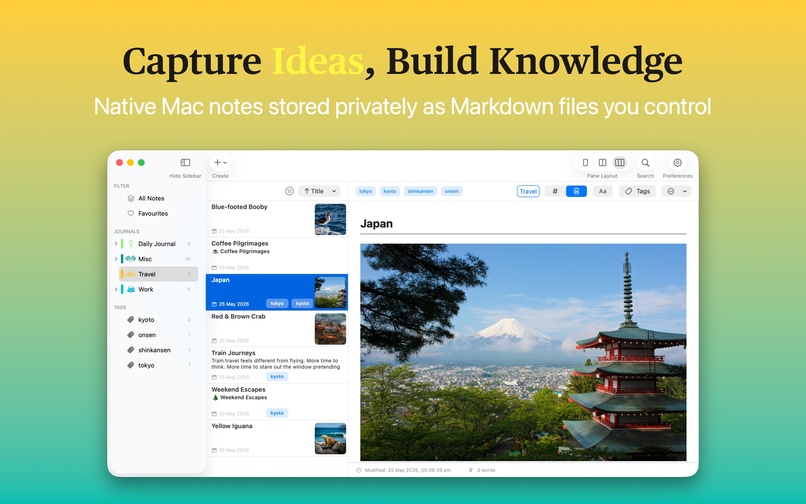
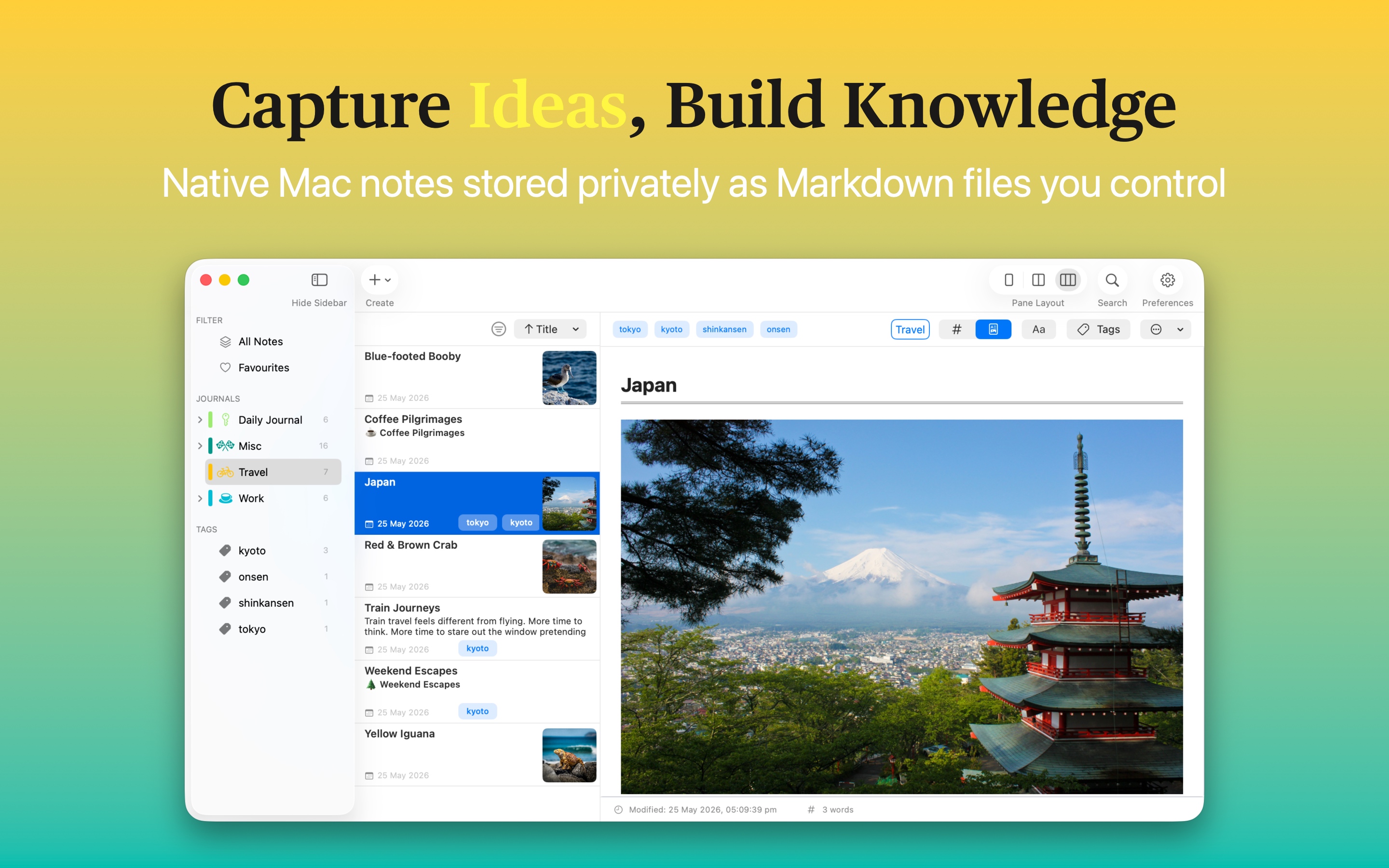
Capture idea, build knowledge
-
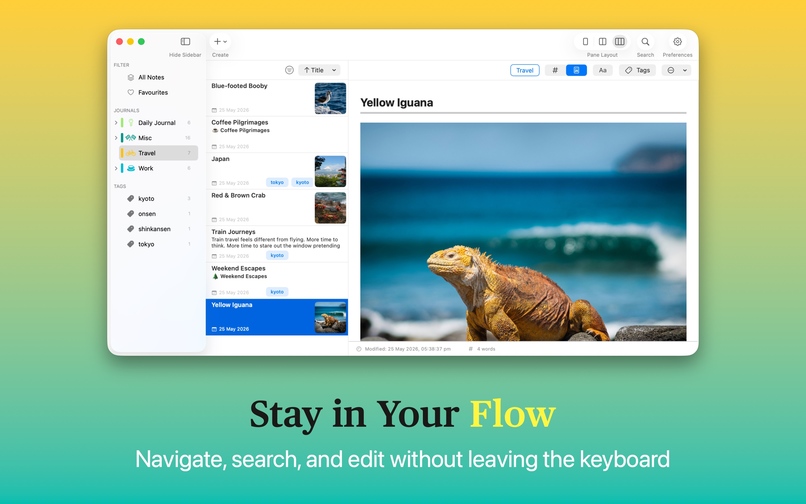
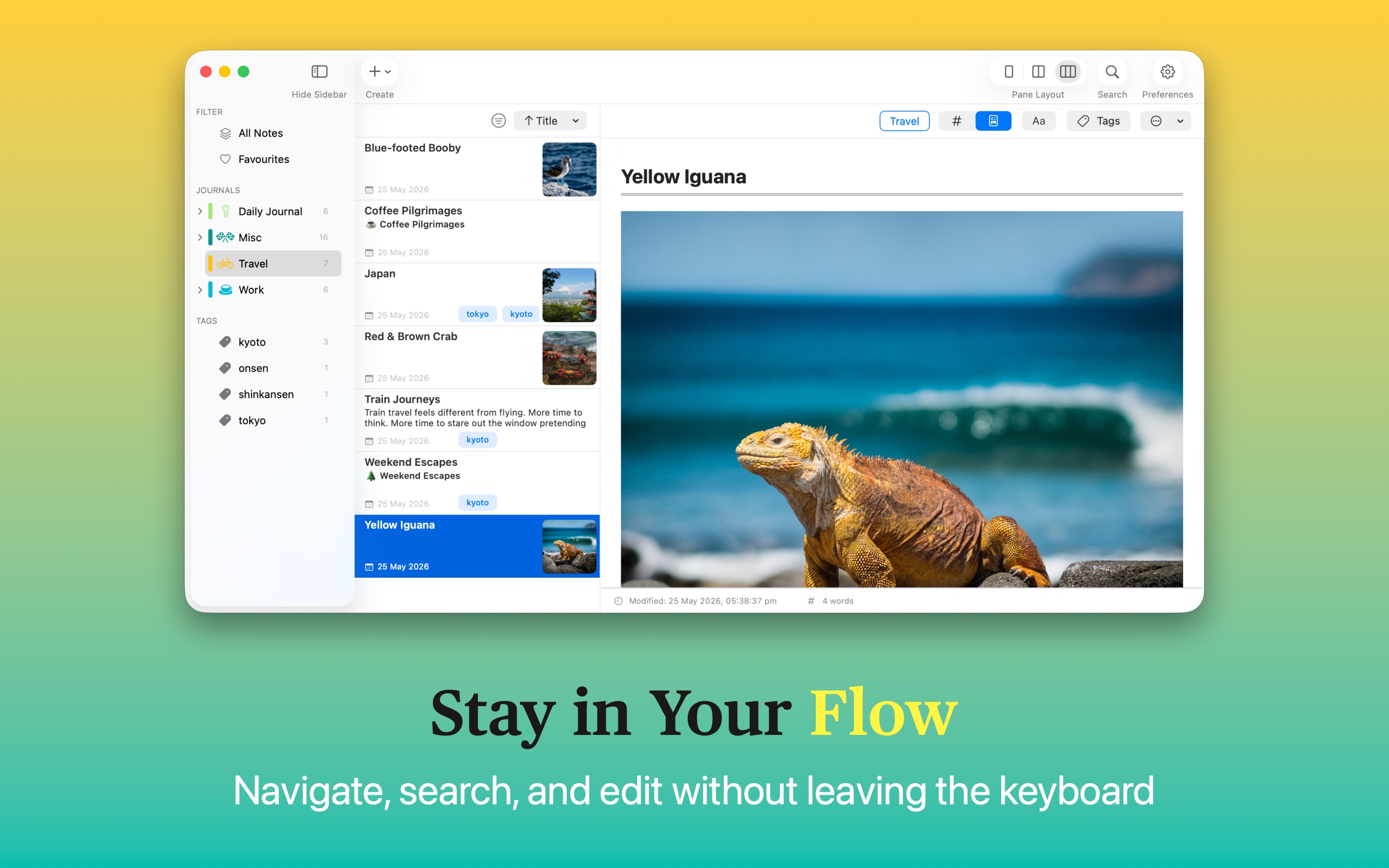
Stay in the flow
-
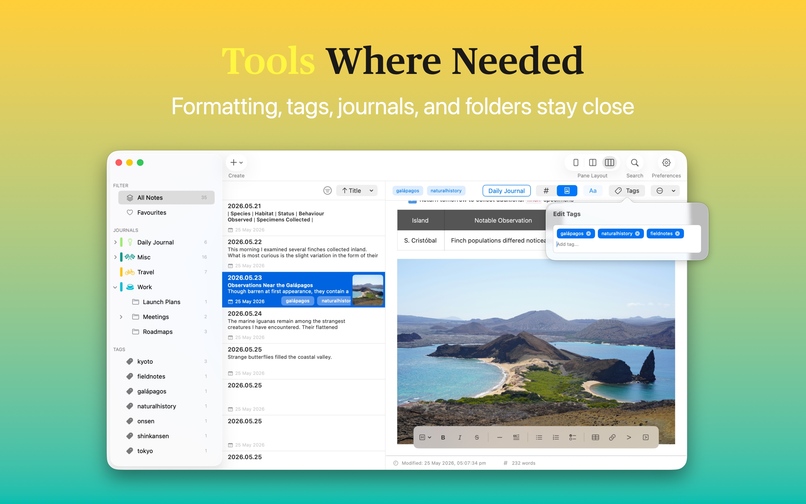
Tools where needed
-
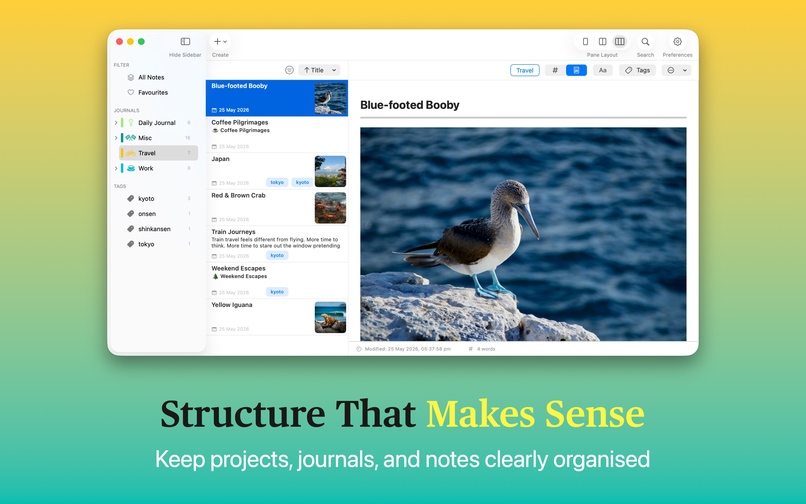
Structure that makes sense
-
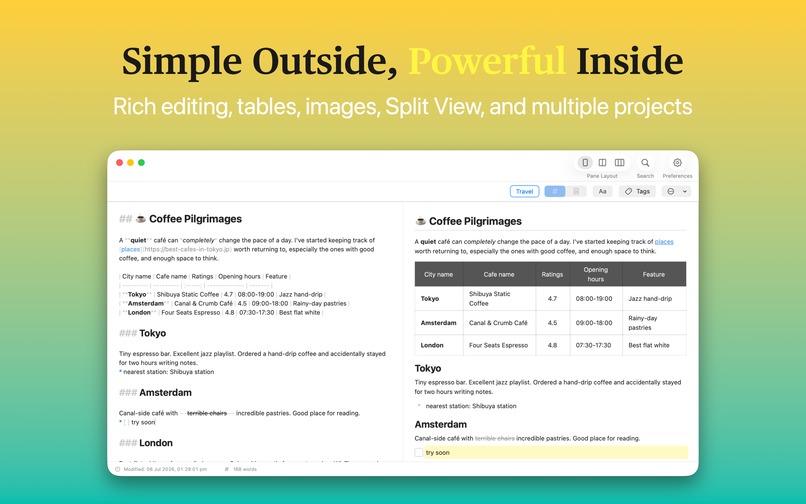
Simple outside, powerful inside
-
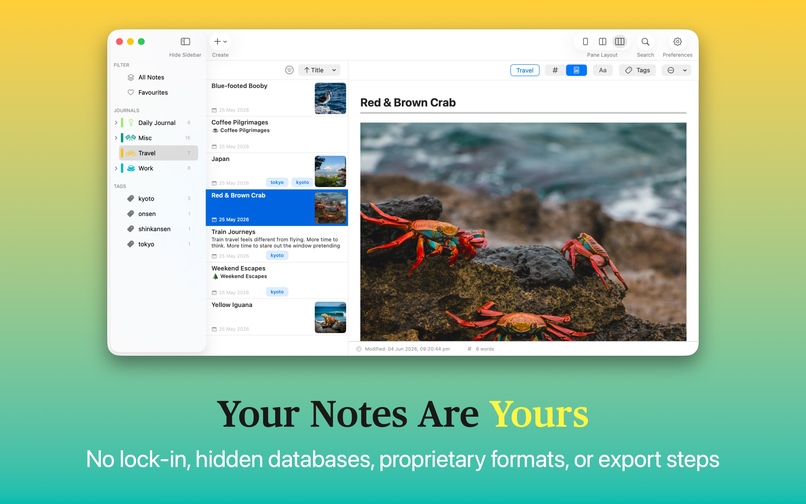
Your notes are yours
Inspiration
I built MinkNote because I wanted a notes app that combined the simplicity of a native Mac application with the durability and openness of plain Markdown files.
A lot of note-taking tools gradually become ecosystems of their own: accounts, proprietary databases, cloud services and increasingly complex workflows. I wanted to go in the opposite direction.
The idea behind MinkNote is simple: your notes should belong to you, not the app you used to create them.
What it does
MinkNote is a native macOS notes and journaling app built around Markdown files stored on your own Mac.
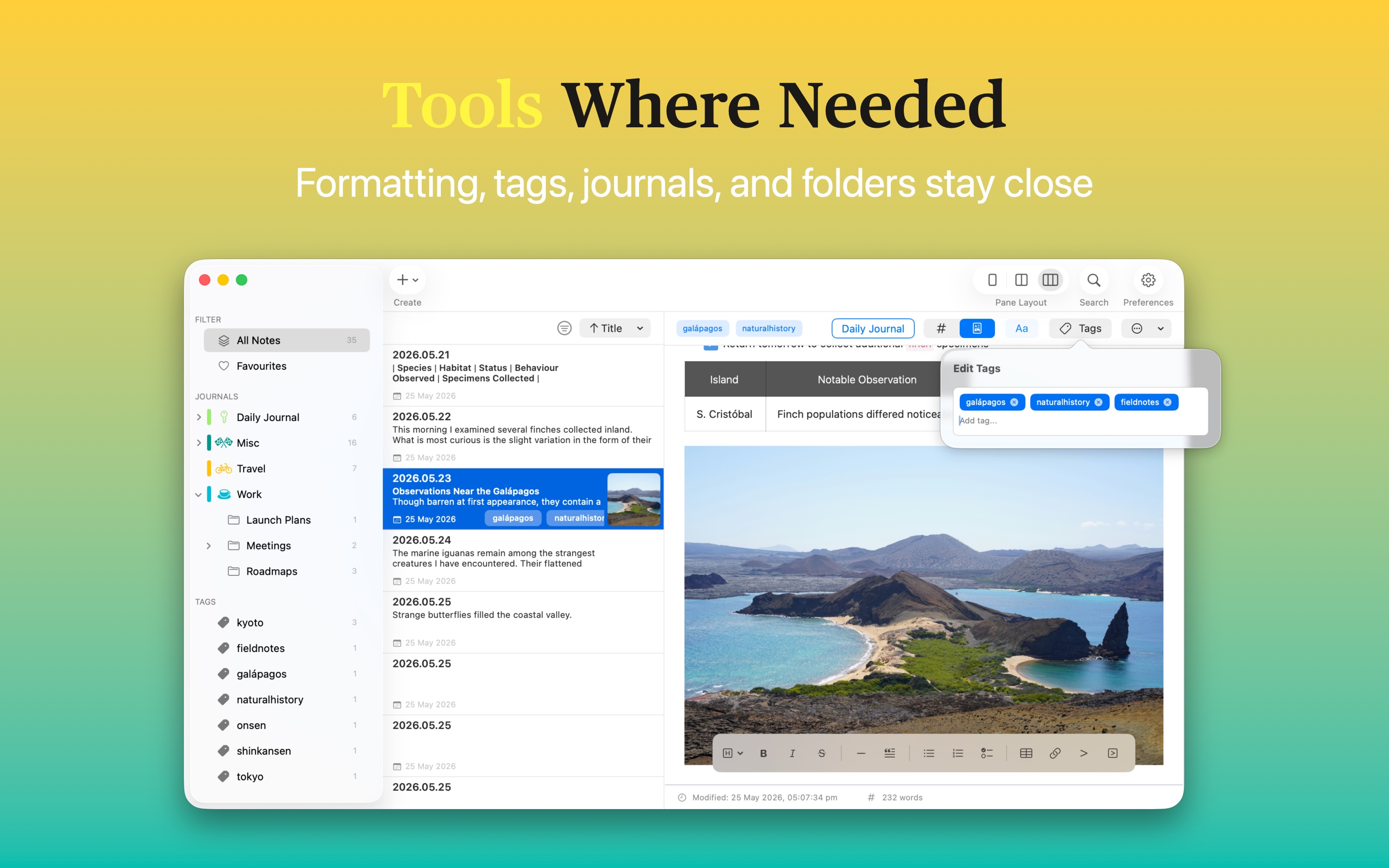
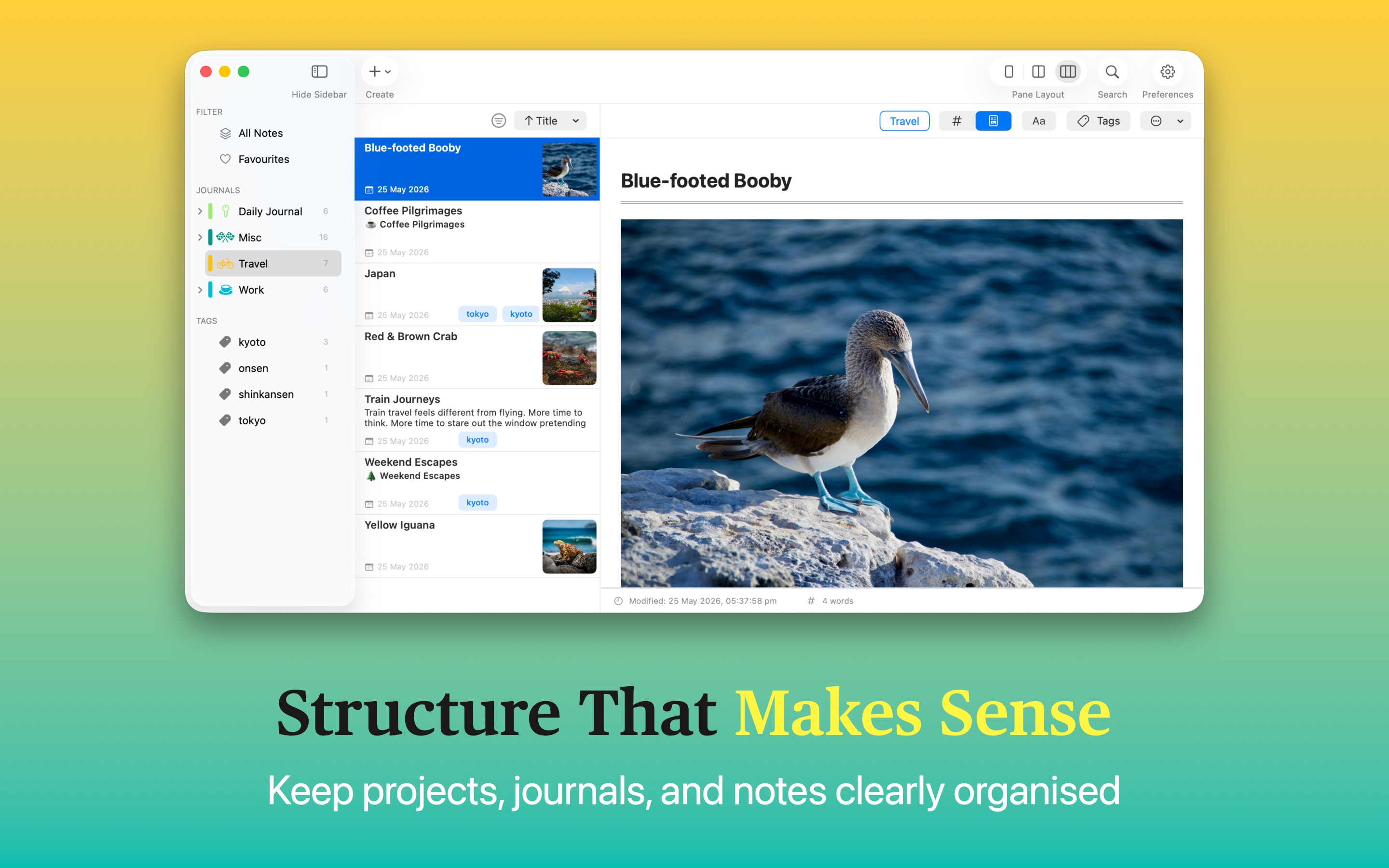
Notes are organised into a simple Vault → Journals → Notes structure, with features including tags, search, favourites, formatting tools and rich content previews.
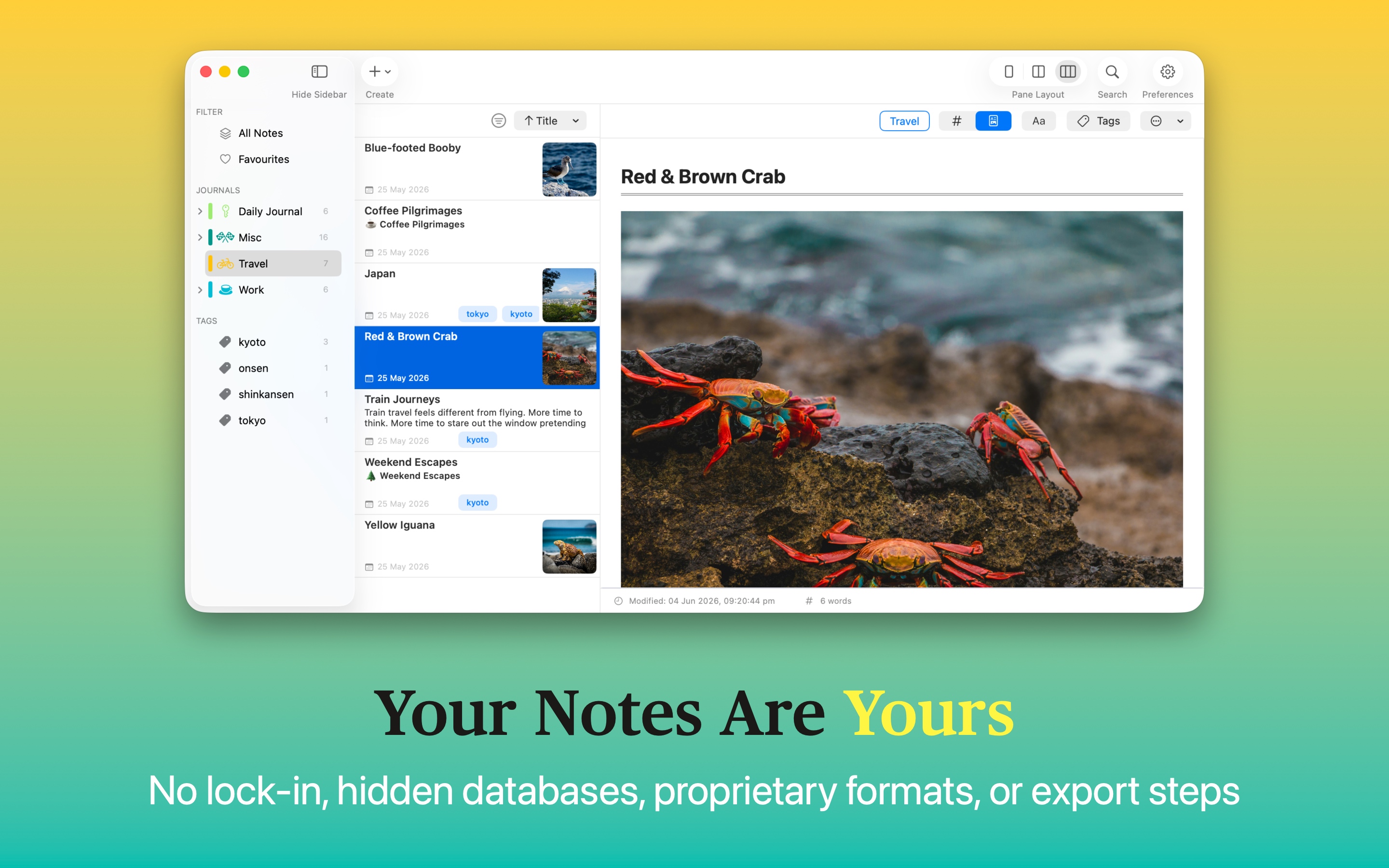
There is no account to create and no proprietary cloud or database. The filesystem remains the source of truth. You can open, move, back up or edit your Markdown files with other applications whenever you want.
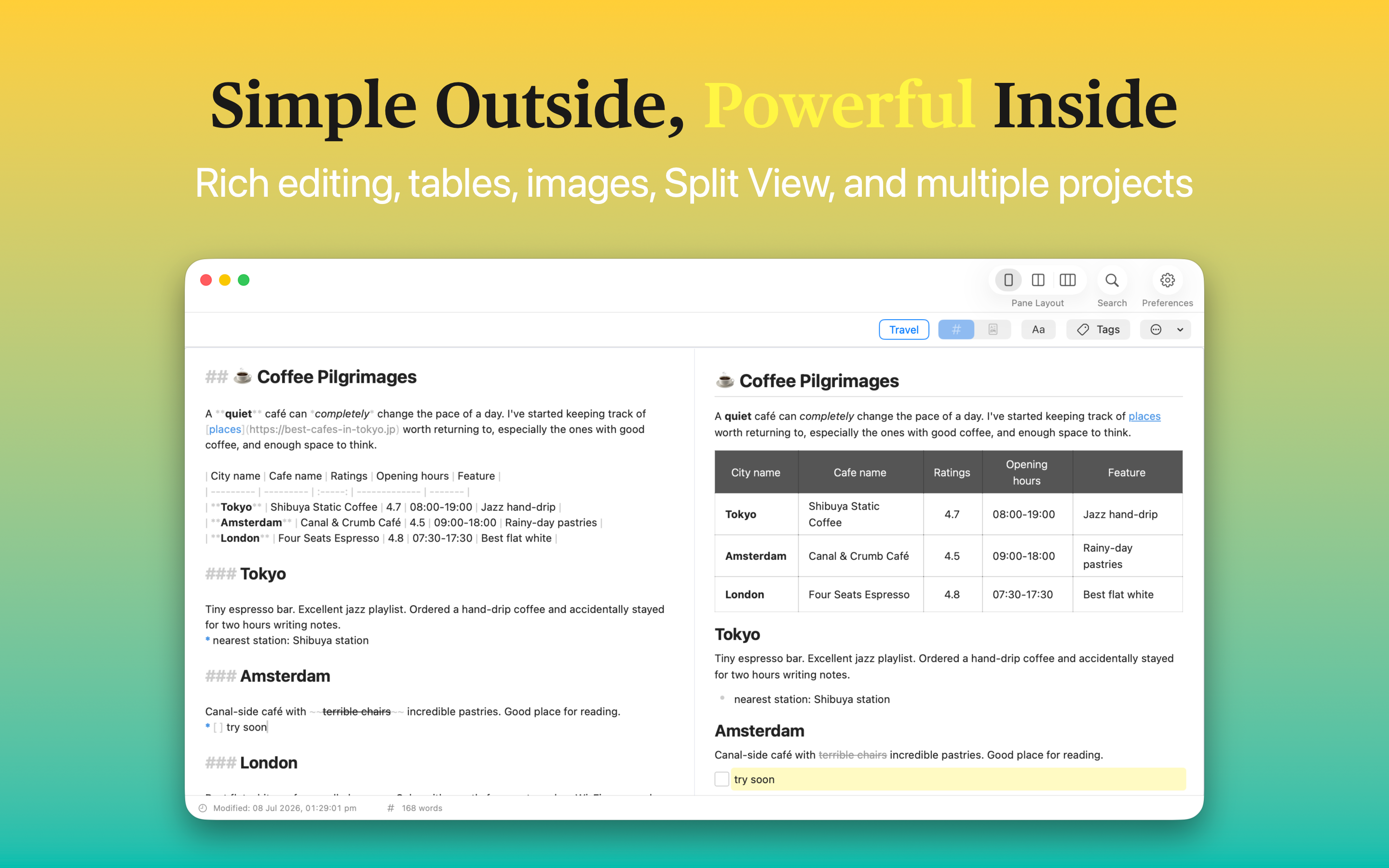
MinkNote also supports lightweight shortcodes for richer content, such as YouTube previews, while keeping the underlying Markdown clean and readable.
How I built it
MinkNote is a native macOS application built in Swift and SwiftUI.
Rather than storing notes in a private database, MinkNote works directly with Markdown files. It builds an index around those files to provide the conveniences expected from a modern notes application while leaving the underlying documents independent of MinkNote.
The app is offline-first and requires no server connection to work.
A lot of the engineering has therefore gone into making ordinary files behave like a cohesive application without hiding them from the user.
Challenges I ran into
The biggest technical challenge was also the main design constraint: the files have to remain genuinely usable outside MinkNote.
It would have been much easier to put everything into a private database. Instead, indexing, metadata, file monitoring and editing all have to work around files that users are free to rename, move or modify with other applications.
Another challenge has been deciding what not to build. Notes applications can quickly accumulate features until they become complicated productivity platforms. MinkNote is deliberately focused on writing, journaling and organising Markdown.
Accomplishments that I'm proud of
The biggest accomplishment is simply getting MinkNote from an idea to a polished, shipping Mac application.
MinkNote went through an extended TestFlight period with hundreds of testers before launching on the Mac App Store. Feedback from those users has directly shaped the product.
I'm particularly proud that the underlying architecture has stayed true to the original idea. As the app gained features such as tags, indexing and rich previews, Markdown files remained the source of truth rather than becoming an export format.
What I learned
One of the biggest surprises was how strongly people responded to file ownership.
Privacy was something I expected users to care about, but people repeatedly mentioned the fact that their notes remain ordinary Markdown files they control. Ownership, portability and interoperability clearly matter.
I also learned that simplicity can require a surprising amount of engineering. Making a folder full of Markdown files behave like a polished application requires quite a lot of machinery behind the scenes, while ideally exposing almost none of that complexity to the user.
What's next for MinkNote
The focus now is on making MinkNote more capable without losing what makes it simple.
I'm continuing to improve the editor, expand rich content support, refine organisation and navigation, and explore features that can add intelligence to a user's notes without compromising the offline-first, file-based approach.
Whatever gets added, one principle remains:
Your notes should outlive the app you wrote them in.
Built With
- appkit
- swift
- swiftui
- tca


Log in or sign up for Devpost to join the conversation.