Inspiration
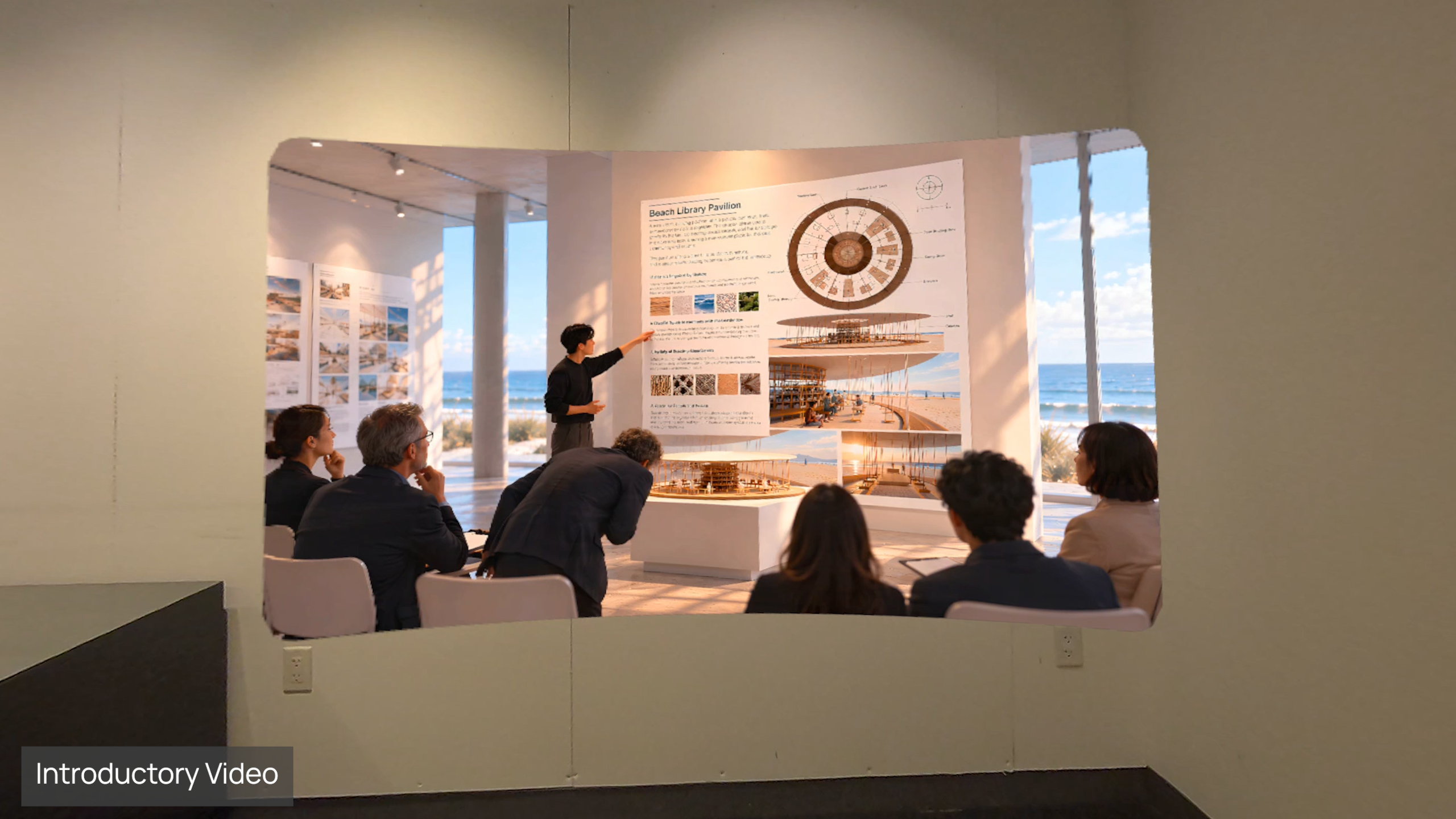
Architects have traditionally communicated their visions through drawings, physical models, and renderings, leaving audiences to imagine the proposed spaces. As a practicing architect, I've experienced how this can create a gap between design intent and public understanding, particularly in community engagement.
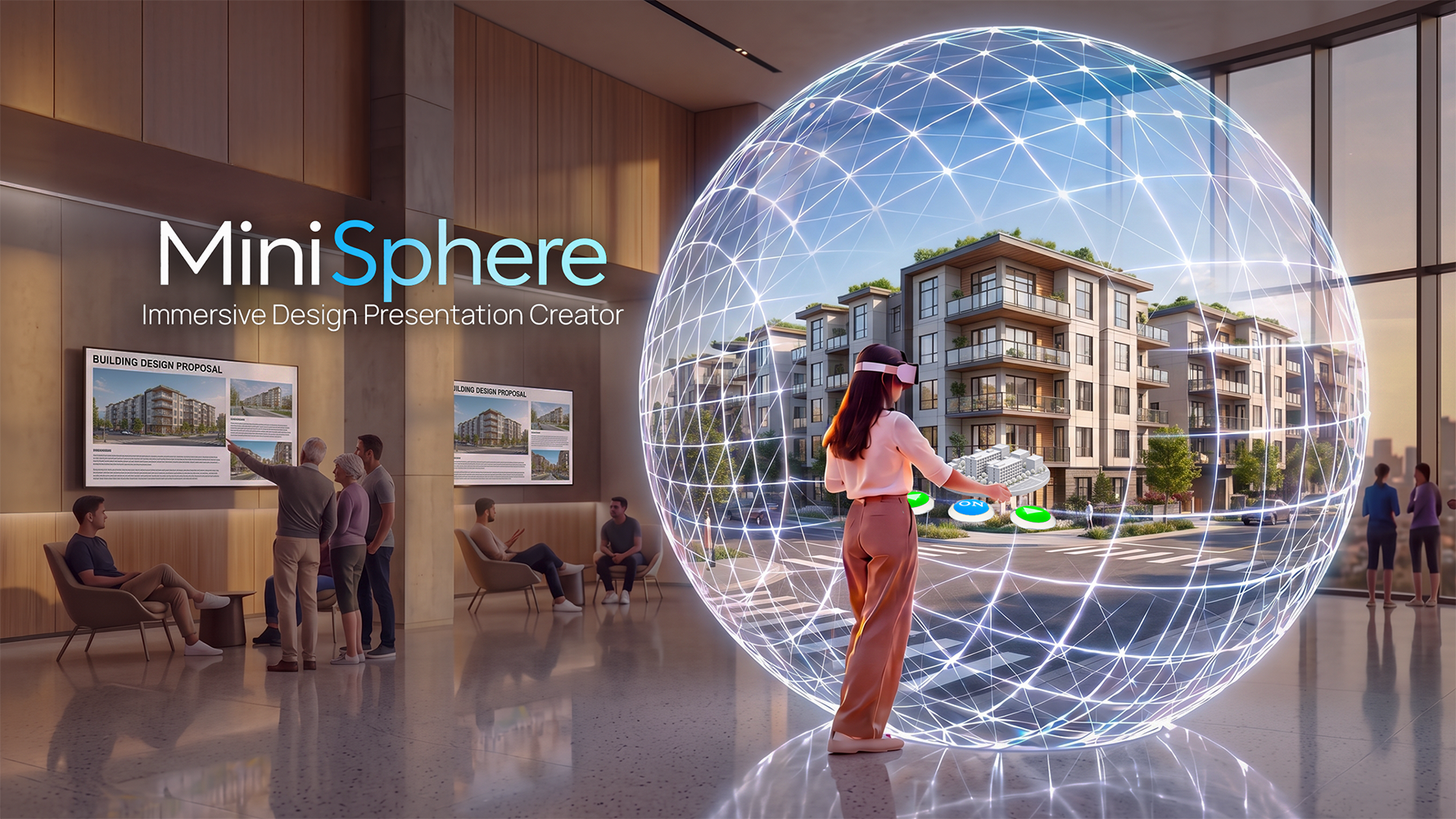
I created MiniSphere to bridge this gap by combining immersive imagery, interactive miniature 3D models, and audio storytelling into an experience that is easy to create without coding and intuitive to explore.
Inspired by planetariums and the Sphere in Las Vegas, MiniSphere reimagines collective immersive environments as personal VR experiences that can inspire shared discussions about future spaces.
What it does
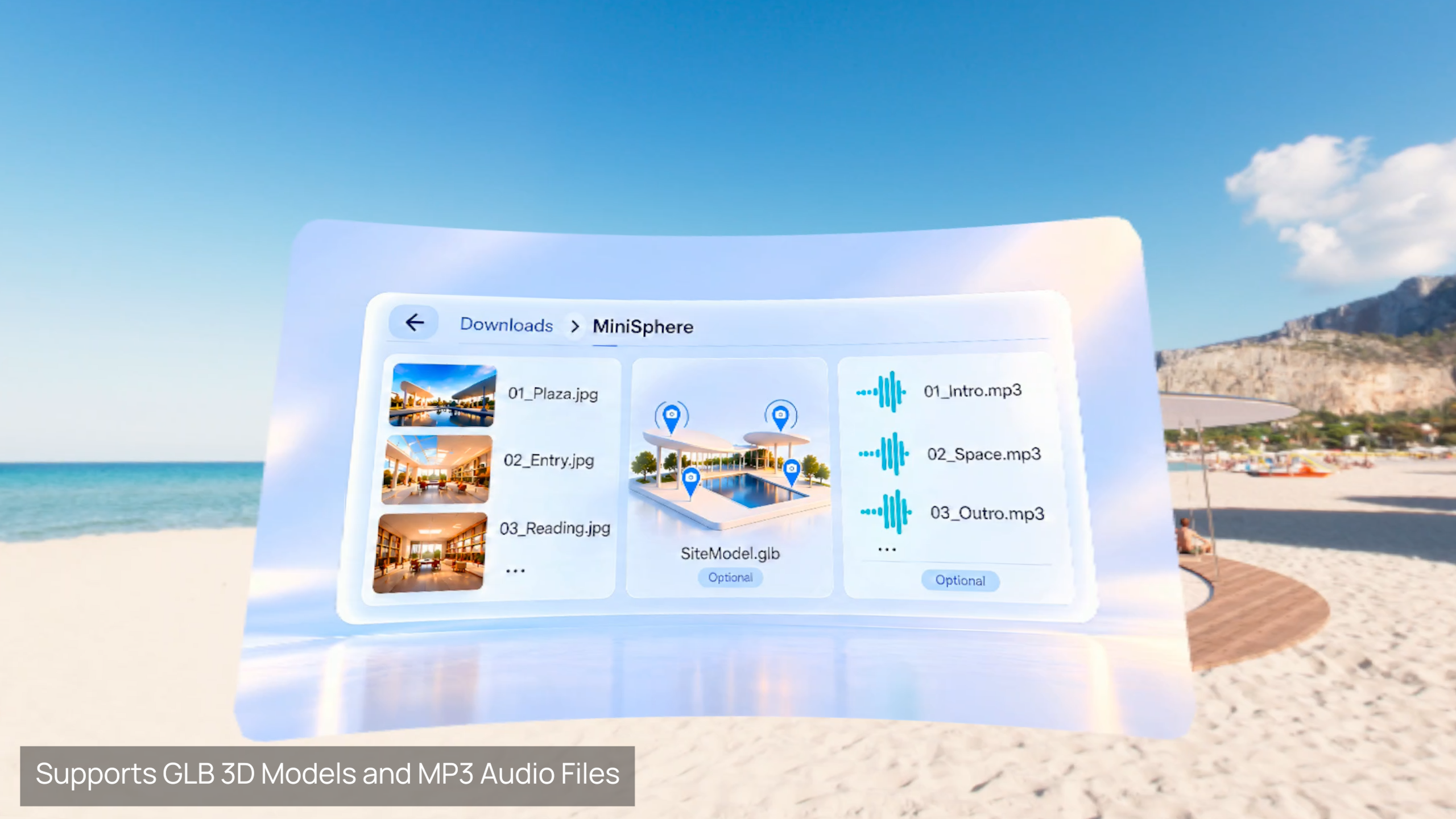
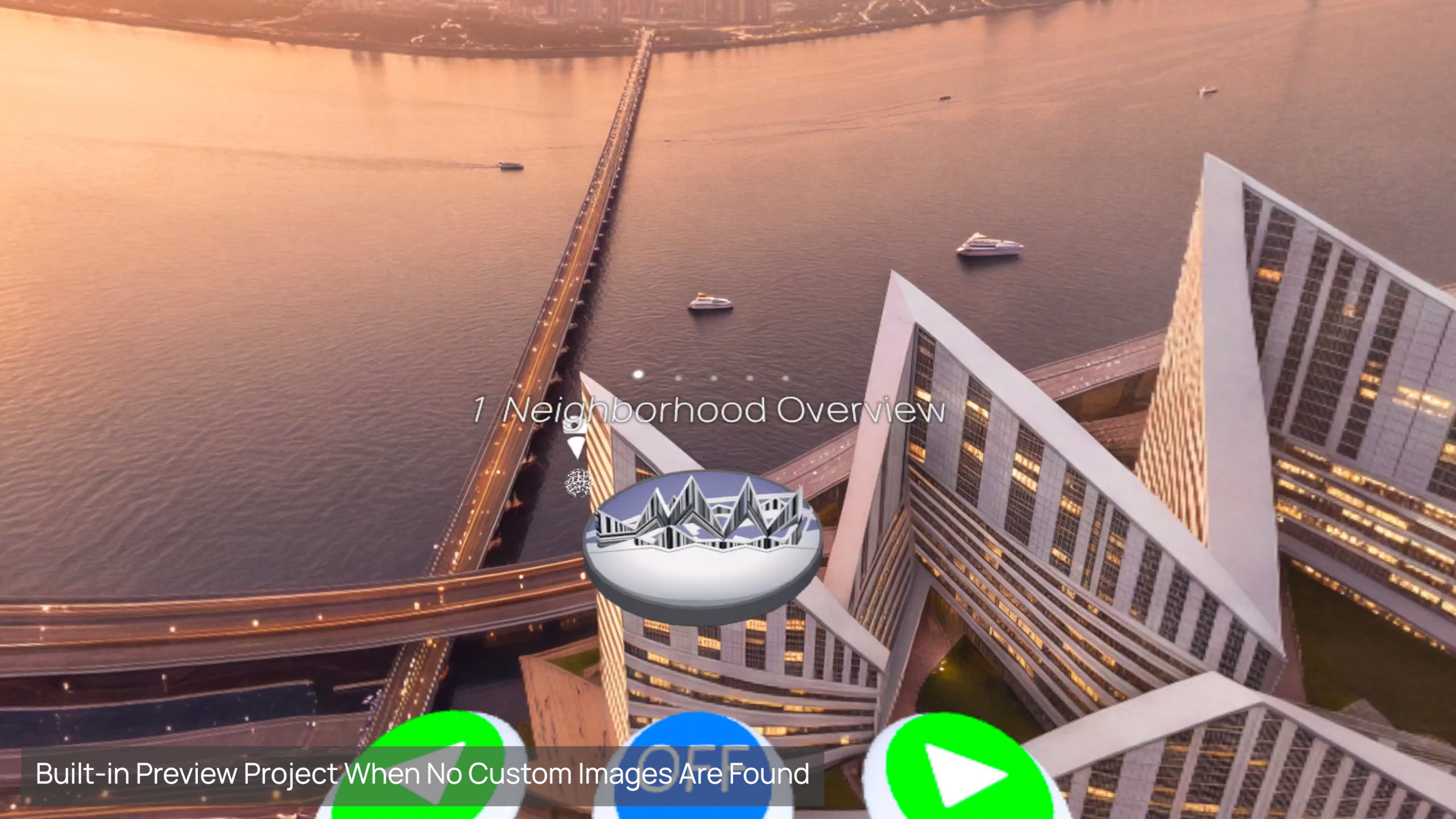
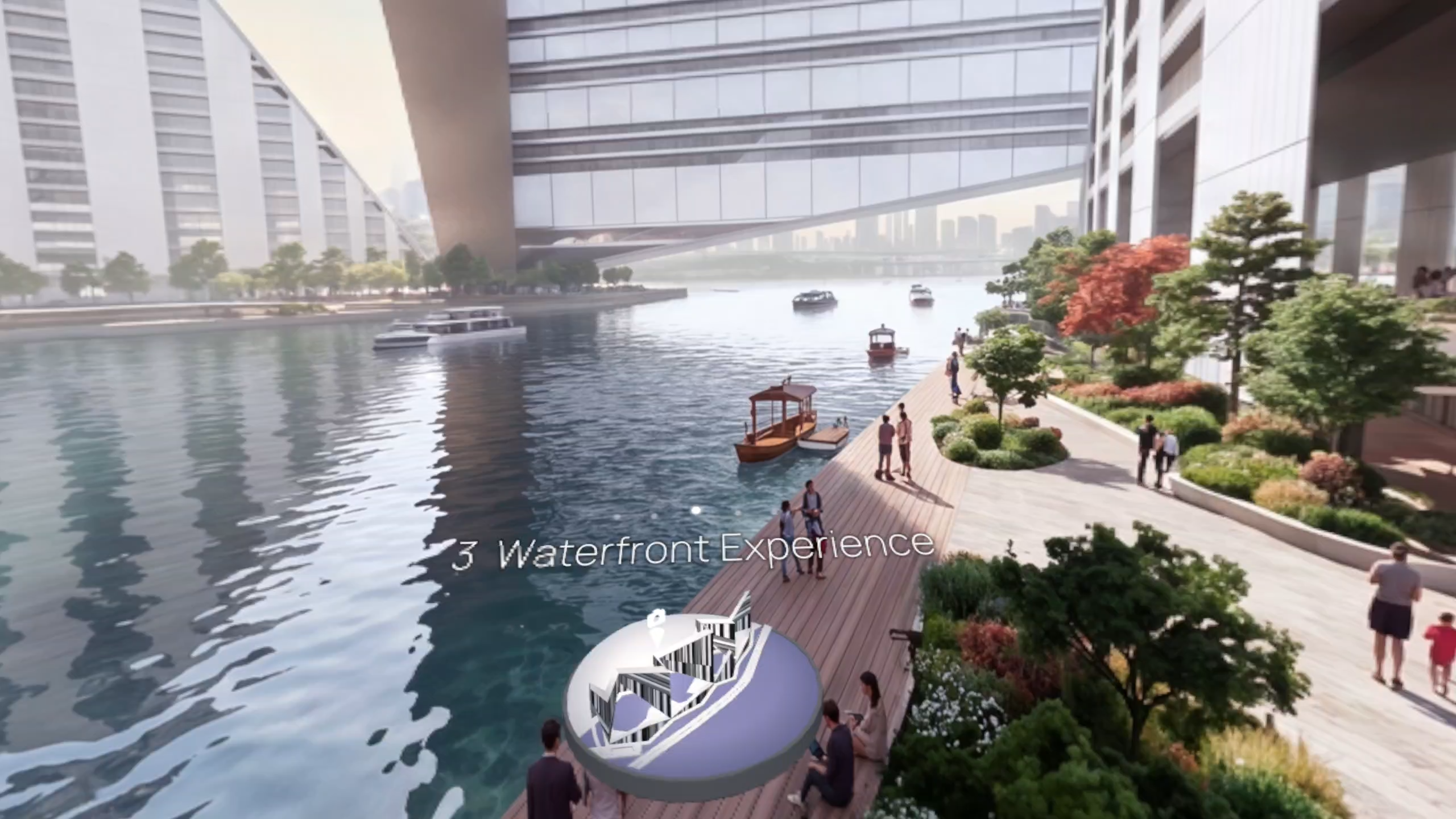
Creators save panoramic images, GLB models, and MP3 narration files to the headset’s local storage to build customized immersive presentations without coding. When no custom presentation content is found, MiniSphere loads a built-in Preview Project so users can explore the experience immediately.
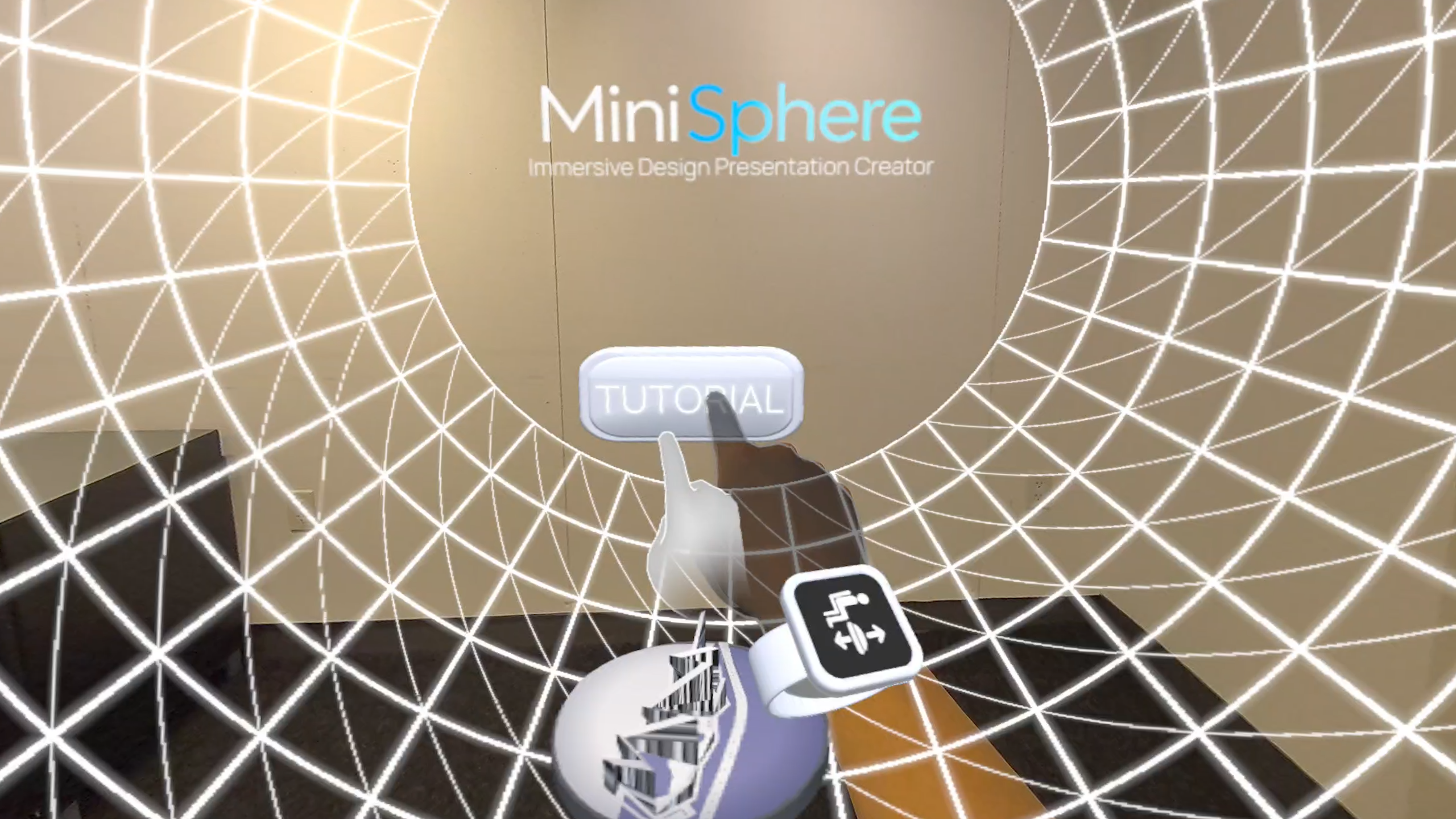
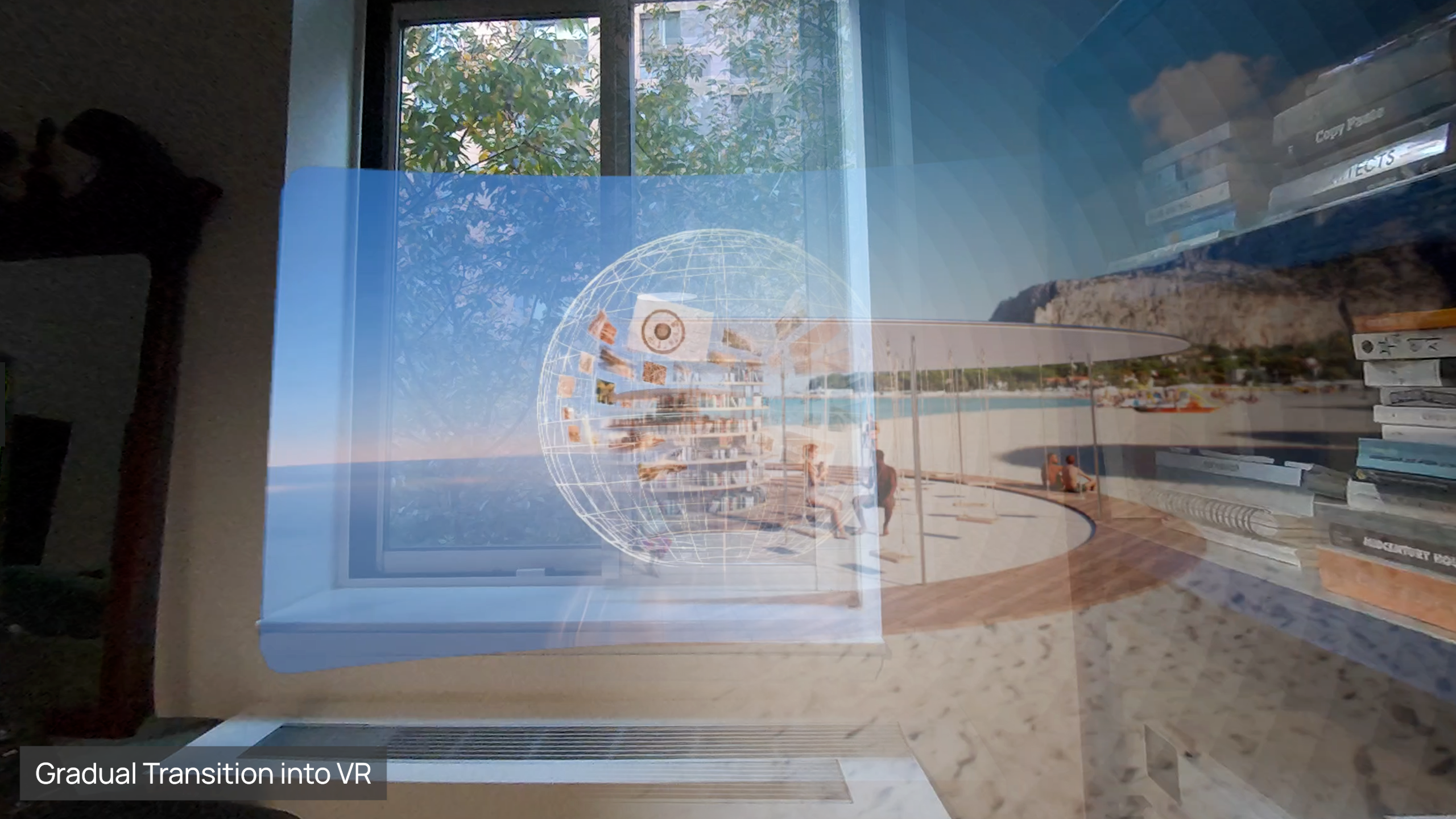
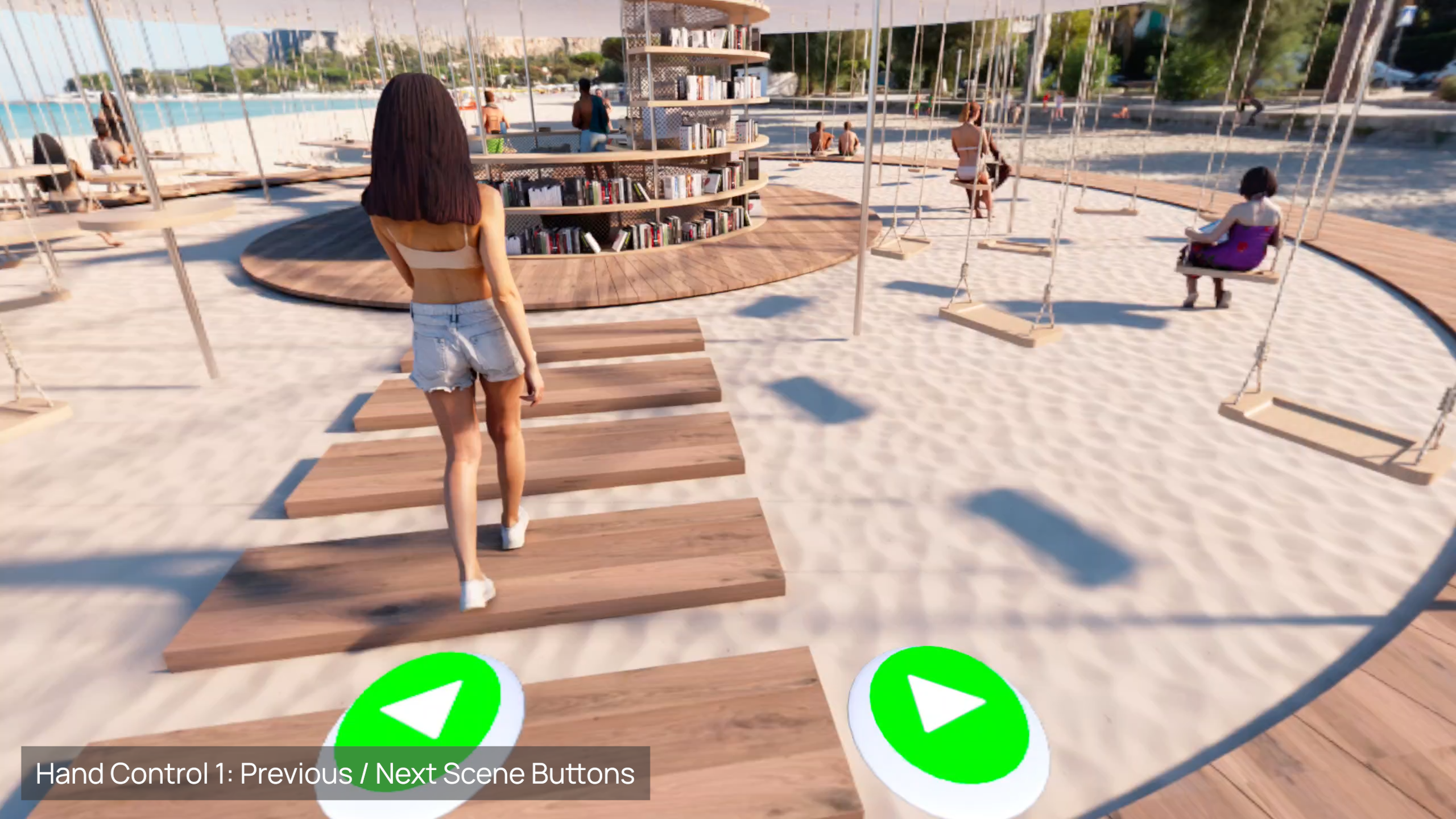
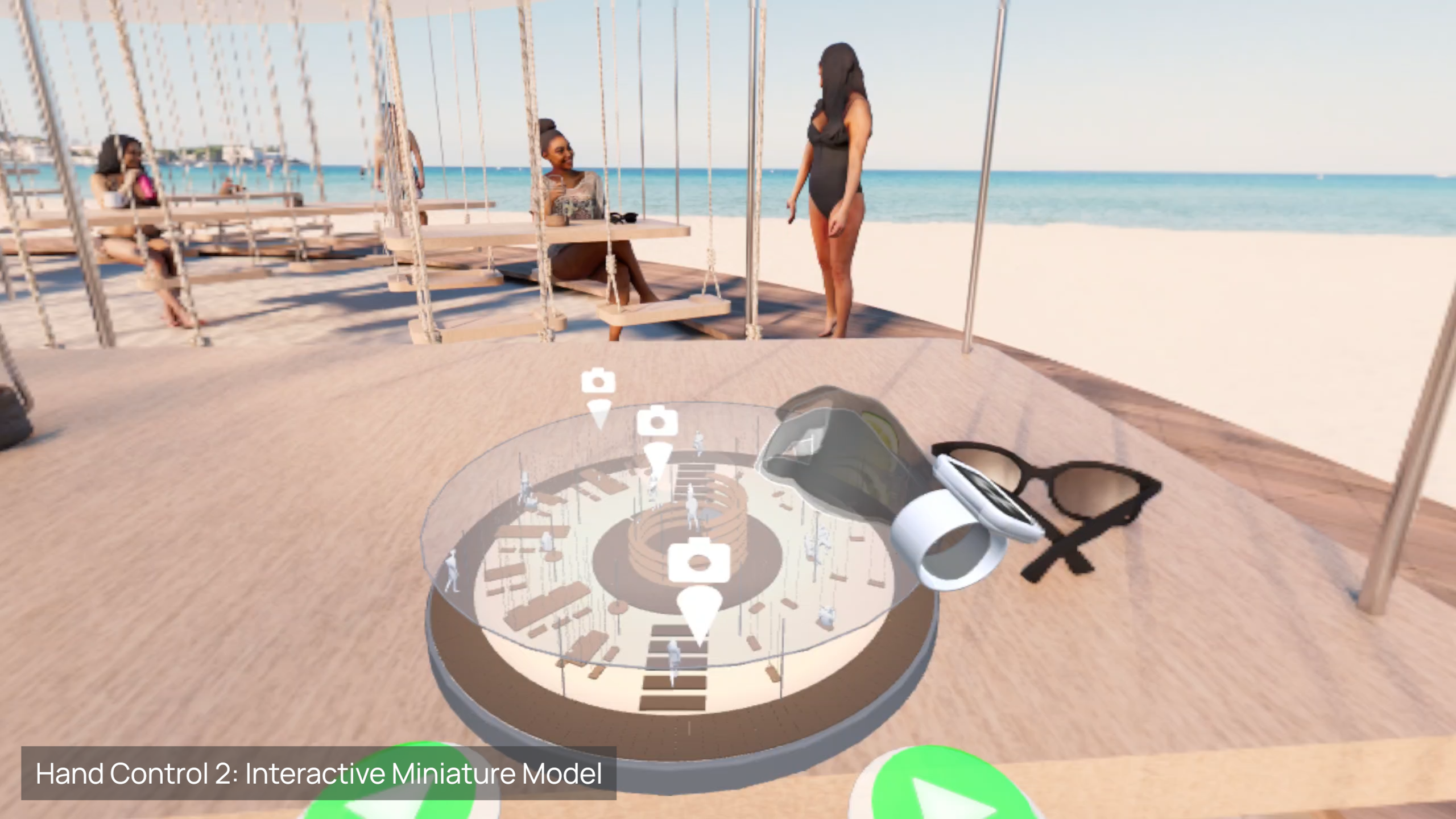
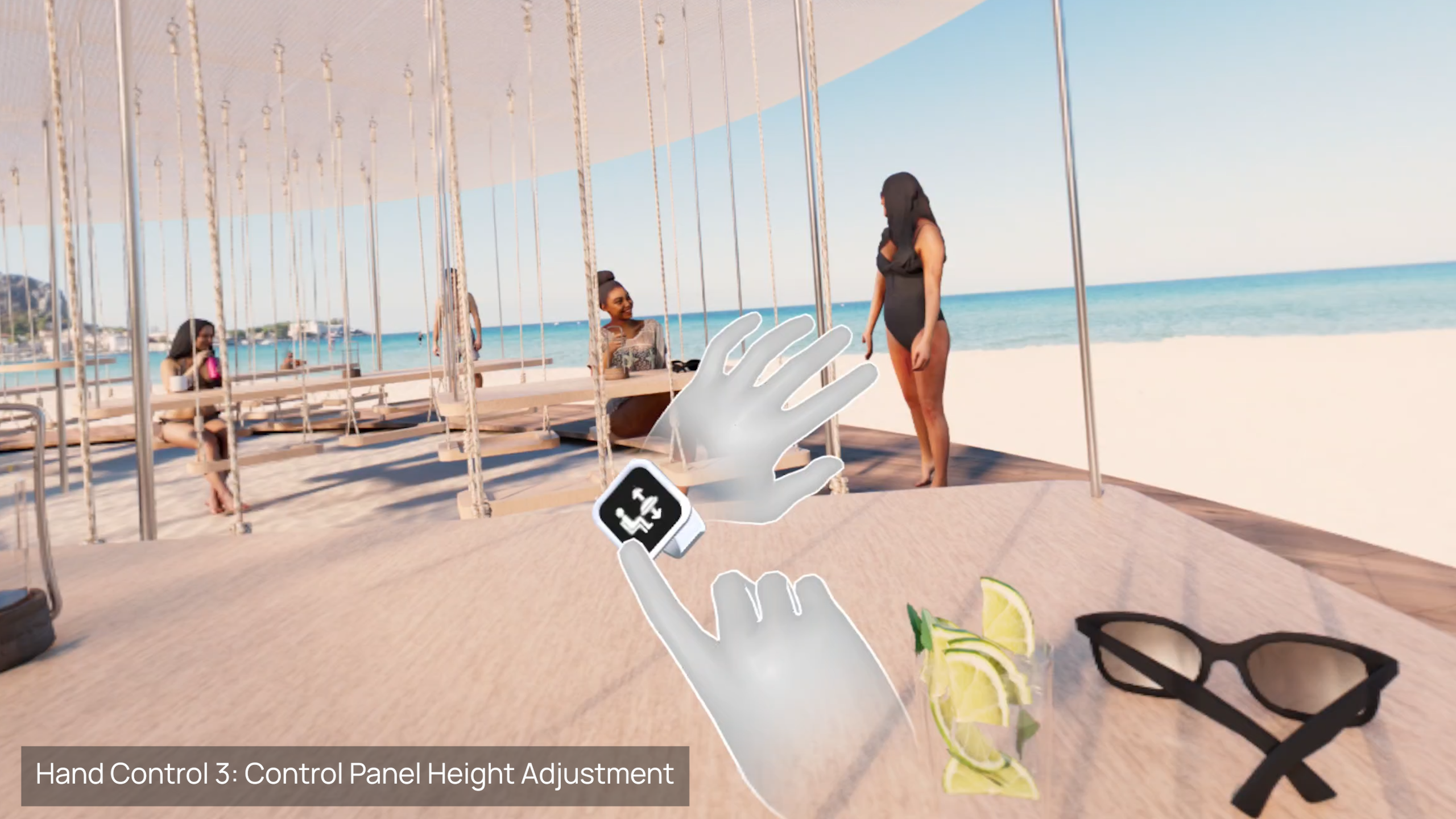
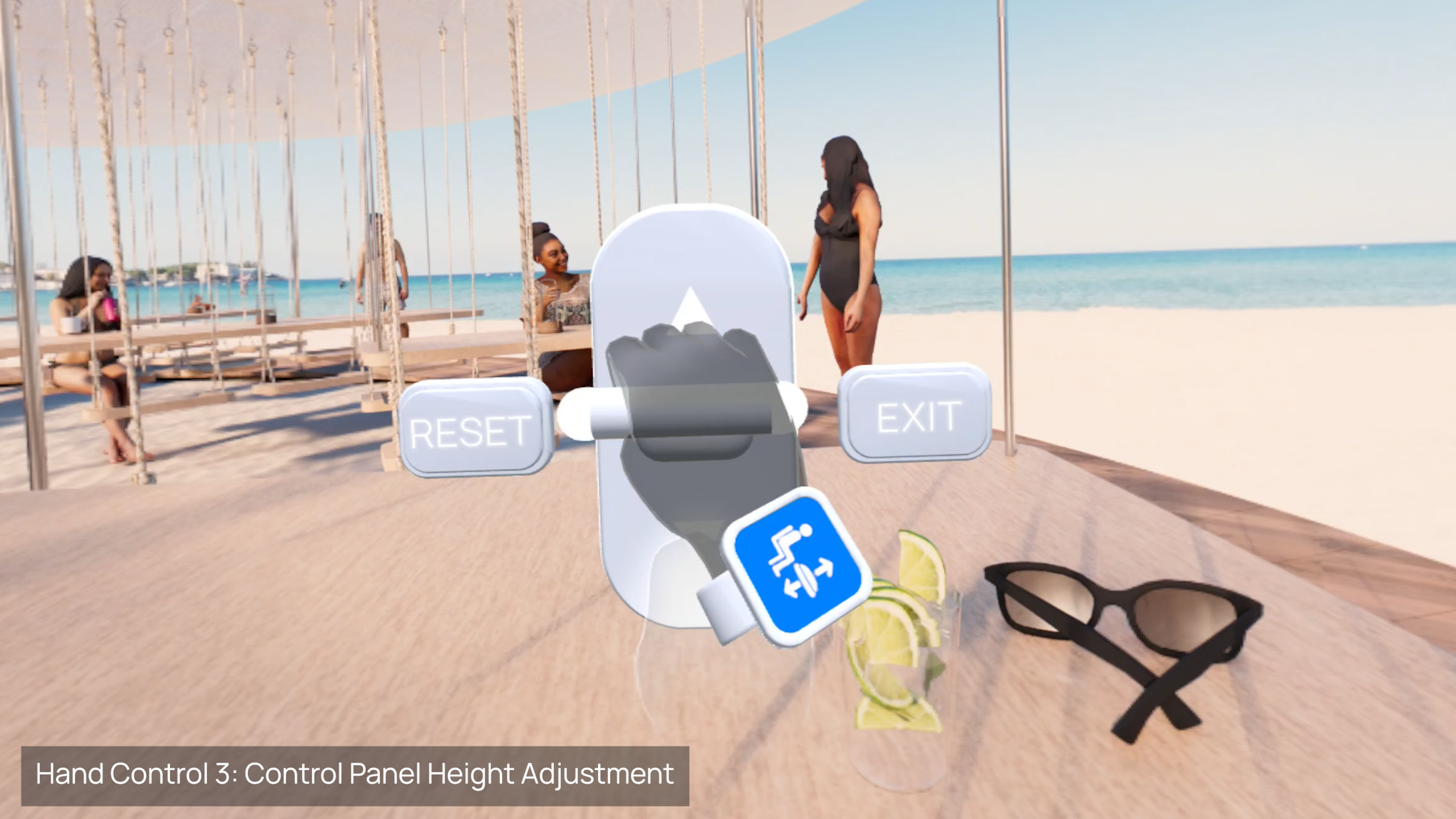
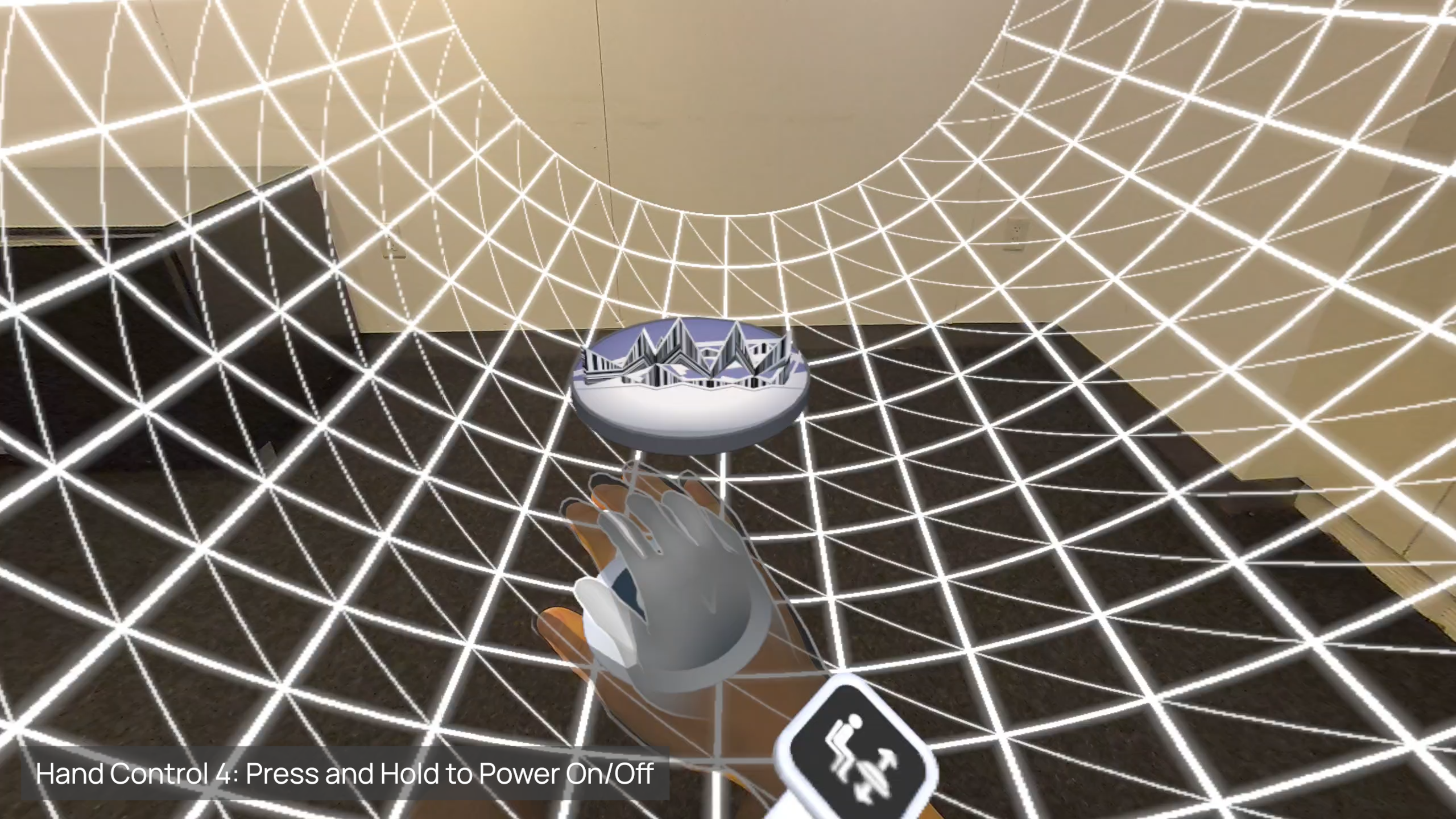
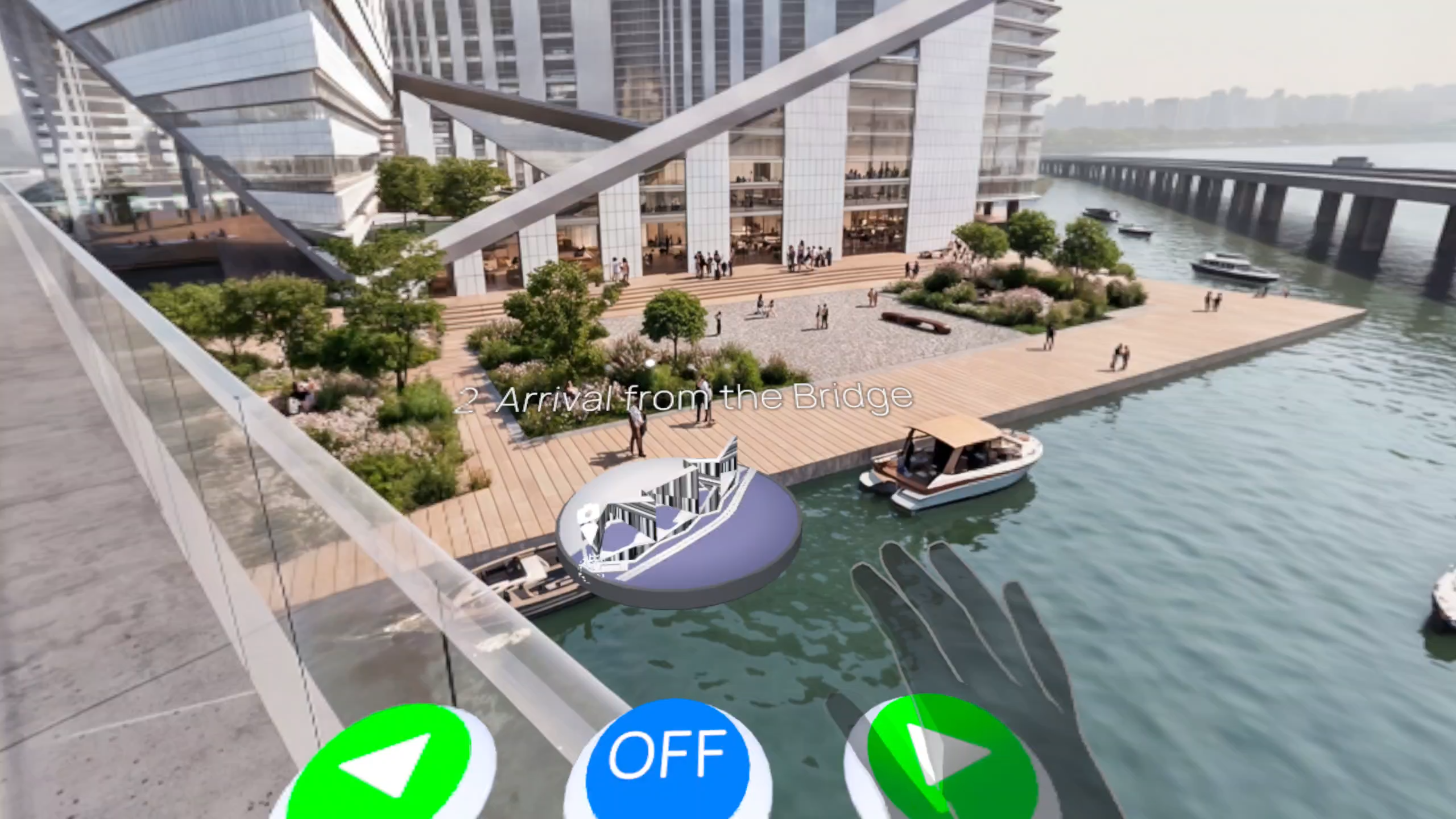
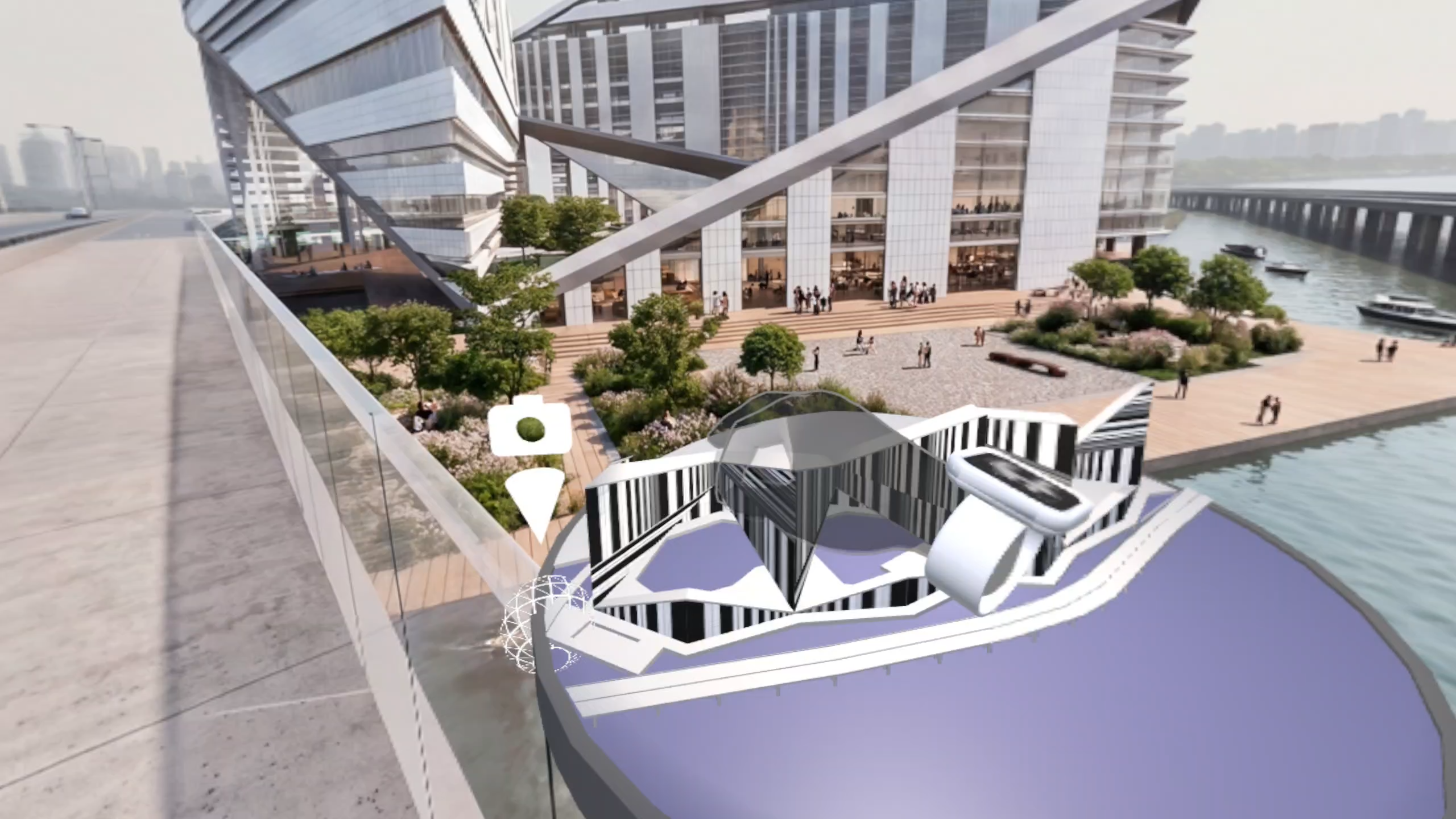
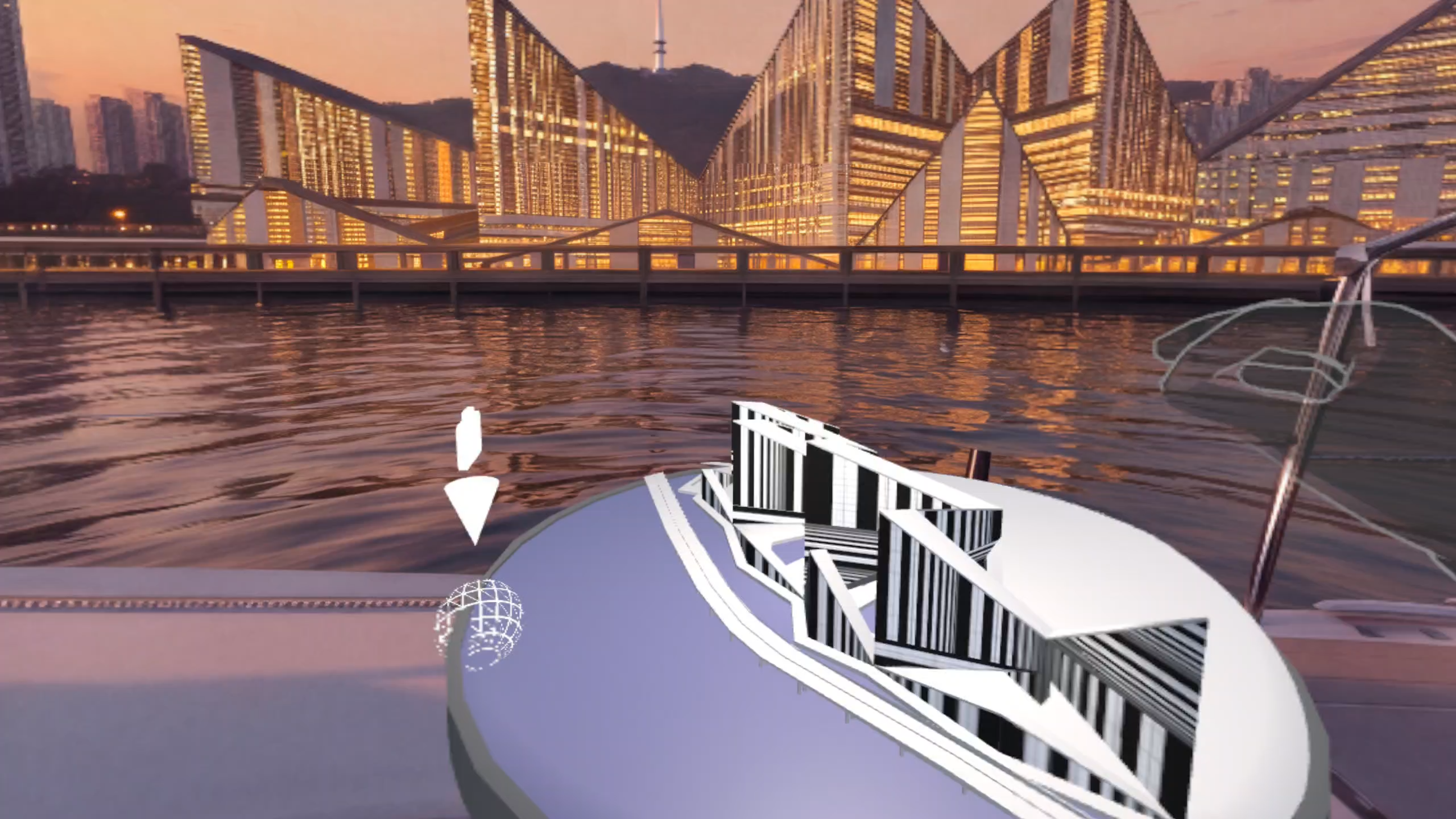
The experience features a gradual transition from mixed reality to VR, hand interactions for navigating scenes and adjusting the control panel’s height, and an interactive miniature 3D model that serves as a spatial map. Users can grab, rotate, and scale the model, while camera icons indicate the locations of corresponding panoramic views. A guided tutorial introduces these interactions to first-time VR users.
How we built it
MiniSphere was developed in Unity with Unity AI assistance for C# scripting, using Meta Quest 3 as the primary development and testing device.
The local-content workflow automatically scans Download > MiniSphere for panoramic images, GLB 3D models and MP3 narration files. Numbered image filenames determine the presentation sequence and appear as scene titles in the navigation interface. Narration files are sorted by filename and assigned to the corresponding scenes.
Local GLB models provide the interactive spatial map. Creators can define camera-location markers within their models using materials named “Camera XX.” MiniSphere scans these material assignments to position camera icons for the corresponding scenes, connecting the miniature model to the panoramic presentation.
Architectural models and panoramas were created using Rhino 3D and Enscape. AI image generation and upscaling were explored to enhance materials, populate scenes with people, and experiment with different times of day, seasons, and weather. Selected 3D interface assets were created with ChatGPT assistance.
Challenges we ran into
Dynamic Content Loading: Developing folder-scanning and filename-based sequencing logic to assemble local panoramic images and narration into presentations, while linking camera-location markers in GLB models to the corresponding scenes.
First-Time User Experience: Simplifying the user journey and tutorial, including a gradual MR-to-VR transition to make immersion more comfortable and less abrupt.
Spatial UI/UX: Balancing immersion and interface visibility while designing intuitive controls inspired by familiar physical objects around us.
3D Model Optimization: Optimizing architectural models in Rhino and Unity for standalone headset performance, stay focusing on lightweight massing models, similar to physical models commonly used in architectural presentations to discuss high-level ideas.
Accomplishments that we're proud of
As an architect without a software development background, I'm proud to have built a reusable XR application for practical architectural presentations.
It was especially exciting to see how my understanding of spatial dimensions, human scale, and physical interactions translated into an intuitive UI/UX design in an XR environment.
What we learned
Architectural design methods, from dimensioned hand sketches to quick 3D models, can be surprisingly effective in communicating design ideas and guiding AI-assisted development.
Limits and Potential of AI-Generated Panoramas: My testing showed that a minimum resolution of 8K was needed for convincing visual clarity. AI image and video generation, as well as upscaling, remain less consistent with panoramic imagery than with conventional flat images, but offer exciting potential for creating more dynamic immersive scenes.
What's next for MiniSphere
I envision MiniSphere evolving from a presentation tool into a two-way design communication platform.
Future features could enable audiences to vote on design alternatives or leave voice feedback, creating a dialogue between designers and community stakeholders.
Cloud-based project management could simplify content distribution without manual file transfers via cable, while multiplayer capabilities could enable group immersive experiences.
