-
-
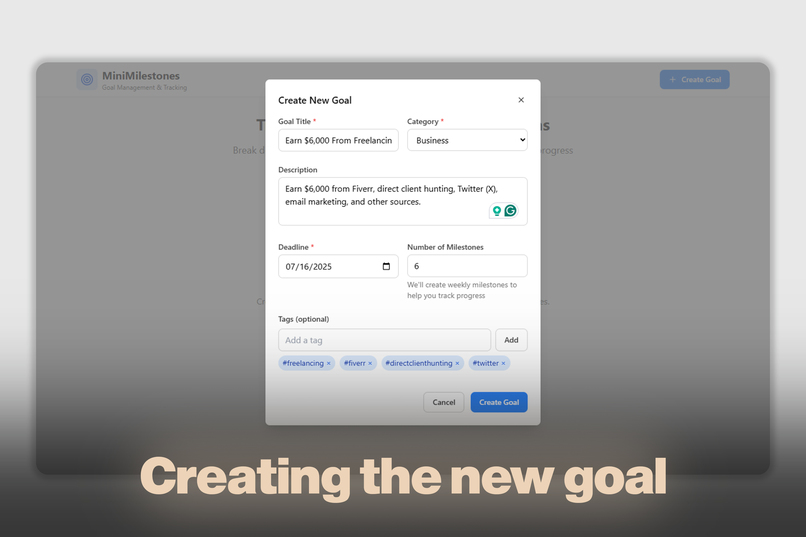
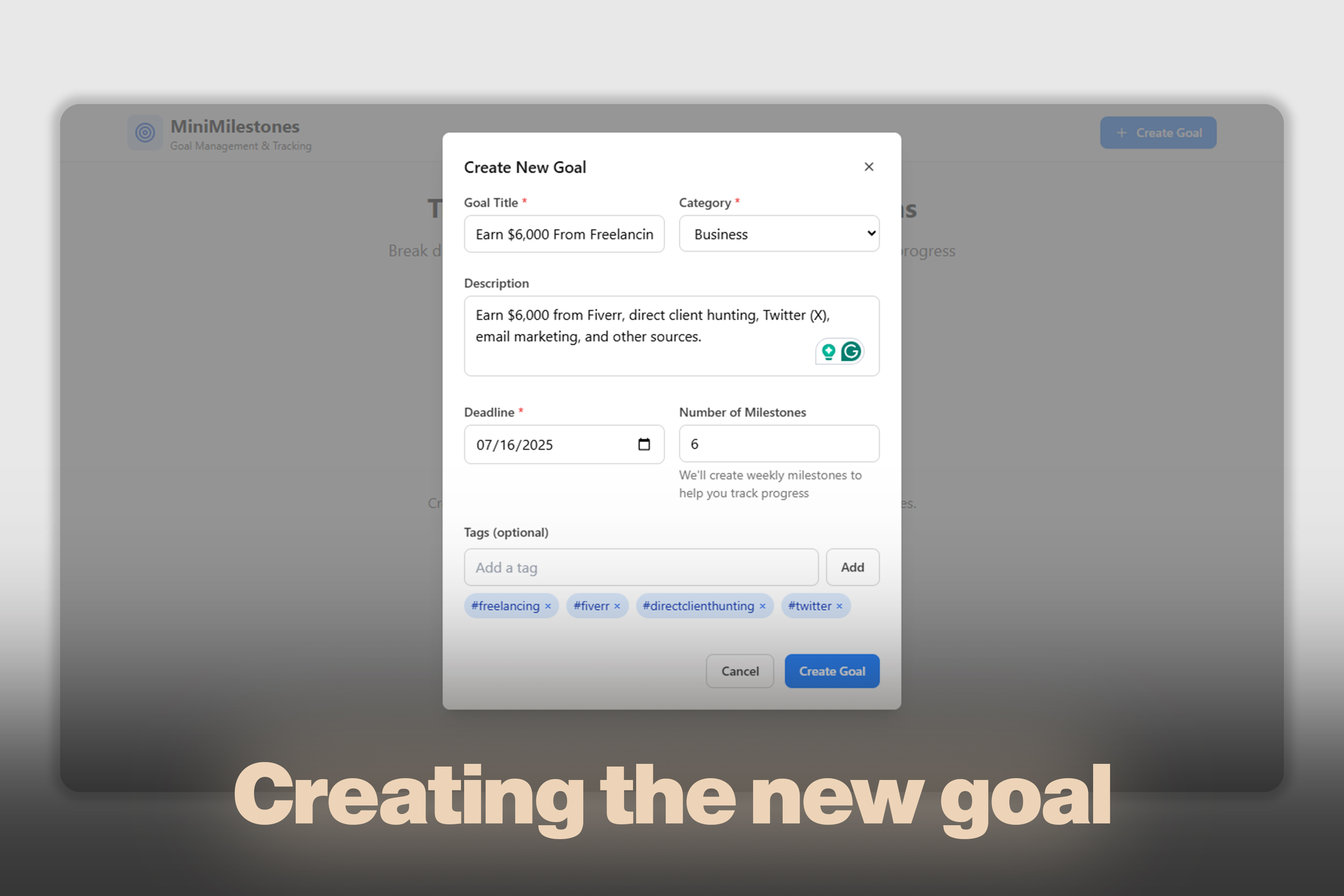
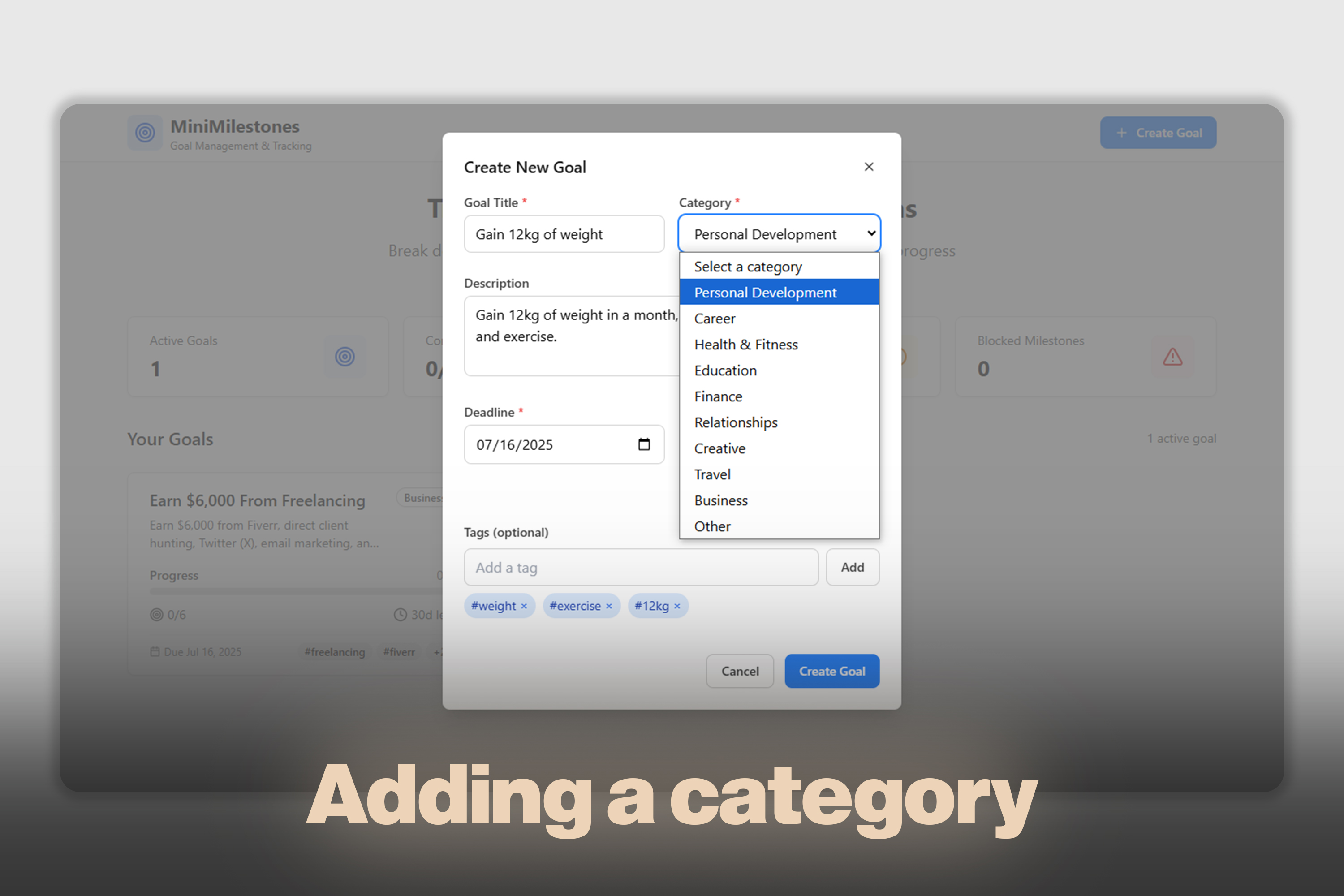
Creating a new goal.
-
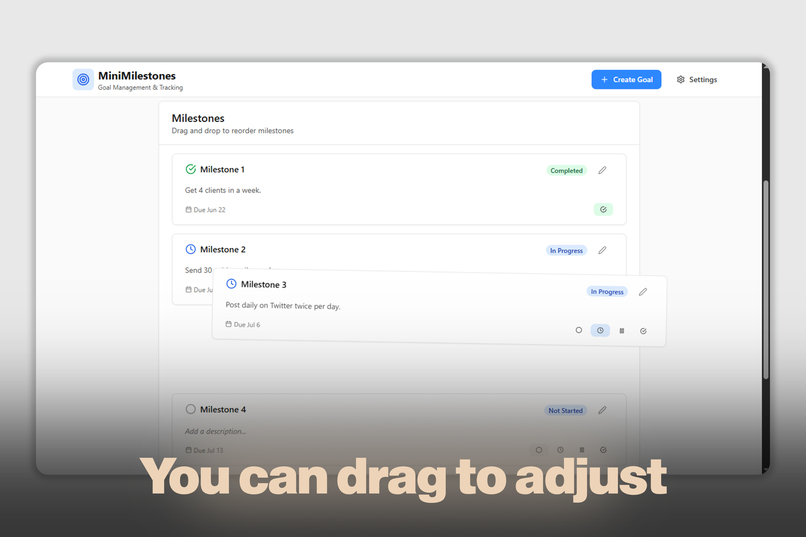
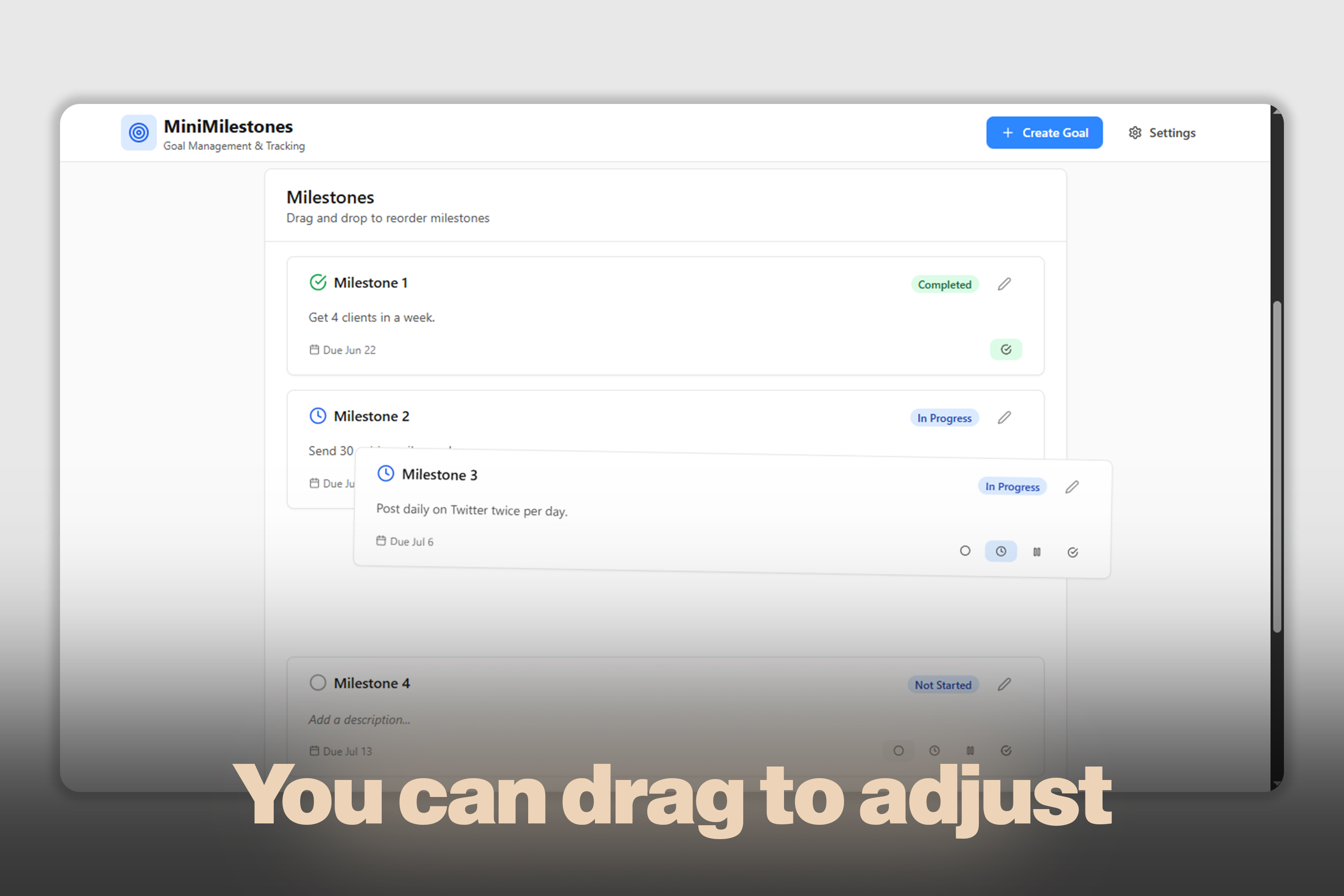
You can drag to adjust your milestones.
-
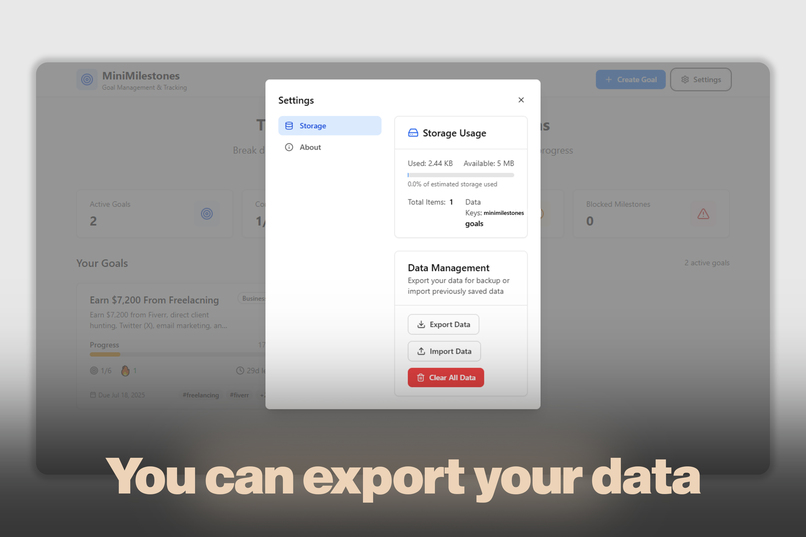
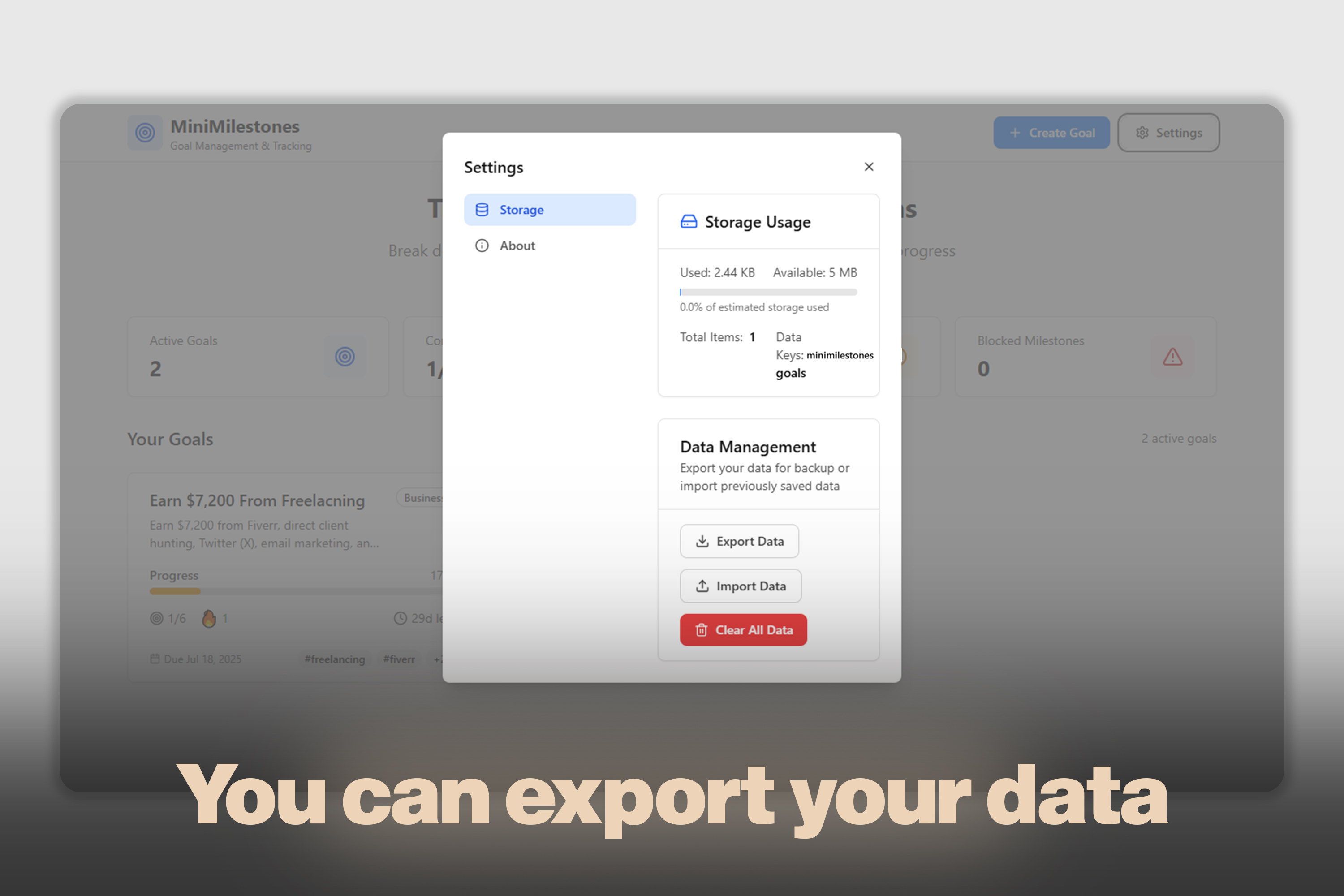
You can export your data and import it into a new device to sync everything (In beta version).
-
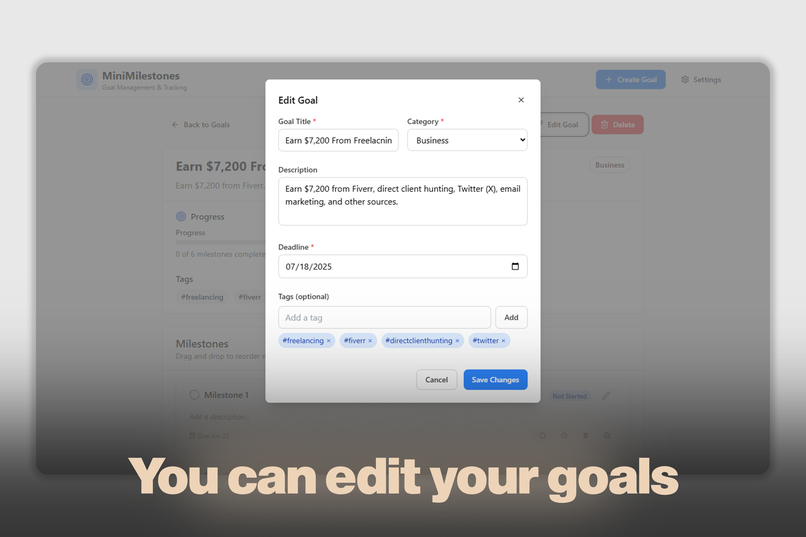
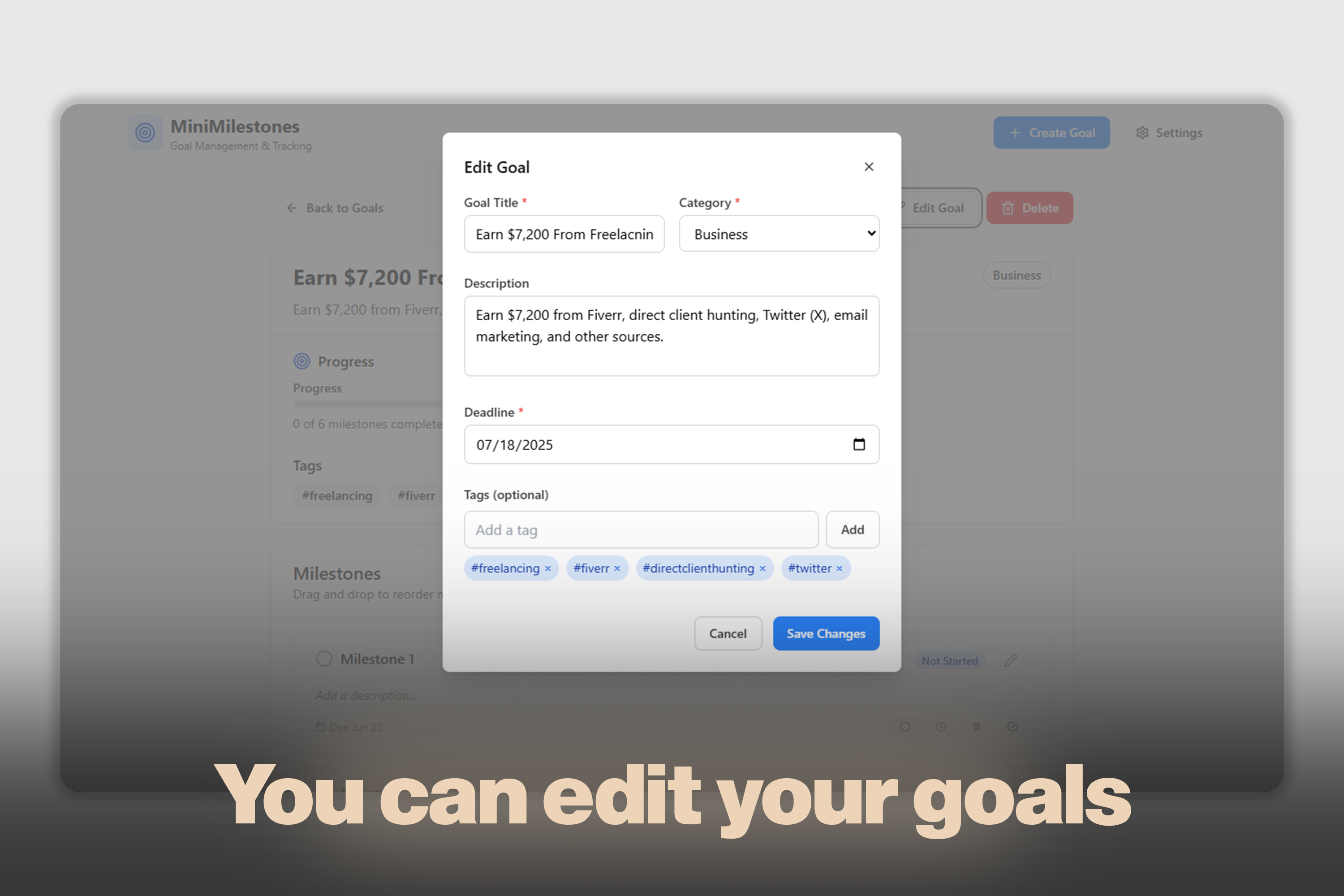
You can edit your goals.
-
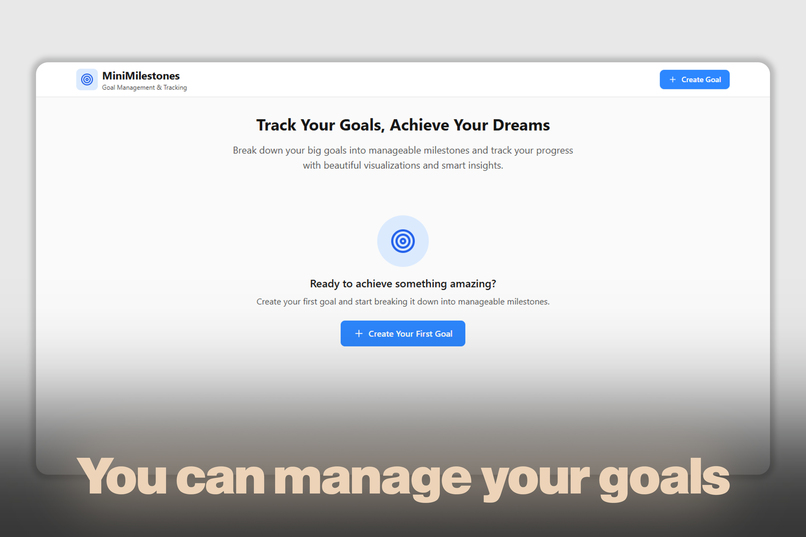
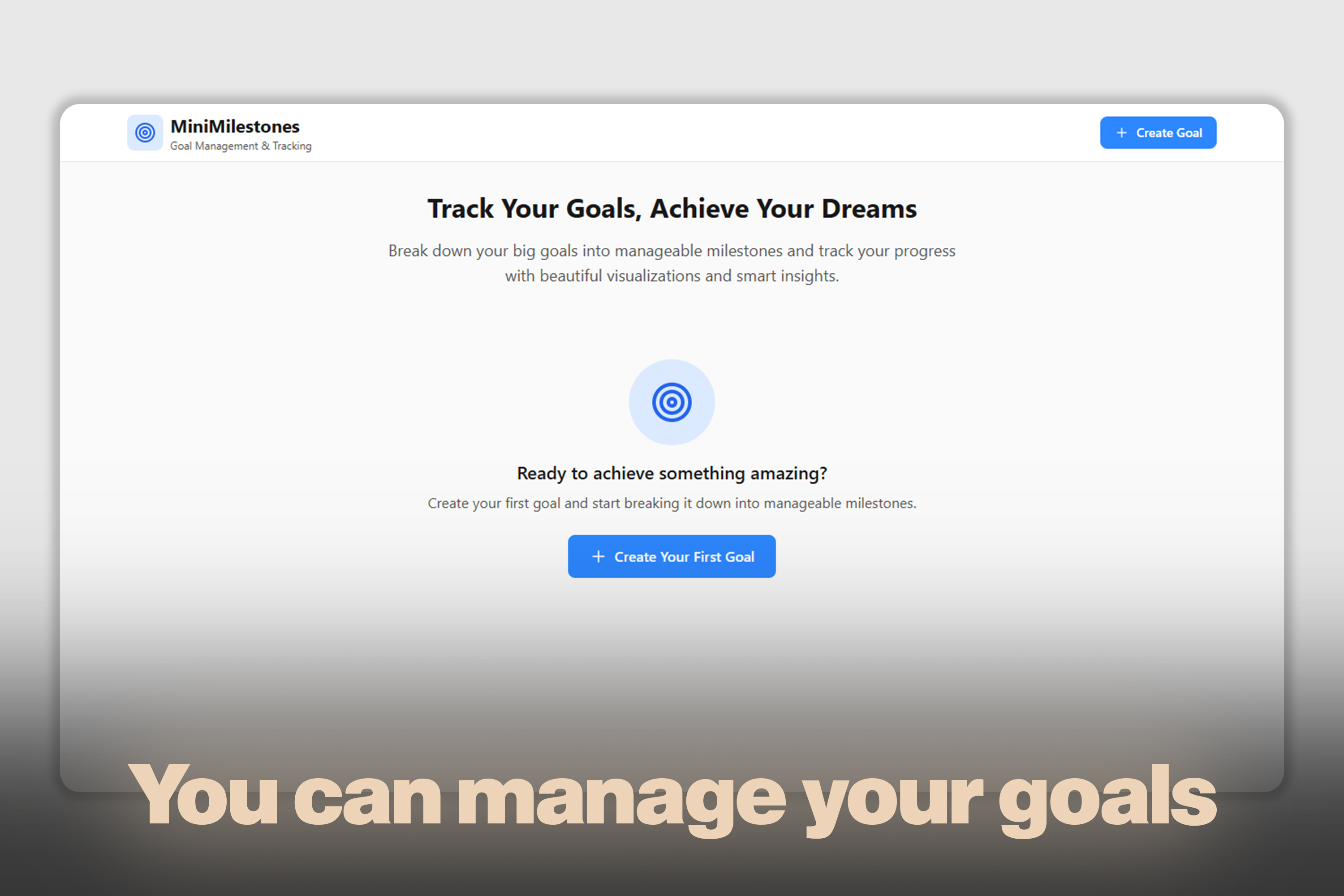
The main interface allows you to create your goals.
-
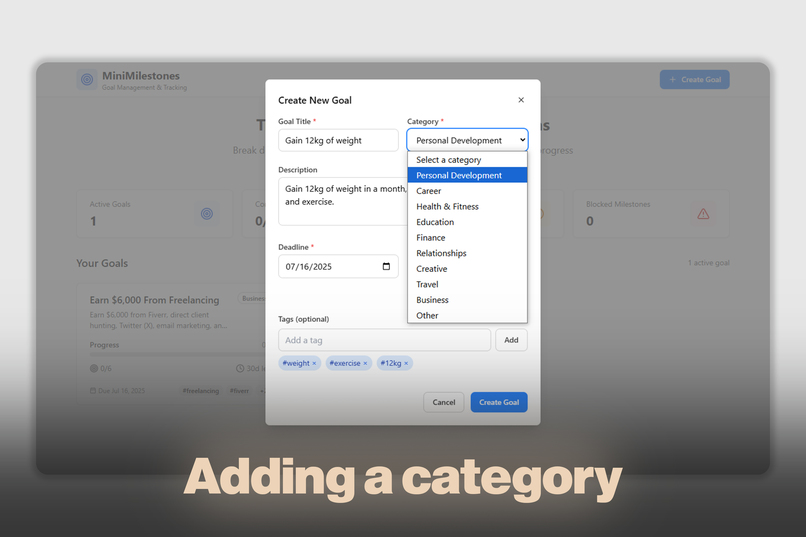
Adding a category.
-
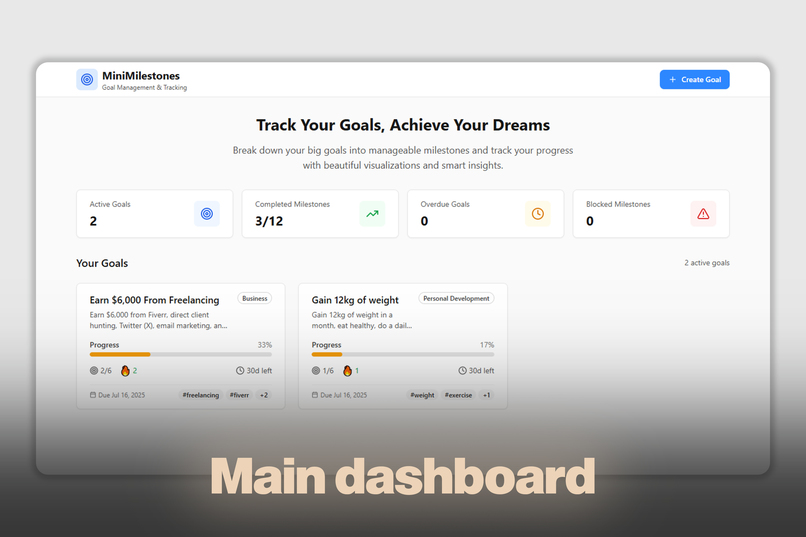
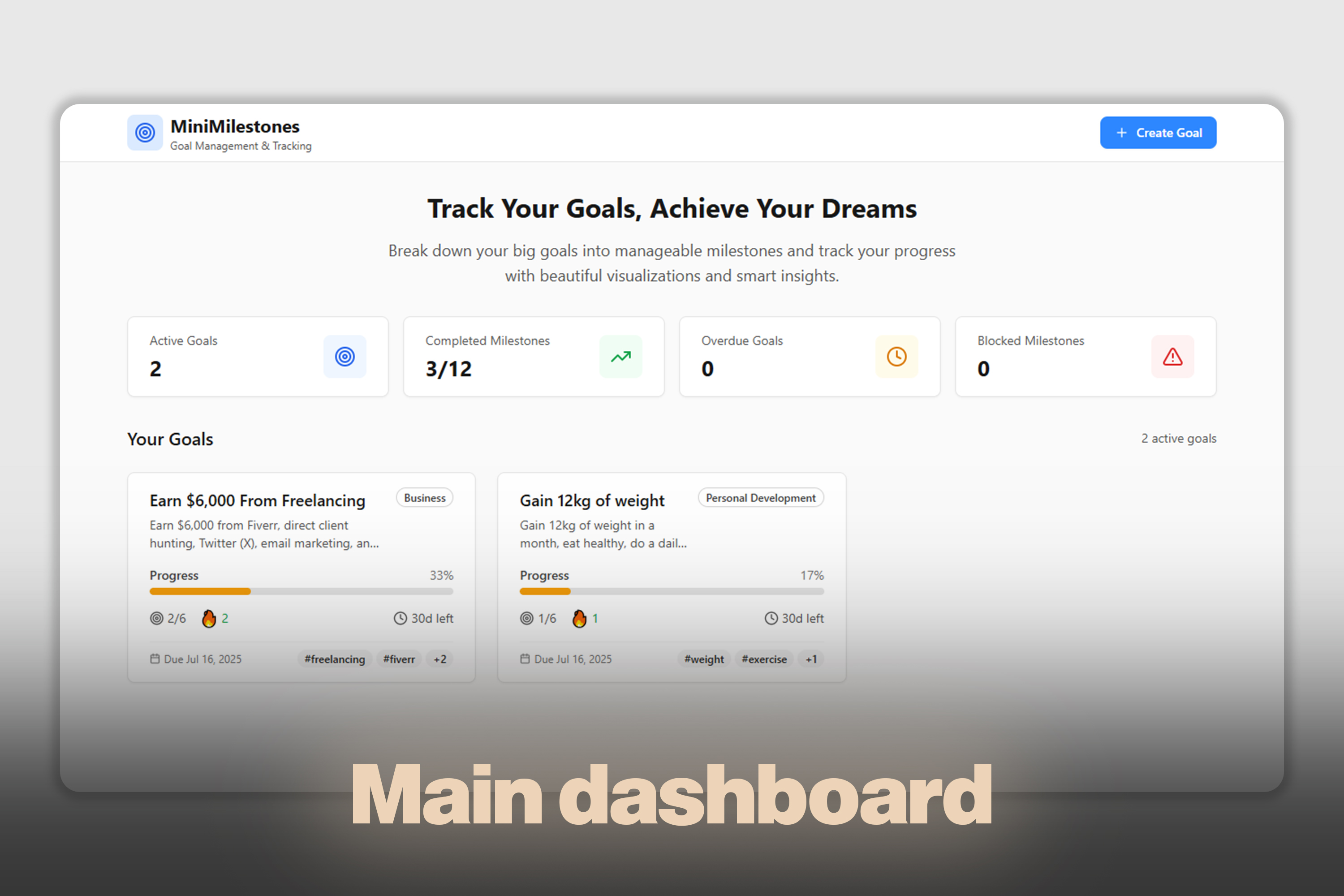
The main dashboard, after creating your goals. All your goals are shown here.
-
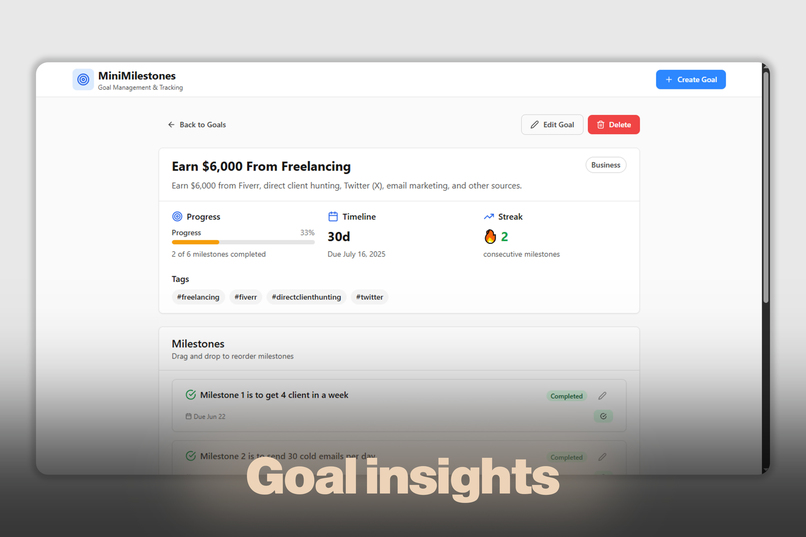
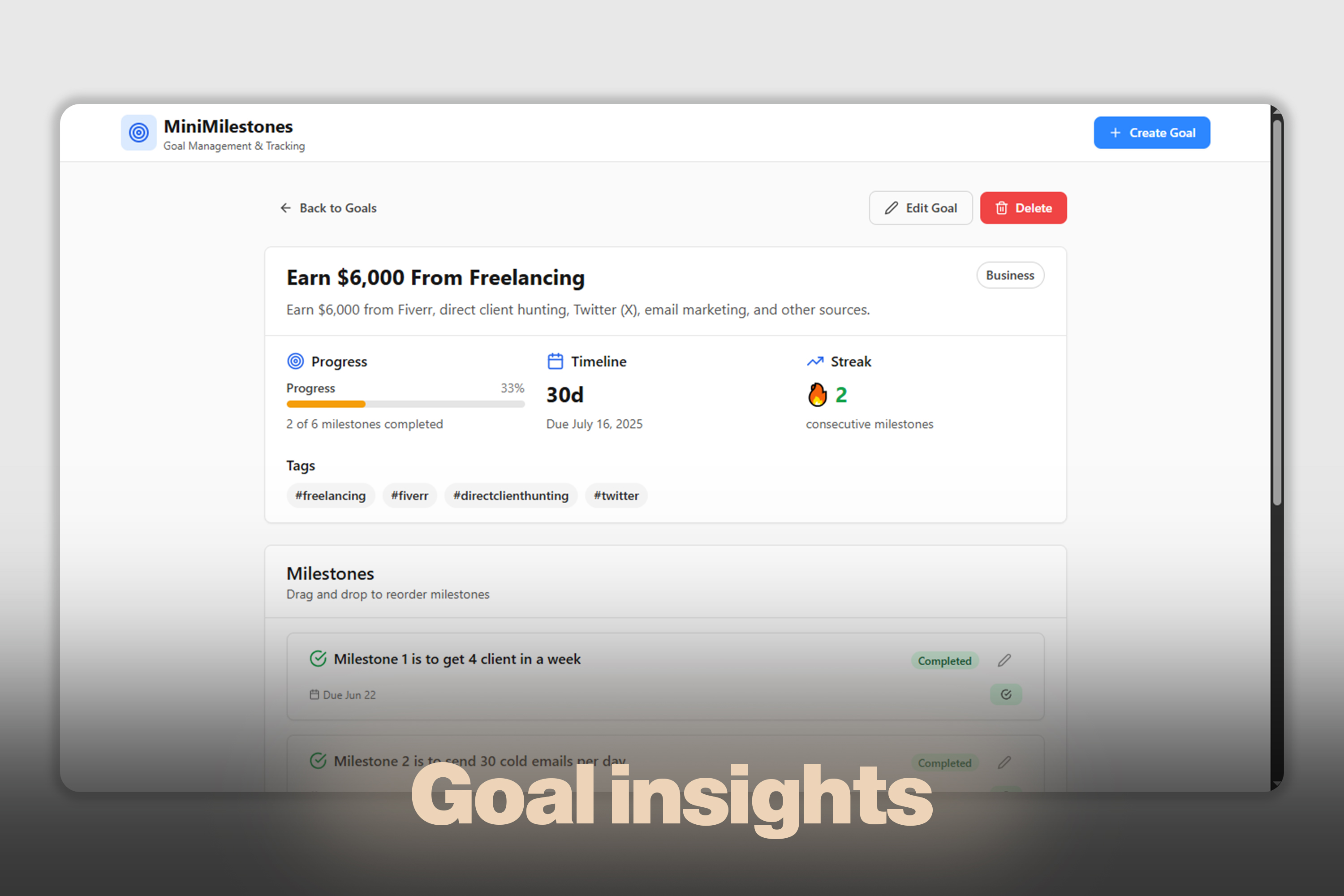
Goal insights to boost productivity.
The idea behind MiniMilestones came entirely from my own experiences.
I wasn’t inspired by any existing application — this is a personal solution to a universal problem: people often set goals but struggle to follow through. I wanted to build something that simplifies goal management by breaking big goals into small, achievable milestones — hence, MiniMilestones.
What it does
MiniMilestones is a web-based application that helps users manage their goals and track their progress through mini milestones. It empowers individuals to:
Create and categorize personal or professional goals Automatically break goals into weekly milestones Track progress visually with status indicators Organize tasks with drag-and-drop reordering Export and import goal data for device portability Monitor progress through dashboards and analytics
Everything is designed with usability, structure, and motivation in mind.
How I built it
I built the project solo using the Bolt AI vibe coding platform. The tech stack includes:
React 18 + TypeScript: For component-driven, scalable front-end development Tailwind CSS: For responsive, modern UI styling React Beautiful DnD: To enable drag-and-drop milestone organization Date-fns: For date manipulation and timeline calculations Vite: For lightning-fast development and optimized builds Lucide Icons: For consistent and professional iconography
Local storage is used for data persistence with import/export functionality for backups. The architecture is extensible, and key components are modular for easy updates and scaling.
Challenges I ran into
One of the biggest challenges was implementing a real, sync-capable database for user logins and cross-device data persistence. In this prototype version, data is stored locally, which works well but doesn’t support cloud sync yet. Ensuring smooth drag-and-drop UX and building a clean, responsive interface also demanded careful attention to detail.
Accomplishments that I'm proud of
A consistent, modern UI design that balances aesthetics and functionality A self-developed idea from scratch, with no external inspirations Fully functioning prototype using local storage with backup/restore options Clean modular codebase and thoughtful component structure Gamified features like streak tracking and urgency indicators
What I learned
This solo build taught me a lot about:
Patience during long debugging sessions Solving real UI/UX problems efficiently Managing state effectively in React Building extensible, production-ready architecture Handling user feedback and creating smooth user flows
What's next for MiniMilestones - Goal Management & Milestone Tracking App
The project is already architected to support a wide range of future enhancements:
Cloud Synchronization: Sync data securely across multiple devices Team Collaboration: Work with others on shared goals and group milestones Advanced Analytics: Deeper insights into user habits and performance Mobile App Development: A companion app for on-the-go access Productivity Tool Integrations: APIs to connect with popular tools like Notion, Trello, or Google Calendar
Built With
- date-fns
- lucide-icons
- react-18-+-typescript
- react-beautiful-dnd
- tailwind-css
- vite

Log in or sign up for Devpost to join the conversation.