Inspiration
I have dozens of app icons on the Home Screen of my phone. I wanted to reduce distractions, wanted something simple, and challenged myself to create the app using Swift — a language I didn’t know. The design is inspired by several apps on the App Store.
What it does
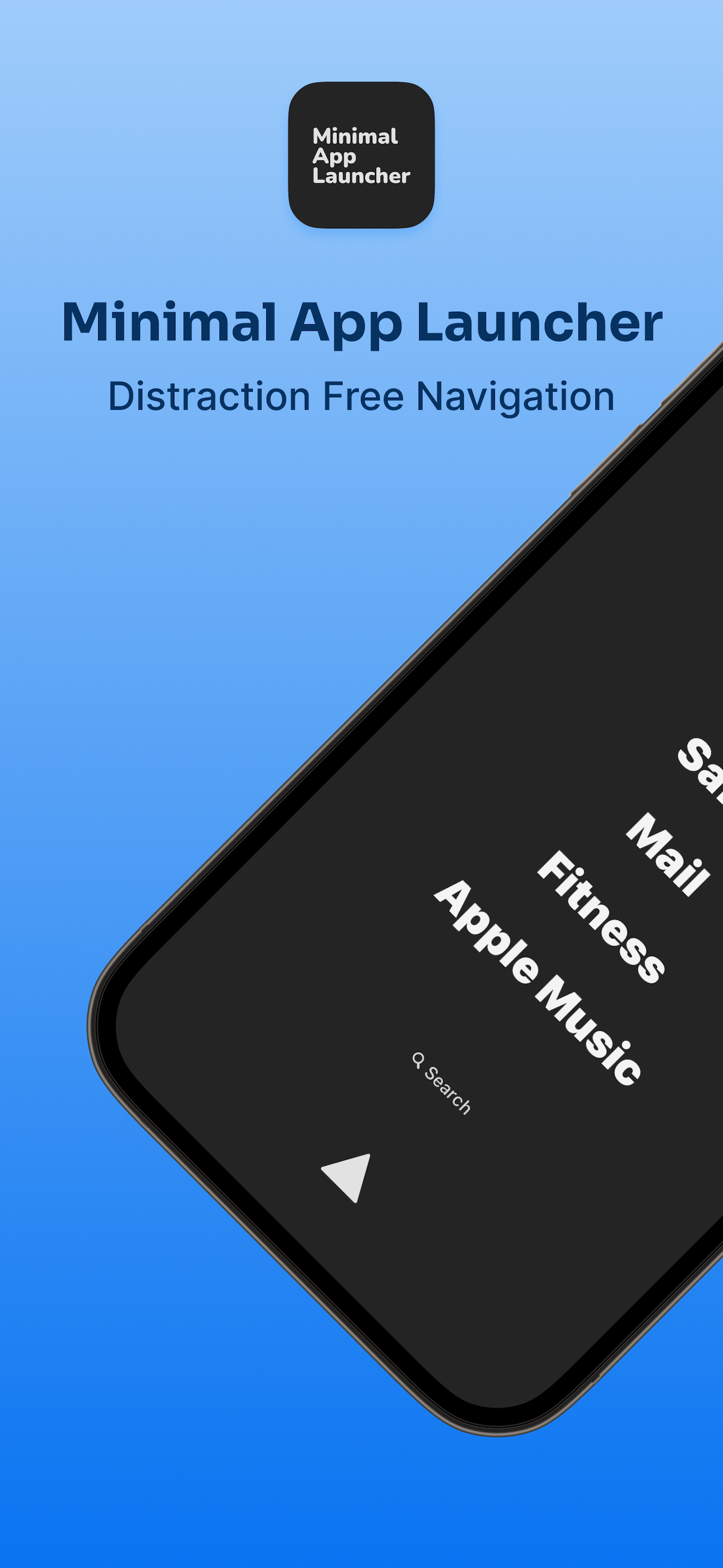
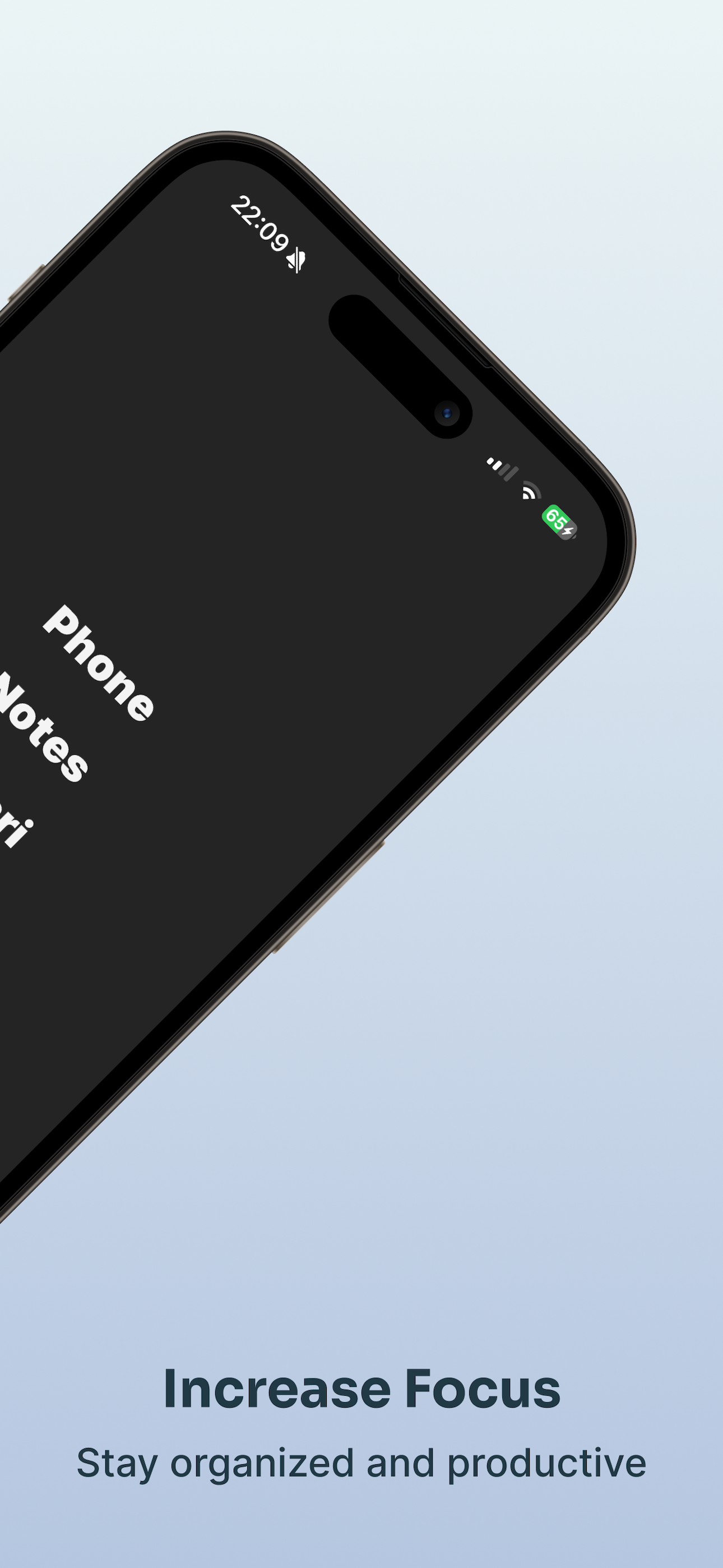
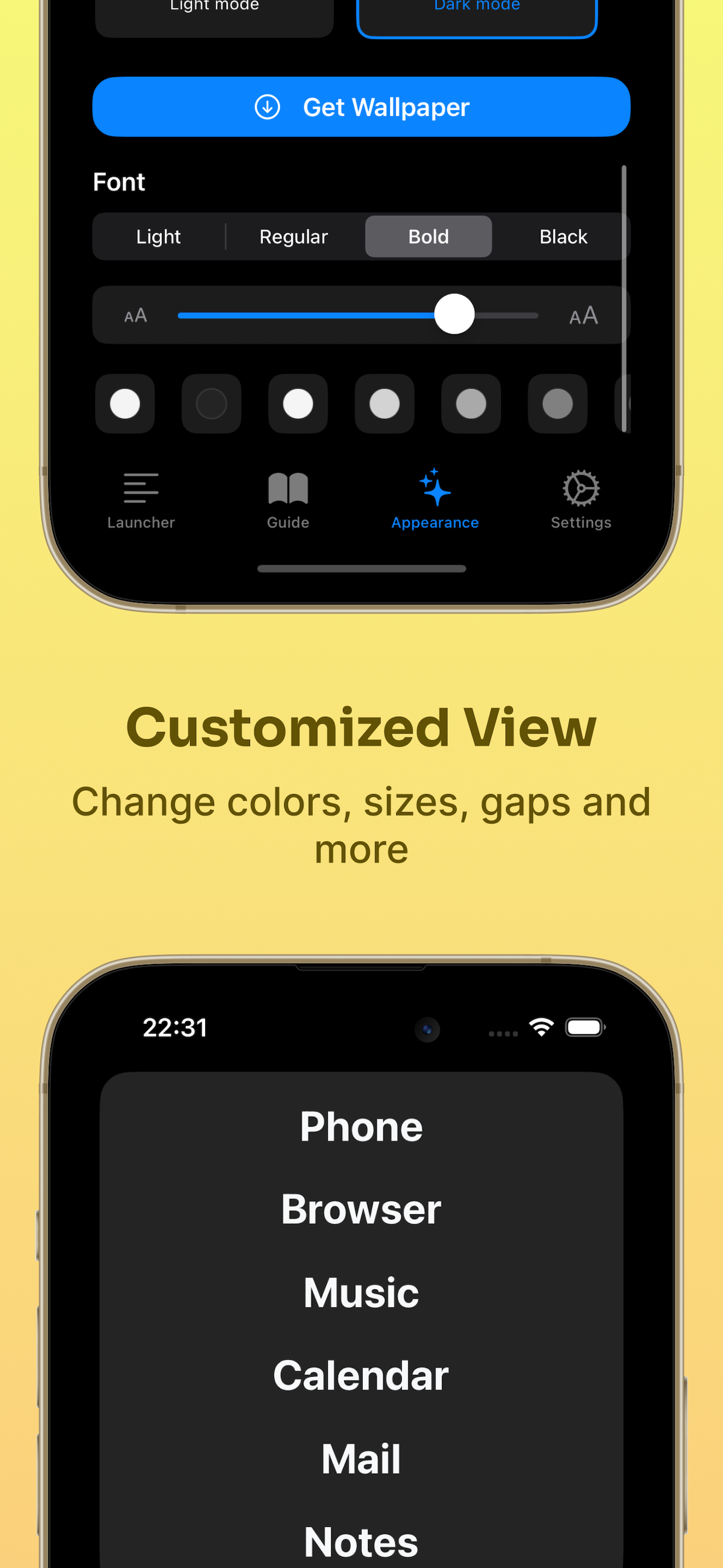
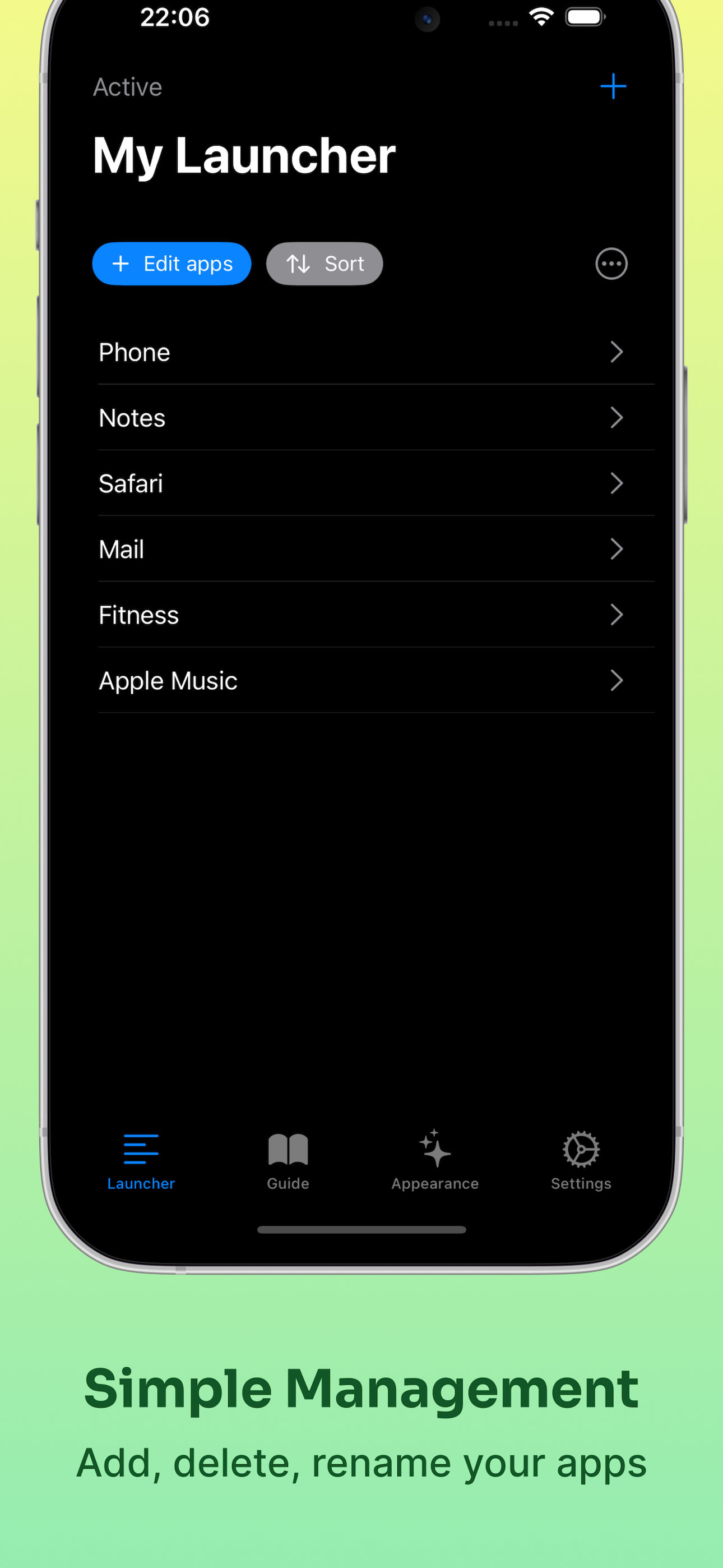
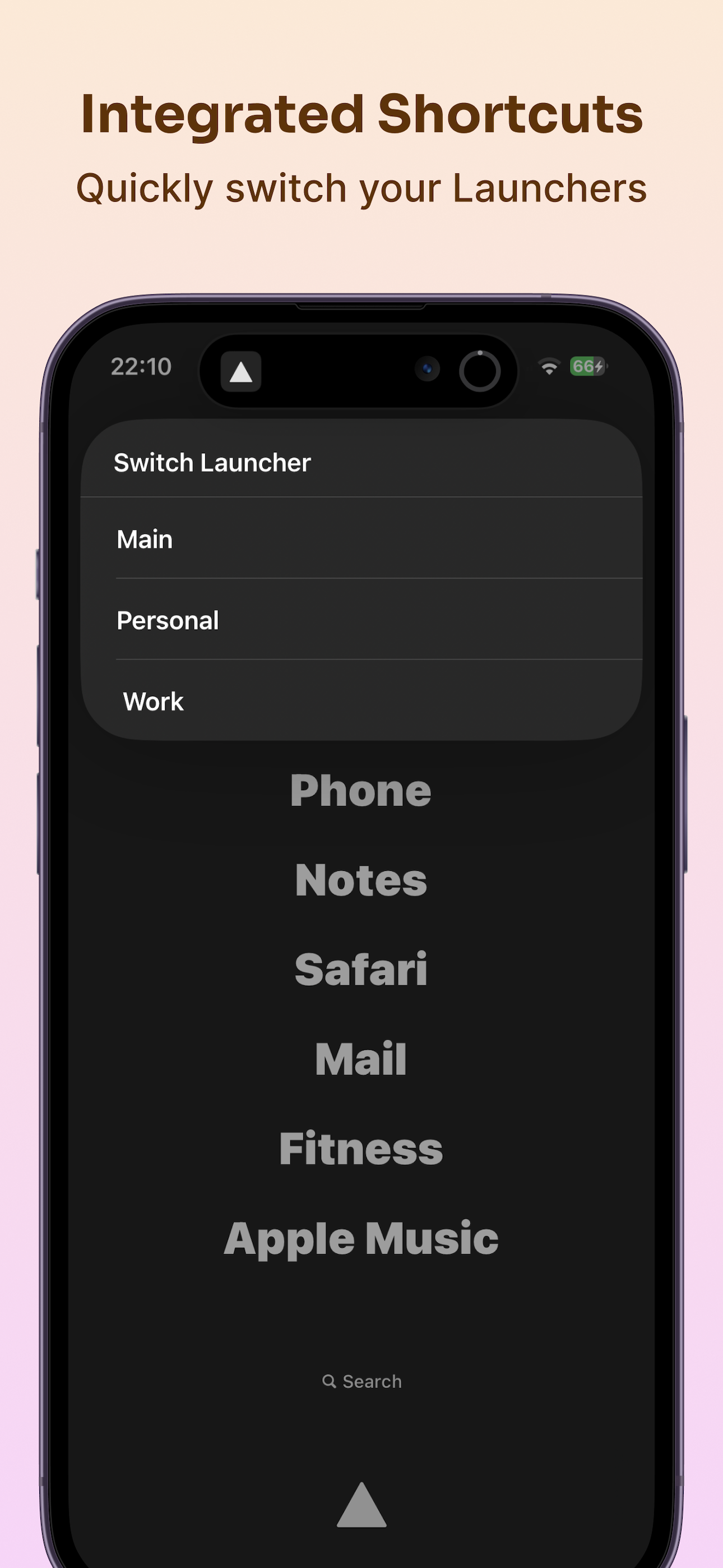
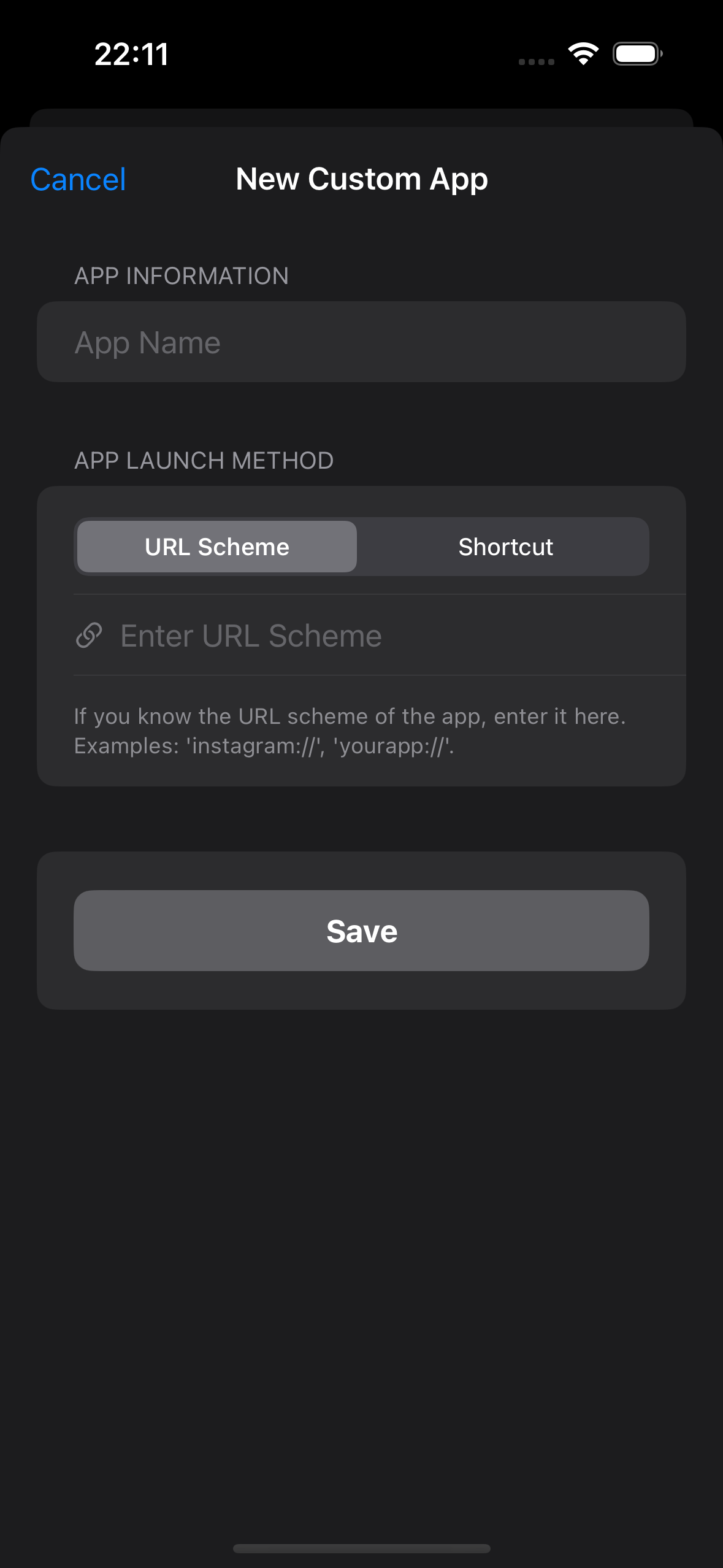
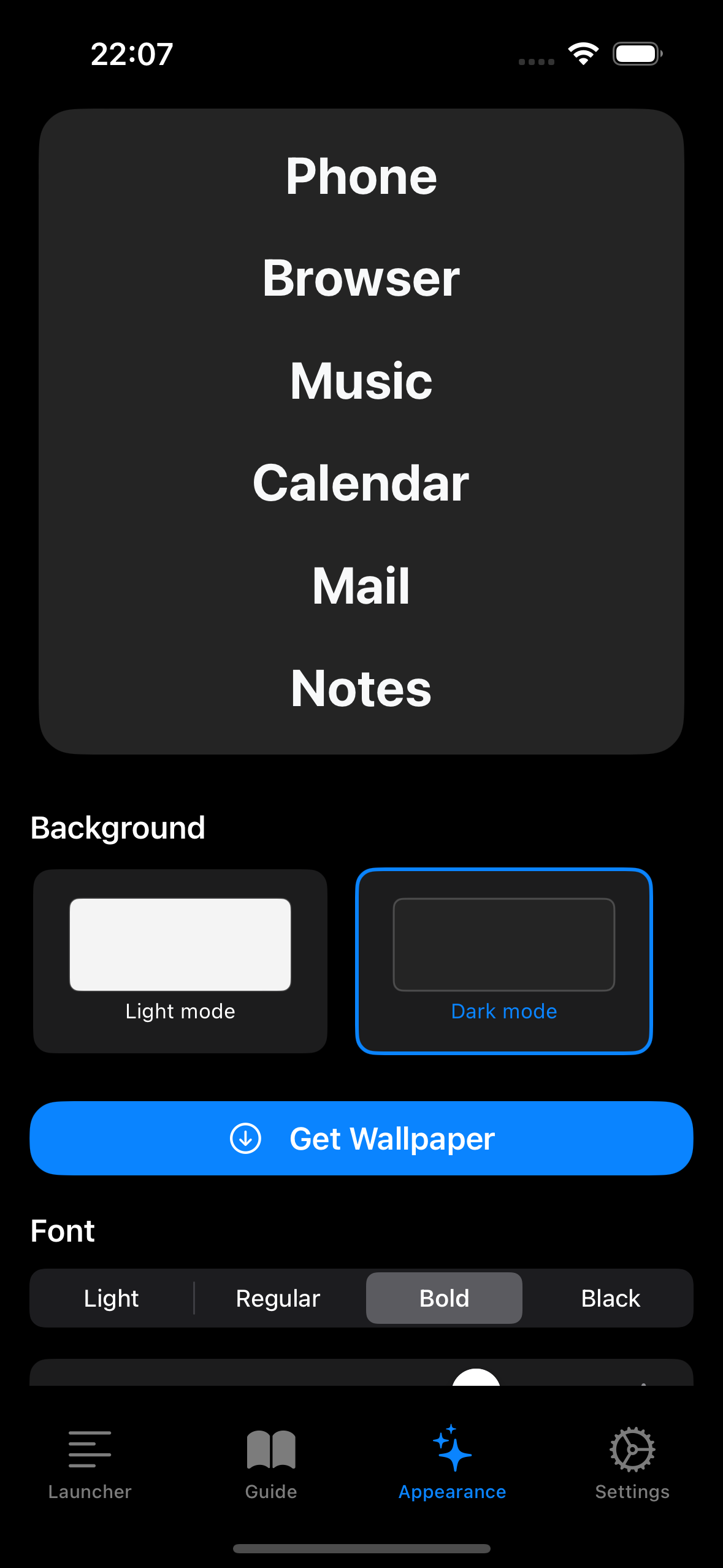
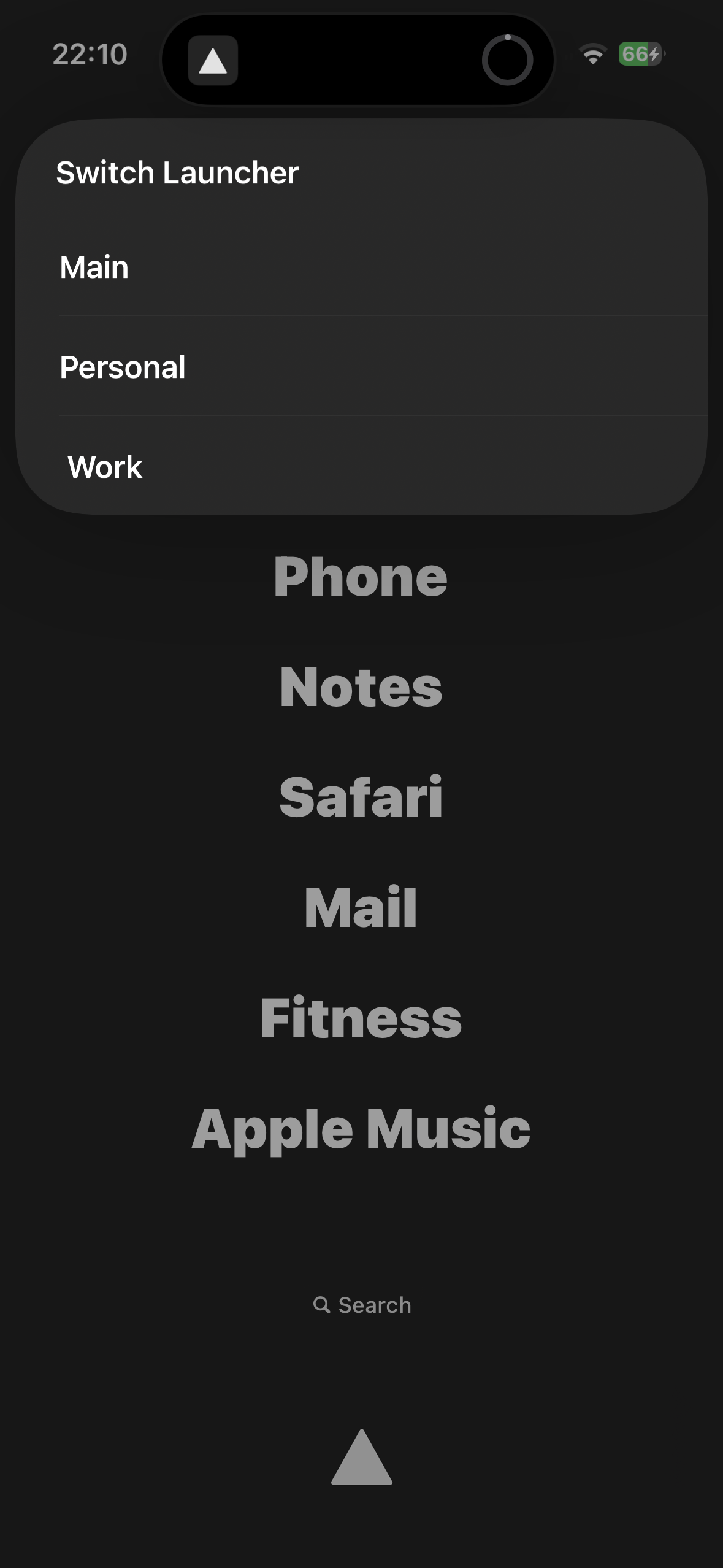
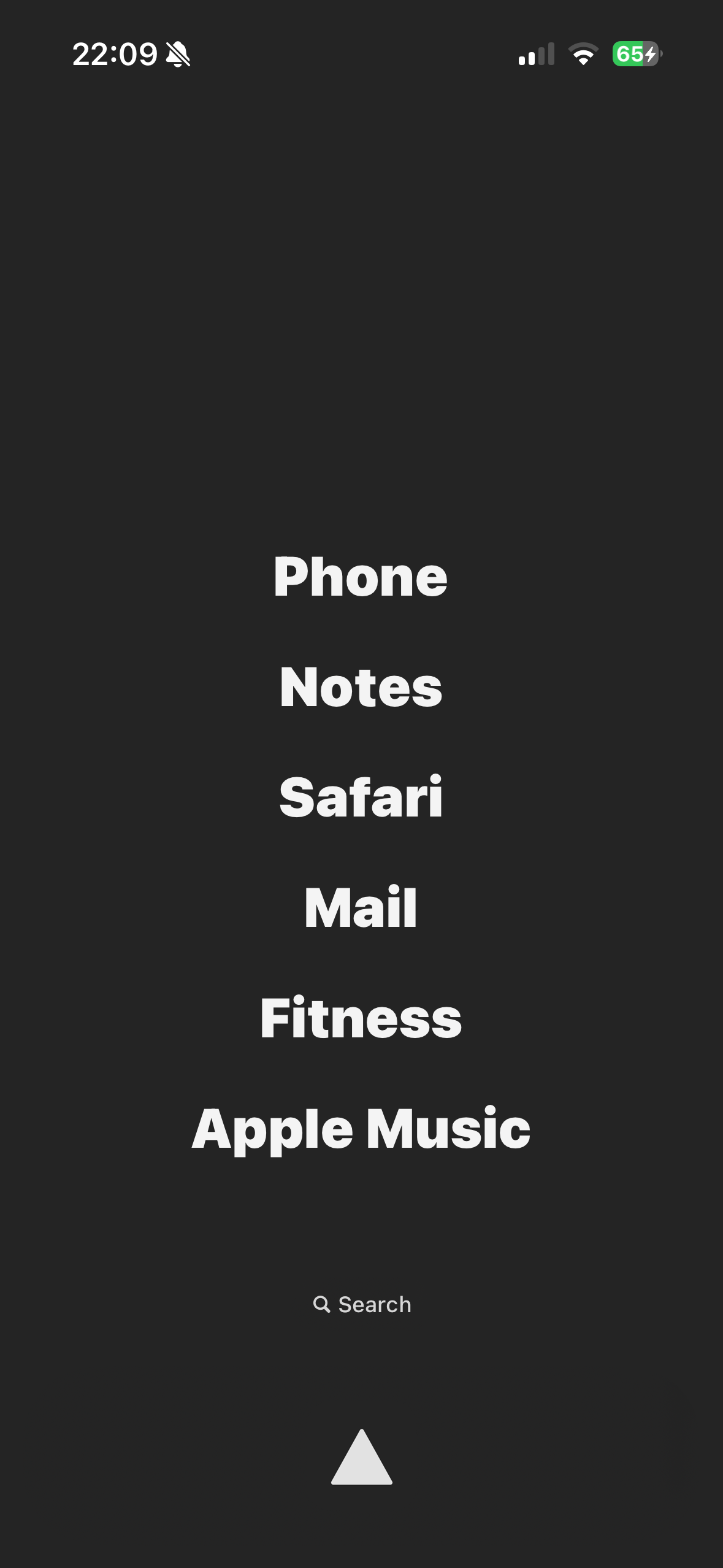
It allows you to create a customizable launcher widget that you can use for navigation, powered by iPhone automations and shortcuts. With a couple of tweaks in Settings, you can seamlessly integrate it into your workflow.
How we built it
As a Frontend Developer, I couldn’t create a fully functional app in Swift, so I used GPT to help me along the way. It wasn’t simple, and I had to learn since AI wasn’t as powerful.
Challenges we ran into
As I mentioned, AI is a helper but not a developer. So I had to fix things after it. This was hard because I knew nothing about development with Swift. This experience helped me grow and learn something about pure iOS development.
What’s next for Minimal App Launcher
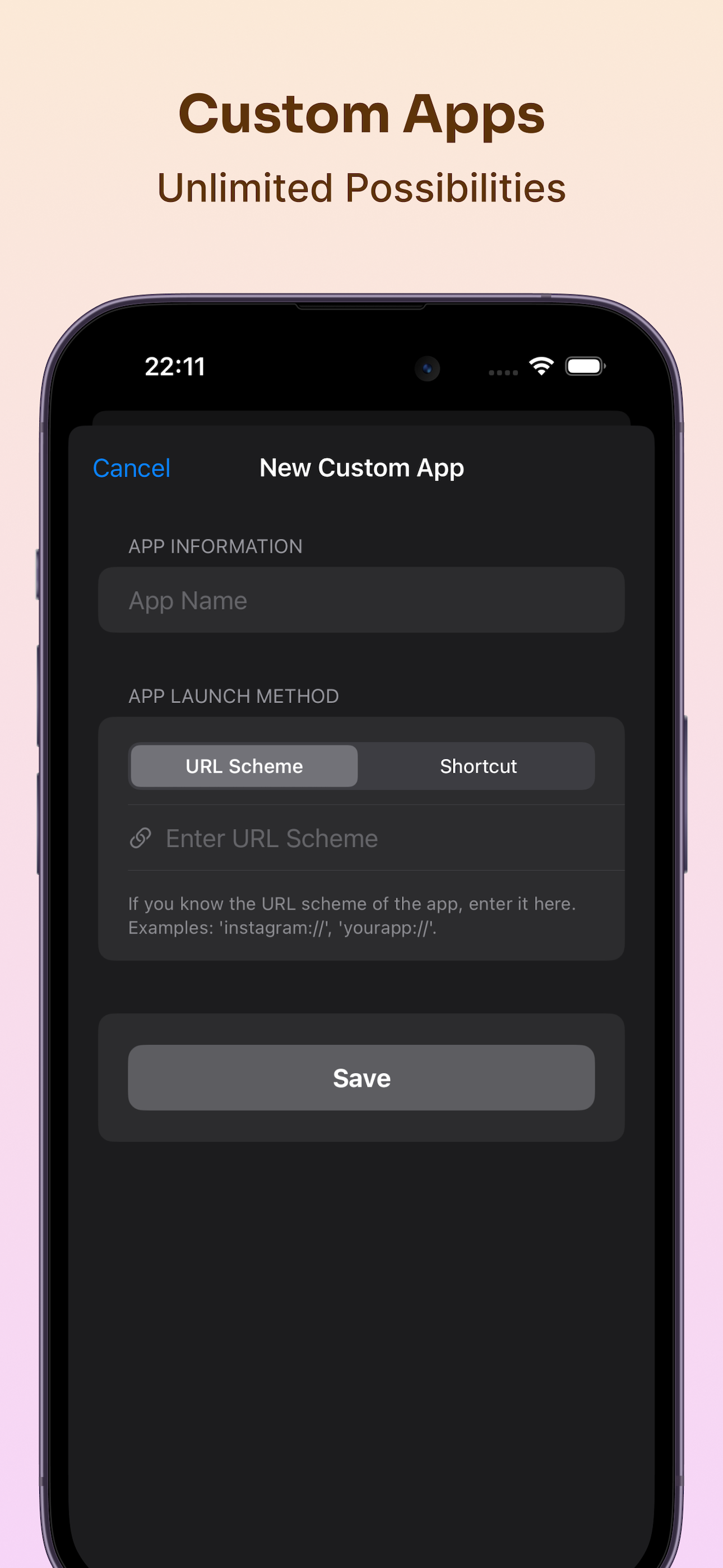
My next steps are: Bug fixes and improvements. Better onboarding and guides. More preinstalled apps.
Built With
- revenuecat
- swiftui

Log in or sign up for Devpost to join the conversation.