-
-
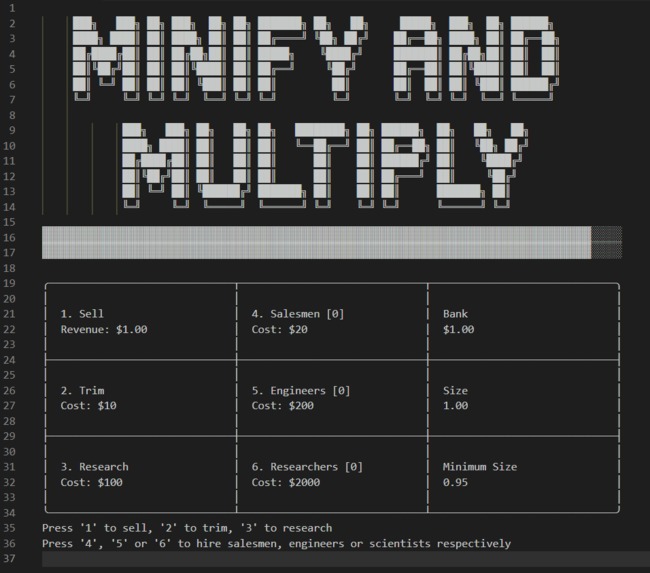
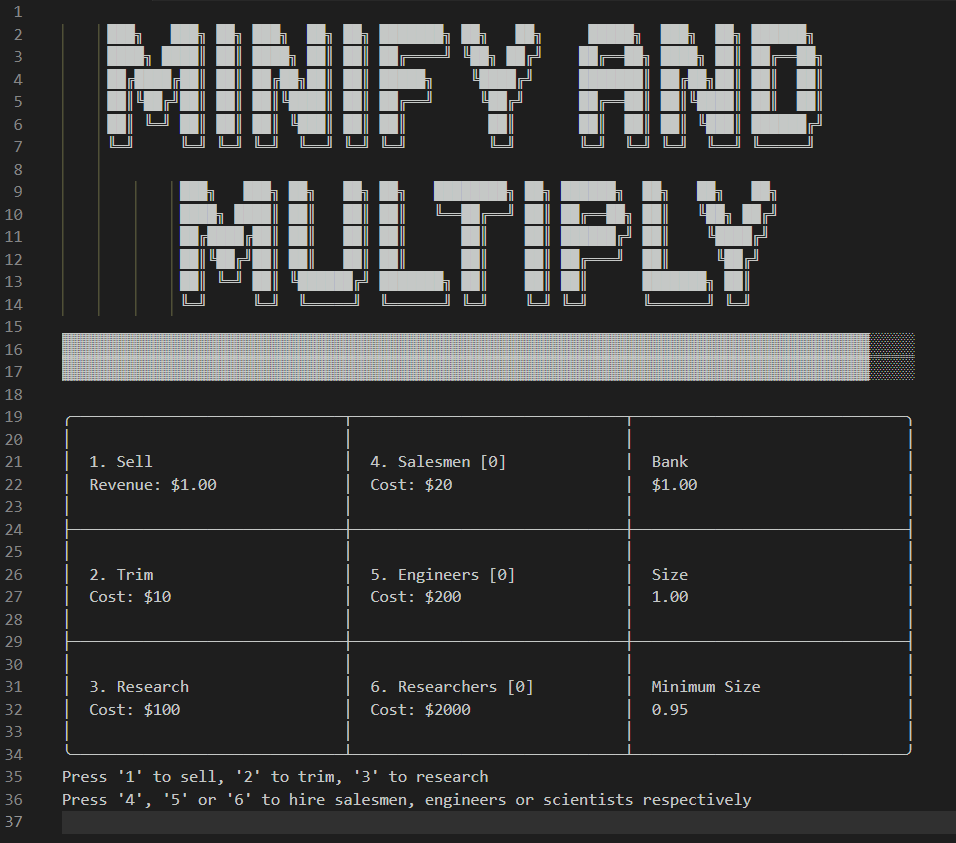
Initial Game Screen
-
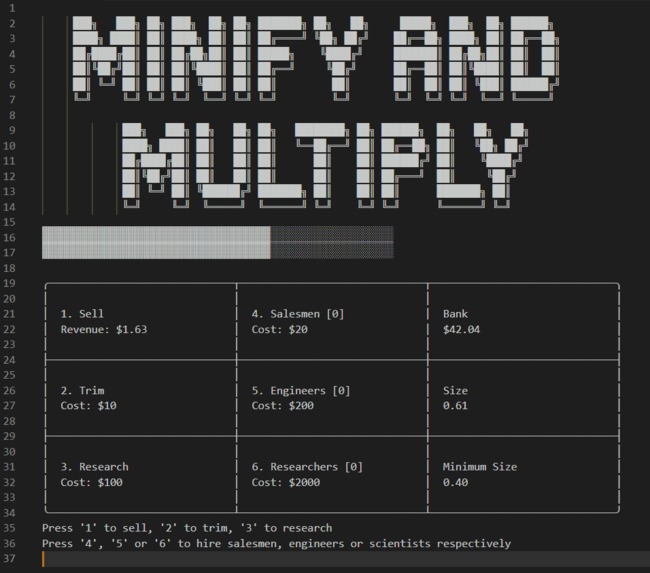
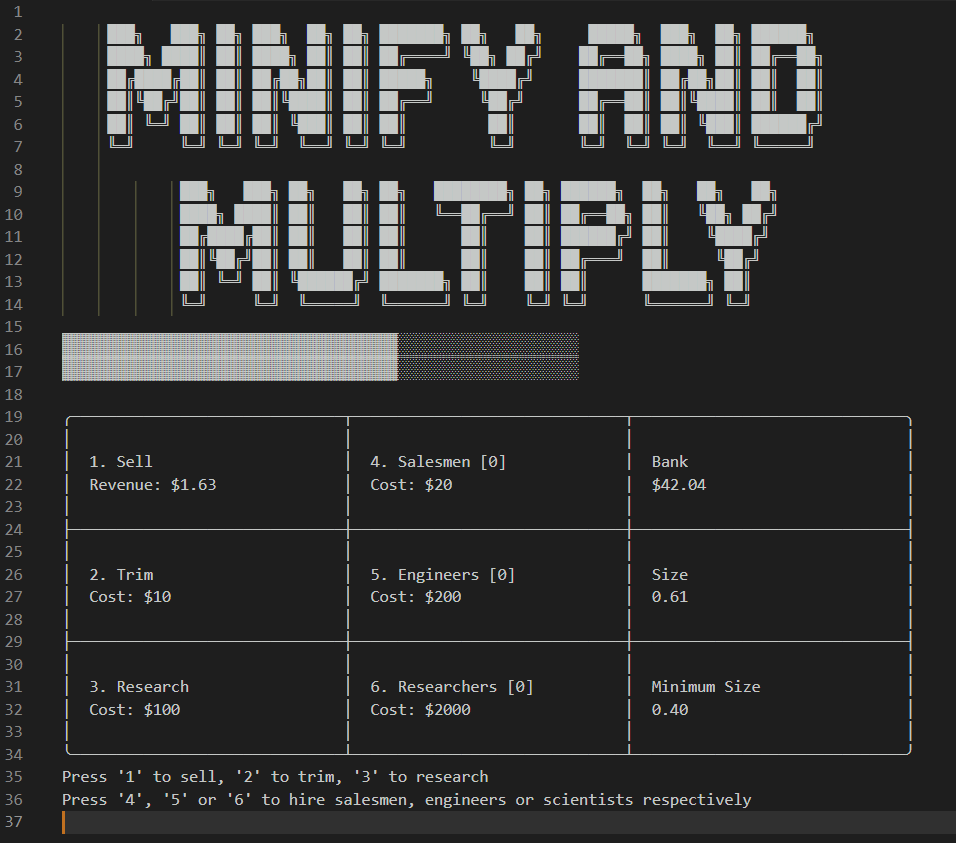
Minify your product to sell more per shipment
-
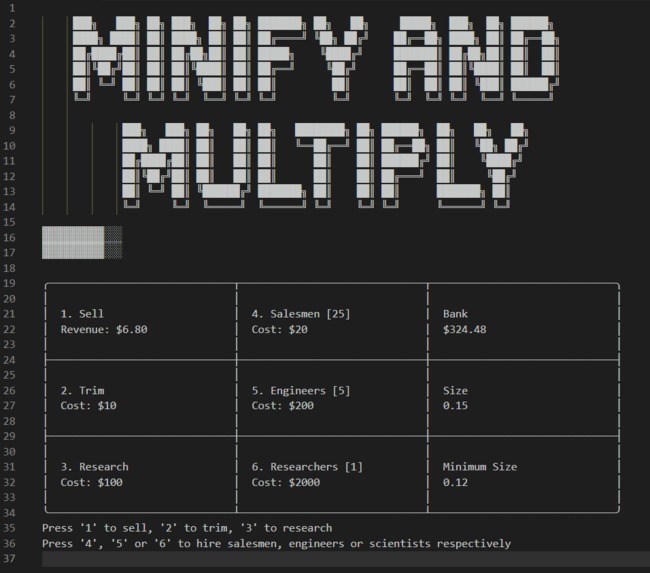
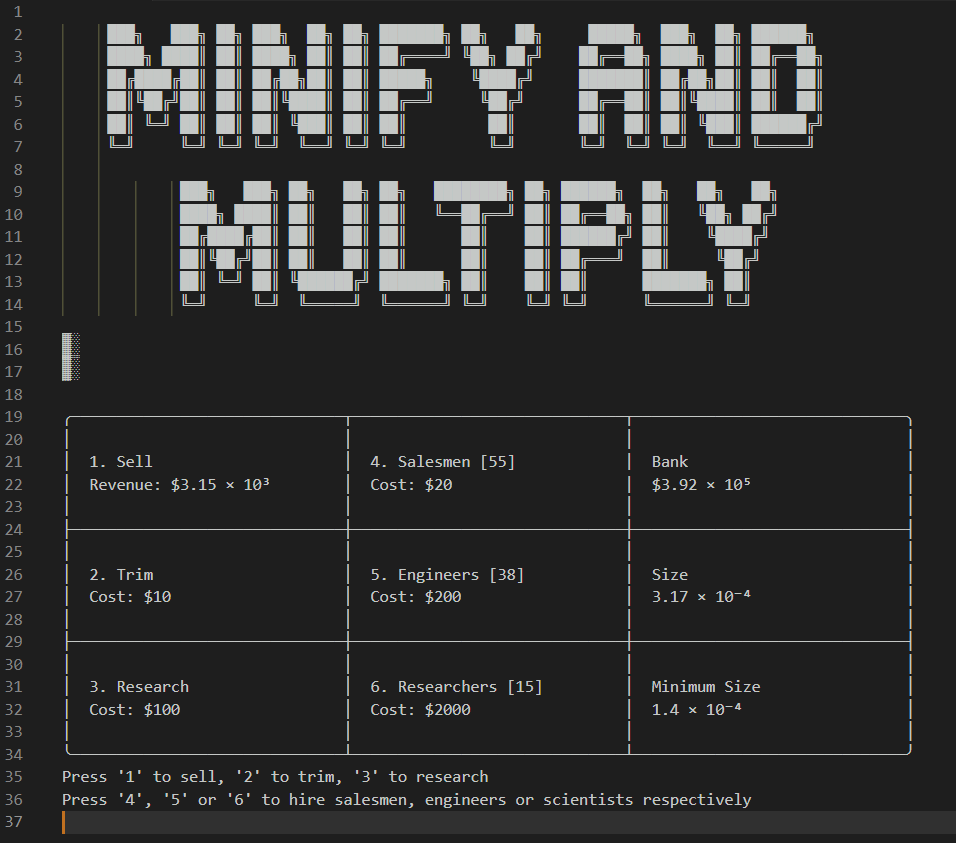
Hire employees to automate tasks
-
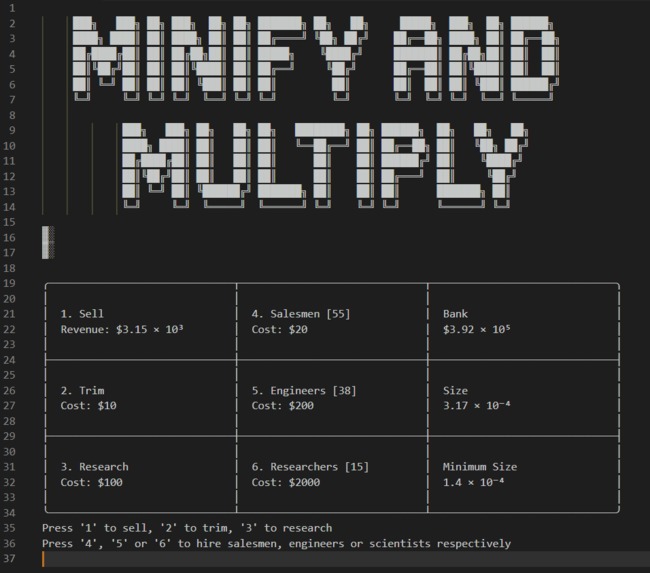
See how low you can go

Inspiration
Several members of our team have been fans of idle/incremental/cookie clicker games for a long time. Recently one of our members (Aditya) came across a twist on the usual idle game which focused on making a number smaller instead of larger* (M13n: Miniaturization). When we were brainstorming ideas to work on during HackFit 2, Aditya complained to no one about the fact that M13n was open in a new window and they had to keep switching back and forth to view their progress while they were working on development projects. Then Abhijna came up with the idea of remaking the game within Visual Studio Code, the IDE our group used for development. And that is how Minify and Multiply was born
*Of course, the end goal is to make the "money" number larger :D
What it does
Minify and Multiply is a cookie clicker game unlike any other, because it can be installed as an extension into the popular IDE Visual Studio Code which means you can play it while developing new and exciting software!
When you run the extension by opening the Command Palette and running the command "Play Minify and Multiply", a new text editor tab is opened which contains the game UI displayed using Unicode characters. Your cursor is at the bottom of the page and you can enter numbers 1 to 6 to perform actions as detailed by the instructions. Every 200ms the editor will be cleared and the screen will be updated, to make sure there's no lag and that the game UI is always full of the latest game state.
Story
Your factory makes a product. But due to its size, you can only sell a limited number of products per shipment. Well how about you trim its size a little? Awesome, now you can sell more products!
But wait, soon you'll run into the minimum scientific possible size! No worries: why don't you do some science stuff to it? Throw a few test-tubes around and Voila! science has made the impossible possible again!
Ugh, I'm tired after all this machining and selling and science-ing, aren't you? Let's hire salesmen, engineers and scientists to do your job for you! They'll help you take this product to Infinity and beyond!
How we built it
We knew VS Code provided an open source framework to build extensions for the IDE, so we first spent a good two hours researching whether our idea was even feasible. (Side note: Plan B was that we build the game as a plugin for the IntelliJ IDEs instead. Plan C was an in-terminal game.)
One we'd confirmed that it was feasible, we independently followed VS Code's tutorials about how to build extensions to make sure we understood everything that we'd need to use.
Then we divided the project into tasks and distributed those as such:
Aditya: setting up game architecture,
calculate.ts, documenting the project, polishing UIAbhijna: printing the game screen, receiving and parsing input
Nishkarsh: adding automation
Then we set to it.
The project was built in stages and things couldn't even be tested till PR #4 was merged! Thankfully everything worked properly. Once the bulk of the work was done, Aditya made final cosmetic and documentation changes.
Challenges we ran into
Visual Studio Code has named the package that one can use to build extensions, "vscode". This made it next to impossible to search for solutions and debugging help, because most of the results were problems faced while developing with VS Code, not while developing for VS Code.
VS Code's API for IO from a text editor did not work as documented. The documentation promised advanced IO methods but the only thing that worked as documented were (a) print at the end of the last line, (b) read from the end of the last line, (c) clear screen. So we had to build our UI code around these constraints.
Our team's primary languages are Python and Dart and because TypeScript is the only language available for building extensions for VS Code, we had to learn the language on the fly. Hence half of our search history is just "what is commonjs", "what is es6" and "how to autoformat typescript"
Accomplishments that we're proud of
This was the first time we'd made UI using just Unicode characters. Like an app intended for the terminal, there was no framework available to us except reading a line and printing at the end of the output. Writing an IO for this bizarre environment was very difficult to pull of and we were very proud when it did work as intended.
Games have a certain architecture, and it is nowhere close to the architecture that VS Code wants extensions to have. So embedding the architecture of a game loop, complete with user events, automatic events, output and increment INSIDE the framework the "vscode" package provides was a Herculean task.
What we learned
We learned about the following topics:
game architecture– game loop, events, "balancing" a game
typescript
VS Code extensions
What's next for Minify and Multiply
"Breaking" infinity using
break_infinity.jsso that our numbers can go beyond 1.79e308Adding HR element so that hiring of salesmen, engineers and scientists can be automated using a script
Making the game intentionally vulnerable to certain cybersec attacks so that players can "hack" it
Adding achievements
Built With
- typescript
- visual-studio-code
- vscode

Log in or sign up for Devpost to join the conversation.