-
-
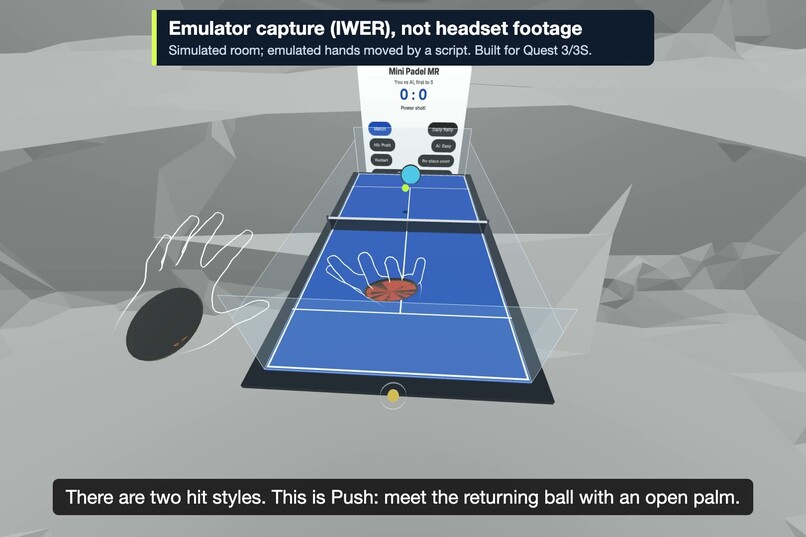
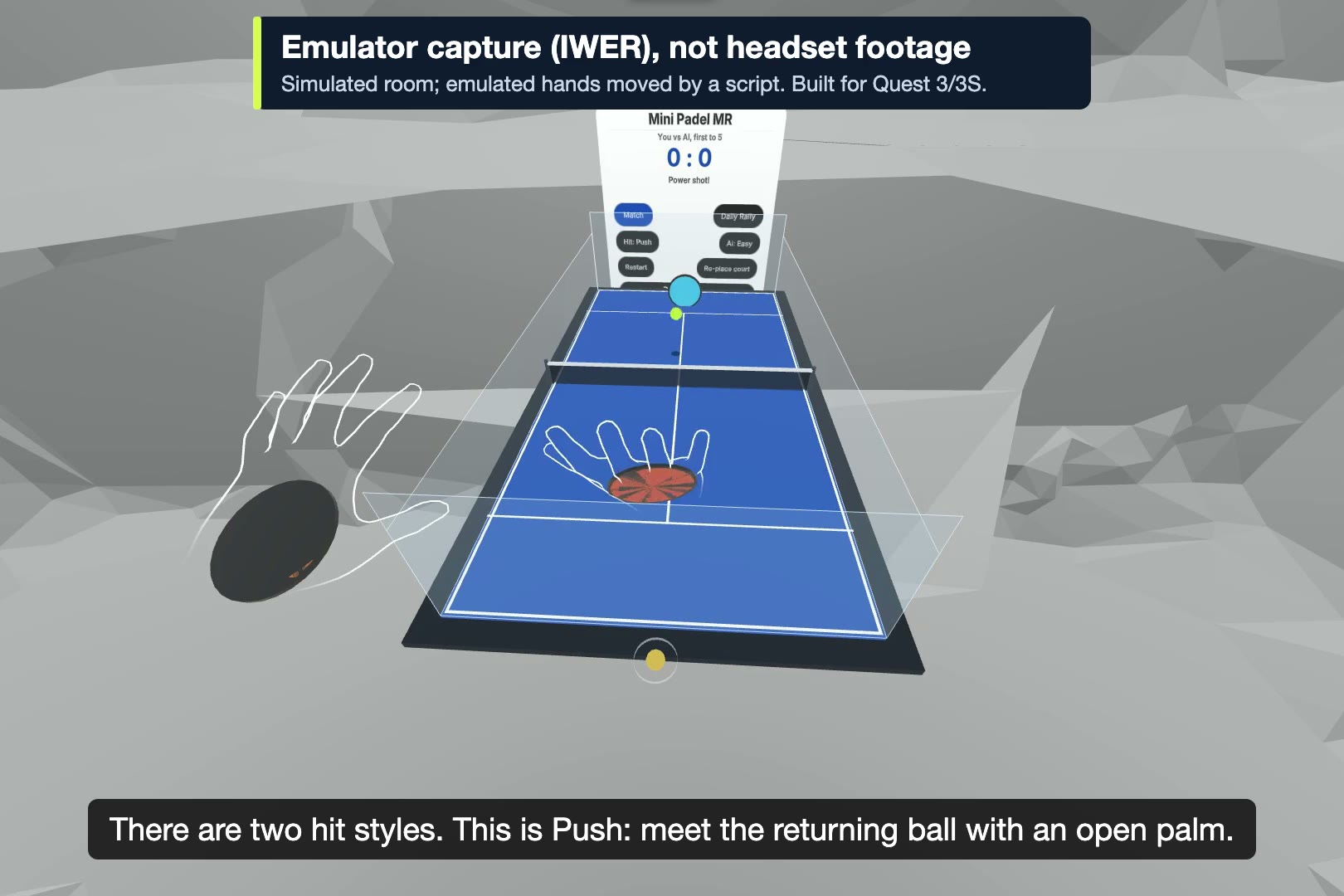
Push return with an open palm (IWER emulator capture, not headset footage)
-
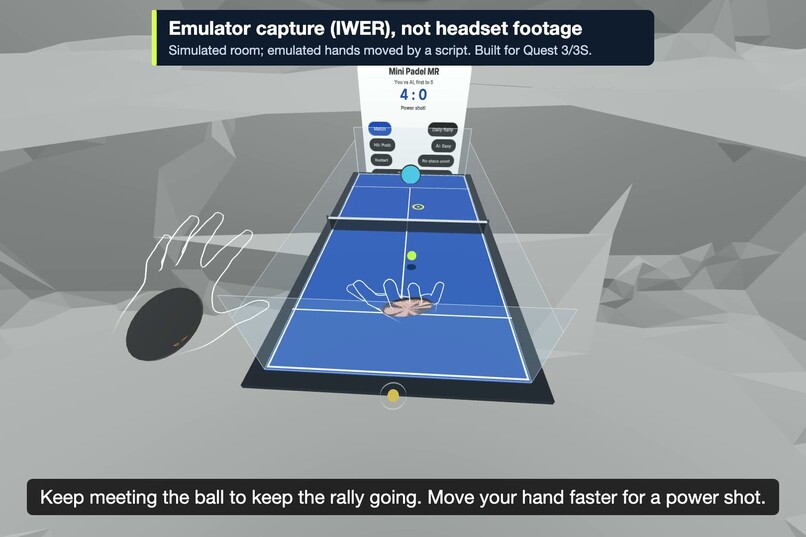
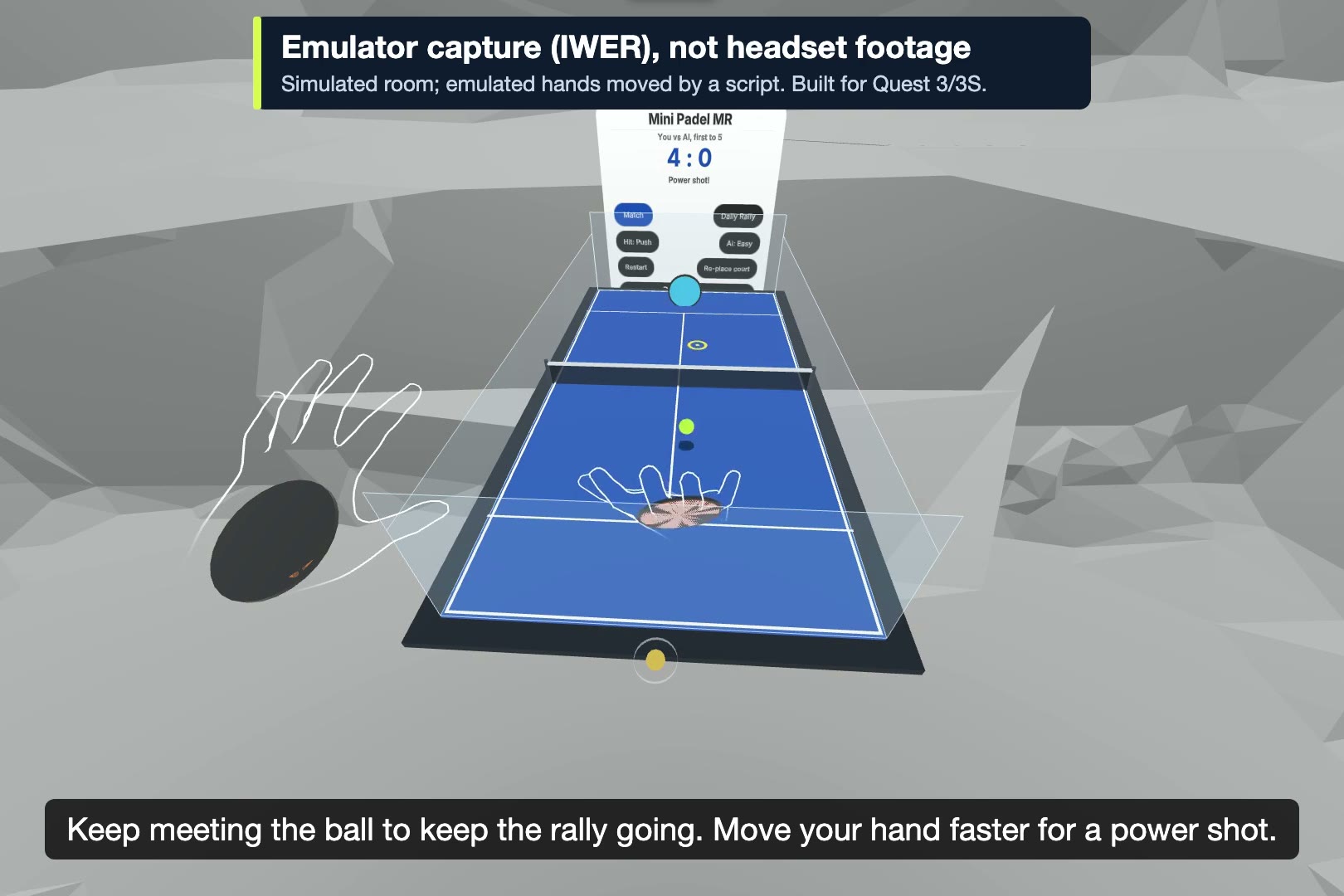
Rally against the AI on a tabletop court (IWER emulator capture, not headset footage)
-
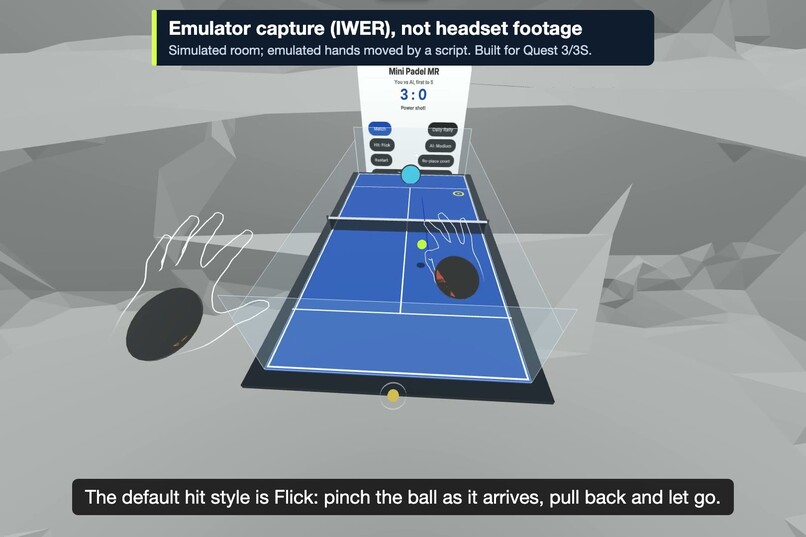
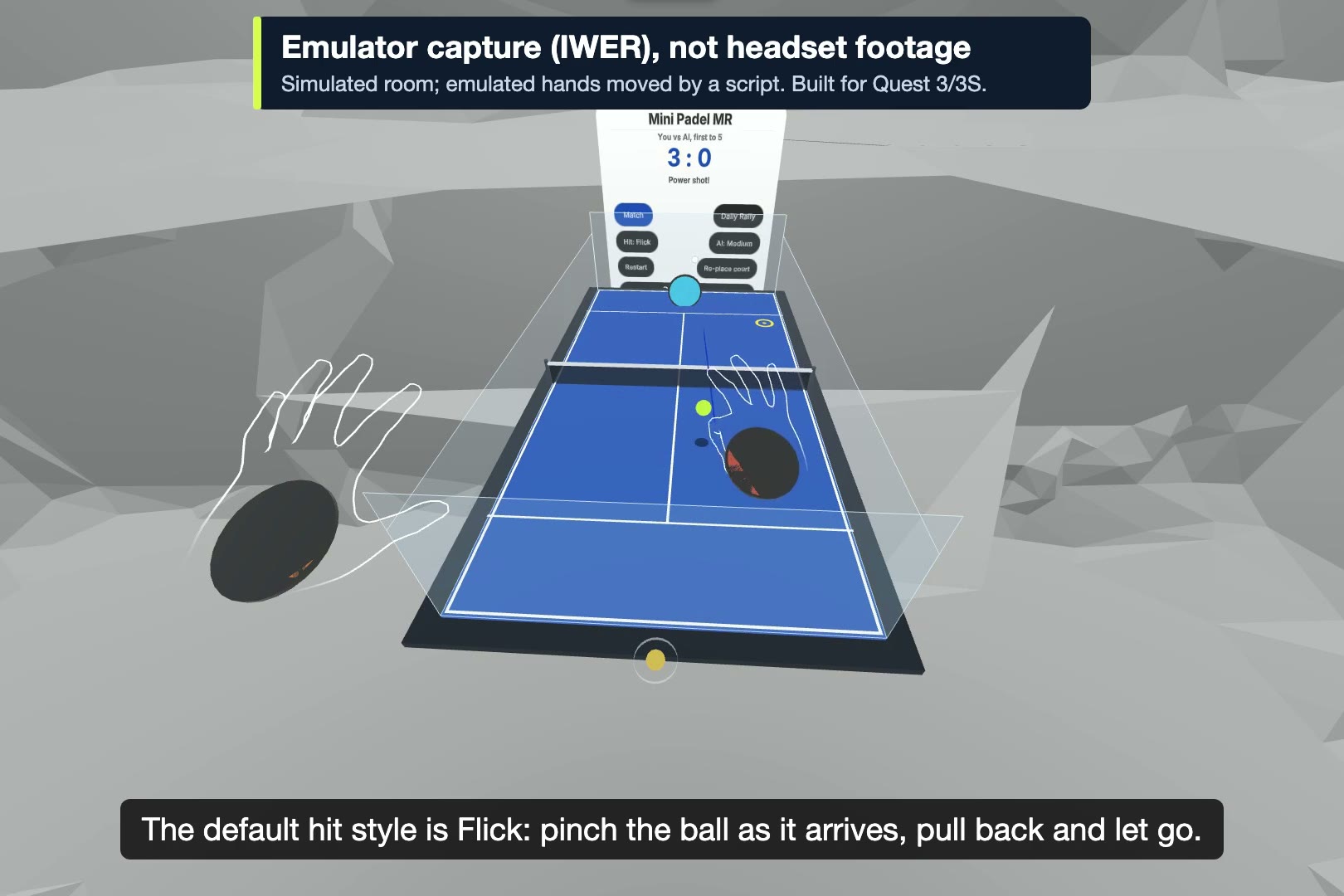
Flick, the default: pinch, pull back, let go (IWER emulator capture, not headset footage)
-
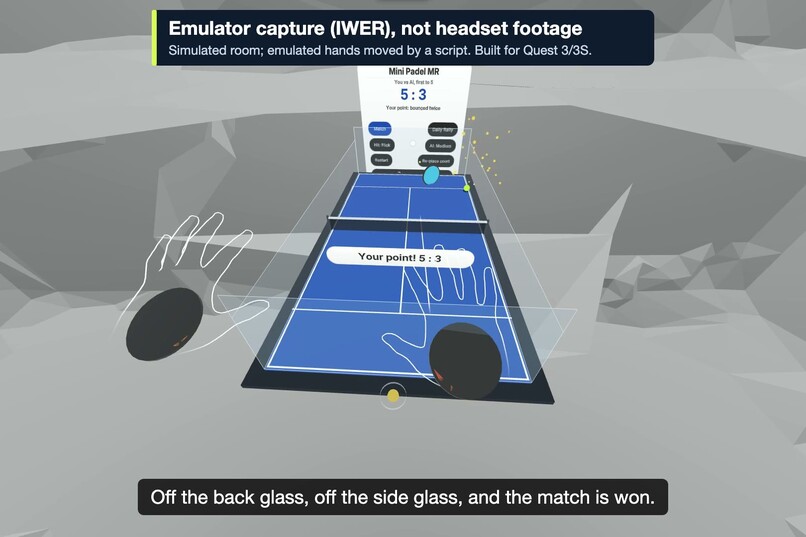
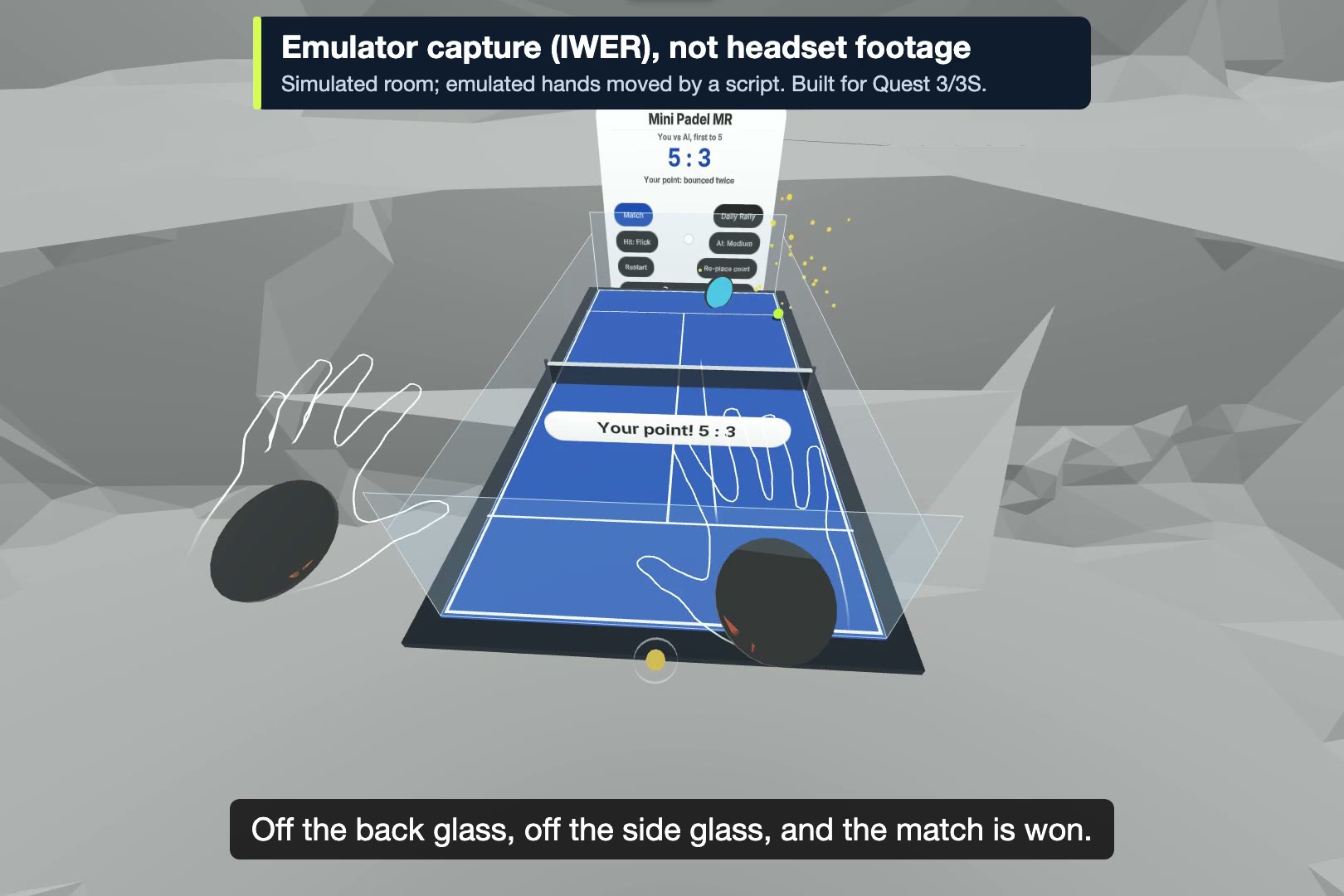
Off the back and side glass to win the match (IWER emulator capture, not headset footage)
Inspiration
Padel is played inside glass walls, and the ball stays in play after it hits them. That rebound is what gives padel its long rallies. Full-scale racket games in VR need standing room and usually a controller in your hand. We wanted the opposite: a padel court small enough to sit on a desk, played with bare hands from a chair, and fun inside the first few minutes.
What it does
- A 1:25 scale padel court (about 80 x 40 cm) appears on your table in mixed reality. The game uses the headset's room scan to find a table and turns the court to face you. If no reachable table is found, it places the court in front of you at a comfortable height. A pinch-drag handle on the near edge moves the court.
- Serve: pinch the ball, pull back, and let go. A preview arc shows the path.
- Return (Flick, the default): pinch the ball as it reaches you, pull and release, the same gesture as the serve.
- Return (Push): one tap on the panel's Hit button switches to Push. A small racket sits in your palm, and as the ball reaches your hand it slows for a moment so you can meet it. The shot direction comes from how your palm faces and moves.
- Glass back and side walls keep rallies going, and a landing marker shows where your shot will land.
- An AI opponent plays at three levels (Easy, Medium, Hard), with its own colour, swing and lower-pitched hit sound, so you can follow the rhythm.
- Modes: Match (first to 5 points) and Daily Rally. Daily Rally uses a date-seeded opponent that is the same for every attempt that day, and keeps your best score for the day on the device.
- Point and match messages appear on the court in front of you ("Your point! 2 : 0", "Match point", "You win 5 : 3! Pinch the ball to play again"), with synthesized sounds and particles.
- No controller is needed at any point. Menus use a hand ray and pinch. To play again, pinch the ball.
How we built it
- Immersive Web SDK 1.0.1 (Three.js / WebXR). The session requests hand tracking, plane and mesh detection, anchors and hit test. Panels are built in code with the Horizon kit of
@pmndrs/uikit(MIT), which the SDK uses for spatial UI. - Ball simulation: a deterministic fixed-step simulation we wrote. A swept sphere is checked against floor, glass and net, with gravity scaled to the court. Rallies play out the same at any frame rate, and the ball does not pass through walls at rally speed. The SDK physics engine is turned off.
- Assisted ballistics: every player and AI shot is solved to clear the net and land in the target half. That is what makes hands-only play forgiving.
- Hands: a palm pose computed from the WebXR hand joints, anchored at the knuckles so the racket sits in the palm. Pinch detection uses hysteresis. Palm velocity is reset after tracking gaps, so a hand reappearing after the system menu can't fake a hard shot.
- Robustness: a hand that loses tracking mid-serve cancels the serve cleanly. The game pauses while the system menu is open. A table too far away is ignored in favour of a reachable placement. Without WebXR (for example a desktop browser) the game stays playable with the mouse and explains why mixed reality is unavailable.
- Testing: 117 unit tests in 15 files (Vitest) cover the simulation, ballistics, hit models, scoring, Daily Rally seeding, placement rules, input edge cases, UI contrast and telemetry. Scripted regression runs drive the 2D runtime (15/15 checks) and an IWER
immersive-arsession with emulated hand joints in a simulated room (9/9 checks). - Hosting: static HTTPS on GitHub Pages. Open the link; nothing to install.
Challenges we ran into
- Building without a headset. We had no physical Quest during development. Every interaction was built and checked in Meta's IWER emulator (simulated hand joints and a simulated room) and in a desktop browser. Frame rate and hand-tracking accuracy on a physical Quest have not been measured yet. A separate test build includes a readout so they can be measured on a headset.
- Hand tracking is weakest during fast motion, so the design never depends on a fast swing. The default return is the same pinch-pull-release as the serve, and assisted aim turns it into a controlled shot. The palm (Push) return has a slowed contact window for the same reason.
- The racket first sat away from the hand, because wrist-side joints are a poor palm anchor. Anchoring at the knuckles fixed this in the emulator.
Accomplishments we're proud of
- A full hands-only loop: place the court, serve, rally, score, finish the match and restart, with no controller at any step. This is verified end to end in the emulator's mixed-reality session.
- A game you start from a web link, with nothing to install.
- A deterministic, fully tested simulation, so every rally is reproducible.
What we learned
- At tabletop scale, readability matters more than realism. The ball is drawn larger than true scale, and gravity is scaled down so the ball flies slowly enough to follow.
- A shot that can't go out makes hands-only play satisfying. A raw physics swing doesn't.
What's next
- Tuning on a physical Quest: palm offset, contact window and text size.
- Two players at one table, more court styles, a tournament ladder.
Built With
- github
- immersive-web-sdk
- meta-quest
- three.js
- typescript
- vite
- webaudio
- webxr
