Inspiration
Most of my apps are born from something I (or my wife 😅) need. But for this one, I wanted to experiment with ASO researching keywords and exploring what types of apps might perform well on their own.
While investigating, I found that mini golf scorecards are often overlooked. They work, sure, but they feel outdated. Since I love golf (and I’m a big fan of clean UI, though I know some might debate how “clean” mine is 😆), I thought this would be a perfect opportunity to design something simple, modern, and appealing.
What it does
I created a Mini Golf Scorecard app that is: • Easy to use • Clean in design • Practical for players
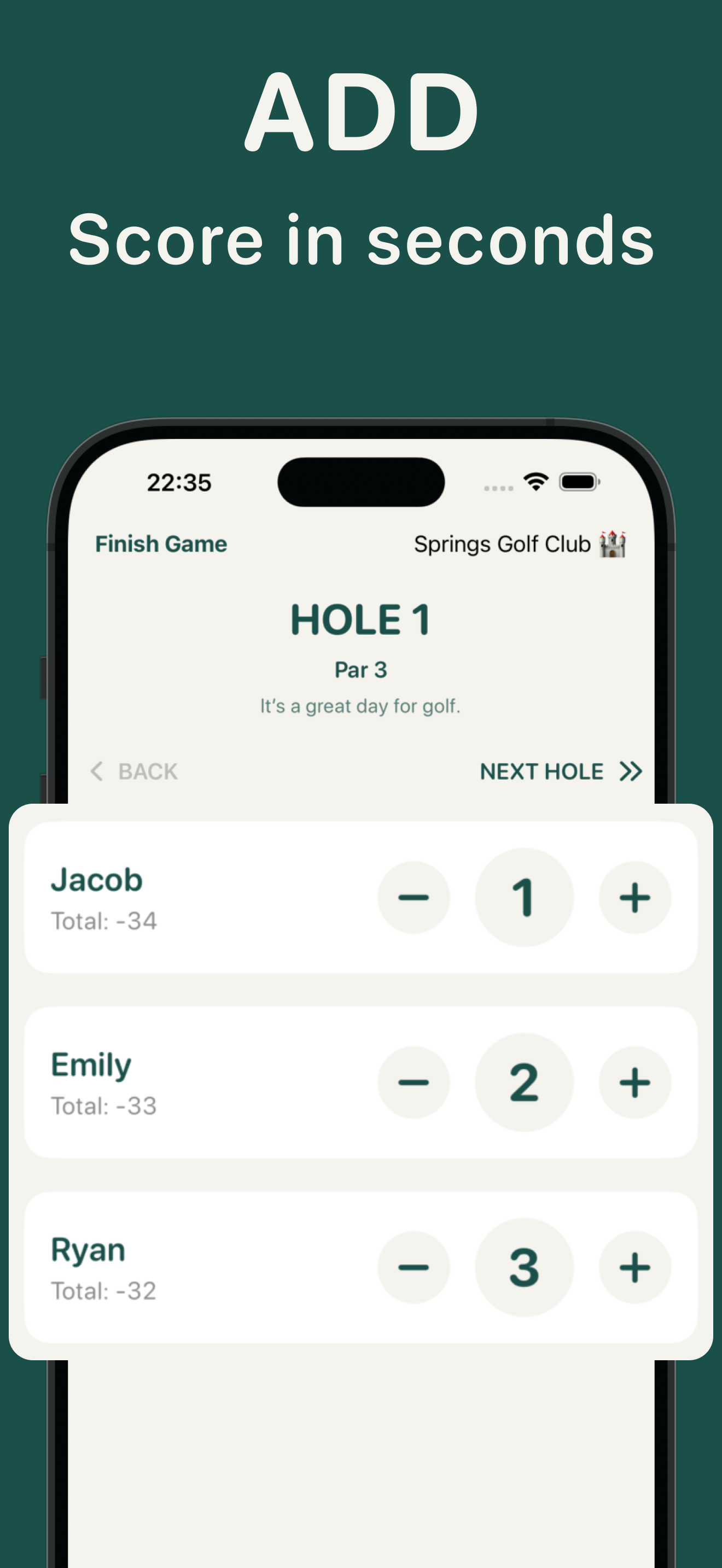
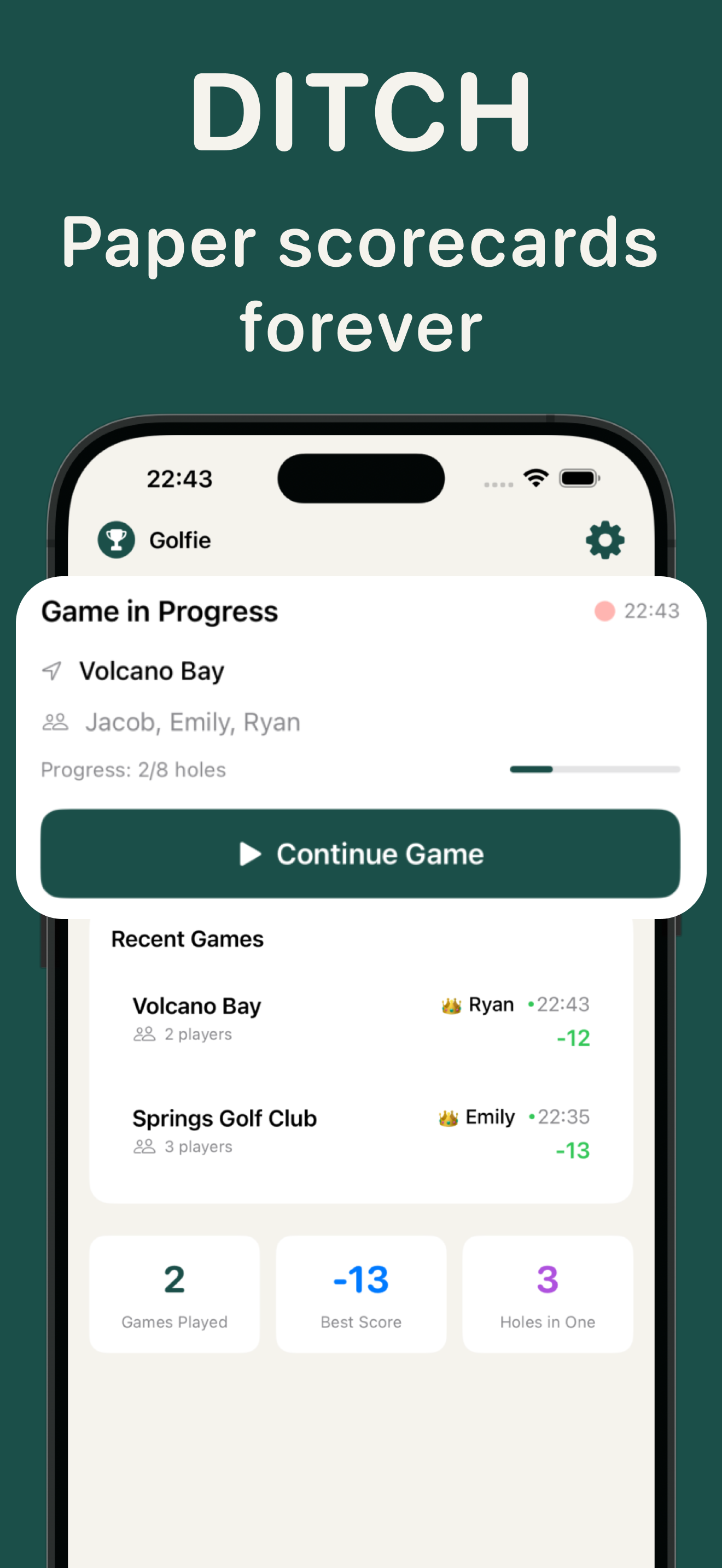
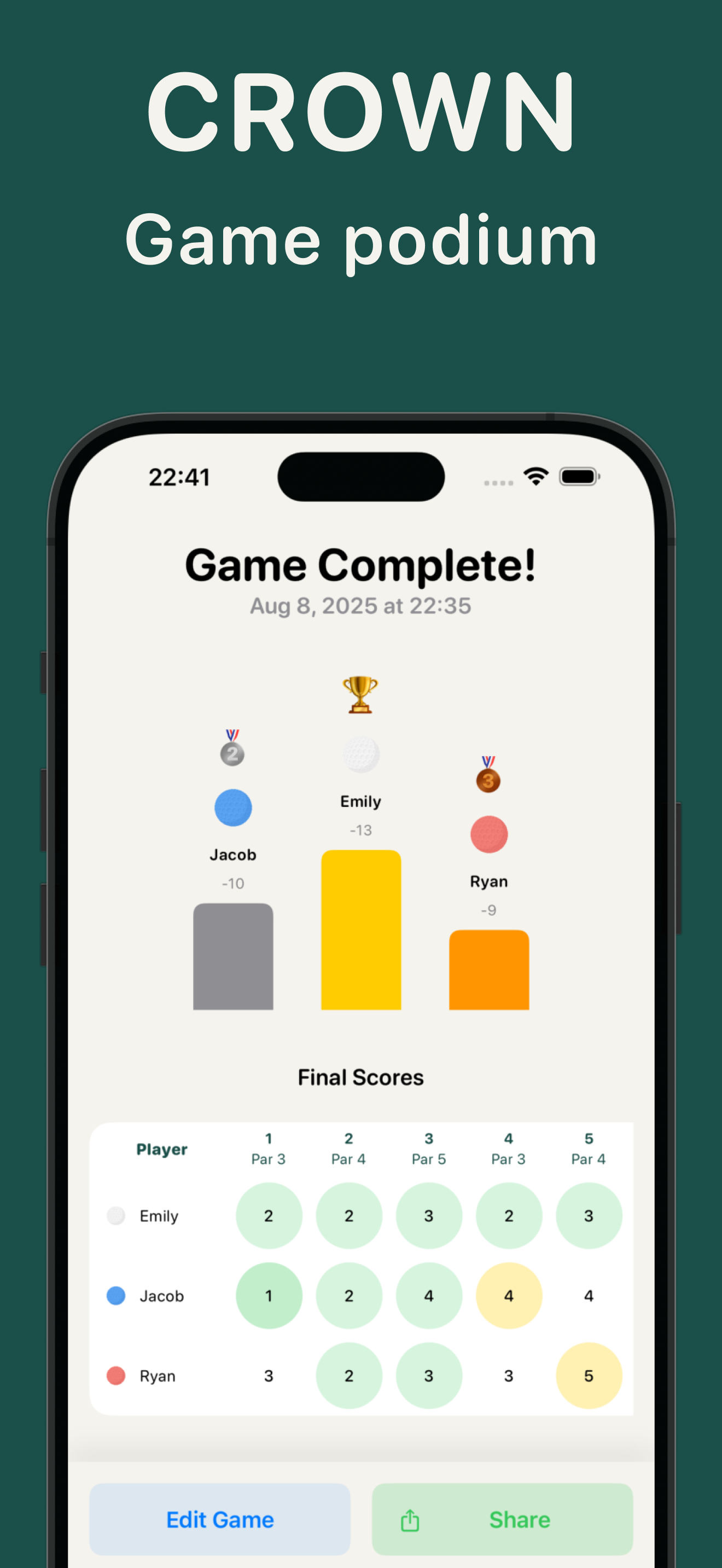
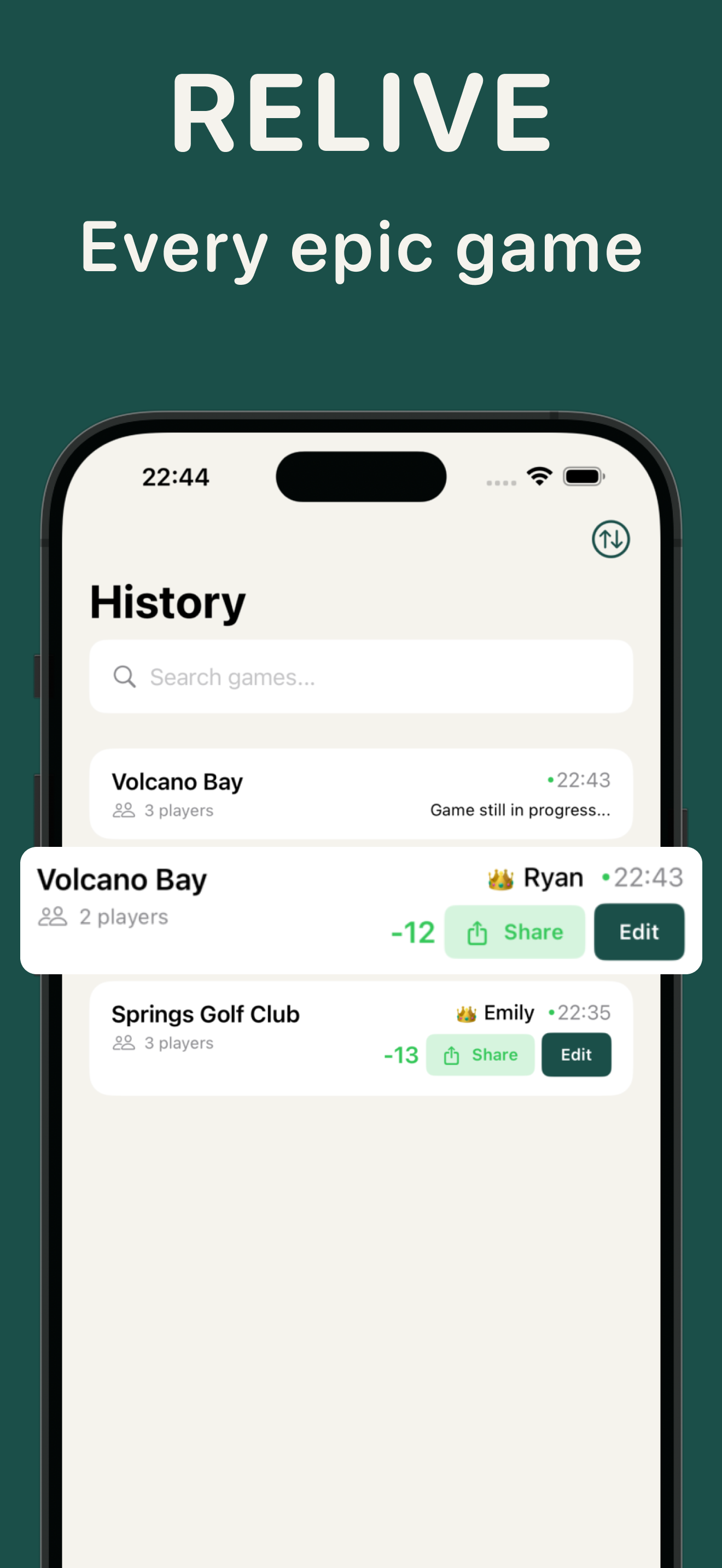
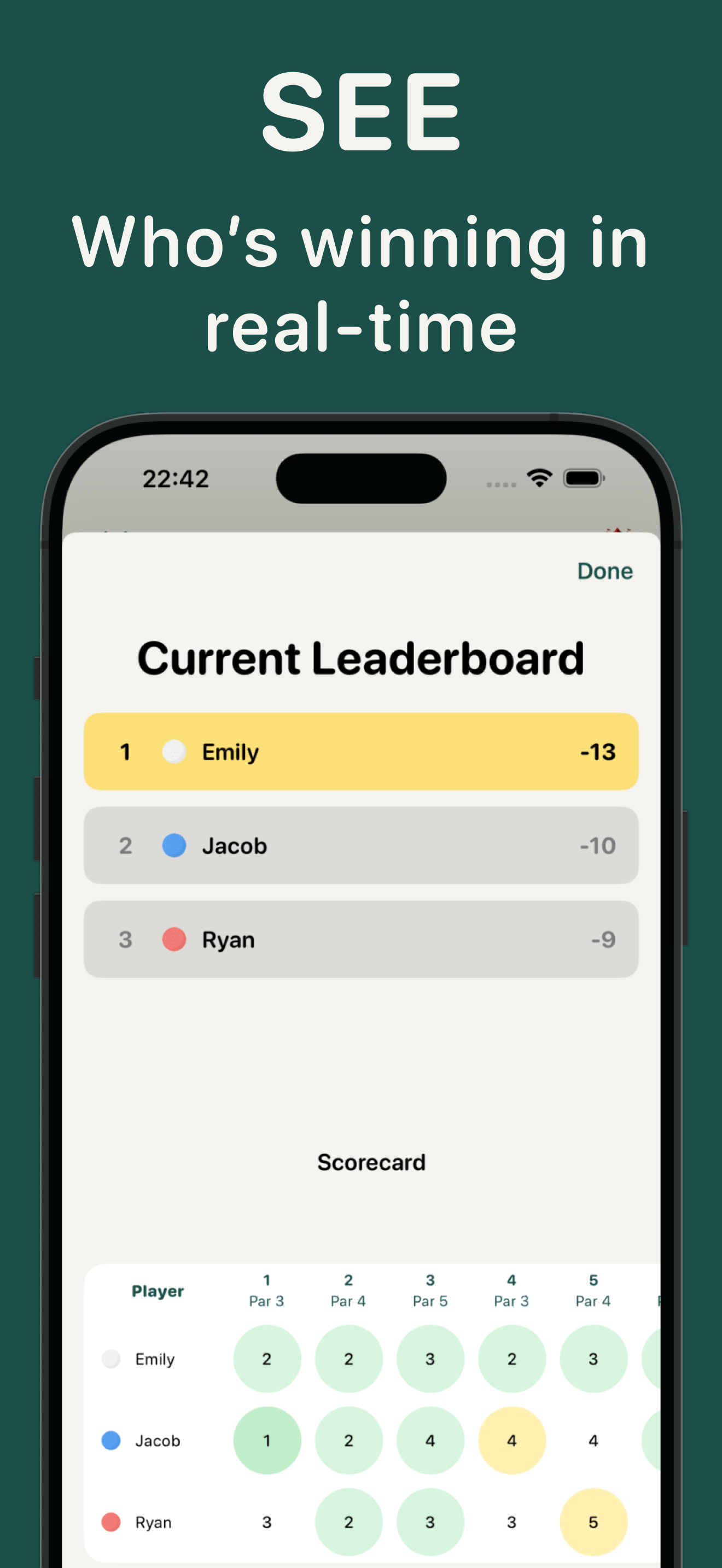
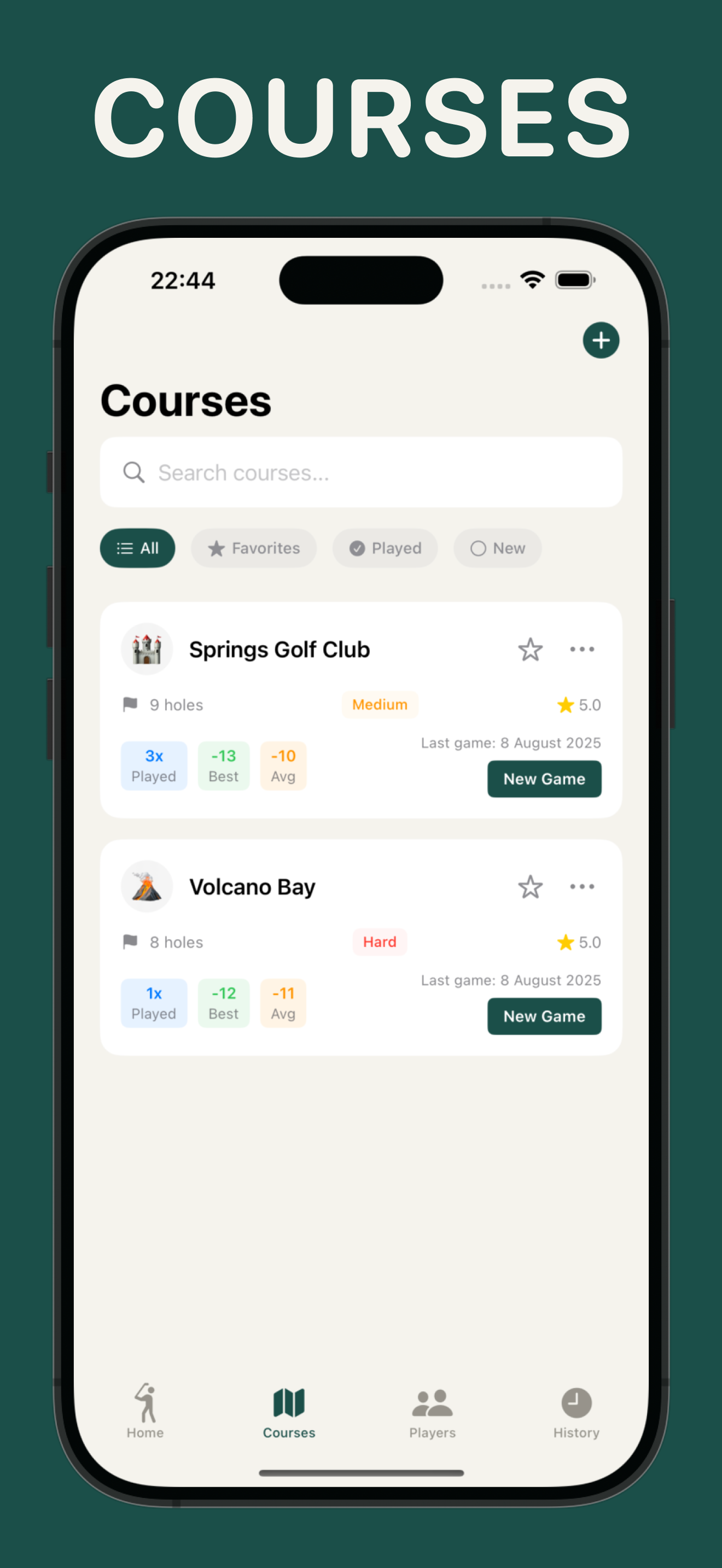
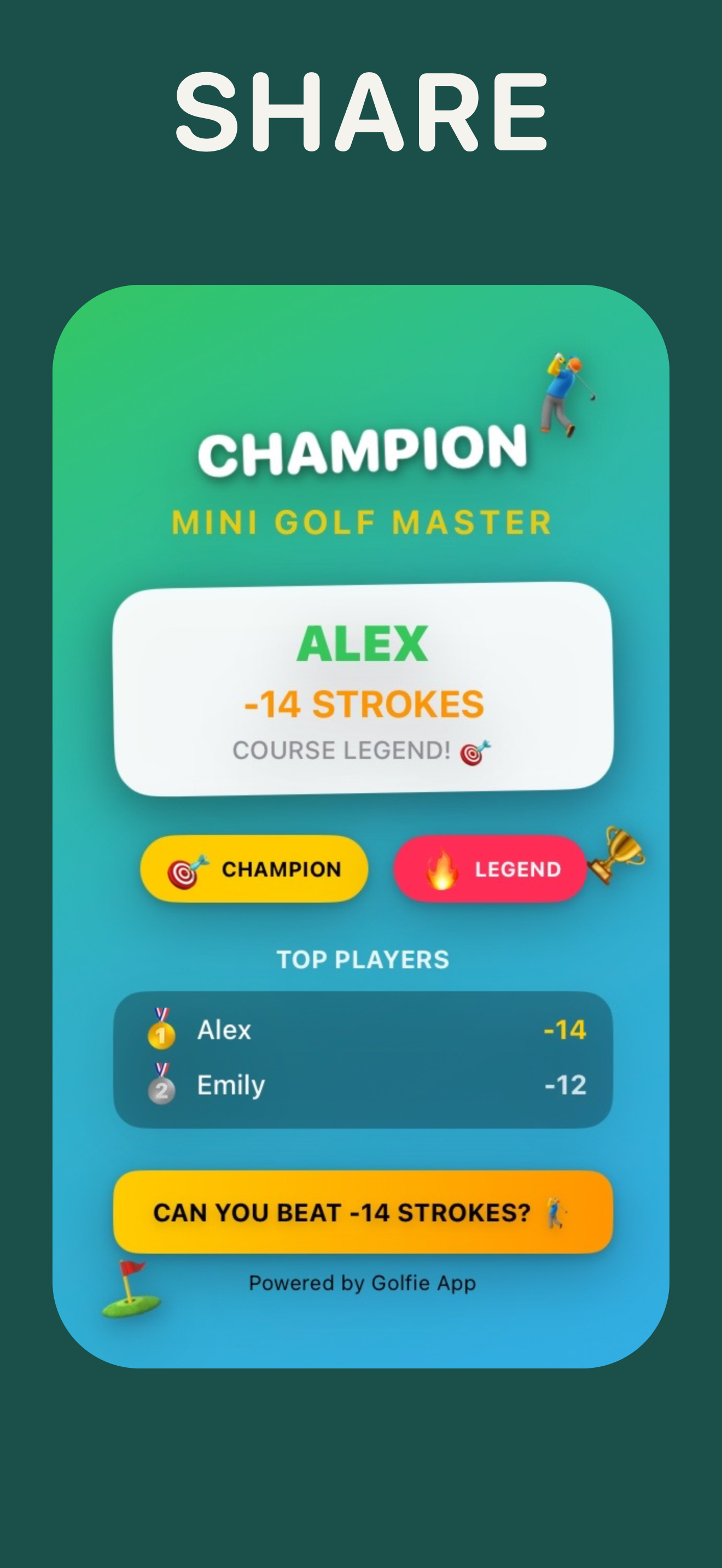
The core features are straightforward: 1. Start a game 2. Add points for each hole 3. View results and podium at the end 4. Save games, create players, and manage sessions 5. Share an image of the final score: one of my favorite features, since it makes the game social and memorable. I think players will love capturing their results and sharing them instantly.
The design goal was to make the experience minimal yet engaging, giving users something they’d enjoy using rather than just filling in numbers.
How we built it
I built the project using SwiftUI + SwiftData, the same stack I’ve been using for most of my recent apps. Everything was created from scratch for this app, except for the Settings screen, where I reused my own SettingsKit SPM (makes it super easy to plug in ready-to-go settings).
One fun part of the build was experimenting with the player ball design. I originally wanted AI generated golf balls, but they never looked quite right. In the end, I went with a image design and played with colors, the result came out better than I expected.
Challenges we ran into
This project wasn’t very complicated overall, but I did run into a few challenges: • SwiftData fetches and updates gave me a hard time here and there (solved after wasting hours debugging… or sometimes just taking a shower and letting the solution “click” 😄). • Balancing the dark theme vs. light theme. The light theme looks great, but I still need to improve the dark theme to match the same warm, clean feeling.
Accomplishments that we're proud of
I'm really proud of the golf ball and the color you can apply to it. And I don't want to leave behind the scoreboard experience.
What we learned
At first, this project started as a way to “get users and money,” but by the end, I realized I loved the result. I learned that even simple apps can feel special when designed with care.
The final product is something I’m proud of.. a clean, warm, user-friendly mini golf scorecard app with a fun twist: the ability to share your score as an image. It turns a simple scorecard into a memory players can celebrate.
What's next for Mini-Golf Score Card - Golfie
User and more users, to find what they link and they don't like.
Built With
- swift
- swiftdata
- swiftui

Log in or sign up for Devpost to join the conversation.