-
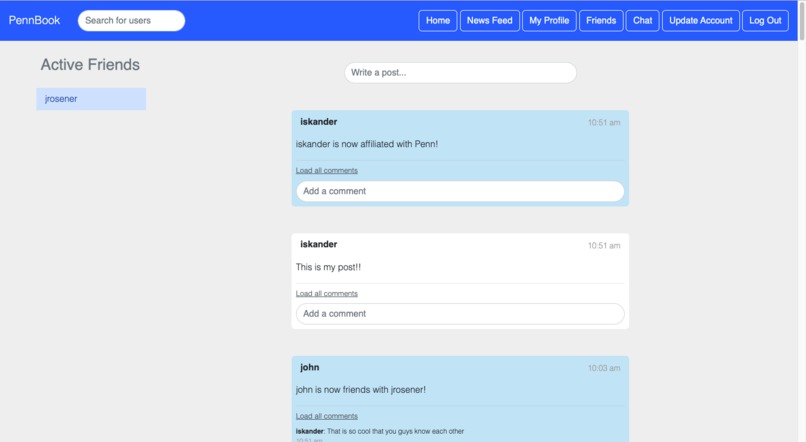
Main feed
-
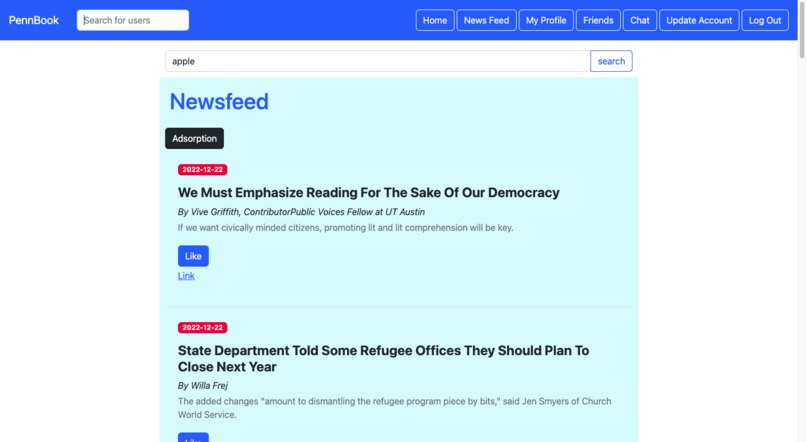
Newsfeed
-
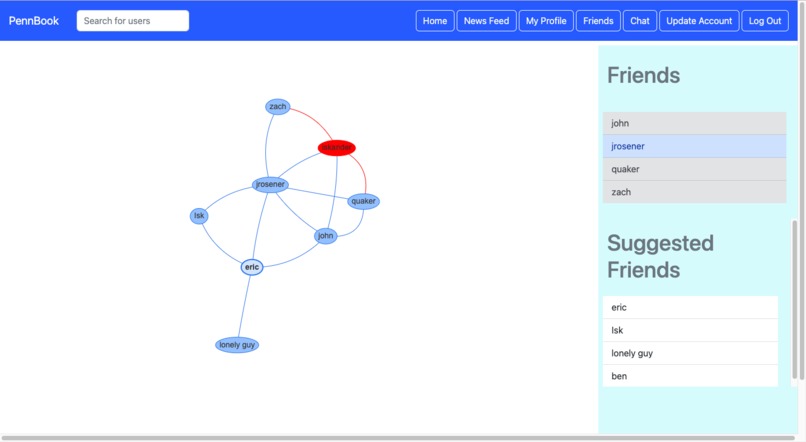
Friends page with an interactive visualizer
-

Chats

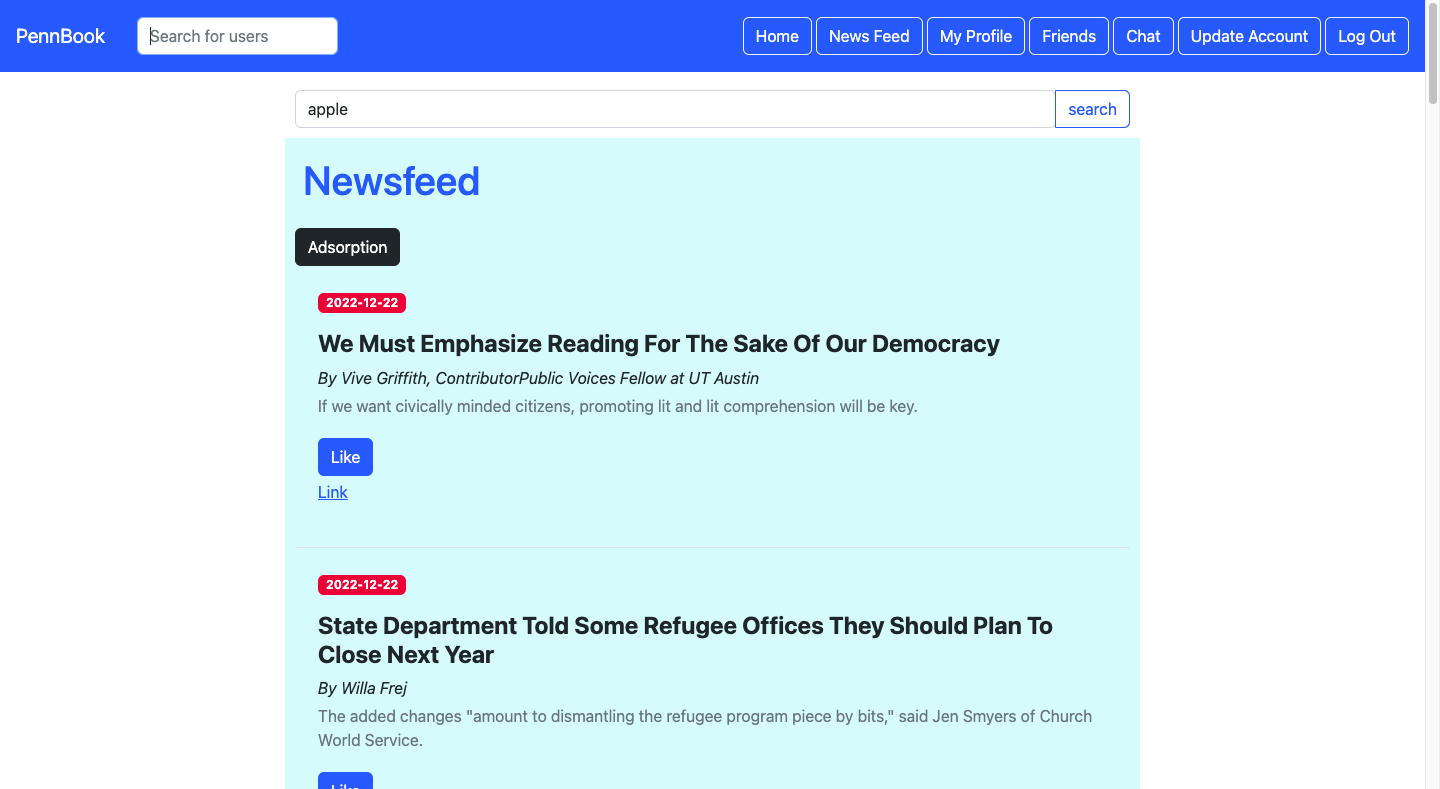

Account verification
User passwords are hashed using SHA-3 in order to prevent security vulnerabilities. Upon login, the current user’s username is stored using a cookie. Users can also create a new account through the sign up page, which won’t let the user sign up if any of the information fields are left blank, or if less than two interests are selected. Once an account has been successfully created, the user is logged in. After login, the newsfeed adsorption algorithm is automatically run through an EC2 shell command, which compiles the relevant Java files with maven and uploads the job to Livy.
Home page
The user’s home page displays a search bar, logged-in friends, status updates, and posts both by the user and by other users on their wall. The search bar allows users to search for other users and in the newsfeed route for news articles by name and keyword. Logged-in friends are retrieved by querying the main table to retrieve a list of the user’s friends, and then using promises to filter the results by those who have been active in the last ten minutes. Status updates and posts are retrieved by querying the user’s friends, then retrieves and renders the posts from each of their walls, as well as the users’ own. Posts from each user’s wall are retrieved by querying the main table for all posts with a matching username. Status updates are stored in the table as posts. Users’ walls are implemented in the same manner, except with routes to just retrieve posts from the wall rather than all of their friends’ walls, as the only posts displayed on a user’s wall are those specifically posted to that wall. User walls also display the user’s public attributes by querying for these and using the begins_with Key Condition Expression to retrieve the corresponding information in the main table with the correct prefix.
Newsfeed
A user’s newsfeed page shows top suggested news articles by querying a table of recommended articles for a particular user and displaying the results. The adsorption algorithm for determining which articles are displayed and in what order is described in further detail later on. Users can “like” articles or click on a link to be redirected to the article itself. The user can also click a button that will rerun the adsorption algorithm to determine which recommendations are displayed.
Chat
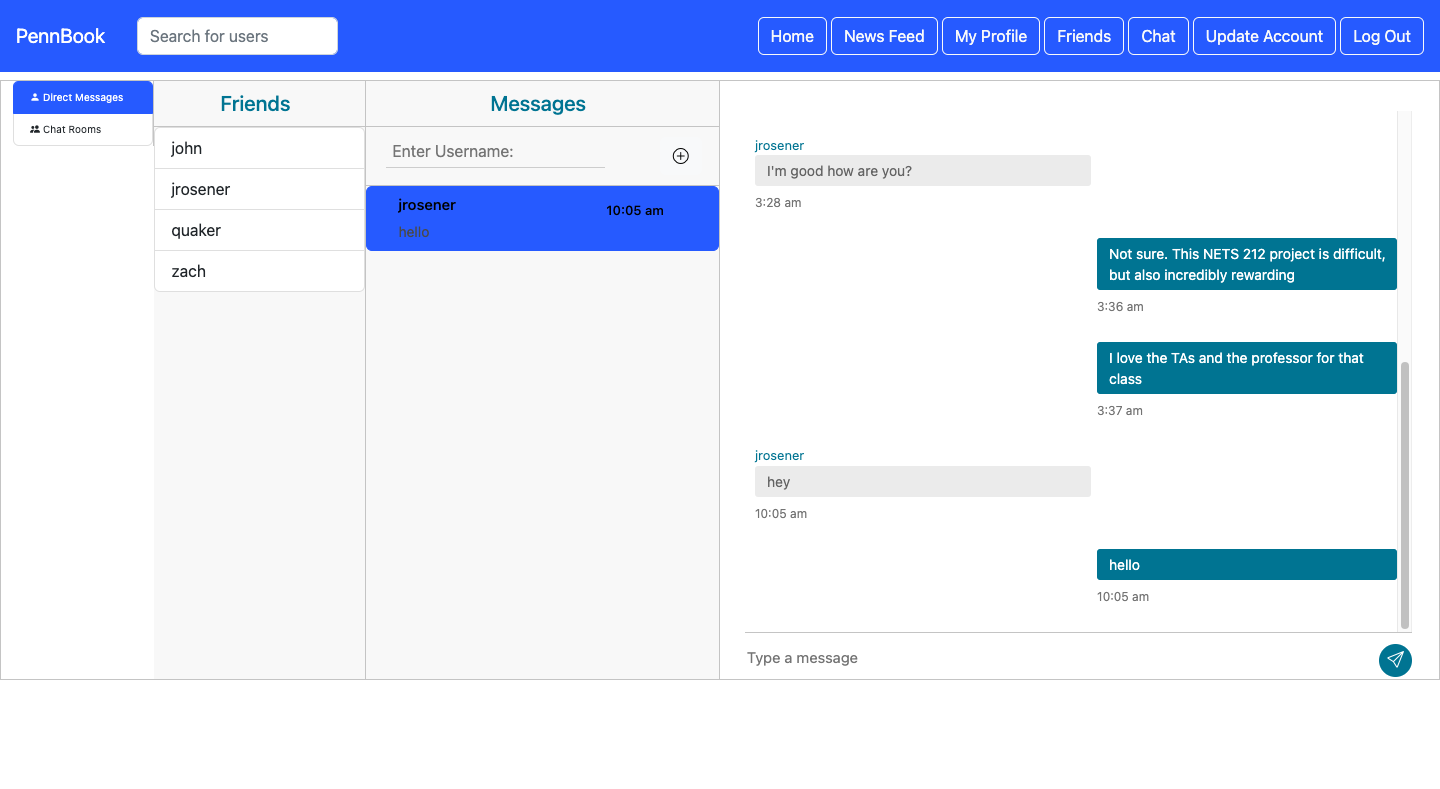
A user’s chat page displays their current chats and allows them to invite other users to new chats. Chats are stored in a separate table keyed by users, while messages are in a table keyed by chats. This makes it easier to efficiently retrieve the corresponding messages between a given set of users if a chat already exists. The chat page supports direct messaging, which is saved, and live chat rooms with more than two participants, whose messages are deleted when all users log out or leave the chat.
Update profile
The update profile page allows users to update their password, affiliation, email, and interests and updates the corresponding values in the main table. Meanwhile, the user’s friends page displays a list of the user’s friends by querying the main table. It also contains a visualizer in the form of a graph representation of the user’s friend network, with users represented by nodes and edges between nodes representing friendships.
AWS integration
All user information is stored in one table with pairs of primary and sort keys (i.e. the table contains the pair user_1, article_1 as one table item, and user_1, post_1) as another. The sort key attribute is prefixed with a specific tag (i.e. INTERESTS) so that different types of user information can be easily retrieved using the begins_with Key Condition Expression parameter. Chats and messages were also stored individually in separate tables so that they would be easier to retrieve messages associated with given chats and display them together in the correct order. A recommendations table also stored articles and their weights in order to support the adsorption algorithm. The adsorption algorithm is run to update ranks upon login, users updating interests, and in 60 minute intervals using Node cron.
Recommendation adsorption algorithm: Apache Spark & Livy
Whenever the route for the newsfeed adsorption algorithm is called, a shell script is run that compiles the relevant Java files using maven, connects to an EMR cluster and sets up a connection to Spark. It then finds articles from today or earlier, as well as their categories, and removes the ones that have already been viewed. It then fetches user related edges, such as those between two users, an article and a user, or an article and a category, and again removes viewed articles. We then construct a graph in which each user node is assigned a label of 1, propagate user labels to every node, and normalize the weight of each user label so that their collective sum is 1. This process is repeated until the weights converge or the process has been repeated 15 times, and all labels that are not on article nodes are subsequently removed. Each user’s recommendation weights across all articles are then normalized so that the total of each of a user’s recommendation weights is equal to 1. Articles with a score lower than 0.000001 lose their labels during the iteration. This result is then used to generate a table of recommendations.
Built With
- amazon-web-services
- apache-spark
- bootstrap
- dynamodb
- ec2
- emr
- express.js
- javascript
- node.js

Log in or sign up for Devpost to join the conversation.