-
-
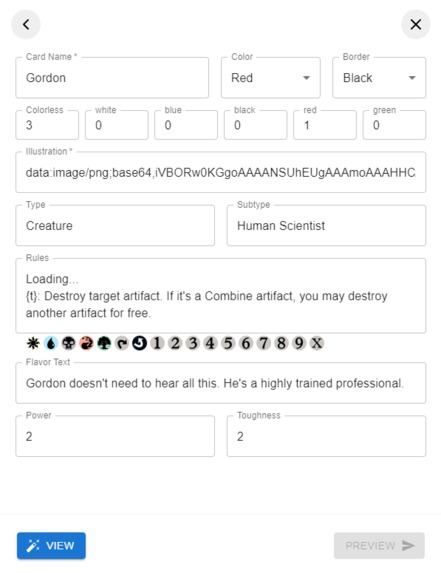
Editor
-
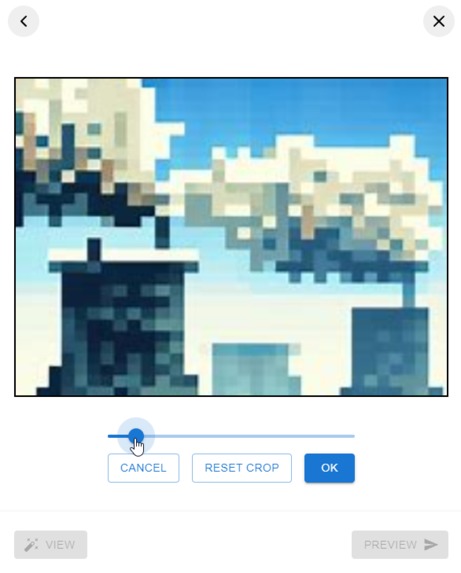
Image cropper
-
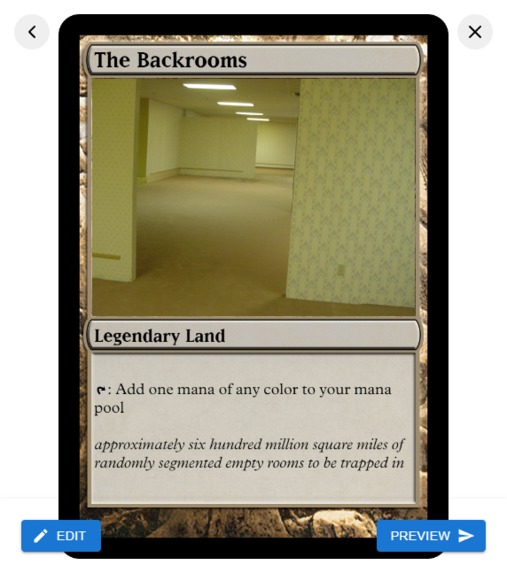
Composer preview
Inspiration
I was inspired by meme generator websites, where you upload and image and add some funny text. I wanted to create something that would give users the tools to express themselves in an iconic social post.
What it does
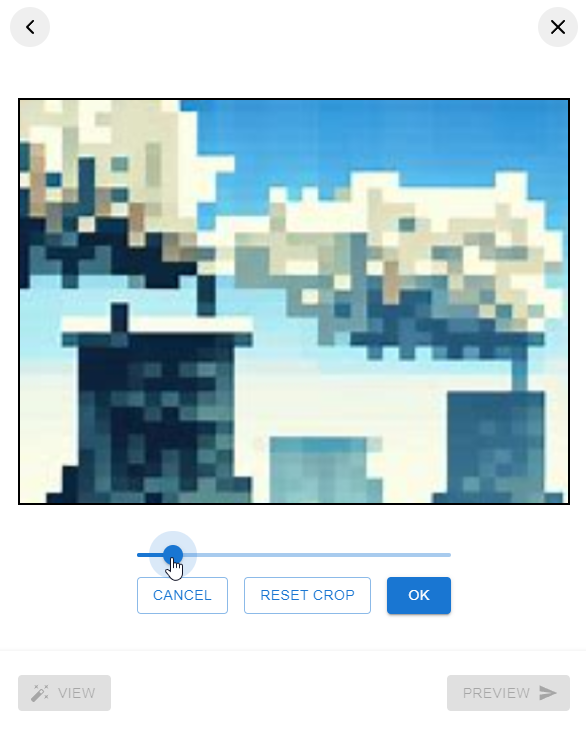
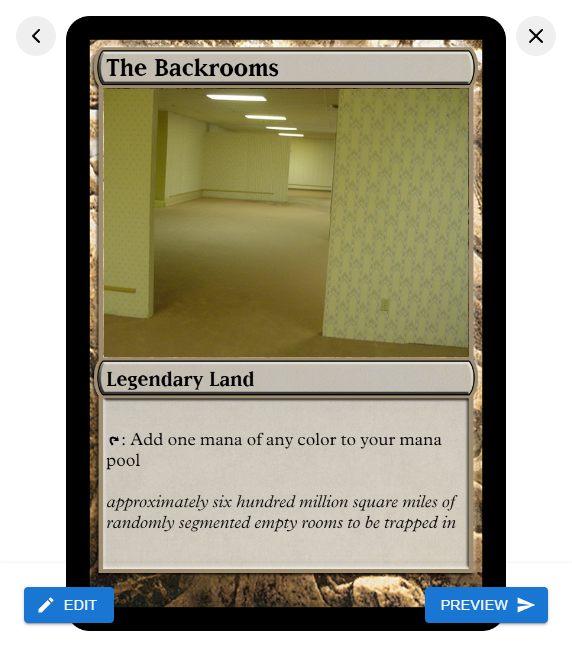
This Miniapp offers the tools to craft your own custom Magic: The Gathering cards. It features a form to input your card's properties, a cropping tool to zoom and crop your uploaded image in the illustration box, and the ability to craft your own rules with mana and other common symbols. When you post your card, an image of the card is displayed in the Timeline.
How I built it
I used Canvas to render the card component images and text, as opposed to tying together a series of elements in the DOM. When you click "View" in the composer, it takes the form fields, creates a canvas elements, loads necessary resources, and then assembles the card through a series of placed image and text draws. I chose to use Canvas over DOM elements for three main reasons: interoperability, performance, and layout challenges.
For interop, I wanted users to be able to save their cards, which canvas makes easy by being able to cleanly export the entire canvas as a PNG. There are libraries which can convert a dom subtree into an image, but I didn't feel like it was necessary nor did I want to add any extra third party code.
For performance, because other users scrolling down their timelines will only see the resulting card in posts and not need to interact with the card at all, it made the most sense to render only an image. This takes some load off of viewers' machines, since they don't need to load any extra assets and the card doesn't have to be rebuilt each time -- all the processing happens in the composer. Additionally, the canvas image is scaled down in size before it is uploaded to Firebase, improving the performance even more.
And lastly, dealing with all the CSS necessary to align the components of a Magic card would have been a headache. Not to mention dealing with unknown window sizes/zoom factors from user devices; I decided it was best to have a canvas with a fixed virtual size where I could place things in a deterministic way, and then use CSS styles to resize the canvas as necessary.
Here's a snippet from my code that renders the card canvas:
<canvas
    ref={mergedRef}
    style={{ height: "100%", objectFit: "contain", width: "100%" }}
    width={744}
    height={1039}
/>
Notice that there is a width and height defined as well as style applied to the canvas. The width and height attributes of a canvas are the actual canvas' dimensions, and the the style scales the canvas to the parent container. I like to think of its width and height as "virtual dimensions", because when I want to draw an image like this:
ctx.drawImage(frameImg, 40, 40);
it will always be drawn at 40, 40 in the canvas, regardless of how the canvas is being scaled in the browser.
Challenges I ran into
The most challenging part was the formatting of Rules text. These can look something like:
Flying, haste
{t}: Add {m} to your mana pool
I chose to use a MUI (a textarea element) to support this. I chose this because my rules state was represented by a single string, so a text input made the most sense at the time. I was caught up trying to come up a way to encode the symbols for mana (forest, plains, swamp, island, and mountain) and other symbols (tap, untap, X, 0-9) in the rules string, and how to display them in the form and canvas.
Of course, most browsers can handle emojis inside of text, but at the time, I couldn't come up with a reliable way to insert my own "custom emojis". I found out about chromatic fonts, and considered making a custom font with all the symbols I'd need, but I scratched that idea when I read that these special fonts may have compatibility issues in some browsers. I ultimately decided to use placeholder texts to represent these symbols, such as {t}, {f}, {p}, etc., and then replace them with images when drawing the rules in the card canvas.
To render the rules in the card, I split the string into individual tokens separated by lines and then words. Canvas doesn't have the same kind of text engine that HTML does, so you need to draw text in using the fillText(text, x, y, maxWidth) method. Deciding where to draw text was another challenge. If the length of a line is too long, it will run off the edge of the card, so I needed to build my own "word wrap" logic based on the length of the rules lines. Fortunately, the Canvas API has a really useful method: measureText(text). The measureText method can tell you the width and height of a text (with font style taken into consideration) before it's drawn to the canvas. I used this to decide when to move words into to the next line, or when font size needed to be reduced to make sure everything could fit.
In the end, I'm happy with this project. It was a lot of fun. I think using a <div> element for the rules, with a bunch of <span> elements with either text inside them, or <img> for symbols would have been a better choice. This is actually what Discord does to seamlessly incorporate emojis alongside the text of the message.

Log in or sign up for Devpost to join the conversation.