-
-
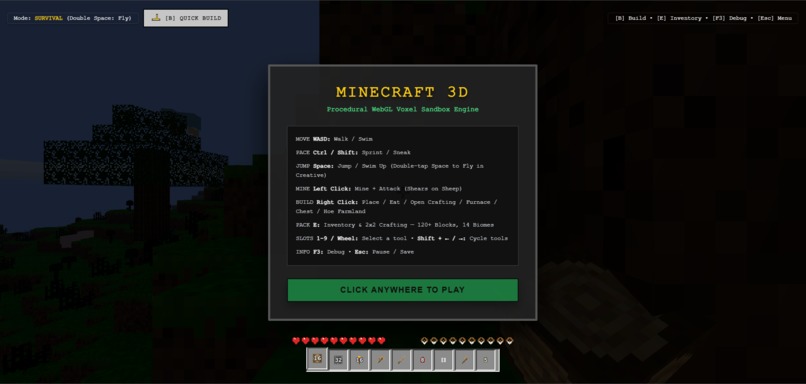
Minecraft Homepage
-
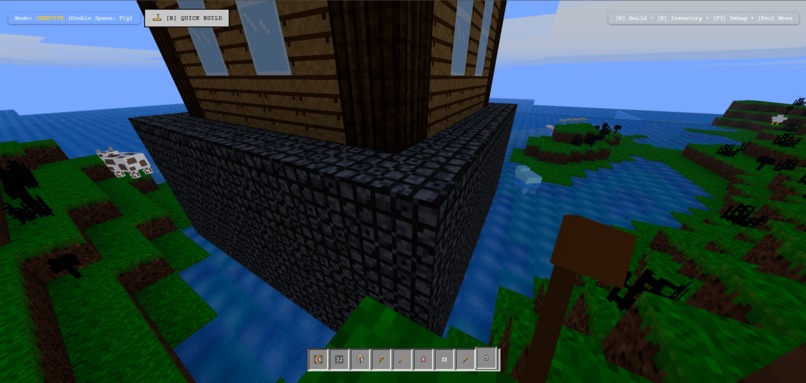
Minecraft House
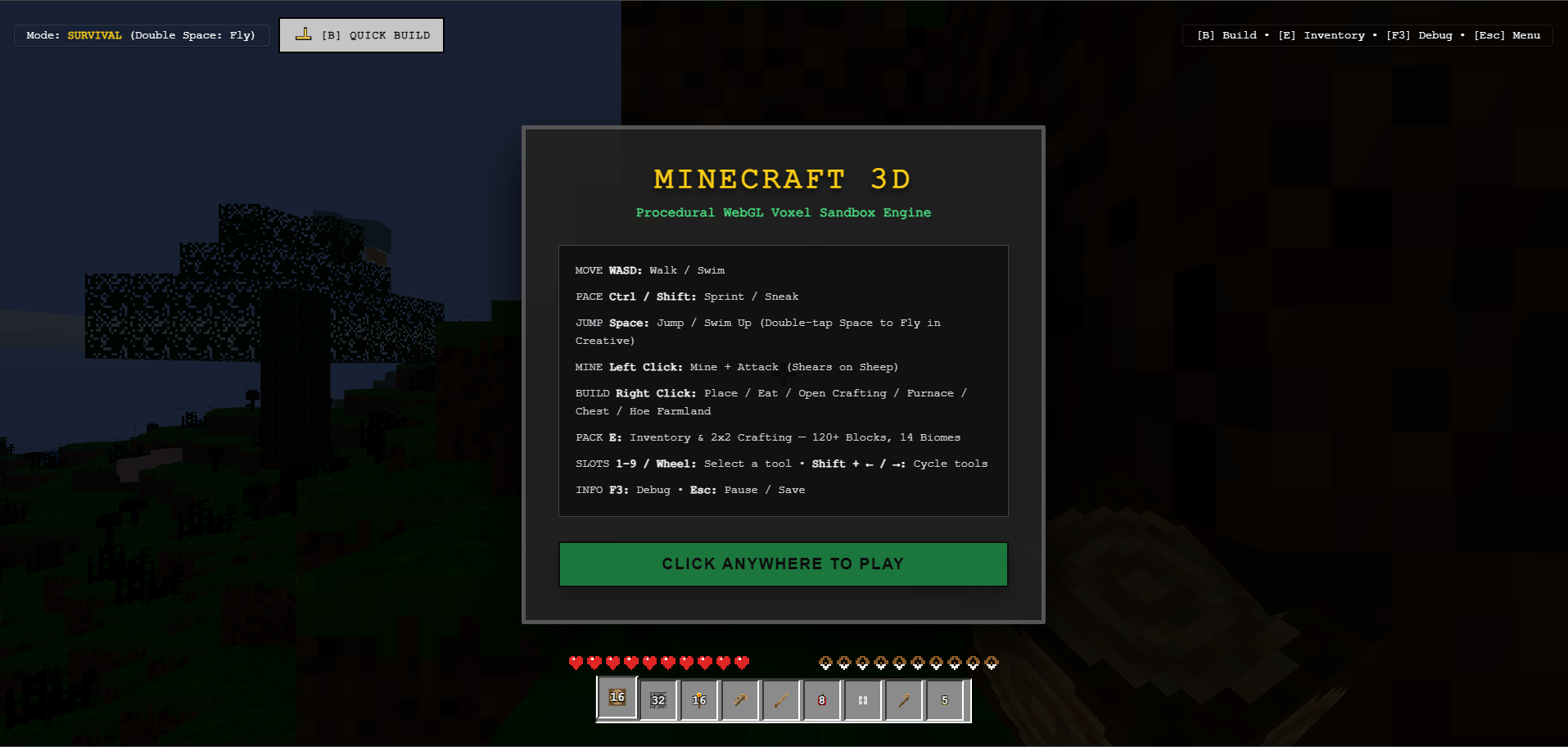
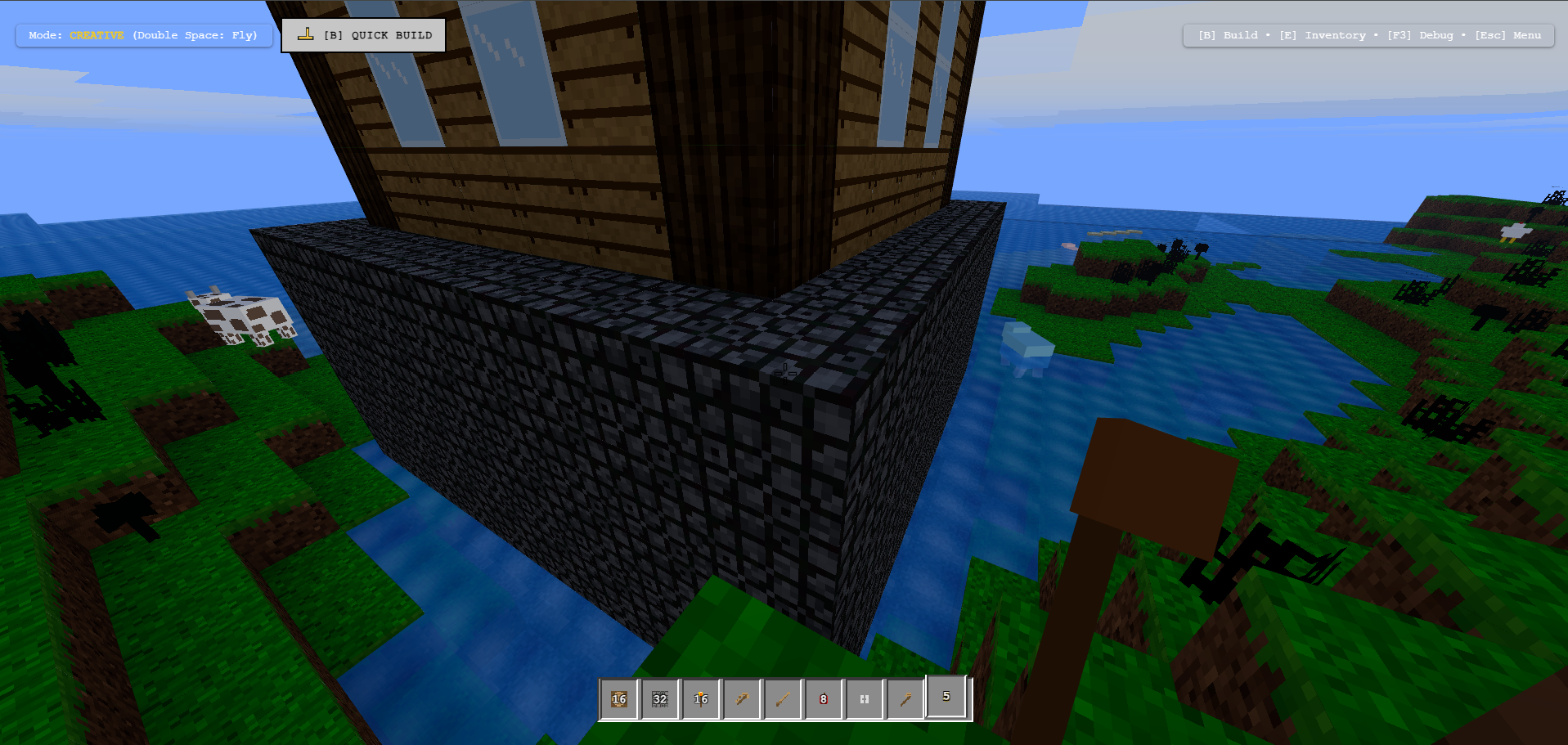
Minecraft 3D — Agentic Voxel World via WebMCP
Inspiration
We wanted to explore what happens when an AI agent stops being a chatbot bolted onto the side of a game and instead becomes a real co-player inside it. Most "AI plays Minecraft" projects (Voyager, MineDojo, etc.) rely on native Java installs, Python backend daemons, Docker containers, and modding frameworks like Forge or Fabric just to get an agent to see the world and press a key. That's a huge amount of friction for something that should feel as simple as talking to a friend while you build together.
Around the same time, the W3C Web Model Context Protocol (WebMCP) draft and Chrome's WebMCP origin trial started gaining traction as a way to expose structured, agent-callable tools directly from a web page. That felt like the missing piece: a 3D voxel sandbox running entirely in the browser, with an AI agent that could see exact coordinates, block IDs, and inventory state natively — no screen-scraping, no guessing pixels, no external bridge processes. We wanted to build the voxel-game equivalent of giving an agent hands and eyes instead of just a text console.
What it does
Minecraft 3D (WebMCP Edition) is a procedural 3D voxel sandbox built from scratch with Three.js and React, featuring 14 biomes, dynamic day/night cycles, weather (clear, rain, snow), hostile and passive mob AI, procedural audio synthesis, physics, survival/creative modes, and crafting.
On top of that game, we embed WebMCP directly into the browser client, exposing 23 standard-compliant tools on document.modelContext and navigator.modelContext, plus a standard MCP JSON-RPC 2.0 postMessage bridge. This lets an AI agent:
- Inspect voxel terrain and query exact player state (position, orientation, health, hunger, biome, held item)
- Architect complex structures — castles, cottages, watchtowers, pyramids, fountains, portals — with progressive, block-by-block animated construction
- Manage inventories, hotbar selection, and item granting
- Terraform landscapes, clear areas, and build 15 procedural geometric primitives (domes, spheres, cylinders, pyramids, etc.)
- Mine blocks, spawn and attack mobs, control weather and time of day
- Respond to natural-language commands in real time ("build a stone castle in front of me and make it daytime")
A player can literally say "clear this hill and give me a diamond pickaxe" and watch the agent do it live in the same browser session, block by block.
How we built it
- Game engine: Three.js for rendering and voxel chunk management, React for UI/state, with custom physics, procedural terrain generation across 14 biomes, procedural audio synthesis, and a survival/creative mode system.
- WebMCP polyfill & bridge (
WebMCPPolyfill.js): A spec-compliant implementation of the W3C WebMCP draft that installs theModelContextinterface ondocument.modelContext,navigator.modelContext, andwindow.modelContext. It implementsregisterTool,unregisterTool,getTools,executeTool, firestoolchangeevents, and exposes a JSON-RPC 2.0postMessagebridge (tools/list,tools/call) so external extensions, iframes, or agent runtimes can drive the game without any custom protocol of their own. It also keeps an in-memory execution history for diagnostics. - 23 core tools (
MinecraftWebMCPTools.js) organized into five functional categories: Navigation & Exploration, Environment & World Settings, Inventory & Block Inspection, Mining & Entities, and Architectural Building & Geometry. - Zero-hallucination design: every tool uses structured JSON Schemas with typed inputs, coordinate bounds, and annotations like
readOnlyHint, so the agent never has to guess where a block is — the engine validates every action, loads chunks on demand, and returns structured feedback. - Safety net for building: a 20-step undo buffer (
undo_last_build) so any agent (or human) mistake in a large build is trivially reversible.
Challenges we ran into
The single biggest challenge was integrating WebMCP into an actual game rather than a static web page. Most WebMCP examples in the wild are forms, calculators, or simple content sites — a 3D game with continuous physics, chunk loading, mob AI, and real-time state is a completely different beast. We had to design and build a lot of tools, and think hard about the underlying game mechanics behind each one, so that an AI agent could actually play Minecraft without getting stuck: things like clamping movement to terrain, exposing raycasting (get_target_block) so the agent knows what it's aiming at, batching block placement so an agent doesn't have to place 1,000 individual blocks one tool call at a time, and building an undo stack so mistakes aren't catastrophic. Every tool we added exposed a new edge case in the underlying voxel engine (chunk boundaries, out-of-range coordinates, invalid block IDs, physics collisions) that we had to handle gracefully so the agent's experience stayed smooth.
The second major challenge was that AI-powered IDEs and coding assistants simply aren't aware of WebMCP yet. Because it's such a new, emerging standard, tools like Copilot and other AI coding assistants couldn't reliably generate correct WebMCP registration code, tool schemas, or bridge logic — they'd only produce useful results once we explicitly spelled out the spec, the interfaces, and the exact patterns ourselves. More amusingly, several times the assistants misunderstood the goal entirely and tried to build an MCP server instead of registering WebMCP tools in the browser client — a funny but telling sign of just how early and undocumented WebMCP still is in training data and tooling.
Accomplishments that we're proud of
We're proud that we were able to provide enough tools within WebMCP — 23 in total, spanning navigation, environment control, inventory, mining/entities, and architectural building — that an AI agent can play the game without any real friction, essentially like a normal human player. The agent can check its surroundings, manage its inventory, build complex multi-block structures, fight or spawn mobs, and change the world around it, all through the same structured interface, with no external bots, no screen scraping, and no modding. Watching a single natural-language prompt ("check my inventory, set it to creative, clear this area, and build a castle") turn into a fully coherent, multi-step, correctly-sequenced sequence of tool calls that plays out live in the 3D world felt like a genuine proof that WebMCP can support something as complex and dynamic as a voxel game.
We're also proud of the zero-setup story: no Java, no Docker, no Forge/Fabric mods, no Python daemon — just open a browser tab and an agent is ready to co-play.
What we learned
- WebMCP is genuinely capable of supporting high-dimensionality, real-time environments — not just flat DOM-based tools — as long as you design tool schemas around grounded, structured state (exact coordinates, block IDs, bounding boxes) rather than relying on visual guesswork.
- Good tool design for an agent is really game design: things like batching, animation delays, undo buffers, and clamped movement aren't just nice-to-haves, they're what make an agent's actions feel safe and legible to a human watching alongside it.
- The current AI tooling ecosystem (IDEs, coding assistants) lags behind emerging web standards like WebMCP, so early adopters need to be ready to write very explicit, spec-referencing prompts and expect some confused detours (like an assistant trying to spin up an MCP server when what's needed is browser-side tool registration).
- Exposing a standard
postMessageJSON-RPC bridge alongside the nativeModelContextinterface paid off — it means any MCP-aware client, not just ones that know about our specific game, can plug in immediately.
What's next for Minecraft WebMCP player
- Expand the tool catalog further — crafting recipes, farming/automation tools, redstone-like logic, and multiplayer-aware tools so multiple agents and players can coordinate in the same world.
- Improve agent "situational awareness" tools (e.g., pathfinding queries, structural stability checks) so agents can plan more ambitious builds autonomously.
- Work with browser vendors and the WebMCP community to help shape the spec based on real lessons learned from a complex, real-time 3D use case.
- Publish clearer documentation and examples specifically aimed at AI coding assistants so future WebMCP integrations don't hit the same "assistant tries to build an MCP server" confusion we ran into.
- Explore persistent multiplayer worlds where multiple human players and multiple AI agents share the same WebMCP-exposed state simultaneously.

Log in or sign up for Devpost to join the conversation.