-
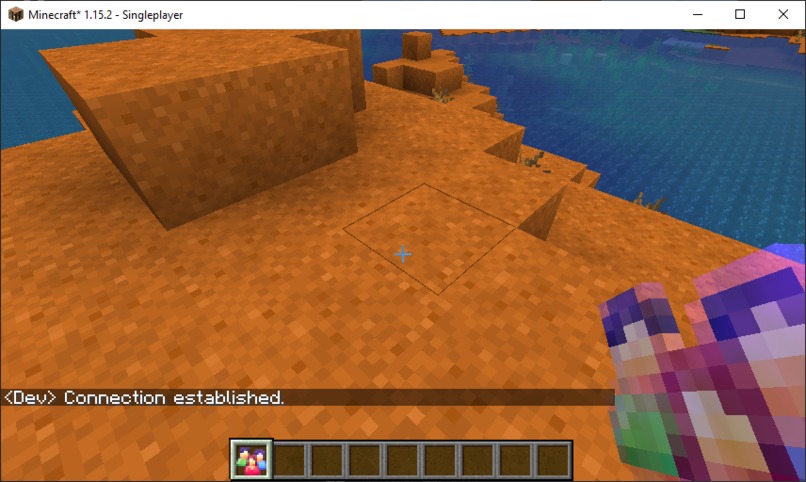
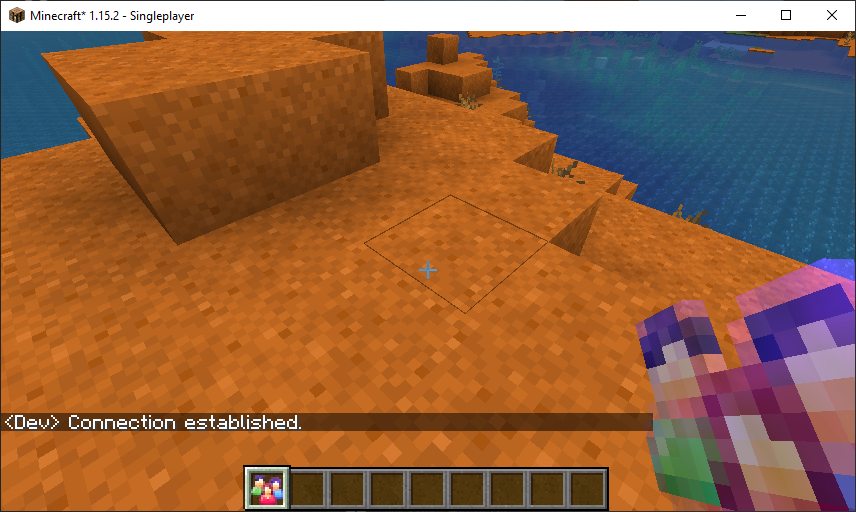
The (glowing) Minecraft Social Space item (nicknamed Ruby)
-
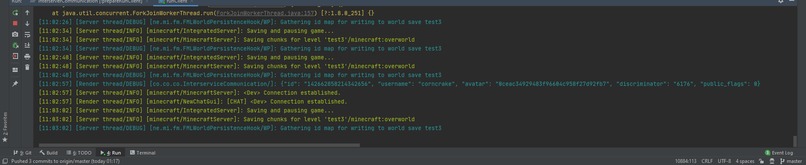
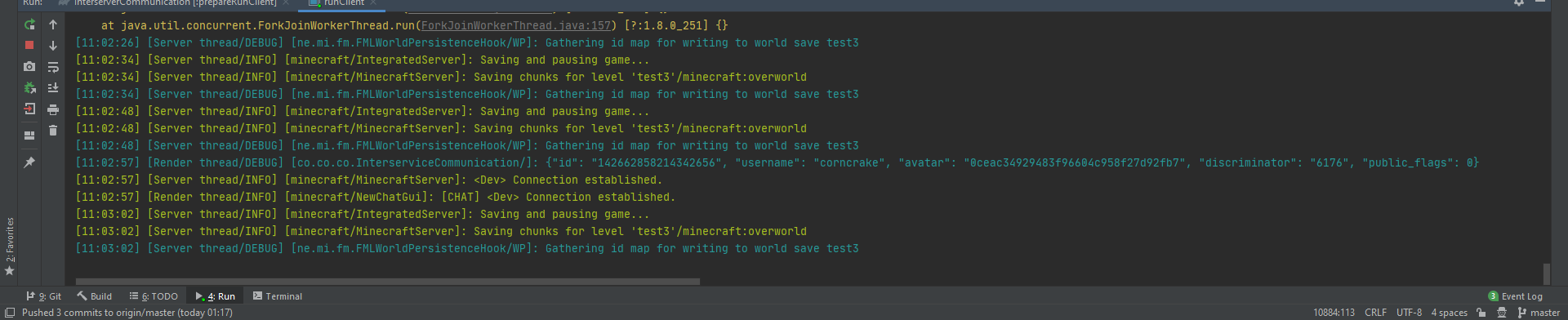
Console output when connecting to discord API (for user details)
-
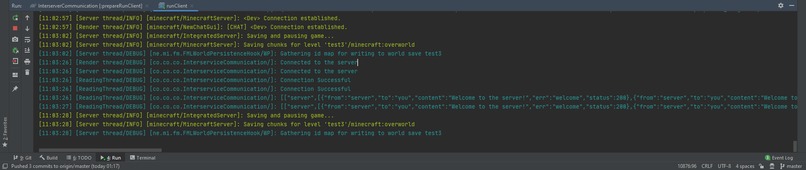
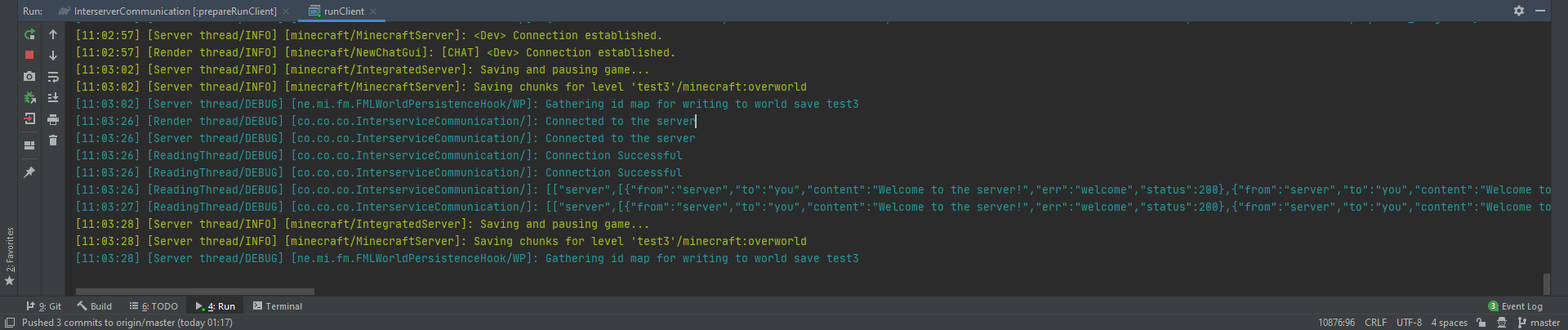
WebSocket connection to server and the retrieval of welcome message
-

Server logging of WebSocket connections
-
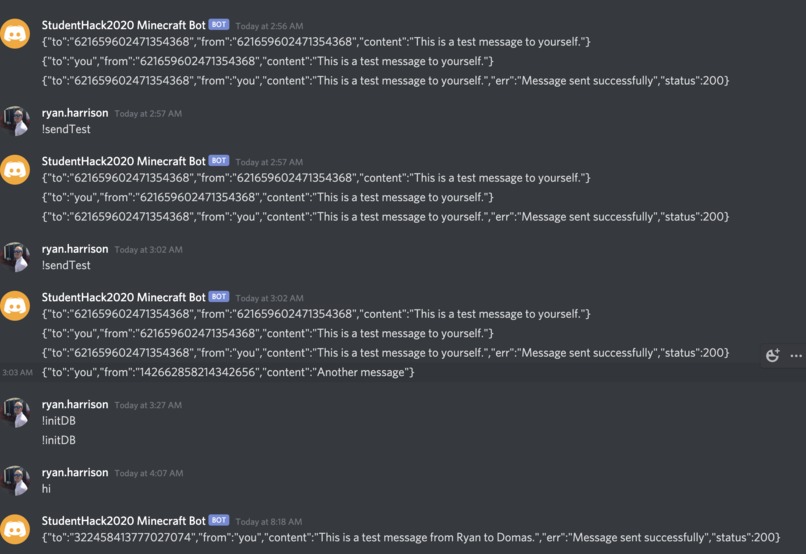
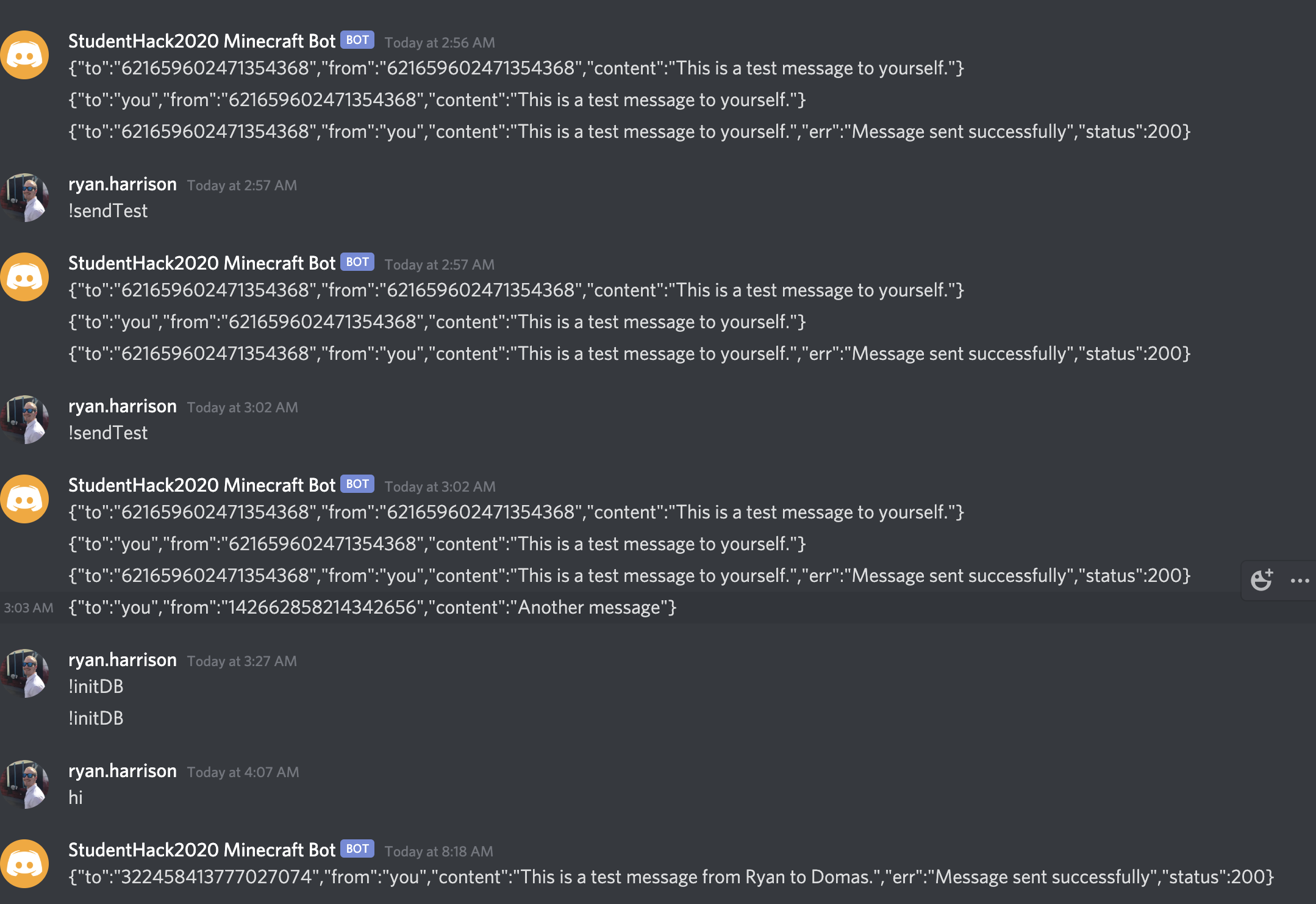
Some example messages being sent to and from the discord bot
-
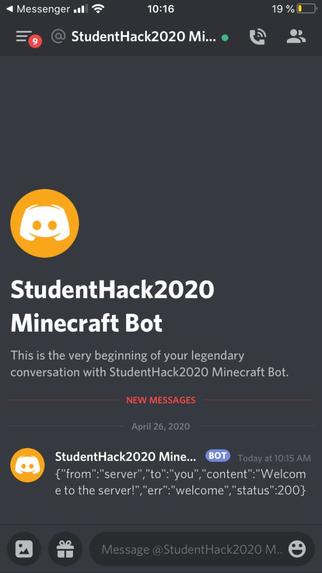
A welcome message from the bot


Inspiration
The idea behind this came from when the Minecraft server went live. We realised we wanted to have some way of communicating in Minecraft without having to be on the same server. The biggest inspiration was to create a mod to allow users to communicate between Realms (Minecraft servers).
What it does
Essentially this is a mod for Minecraft that allows you to communicate with other people playing Minecraft in different servers or on their own local world. The idea is that you can be social without having to join other people's servers, or you can talk to you friends and ask them how they're getting on. Also if they are playing Minecraft you may suggest that they join your server as well.
How we built it
We have a Node.js server and discord bot hosted on heroku at link that handles all the discord API calls and message passing. There is then an item in Minecraft that makes a WebSocket connection with this server to get messages whenever another user sends them.
A user must register with the discord server before they can use this mod.
When a user connects to the server a WebSocket is opened and they are authenticated by their Discord client ID. All of the messages they have received before are then sent back through the web socket. The user can then use !find to find a user on the channel by their username or user tag, or use !send to send a message to another user.
Messages have the following format:
Message {
    from: 'you' | discordID | 'server' | 'me' // If it is a discordID you are the recipient, if server probably a welcome msg
    to: 'you' | discordID | 'server'
    content: string
    status: number | undefined // HTTP status, just look at err if not 200 or undefined
    err: string | undefined
}
When the user sends a message through the WebSocket using !send, the bot running on the webserver then sends a message to itself. This message is picked up by the bot.on('message') listener and is handled as follows. The bot checks that the recipient exists in the channel and, if so, sends them the message via the discord API. The 'to' field in this case is replaced with 'you' instead of the recipients ID. The author of the message gets sent a status update once the message has been sent, that is, if the message was sent successfully they will receive a message with a status code of 200. The 'from' field is replaced with 'you' in this case. The reason messages are duplicated is because only the bot can send messages. So a record needs to be kept in the Direct Message Channels of each participant in order to retain a history of messages.
When a message is received by the bot that has 'you' in the 'to' field, an event is emitted, signalling that a user has been sent a message. If there is a WebSocket open for this user, they will have spawned a listener for this exact event. In this case the listener receives the event and message, and passes the message down the WebSocket to the user in Minecraft, allowing them to see the message in real time.
Challenges I ran into
None of the developers had ever used WebSockets, the discord API or Minecraft mods before. This was a monumental challenge as it was very difficult to navigate all the new types of objects needed to work effectively with the discord API. We discovered that cloudflare (the host for Discord) blocked the default Java User-agent and therefore we had to change it manually.
Accomplishments that I'm proud of
The message passing works perfectly now, we can send formatted messages to each other through discord using the bot as a middleman. Actually creating the Minecraft mod was fun (but difficult) as well and gave us valuable experience in extending code created by others.
What I learned
24 Hour hackathons are tough. Also coffee helps a lot. We now know how to work with Websockets, the discord API, Minecraft mods and Node.js all from one activity. We also discovered that working in a team over the web can be challenging, but the way we split the work was really well done and allowed us to work independently, with occasional help and testing from other members of the group.
What's next for Minecraft Social Space
The plan is to finish and refine this mod, make it into like a computer terminal interface or a mobile phone object. It would also be cool to add a server extension to the mod which would allow users to send each other items between servers, so diamonds from one server into another.
Some sample outputs and examples of our current progress are shown in the image gallery.
Built With
- bot
- discord
- java
- minecraft
- node.js
- websockets

Log in or sign up for Devpost to join the conversation.