-
-

DAMHosting Logo
-
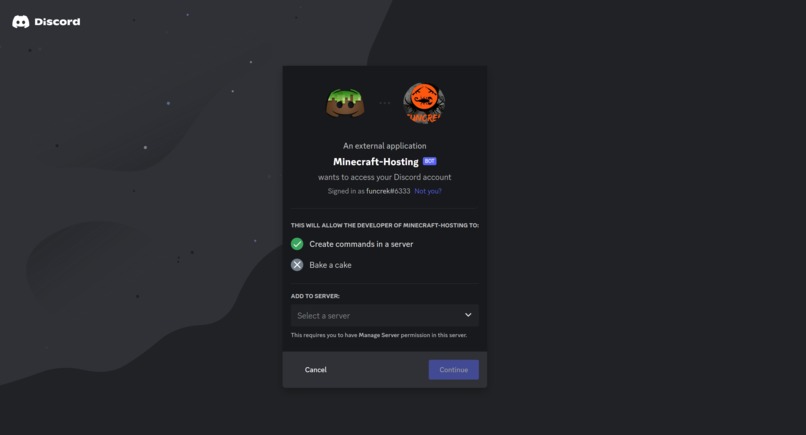
DAMHosting can be used on any Discord server. Users can make the bot join their server
-
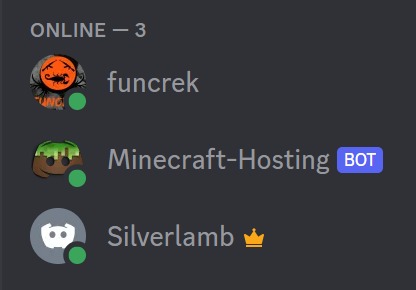
DAMHosting Discord Bot on a server
-
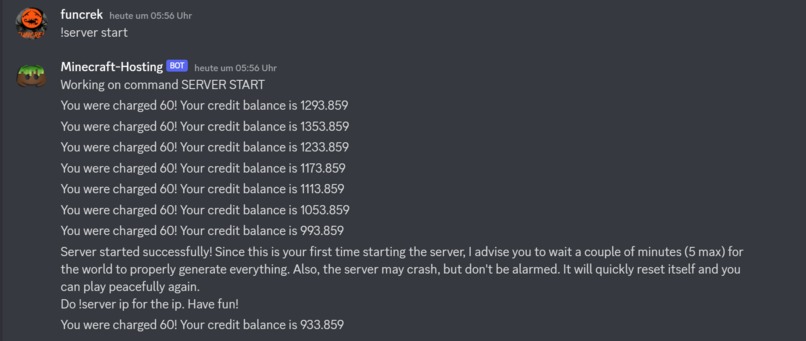
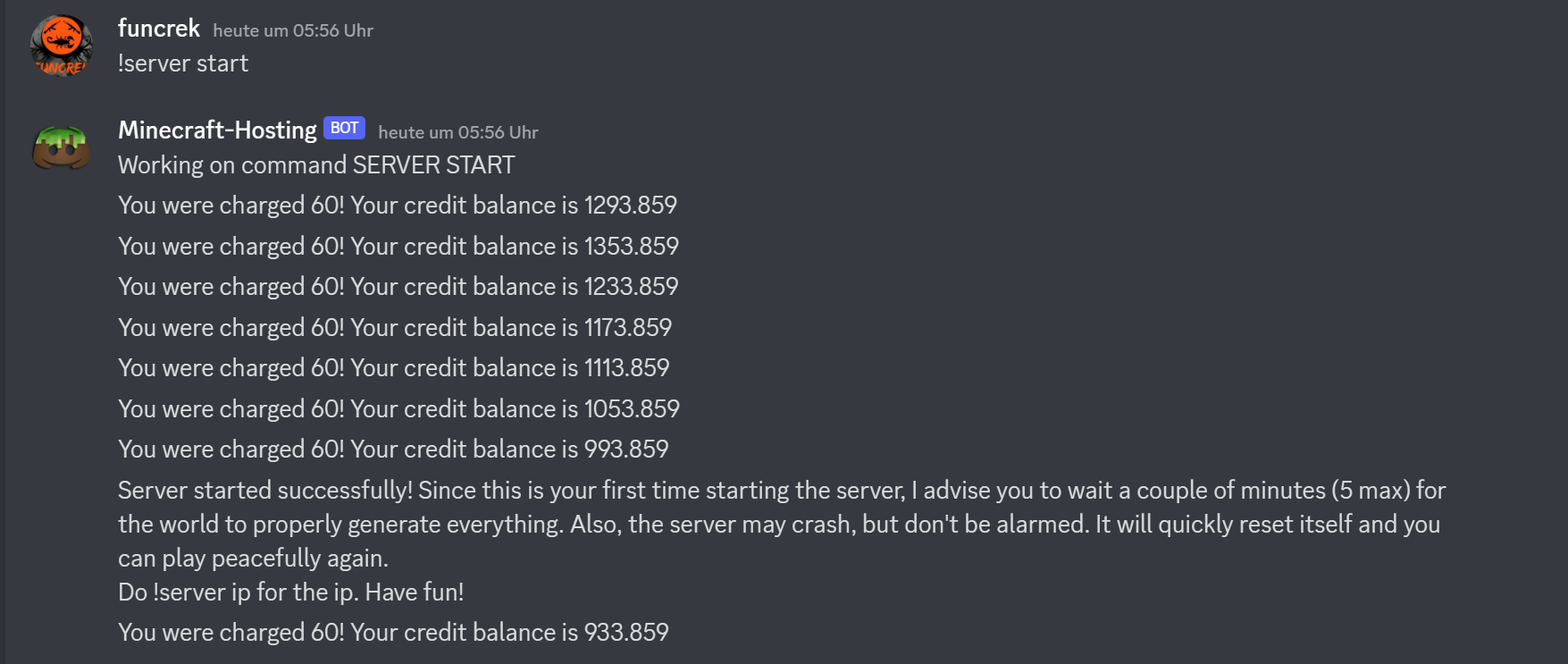
Use of "!server start" command on the DAMHosting Discord Bot
-
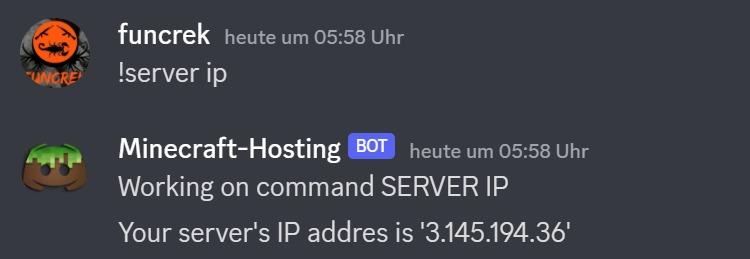
Use of "!server ip" command on the DAMHosting Discord Bot
-

Directory of a EC2 Instance hosted by DAMHosting
-
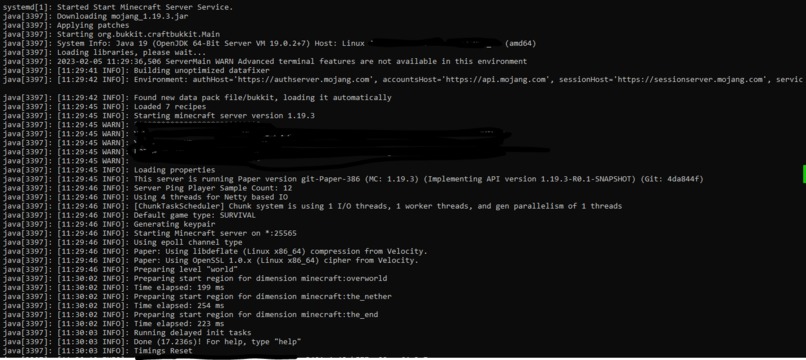
Running Minecraft Java Server hosted by DAMHosting on an AWS EC2 Instance
-
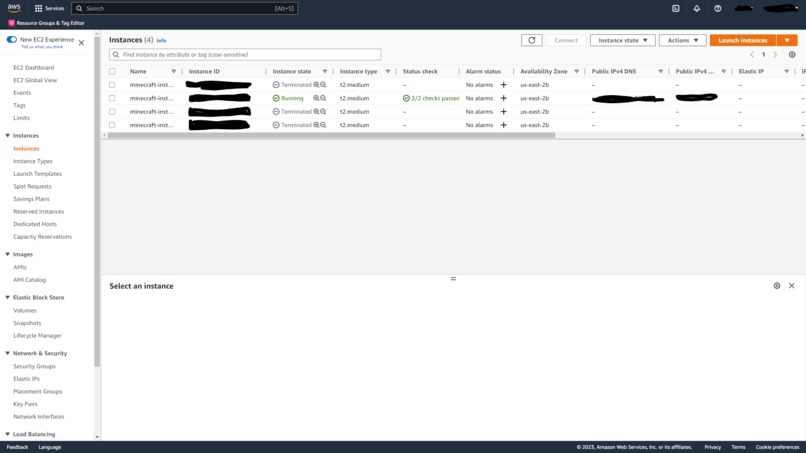
EC2 Management Dashboard for DAMHosting's Game Server Instances
-
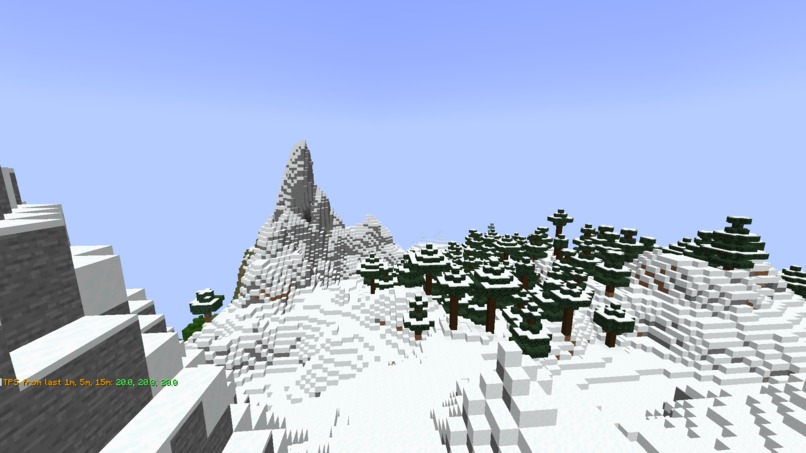
In-game screenshot incl the Ticks-per-Second measurement on a Minecraft Server




Inspiration
One bright day in ancient Greece, Socrates looked into Athens sky perplexed by the idea of not moving anything but his mind. What if he could if he moved his mind without any physical motion? What if he explored different realms, and worlds, and fight off the monsters of difficulty that life throws? What if he could play Minecraft?
And at a cheap price too! With all the functionality that the established and costly premium online services could do.
What it does
The application provides users with a compact and robust tool to help create Minecraft servers on Amazon AWS EC2 instances. These EC2 instances are managed all through a system (object-oriented) we made with Python with a front end through the Discord API.
How we built it
We started painting our Mona Lisa with a touch of testing. We built a prototype Discord bot and Terraform testing application so we could see how the project would look hands-on before designing the project. Once we saw some progress in the Terraform and Discord area, we were ecstatic to start designing an actual project. We thought that it'd be best to use MongoDB as our database to store all the more "JSON" data in. Splitting the work into two, we got our separate modules done, such as a database gateway and command parser for our Discord bot. We made sure to properly document our code in the Python source files. Furthermore, we version-controlled everything through Git. In the end, we put all the pieces together and had the final result of a Discord bot as our front end that could manage Minecraft servers on AWS.
Challenges we ran into
We ran into a bottleneck of time. A large part of this project was an iterative process of changing variables around to improve the performance and working through the API documentation for the Discord bot. This was especially true for our development in Terraform. Every time an instance failed, we reset the entire environment for that instance so we could ensure a smooth run when it is used in a production sense. Also, Python's way of sharing modules was a bit convoluted and obscure on the internet, but we managed to trudge through eventually.
Accomplishments that we're proud of
We are proud of overcoming the challenges of the Python modules and runtime environments as mentioned previously. However, as our highest achievement, we are glad that we produced a fully functioning server that can start with no lag in roughly a minute. It allows anyone to have a fun time at a low cost without any effort.
What we learned
Looking at it from the end, Python isn't an optimal language for the application. While Python meant a lot of issues for the application, it was very handy thanks to its compatibility with all the technologies (Discord API, MongoDB, Terraform, Ansible). Another thing we have learned: Never say, "We will be done in __." It never happens. Never. There will always be setbacks and you should be ready for them to occur.
What's next for Minecraft Hosting
We are thinking to add a PayPal system so that users can pay for the credits in each Discord server. Also, we want to make our UI even more convenient by creating a permanent widget with buttons to control the game server instances currently running. This could turn into an interface style that won't update via methods but update with methods to that widget.
Built With
- amazon-web-services
- ansible
- discord
- java
- linux
- mongodb
- paper
- python
- terraform


Log in or sign up for Devpost to join the conversation.