-
-
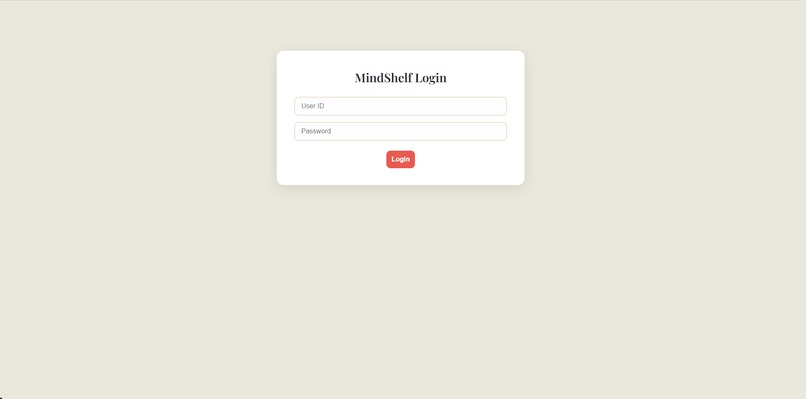
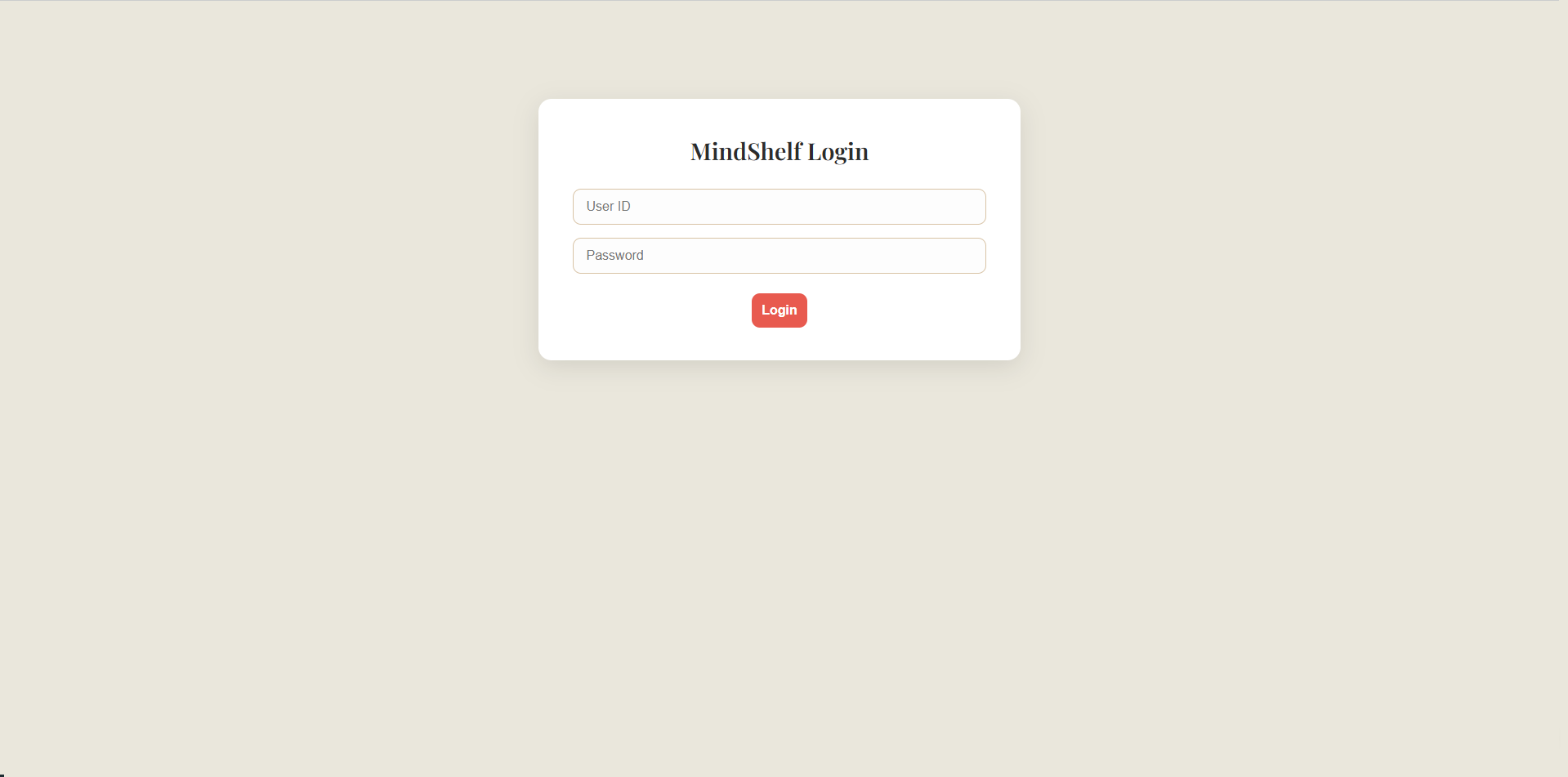
Login Page
-
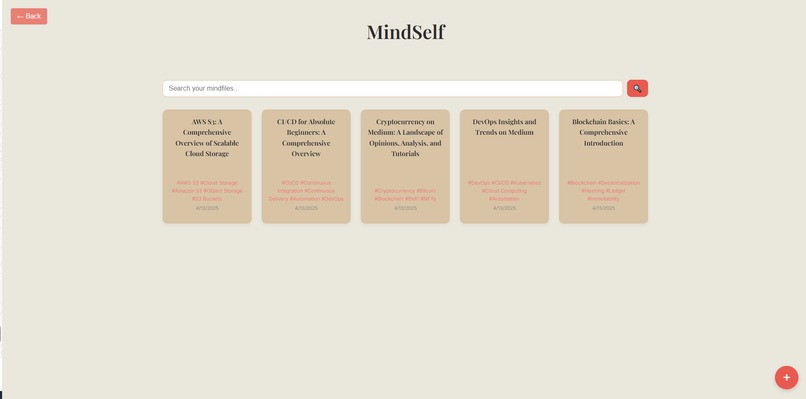
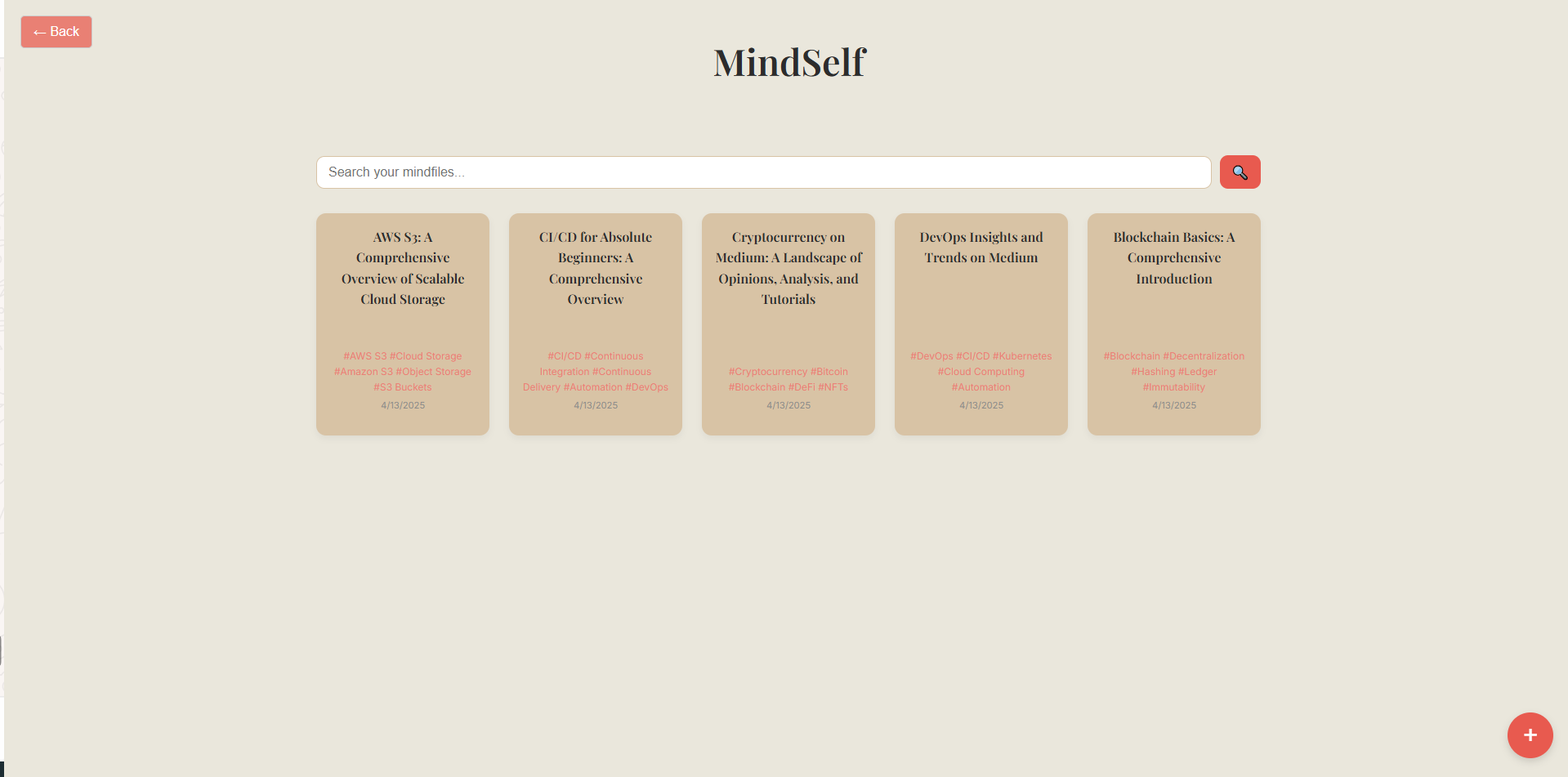
Landing page: Shows the 5 latest Mindfiles you saved
-
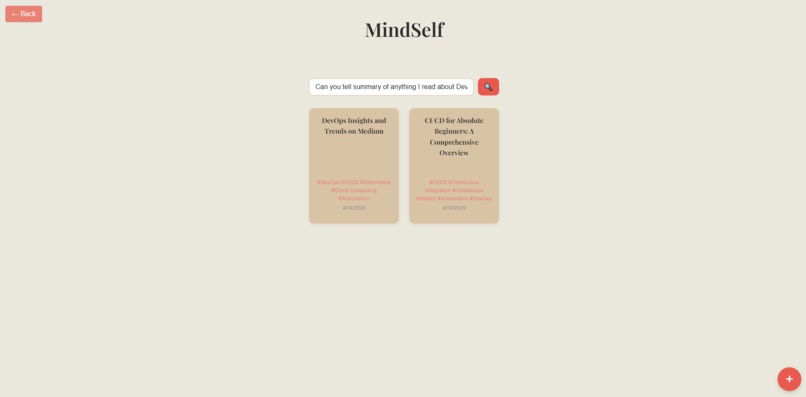
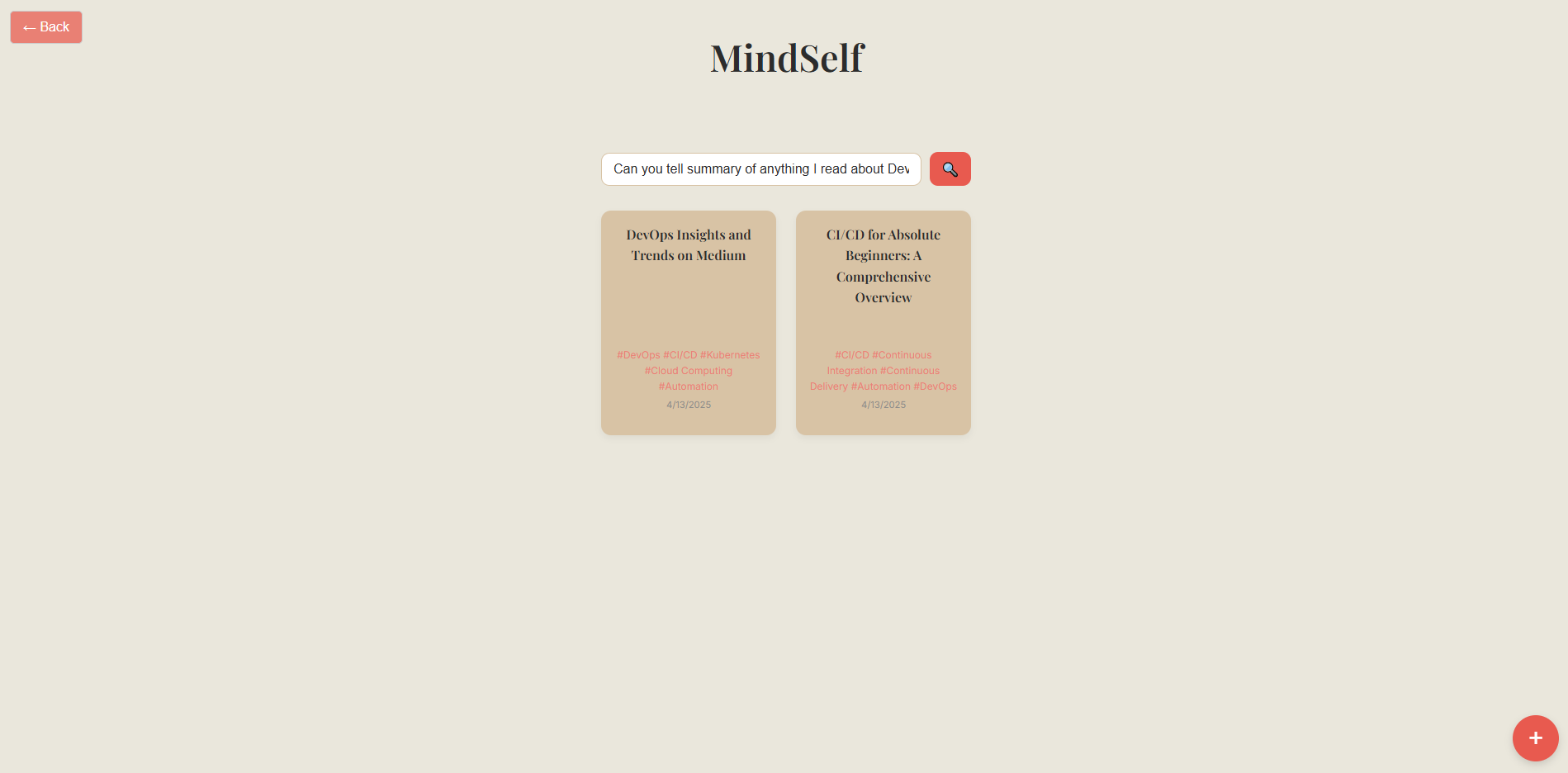
Search in Natural Language using GenAI for Mindfiles you had previously saved
-
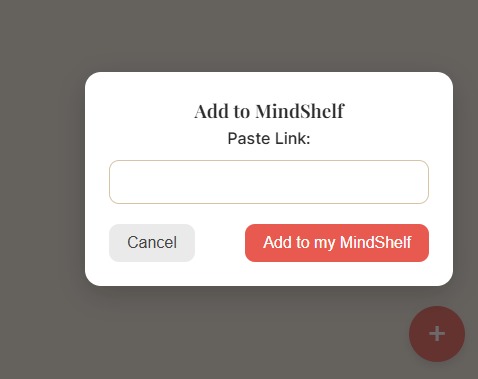
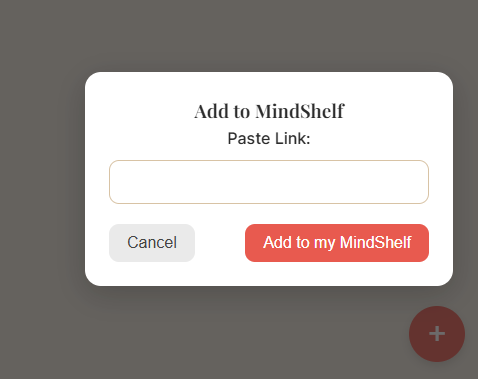
Adding a Mindfile to your MindShelf - User can paste a link of their content's source and save its summary.
-
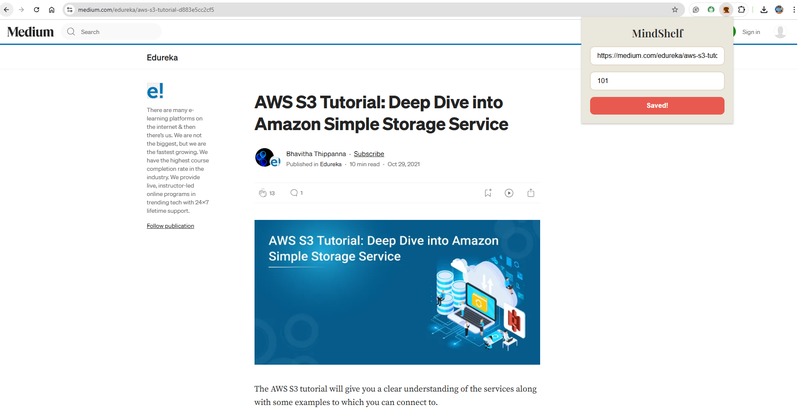
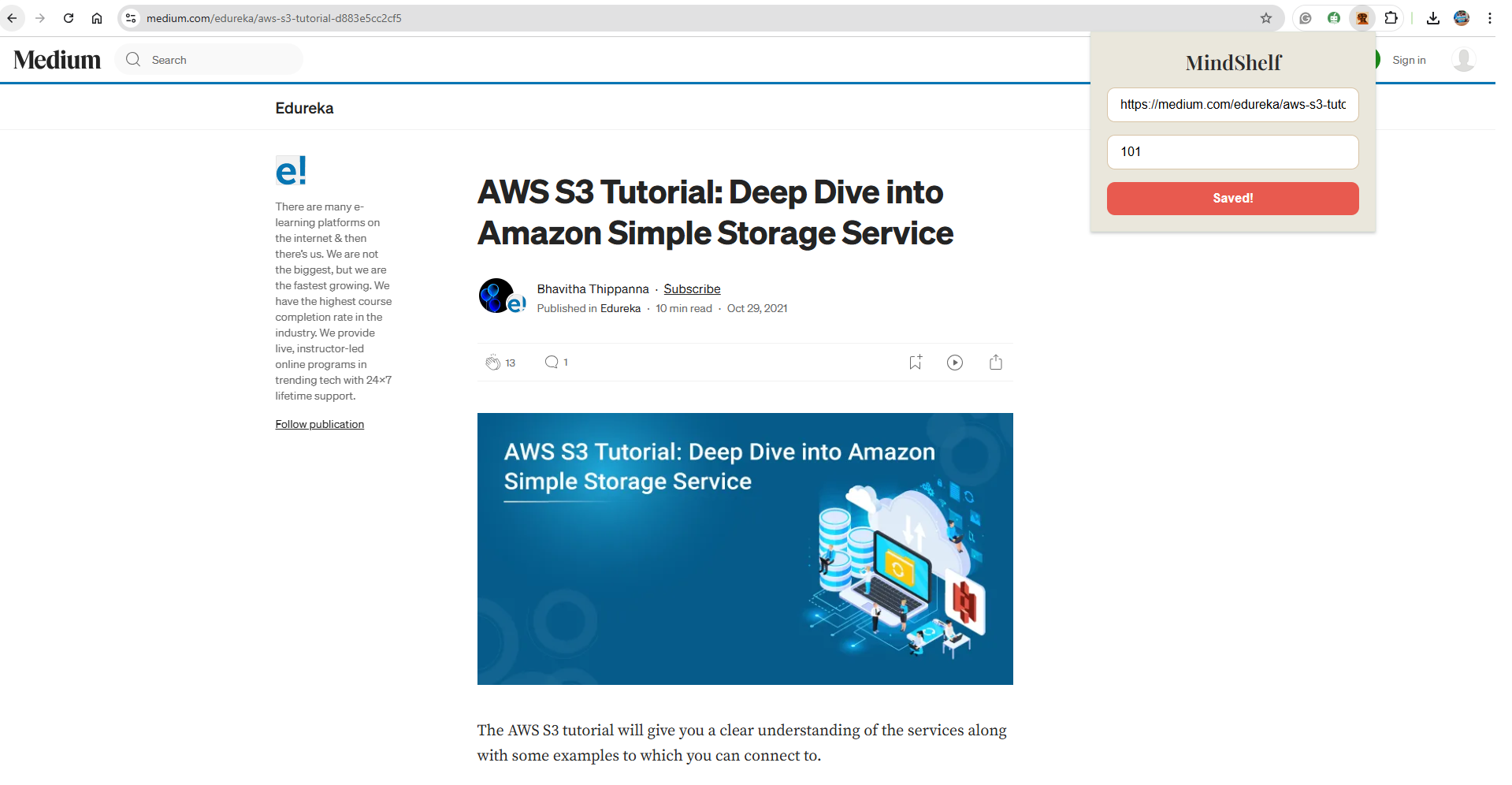
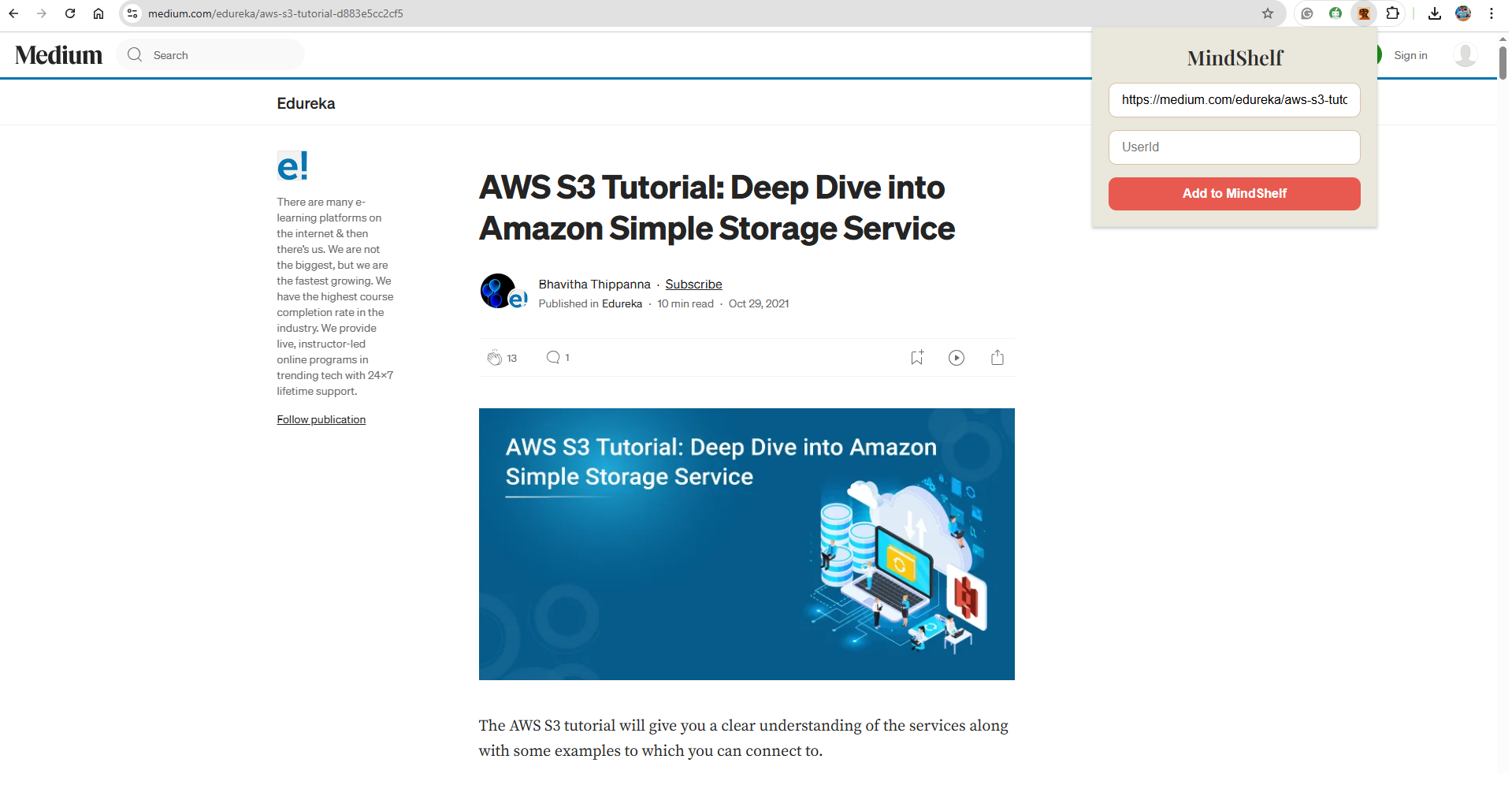
Extension to add Mindfiles directly from a tab. No need to open the app whenever you find something you want to save!
-
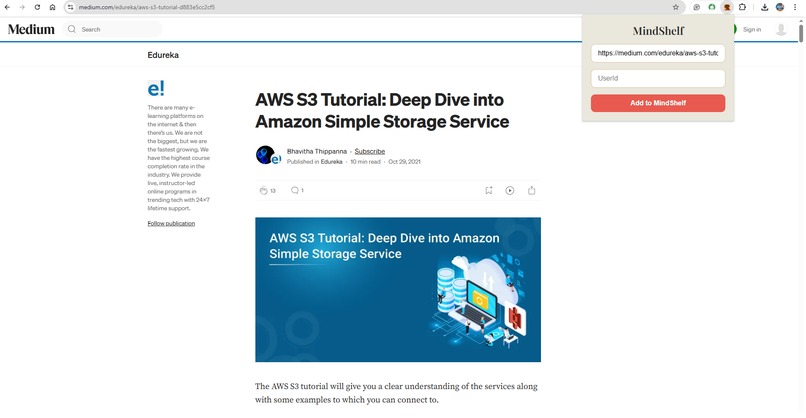
Extension - Automatically fetches the link of the page when clicked, and users can directly save summaries to their MindShelf
MindShelf – AI-Powered Personal Knowledge Library
Inspiration
In today’s world, we consume an overwhelming amount of digital content—articles, videos, tweets—but retain very little. We often find ourselves saving links or bookmarking resources, only to forget about them later or struggle to retrieve the key ideas. We wanted a way to turn passive content consumption into active learning. That’s how MindShelf was born—an AI-powered personal knowledge library that makes your knowledge searchable, summarized, and memorable.
What It Does
Users forward or paste content links (articles, tweets, videos or any webpage).
Gemini AI:
- Summarizes content
- Extracts key takeaways
- Adds searchable concept tags or keywords
MongoDB:
- Stores these “mindfiles” with tags and timestamps
Feature:
Ask Gemini: “What did I read last month about climate optimism?”
and it instantly delivers all the mind files you saved last month on climate optimism. Users can read their summaries just by a simple click to the mindfile.
Bonus Feature - Browser Extension Support
To make saving content even easier, we built a Chrome extension that lets users capture and send articles or videos to MindShelf directly from their browser. With one click, users can:
- Send the current tab’s URL for summarization
- Tag content for future recall without leaving the page
This extension turns any browsing session into a moment of mindful learning.
How We Built It
- Frontend: React and Node.js service to receive links
- AI Engine: Google Gemini API for summarization and tagging
- Database: MongoDB to store structured summaries and metadata
- Function Calling: Used Gemini's function calling to trigger tag/date-based retrieval
- Cloud Deployment: Hosted backend logic and database for remote access
Challenges Faced
- Learning and implementing Gemini’s function calling with limited documentation
- Ensuring summary quality across mixed content types (text, video transcripts, tweets)
- Designing a searchable schema that balances structure and flexibility
- Maintaining performance and security with rate limits and key handling
What We Learned
- Gained hands-on experience with LLM-based function calling
- Enhanced skills in prompt engineering for structured output
- Learned efficient schema design in MongoDB
- Understood the practical synergy between AI and productivity tools
Impact
MindShelf helps students, researchers, and lifelong learners convert fleeting digital content into lasting knowledge—turning your brain into a beautifully organized bookshelf.
Built With
- api
- atlas
- css
- express.js
- gemini
- html
- javascript
- mongodb
- node.js
- postman
- react.js
- rest


Log in or sign up for Devpost to join the conversation.