-
-
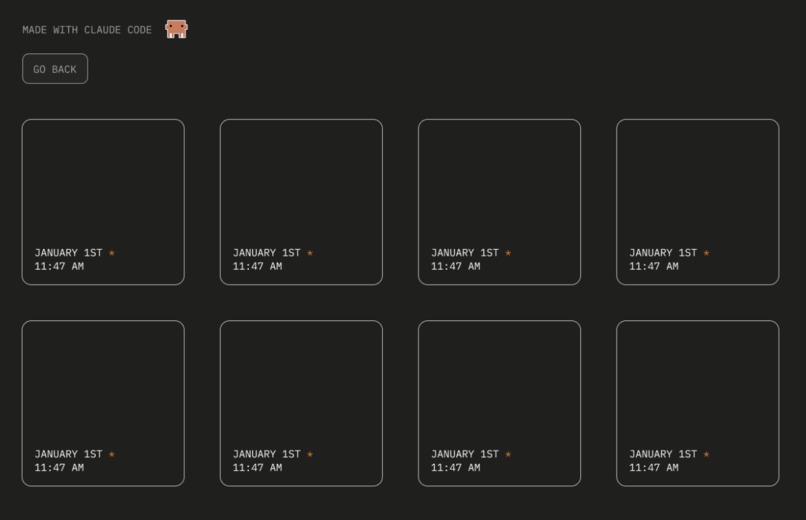
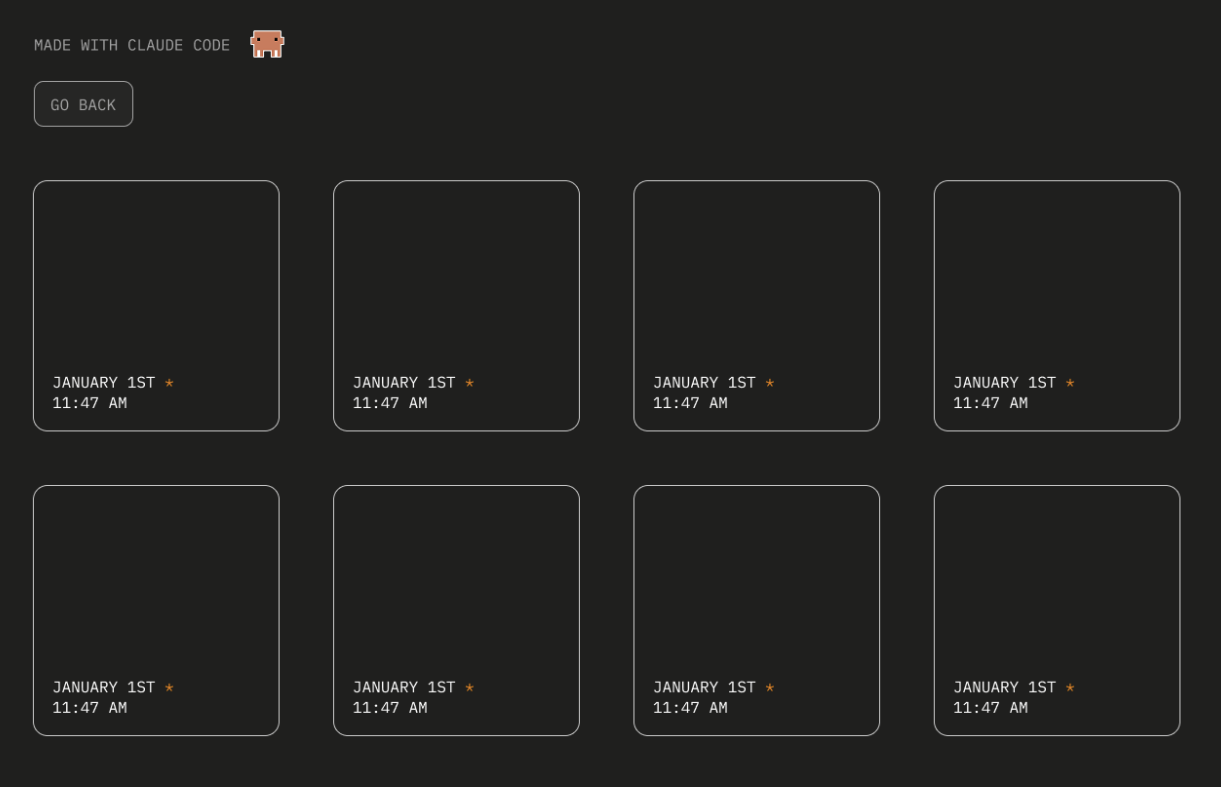
UI/UX Figma
-
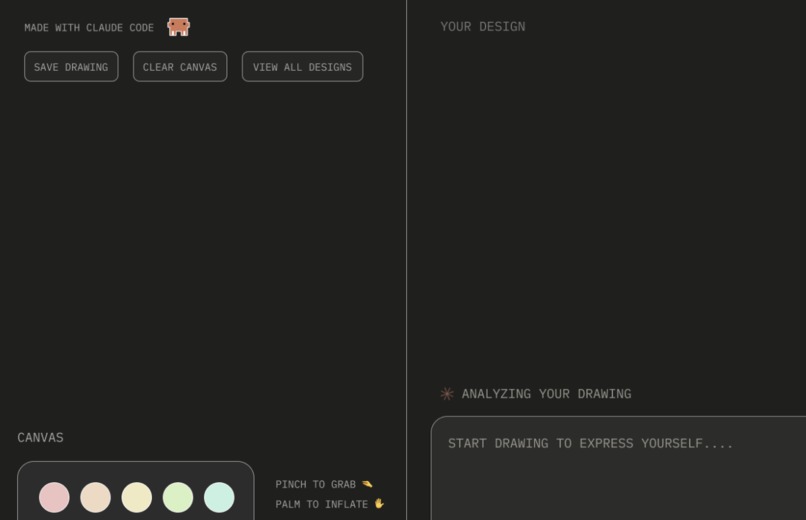
UI/UX Figma
-
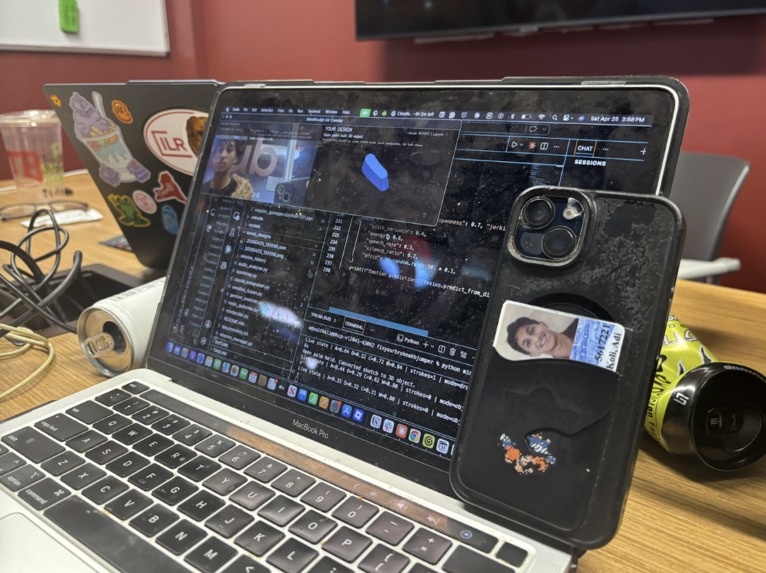
Phone as Camera Functionality
Inspiration
Many people struggle to understand or express what they are feeling in real time. Traditional tools like journaling and note-taking require translating internal experiences into language. But to some extent, this can interrupt the natural flow of thought and make reflection harder, especially during moments of stress, distraction, or emotional overload. We wanted to create a tool that explores a more immediate and intuitive form of reflection, allowing all people to express themselves more creatively through interaction instead of words.
What it does
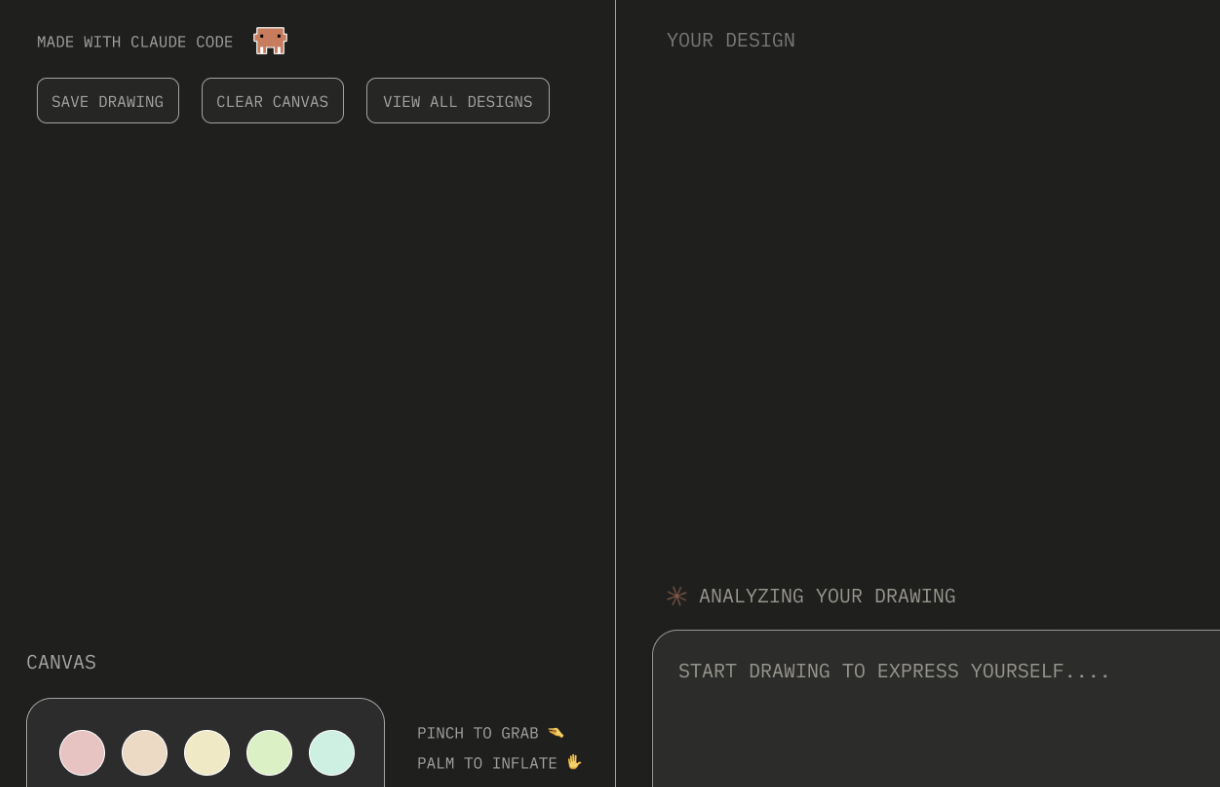
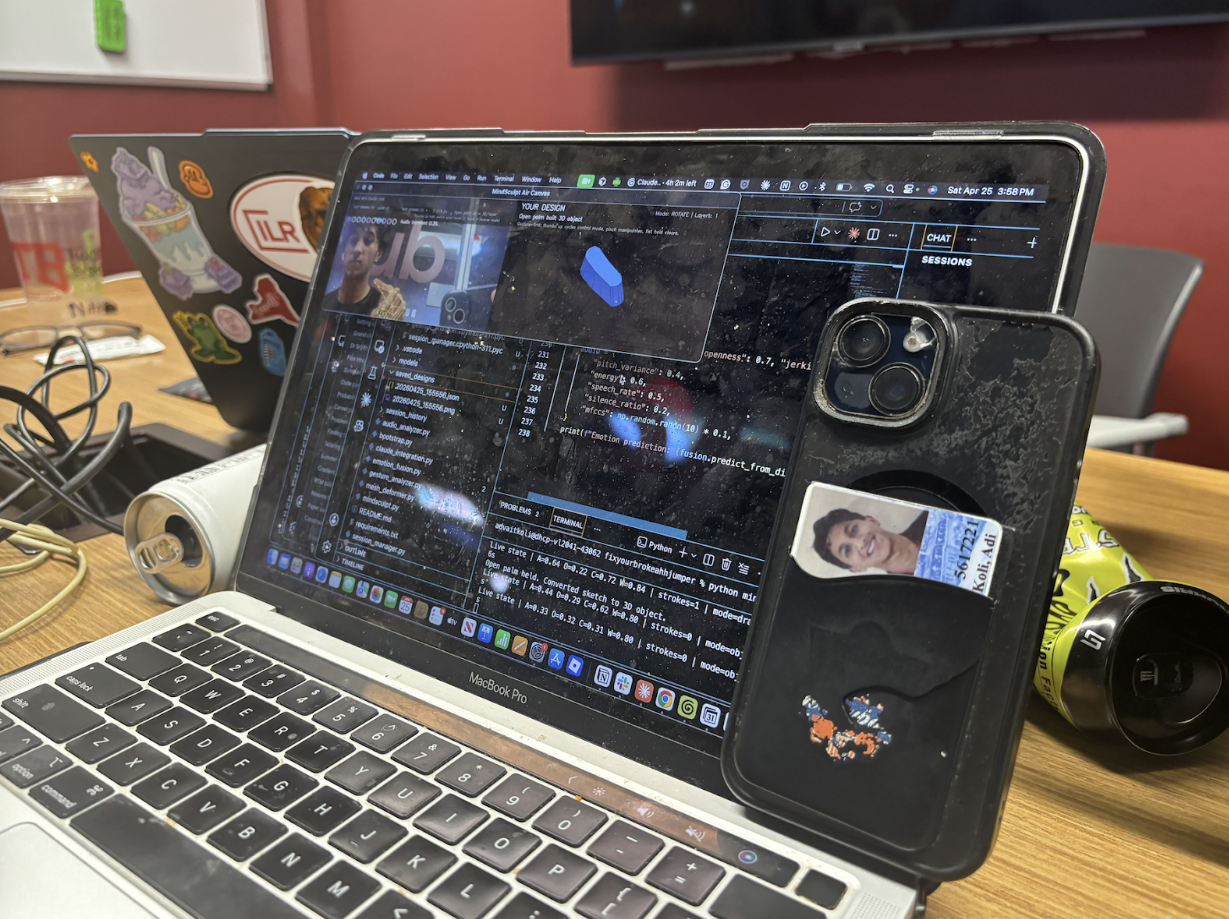
MindSculpt is a real-time expressive drawing system that turns hand motion into interactive 3D objects in the browser. Users draw using a webcam, and their gestures become persistent visual forms they can manipulate, revisit, and reflect on over time.
At the core of MindSculpt is a Zen garden inspired interaction loop. Instead of starting with free-form drawing alone, the system guides expression through simple, open-ended prompts such as “draw anger,” “draw calm,” or “draw a river.” These prompts are intentionally abstract, encouraging users to interpret and express internal states through motion, shape, and structure rather than language.
After each creation, MindSculpt introduces a reflective prompt based on the drawing itself. Using lightweight AI analysis of motion patterns such as speed, repetition, and form complexity, the system surfaces gentle questions like “does this feel like anger?” or “what does this resemble to you?” This is not intended as emotional labeling or diagnosis, but as a way to help users notice connections between their internal experience and their external expression.
This creates a continuous loop of guided expression and reflection, where each drawing becomes both a response to a prompt and a moment of self-observation. Over time, users can revisit their creations to see how their expressive patterns evolve.
How we built it
We built MindSculpt using MediaPipe Hands for real-time hand tracking, Three.js for rendering 3D interactive objects, and TypeScript for the overall system architecture. The gesture detection system interprets how users draw, inflate, and interact with their designs and the stroke processing pipeline converts the motion into smooth 3D geometry. A lightweight analysis layer tracks drawing dynamics for real-time feedback.
Challenges we ran into
One of the biggest challenges we faced was managing the development workflow once we began running out of Claude tokens. Because our project required both technical debugging and creative product iteration, we initially relied heavily on Claude to help us reason through the structure of the app, the user experience, and the implementation plan. Once we hit usage limits, we had to quickly adjust our workflow and move our work into Codex. This forced us to become much more organized. Instead of asking broad questions, we broke the project into smaller implementation phases: rebranding the interface, preserving the existing 3D hand-drawing functionality, adding emotion-based visual modes, adding microphone reactivity, and building the reflection panel. Codex was useful because it could work directly with the repository and propose code changes through GitHub, which helped us continue building even after Claude became limited. OpenAI’s documentation notes that Codex can connect to GitHub repositories and create pull requests, which matched the workflow we ended up using.
Another challenge was getting the technical stack running smoothly. Our project relied on Three.js for the interactive 3D environment and MediaPipe for real-time hand gesture recognition. Three.js gave us the ability to render and animate the 3D drawing space, while MediaPipe Gesture Recognizer provided hand gesture results and hand landmark data needed for pinch drawing and gesture-based interaction. However, because none of us were deeply experienced with this stack at the start, we had to troubleshoot dependencies, local setup, npm installs, and browser permissions for the camera and microphone. Small issues, such as missing packages, camera access, and understanding which files controlled the Three.js scene versus the gesture loop, took time to resolve.
We addressed these challenges by dividing responsibilities and working incrementally. Rather than trying to rebuild the entire app at once, we preserved the working baseline first, then layered our MindSculpt features on top. This helped us avoid breaking the core hand-tracking demo while still adapting the product toward our social-impact goal. Overall, these challenges made our final product stronger because they pushed us to create a clearer workflow, a more modular implementation plan, and a better understanding of how the different technologies fit together.
Accomplishments that we're proud of
We are proud that we were able to turn an open-source 3D hand-gesture drawing baseline into a project that feels much more aligned with our original social-impact vision. Instead of building a simple drawing app, we adapted the experience into MindSculpt, a creative reflection tool where users can express emotions through hand movement, visual form, and interactive 3D effects. The core accomplishment was getting the prototype to preserve the working hand-tracking interaction while layering on a stronger product concept: emotion goes in, 3D expression comes out, and reflection comes back. We are also proud of how quickly our team learned to work across unfamiliar tools. The project required us to understand how Three.js powers interactive 3D graphics in the browser, how MediaPipe recognizes hand gestures and landmarks in real time, and how to manage a development workflow through GitHub and Codex. None of these pieces were simple on their own, but we were able to connect them into one working demo. Most importantly, we kept the product ethically grounded: MindSculpt is not framed as a diagnosis tool or a replacement for therapy, but as a safe creative space for users to externalize feelings they may not yet have words for.
What we learned
The biggest thing we learned was that building an AI product is not just about adding AI to an interface. The strongest version of MindSculpt came when we clarified what role each technology should play. Computer vision captures the user’s hand movement, Three.js turns that movement into a living 3D visual form, audio and gesture patterns add emotional texture, and Claude/Codex support the reflection and development process. That helped us avoid making the AI feel decorative. Instead, each layer served the core user experience. We also learned the importance of building incrementally. At first, it was tempting to imagine the full product all at once: emotion detection, 3D sculpture, audio reactivity, reflection, and long-term pattern tracking. But in practice, we had to break the work into smaller phases: first, get the baseline running, then preserve the hand-drawing engine, then rebrand the interface, then add expressive effects, and finally connect the experience back to the mental-health reflection goal. Running out of Claude tokens also taught us how important it is to document decisions clearly and move work into a more structured coding workflow through Codex and GitHub. By the end, we learned that technical constraints can actually improve a product by forcing the team to prioritize what matters most for the demo.
What's next for MindSculpt
As the world moves toward augmented reality and spatial computing, we see MindSculpt evolving into an immersive AR experience. While 3D drawing and spatial “playgrounds” already exist for creative expression, we believe this space can also support reflection and well-being. By combining real-time interaction with AI-driven pattern awareness, these environments can become more than creative tools, they can become spaces for grounding, self-expression, and reflection.
We ultimately want to take MindSculpt beyond a web-based experience and into augmented reality, where users can naturally draw, interact with, and revisit their expressive forms in physical space. Instead of being confined to a screen, thoughts and emotions could exist around the user as interactive spatial objects, making reflection more embodied, immediate, and present in everyday environments.

Log in or sign up for Devpost to join the conversation.