-
-
Mindmaps
Inspiration
I built this alone, and the reason is embarrassingly simple.
I was sitting with multiple sets of research papers open — and I just couldn't figure out how any of it connected. Each note made sense on its own. But together? It was just noise. I kept re-reading the same paragraphs hoping something would click, and it never did.
I didn't need more information. I needed to see how the information fit together.
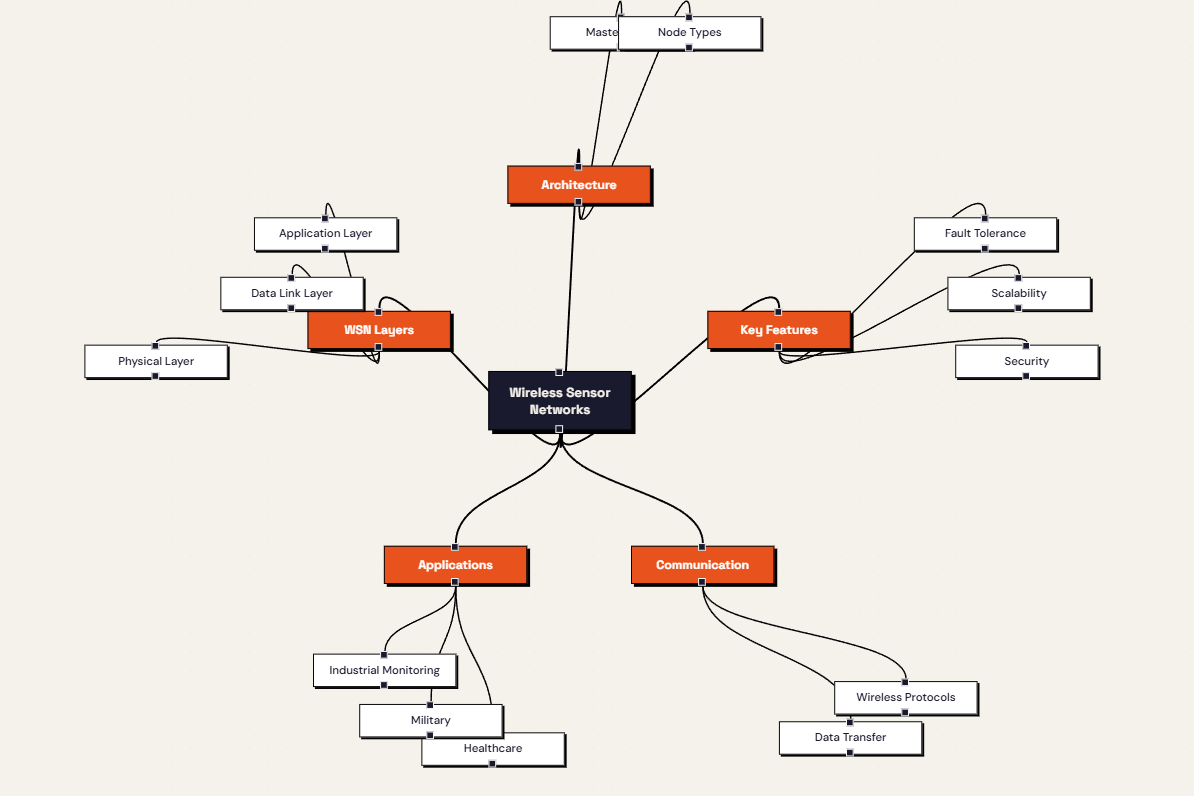
That's when I thought — what if I could just paste my notes somewhere and get a map back? Not a summary, not bullet points, but an actual visual structure showing me the concepts and how they relate. Something I could click through, explore, and actually learn from. I couldn't find anything that did exactly that. So I built it.
What it does
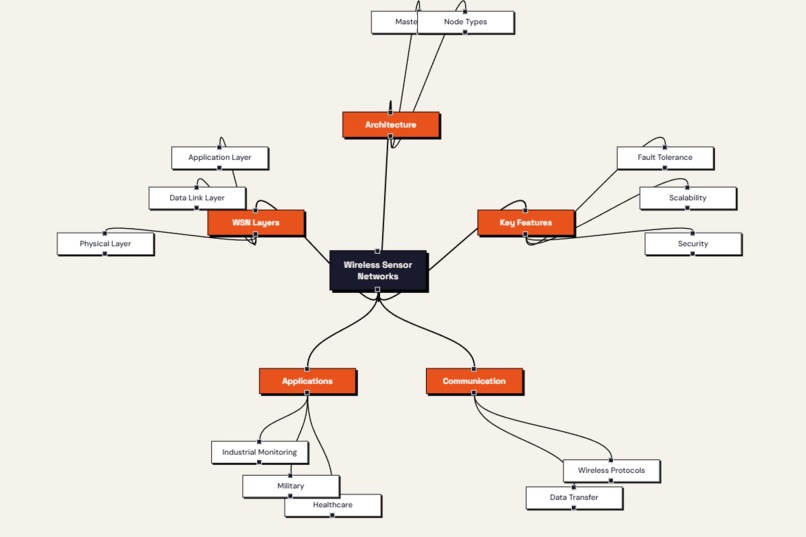
MindScribe takes any block of text — lecture notes, a research paper, a textbook chapter — and turns it into an interactive mind map. You paste your notes, hit generate, and within seconds you have a visual concept map you can actually navigate.
From there you can click any node to get a plain-language AI explanation of that concept. You can select two nodes and see how they connect to each other. You can quiz yourself on any concept with an AI-generated multiple choice question. As you explore, you can mark each concept as understood, fuzzy, or not yet grasped — those ratings are colour-coded directly on the map so you always know where to focus next.
Everything persists across sessions through Cloud Firestore, so your progress is never lost between study sessions.
How we built it
The frontend is React with TypeScript, built with Vite. Mind maps are rendered using React Flow, which gave me a flexible canvas for displaying and interacting with graph structures. Firebase handles authentication and all user data storage.
The backend is a FastAPI app in Python with four endpoints — mind map generation, concept explanation, relationship analysis, and quiz generation. Every request is authenticated using Firebase ID tokens, and rate limiting is handled with SlowAPI.
The AI layer uses GPT-4o-mini. Prompts are carefully structured to return only valid JSON, with a post-processing step that strips any markdown the model adds and validates the structure before it reaches the frontend. The mind map schema enforces a maximum of 5 top-level nodes and 3 children per node — not arbitrary limits, but a deliberate design choice to keep maps readable and focused rather than overwhelming.
The whole thing is deployed on Google Cloud infrastructure — frontend on Firebase Hosting, backend on a cloud platform, with secrets managed through environment variables.
Challenges we ran into
Getting consistent JSON out of GPT-4o-mini was the hardest engineering problem. The model would sometimes wrap responses in markdown code fences, add a preamble sentence, or return valid JSON that violated my schema. I solved this with a two-layer approach: a cleaning function that extracts only the JSON object, followed by a validation function that checks every required field before the data touches the frontend.
The service account situation taught me a lesson I won't forget. I almost committed my Firebase service account JSON to a public GitHub repo. I caught it just before pushing, revoked the key immediately, and rethought my entire approach to secrets. The fix was simple: serialize the JSON as an environment variable and parse it at runtime—but getting there was a stressful few minutes.
Accomplishments that we're proud of
I'm proud of how the core feature actually works. The mind maps are genuinely useful. I tested it on my own notes and found myself understanding connections between concepts that I had read five times without grasping. That's the whole point of the app, and it works.
I'm also proud of the comprehension rating system. Being able to look at a mind map and immediately see which concepts are solid and which need more work is the kind of feature that makes the tool feel complete rather than just a demo.
What we learned
Building something end to end solo is a very different experience from working on features inside an existing codebase. Every decision is yours — the architecture, the tradeoffs, the debugging at midnight when JSON parsing breaks in a way you didn't anticipate. It's exhausting and genuinely enjoyable at the same time.
I also learned that prompt engineering is not a one-shot thing. The prompts in the final version look nothing like the first drafts. Getting an AI to return structured, valid, consistently formatted output requires specificity, explicit constraints, and a lot of trial and error.
Most importantly, the best tools come from real frustration. I built this because I genuinely needed it. That kept me going when things got complicated.
Google Cloud Services Used
- Firebase Hosting (frontend deployment)
What's next for MindScribe
- PDF upload so students can feed in lecture slides directly without copy-pasting
- AI-generated study summaries at the end of each session
- Flashcard export in Anki-compatible format for spaced repetition
- Collaborative mind maps for group study sessions
- A mobile app for revision on the go

Log in or sign up for Devpost to join the conversation.