-
-
-

-
-
-
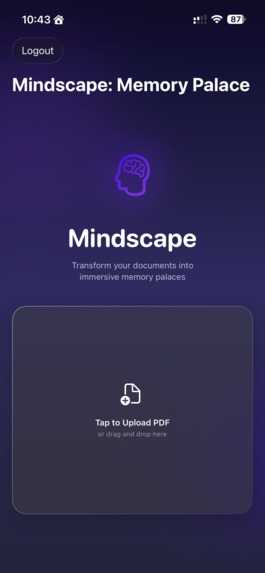
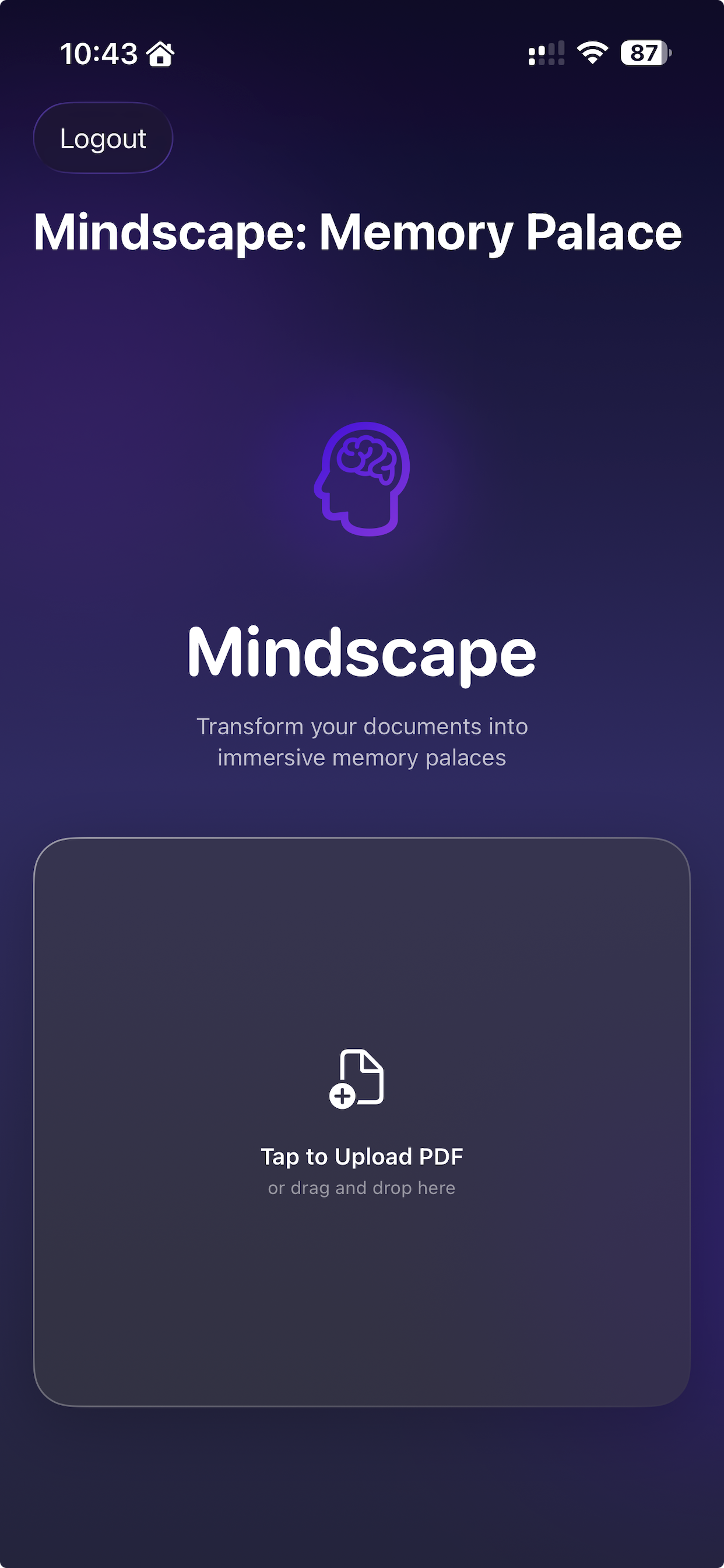
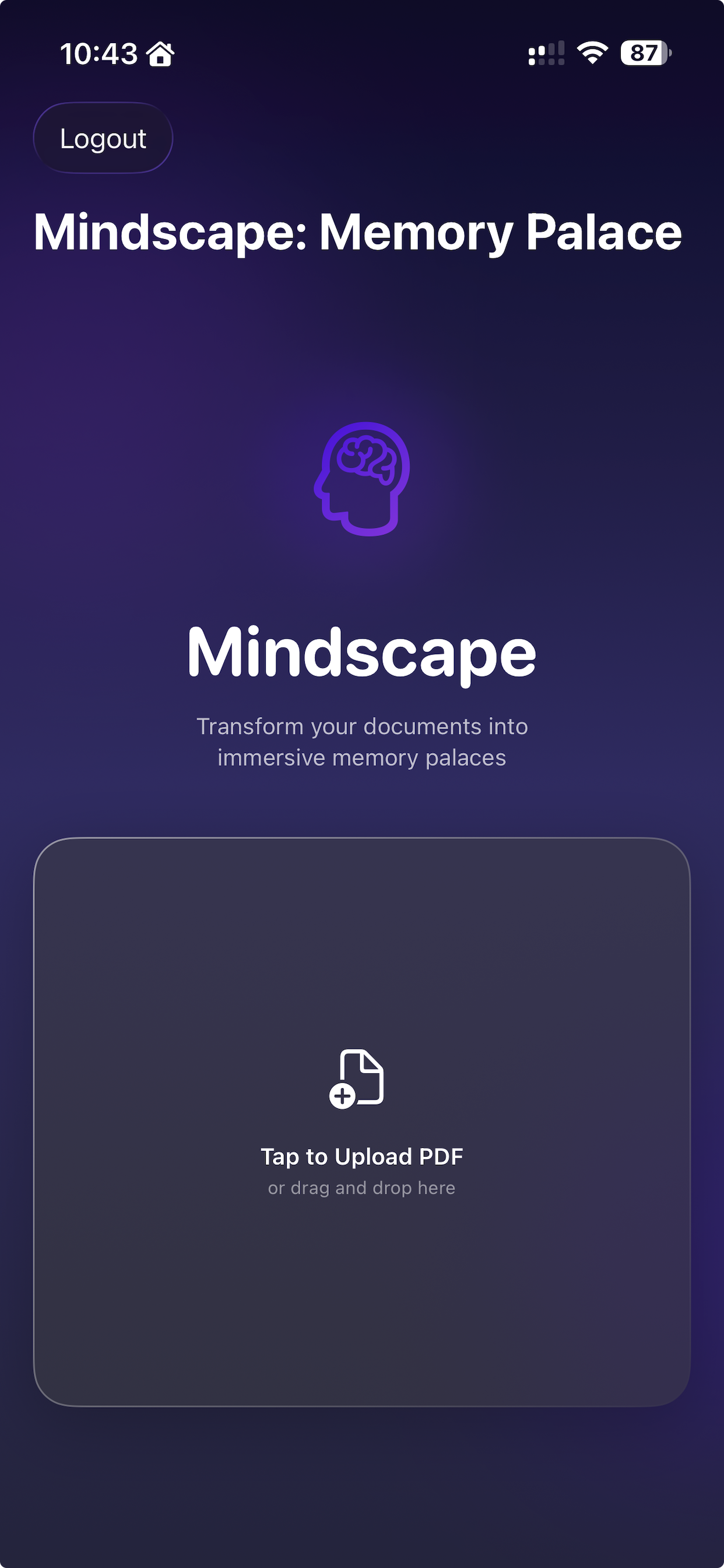
PDF Upload
-

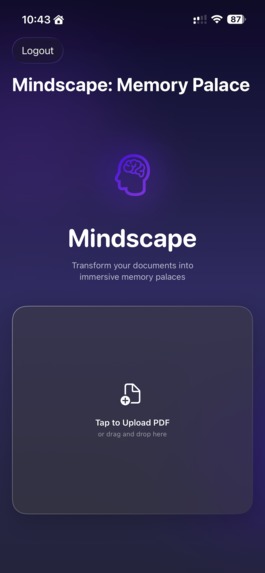
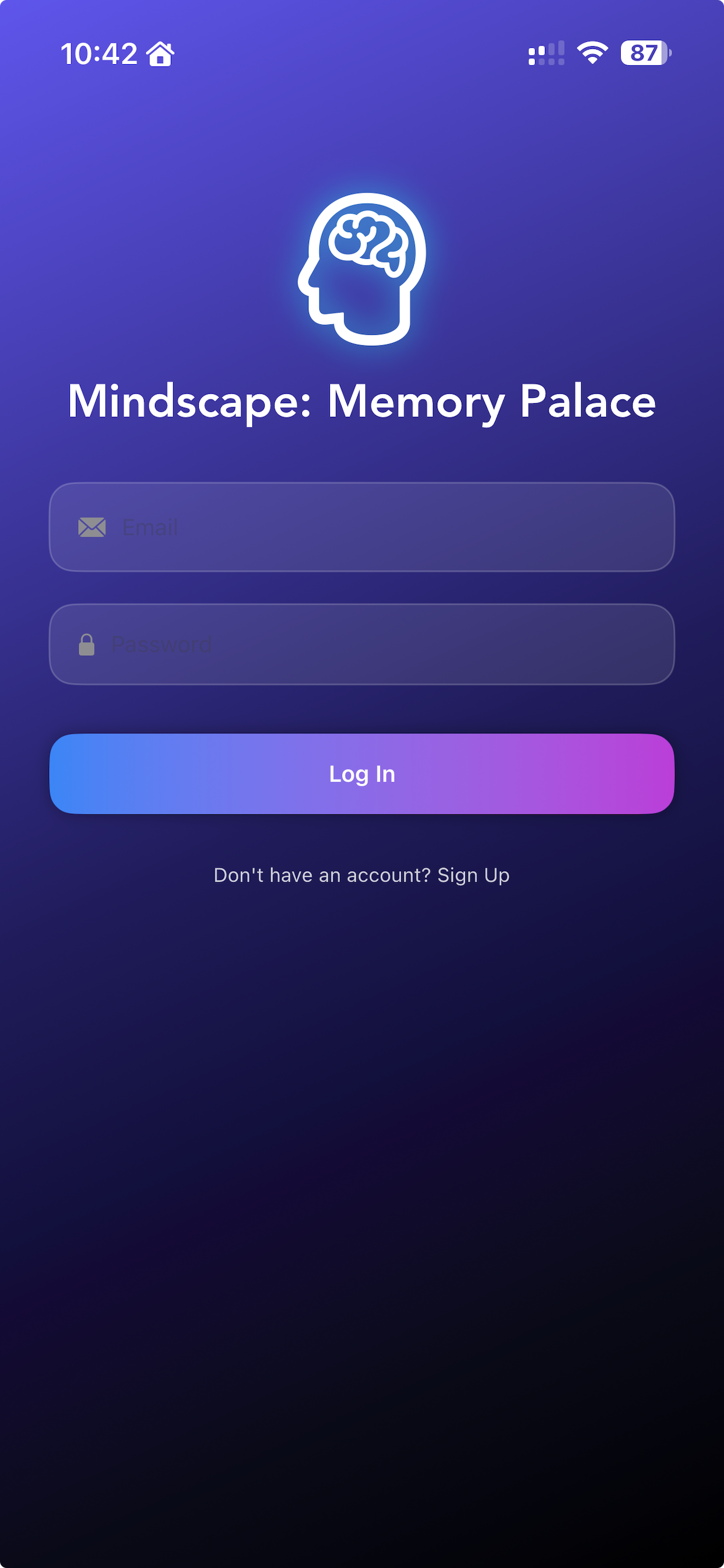
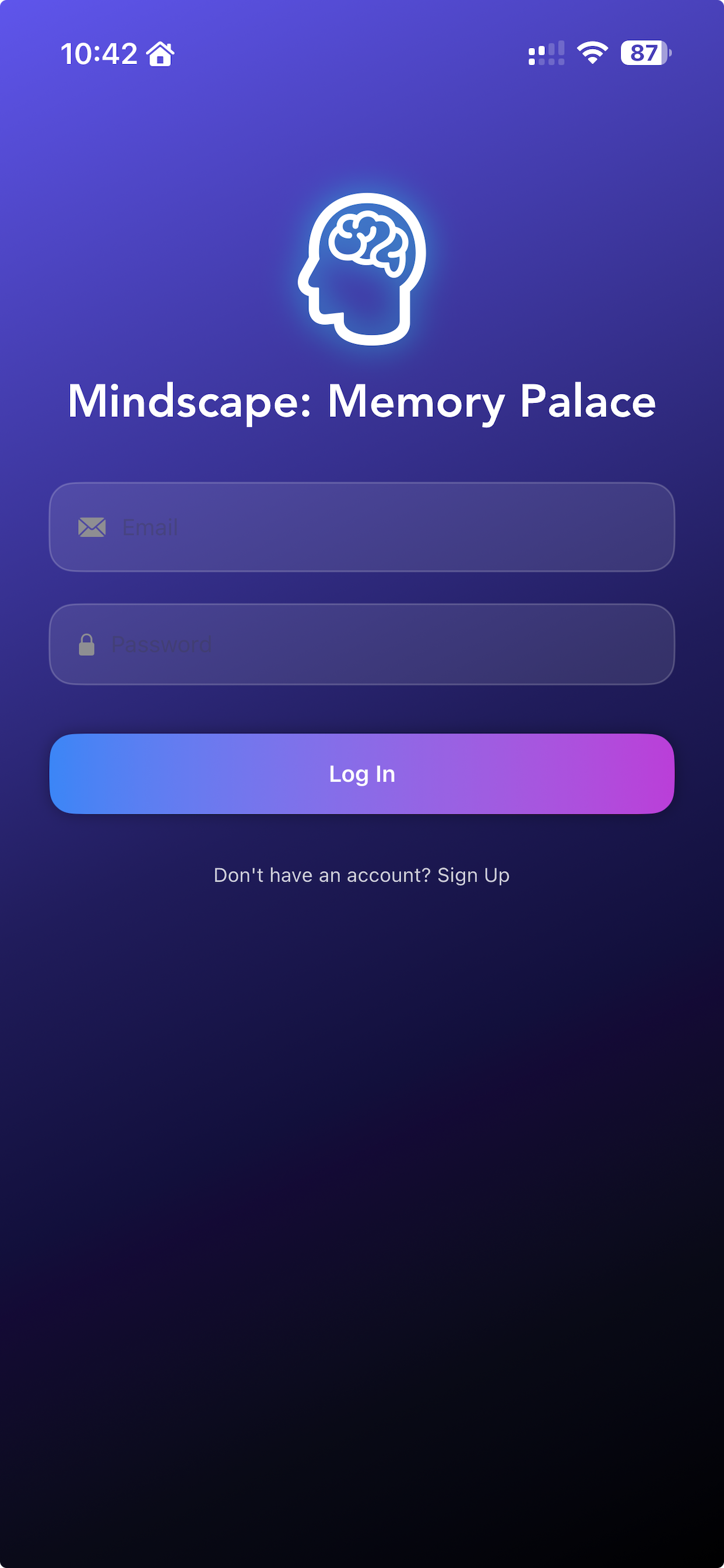
Login Screen
-
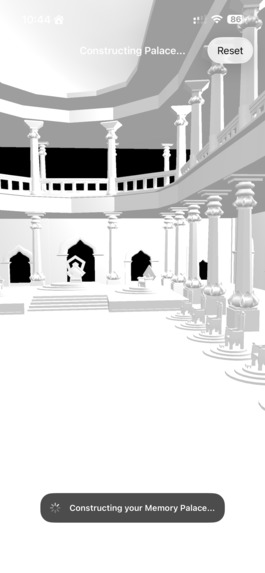
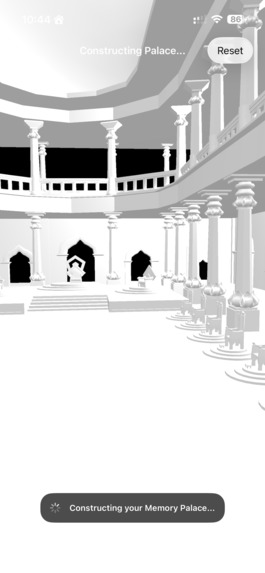
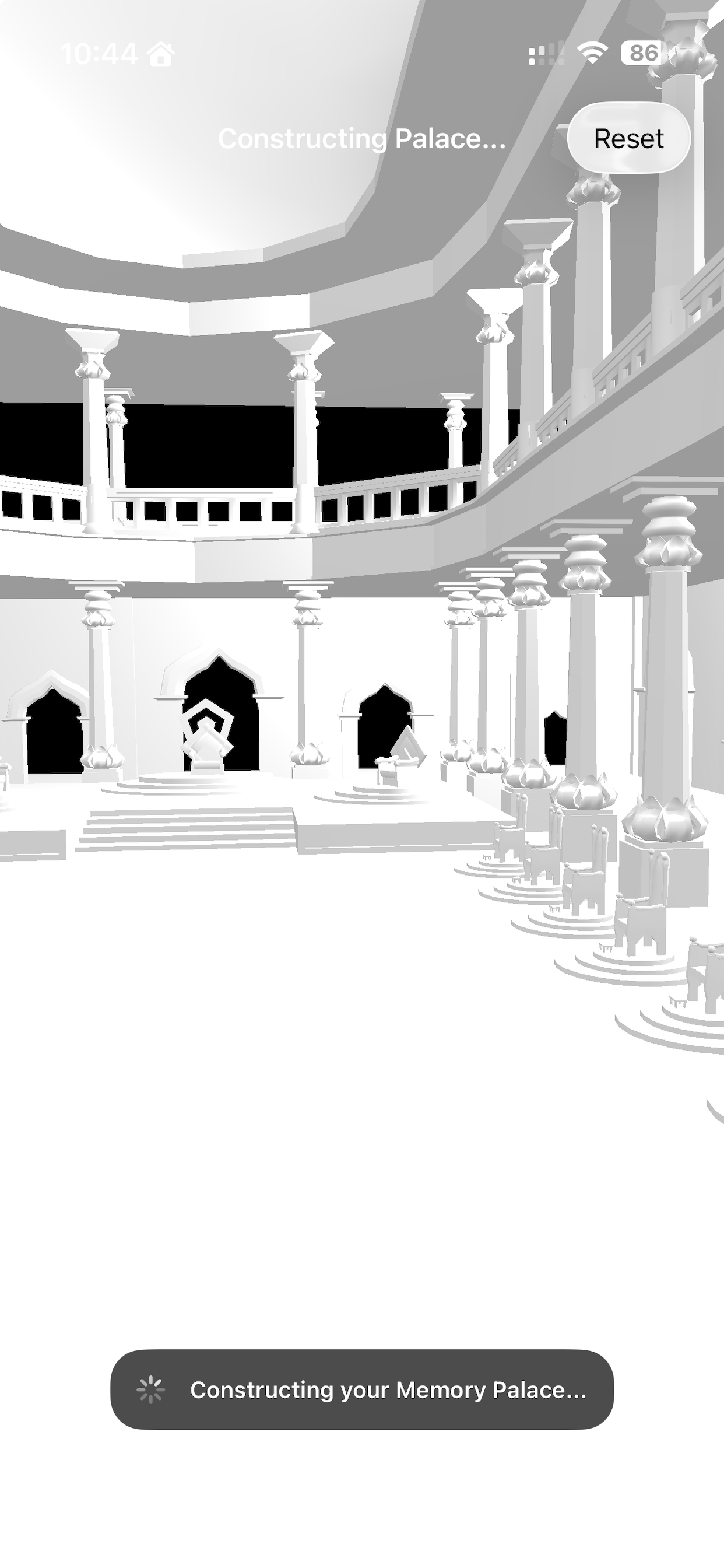
3d Palace
-
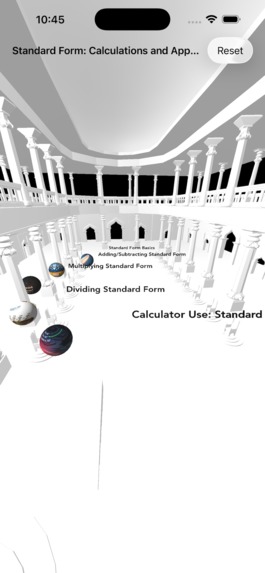
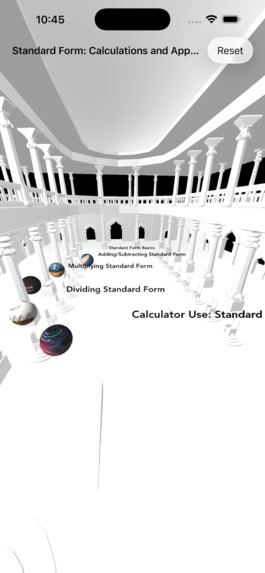
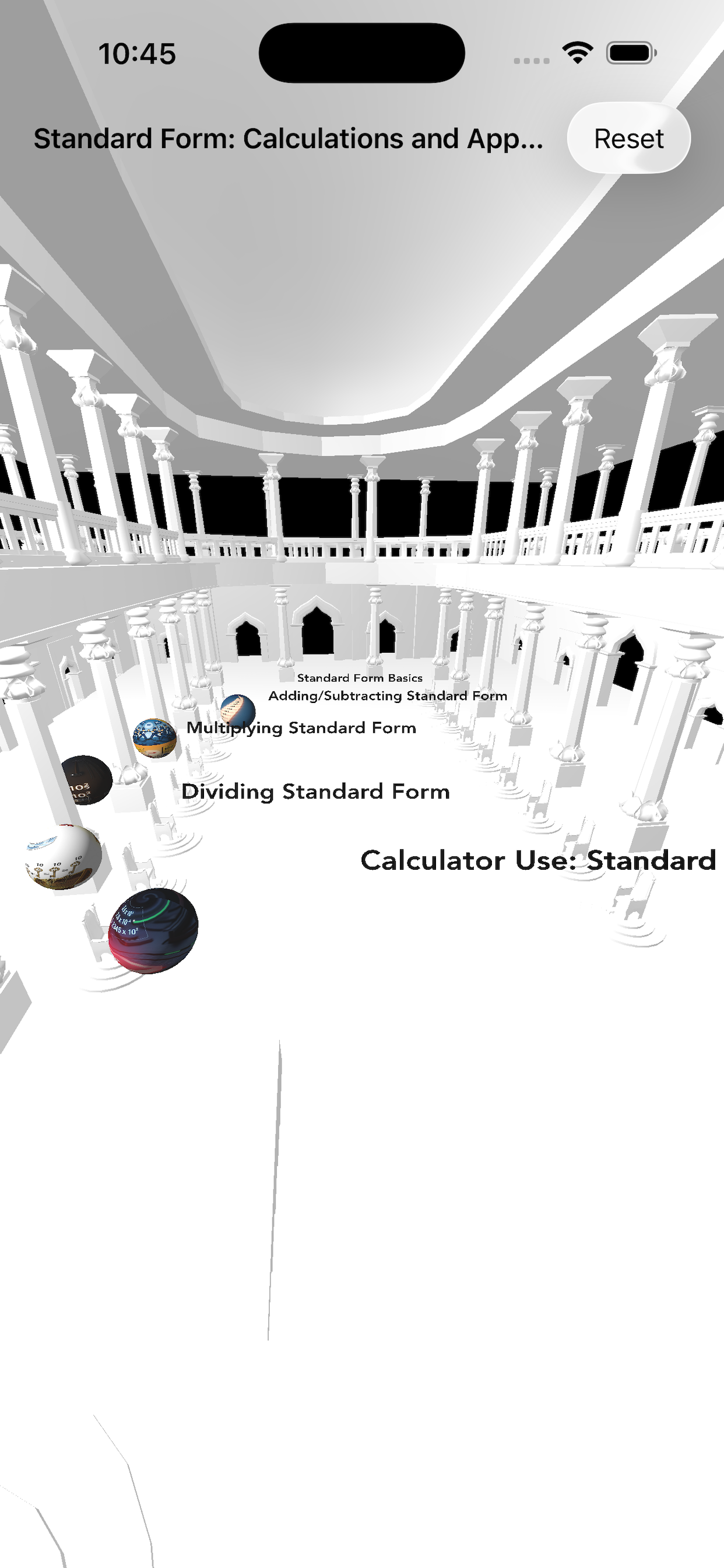
3D palace with Generated concepts

Inspiration
Like many learners, I found traditional study methods inefficient. Highlighting, re-reading and flashcards didn’t translate into long-term retention. Discovering the ancient “method of loci” – where you mentally place facts in familiar rooms – was a turning point. MindScape AI grew from the desire to automate this powerful technique using modern AI so anyone can create effective memory palaces without hours of manual effort.
What it does
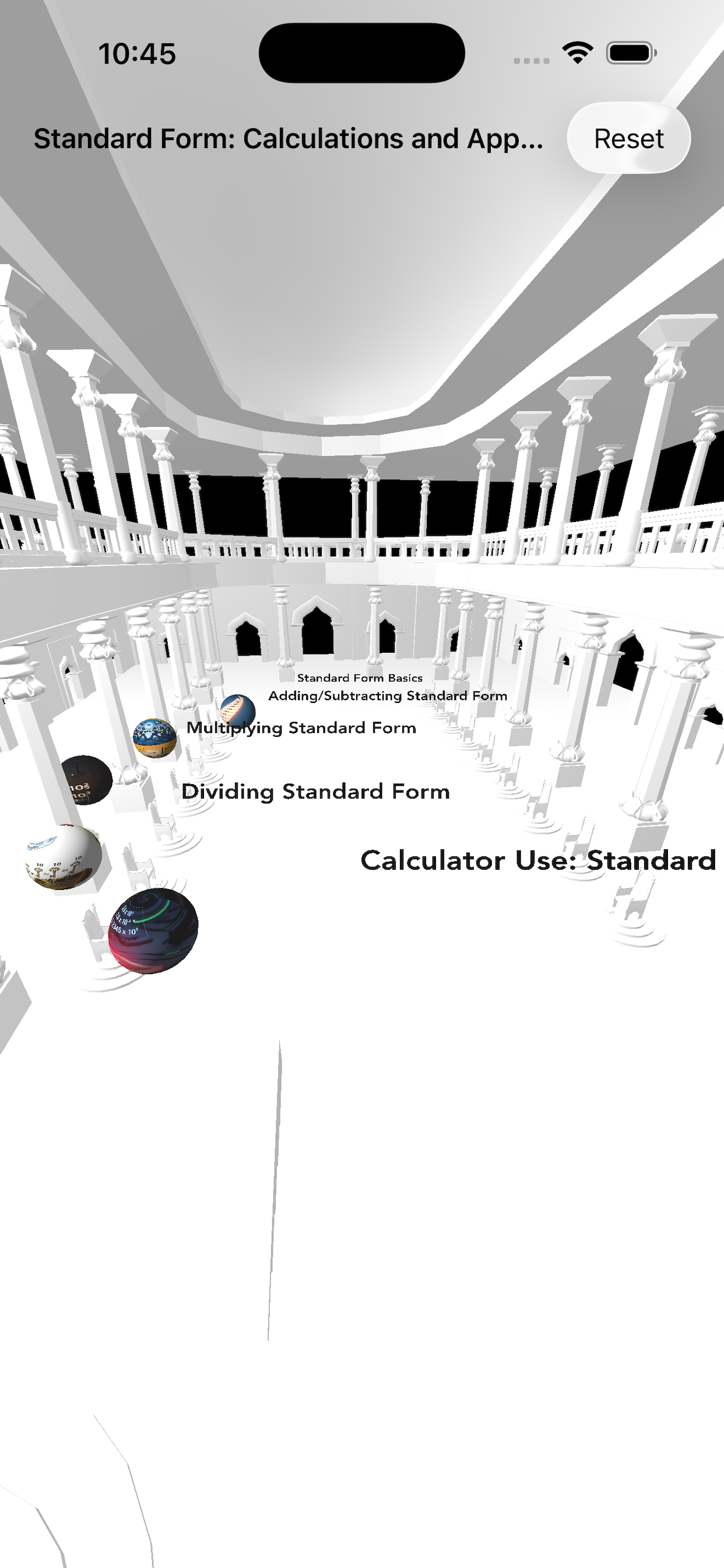
MindScape AI takes a PDF of your notes or textbook and turns it into a 3D memory palace you can explore on your iPhone. After you upload a document through the app, the system identifies the key concepts, generates visual and audio assets and arranges them spatially in a themed environment. The result is a richly annotated scene where each object represents a concept. By navigating this space with touch and haptic feedback, you recall information by recalling its location, boosting retention through spatial memory.
How we built it
We designed MindScape AI as a hybrid of cloud-based intelligence and on-device rendering. The backend, running on Google Cloud Run, uses FastAPI to coordinate several AI models: Gemini extracts concepts and relationships, Imagen 3 creates custom visuals and textures, Cloud Text‑to‑Speech produces narration and Lyria composes ambient soundtracks. These tasks run concurrently and output a spatial graph and assets that are cached for reuse.
The iOS app, written entirely in Swift, uses SwiftUI for UI and a Metal/SceneKit pipeline for rendering. We tuned the rendering for Arm processors by vectorising geometry operations with Accelerate, optimising texture loading and parallelising graph traversal. The app downloads the pre‑computed graph and assets, builds the scene and provides smooth navigation with gestures, haptics and spatial audio.
Challenges we ran into
- Performance on mobile: Moving from a browser prototype to a Metal-based iOS renderer required careful optimisation to maintain 60 fps in complex scenes.
- Fixed image resolution: Imagen 3 outputs images at a fixed resolution, so we had to adjust our texture pipeline and compress assets intelligently.
- Orchestrating multiple AI services: Coordinating concept extraction, image generation, narration and music in parallel without hitting rate limits or timeouts was non-trivial.
- Meaningful spatial design: Early versions used generic objects; replacing them with concept-specific items and organising them intuitively took several iterations.
Accomplishments that we're proud of
- A fully native, Arm‑optimised iOS experience that runs smoothly on device.
- Seamless orchestration of Gemini, Imagen, Lyria and Cloud TTS to produce a coherent memory palace.
- A serverless backend that scales effortlessly and keeps the client lightweight.
- Early testers reported improved recall by associating information with locations in the palace.
What we learned
- Validating assumptions about model capabilities early saves time later.
- Simplicity in concept representation often beats overly clever designs.
- Offloading heavy AI work to the cloud while rendering locally is a powerful pattern.
- Spatial memory is a highly effective learning aid when coupled with interactive exploration.
What's next for MindScape AI
We plan to expand MindScape AI with an AR mode that lets you place your palace in your living room, collaborative palaces for group study, personalisation using your own photos, spaced repetition reminders and educator tools for sharing curated palaces. We also want to explore running a small concept extractor on‑device for offline generation.
Built With
- accelerate
- avaudioengine
- metal
- scenekit
- swift
- swiftui


Log in or sign up for Devpost to join the conversation.